
galledark

Forum Replies Created
-
AuthorPosts
-
January 21, 2018 at 1:42 pm in reply to: [ENDED] BC1-1801 – January Class Homepage – Getting Started with 3D Modeling & Blender #32723
BC1-1801 Week 3 Homework Submission: ” Melvin and the spider “
I wanted to create a little story around melvin and another character and this primitive shapes…
This is the result: (Etherything here was sculpt by myself ^^)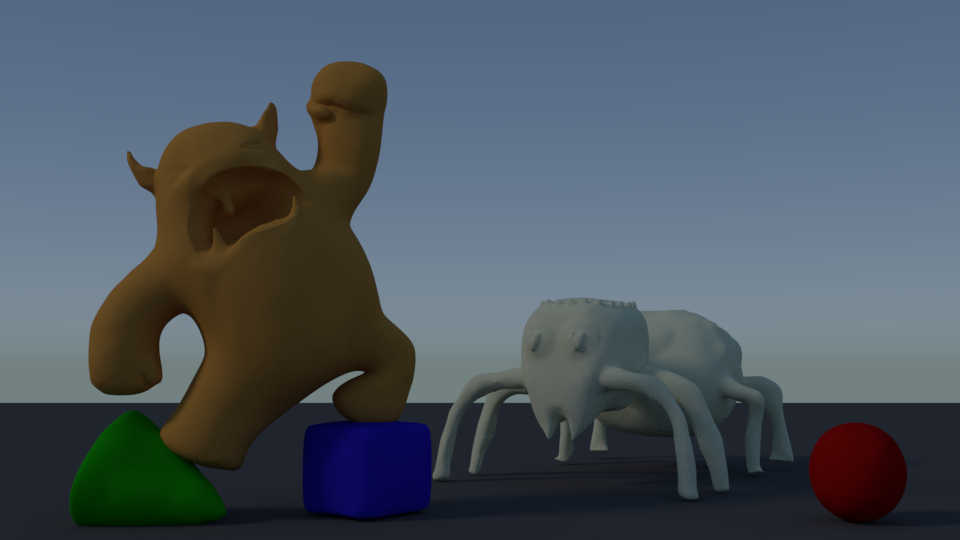
This is my melvin:
https://cgcookie.com/exercise_submissions/10961Primitive shapes:
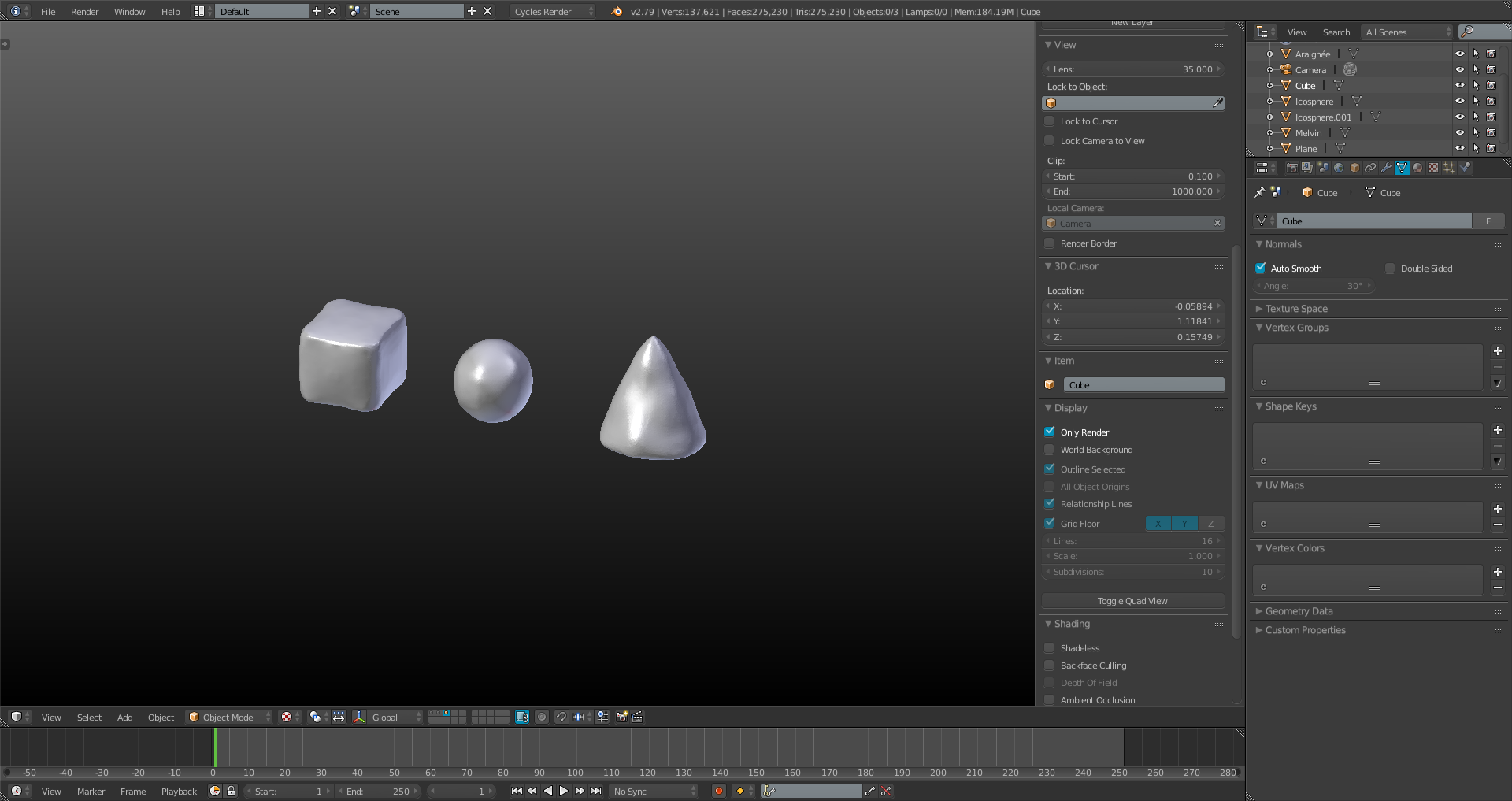
The spider:
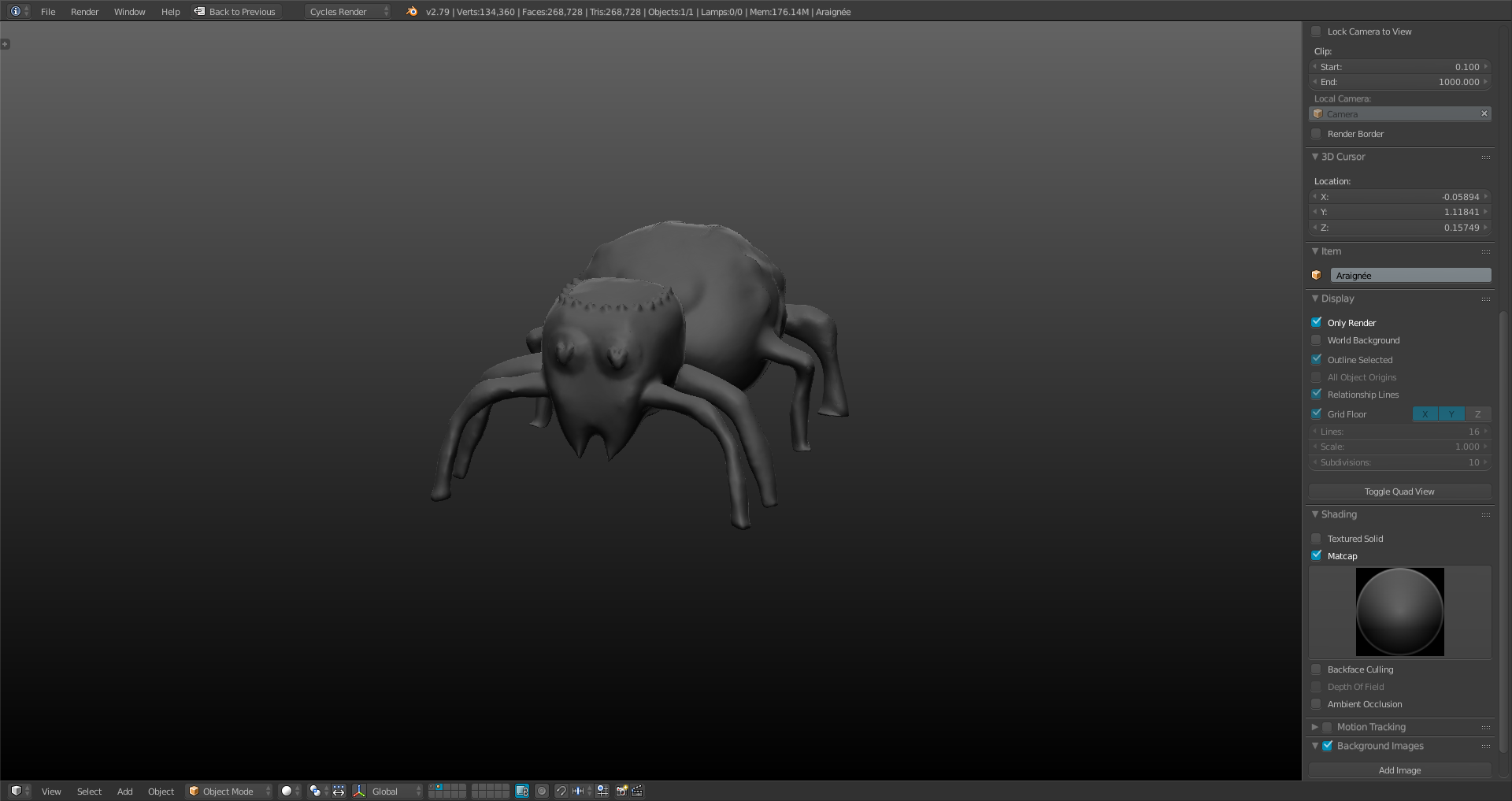 Pfeeew… This week was harder than the others (in my opinion) but pretty instructive ! 🙂January 17, 2018 at 11:09 am in reply to: [ENDED] BC1-1801 – January Class Homepage – Getting Started with 3D Modeling & Blender #32619
“BC1-1801 Week 3 Homework Submission (Part 1)”
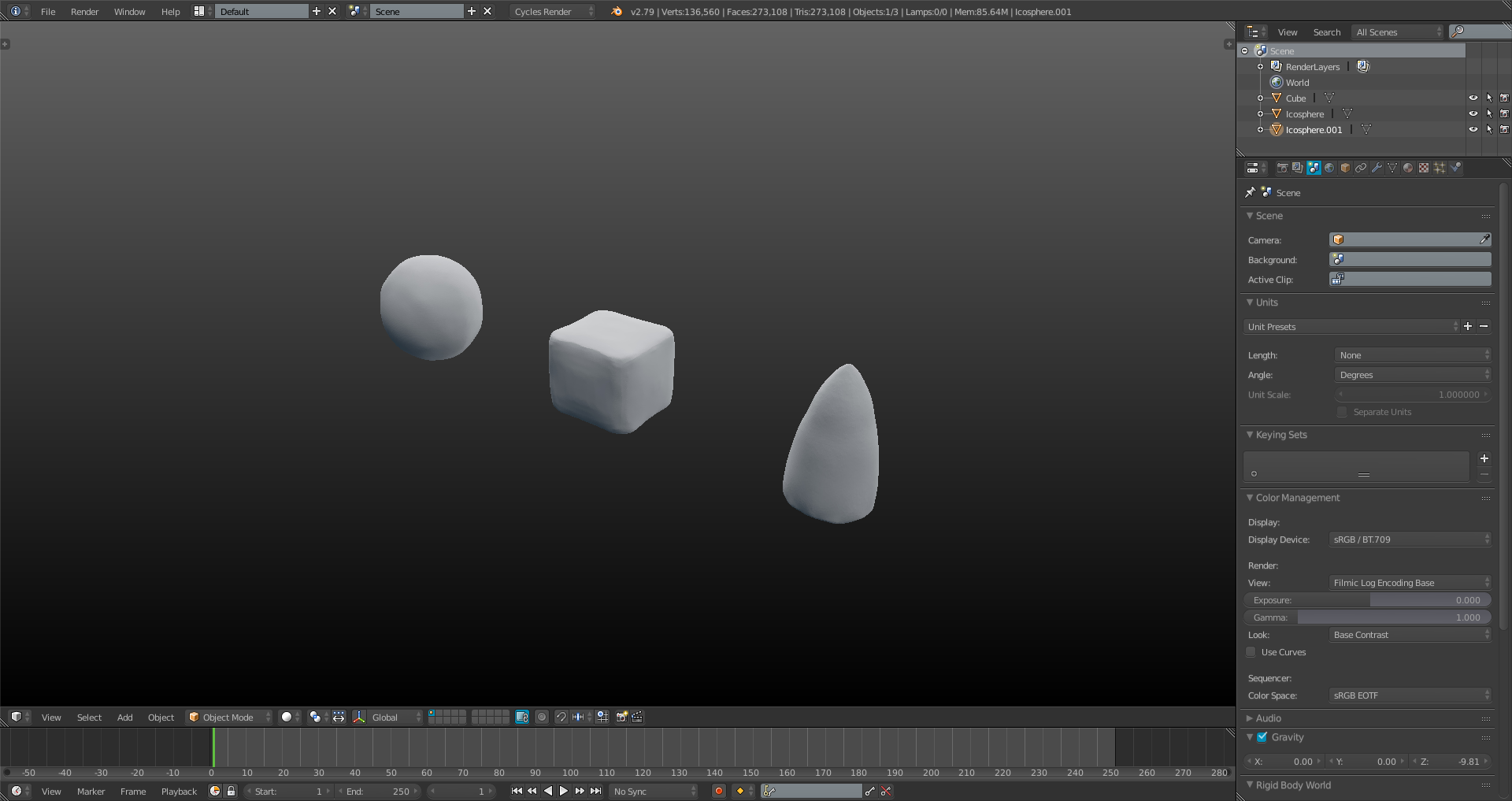
This is just a first try of the primitive shapes.
I havn’t sculpt melvin yet.
I don’t know if i’m good enough or not (I know i need to practice more, but i love to sculpt ^^)January 16, 2018 at 10:19 am in reply to: Hi, when trying to create the skin modifier I keep getting an error that says "No valid root vertex found (you need one pe… #23879Hey i’m with the 2.79 version.
Here’s the solution to fix the problem:If you only have one vertex, and try to add the modifier, the error will appear.
I think blender is looking for at least 2 vertex to defne one as a root and the other one as the extruded vertex.So:
1°) Make sure you have the vertex mode active !
2°) Add a single vertex in object mode, go in EDIT mode and extrude it.
3°) Add the skin modifier.You’re first vertex will be the root.
Or:
1°) Make sure you have the vertex mode active !
2°) Add a single vertex in object mode
3°) Add the skin modifier.The error will be here but just extrude the vertex and it will goes off.
(NB: the extuded vertex will be the root and will follow your extrusion.)January 12, 2018 at 11:44 am in reply to: [ENDED] BC1-1801 – January Class Homepage – Getting Started with 3D Modeling & Blender #32496Nice model !
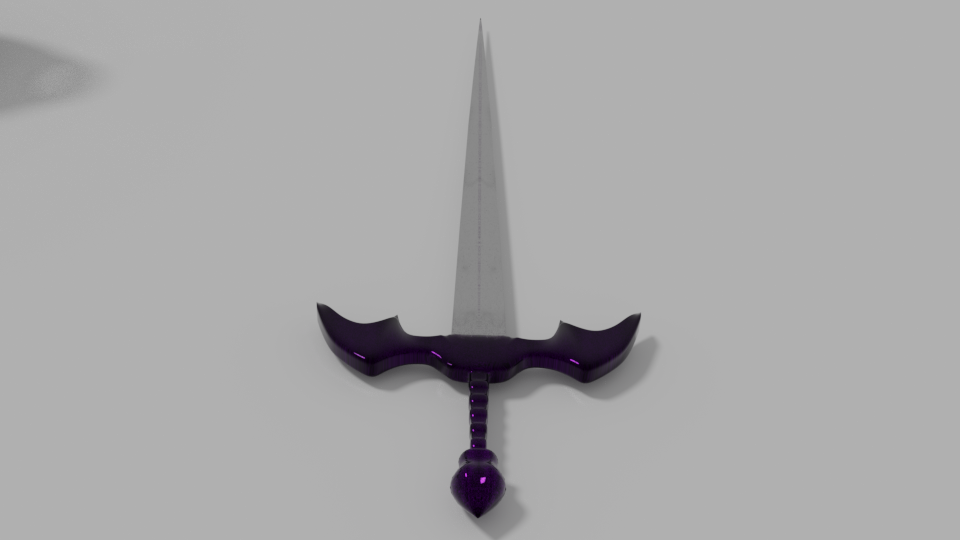
I love the legs of your spider ! 🙂January 12, 2018 at 8:58 am in reply to: [ENDED] BC1-1801 – January Class Homepage – Getting Started with 3D Modeling & Blender #32483BC1-1801Week2 Homework Submission
This is my work for this course. I love to create Weapons and shields, i called this one “Ciguë”. (The name of a poison used long time ago ).
Fell free to give feedbacks 🙂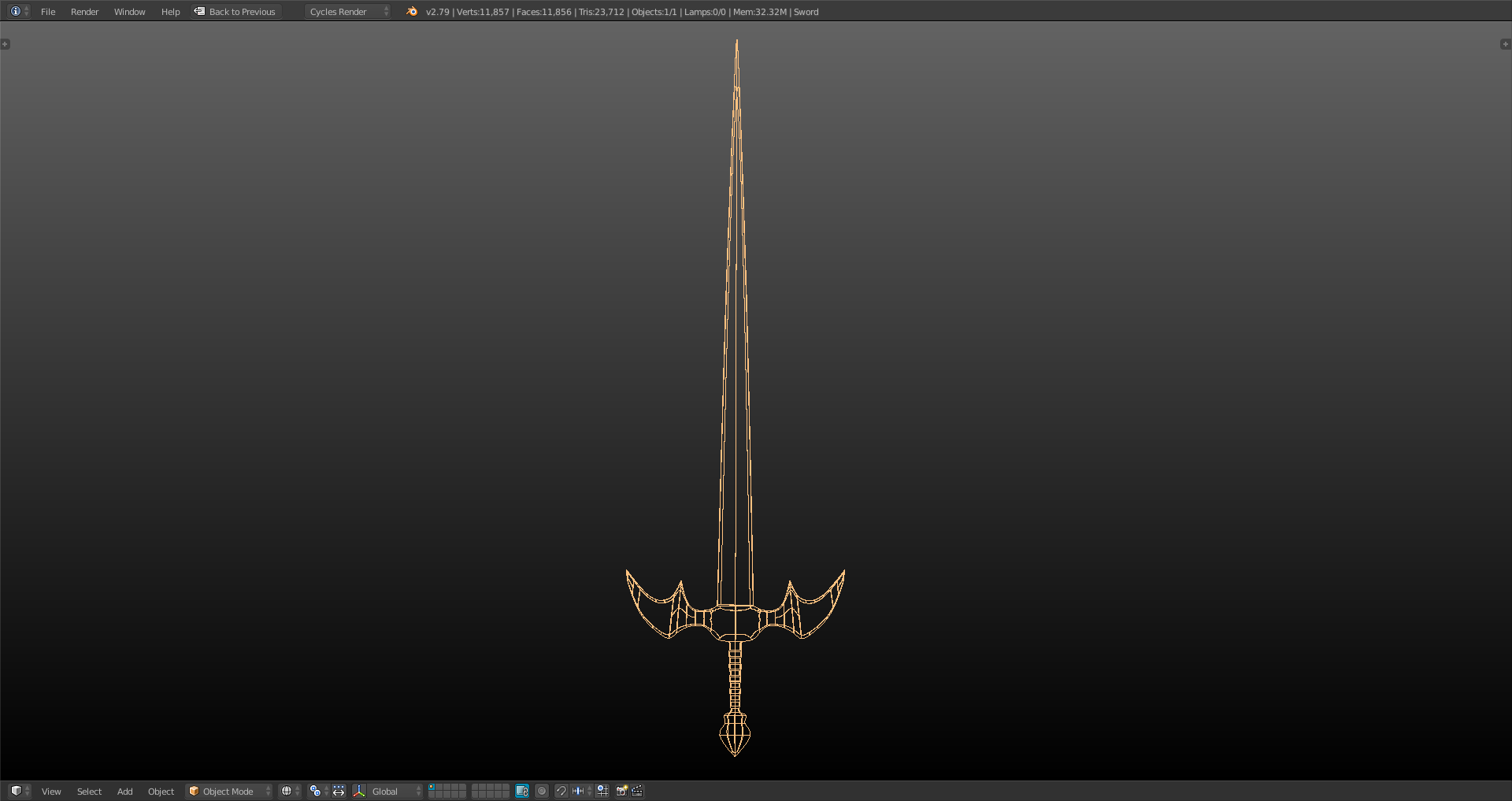
 January 4, 2018 at 12:10 pm in reply to: [ENDED] BC1-1801 – January Class Homepage – Getting Started with 3D Modeling & Blender #32256
BC1-1801 Week 1 Homework Submission
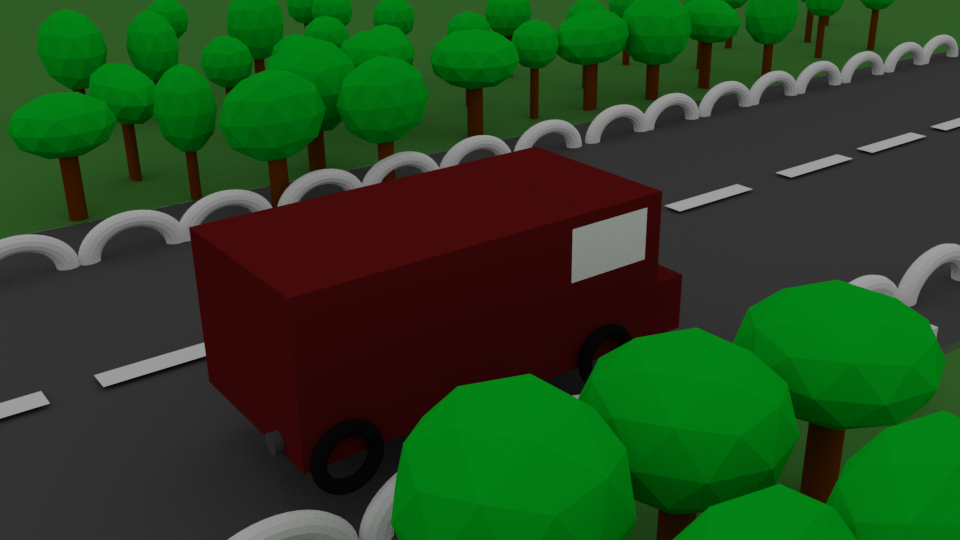 This is my render for this class.
I’ve started my cg cookie courses 4 month ago and…
I must admit i’m very impressed by others work, and a little bit dissapointed by mine.
Maybe i dont have the level i thought.
So after this post i decide to watch again the “introduction to blender” courses.I know this class is not a comptetition of course but i already think it’s very helpful 🙂
December 26, 2017 at 7:44 am in reply to: [ENDED] BC1-1801 – January Class Homepage – Getting Started with 3D Modeling & Blender #32237I love the idea and i’ll do my best to be here !
Just a question about the homework:
Do we have something to do with materials and lights ?
Or do we have to do a 100% grey scene?
Or maybe we can just color a little bit our homework like in the 1st exemple?Thanks 🙂
September 20, 2017 at 1:05 pm in reply to: September Live Critiques – Submit Your Blender Art! #31178Hi everyone.
This image is my very first render, i’m still a beginner cause i’ve started my learning of blender on…August i think ^^.
Actually i’ve finished the section one on the introduction to blender and i gonna start the second one, (with animation, rigging, and particles…)
I take the opportunity to say a HUGE thanks for the CG cookie community, the courses are amazing and i’m sure at 100% that I would not have reached this level with just youtube tutorials.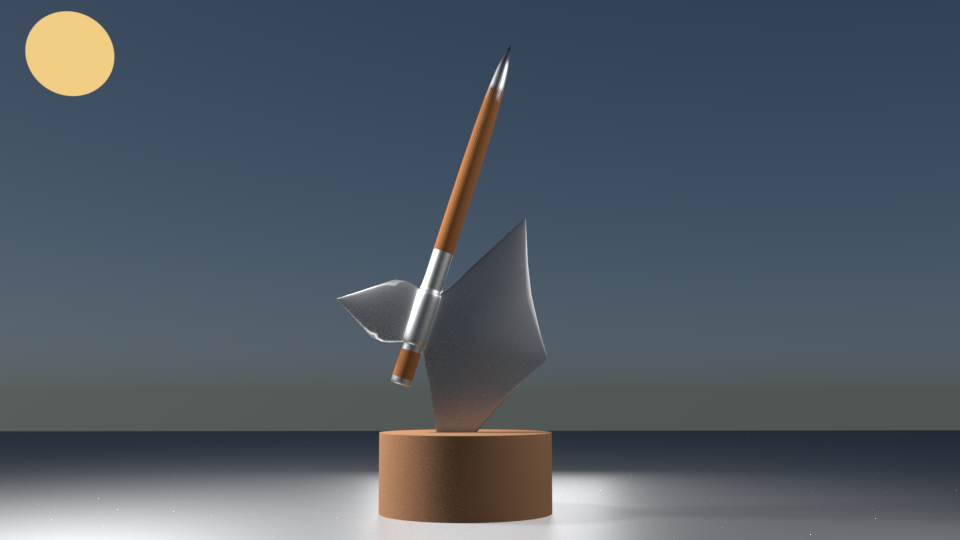
Hey jonathan ! 🙂
A HUGE thank you for the compliment, and for having explained me what i did wrong.
I gonna read your article 🙂
August 28, 2017 at 7:26 am in reply to: in texture mode, my suzanne become totally white… Help ? #25327Ok after many tests i’ve found a solution:
This problem seems happend only when you mark seams before the creation of the checker texture !
In my case i’ve solve it like this:You can unwrap your mesh, (without any seam) and then create the checker texture
Or you can create the checker texture first and unwrap your mesh (without any seam).
But do NOT mark seam an edge without the texture… I don’t know why but this is what cause the problem of the white mesh for my case !
-
AuthorPosts
