
galledark

Forum Replies Created
-
AuthorPosts
-
@theluthier Thanks for the compliments and the advices Kent 🙂
I’ll try to do better next week 🙂@golden-kitty Haha thanks a lot 😉
@silentheart00 I will do some tests who knows what i can find? 🙂
@silentheart00 Thanks for your feedback 🙂
i must admit you’re right i didn’t see it before but… The grass and the rock seems less “cartoonish” than the others objects (sword, plant, trees…)i dont know what cause this effect 😮
@smurfmier1985 Thanks miranda glad you liked it =)
For the rocks i just followed this tutorial:
https://www.youtube.com/watch?v=D3Lq9SOpzDMIts an icosphere edited with a subdivision surface (of 5 i think) and a displacement modifier.
Just be aware that the effect of the displacement (as all modifiers) shows only in object mode. So i had to tweak the options of the texture in Edit mode and switch back to object mode to see the result…For the starry sky it’s just a plane with a particle system on it.
I used the technique that jonathan lampel shows into the “creating grass in blender” course.
In the chapter 2 “modeling with grass” he shows that you can use an object as a particle to create tons of instances of it ^^.I just took a sphere (with a emission material) and… POOF !
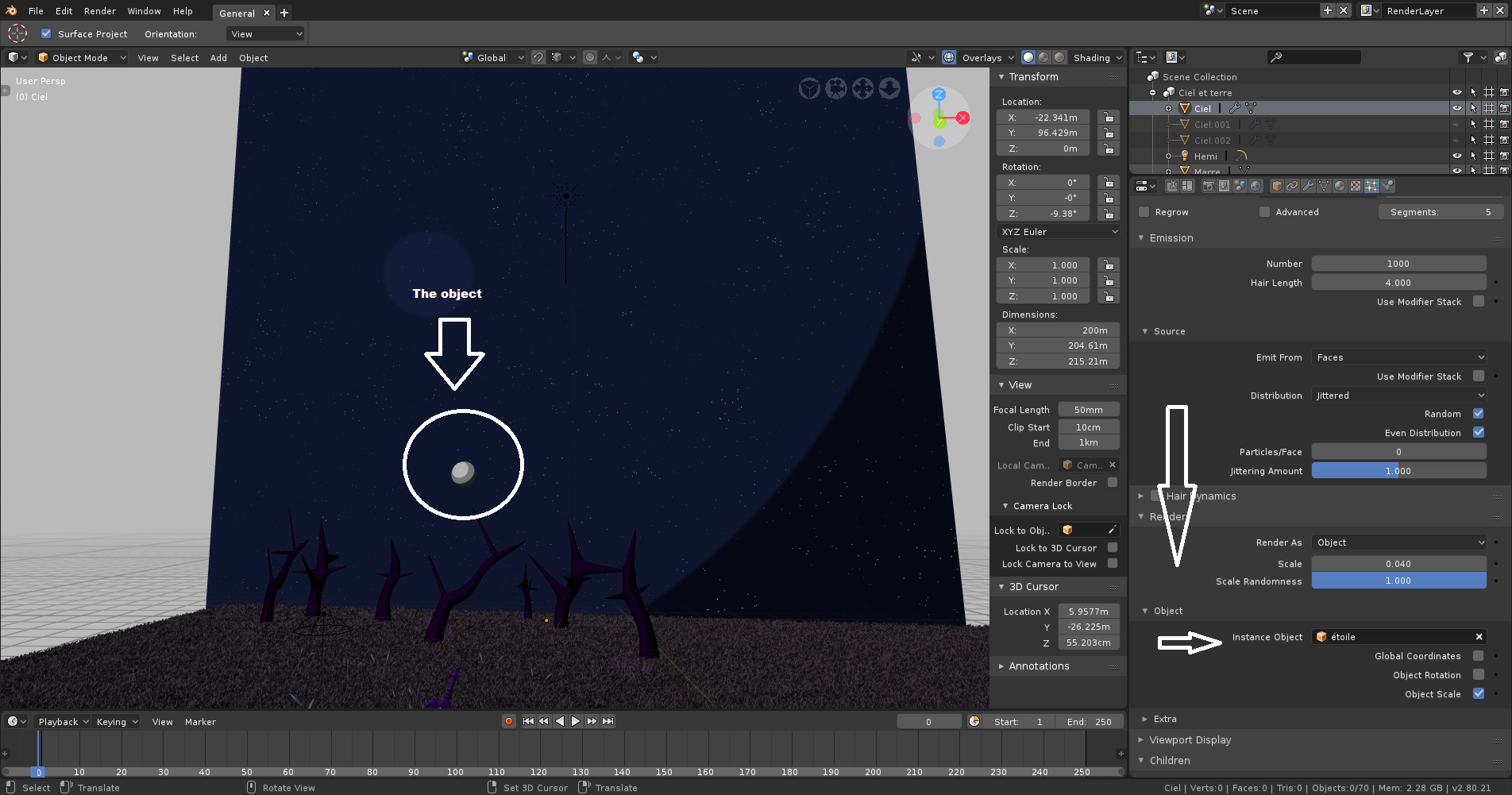
(note: the sphere must be scaled a bit larger to see results with this matcap ^^)Week 2:
Fist of all a HUGE thanks to everyone for the feedbacks, i didn’t take time to answer to each of you, i only put likes to your comment, sorry for that i’ll take time to answer you now ^^’.
That said lets go for the submission:“Week 2 Homework Submission”
8 months ago (in january) i’ve experienced the joy of edit mode toward a project: a sword.
The name of this sword is Cigüe (it’s a poison).
Here was the sword: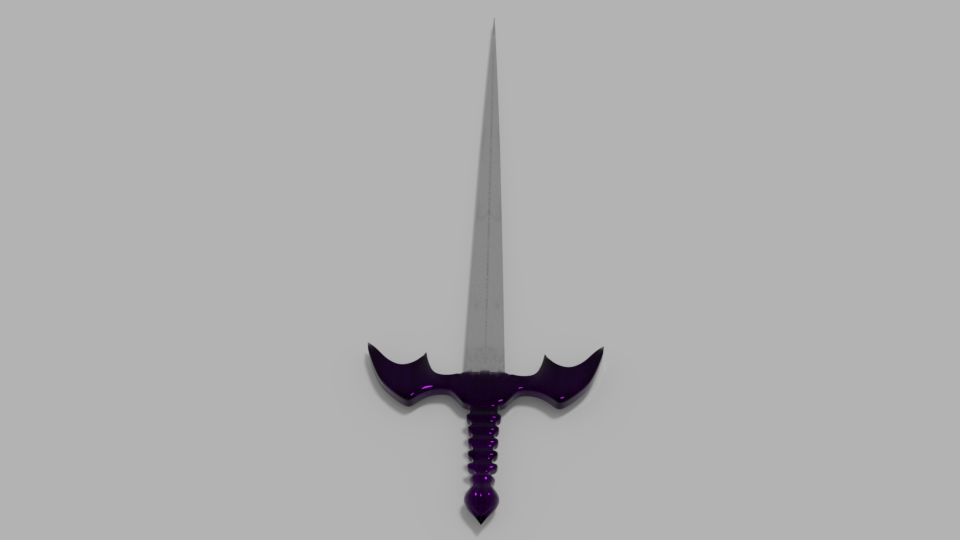 I decided to re-create it again, but this time with some…improvements ^^
This is the final render: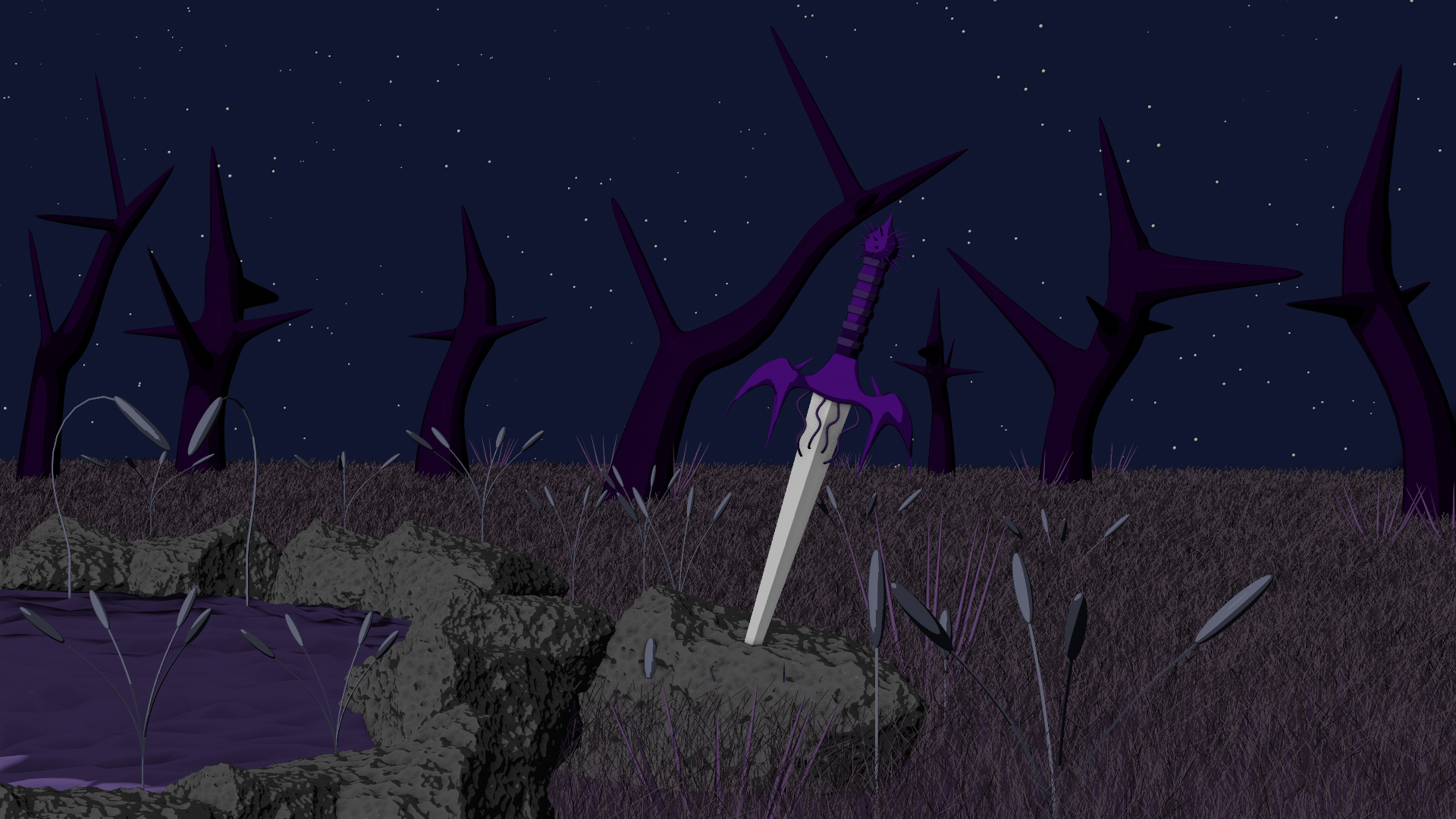
I have to thanks @golden-kitty for his advices about matcaps it helped me to made this cartoonish style that i like a LOT ^^
AND: the course of jonathan lampel about grass and particles… this tool is so powerful….@golden-kitty
Wait…How did you make the back of the scene green, and the rest of it “matcaped” ?
When i add a matcap, my whole scene use the matcap :O@golden-kitty
Woah i should use this matcap ^^
Thanks for the answer ^^.
We can render it with a openGL render !…. WOAH tons of options are here now… <3@yukinoh1989 The grease pencil is a tool into blender.
You can use it when you press D+click, you’ll draw on your screen with.
I’ve only used it to make some annotations into the 2.79, but with the 2.8 version it has been improved !@curious Can i ask you how did you create this style for your turtle scene?
Did you used the grease pencil ? It looks like a concept art 🙂
I’m so impressed ! :O You’re scene is amazing !
I like all this suzanne on their stick ^^
It looks an ancient road made by a civilisation or something like this ^^
Maybe this temple is here to pray suzanne? Who knows ? x)
Nice work anyway 😉Woah ! Nice ship, it looks definitly good 🙂
@yukinoh1989
Weedle ! ! ! Haha very nice 😉A little tip for you: think to name your objects it helps a LOT.
For example: You can rename all the primitives witch makes the head: Head- (name of the primitive)
Head-Horn
Head-Nose
Head-eyes etc….Its a bit more simple for you to find where your pieces are, expecially if you work with tons of objects 😉
You gave me the inspiration for today i’ll do a caterpie with primitives just for fun :D.
@yukinoh1989 I must admit i dont really know.
For my case, i didn’t use any modifier in my submission 😮Really nice bird house !
The materials are so simple but looks so good ! Well done 🙂 -
AuthorPosts
