
BC4-1810 – Homework, Yukino Hatake
Forum Archive › BC4-1810 – Homework, Yukino Hatake
- This topic has 179 replies, 17 voices, and was last updated 7 years, 9 months ago by
yukino hatake.
-
AuthorPosts
-
October 13, 2018 at 4:33 pm #42740
@bsdwerbeagentur question. With the 2K samples do you mean render samples or Hdri at 2K? Since now you mention 2K I do remember they comes wit 2K 8K and 16K right? If I am correctly the problems did start the moment I installed +-10 HDRI files of 16 K. Gonna check out tomorrow if I somehow can delete them and see if that fix it.
Also thank you a lot I am happy to hear you like it
October 14, 2018 at 1:26 am #42741@yukinoh1989 Wow those are very high resolution HDRIs.. I always use 4K, since my laptop isn’t that fast. Those do a great job for the things I did so far, never had to use higher.
October 14, 2018 at 1:42 am #42742@yukinoh1989 With 2K I mean the Render Samples. I use 8K HDRIs though and got a lot of them installed as well, maybe deleting some of them might boost the performance. I’ll try this out too.
October 14, 2018 at 5:25 am #42743@theluthier can I delete installed Hdri
October 14, 2018 at 5:40 am #42744@yukinoh1989 You can find the “preinstalled” ones where you have Blender 2.8 installed under the 2.80->Datafiles->StudioLights->World folder
I just tested it (using the 2.8 version from week before last) and it seems you CAN add AND delete images from this folder and have them available for the LookDev. Most of the ones in there by default are a lower quality HDRI that aren’t suitable for renders (Which is why the background was blurry in my day scene from last week). But if you do put higher quality one in there, it’s basically super blurred in the LookDev (unless you see it through any reflections or refractions).
October 14, 2018 at 6:58 am #42745@gradyp
indeed the problem is i would like to get rid of the HDRI that i installed (they where 16 K and quit a lot . so i think that might slow blender down . now its really slow . every action i do takes 3 to 5 minutes to be able to do someting else . rendering also is amazing slow. so i hope that if i could remove all the rest (exept the preinstalled) that i could work faster again.
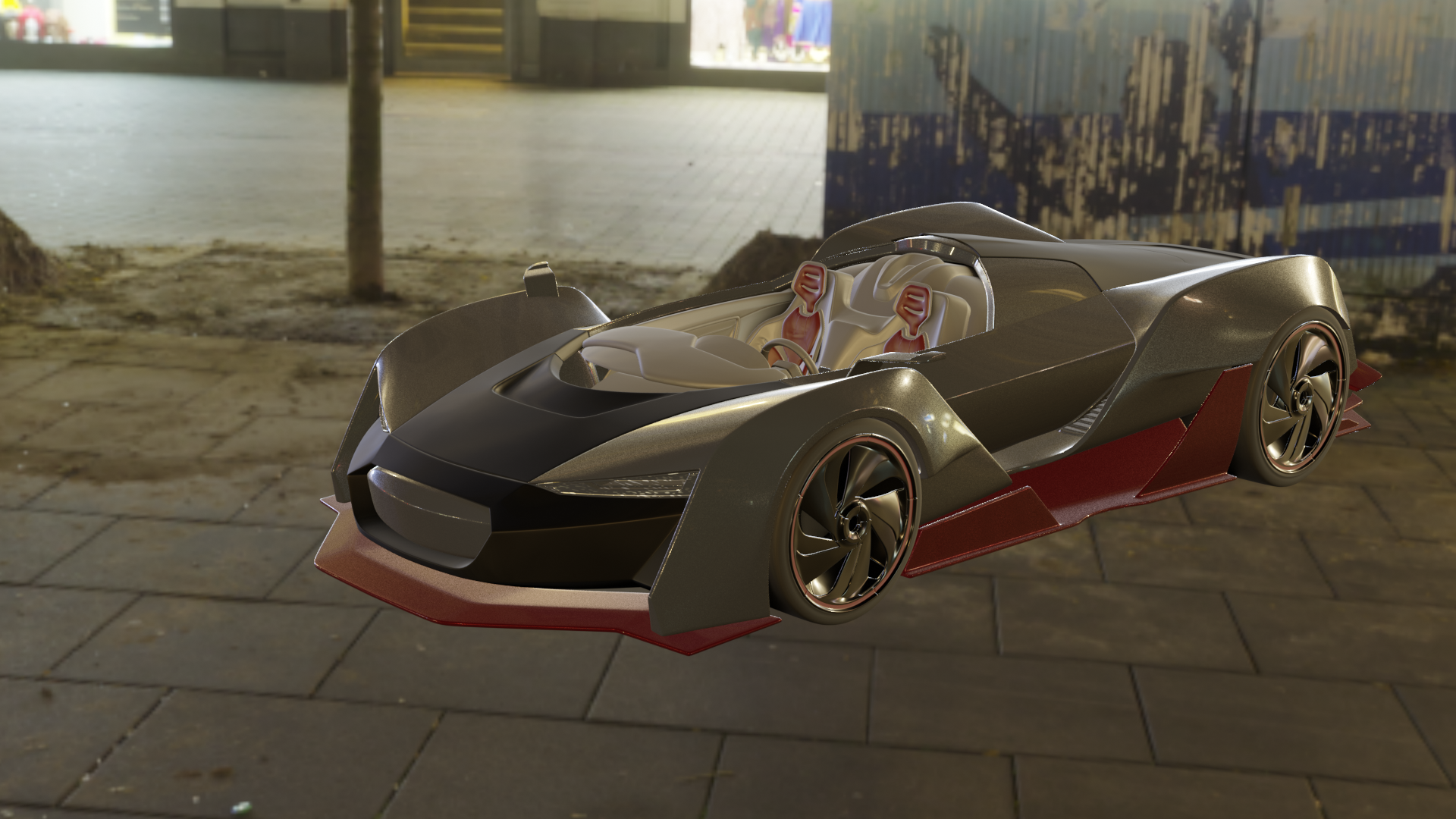
sadly even after deleting the HDRI from my folder where they where installed they stay into blender 2.8 🙁October 14, 2018 at 9:12 am #42746so i noticed that somehow a part of the dashboard is missing . trough i do nothing to it somehow it wont render. the render icon is still enabled so i really cannot figure the problem out . hope someone can help me
 October 14, 2018 at 2:52 pm #42747
sadly i was not able to figure out the problem with the missing part of the car during render . but here is the result
late afternoon when the sun is going down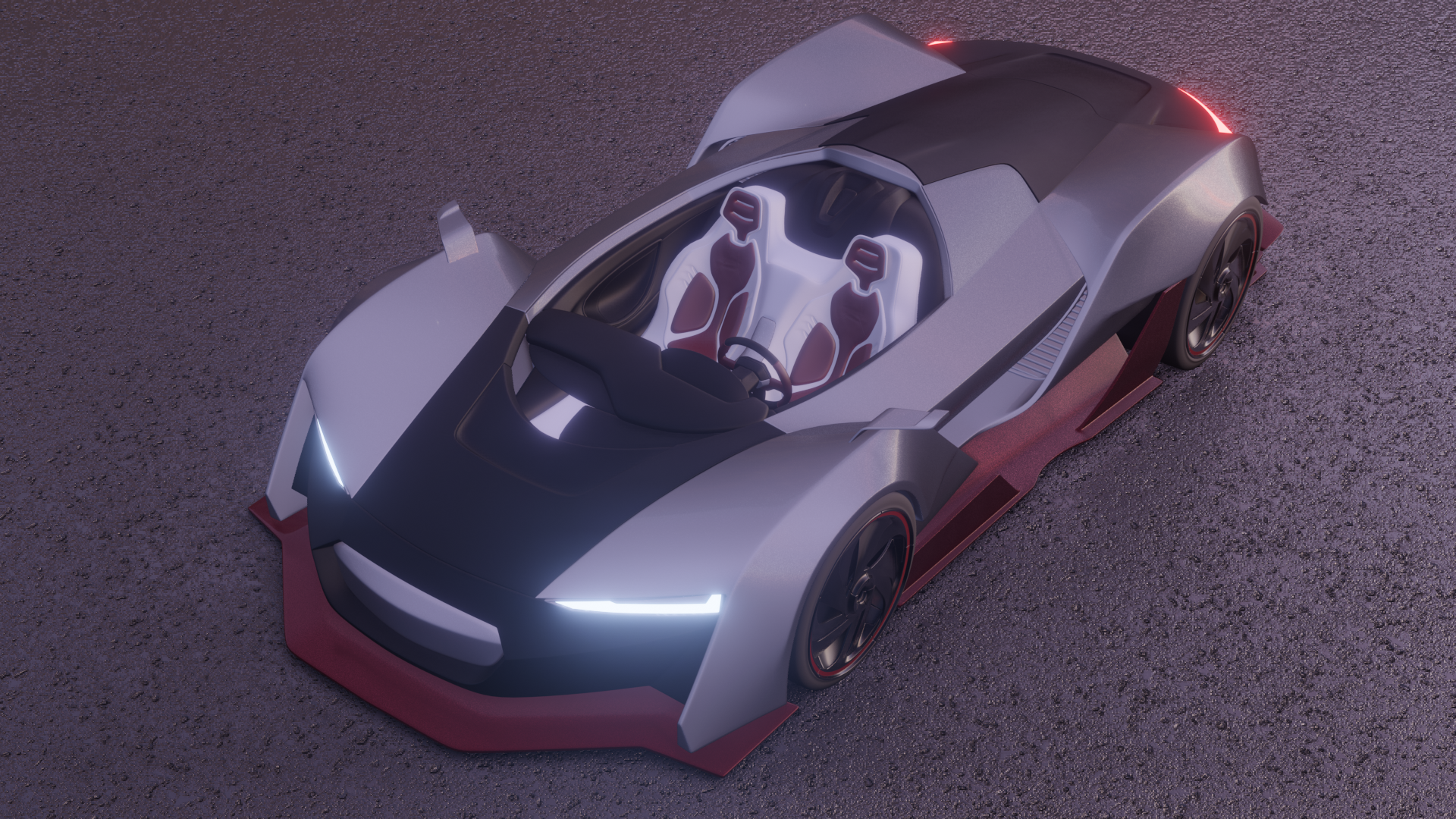
and when its fully night
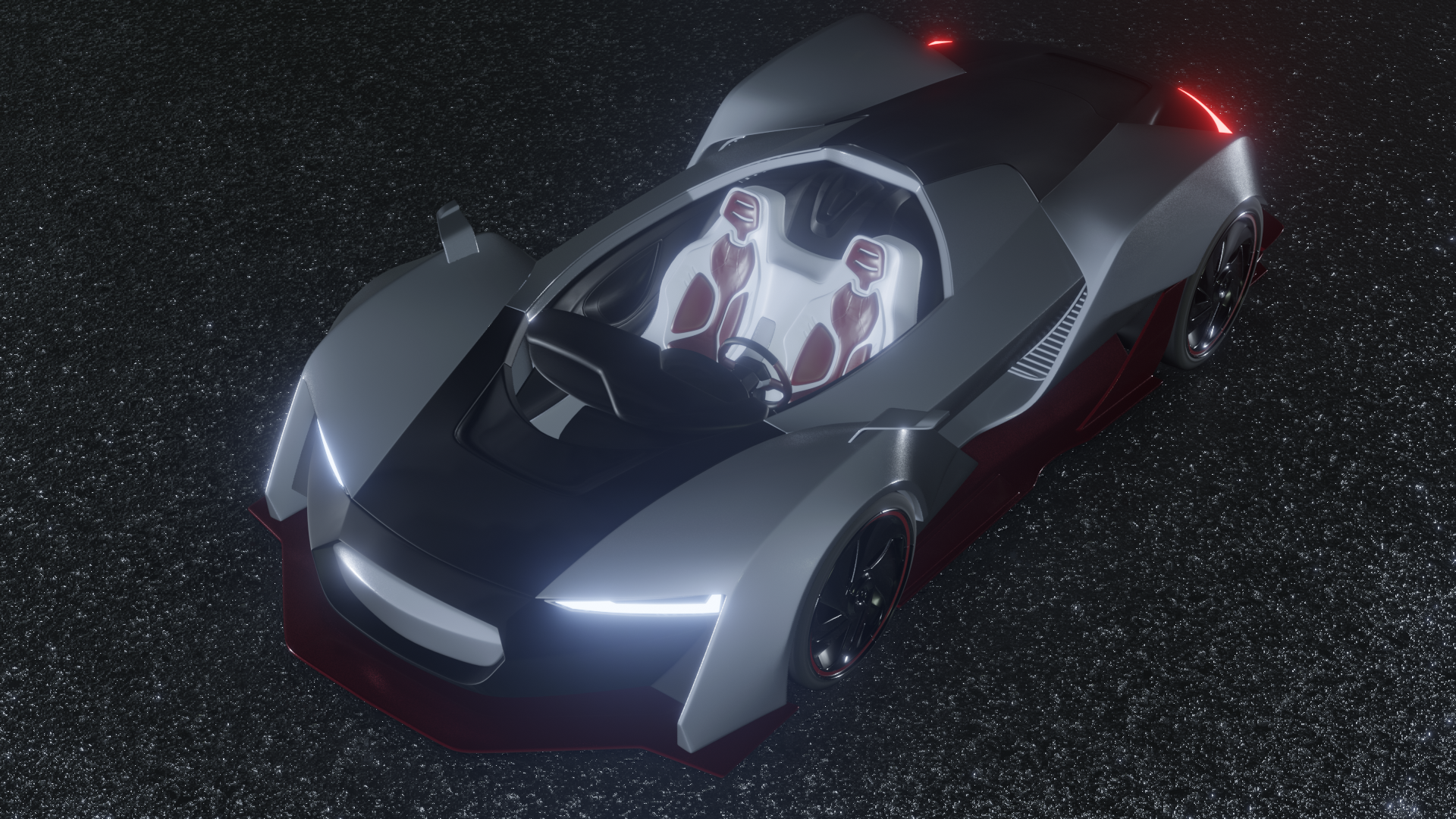
sorry i could not get further but i still have trouble with my blender its really slow so again today i have been working 14 hours onto this to somehow finish it. gonna have to give my eyes and head some rest now (lightning match still is rendering ) ill upload that after its done .
let me know what you find what is good or not good or would need workOctober 14, 2018 at 3:01 pm #42748@yukinoh1989 Check that folder I mentioned. It’s where the default files live.
Not sure why those would make blender slow though.
October 14, 2018 at 3:34 pm #42749@yukinoh1989 I had the missing car parts too. I fixed it by applying a lot of the mirror modifiers. I assume this is a bug in 2.8. Frustrating for sure.
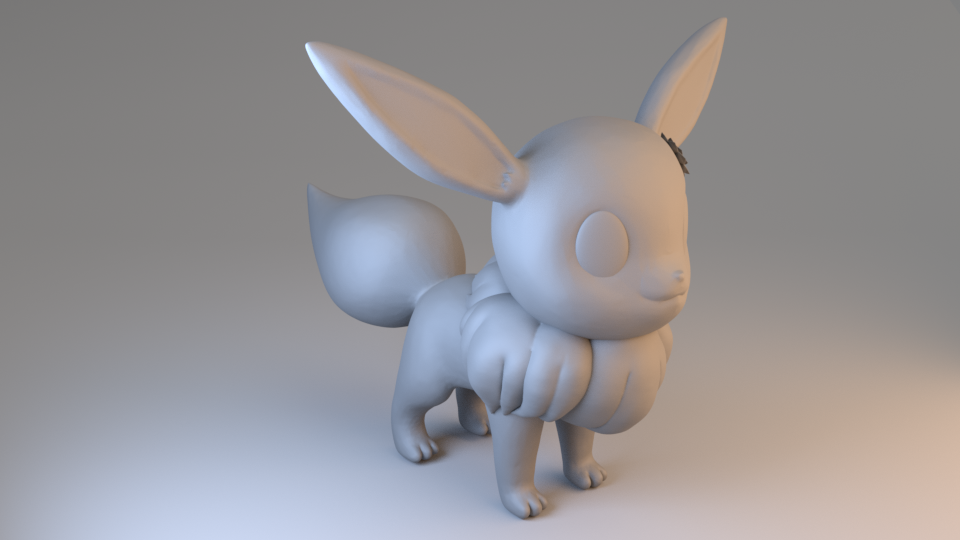
October 14, 2018 at 3:41 pm #42750lightning match

question does anyone know how to check youre grafic card ? i think it might be as good as broken . of course i am not sure but knowing when a screen turns black then all collors trough each other , followed with blender quiting i think the graphic card eighter is almost broken or it had a rough time . not sure what one but i want to figure it out .
October 14, 2018 at 4:04 pm #42751@gradyp thank I did but those where the pre-installed. I got the problems after I installed mine. So I would rather let the pre-installed but want to delete mine. Of course it’s also possible I have a problem with my graphic card. Hoe not but 40 minutes ago I got a black screen followed with colors trough each other and finally blender + internet crashed and closed 🙁
October 14, 2018 at 4:08 pm #42752Thank you for the tip. Gonna try it out tomorrow and hopefully it will fix the issue. At least if my computer will manage to render
October 14, 2018 at 5:35 pm #42753@yukinoh1989 What are your specs of the laptop? My first gut feeling is it either works or it doesn’t; there’s no weird in-between with PC parts. It could be your GPU is going at full throttle and it just can’t display stuff on your monitor.
Other than that, your lighting match looks pretty good. The blue is spot on, maybe a little more intensity with the orange.
The car looks good, too, despite all the struggling. Good work.
October 14, 2018 at 5:39 pm #42754@silentheart00 where can I see the spec of my computer? Thank a lot. Indeed it was the second time with the render to get a better orange the computer failed. Sadly the lightning file got lost since it made blender crash. And I didn’t saved it. I just hope I don’t get any problems now with my computer.
-
AuthorPosts


- The topic ‘BC4-1810 – Homework, Yukino Hatake’ is closed to new replies.