
[ENDED] BC1-1801 – January Class Homepage – Getting Started with 3D Modeling & Blender
Forum Archive › [ENDED] BC1-1801 – January Class Homepage – Getting Started with 3D Modeling & Blender
- This topic has 662 replies, 53 voices, and was last updated 8 years, 7 months ago by
LJ Simpson.
-
AuthorPosts
-
January 14, 2018 at 7:04 am #32535
Thank you.Two pieces would make my blender life easier 😉
January 14, 2018 at 10:23 am #32536Come on now. I’ve seen Mario and Zelda models, now a Joycon? I think you all know I’m a sucker for the Switch! Not sure I can grade this objectively 😅
Overall it’s a solid model. Your details are defined and clear. It absolutely registers as a JoyCon to my eye. The wireframe is just a tiny bit unpolished in spots. But it’s going to be hard to explain how it could be better polished here in text form.
@indieviking Could you possibly provide me a download link to your .blend file so I could explain critique during the livestream this coming Tuesday? I’m inclined to give this model a B+ but want to clearly explain what would make it an A for me.
January 14, 2018 at 12:04 pm #32537BC1-1801 Week 2 Homework Submission
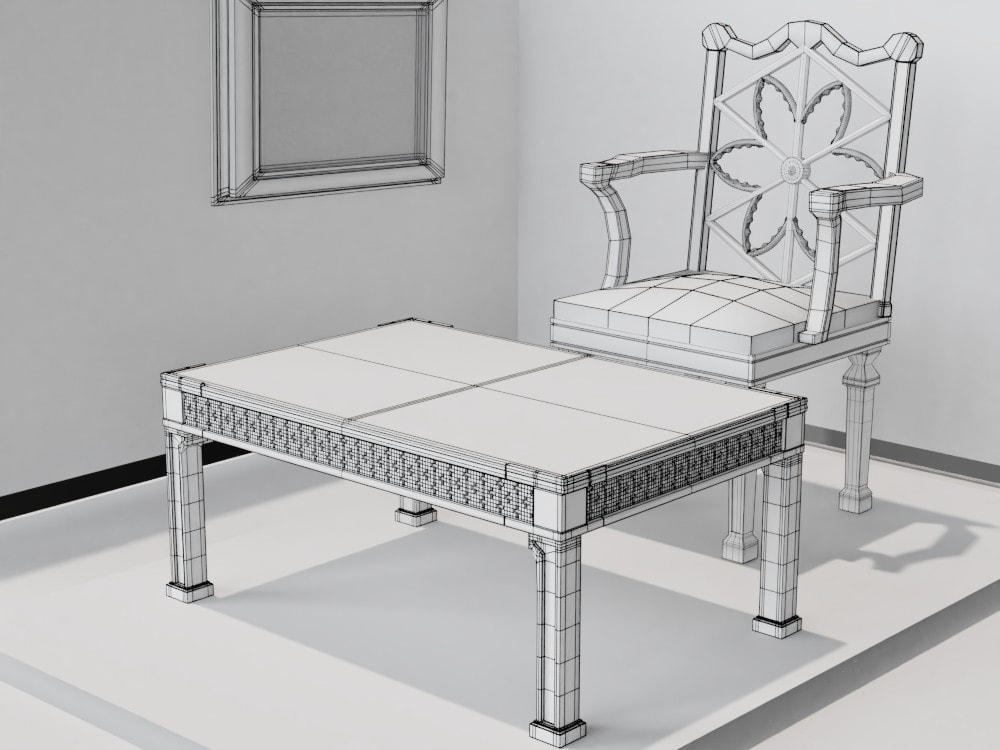
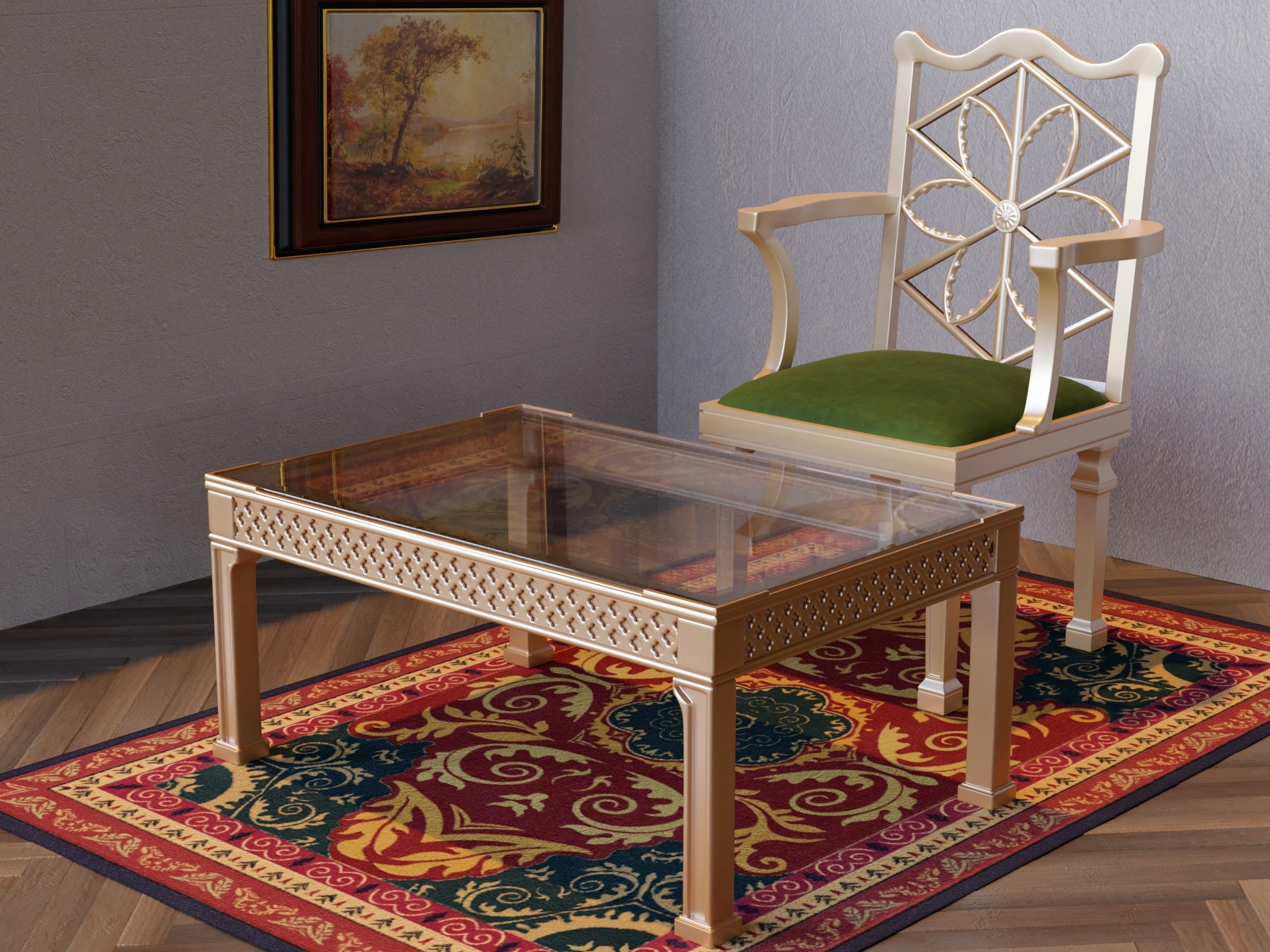
It started off as a homework submission and ended up being one of my weekly scenes. I just hope it doesn’t count as flexing 🙂 The modifiers I used are Subsurf, Mirror, Bevel, and Array. To make the outline visible, I added Wireframe (and turned off Subsurf).
 January 14, 2018 at 1:19 pm #32538
busy week. allmost didn’t have time to finish this. And damn, so many good works here already!
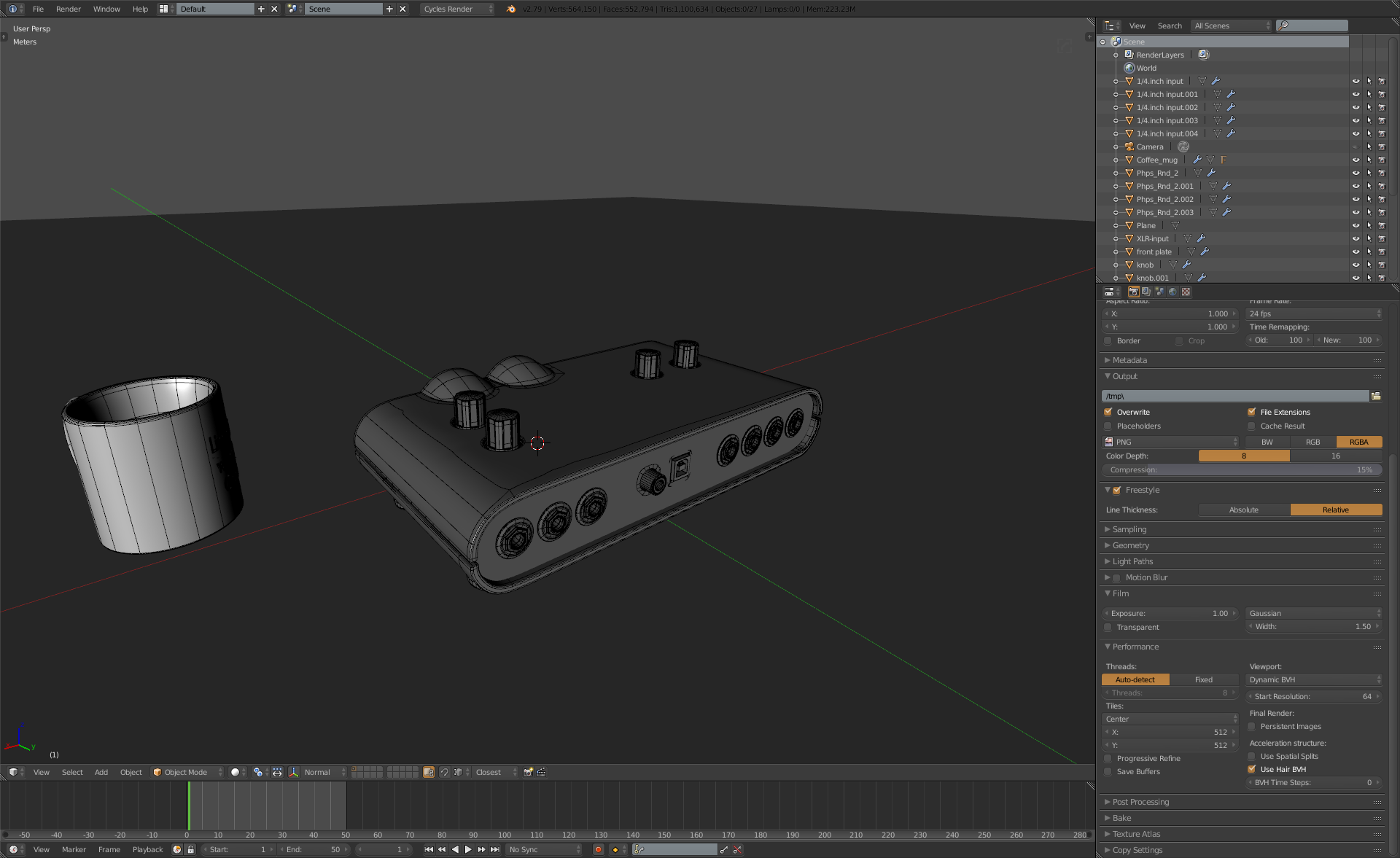
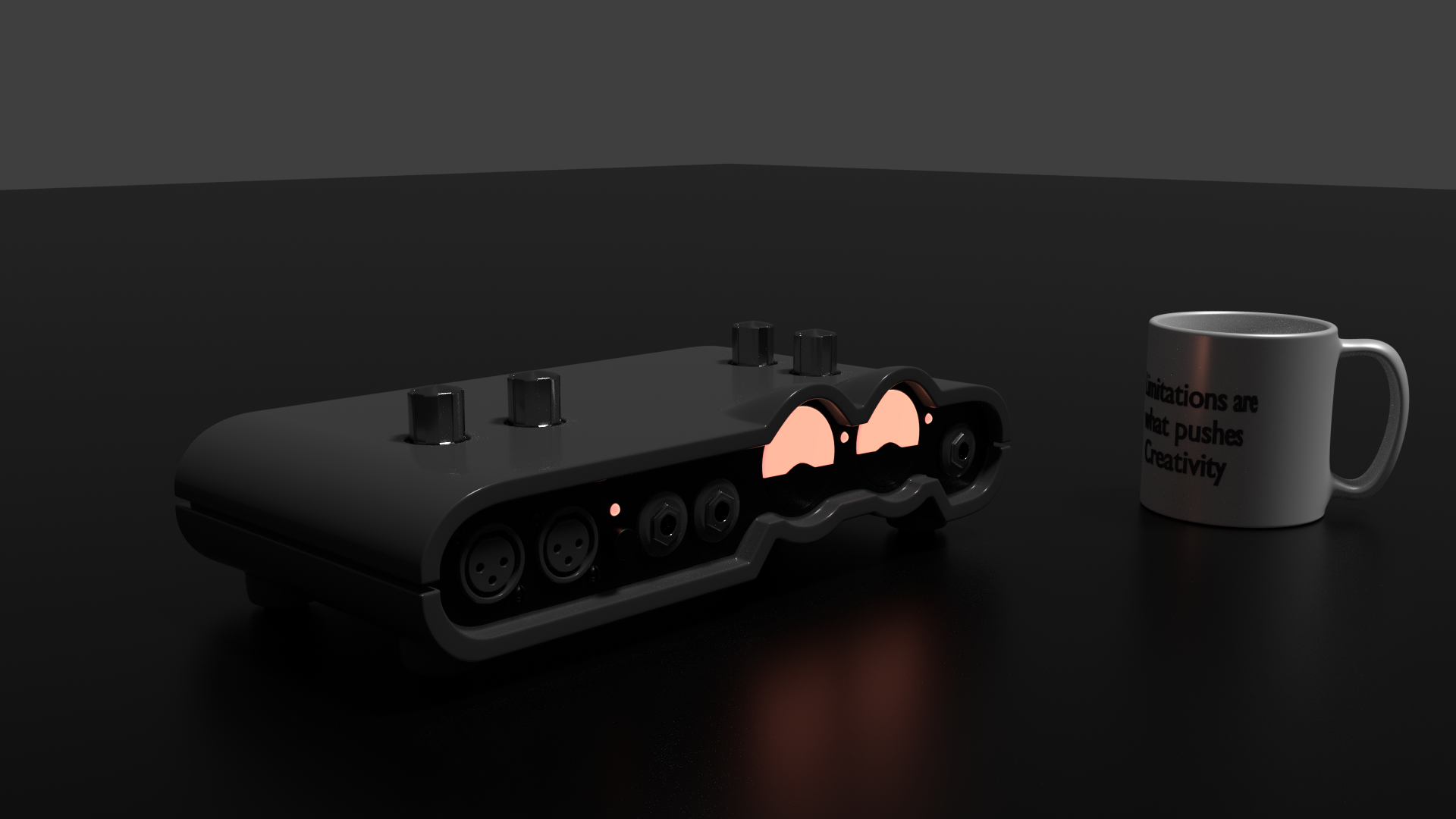
I have long project on doing my desk items and I’ve been putting it off. decided to start with a mug and line 6 ux2 unit. I found this especially useful since i’ve been doing so much stuff from head and used reference as a guide to make things cool, so in practice point this was good. ux2 needs textures which is something i’ll do later, now just quick render with principled shader and nothing fancy.

 January 14, 2018 at 1:49 pm #32539
I think a lot would depend on the use case. If it is something that is going to be up close, I’d do it as a separate piece, but if it was going to be from a distance, you might not even notice it.
January 14, 2018 at 1:53 pm #32540Your work is superb. Lovely render.
January 14, 2018 at 2:26 pm #32541That is something amazing from you again 🙂
January 14, 2018 at 2:59 pm #32542This looks beautiful!
January 14, 2018 at 3:24 pm #32543BC1-1801 Week 2 Homework Submission
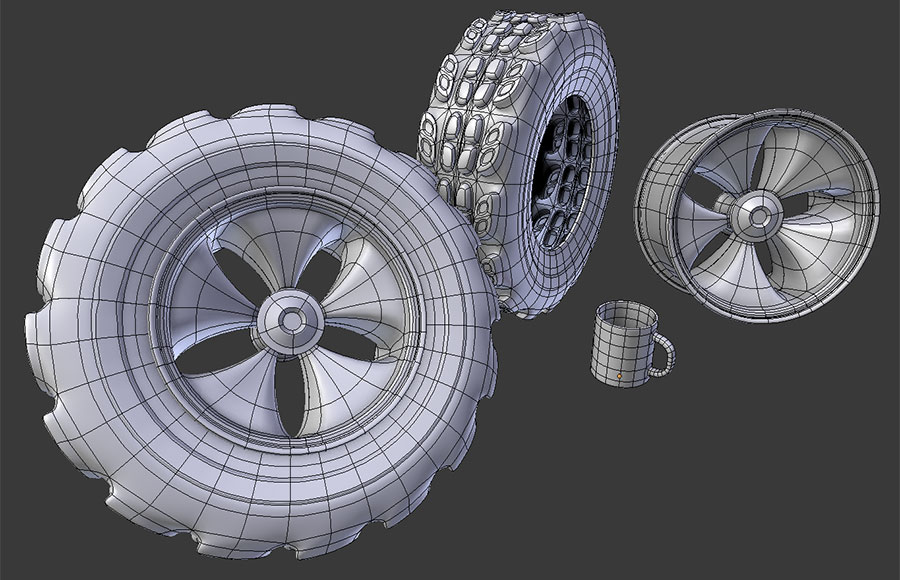
I call this “Tire, Rim, Coffee Cup #7.” I know, breaking apart the tire is soooo derivative… Didn’t get wrapped up in realism so much as getting comfortable with working with the tools again. Learning a lot! One thing that was reeeaaally difficult for me this week was to stay on task and concentrate on working within (maybe a little beyond) my bounds. Such incredible work out of so many attendees, it’s easy to get overwhelmed and attempt something that would just lead to frustration, doom, broken vertices, and oh yeah, no submission at this point. Just buckled down, redid the coffee cup project from the demo then focused on doing the tire. Didn’t really play around with the lattice much but got a lot of use out of the Array, curve, subdivision surf modifiers. Used both crease values and holding edges. Was interesting to note that there were a few instances when using crease instead of a holding edge led to a weird pinch in the mesh. When I would reset the problem edge to 0.0 crease and use a holding edge the issue would generally clear up. Thanks for the tip on using this for the exercise submission to Kent. Wagon ho!
 January 14, 2018 at 5:34 pm #32544
“BC1-1801 Week 2 Homework Submission”
This is my 2nd week homework. I guess there’s no much to say of this other than I now feel a bit less shy of mesh modeling and modifiers.

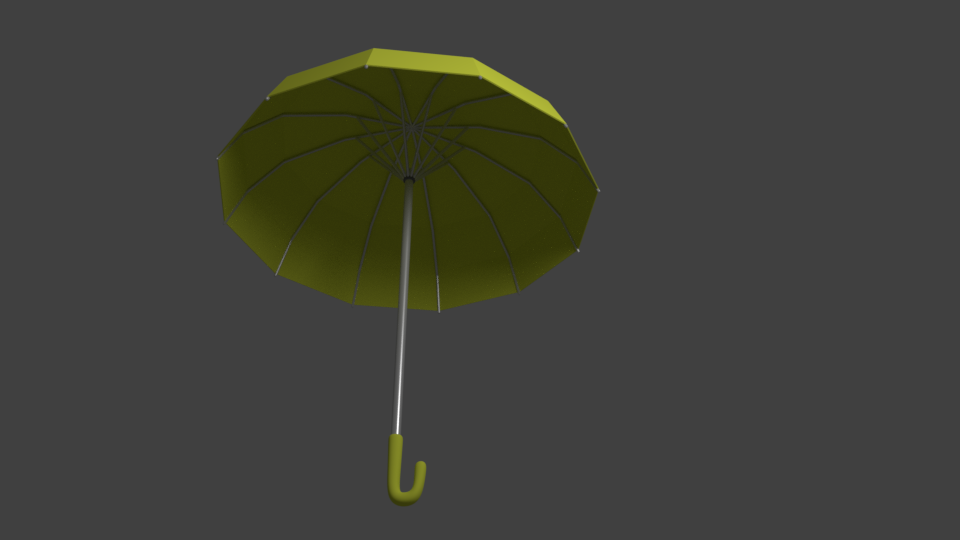

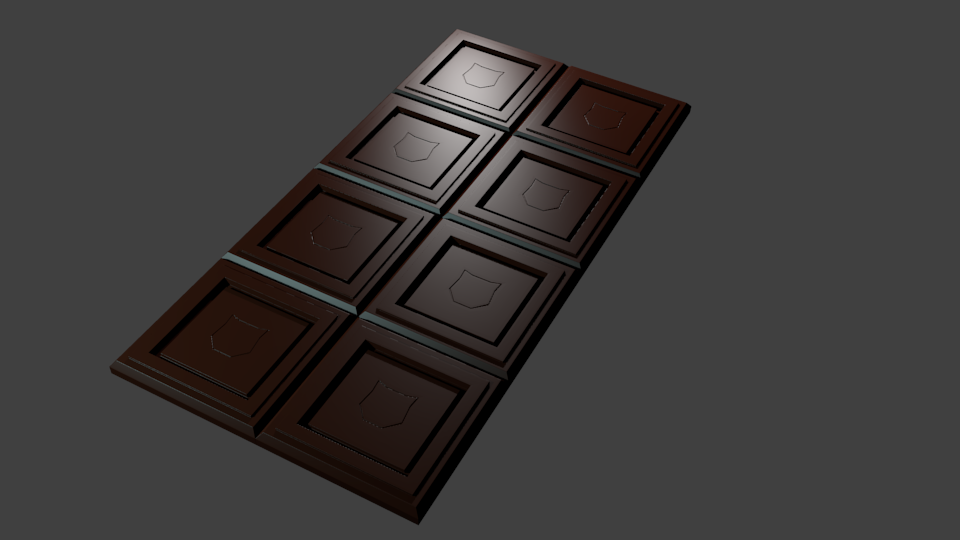
Haven’t had much time to browse this thread since past week (at the time I’m writing) but from what I saw I feel there’s so much skill and dedication on this class as seen from your homework and insightful comments. Awesome work guys!
January 14, 2018 at 6:01 pm #32545FLEX!!! hee hee hee. Sorry, couldn’t help myself. Beautiful scene. Really
January 14, 2018 at 6:02 pm #32546Very nice – with all the rounded edge-work.
January 14, 2018 at 6:05 pm #32547Good work, I like the fact you put the emblem on the shield. I also like Zelda, and anything to do with swords(weapons).
January 14, 2018 at 6:36 pm #32548The umbrella is super!
January 14, 2018 at 6:47 pm #32549BC1-1801 Week 2 Homework Submission
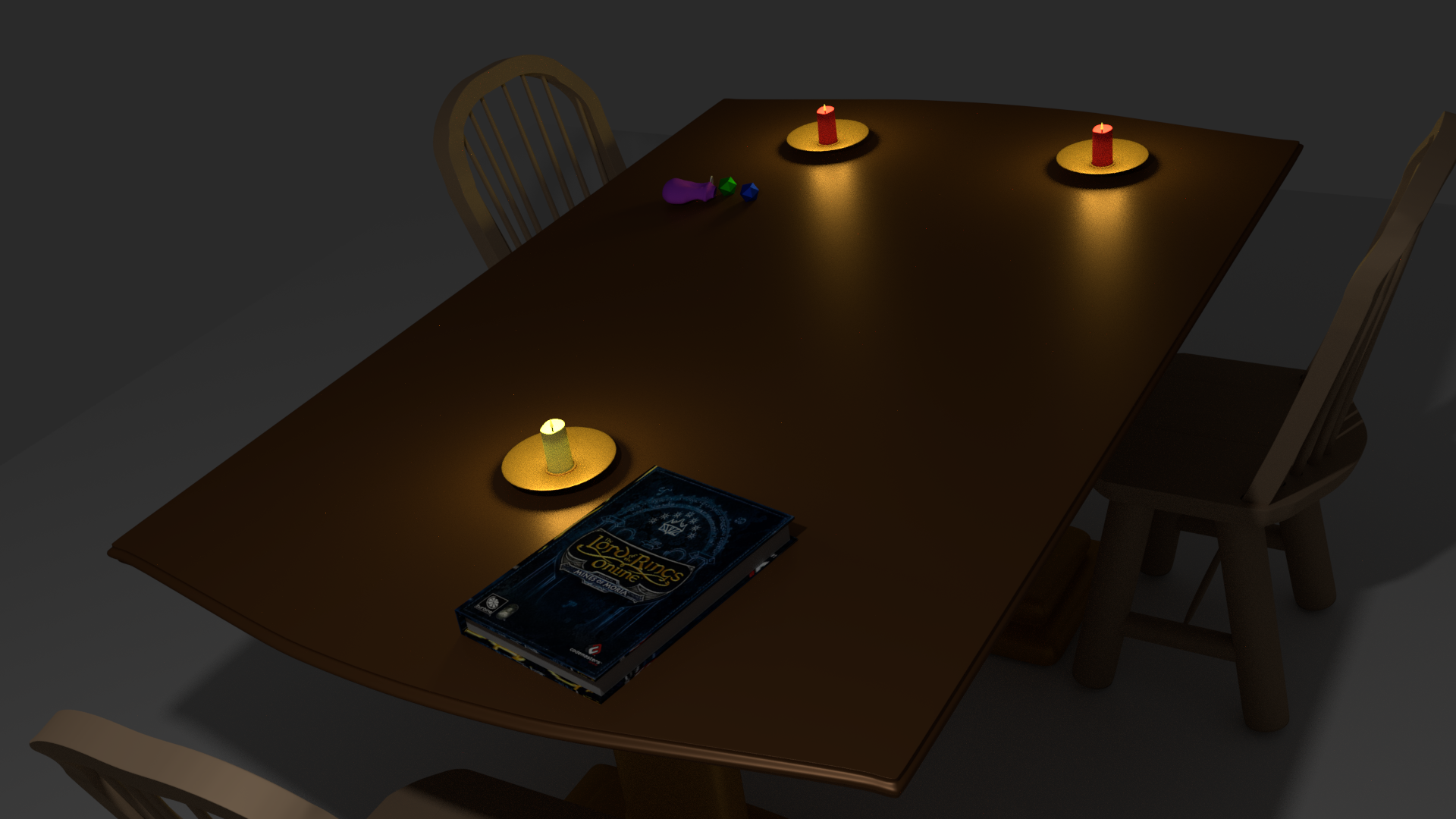
Hasn’t been a good week for me (blah blah blah whine whine whine). Well… flu kept me off the laptop for a couple days and then 6 hours (YES SIX!!) wasted trying to figure out how on God’s green earth to manipulate a bezier curve to use an array modifier on. Unfortunately, the resulting submission is nowhere near the imaginative and detailed models that I’ve seen posted so far this week. I’ve gone through my office and picked out things that I’ve always been wanting to model and for whatever reason haven’t. I tried to tell a story from those few items, so here goes…
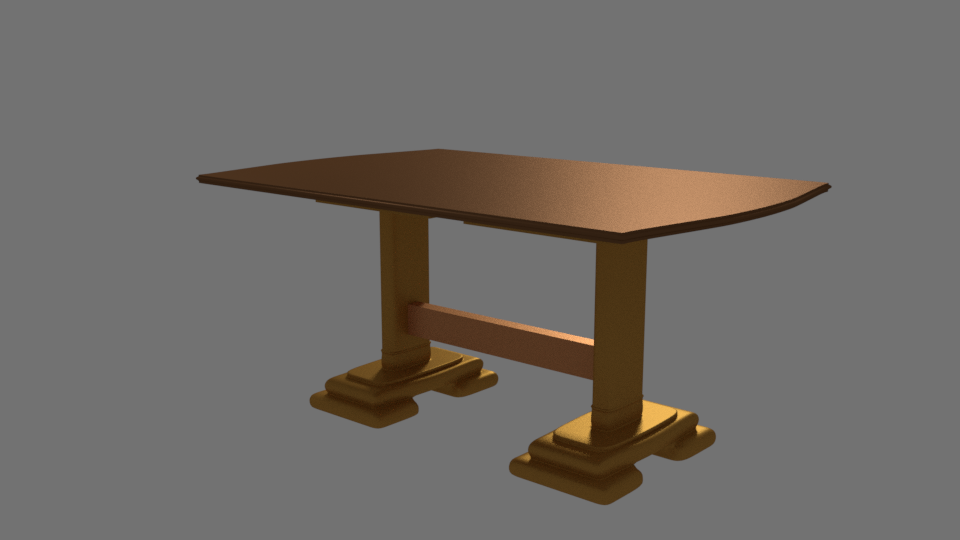
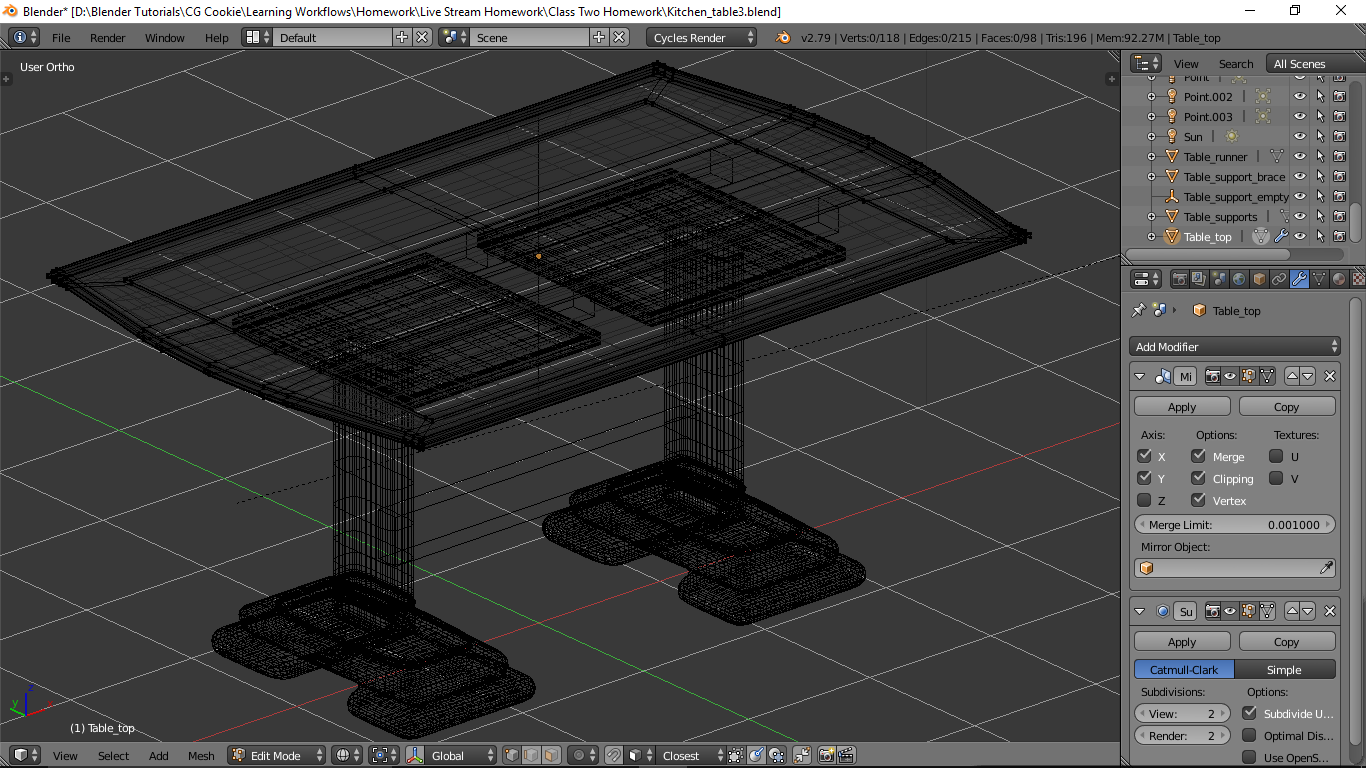
This table is comprised of 4 parts: top; runners (which you can’t see); table supports; and a crossmember. I used a “mirror” on the top and legs (supports). Found out the hard way on the legs that you don’t work from a smaller piece and try to grow to a larger piece. I was coming up with faces that didn’t work a play well with me. Better part of a day screwing around with this, but it came out well. The table top is meant to come apart to accept leaves.
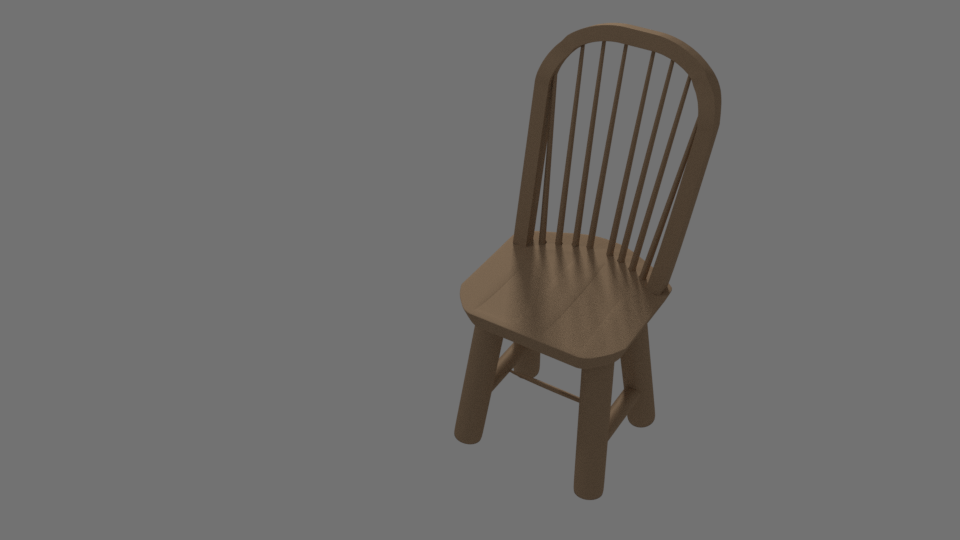
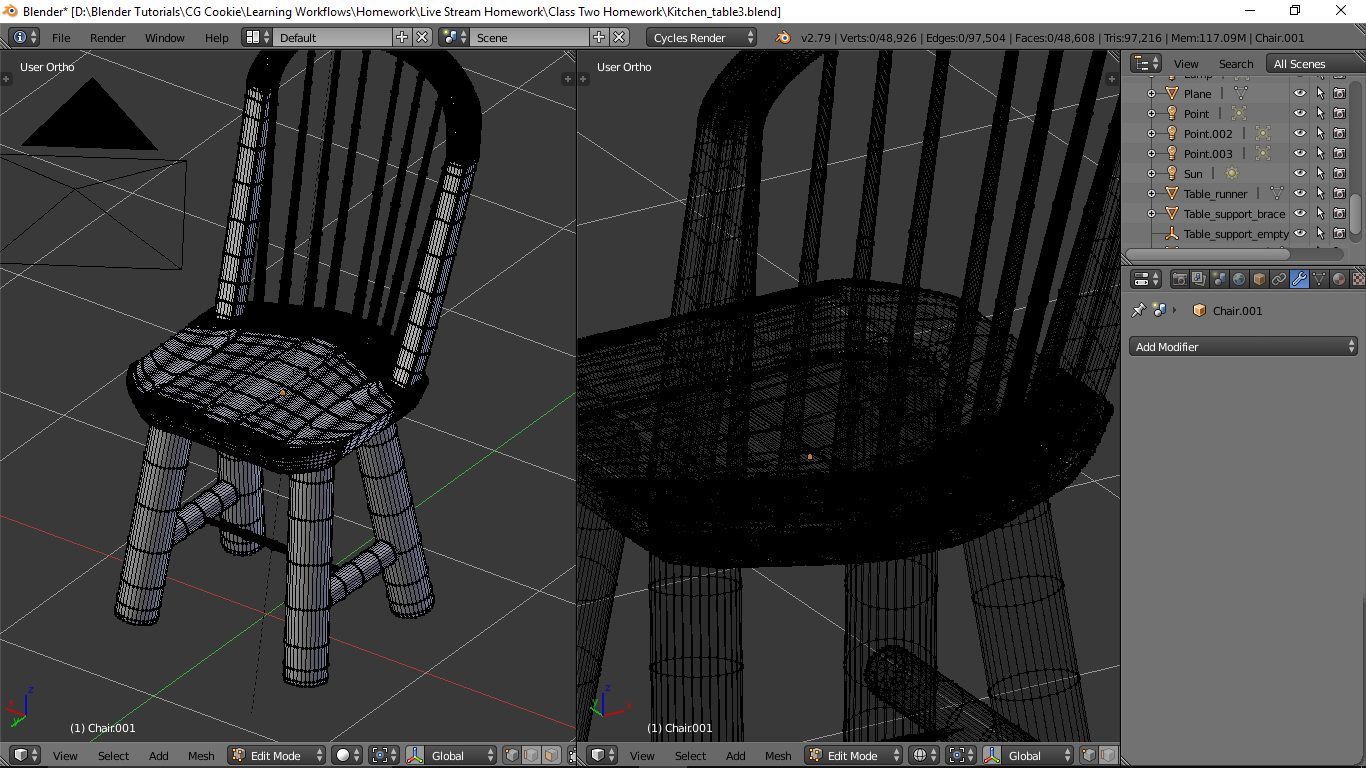
The chair back support is what cost me dearly in timw trying to manipulate a bezier curve. If anyone has any pointers, I’m all ears I wound up using a bezier circle and appied the modifiers and in edit mode cut the damn thing in half and manipulated what was left to form the back. There are two kinks that I’m not happy with. The smaller back posts are all inset into holes I made in the seat (thank you shrinkwrap modifier). Most of the chair was constructed in mirror mode. Again separate parts for the seat, back legs and supports.
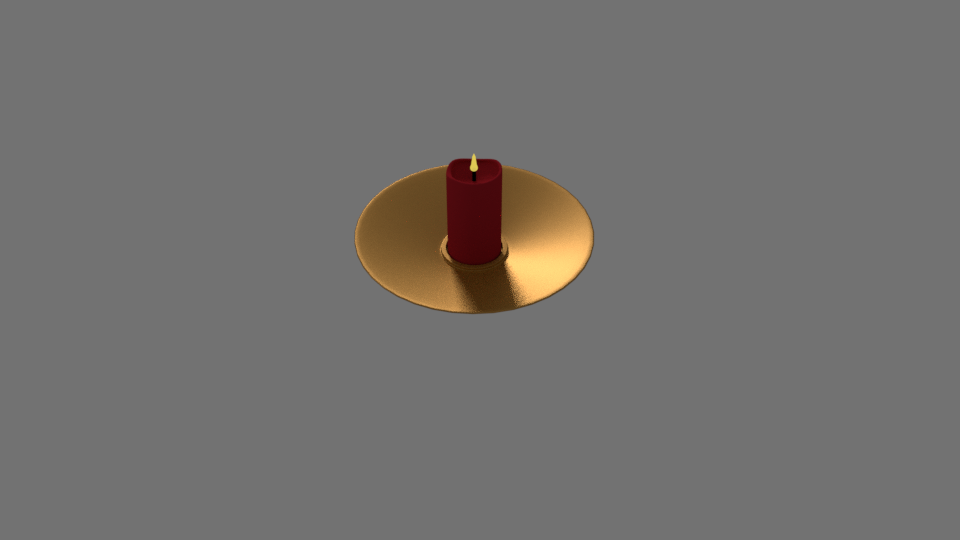
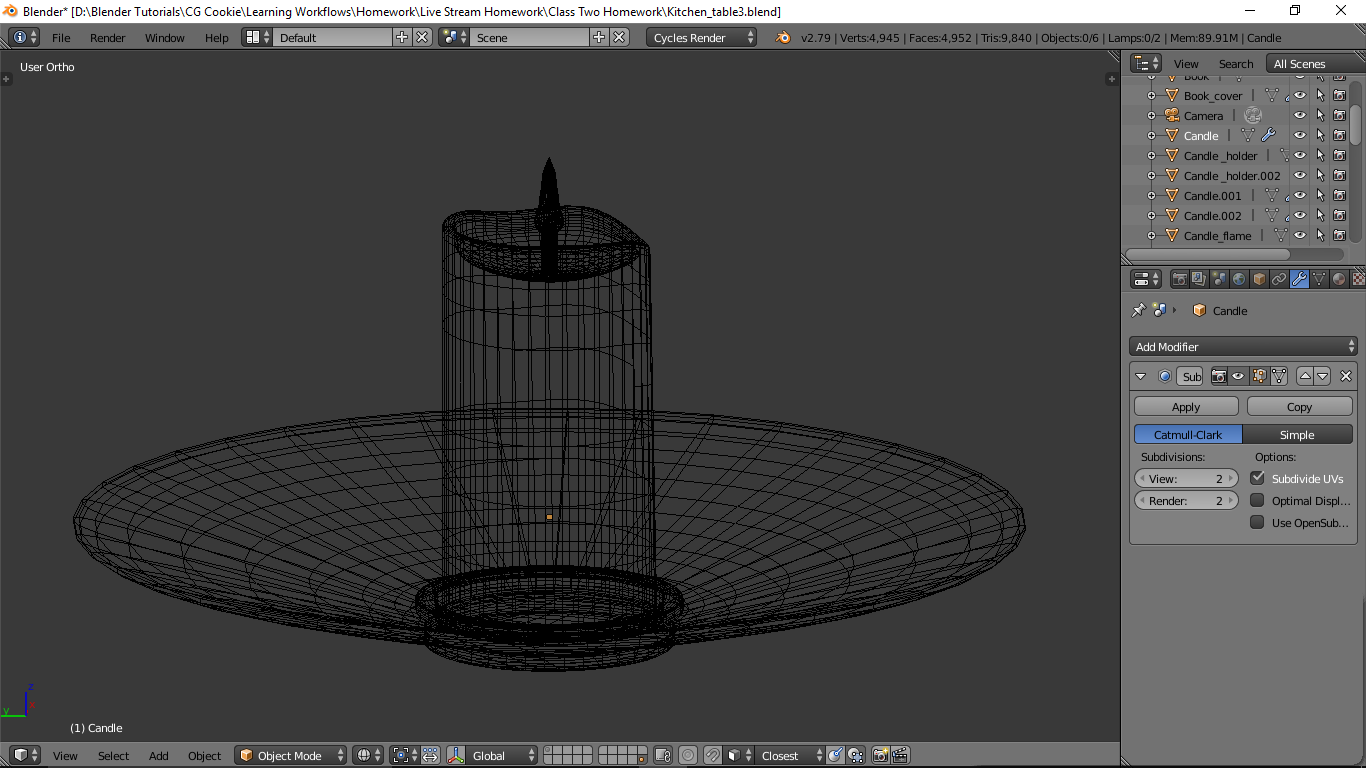
The candle, holder, and flame are all separate objects. I realized afterward that the lattice modifier would have been extremely helpful in modifying each candle (but I was too late – will practice that later). For lighting in the scene I placed point lights in each candle flame.
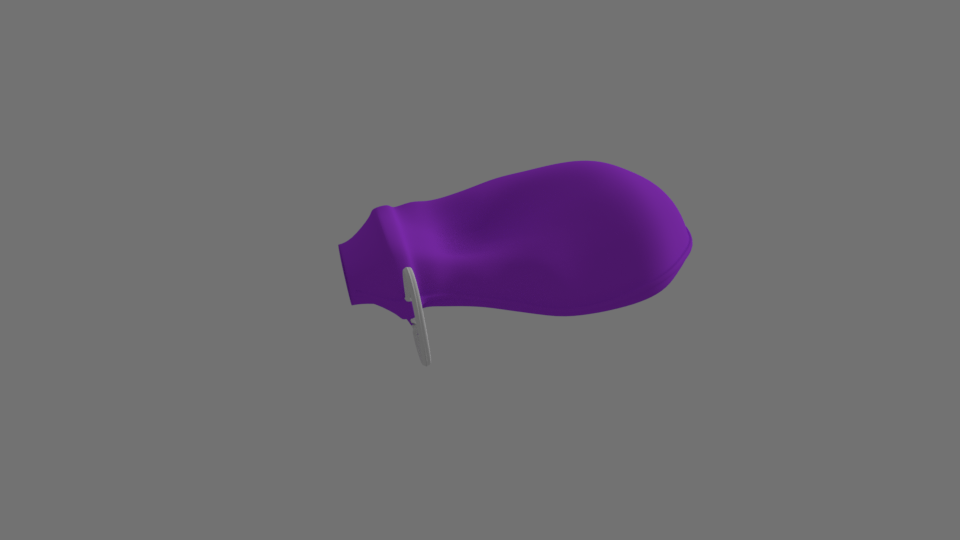
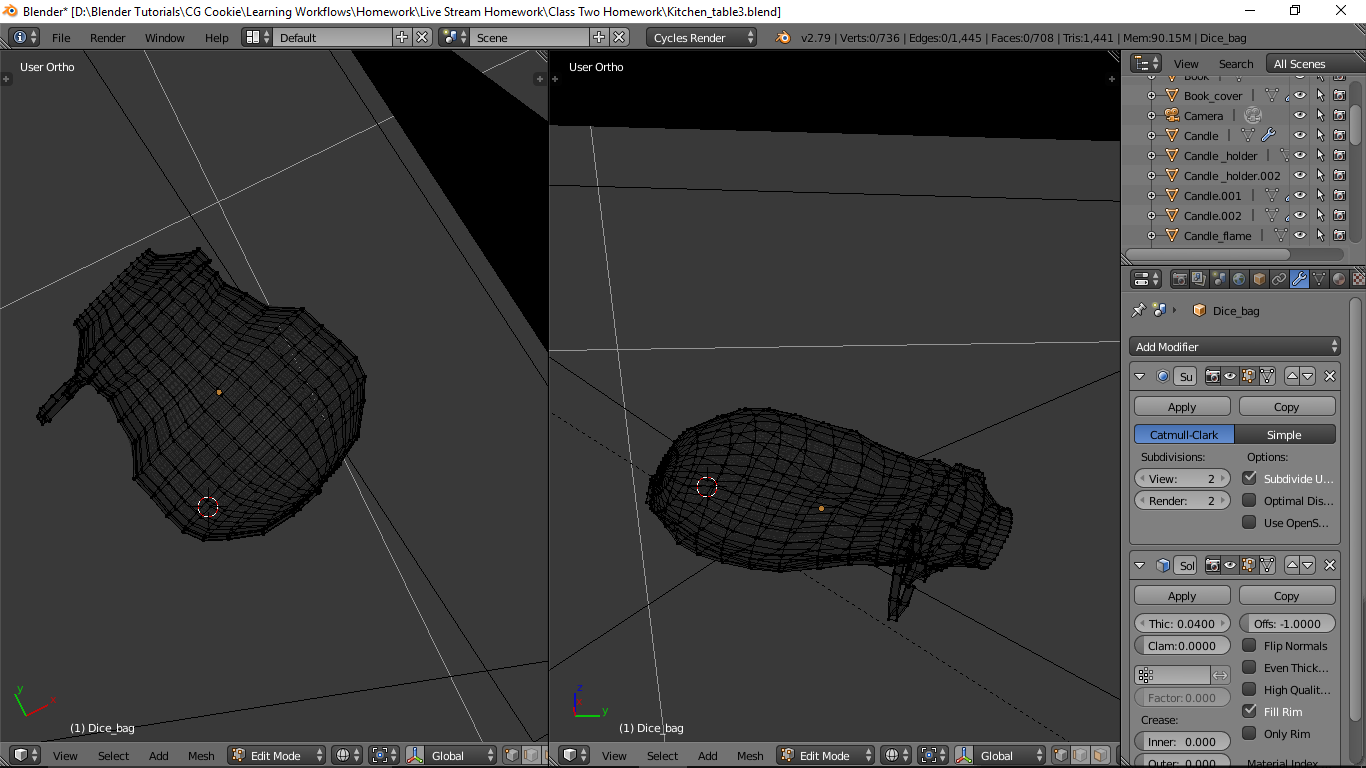
Dice bag is just a sphere that I played with (moocho proportional editing). And with that, I give you…

-
AuthorPosts


- The topic ‘[ENDED] BC1-1801 – January Class Homepage – Getting Started with 3D Modeling & Blender’ is closed to new replies.