
BC4-1810 – Homework, Yukino Hatake
Forum Archive › BC4-1810 – Homework, Yukino Hatake
- This topic has 179 replies, 17 voices, and was last updated 7 years, 9 months ago by
yukino hatake.
-
AuthorPosts
-
October 20, 2018 at 11:30 am #42785
@thecabbagedetective Fair enough, then you deserve your beauty sleep 😉
October 20, 2018 at 11:50 am #42786@thecabbagedetective hey thank you so much. There might be other ways but this sure is a smart solution 😀 thank you so much. And like. Miranda said you sure deserve some nice beauty sleep 🙂
October 20, 2018 at 1:28 pm #42787Yukino, in both 2.8 and in earlier versions, you can use J and ALT-J to toggle between render slots. (J goes forward, ALT-J backwards, I think.)
October 20, 2018 at 2:34 pm #42788@gradyp
Nice to know thanks for the shortcut 🙂
does anyone know why the subdivision modifier isnt working ?
somehow i cant get it working . the view and render both are at lvl 3 (i even rendered at lvl 6 but still same result )
this is how it looks .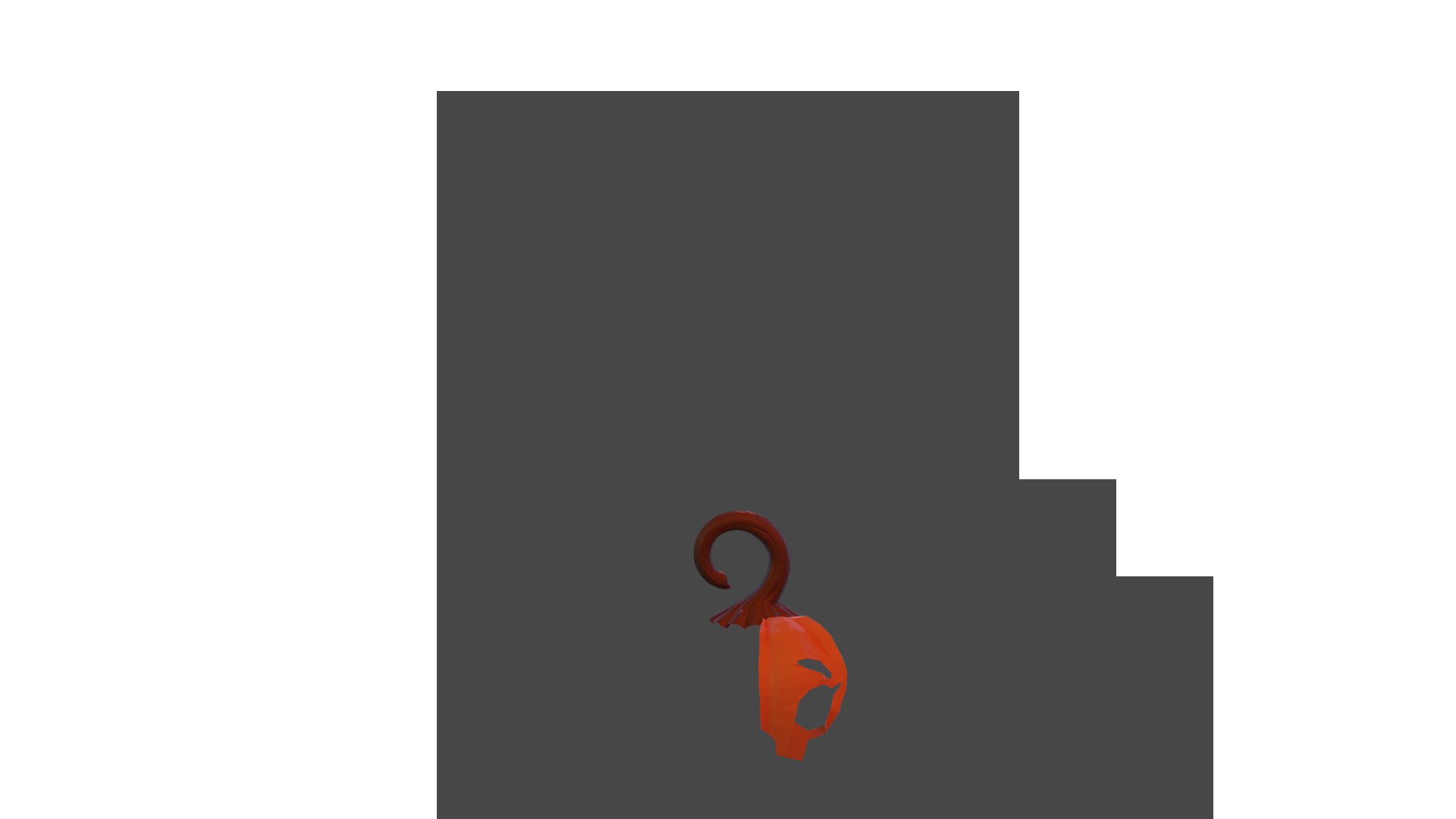
so it still is blocky what isnt the meaning :s . this never happend before so i dont know what is causing this problem . i really hope someone can help me . gonna still need to work a lot tomorrow. for today i got to call it a day since family is here .
currently i work in 2.8October 20, 2018 at 2:44 pm #42789@yukinoh1989 subsurf or mirror? and are you in edit mode when you render? (not sure if that would affect it, but there are known issues with modifiers not showing in edit mode)
October 20, 2018 at 2:45 pm #42790also.. did you set the shading to smooth?
October 20, 2018 at 3:00 pm #42791@gradyp hey indeed I may not render in edit mode it seems. Thanks for helping. Hope I can finish it tomorrow. Gonna have a lot to work onto
October 21, 2018 at 9:27 am #42792anyone knows how to fix this harsh line ? i tryed to flip normals . recalculate . smooth shading. deleted subsurf and readded it but nothing is working . even if i try to delete those verticies and redo that part somehow i keep getting stuck with that ugly line
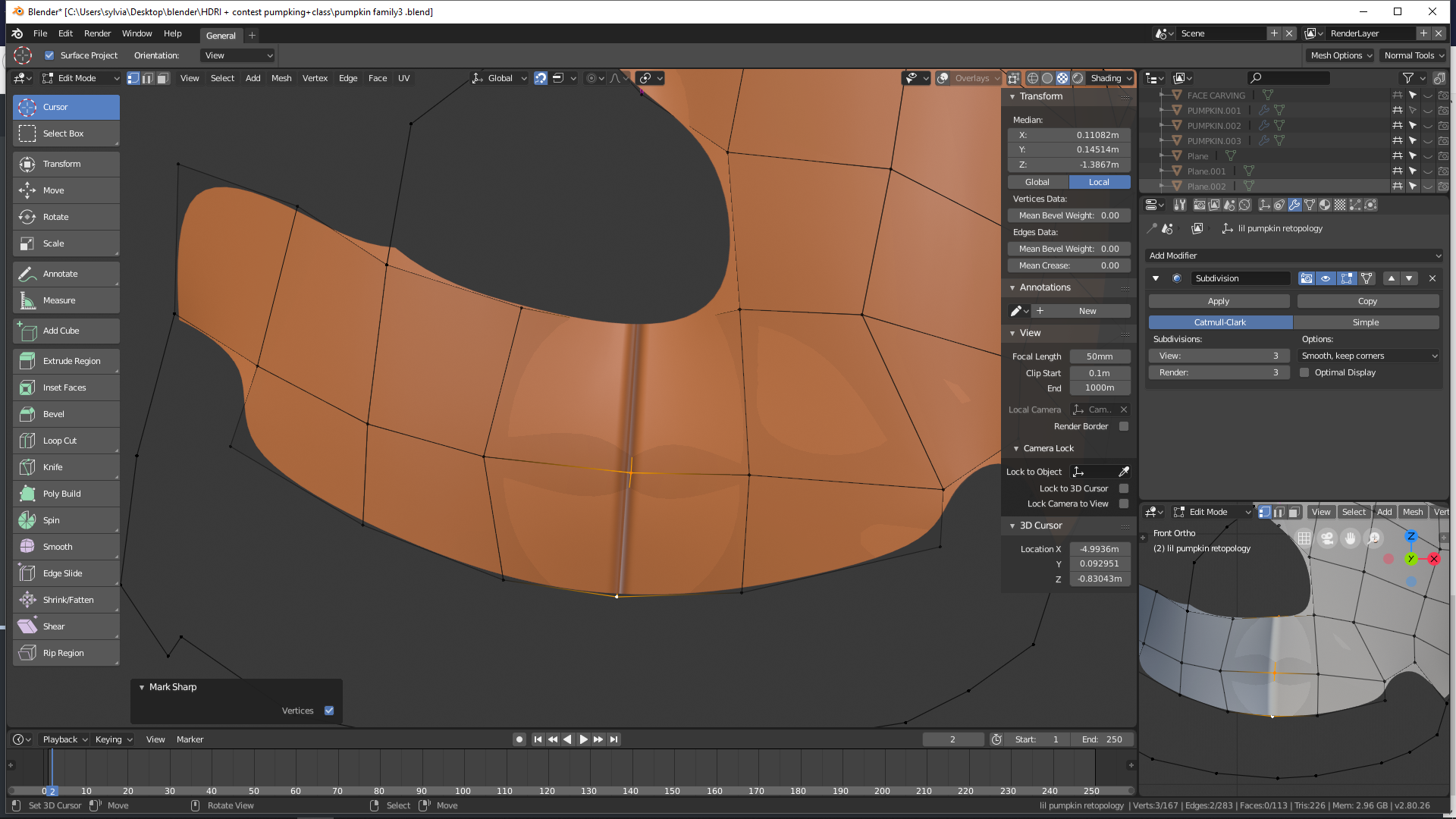 October 21, 2018 at 10:48 am #42793
@yukinoh1989 What in the goddamn…?
There’s honestly only two things I can think of:
1: Did you accidentally add a crease? Select all the verts in that line and hit Shift + E, then you can slide it. I don’t think it’s that though because there’s usually a pink/red line to indicate how strong it is.
2: Are there any excess verts? Go into edit mode and hit Alt + H and have a looksie.
Other than that I honestly have no idea, that’s bizarre.
October 21, 2018 at 11:08 am #42794@thecabbagedetective
ya strange stuff is happening . i tryed both options but without any good result .
i guess i gonna restart the retopology and work in 2.79 maybe i wont get the bugs thereOctober 21, 2018 at 11:10 am #42795Hmm is it not possible to open an 2.8 file in 2.79? When i try that he close blender :s
October 21, 2018 at 11:21 am #42796@yukinoh1989 I think there’s some roundabout way of doing it but can result in a lot of bugs. Wanna give me your .blend file? Might be able to find out.
October 21, 2018 at 11:37 am #42797@thecabbagedetective hey sure
this is the filepumpkin file
somehow it also isnt projecting well on the surface (what makes it hard to retopology (with my eevee it was much easier and i also dont know how to get it better projected on the surface) the one with problem is retopology 2 (the one that is showing) and retopo 3 is the new one (following from this course but i still dont get the same result youtube retopo shrinkwrap tutorial
sorry to bother you so much but i am really happy youre helping me out. (one more question)
if i cannot finish it this evening (what whould be unlikely since i have like a 5 hours left) can i still continue tomorrow but have it count as homework ?October 21, 2018 at 11:53 am #42798@yukinoh1989 It does simply seem to be an issue with normals. Here it is in its normal (hehehe) state:
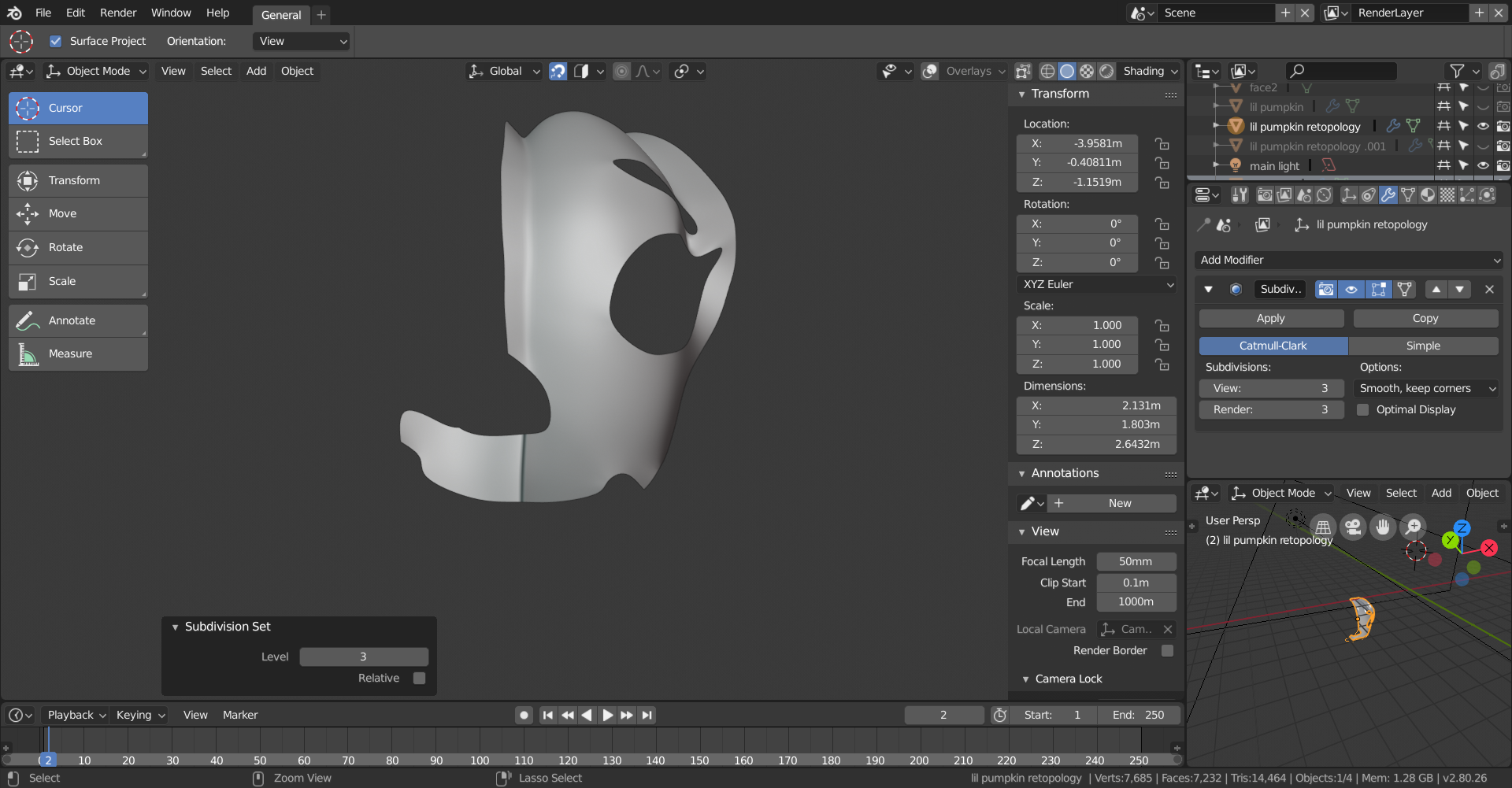
And here it is after the normals have been fixed:
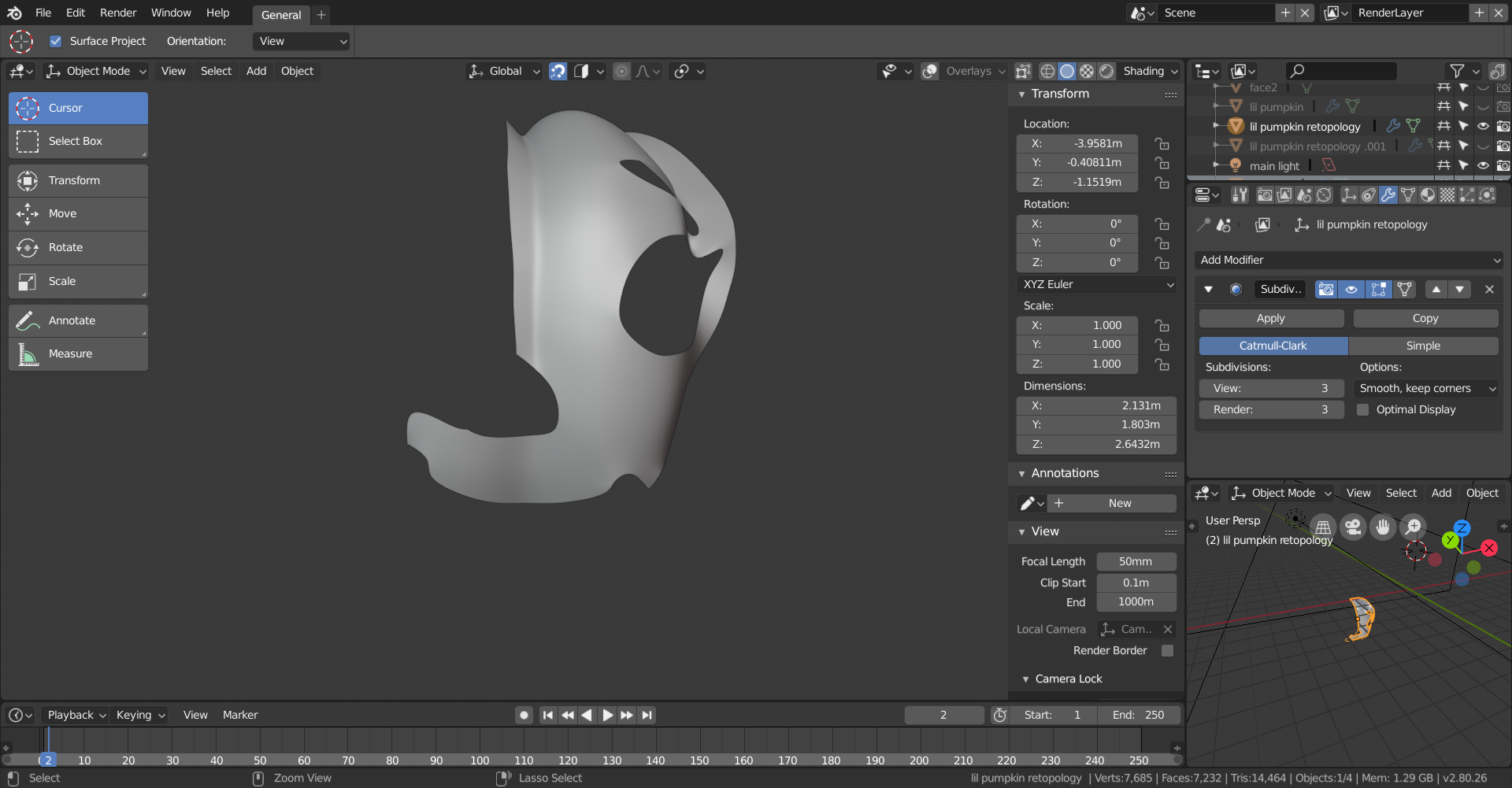
To fix them go into edit mode, select all the verts and hit Ctrl + N to recalculate normals. Not sure if the hotkey is different but it seemed to work for me.
To answer your other question I’d say so, I don’t think it’s ever gonna be “Hey you’re two hours late, homework is disqualified,” however it’s not something I’d rely on, so do the best you can but I wouldn’t push it beyond Monday, also ’cause Kat needs something to show in the showreel!
October 21, 2018 at 11:56 am #42799@thecabbagedetective
Hey thanks a lot . do you also perhaps know’s why its not projected so well on the surface ? i have been retrying it with retopo 3 following the turorial but its far from what he is archieving -
AuthorPosts


- The topic ‘BC4-1810 – Homework, Yukino Hatake’ is closed to new replies.