Backhoe Contribution – duerer – Wheels / Rear Axle

Forum Archive Backhoe Contribution – duerer – Wheels / Rear Axle

Viewing 15 posts - 136 through 150 (of 225 total)
  • Author
    Posts
  • #58155
    spikeyxxx
    Participant

      @duerer look at those repeating clouds above the heaps of gravel:)

      #58156
      Ingmar Franz
      Participant

        Okay, @spikeyxxx, you convinced me. But this vehicle has even more wheels and it’s real 😁!

        #58157
        spikeyxxx
        Participant

          Sure, that’s real and a great achievement for modern technology, but it makes me think of how they were able to make bridges like this:

          #58158
          Ingmar Franz
          Participant

            This can only be achieved by human hand. And that’s why it looks more vivid 😀!

            PS:This traditional stone bridge is a great modeling object, too 👍.

            #58159
            Ingmar Franz
            Participant

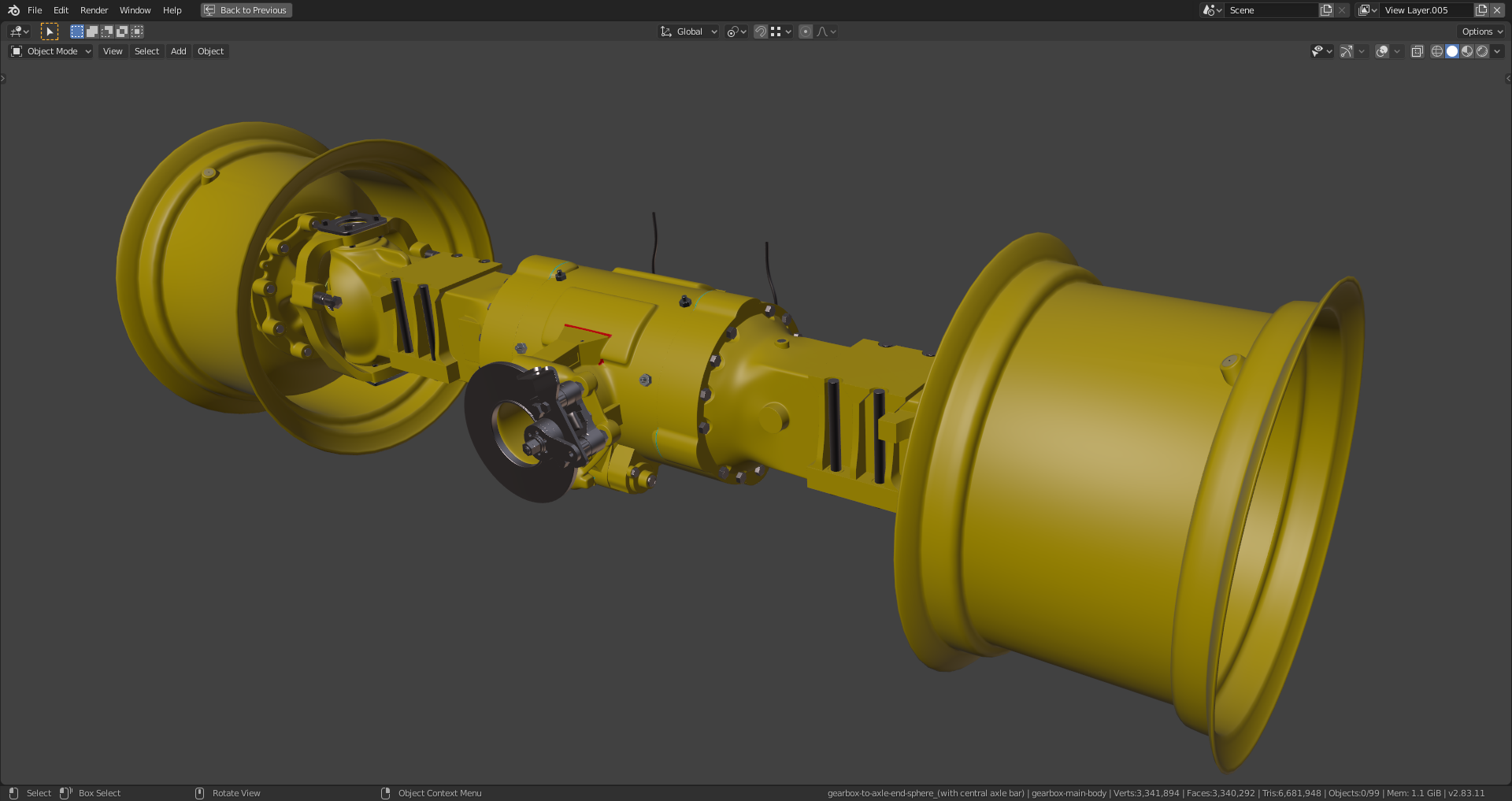
              My final rear axle with “Shrinkwrap Modifiers” still in place:

              File is here. The connections on the gearbox aren’t perfect but at least good enough if you don’t need a close view.

              #58160
              Ingmar Franz
              Participant

                Thanks, @spikeyxxx, that looks super coooooooool 😀👍!

                #58161
                Ingmar Franz
                Participant

                  Thanks, @theluthier, for the promotion as internet detective 🕵️‍♂️😀!

                  #58162
                  Ingmar Franz
                  Participant

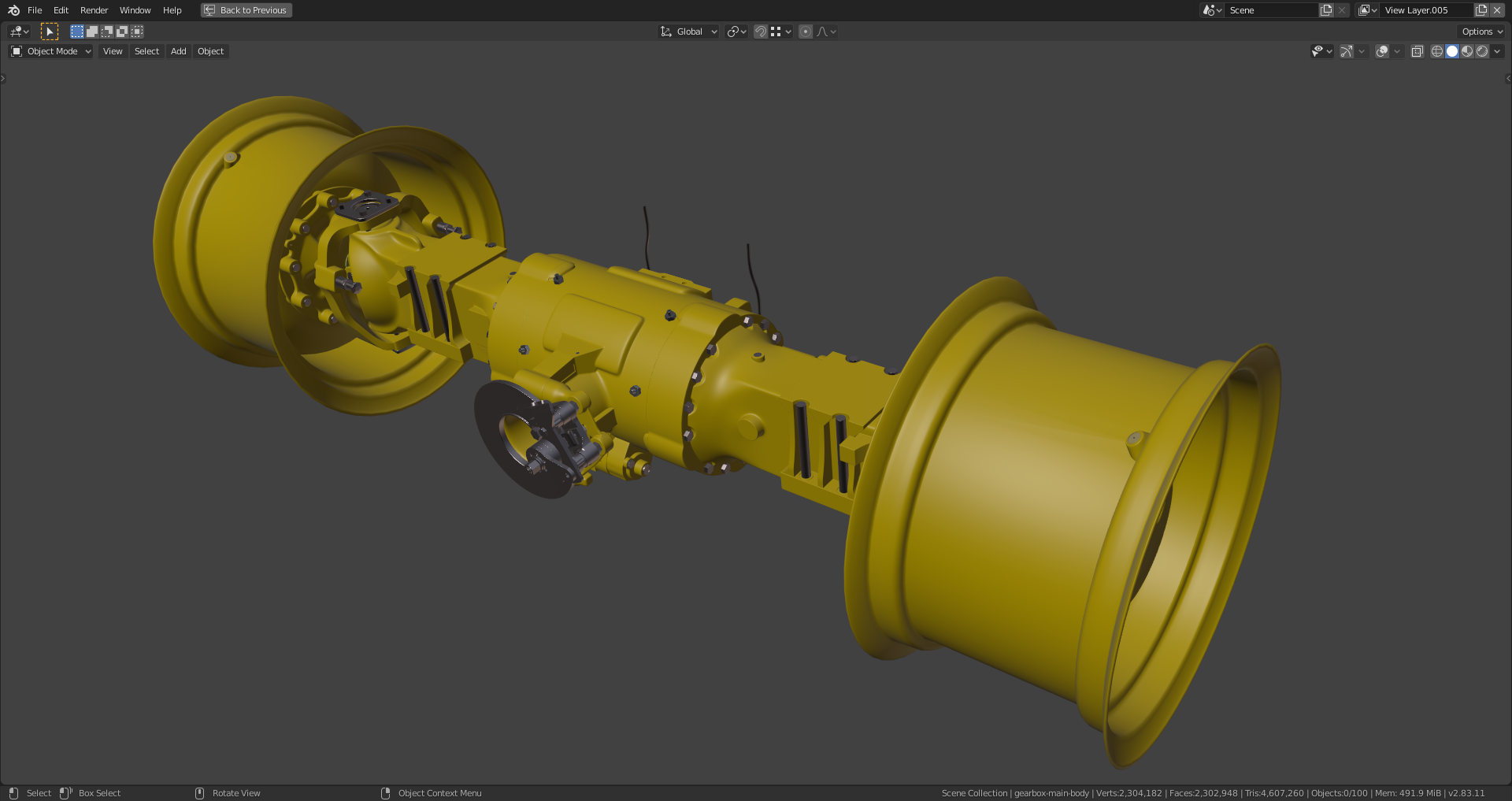
                    Finished:

                    I’ve smoothed some edges, as proposed by @spikeyxxx and collapsed the modifier stacks (with subsurf level 1) on the gearbox and its direct side parts (the latter two beeing one object in my file).  Both objects now only have each one “Subsurf Modifier” level 1 and one “Shrinkwrap Modifier” for smoothing out slight grooves in the tube parts. File is here.

                    #58163
                    Ingmar Franz
                    Participant

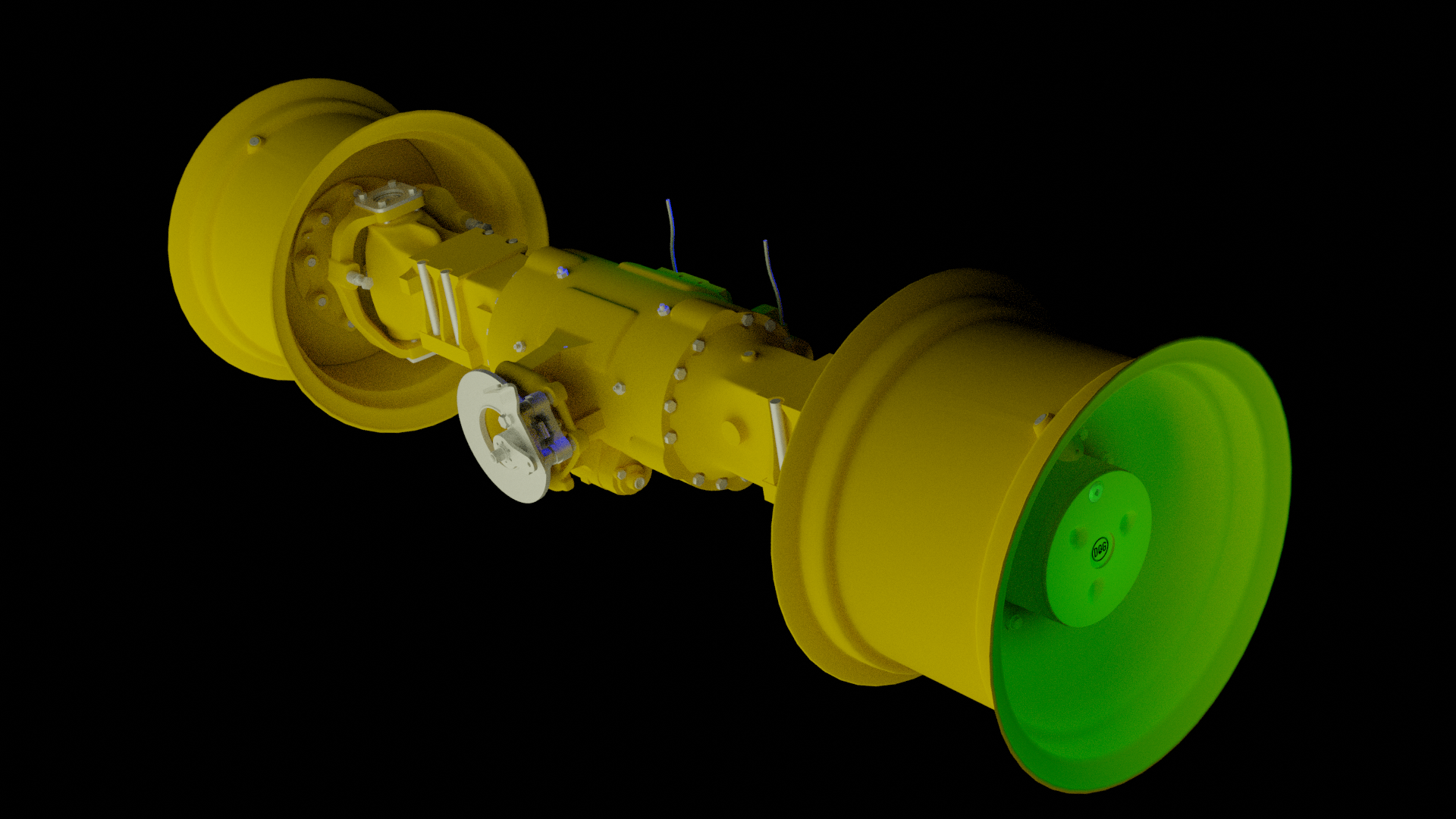
                      This is my first Cycles test rendering of the backhoe’s rear axle:

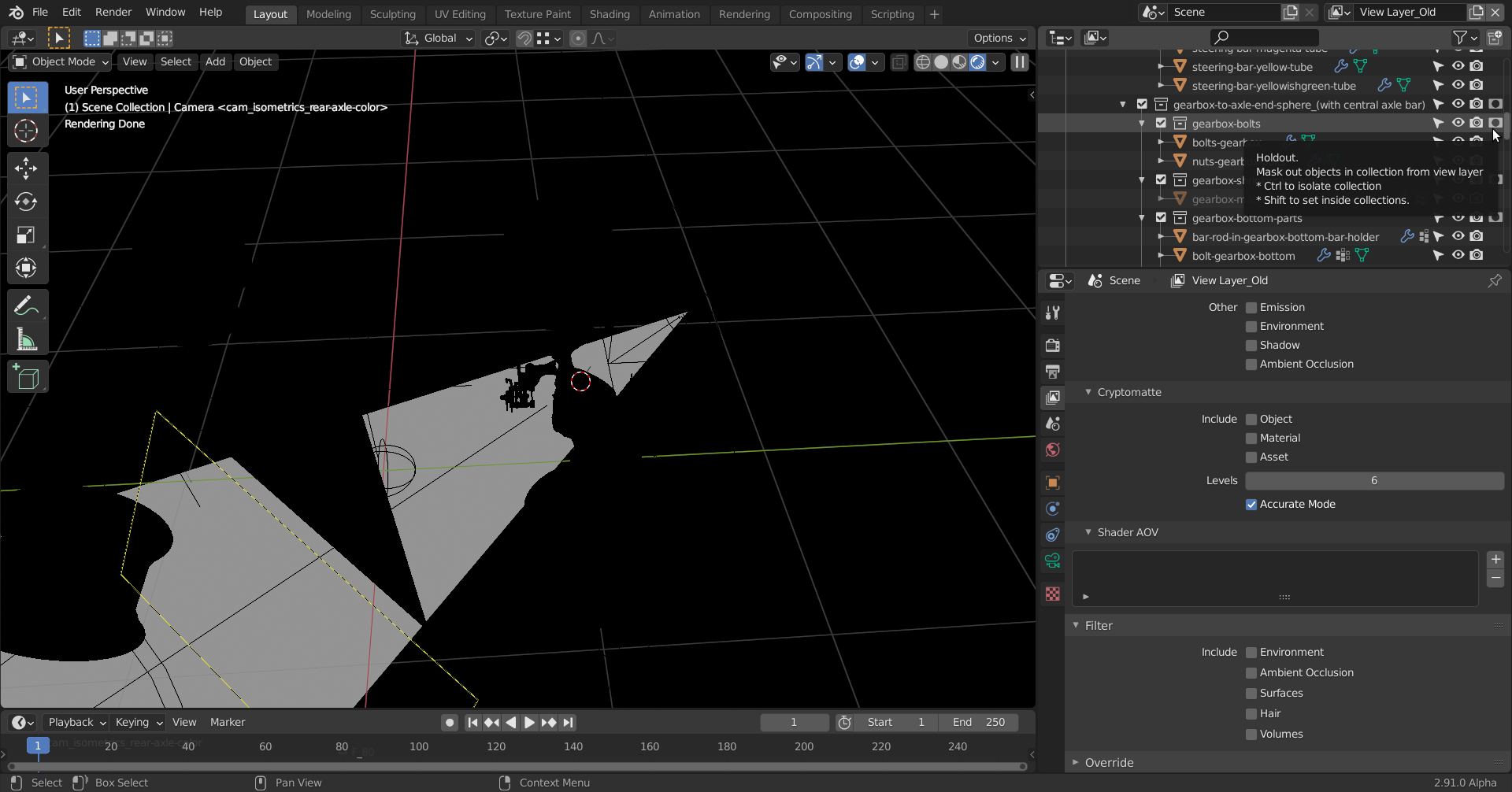
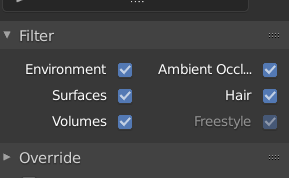
                      The blue cone light seems to go through the axle and if I switch to “View Layer_Old”, the preview rendering as well as the final rendering turn completely black although the rendering symbols are activated.

                      File is here.

                      #58164
                      Ingmar Franz
                      Participant

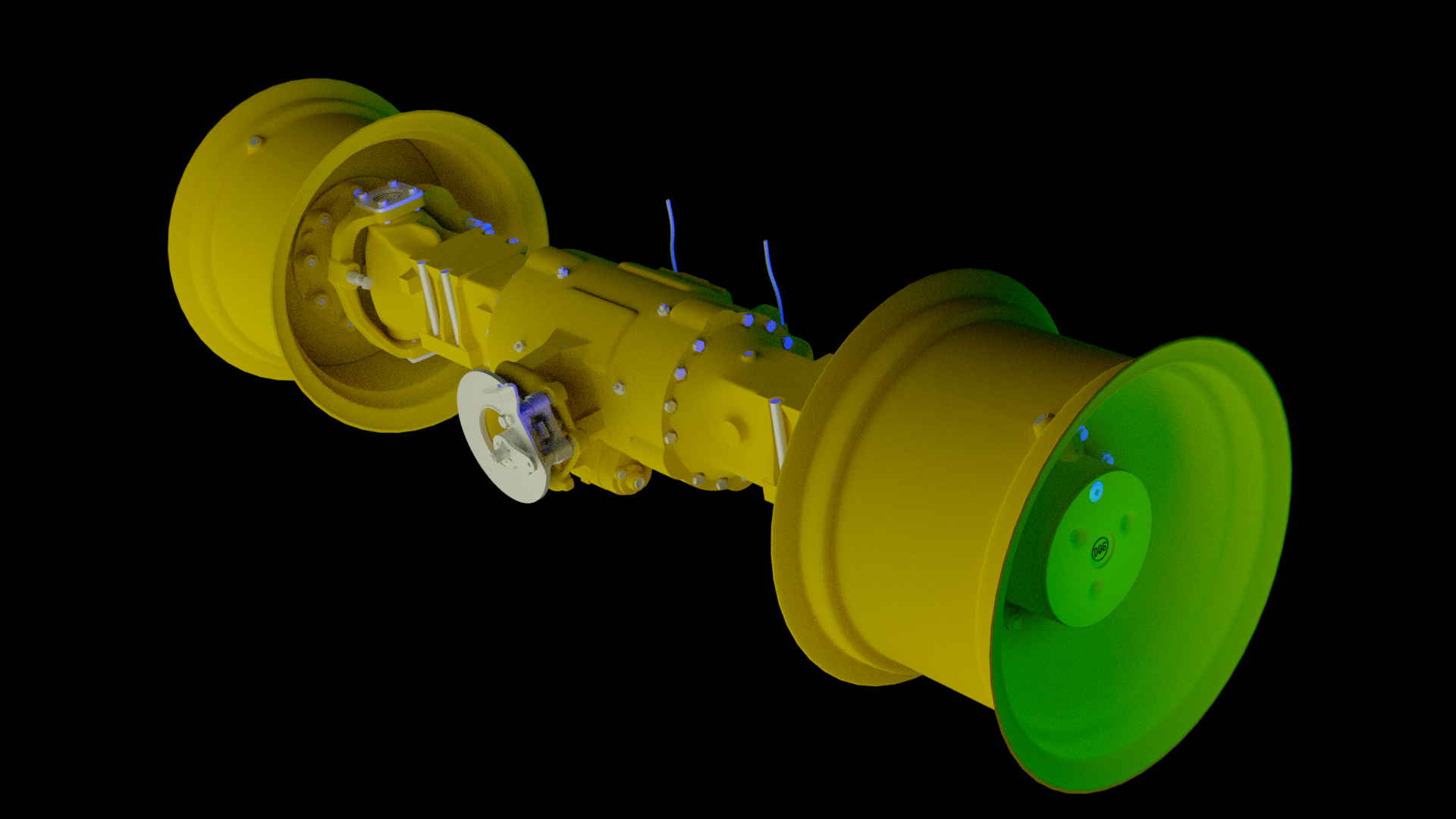
                        The same view with an area background light instead of a spot light:

                        #58165
                        spikeyxxx
                        Participant

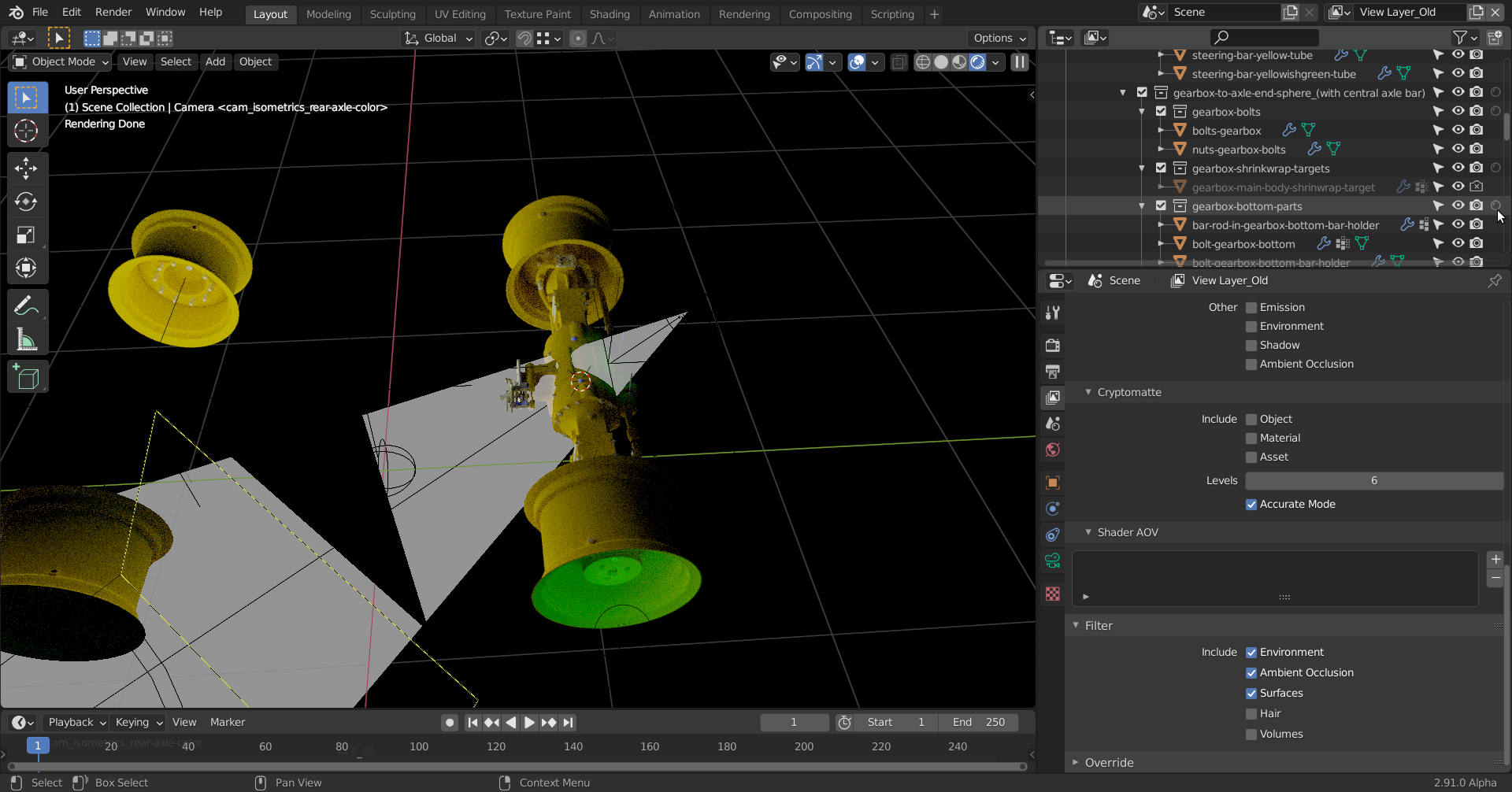
                          @duerer the Old View Layer has:

                          1. set some Objects to be Holdout

                          2. most importantly excluded Environment, Surfaces,…everything

                          fix that and the ‘Old’ also works (or just use the View Layer_New):

                          Not sure what’s with the light…

                          #58166
                          Ingmar Franz
                          Participant

                            Thanks, @spikeyxxx, for the solution 😀! In my “Filter” panel in Blender 2.83.11 is the leading word “Include” missing so that one could think that checking one of those boxes excludes that element from rendering. But I even can’t remember having unchecked this. I definitively need to address the rendering process in Blender 2.8 and 2.9 more.

                            #58167
                            spikeyxxx
                            Participant

                              Indeed: 

                              Definitely an improvement in 2.9…

                              It is possible that there are shortcuts for that. Not very likely, I think, but for the Holdout in the Outliner…wouldn’t surprise me….

                              something like CTRL+M to hide the Mask Overlay in Sculpting…most people don’t realise that.

                              #58168
                              Ingmar Franz
                              Participant

                                Oh, the shortcuts can sometimes really be in the way. I can’t count how often I pressed the numbers 1, 2 or 3 for  point, edge or face selection while being “Object Mode” and having an object in “Local” view. After noticing that I was in the wrong mode, I tabbed into “Edit Mode” and tried to select vertices what  I wasn’t able to do. 

                                The solution: The object that I tried to edit was in a collection that I had turned invisible with my number pressing in “Object Mode” . But the display of objects in “Local View” isn’t affected by this contrary to the possibility of editing! Very confusing!

                                I solved this by  holding  CTRL and left clicking twice on the eye symbol of an invisible collection in order to turn all collections visible again (the first left click only made that invisible layer visible).

                                File is here.

                                #58169
                                Ingmar Franz
                                Participant

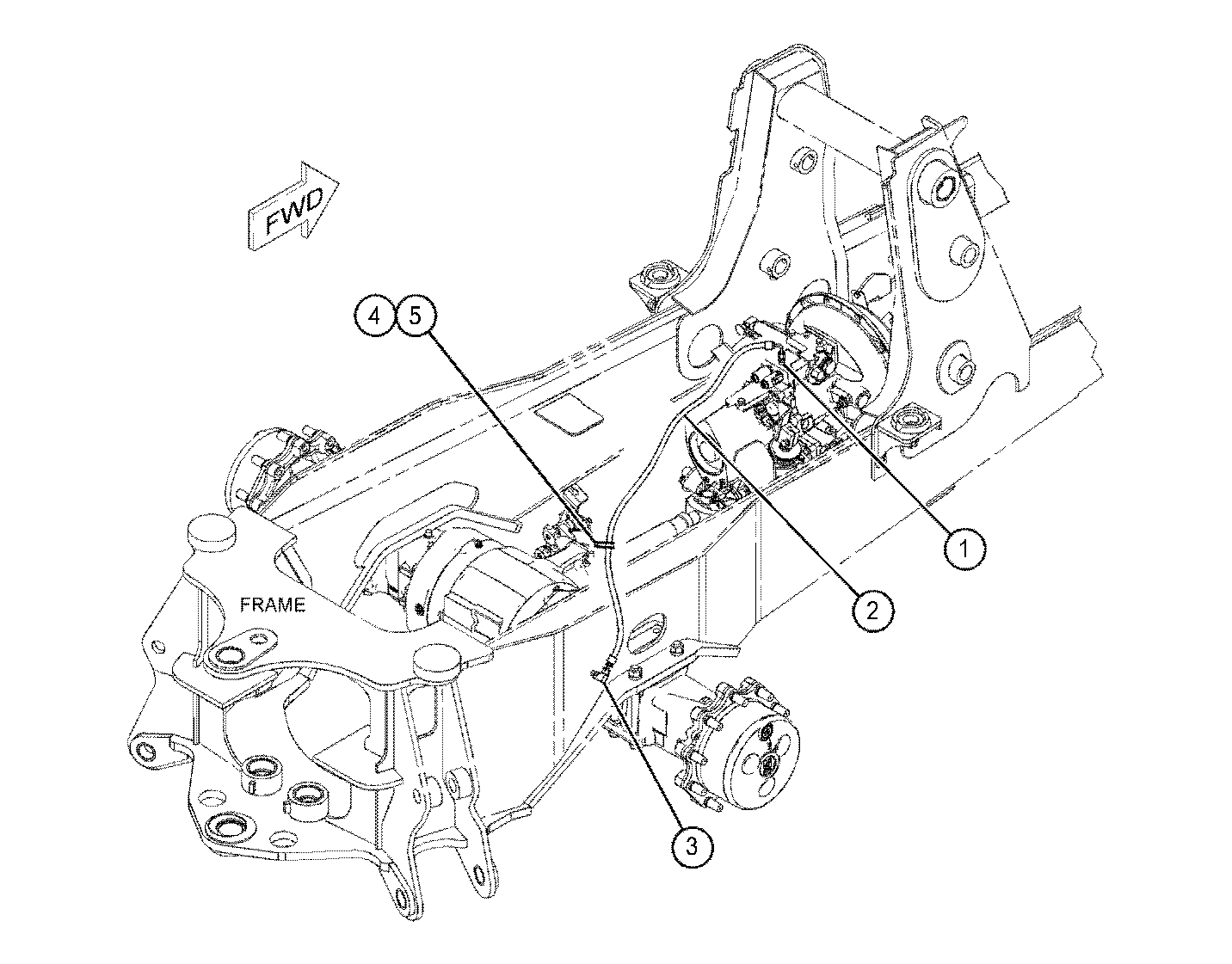
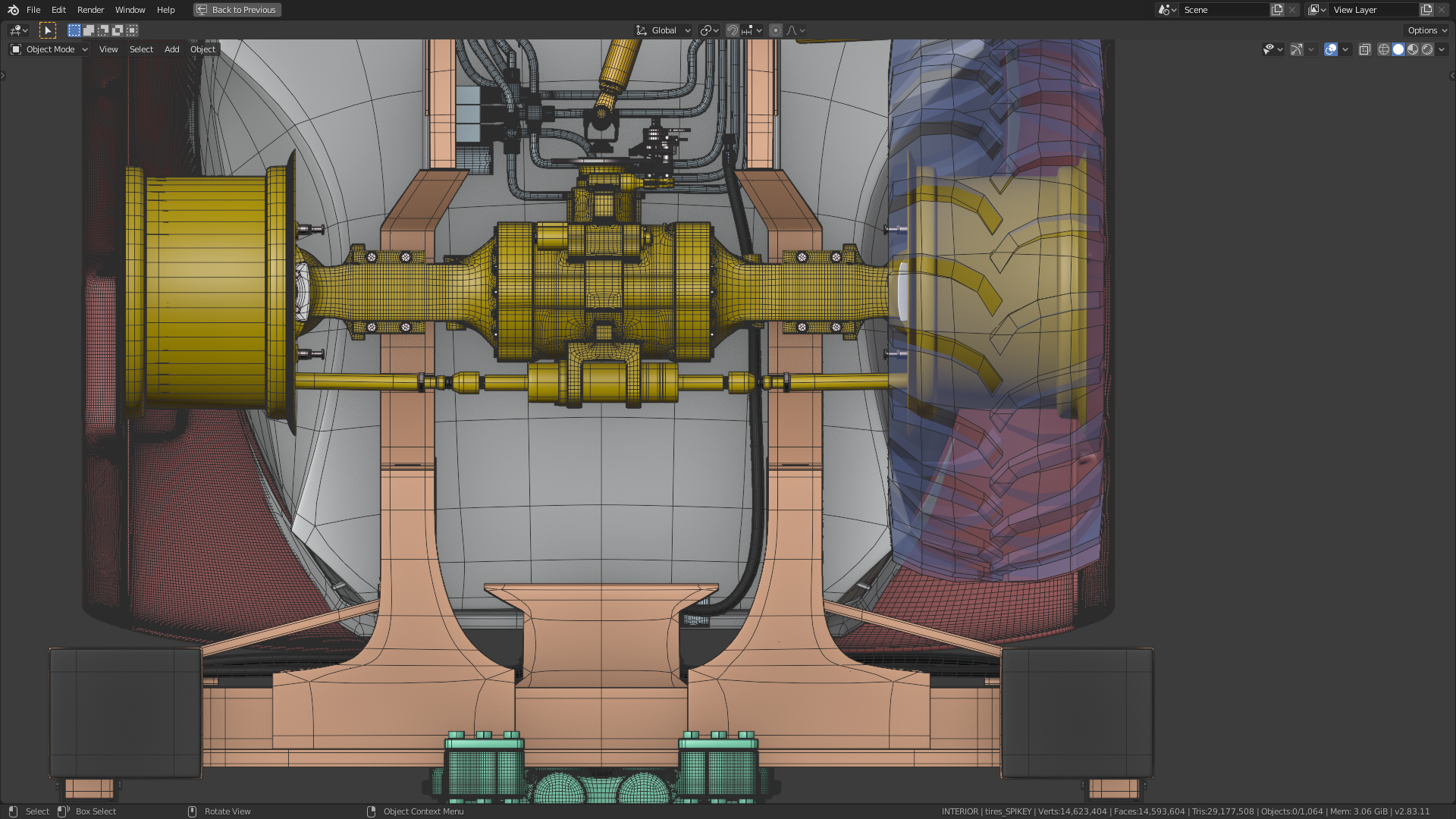
                                  I’m currently checking what has to be done so that my rear axle fits properly to the adjacent parts:

                                  1) The gap to the front has to be closed
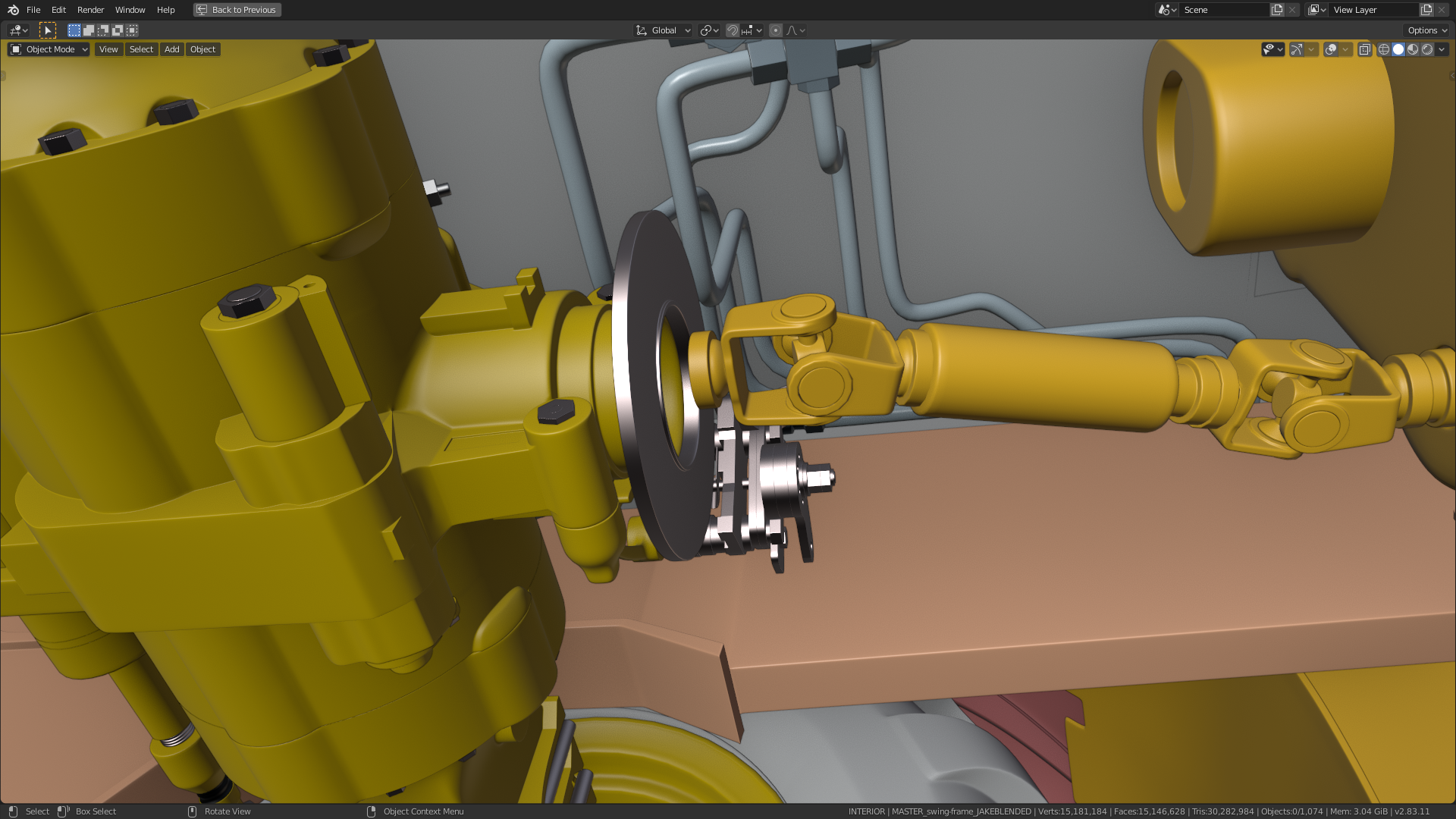
                                  A screenshot from the video that @spikeyxxx has found shows that connection:

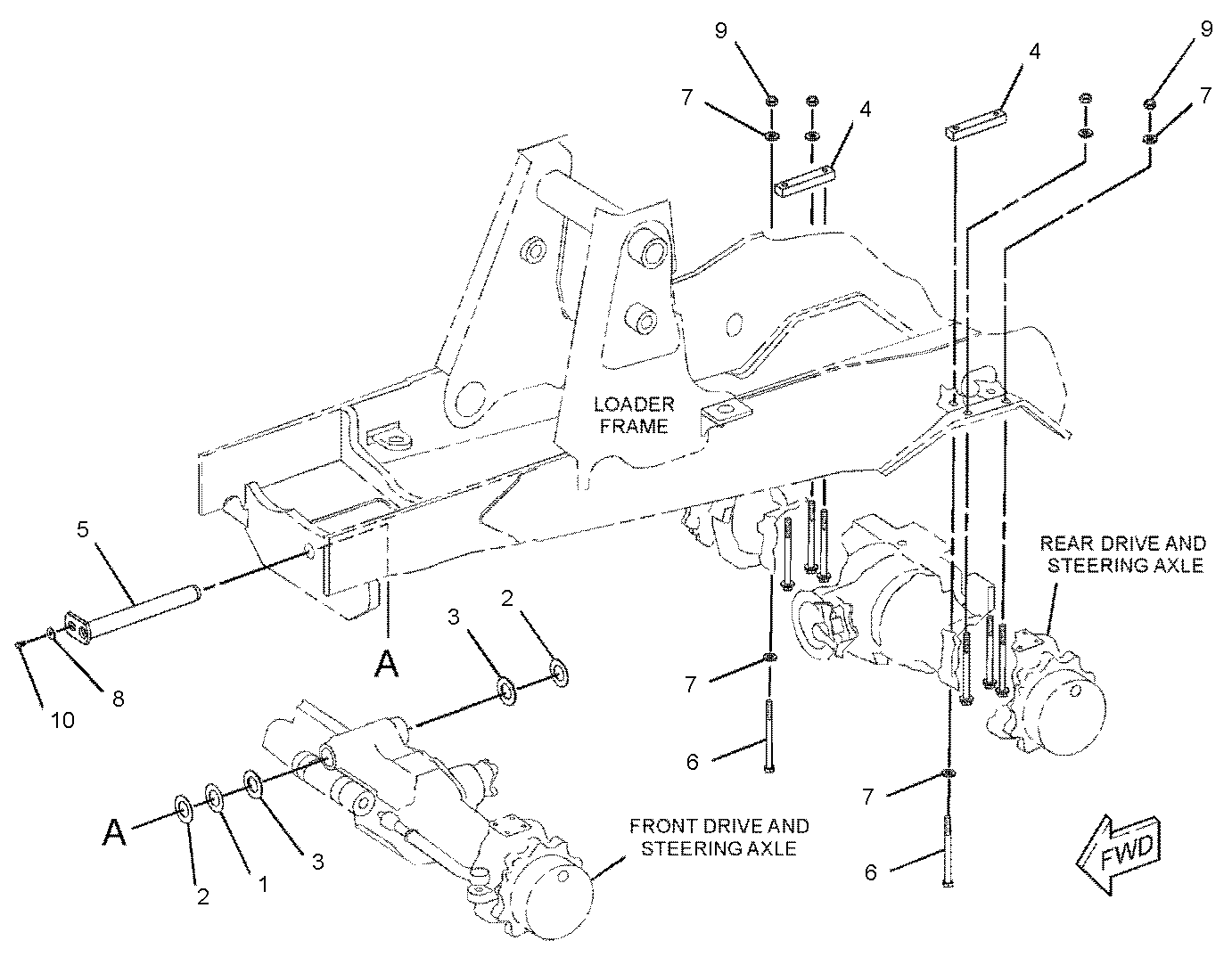
                                  2) The bolts that connect the rear axle to the chassis aren’t yet in the correct position relative to the chassis:

                                  That’s how it should be:
                                  3) The tires by @ryzen7 and both axles have to be aligned:
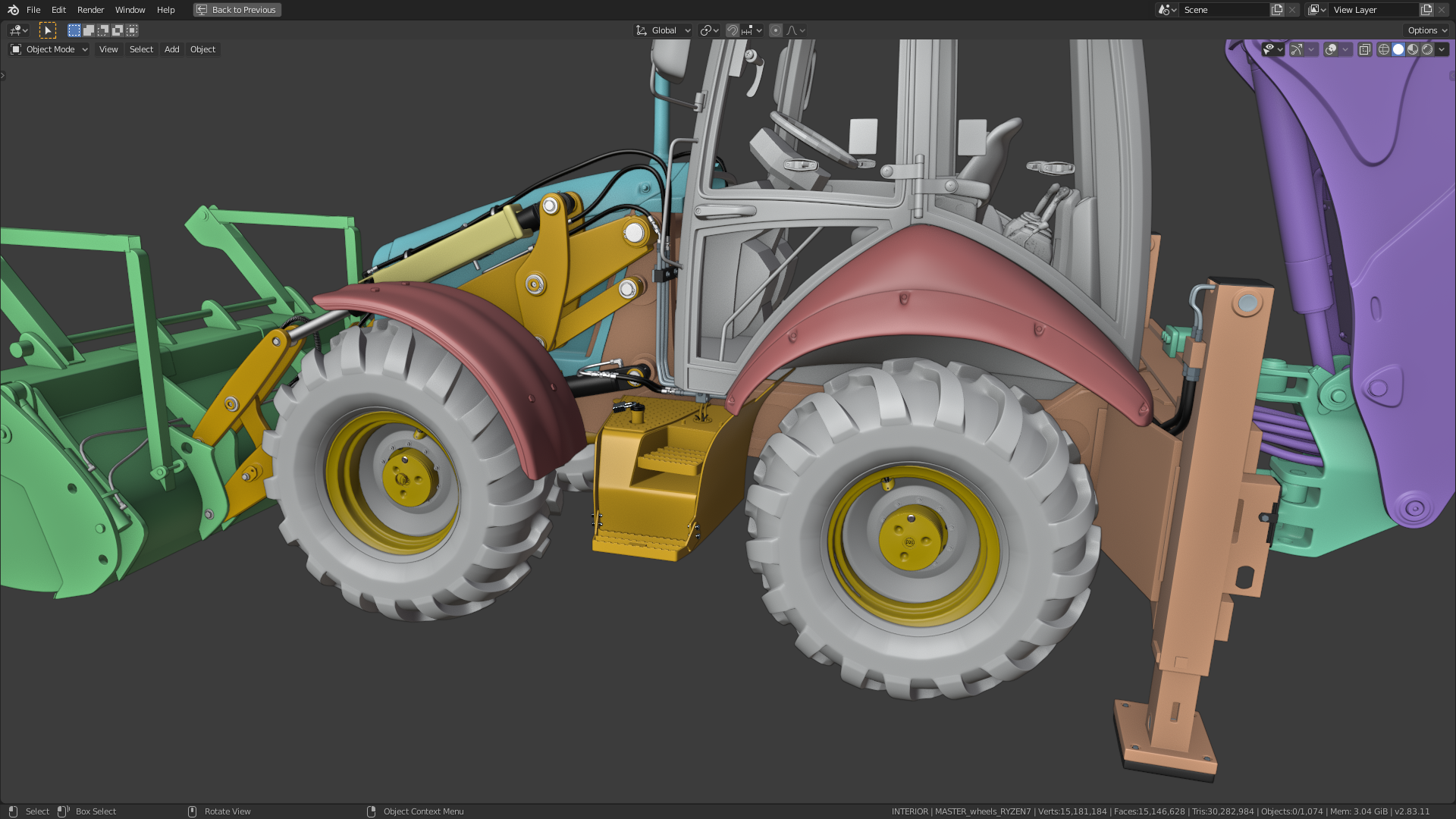
                                  I had my rear axle and the hubs aligned to @spikeyxxx ‘s tires:
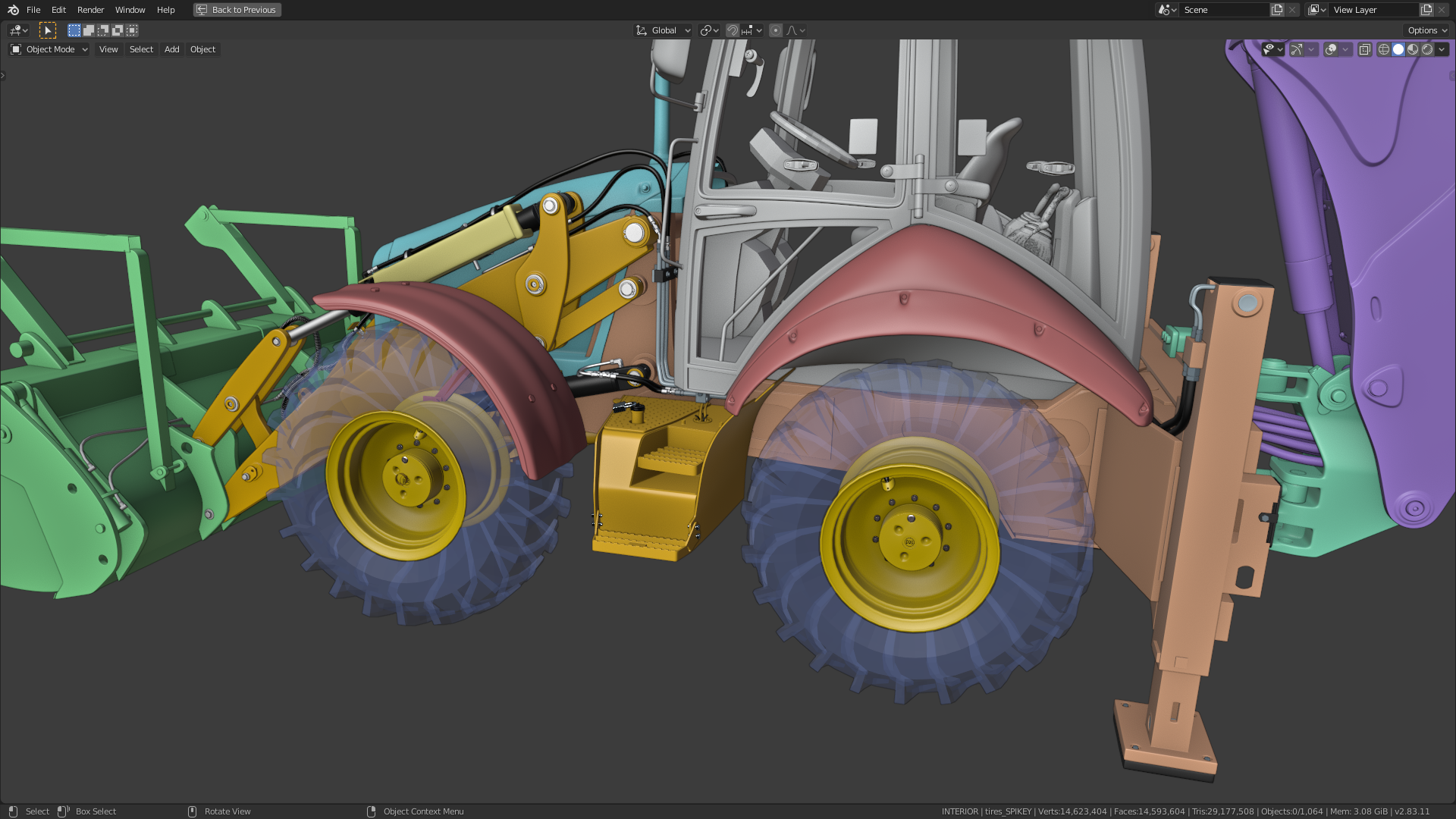
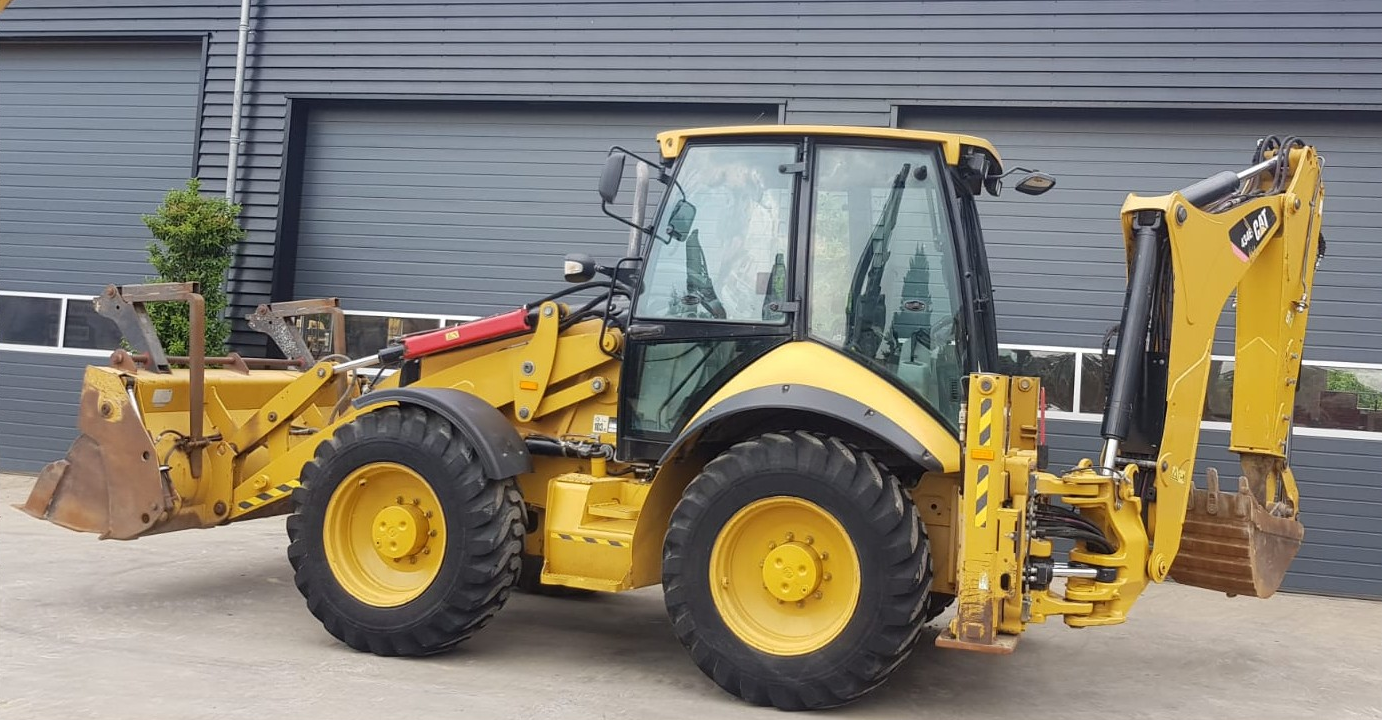
                                  The gaps between the tires and the fenders seem to be a little bit too big compared with one of Kent’s reference images:

                                Viewing 15 posts - 136 through 150 (of 225 total)
                                • The topic ‘Backhoe Contribution – duerer – Wheels / Rear Axle’ is closed to new replies.