2.8 Hurdles and Roadblocks

Forum Archive 2.8 Hurdles and Roadblocks

Viewing 15 posts - 121 through 135 (of 255 total)
  • Author
    Posts
  • #47644
    spikeyxxx
    Participant

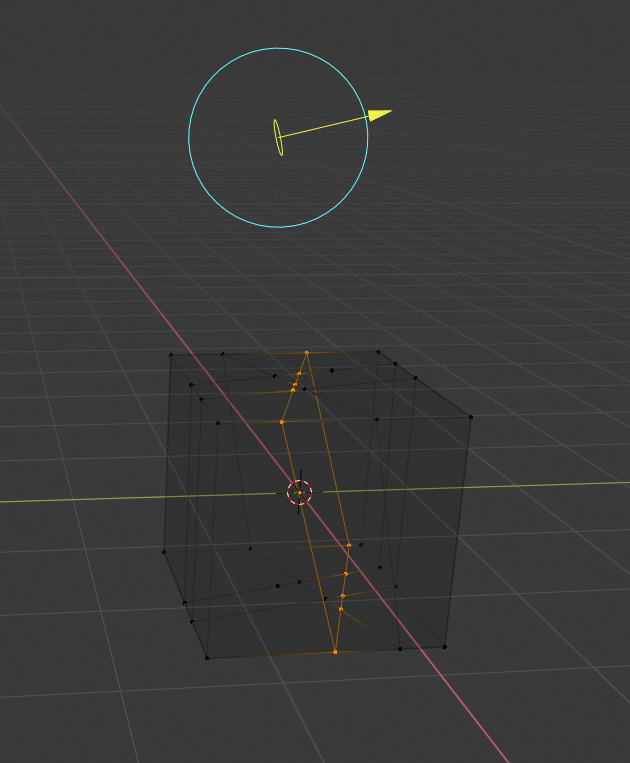
      @dostovel Hey Omar, nowadays the input of the Displacement is a Vector input (purple colour). You need to use a Vector > Displacement node like so:

      with:

      and without:

      #47645
      Omar Domenech
      Participant

        @spikeyxxx Thanks so much Spikey you’re a life savior. I spent so many hours trying to get that working and it all had to do with a node. 

        I wish Blender had his own Clippy, he could pop up like “hey! did you know Displacements now has its own node to get them working. Can I be your friend?” 

        #47646
        spikeyxxx
        Participant

          @dostovel Well, I did follow an emergency treatment course;)

          #47647
          Wayne Dixon
          Participant

            @spikeyxxx @dostovel  Good one.

            This is the type of stuff we’re after.
            The “Hey how do I do that thing now?”

            Keep em coming

            #47648
            Matthew Fricker
            Participant

              Ok guys , heres another one I’ve ran into :

              K is the knife tool , but SHIFT K was another type of knife in the older iterations of Blender that would cut through all the geometry on the plane you were looking along. SHIFT K in 2.8 now does nothing , but I notice on the T panel , in the knifes sub-section , that there is a “bisect” tool. 

              Is this designed to work the same  as the old SHIFT K operator? And if so then can somebody explain how it works because I have played about with it and have got nowhere, 

              I am currently taking Kent’s new treasure chest course to refresh myself on the full Blender workflow and to get to grips with 2.8 and that SHIFT K tool would have been really handy for part of it that I was modelling. 

              Thanks guys 🙂 

              #47649
              spikeyxxx
              Participant

                @frikkr In 2.80 it’s ‘inside’ the knife tool. Press K and then Z to cut through.

                #47650
                spikeyxxx
                Participant

                  @frikkr I have never used the Bisect Tool, but I’ve tried it and it’s fun. It cuts through the mesh but only along a straight plane.

                  To get it to work you must Select the mesh (all the vertices!) then just left- click and drag a line (both in right- and left-click select). Can be translated and rotated after the cut has been made.

                  #47651
                  Omar Domenech
                  Participant

                    Ok here’s the thing, I can’t find how to change the Sun Lamp size, I used to be able to get sharp or soft shadows depending on the sun size, now I can’t control that and I want to

                    #47652
                    smurfmier1985
                    Participant

                      @dostovel 

                      Sun Light

                      A sun light provides light of constant intensity emitted in a single direction from infinitely far away. A sun light can be very handy for a uniform clear daylight open-space illumination. In the 3D View, the Sun light is represented by an encircled black dot with rays emitting from it, plus a dashed line indicating the direction of the light.

                      Strength

                      Strength of the lights in Watts per square meter.
                      Angle
                      The size of the sun light according to its angular diameter as seen from earth.
                      #47653
                      smurfmier1985
                      Participant

                        @dostovel apparently you now change the strength, not the size. Which make sense, the actual sun has only one size..

                        You can still change sizes / radius’s of area, spot and point light 💡 

                        #47654
                        Omar Domenech
                        Participant

                          @smurfmier1985 So we can’t control the softness or hardness of the shadow. Well that sucks, Blender is useless now, I’m gonna go get a 3DS Max license.

                          #47655
                          smurfmier1985
                          Participant

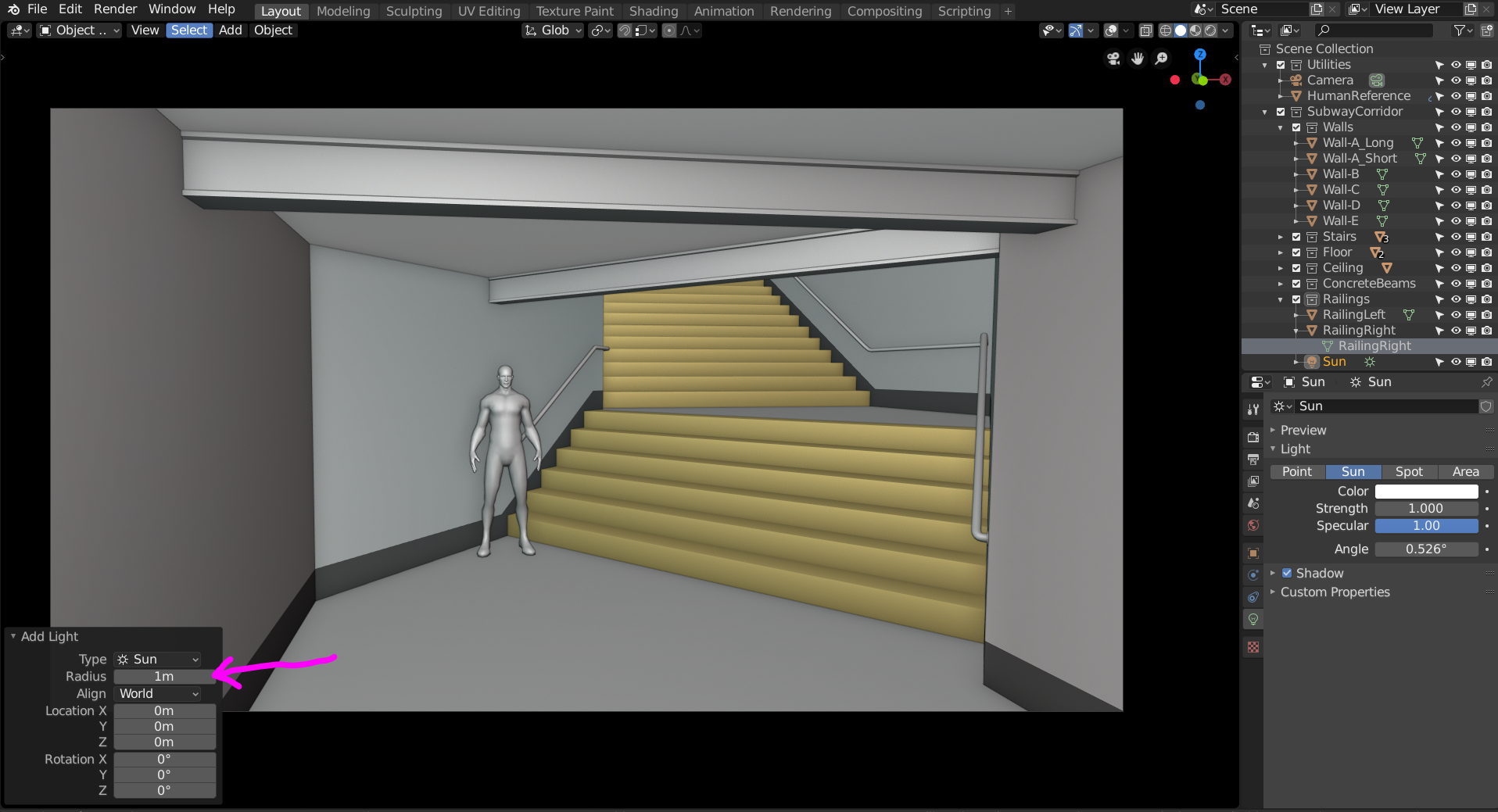
                            @dostovel I double checked for you, you can change the radius when you add it:

                            #47656
                            spikeyxxx
                            Participant

                              @dostovel A little addition to what Miranda said:

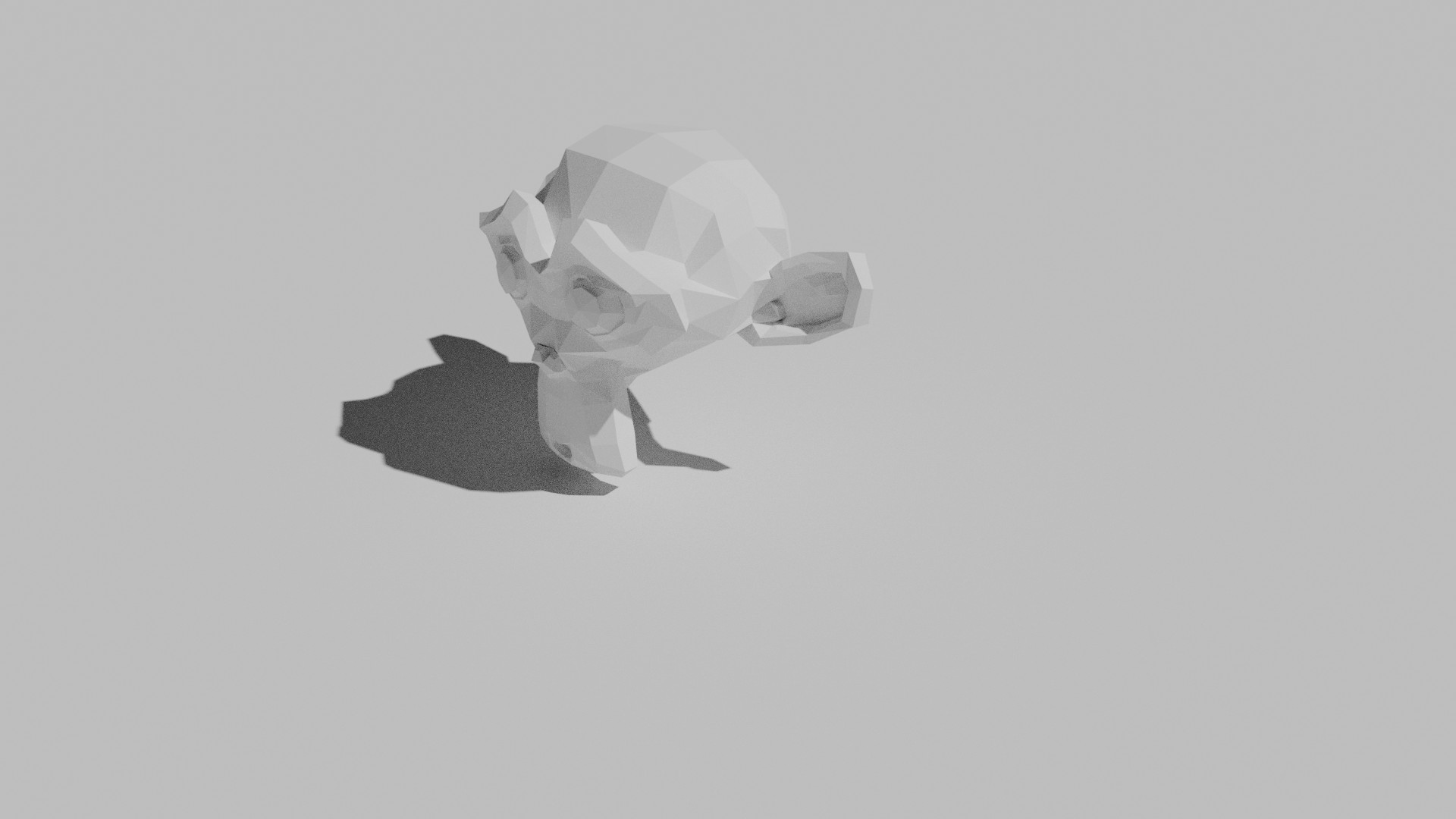
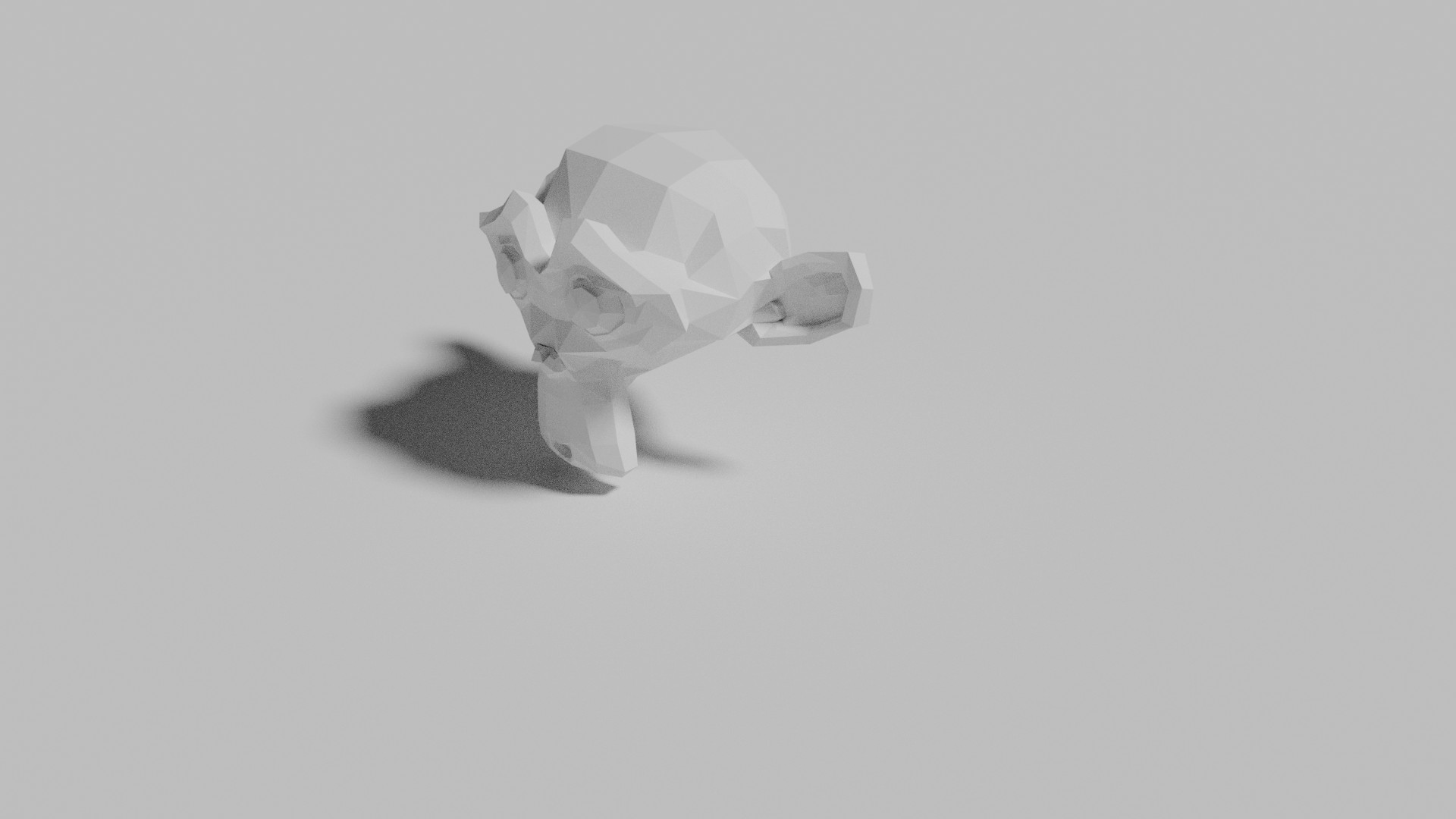
                              you can control the softness of the shadow by changing the angle.

                              Here are some beautiful renders to show that:

                              Sun Light with an angle of 1:

                              And with an angle of 11:

                              This doesn’t seem to work in EEVEE, so that’s why Miranda didn’t know, probably;)

                              #47657
                              smurfmier1985
                              Participant

                                @spikeyxxx You are probably right 😉

                                #47658
                                spikeyxxx
                                Participant

                                  @smurfmier1985 Cool, I didn’t know that about the radius!

                                  However, it doesn’t seem to affect the harshness of the shadow in any way…

                                Viewing 15 posts - 121 through 135 (of 255 total)
                                • The topic ‘2.8 Hurdles and Roadblocks’ is closed to new replies.