
Sascha Feider

Forum Replies Created
-
AuthorPosts
-
That is some real nice progress. Looking forward to the next update.
Makes me wish I could sculpt.
Welcome, Ahmed. And happy learning. You’ve come to the best place.
I really hope not and don’t think so. I’m 40 and only really started 2 years ago. If you want it, just do it. 😀
Looks like you are using a regular image texture (orange header) Try replacing it with an environment texture (shift+a -> environment texture) and load the hdr into that one. It should solve the problem.
Nice result.
I read about this too and thought: Challenge accepted!
In order to not have the same topic a bunch of times in the forum I’m just gonna add mine here:
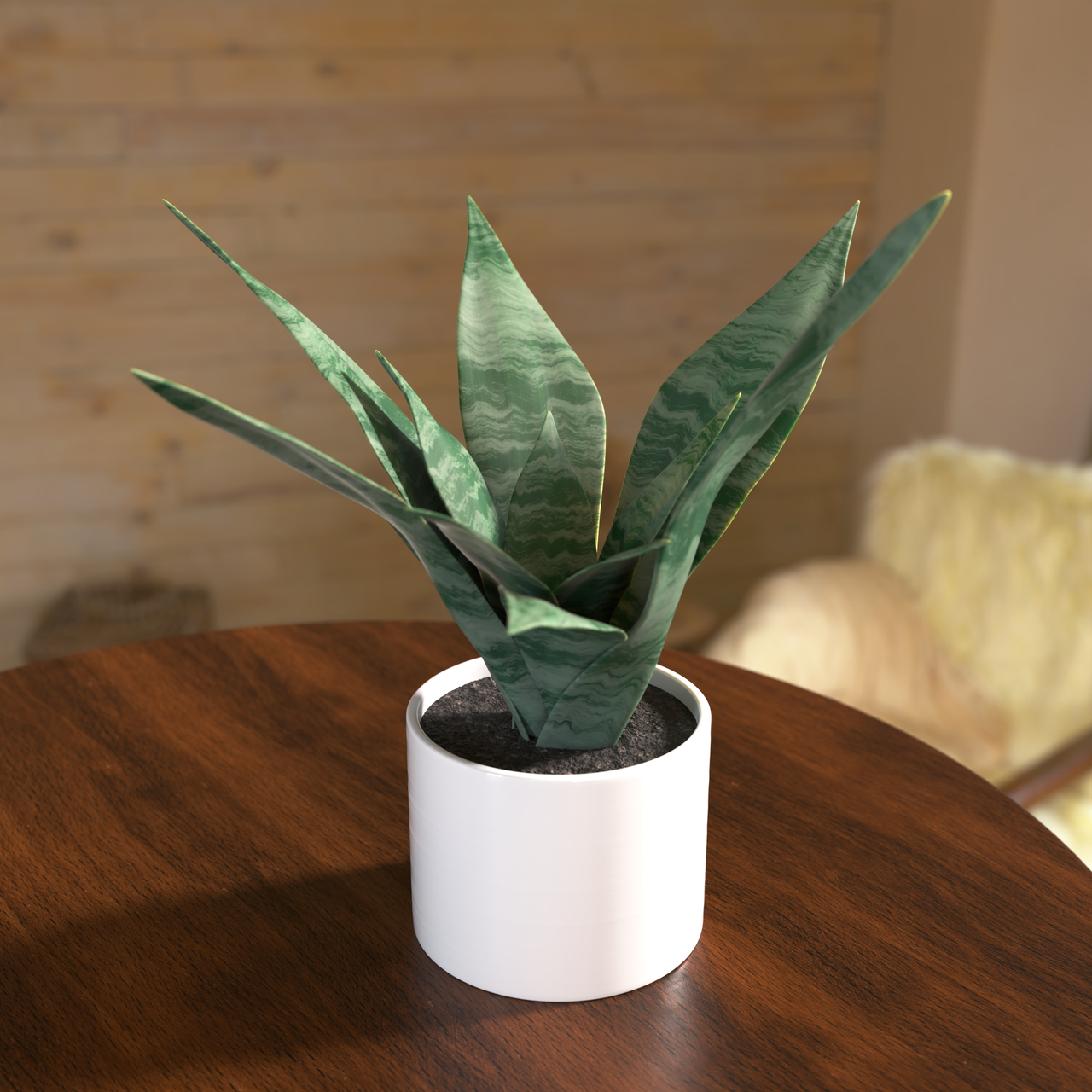
Nice improvement, surely making progress. A bit dark in some places still, but that’ll come in time. Keep it up 🙂
I saw this quite a while ago, had to dig it up again, but it sounds like it would do what you’re looking for:
https://www.blendernation.com/2021/09/05/free-blender-batch-render-tool/
Congratulations to Maionyse for first place, well deserved. Also to cgtin for second and InsulinDealer for making an awesome entry!
I’m super happy with my place, didn’t think it would get there. Looking forward to the next challenge with hopefully more participation.
Eye fatigue is annoying and should be taken seriously before you do damage to your eyes.
A few tips I like to go with:
Making sure my workspace is well lit and not just the monitor light.
If you have a window in your workspace, look outside on a regular basis for a few seconds.
When modelling or working on parts that aren’t colour related switch blue light off on my monitor or in windows (just gotta remember to turn it back on when shading or colour is important)
When taking screen breaks really taking screen breaks and not scrolling social or watching tv, so basically replacing screen for screen
I hear there are now special glasses for computer work that can help with the strain, not sure if that works though. I don’t like using eye drops because it’s just postponing the problem and maybe making it worse without noticing. Just like a workout or a long physical work day, eyes need the rest, so I like to make sure they get it. If deadlines get in the way maybe give them a longer rest once the project is completed and take a few days off from the computer.
Nice result so far. Taking breaks is important, before it turns into burn-out.
If what Omar says is true, many of us are mass murderers lol.
He looks oddly satisfied, like he just had a great fish for dinner. Nice work. 🙂
Good luck everyone. Too bad there’s only 4 entries, would have loved to see a bunch more.
That depends on your hardware, especially the GPU you use.
CUDA and OPTIX are for NVidia cards, with Optix requiring more recent chipsets, but I had it running on a GTX 970. I believe the 960 was the cutoff. Optix is also a lot faster in rendering, so if your hardware supports it, that’s what I would use.
HIP is what you would use if you own an AMD card and I believe oneAPI is for the new Intel Arc cards.
Whichever you select make sure to check the mark on your GPU that shows up.
I landed here last year, after dabbling in Blender for a couple of years with interruptions due to hardware. I got my skills to a certain point but struggled to get over the first hump with Youtube tutorials, because I find many of them don’t go to the depth of the matter like explaining why something is done. It’s more often than not more a “Here’s what I did, you can copy it” kind of thing. I was missing the structure in the learning process. Then eventually I dove deeper into some of the Cookie content on YT and decided to sign up here and do some courses. I don’t regret it for a second since I finally found the instructions I was looking for and along with that an amazing community. And I just made sure I’ll be here for a very long time. 🙂
Looking good. I like the paint chips.
As for the auto-smooth – it got replaced by “shade smooth by angle” and a modifier “smooth by angle”. The shade smooth by angle from the context menu does mark edges on you mesh as sharp, wherever it finds sharp edges and you won’t be able to smooth those anymore. If you want to smooth it similar to the old way I recommend the smooth by angle modifier after you shaded your model regular smooth. In said modifier you can specify the angle at which the smoothing changes to sharp. It allows for better control of the smoothness. You might have to play a bit with that angle for bevels etc until you get the desired result.
One important note about that modifier is that it needs to be at the bottom of the stack at all times to work correctly.
-
AuthorPosts
