
Omar Domenech’s Demo Reel
Forum Archive › Omar Domenech’s Demo Reel
- This topic has 413 replies, 25 voices, and was last updated 6 years, 7 months ago by
Omar Domenech.
-
AuthorPosts
-
June 17, 2019 at 5:25 pm #46859
@dostovel I can confirm that Google Drive’s syncing seems to have issues occasionally. One frame was finished and present online but not in my drive so Blender was duplicating the rendered frame. I had to pause syncing on my app and restart syncing to get that file on my local machine.
Something to be aware of I guess.
June 17, 2019 at 7:04 pm #46860@theluthier Yes, that behavior happens to me also, seems it has glitches here and there, no software is perfect [Looks at Blender]
I have happen to have liked this workflow now, never thought this “in the clouds” stuff was so useful. I’m always carrying around USB memories in a small pack in my hand, doing a bit of 3D when I have the chance in my day job and moving files from that computer and to my home computer to continue working. Seems that’s about to change.
June 17, 2019 at 9:46 pm #46861I put a small video test on the “Results So far” folder. The Glare node is a bit heavy, that didn’t show up on still images, now I know to turn that down a bit.
June 18, 2019 at 8:23 am #46862@dostovel I agree the glare is a touch strong but overall beautiful renders! I think Cycles is the right choice for these 🤩
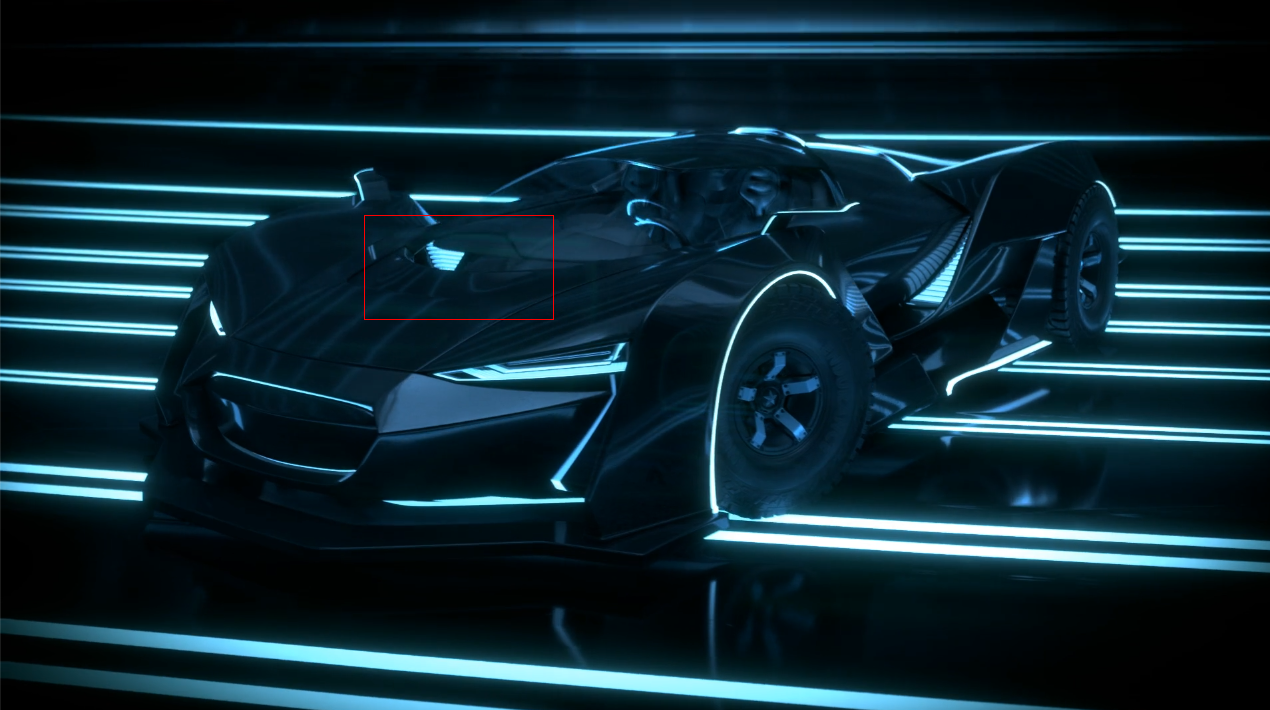
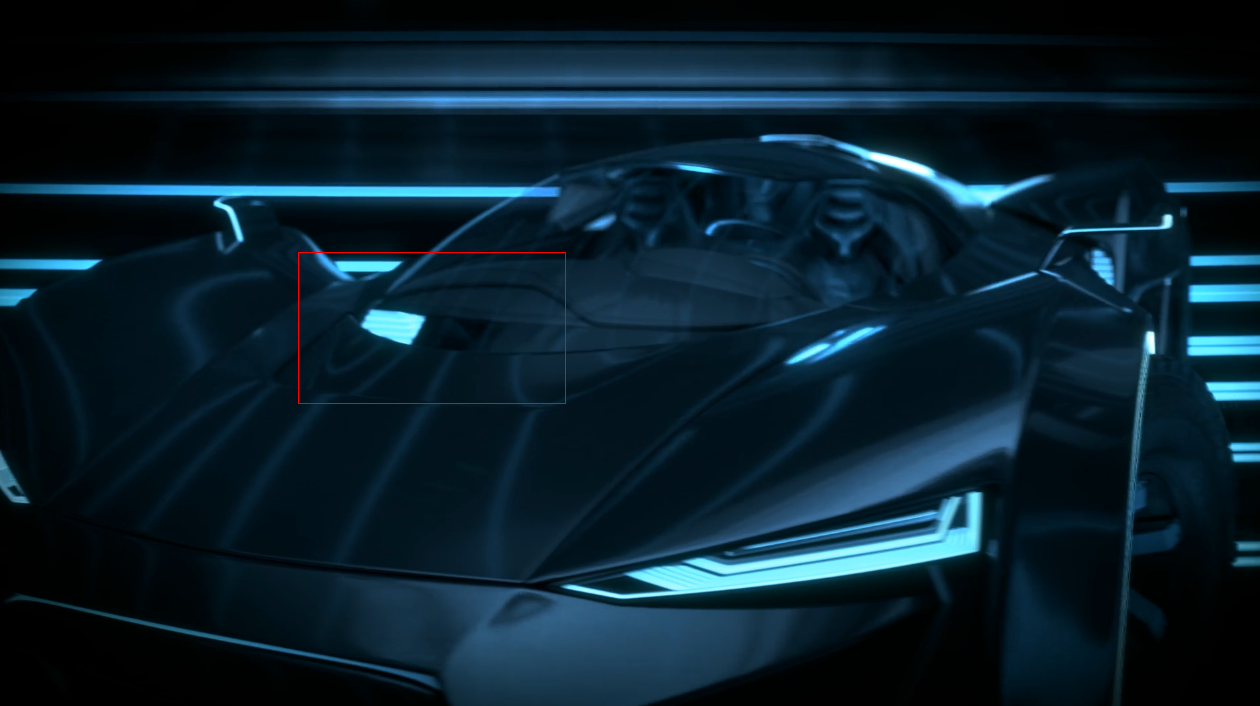
June 18, 2019 at 8:24 am #46863@theluthier Some really bad news, Blender seems to have a glitch in the scene and it is making a piece of geometry disappear.
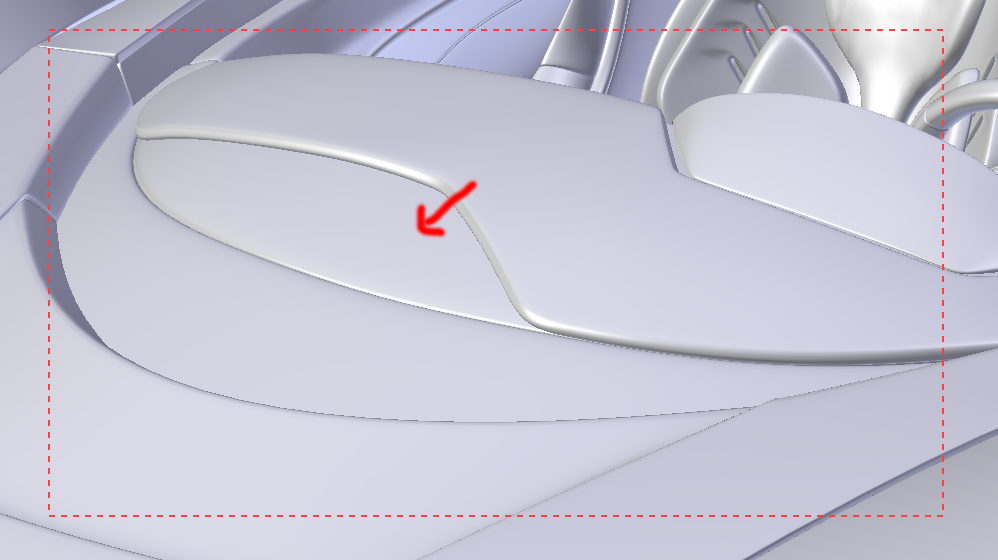
In the render viewport preview it is there, it’s only when you kickoff an actual render that the geometry disappears. I thought it was that the Render Icon in the Outliner was disabled, but it is on
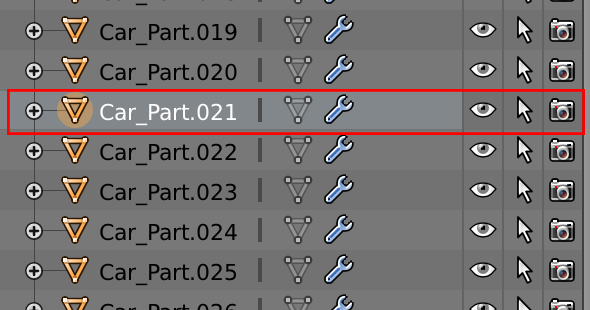
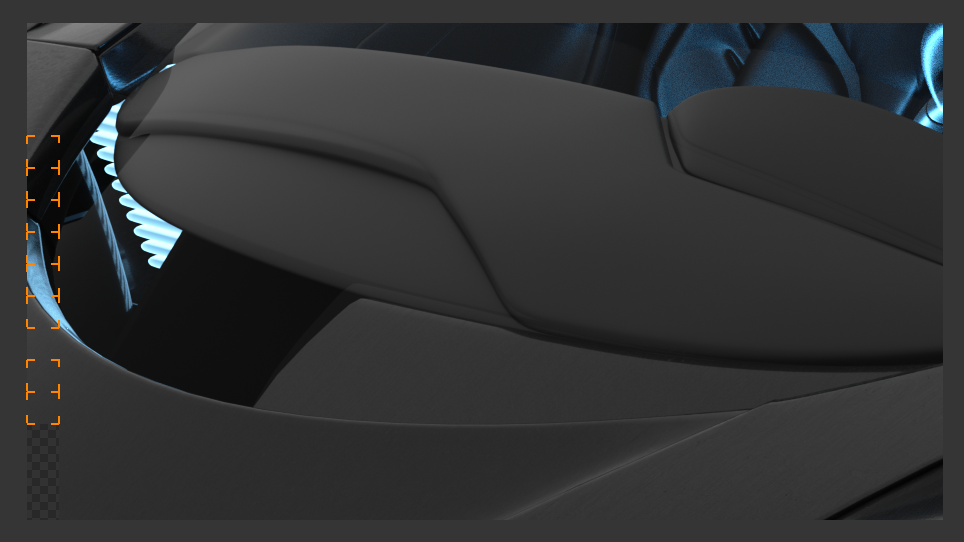
I’m still trying to figure out what is happening.
EDIT: I’m kicking off a Test Frame video to see how bad it looks, I’ll post it in the “Results So Far” folder.
June 18, 2019 at 9:22 am #46864@dostovel I took a look at the file and I can’t figure out what’s going on with that piece. My last resort would be to export that piece as an OBJ and re-import into the scene, deleting the problematic original. I use this technique to clear any blender-specific data from the mesh; refresh it if you will.
Very odd though. Yeah I would see where / if it’s noticeable in the renders. But we can re-render if needed.
June 18, 2019 at 9:43 am #46865@theluthier Alright, I’ll try that out. Thanks for taking a look at it.
I updated the test frames video in the Results folder. You are right, this one is totally worth it rendering it out in Cycles. Looks sweet.
Also I went back to the first renders I made for the Live Stream course, and the mistake is there also, that piece vanishes, only it wasn’t that noticeable in an still imagine.
I’ll troubleshoot the problem and upload the files again when it’s fixed and then re-render the whole thing. 🙁
I’m sorry for that.
June 18, 2019 at 12:25 pm #46866@theluthier From what I can tell it’s fixed now. I copied all the EXR with the mistake to have them there just in case, then deleted them from Drive. Now it has to sync and then the rendering can begin again… and it was just about done, now to start all over.
I’m sorry
 June 18, 2019 at 12:45 pm #46867June 18, 2019 at 12:51 pm #46868
@dostovel Hey Omar, could you explain to us, what the mistake was? That would be really helpful!
I very often encounter things like this and most of the times (but not always ), I am able to figure out what went wrong.
I just came back from a short visit to my parent’s 60th wedding anniversary and my computer survived your renders so far…
I’d like to continue rendering, but I guess, I’ll have to wait for your syncing to finish, because nothing is happening yet here;)
June 18, 2019 at 12:57 pm #46869@dostovel “But in the end it’s only a passing thing, this shadow; even darkness must pass.”
We’ll get it done man. 😉
June 18, 2019 at 3:31 pm #46870My pc isn’t strong enough to help with these new files. So I leave it at this and hope everything will work out
June 18, 2019 at 3:45 pm #46871Thanks for the support you all.
@sheila5 That material library thing should go away once your computer finishes syncing. But I didn’t change anything on the scenes, if your computer handled it once, it should be able to again. With 2GB or even 1GB on video card should be enough. Are you getting the CUDA Error? Let me know what happens.
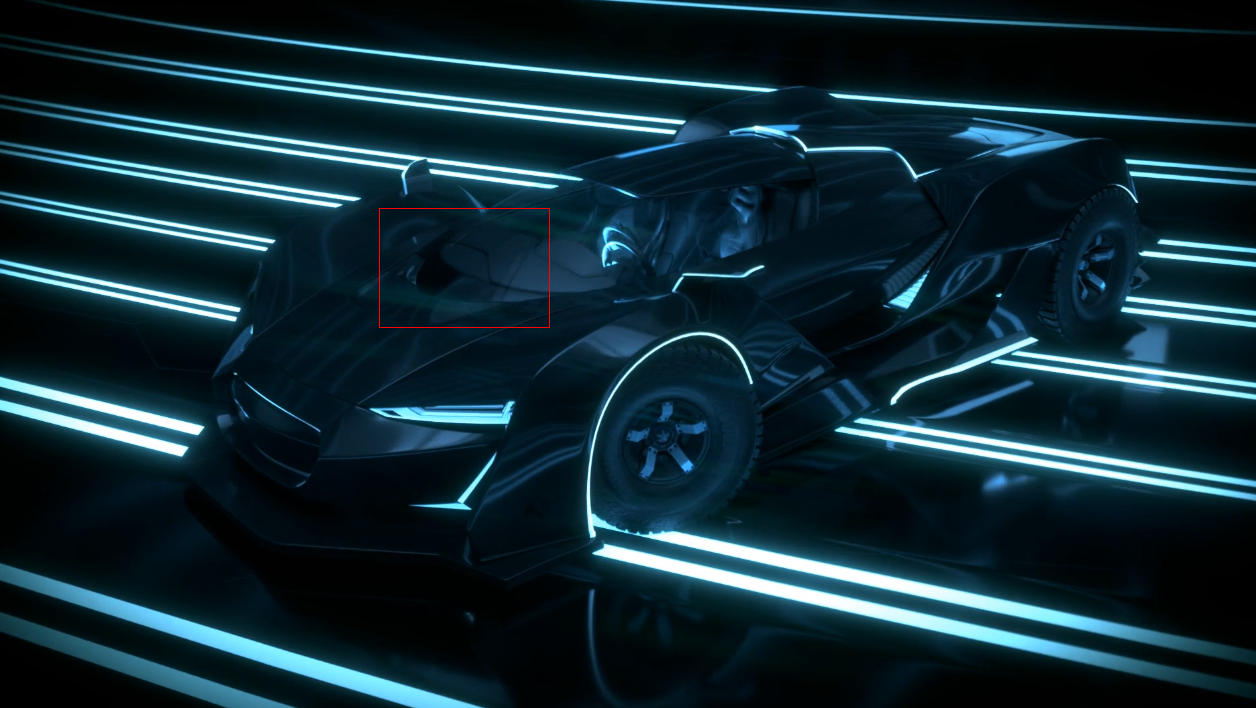
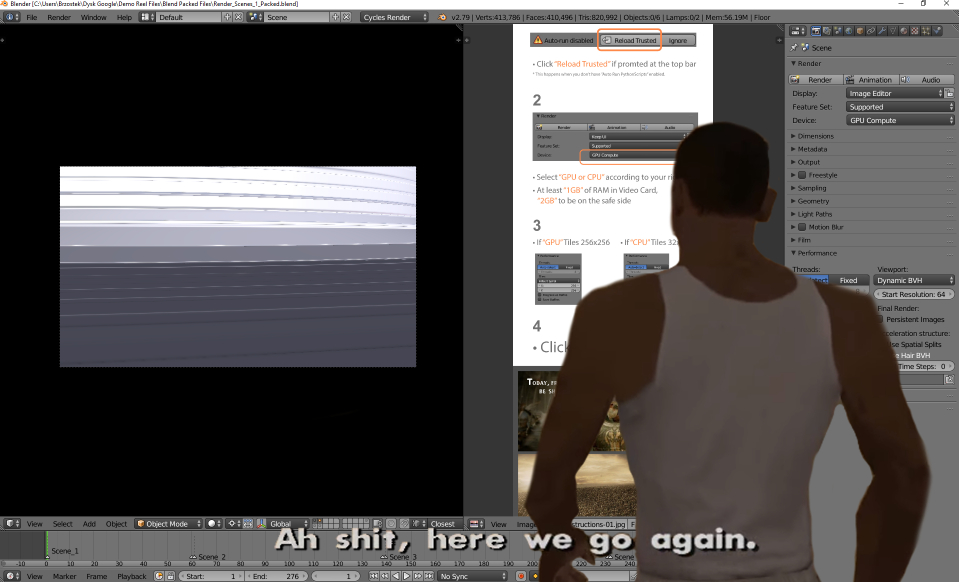
@brzostek The car in that screen shoot is gone. It isn’t loading the car for you?
@phoenix4690 That was probably Galadriel or Gandalf. Wait till they discover electricity in Middle Earth.
@spikeyxxx It was one of those Blender glitches, for no reason at all it was making a piece of geometry disappear.
 June 18, 2019 at 4:05 pm #46872
@dostovel Yeah, I rendered the first frame, but then I realized that the car is gone for me, so I deleted it. I thought this has something to do with Google Drive syncing problems, but as for now it’s still not there.
June 18, 2019 at 4:14 pm #46873@brzostek Did Google Drive finish syncing? In the other computers here at worked it finished syncing and it’s all ok now when I open the file. Try even restarting your comptuer if it finished with sync, maybe the refreshing will help.
-
AuthorPosts




- The topic ‘Omar Domenech’s Demo Reel’ is closed to new replies.