[ENDED] BC1-1801 – January Class Homepage – Getting Started with 3D Modeling & Blender

Forum Archive [ENDED] BC1-1801 – January Class Homepage – Getting Started with 3D Modeling & Blender

Viewing 15 posts - 511 through 525 (of 663 total)
  • Author
    Posts
  • #32730
    Deborah Douglas
    Participant

      I am working on week 4’s assignment.  I started with a base mesh that had holes for the eye sockets.  I tried adding a sphere for the eye but it kind’ve sits behind or to the side.  I can’t seem to get it in the socket.  What am I doing wrong?

      #32731
      Matthew Gayton
      Participant

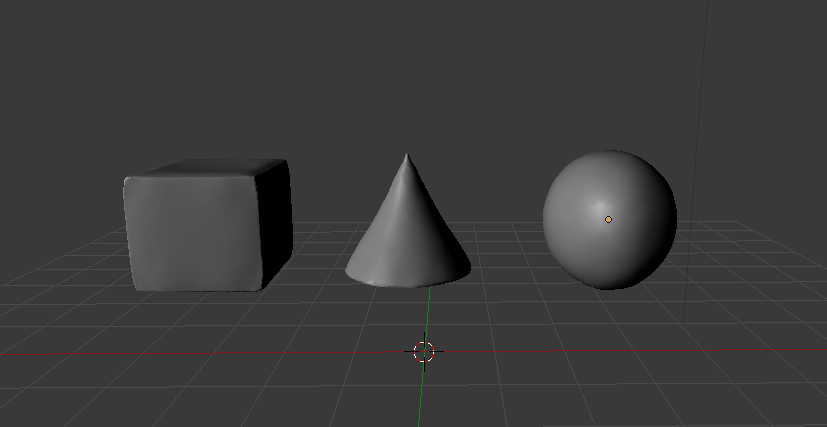
        BC1-1801 Week 3 Homework Submission 2 of 3

        Here is the link to the sculpt on SketchFab: https://skfb.ly/6vTTx  (I tried submitting formally at the end of the course but for whatever reason I could not complete the process so I am just putting the link here. 

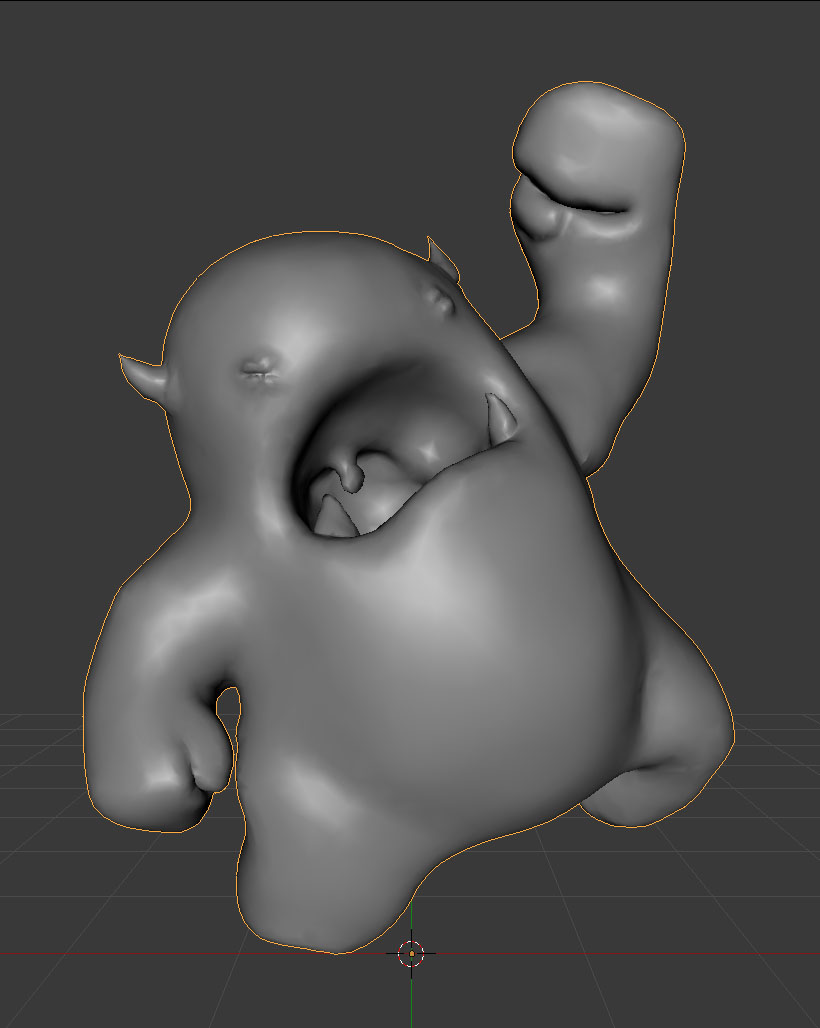
        I’m having a bit of time juggling brush sizes, strengths, relative vs constant, subdivide collapse/edges, etc while attempting to get clean creases.  I’m really learning a lot – and plan on doing a lot more sculpting so I can really get comfortable with the tools.  Attached below is a screen shot:
        #32732
        Deborah Douglas
        Participant

          I too loved the way you combined everything into one scene!  

          #32733
          Oleksandr Serbin
          Participant

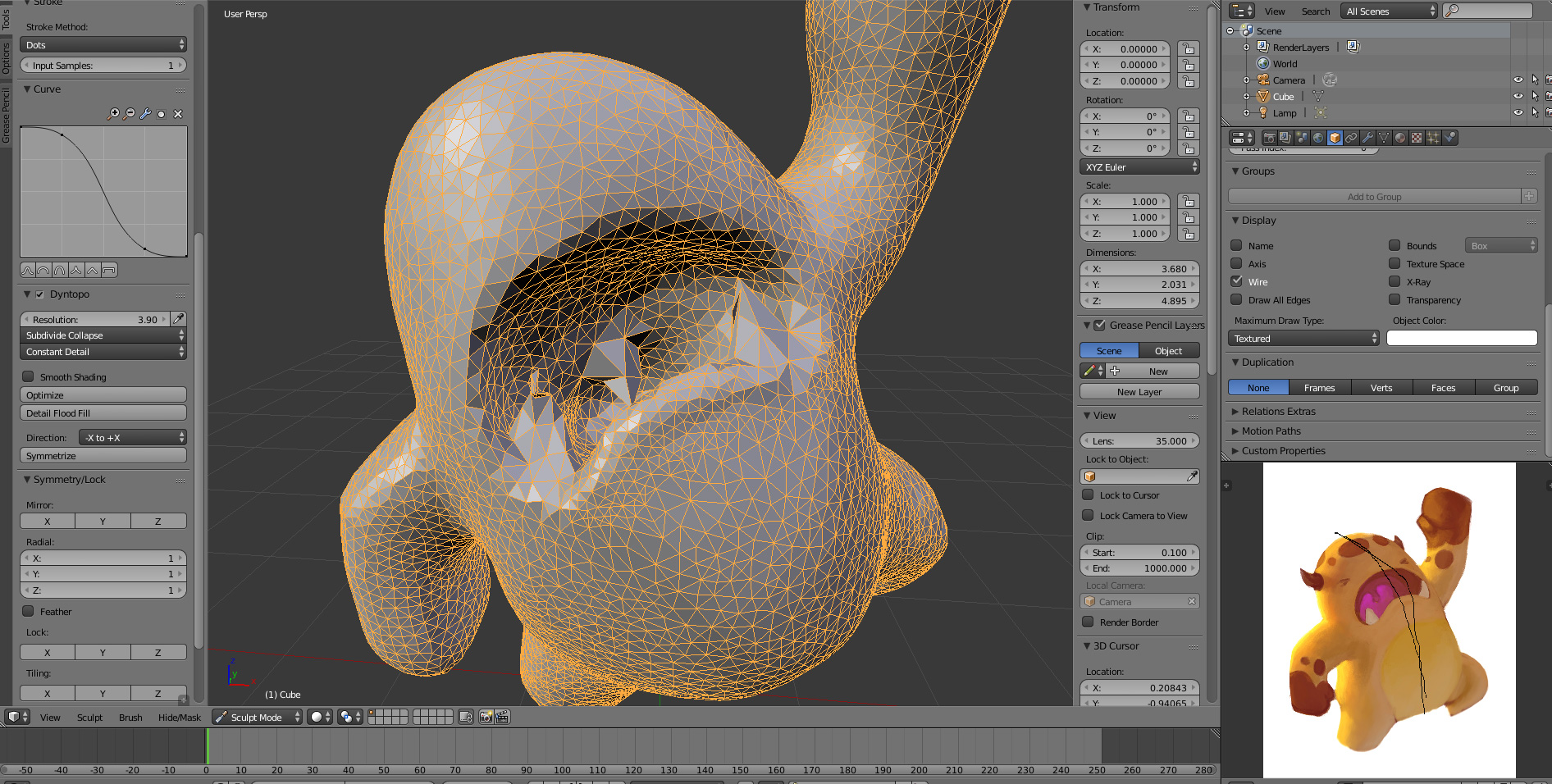
            @theluthier i don`t know why but it seems like Dyntopo doesn`t work correctly. It doesn`t create additional faces as a result i get bad geometry. When i was making general form of Melvin it was ok, but with mouth it is pretty hard.

            #32734
            Matthew Gayton
            Participant

              BC1-1801 Week 3 Homework Submission Part 3 of 3

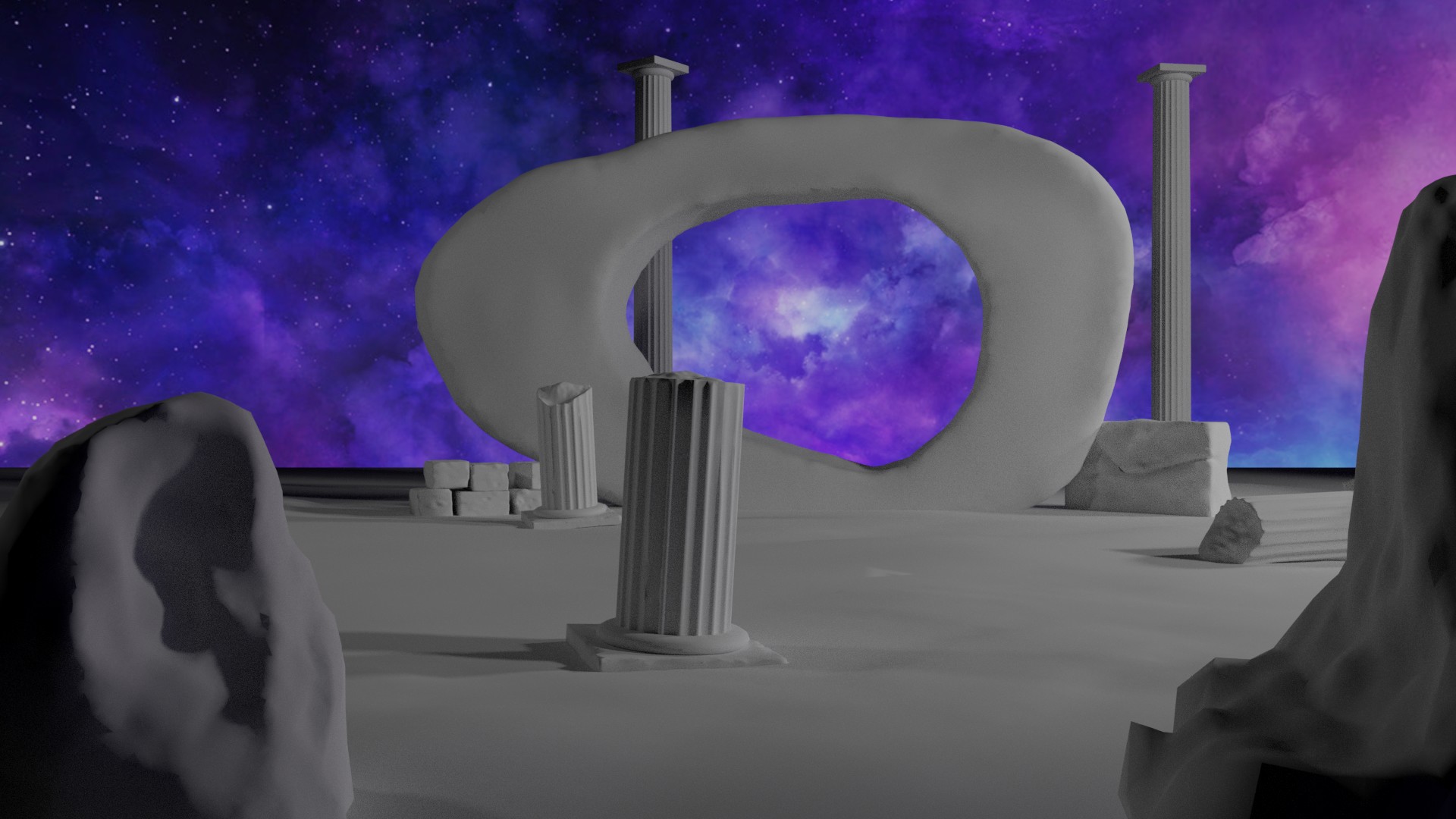
              It looked better in my head (of course) and I got too far into it try and start with something else before the deadline.  I had planned to do the mountain background but Blender started getting very slow, even with decimating all the models.    Also, the columns are a combination of push-pull, modifiers, and then sculpt, so it is not a ‘pure’ sculpt scene.

              #32735
              LJ Simpson
              Participant

                I agree with @csehz, @shiennar. Really magical! Something for us newer 3D artists to shoot for.

                #32736
                LJ Simpson
                Participant

                  Woah! This takes me back. Nice one.

                  #32737
                  LJ Simpson
                  Participant

                    Great words to work by @gradyp! One more habit to work on…

                    #32738
                    Matthew Ullrey
                    Participant

                      Perhaps you could consider the ground the third object of the assignment?

                      #32739
                      Matthew Ullrey
                      Participant

                        Hi Deborah, in Edit mode you could select the edge ring of the eye socket and snap the 3D cursor to selected. Then in Object mode select the “eye” sphere and snap it to the 3D cursor. The center of the sphere will be right in the middle of the hole. Then you can make minor translation and scale adjustments from there.

                        #32740
                        Matthew Ullrey
                        Participant

                          The City on the Edge of Forever looks totally trashed. Did you use Blender’s Obliterate Modifier by accident? 😉

                          Love this scene! Great work.

                          #32741
                          Jaz McDaniel
                          Participant

                            I was hoping to get a little more done in this assignment. So I did what I could with the time I had. 

                            #32742
                            Grady Pruitt
                            Participant

                              I think Grant is right. with the Constant Detail setting, you want higher Resolution and with Relative, you want a lower Detail Size.  It seems a little counter intuitive, but think of it this way, with a Constant detail, to increase the amount of geometry, you want go Higher. If you’re using Relative, you’re doing the detail across more screen pixels, so the geometry will be lower.

                              #32743
                              Grady Pruitt
                              Participant

                                It’s a bit more advanced topic for this particular class, but you can set up render layers and render your scene in different pieces.  Or use old “TV” tricks and overlay the foreground on top of a “background” that has the mountains, with the sky being yet another layer or as a part of that background layer. Either way, great job! I thought it seemed familiar when I saw what Matthew said 😀

                                #32744
                                Zsolt Cseh
                                Participant

                                  Very good scene, nice ratios around

                                Viewing 15 posts - 511 through 525 (of 663 total)
                                • The topic ‘[ENDED] BC1-1801 – January Class Homepage – Getting Started with 3D Modeling & Blender’ is closed to new replies.