
[ENDED] BC1-1801 – January Class Homepage – Getting Started with 3D Modeling & Blender
Forum Archive › [ENDED] BC1-1801 – January Class Homepage – Getting Started with 3D Modeling & Blender
- This topic has 662 replies, 53 voices, and was last updated 8 years, 7 months ago by
LJ Simpson.
-
AuthorPosts
-
January 11, 2018 at 9:29 am #32460
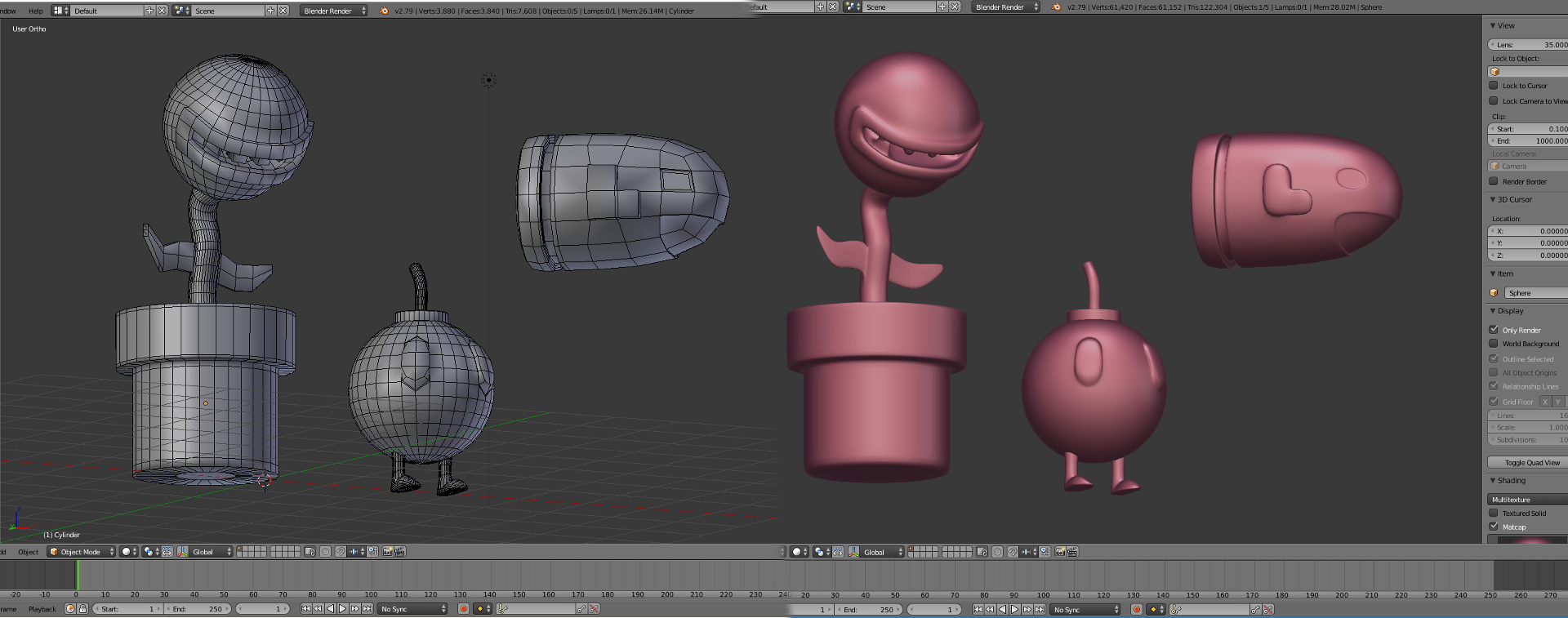
These are so pleasing to look at @deadly_cicada. Brightly colored and stylish. Good, simple models too. Definitely a case of less is more. And you modeled with modifiers! Excellent execution of the assignment: A+
January 11, 2018 at 9:40 am #32461- Essentially yes. You only have to worry about polycount in the sense of avoiding way too many polygons. Blender sculptors in general need to stay below the several-million polygon amounts in order to avoid lag (computer slowing down). But it’s not hard to stay below that amount, in which case there’s little-to-no worrying about the polycount.
But the joy of sculpting is you can 95% focus on just the shape of the model rather than the structure of the mesh.
- Exactly. Retopology is 100% about mesh structure since you get the shape for free from the sculpture. I find that my models are much higher quality both in form and structure when I sculpt + retopo, especially for organic shapes (human characters, creatures, etc)
- There’s not a clear answer for this since it widely varies depending on the platform. For example, a mobile game will require lower poly counts for models compared to a console/PC game. To give you a number though, I landed on 20K polygons for the robot character in our first-person-shooter we’re making. It’s kind of a mid-range polycount between mobile and console.
- There is no holding edges in low-poly models since it doesn’t use a subsurf modifier. However for low-poly models, it’s common to set certain edges to appear “hard” while others appear smooth. No holding edges involved, just adjusting normals for effect. I go over all this in great detail in the robot modeling course.
January 11, 2018 at 9:42 am #32462Almost… Normals are still important in sculpting. Self collisions can cause problems, especially if you ever decide to 3D print the object. On the other hand, collisions with other objects are less important, particularly if you plan to retopologize. As for shape, you want it to be accurate to the form you are trying to sculpt, but more of an artistic perspective. And poly count — as long as your computer can handle the amount, you’re okay. Though if it does start to drag, a little remeshing can help reduce the poly count while keeping the form.
Retopoly helps give an even mesh that can withstand deformations and reduce poly count.
As for a cut off for low poly… a lot of that depends on what is being modeled and what the purpose of that object is as well as what system you are targeting for low poly. A book on the shelf in the background isn’t going to need to be anywhere as high poly as the main character in a close up. And something being modeled for a desktop computer could possibly go higher poly than for say an old hand held.
On the holding edges, you’d use a loop cut in some way, similar to what Kent showed in the live stream this week or Jonathan Williamson did in the Loop Cut and Slide video. Though that’s not the only way to hold an edge What I mean is sometimes, you want the edge to fade out. so you can start off with the edges far apart and just select which ones you want to move closer together to sharpen an edge.
Hope this helps, Tonya!
January 11, 2018 at 10:12 am #32463Hi everyone,
Wow I see really cool stuff here… This is so awesome.
Sorry Kent… I wasn’t able to do my homework last week and could not make it to the 2nd class but I have done a little modeling… for 2nd homework.
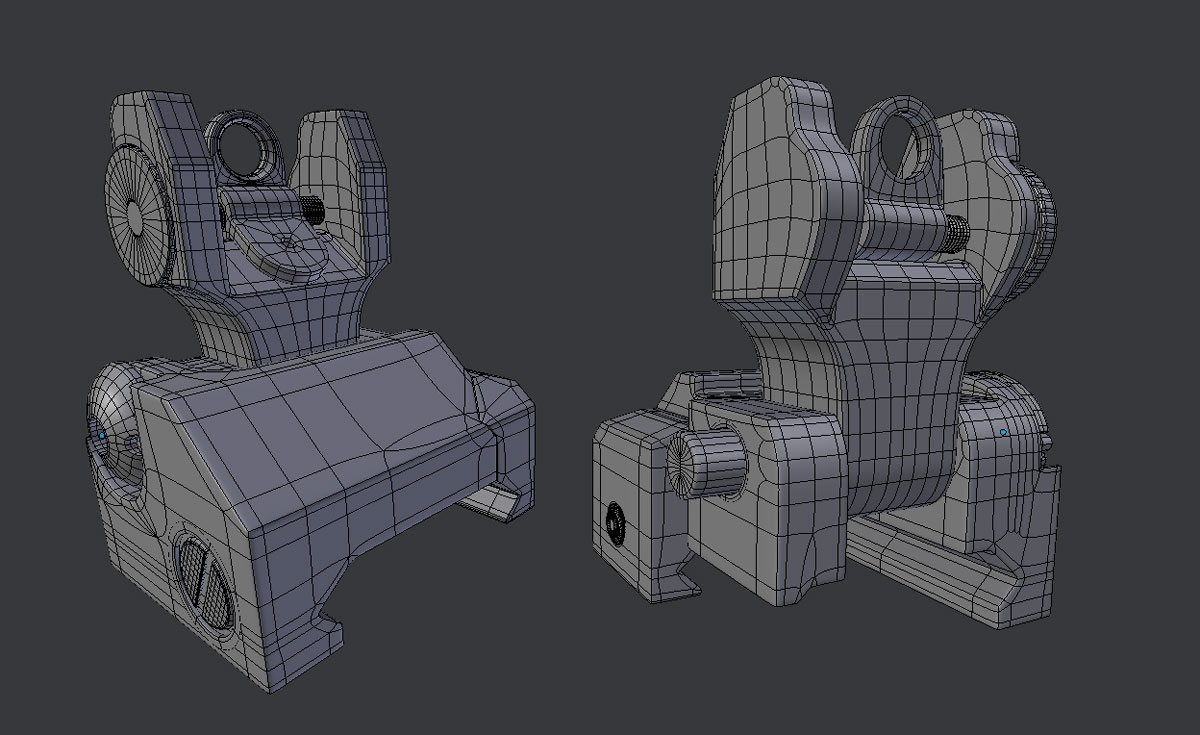
I hope you guys like it… I am a total weapon nut so I modeled a AR 15 iron sight. The screws on the sides are “floaters” because I would like to use it later and try to bake a normal map with it… so I thought a bit ahead 🙂
Feedback and tips are very welcome from everyone.
Cheers 🙂
 January 11, 2018 at 10:20 am #32464
This is an impressive model @killzone! You’re making smart use of n-gons too. You know a thing or two about mesh modeling I’d say 👍 A+
No worries on missing week1 homework and this week’s stream. Thanks for submitting W2 HW!
January 11, 2018 at 12:49 pm #32465Watching the week 2-Pushing and Pulling verts. Someone asked could you change the shortcut to open the face/vert/edge menu. To do that you must go to your User Preference>Input>3D view>Mesh>Call Menu(2). There you can set the shortcut to something different instead of Ctrl+Tab.
January 11, 2018 at 3:26 pm #32466Thanks for sharing that solution @fusion2012! Something new to learn about Blender each day.
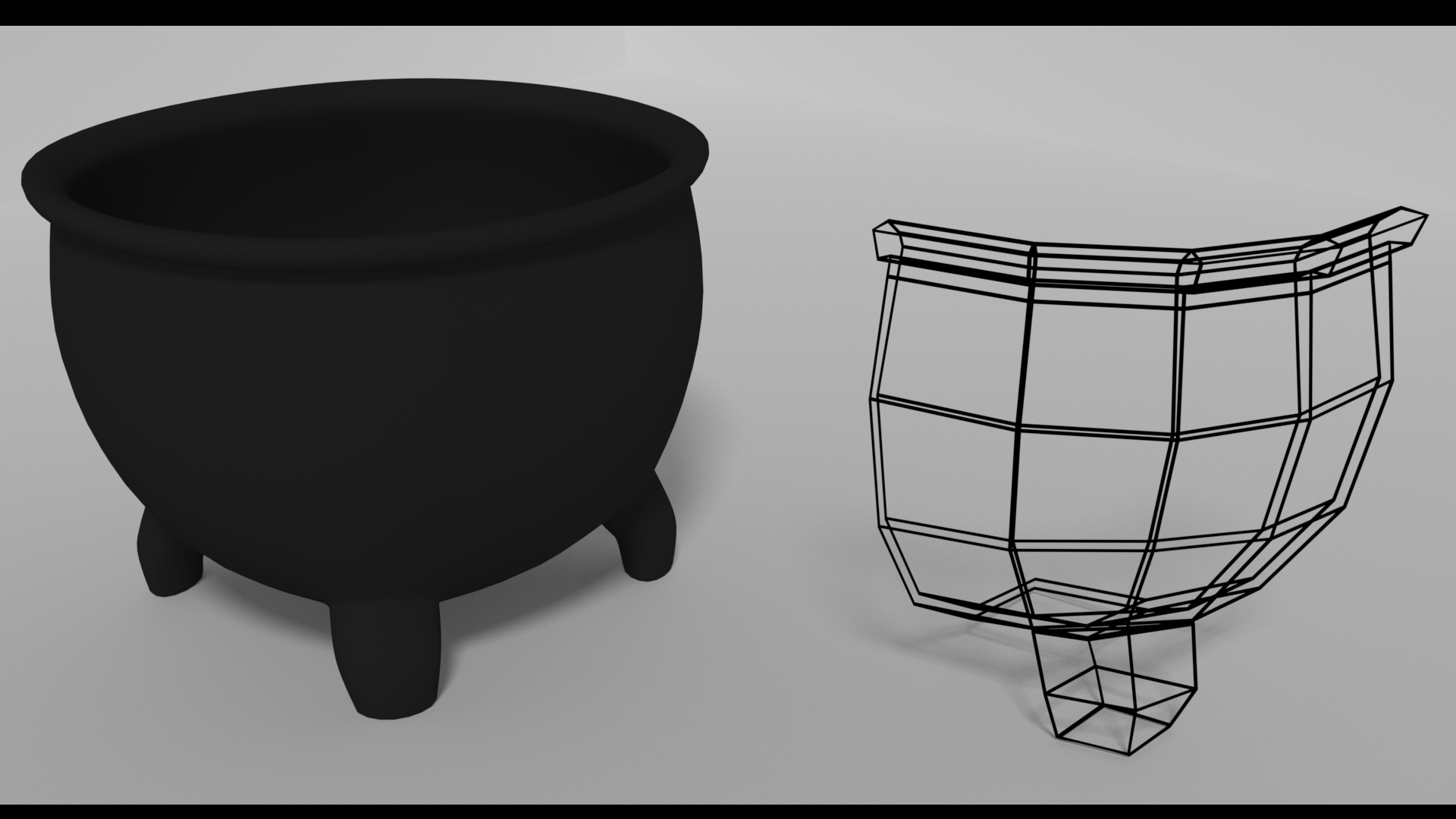
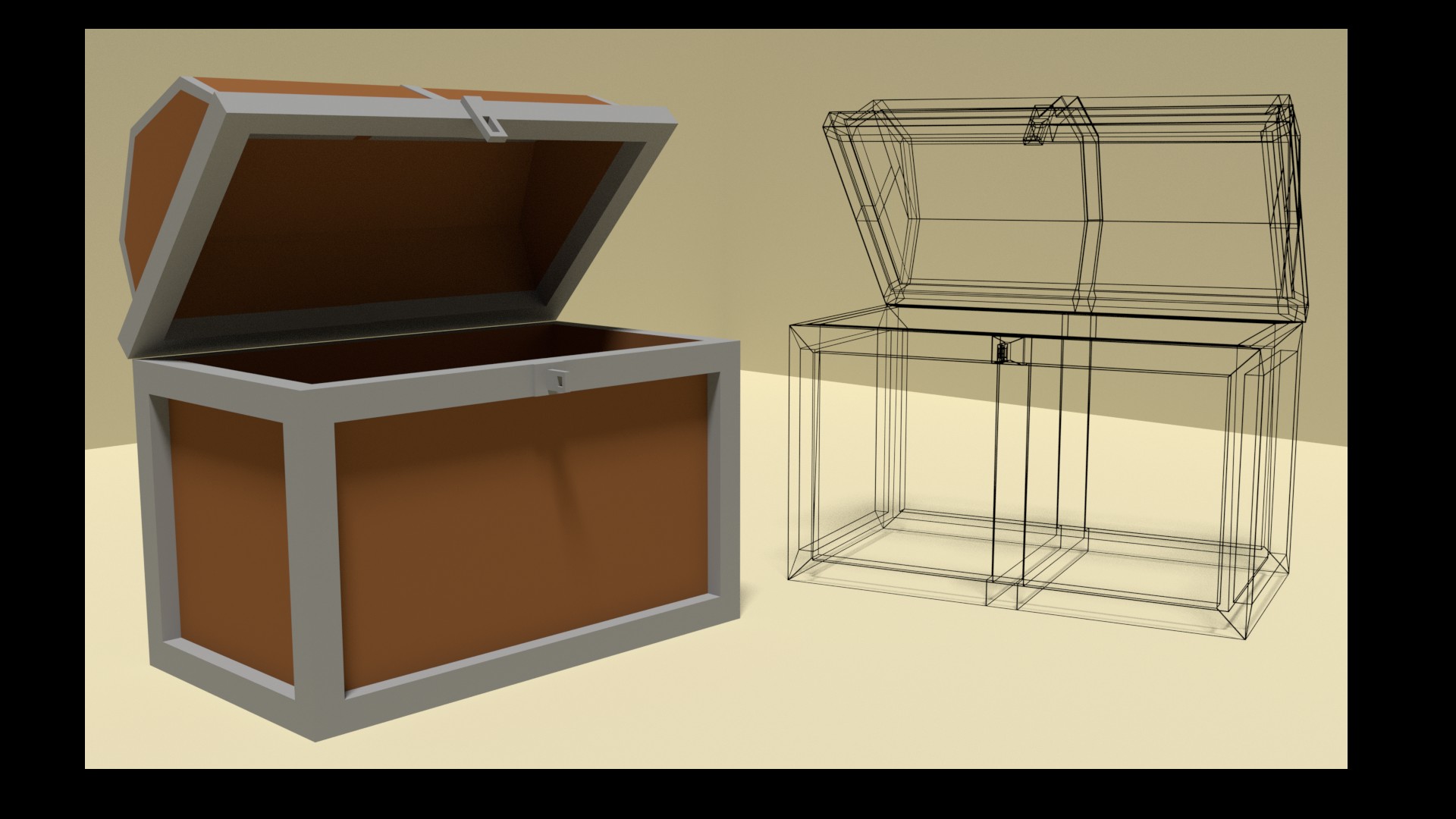
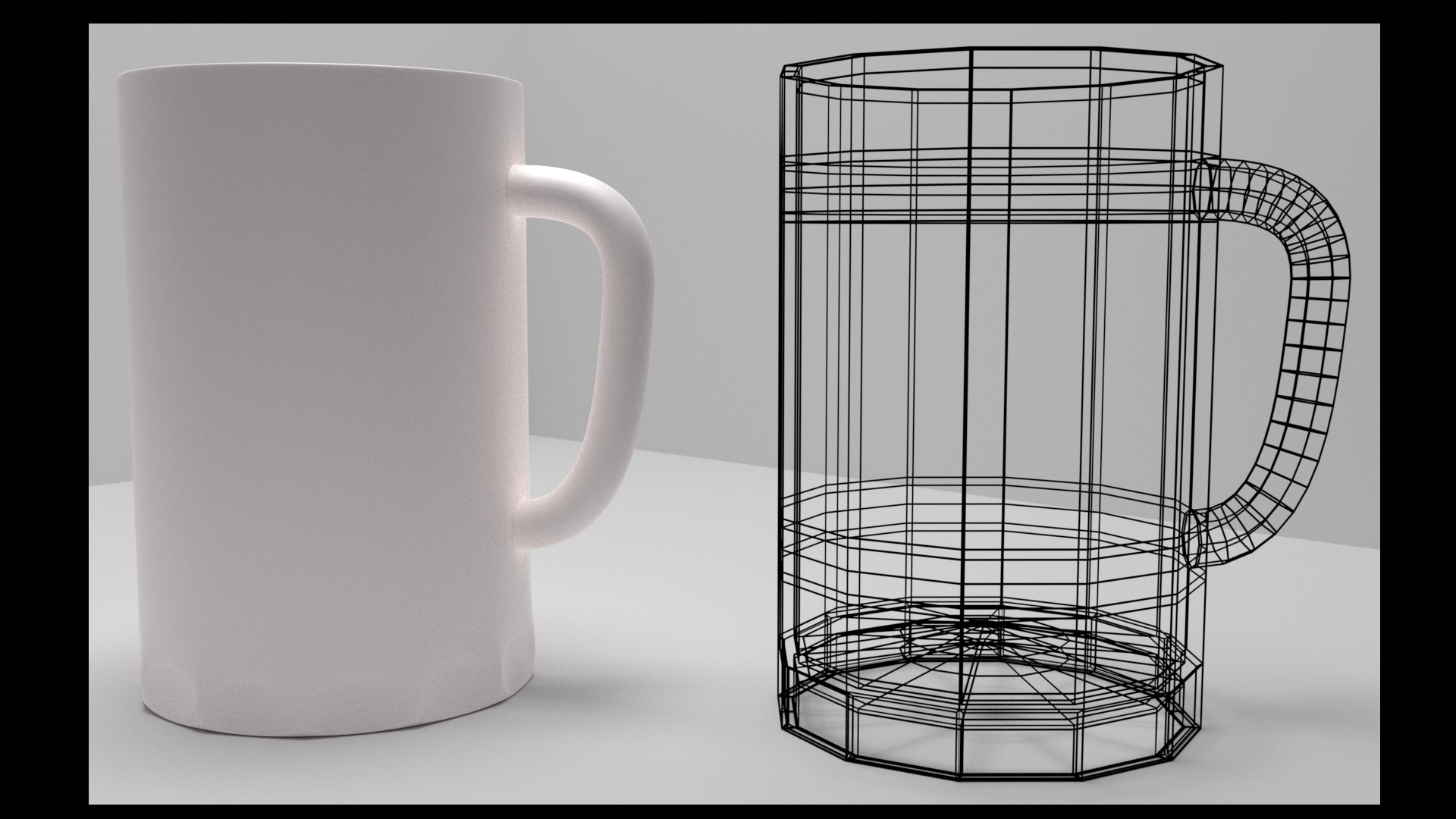
January 11, 2018 at 10:52 pm #32467BC1-1801 Week 2 Homework Submission (3 of 3)
Cauldron
Low-res Chest
Ceramic Mug
 January 11, 2018 at 11:23 pm #32468
Really dig the way the soldering stand came out. Nice!
January 11, 2018 at 11:25 pm #32469This is a great effort Tanya! We only get better if we keep reaching… just … enough.
January 11, 2018 at 11:27 pm #32470Lantern, chest, and knife are all great. Nice touch on the lighting from the lantern!
January 11, 2018 at 11:32 pm #32471Thanks Grady! Very cool. Playing around with modifiers after Kent’s, Jonathan’s, and now your suggestions has definitely stoked the creative fires!
January 11, 2018 at 11:43 pm #32472I’m down with anything you want to try that you feel will improve the learning experience. I love that you guys are constantly thinking of possible changes that would enhance what you’re doing already. Rock on!
January 12, 2018 at 12:07 am #32473BC1-1801 Week 2 Homework Submission
 January 12, 2018 at 1:40 am #32474
Paul that looks nice one and you even rendered it.
I like that you posted the cup, exactly this is the point of the homeworks, someone is able already to model almost everything, while others going step by step and simplier objects mean the same success.
As I recall you mentioned in your experience that you are a “refresher”, very similiar scenario for me, who watched a lot of tutorials in years, but did not do too much in the practice so the cup should be also my mandatory homework.
- Essentially yes. You only have to worry about polycount in the sense of avoiding way too many polygons. Blender sculptors in general need to stay below the several-million polygon amounts in order to avoid lag (computer slowing down). But it’s not hard to stay below that amount, in which case there’s little-to-no worrying about the polycount.
-
AuthorPosts


- The topic ‘[ENDED] BC1-1801 – January Class Homepage – Getting Started with 3D Modeling & Blender’ is closed to new replies.