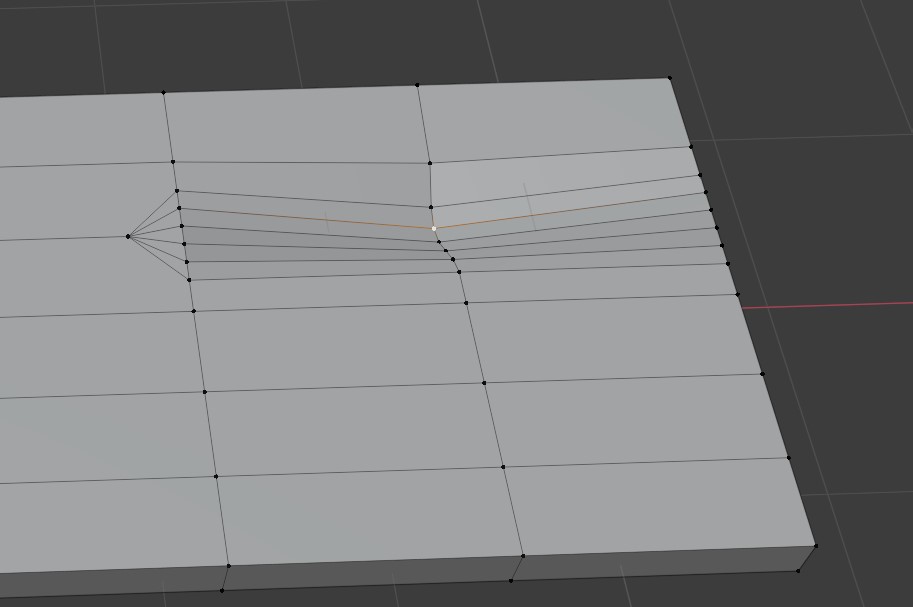
@amblender, as you may recall I had the same problem as you are describing. For me, I believe the culprit is that I had proportional editing turned on when I lowered the crack verts into the wood. Let’s explore this. In the image below, I selected the highlighted vert and lowered it (G-Z) with proportional editing turned on. This is an exaggeration, but notice that the two verts above it were also lowered.
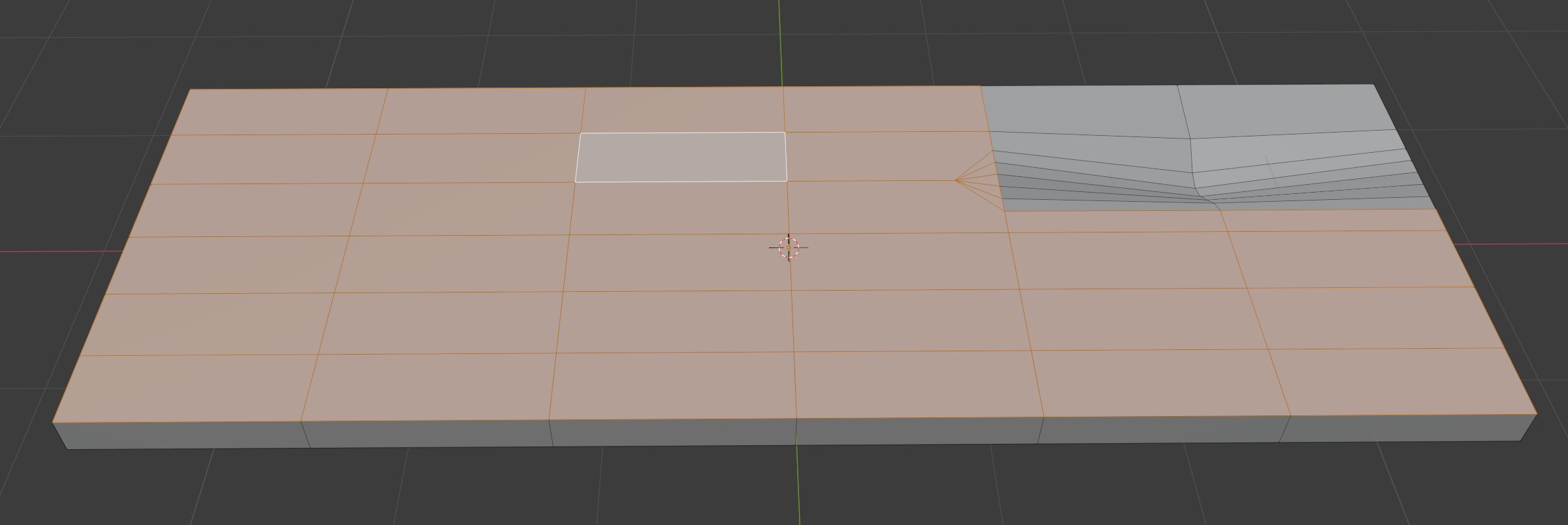
Select a face in another part of the board and press Shift-G (the Select Similar pop-up menu will be shown) and select Normal. The faces around the top crack are not on the same Normal plane as the rest of the board’s original height.
I don’t doubt there are many ways to solve this problem. Here is one. Select the outer loop of the crack plus the offending additional vert that is highlighted.
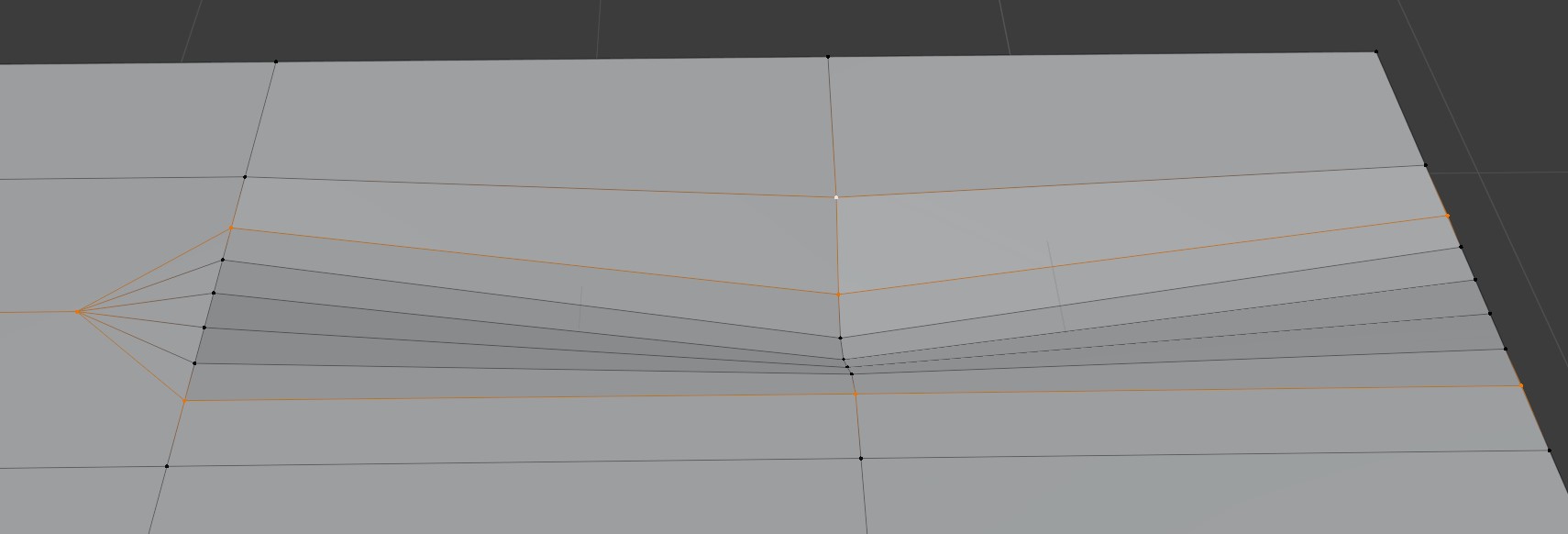
Bring them to the same height by S-Z-0.
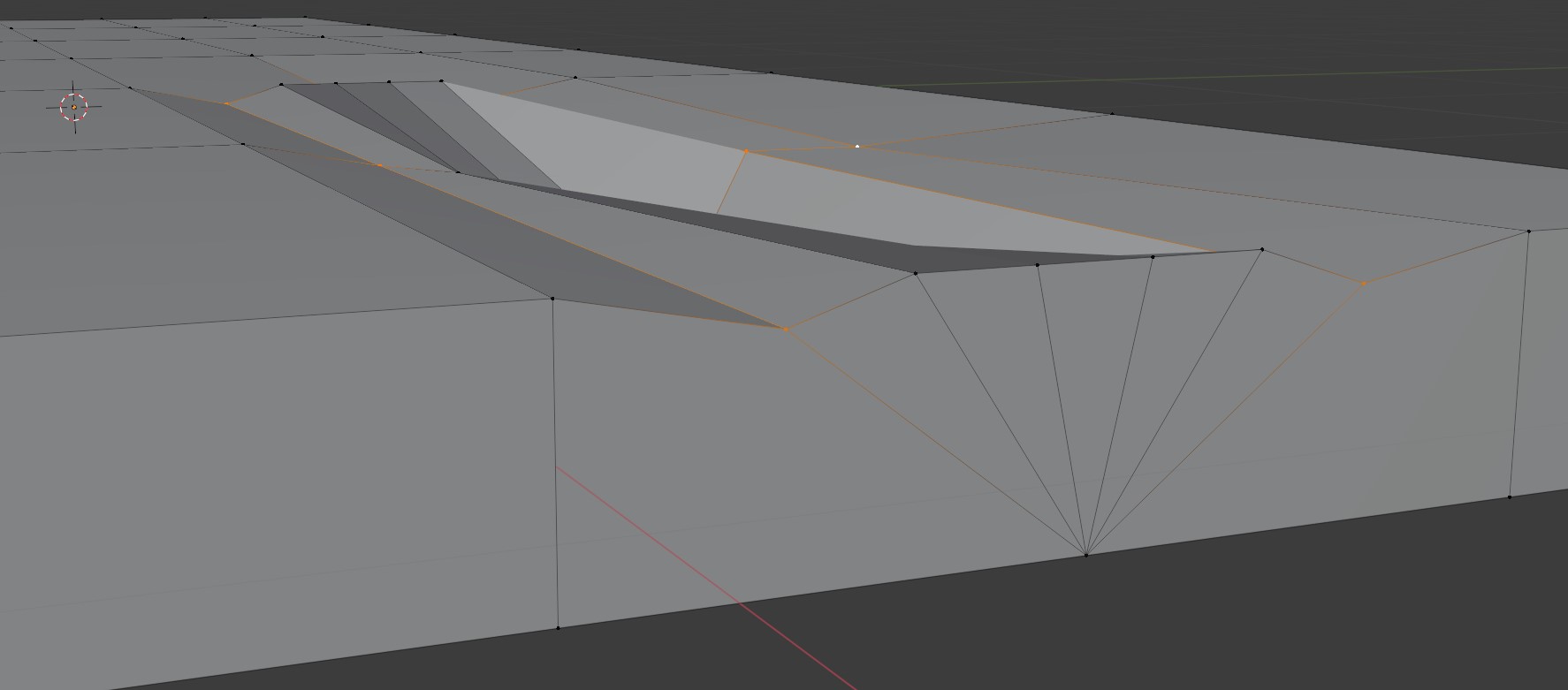
Then G-Z and snap to a vert that represents the original height of the board.

To test your success, select a face and hit Shift-G and select Normal.
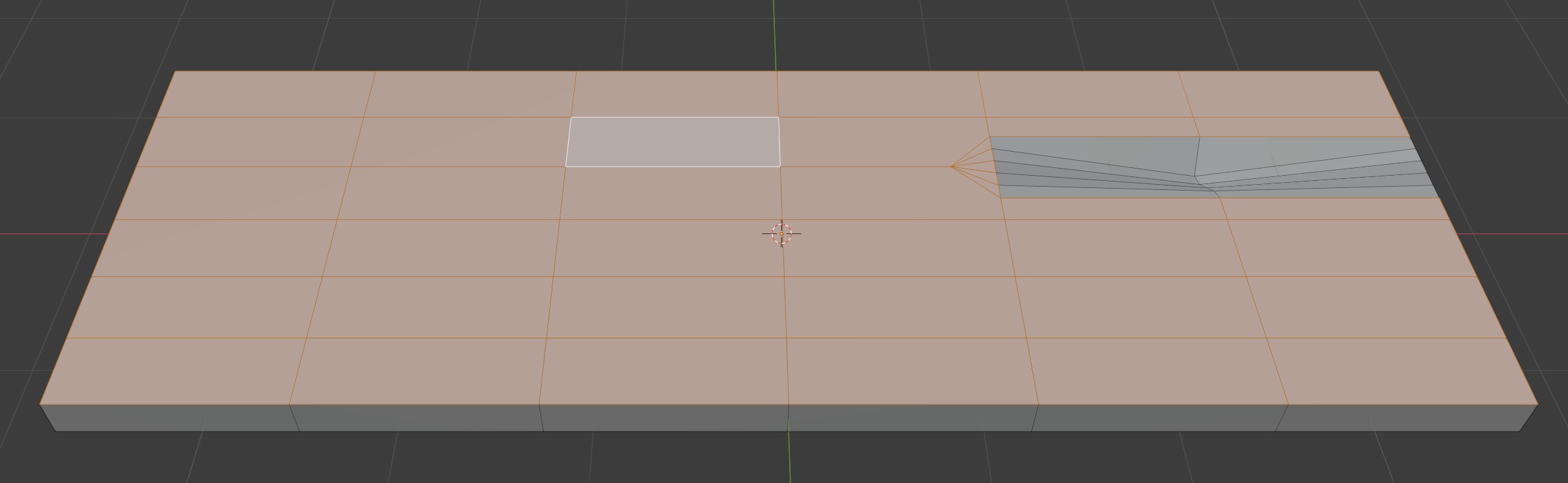
@jlampel is essentially recommending keeping the extra verts in a workflow like this to prevent warped UV unwraps. Sounds like a best practice.
Hope this helps.
For my cart, I plan to review all my boards with this issue in mind. Best practices sure are making me add more verts into this low poly project. For future boards that I make with cracks, I will either turn off proportional editing or if I use it I will make sure the verts in the outer loop of the crack are not affected.

.