
30 Days of Modeling
Forum Archive › 30 Days of Modeling
- This topic has 338 replies, 22 voices, and was last updated 5 years, 2 months ago by
Adrian Bellworthy.
-
AuthorPosts
-
June 24, 2019 at 8:48 am #47422
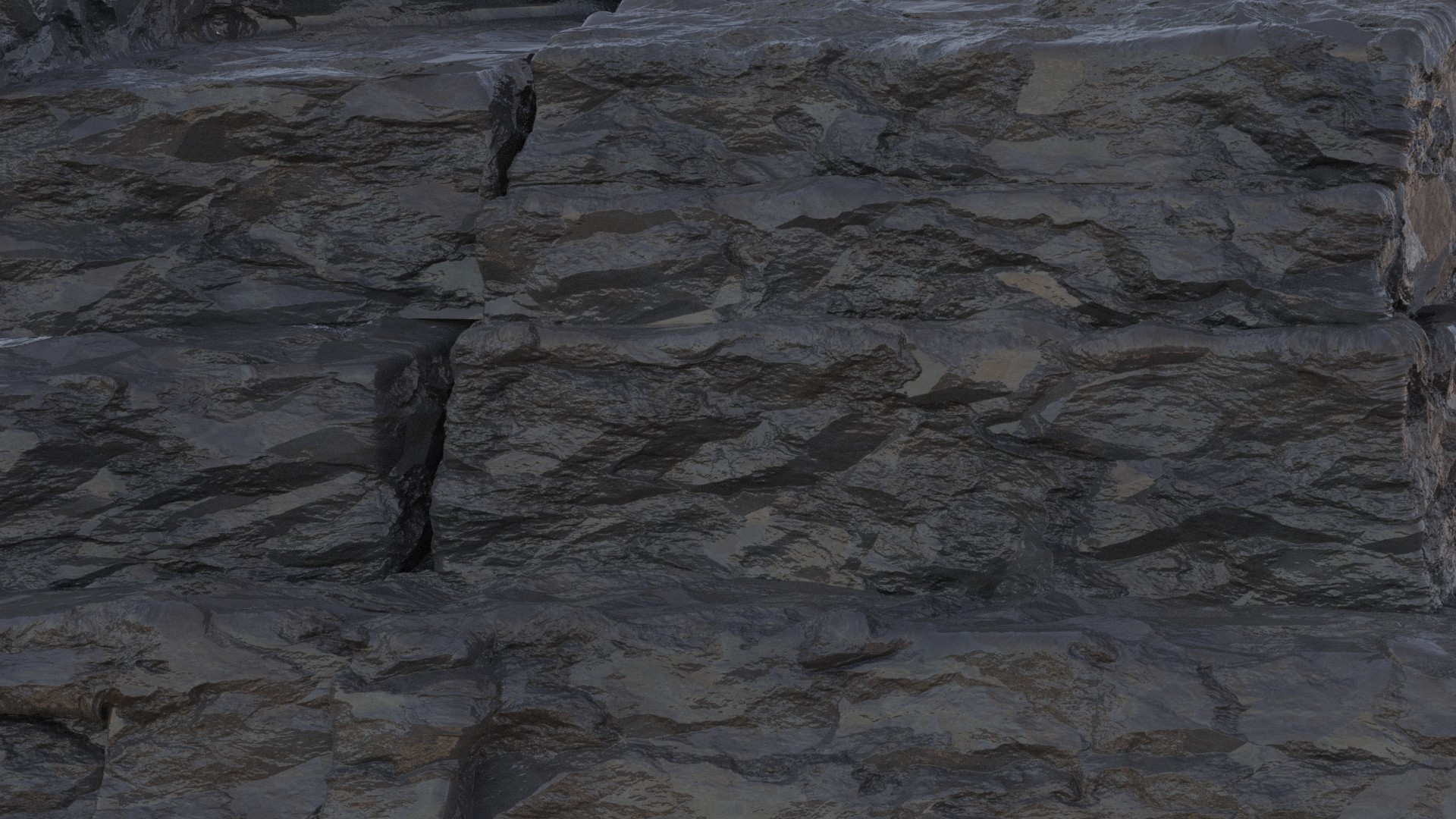
My rocks.
 June 24, 2019 at 10:12 am #47423
@swikni whatever works right? 😉 the end result looks great, I would throw these in my game any time 😊👍🏻
June 24, 2019 at 10:47 am #47424I was afraid this one would come;)
I went for some different rocks, because I loved the reference picture so much.
Tried to make a procedural rock displacement myself, but couldn’t get the desired result in one day, so I ‘cheated’ (or did I, is this cheating, if you can use a texture with normal map…) and used the Rock Generator from César Salcedo, who imho is a genius.
He is not very good at explaining what is happening, but the results he gets are gorgeous!
Here’s the link, there is a download link in the description: https://www.youtube.com/watch?v=UFsVzDXYOKw
(Not for games, only Cycles.)
Shading is not great, but I only noticed the ‘wetness’ of the stones after having rendered over an hour, so I decided to leave it like it is…
 June 24, 2019 at 3:59 pm #47425
@jgonzalez Since the topic is nature this week, I have a foliage related question: which method of swaying grass is more expensive to use in terms of performance for games, wind zones or a shader like this?
June 24, 2019 at 4:34 pm #47426@smurfmier1985 As far as I know wind zones still utilize a grass sway shader, they just act as the “controls” for that shader in a different way. Grass swaying can be expensive, but I can’t say to what extent as I’ve never really looked into it. Grass swaying is essentially just moving vertices of a mesh in different directions, but this is being updated multiple times per second (along with the textures/lighting)so I would probably limit the swaying to a small area near the player and update that area whenever the player moves.That said I think Unity does have a swaying option in one of the HDRP default materials.
Vertex animation shaders are definitely one area I’d like to dedicate an entire course to. I’ve experimented with a Fortnite bouncing effect, cloth movement and some masked out vertex animations (like Melvin’s stomach growing/shrinking). Other things I’d like to create are a flat tire shader that can react to physical objects and a punching bag, although those may be very similar in technique. Vehicle destruction and being able to bend specific parts of a mesh (like a tree branch) would all be fun things to go over.
June 24, 2019 at 4:38 pm #47427@jgonzalez thanks for explaining, and as always I am interested in such a course, I love game art so all techniques that improve the look and such I am interested in learning 😊
June 24, 2019 at 7:47 pm #47428I’m not sure if I’ll have time to revisit this and add a procedural rock texture so for now I’m adding in a basic screenshot:
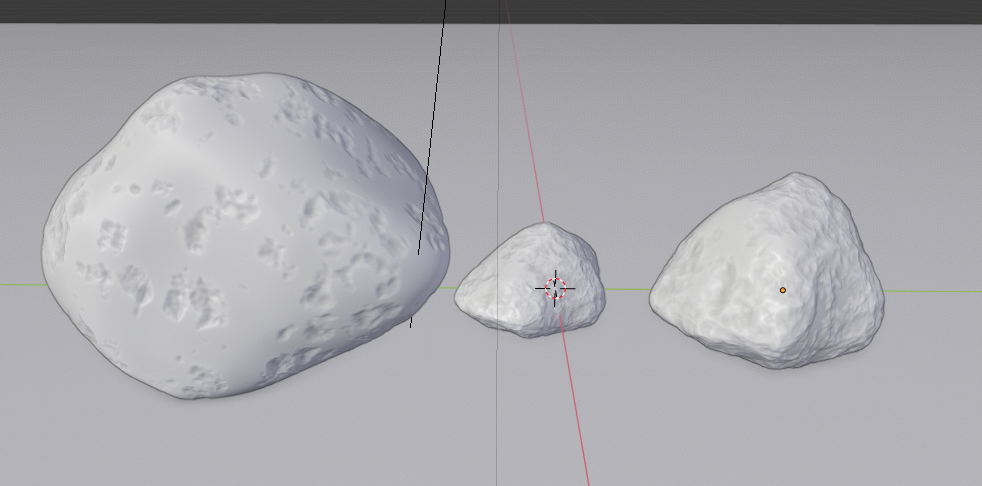
Really love the “cavity” look in the viewport, really makes things look way better. So this was a combination of basic pushing and pulling verts either using the proportional editing option or sculpting with dynotopo turned off. After that I added a displacement modifier with voronoi enabled and just played around with the size and also the color ramp to vary up the look. I’d like to try a procedural texture for this then bake it out as a texture.
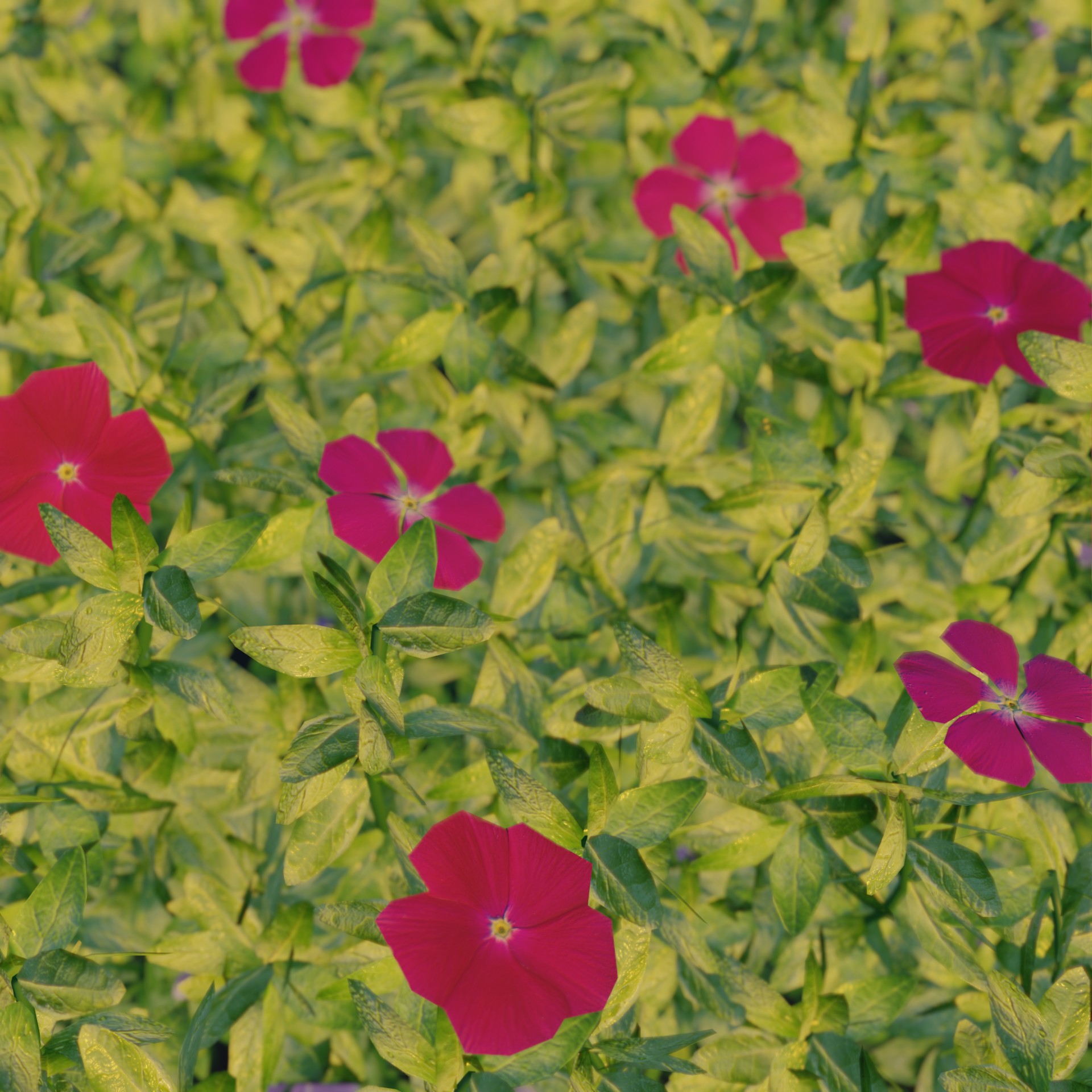
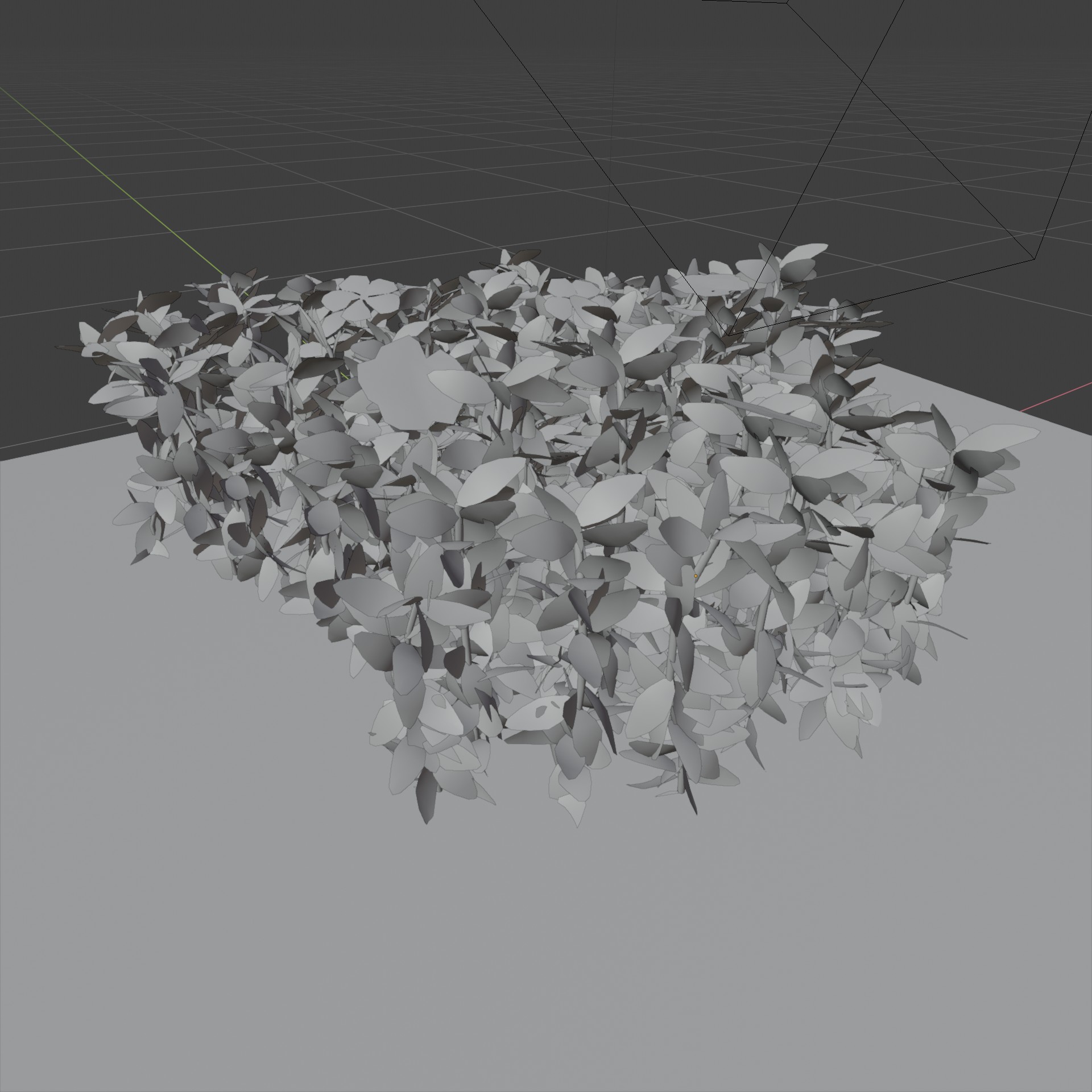
June 25, 2019 at 8:58 am #47429A bit blocky as always. I took a flower petal texture I had from before and modeled just few flowers from planes on it. After that I did Google image search with the texture image and found it was a flower called “Periwinkle”. Leaves are made the same way as flowers with an image from the search results. Stems are just bent cylinders with leaves on them as hair particles and flowers are placed manually on top of them.
 June 25, 2019 at 11:15 am #47430
These are a definite insult to flowers, especially the ones outside my door. This is proving a challenge when I have to learn a new method to do something and then try to do it with a limited amount of time. Tried several different methods with various success, definitely learning a lot.
 June 25, 2019 at 11:59 am #47431
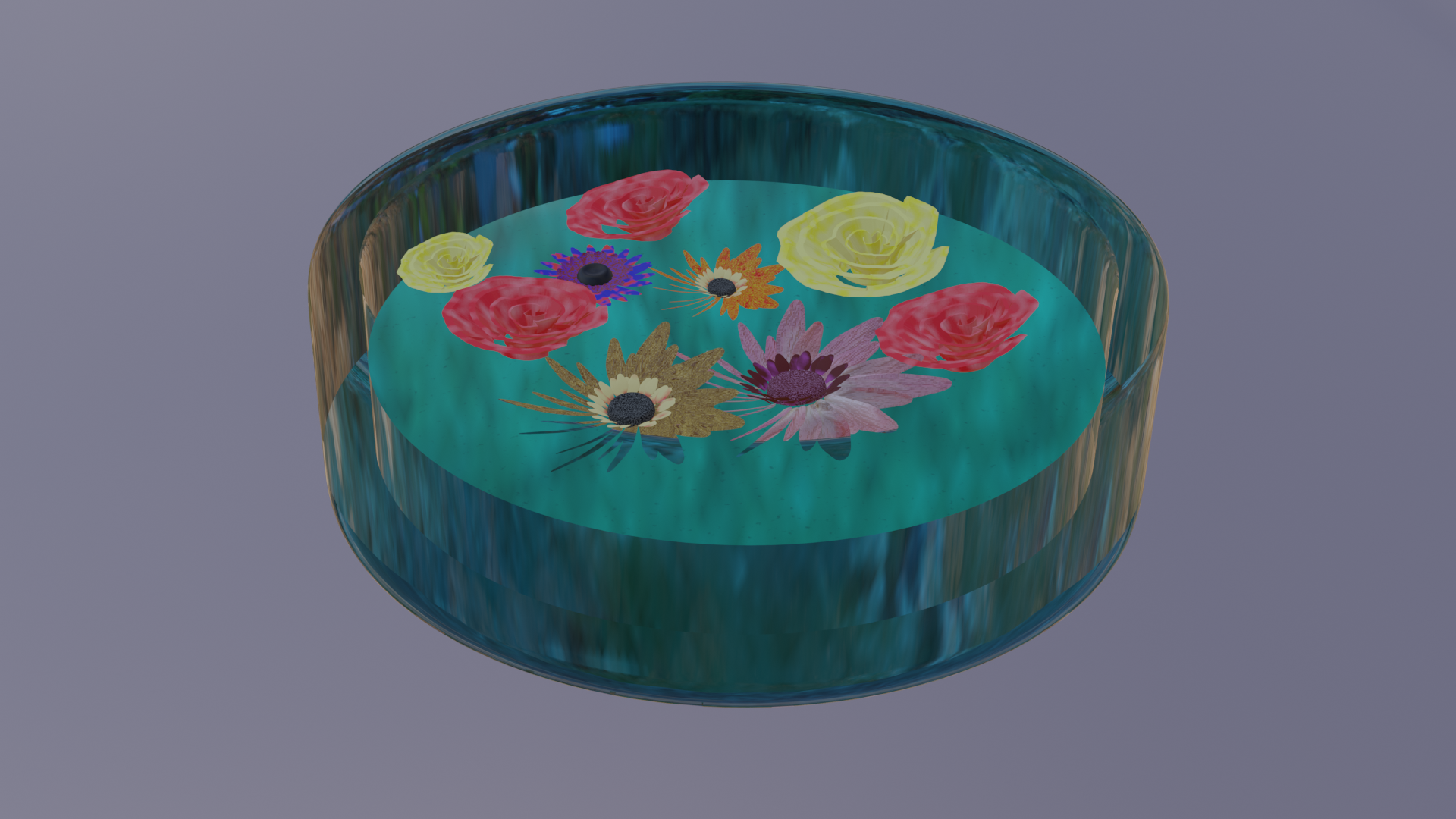
I didn’t have a lot of time today, (which is a pity, because it’s another really nice challenge to make in one day…) so this is all I could manage for today:
 June 25, 2019 at 7:07 pm #47432
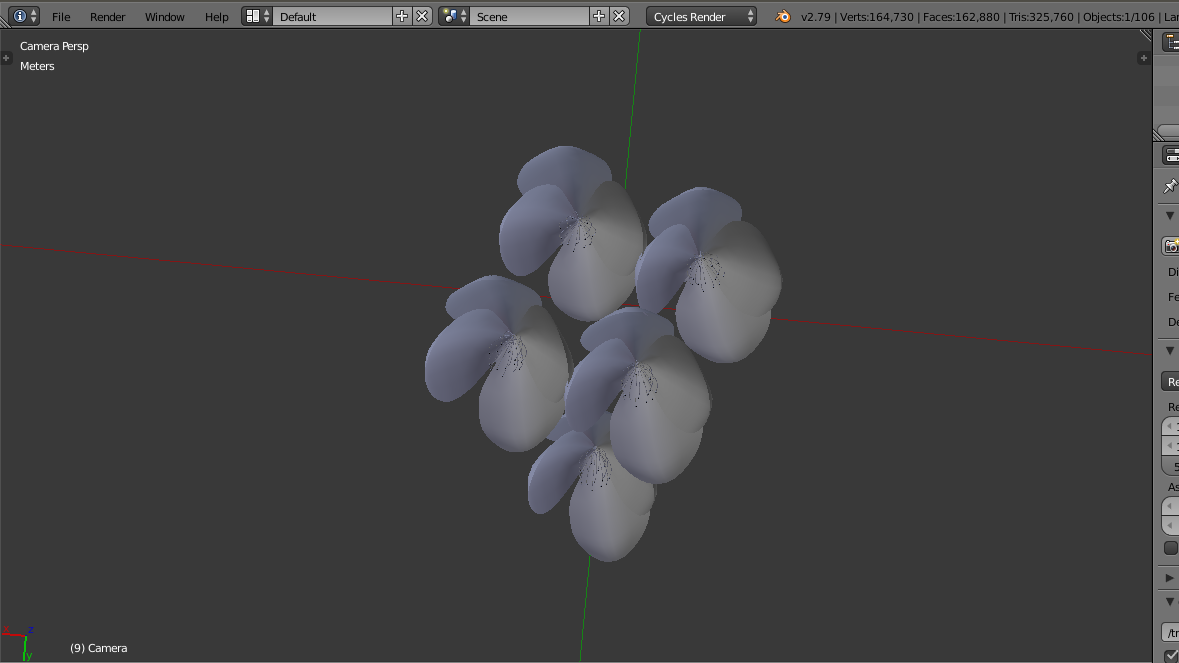 Well I thought it would be easy, but I spent the whole day + night doing this. It’s 3 am over here so a screenshot will have to suffice for this challenge.June 25, 2019 at 11:01 pm #47433
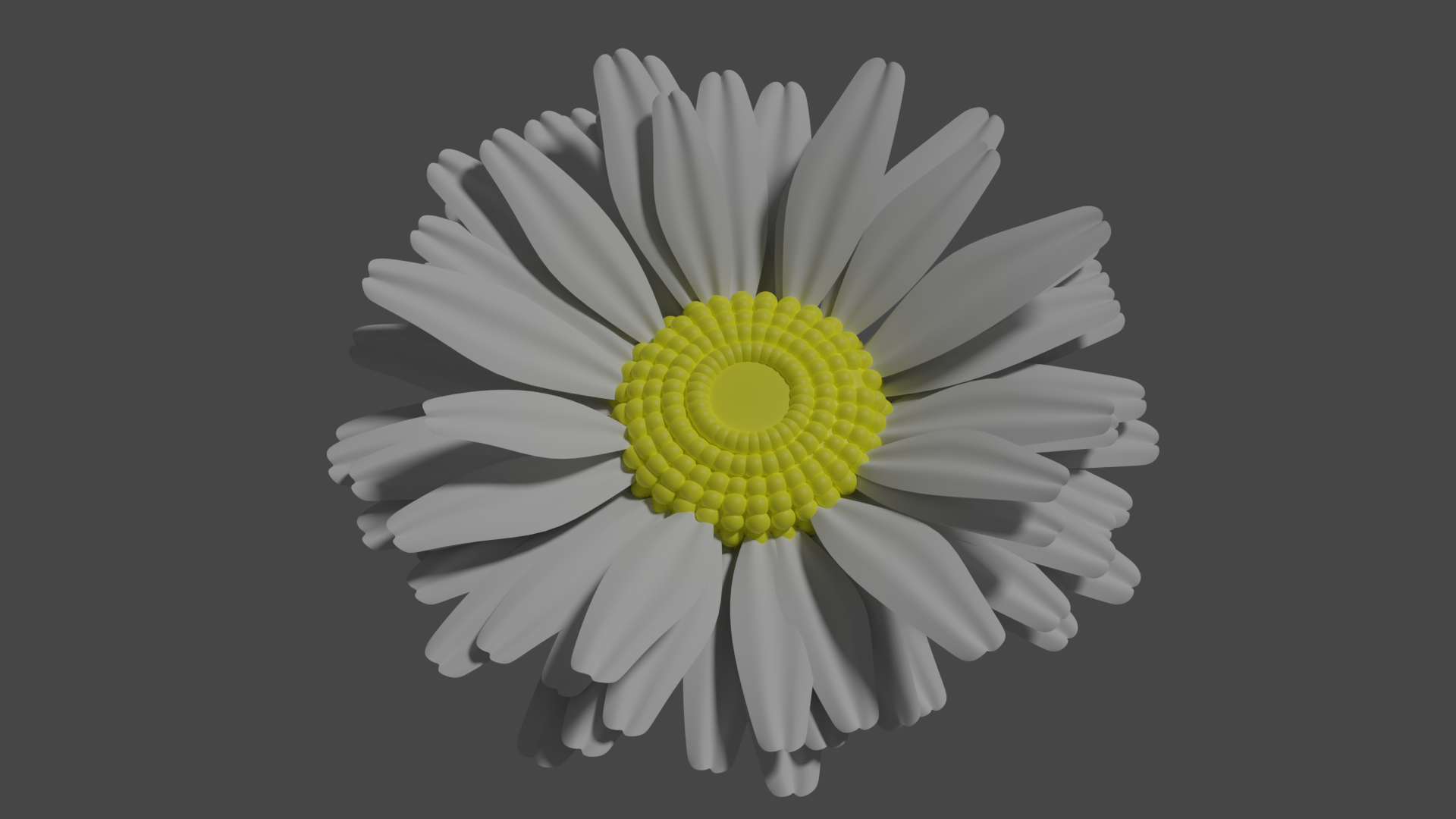
Not the best looking Daisy, but I did learn how to use the particle system to distribute petals for this. I used this process before to create a wreath. I couldn’t quite figure out how to properly create the inner portion of the Daisy so I just ended up using some elongated spheres. I’m sure with better texturing this would look way better, but I’m leaving it as is.
 June 26, 2019 at 8:58 am #47434
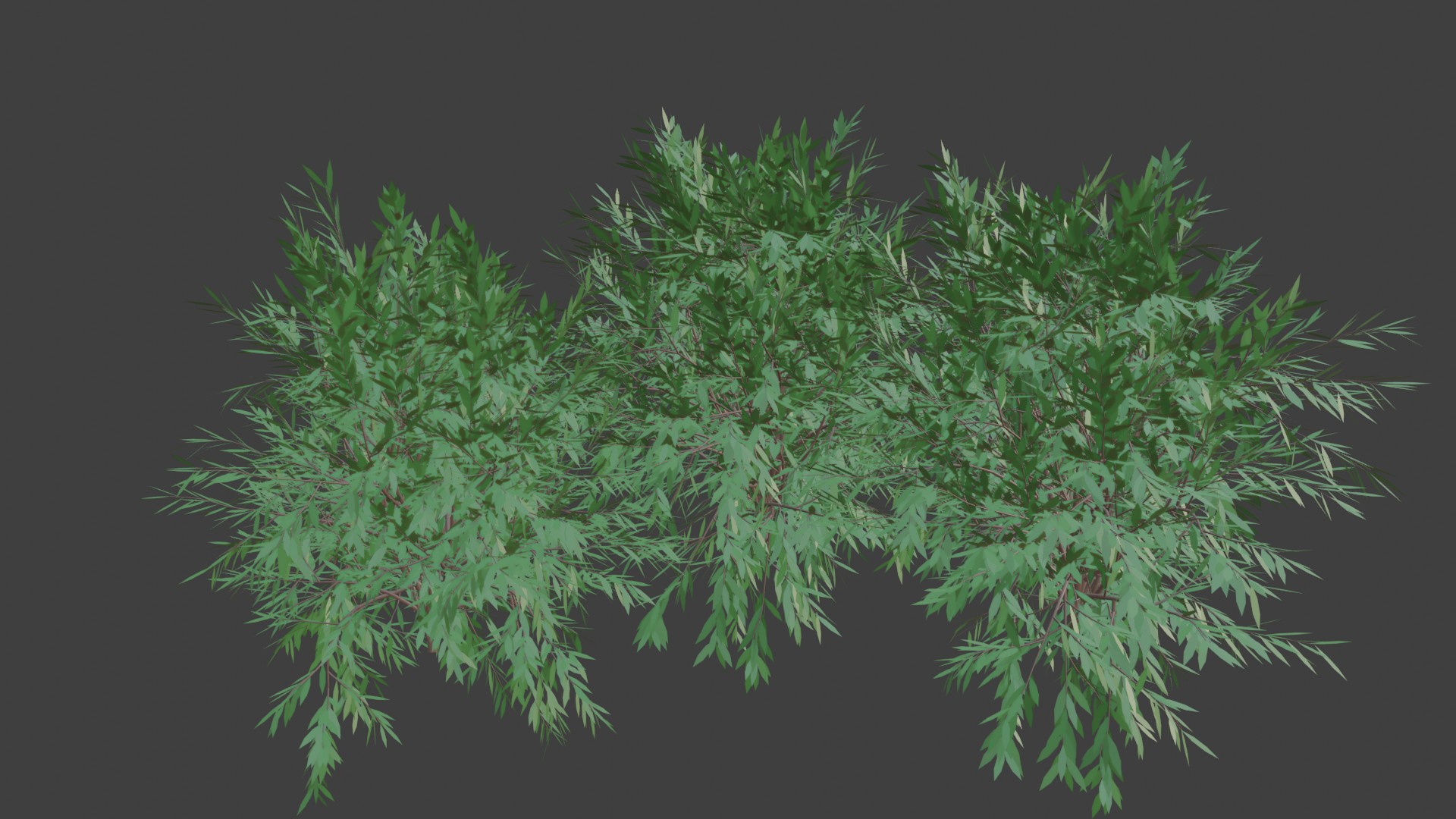
An hour or so with Sapling Tree Gen addon and the ending result is rough but fairly good. That is definitely a tool to work with when making trees or bushes, and now when thinking it, I believe it would’we worked with the flower stems also. Sadly I have to leave it here because of a fully scheduled afternoon. It surely could have used some more tweaking and get textures on.
 June 26, 2019 at 9:49 am #47435
@ciku-karugi That doesn’t look too bad, actually; I can imagine this with some nice texturing and shading;)
The only thing is, that they are all exactly the same and (if the flowers are all separate objects) there is a really nice feature in Blender:
Select all objects. Go to Object > Transform > Randomize-Transform.
Here is a before:
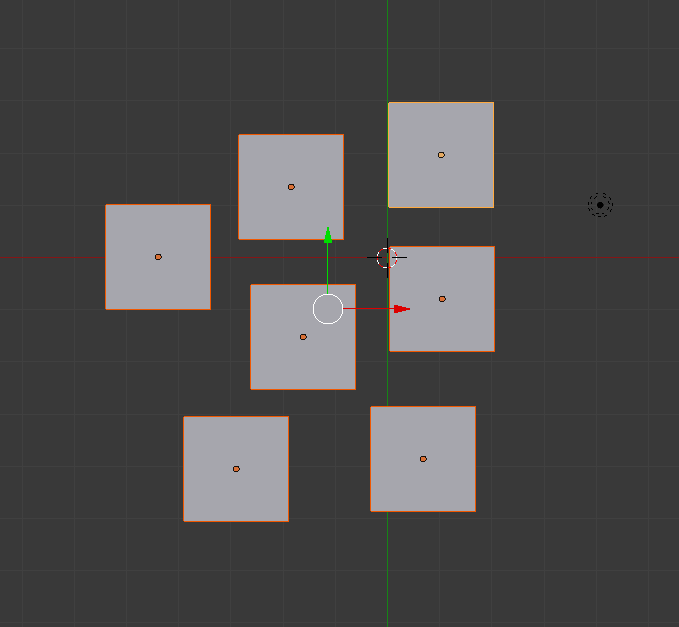
And after:
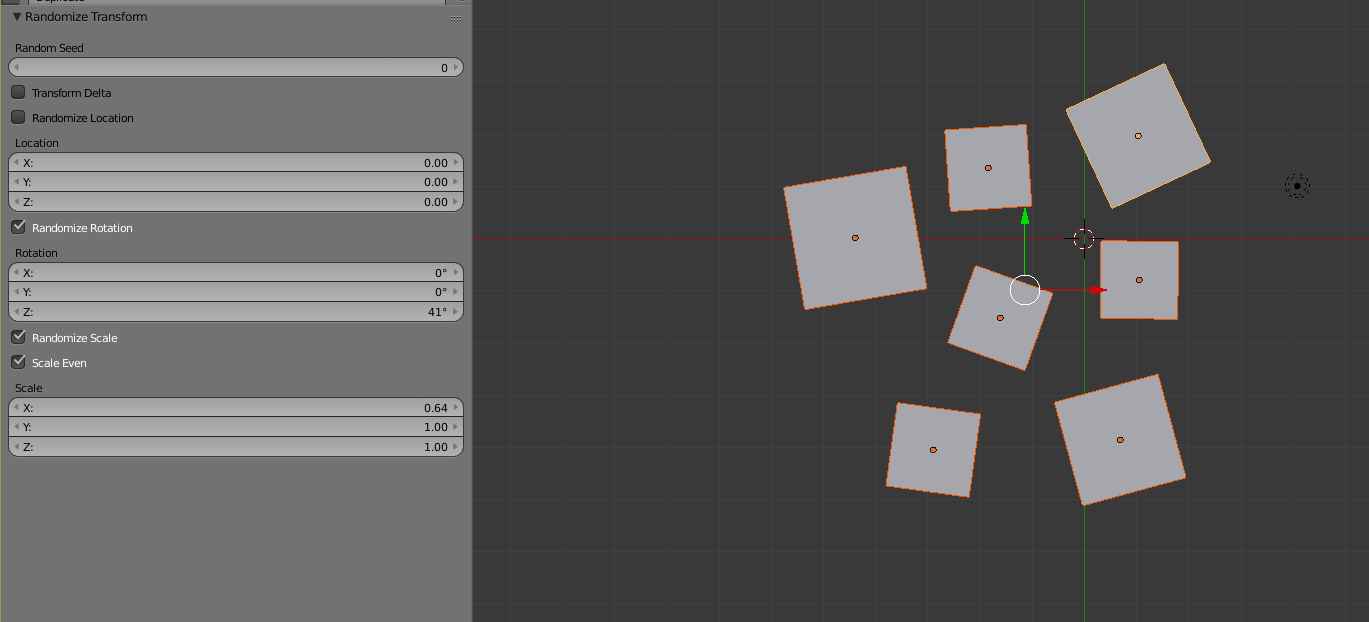
Comes in really handy sometimes!
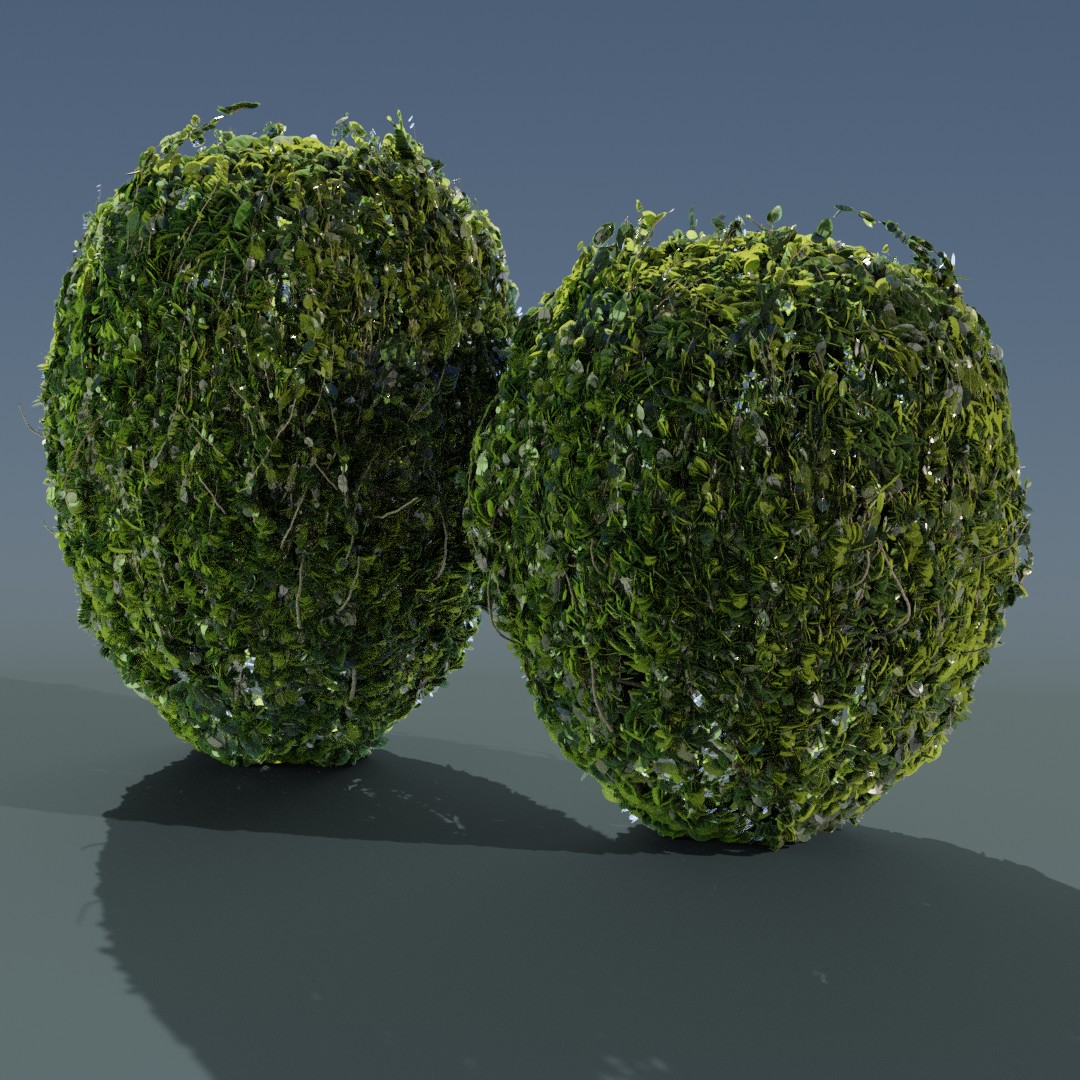
June 26, 2019 at 10:17 am #47436Finished my render for today.
Used the ‘Ivy Gen’ addon. Basically following Kent Trammel’s topiary course.
-
AuthorPosts


- The topic ‘30 Days of Modeling’ is closed to new replies.