
30 Days of Modeling
Forum Archive › 30 Days of Modeling
- This topic has 338 replies, 22 voices, and was last updated 5 years, 2 months ago by
Adrian Bellworthy.
-
AuthorPosts
-
June 1, 2019 at 1:01 pm #10392
Becoming great at anything requires constant practice and that is especially true with 3d modeling. If you’re here it’s probably because you want to become a better digital artist. I myself want to improve my 3d modeling and texturing skills and that means I need to model a ton in order to become better.
Building a consistent habit is the path to becoming great and with that I wanted to provide a challenge to anyone else here who wants to join me. The challenge will be to model one new 3d model daily for 30 days.
The goal of this is not to create amazingly realistic models, but to get you practicing your modeling skills daily. You are not competing with anyone here but yourself.
Each day this post will be updated with the object to model based on that week. Below are the rules and guidelines to make this more interesting:
Themes
To make this more interesting, every week will focus on one theme. Each theme will represent a set of 7 objects that are relatively easy to model, but each have unique elements to them to challenge you in different ways.
The themes for the next 4 weeks include: Home, Weapons, Props, Nature
Rules
- All models must be completed by you. While we do teach Blender here, you are free to use any software you want for modeling and texturing. (Sculpting is allowed)
- Do not include models you’ve previously created, while we can’t verify this, remember that this is meant to install a habit of daily modeling practice.
- Only post a model for that day, don’t try to “catch up”. If you miss a day, then pick it up the next day
Submissions
Post a rendered image of your completed model. While texturing won’t be required, it is highly encouraged.
HOME (June 1 – June 7)
For this week we’ll focus on objects found around the home. Typically these objects are relatively easy to model and reference. You are free to get as creative as you want with these as long as you modeling what is requested for that day.
June 1 – Sofa
June 2 – Lamp
June 3 – Book Shelf
June 4 – Coffee Table
June 5 – Lounge Chair
June 6 – Shag Rug
June 7 – Floor Speakers
Week 1 is Done! Congrats on making it through the first week of this modeling challenge. On to week 2.
WEAPONS (June 8 – June 14)
For this week we’ll focus on creating hand held weapons. Think melee weapons. These usually have a mixture of primitive and complex shapes. You may use sculpting during these models, and some may actually require it to achieve the look you want.
June 8 – Axe
June 9 – Combat Knife
June 10 – Spear
June 11 – Shuriken
June 12 – Spiked Bat
June 13 – Sickle
June 14 – Nunchucks
PROPS (June 15 – June 21)
This week will be focused on props you might commonly see in games or background scenes. These can be reused to add “filler” to an environment. These props mostly reside outside.
June 15 – Barrels
June 16 – Tires
June 17 – Filled Trash Bags
June 18 – Concrete Barrier
June 19 – Shipping Container
June 20 – Dumpster
June 21 – No Object
June 22 – No Object
Vegetation
This week will be focused on organic plants and objects you’d find out in nature. Think of these as natural props.
June 23 – Grass Clumps
June 24 – Rocks
June 25 – Flowers
June 26 – Bushes
June 27 – Hollow Log
June 28 – Vines
June 29 – Trees
CHALLENGE COMPLETED
This officially ends the challenge, technically it’s 29 days but we have another challenge starting up on Monday so use Sunday as a way to gather reference photos and start your next modeling challenge with vehicles!
Thank you for everyone that participated in this challenge. Some objects were easy, others were challenging and I hope you learned some new tips and techniques. This challenge was about keeping a habit going and learning some new techniques and use different tools to create something you may not have otherwise. It was great seeing all the new renders on a daily basis. Good or bad, you’ve created something and that’s what matters. See you all in the next challenge!
June 1, 2019 at 1:49 pm #47138I’m in! Just to clarify, is this just for mesh modeling, or is sculpting allowed? If so, how much sculpting is acceptable?
June 1, 2019 at 1:58 pm #47139@williamatics I’ll clarify that in the original post, but sculpting is perfectly fine. I suppose this is more about pushing and pulling verts for an end result.
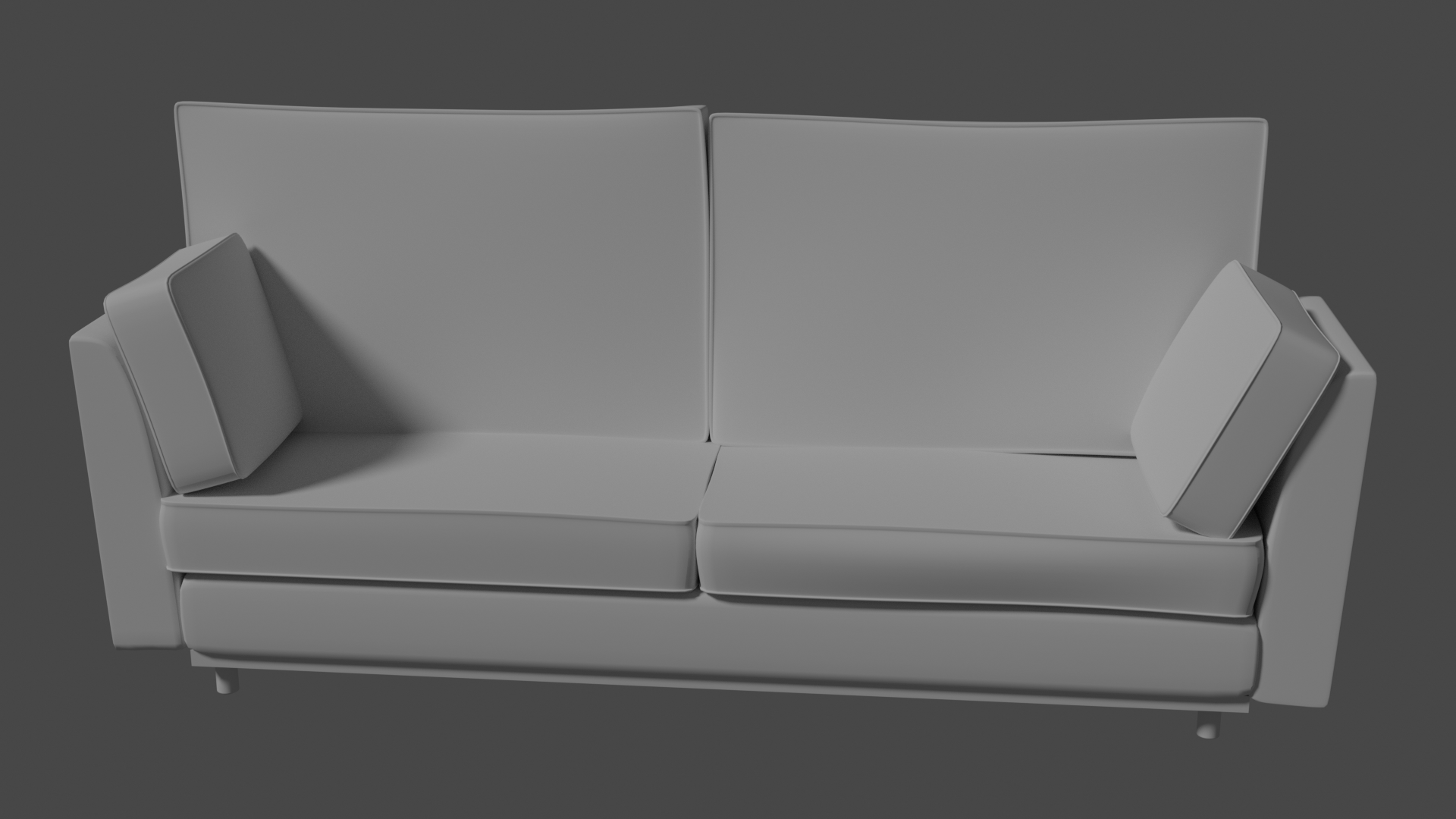
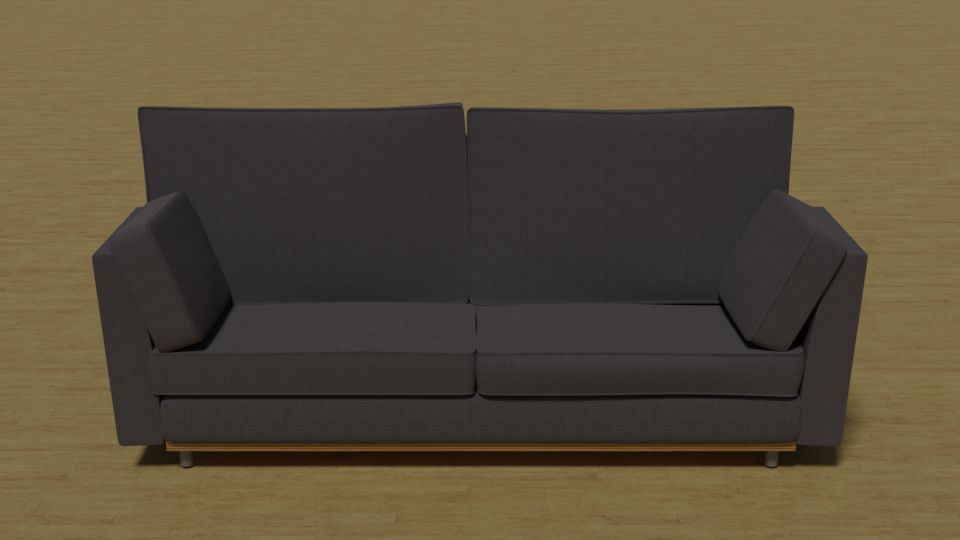
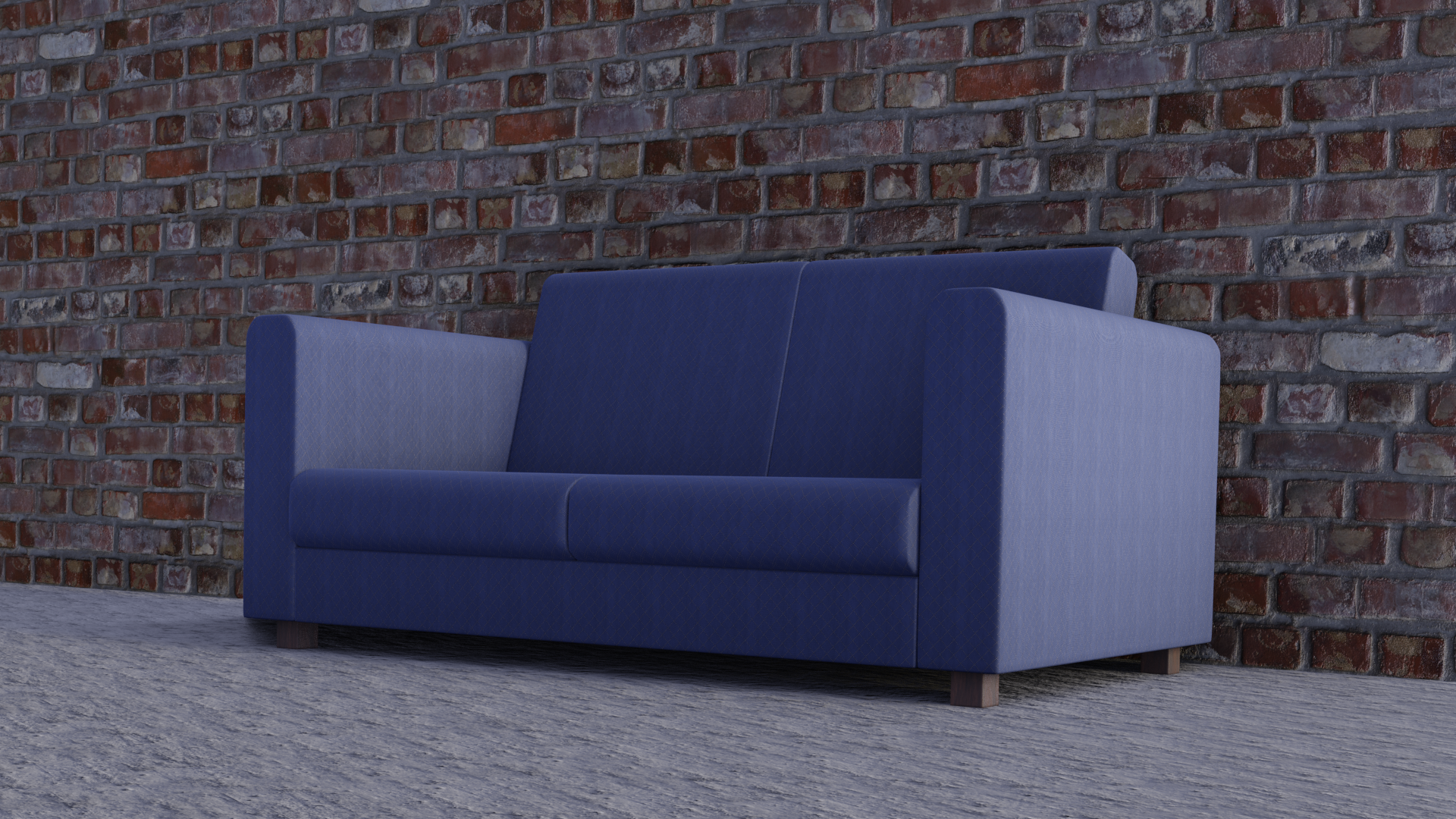
June 1, 2019 at 3:32 pm #47140Alright here is my render for today:
Without Textures
With textures
 June 1, 2019 at 5:02 pm #47141June 1, 2019 at 5:02 pm #47142
@jgonzalez How did you get the corners to pop out like that?
June 1, 2019 at 5:24 pm #47143@jgonzalez nice sofa 😊 I’m curious about those rims sticking out too, as well as how did you get cushions to be dented like that? Looks much more natural than my stiff cushions.
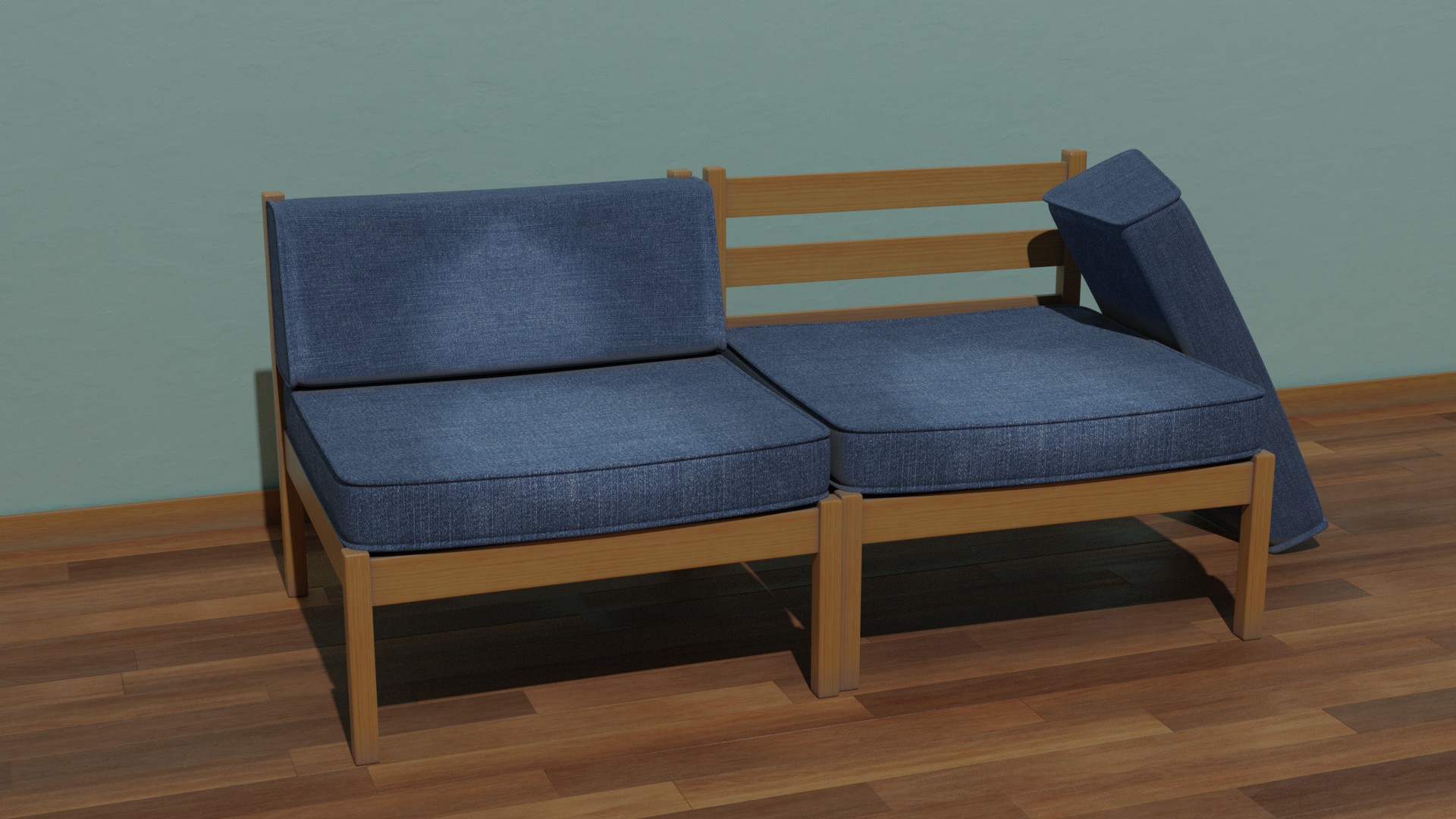
June 1, 2019 at 7:42 pm #47144This was a fun diversion. Here’s my family’s old sofa.
 June 1, 2019 at 8:28 pm #47145
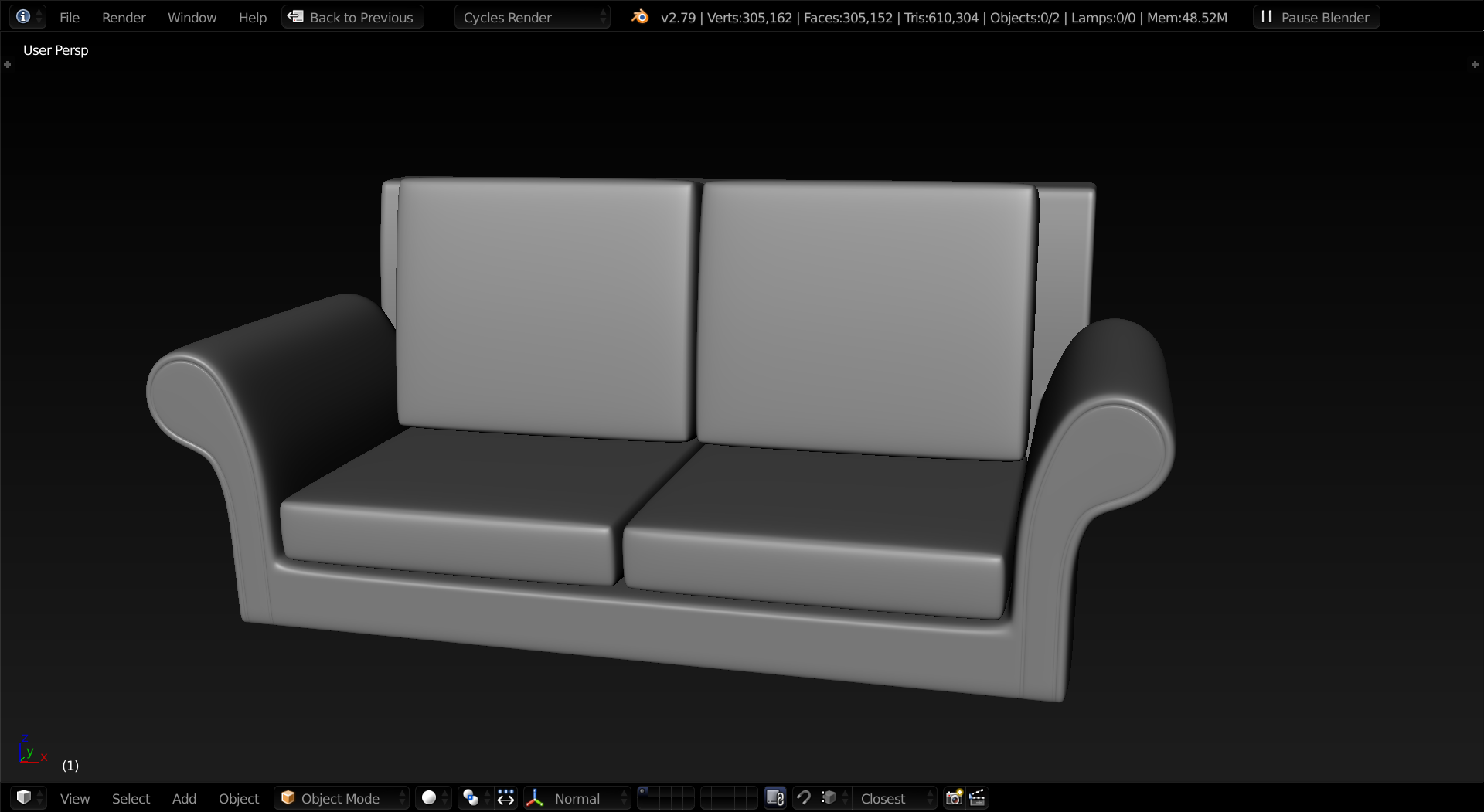
I finished mine.
 June 1, 2019 at 10:39 pm #47146
Interesting, a tad late in the day for me but this could be a very interesting thing to keep up with. I hope to participate soon!
June 1, 2019 at 11:53 pm #47147For the “rims”, I used a few loop cuts to make a thin border of faces all around then extruded them along the normals (ALT+E). For the dents and such, that was just pushing and pulling verts with proportional editing enabled. That’s how I also got parts of the cushion to look pointed.
The process for just about everything I did on the sofa was as follows:
- Create a cube and apply a subsurf modifier with 2 subdivisions
- Add loop cuts near the edges, but not too close to create a rounded look
- Either inset faces near the edges, or add a thin border near the edges for the stitched portion (rims) then extrude along normals with ALT+E
- Enable proportional editing and start pulling faces and vertices to add distortion and more cushiony look
Thanks to everyone who participated on day one, didn’t expect much with it being a Saturday and all but nice to see some submissions other than my own. On to day three!
June 2, 2019 at 1:38 am #47148@jgonzalez thanks for explaining your process, never would have thought of that but I think it’s brilliant you made use of simple techniques to get these awesome results. Lesson learned, simplify your process and don’t overcomplicate things!
Curious about today’s subject though… it’s already Sunday June 2nd over here and I’m itching to get started!!
Maybe you could post the next subject before you go to bed for us European people who live wayyy in the future? 😇
June 2, 2019 at 6:48 am #47149I am pretty new to blender but thought I would give it a try by allocating some time and at the end of the time see what I had. I have never really modelled before so hopefully this challenge will help.
Its a wall socket and this is as far as I got. Its all quads and I should have planned it out better at the start but that’s what being new does I guess. For the mesh I started out with the idea of it being mirrored but did not get around to it in the end which is why there is no edge loop the whole way around
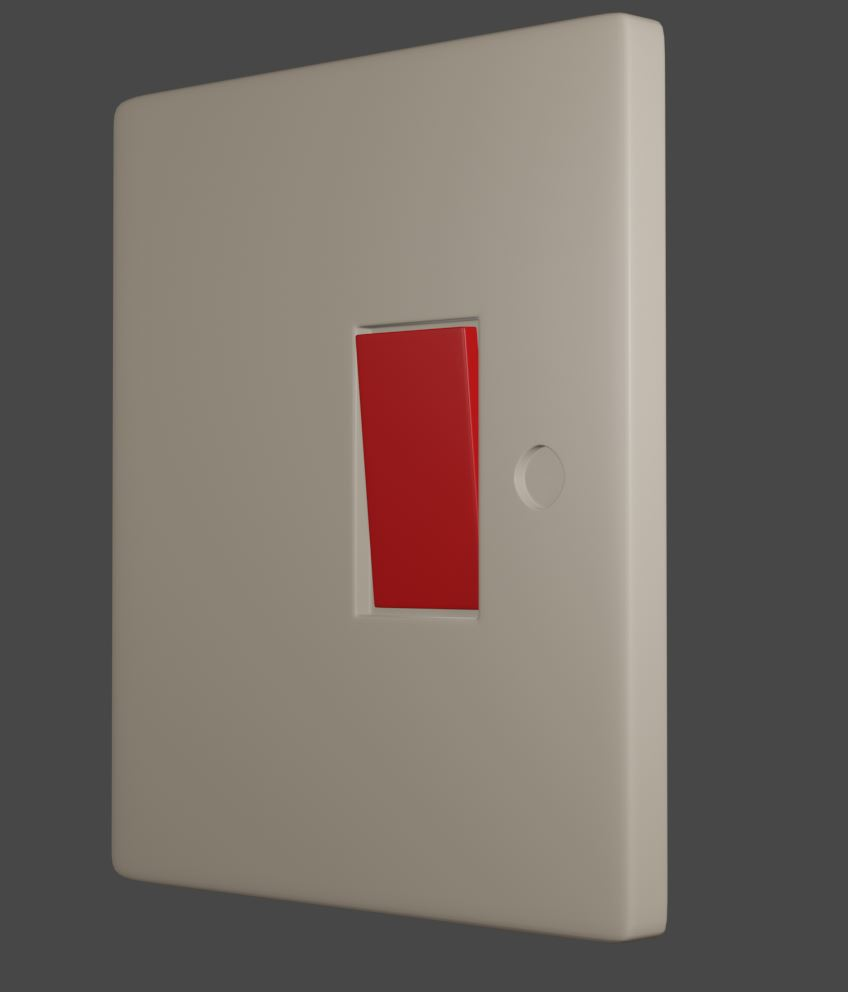
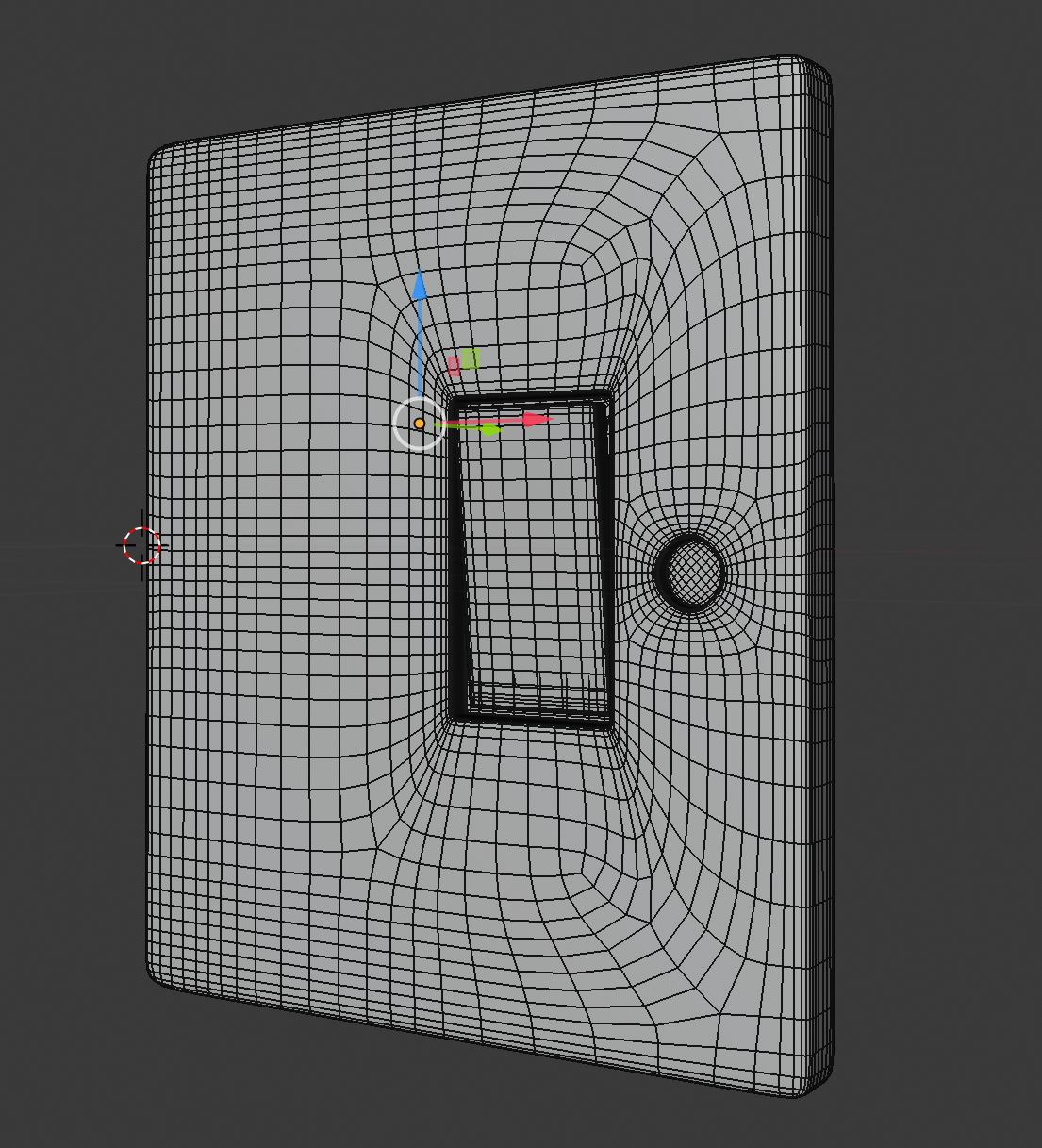
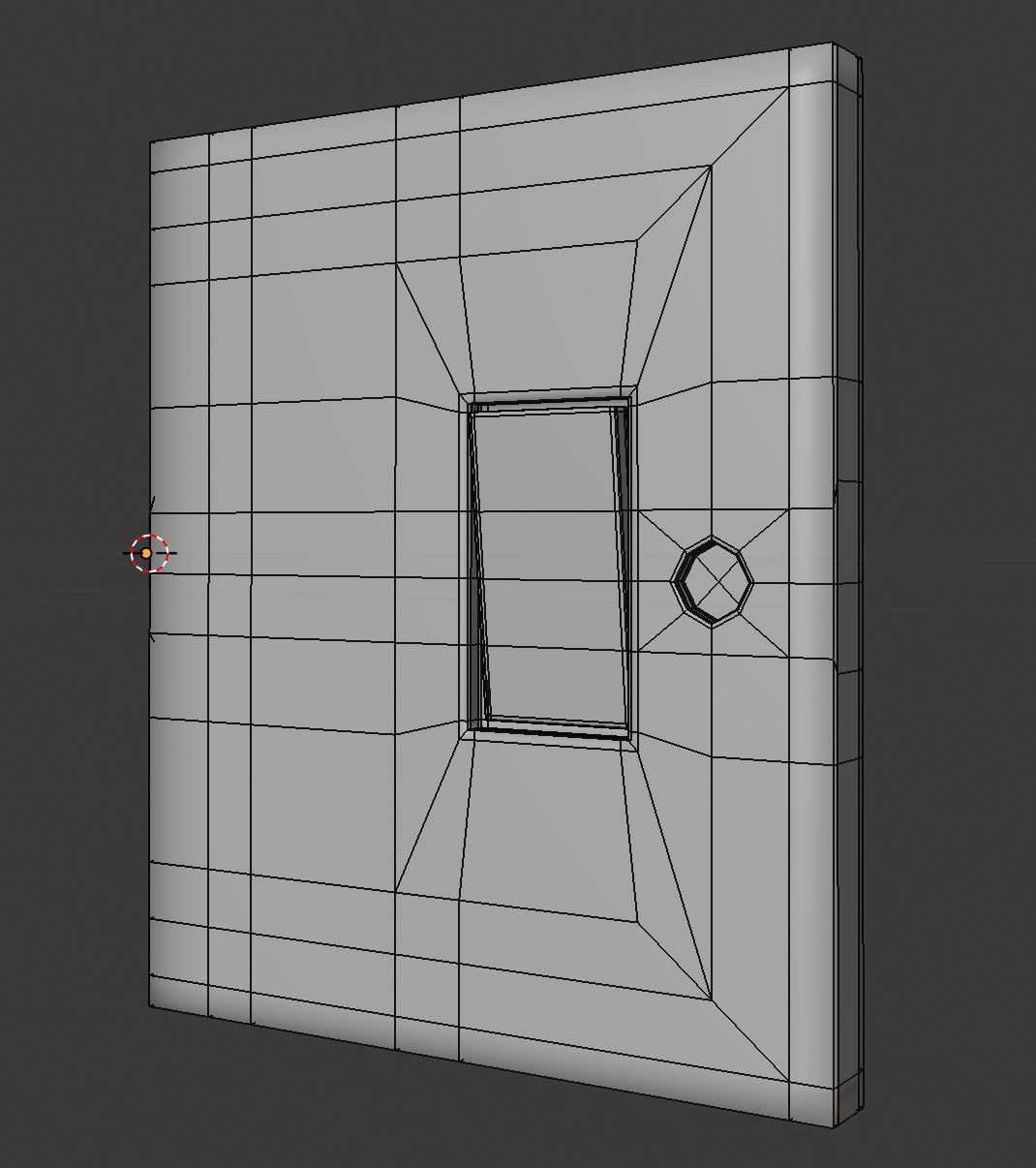
Not really able to texture just yet but will work on it.
thanks
June 2, 2019 at 11:28 am #47150@smurfmier1985 Actually I don’t mind doing it at night. As long as it’s once a day that’s fine. I posted today’s object to model. I’ll update it every night starting tonight.
@imparare I appreciate the effort, but please stick to the object selected for the day. The theme is HOME but there are 7 objects within that theme that will be provided daily to model. Day one was a sofa, day two is a lamp.
June 2, 2019 at 11:37 am #47151@jgonzalez awesome, thanks Gonzo! I’ll go looking for lamp references now 😎
-
AuthorPosts




- The topic ‘30 Days of Modeling’ is closed to new replies.