
30 Days of Modeling
Forum Archive › 30 Days of Modeling
- This topic has 338 replies, 22 voices, and was last updated 5 years, 2 months ago by
Adrian Bellworthy.
-
AuthorPosts
-
June 26, 2019 at 10:41 am #47437
@spikeyxxx Hehe, they sure do look identical! Thank you, I’ll play around with those settings… they sure could use some randomness.
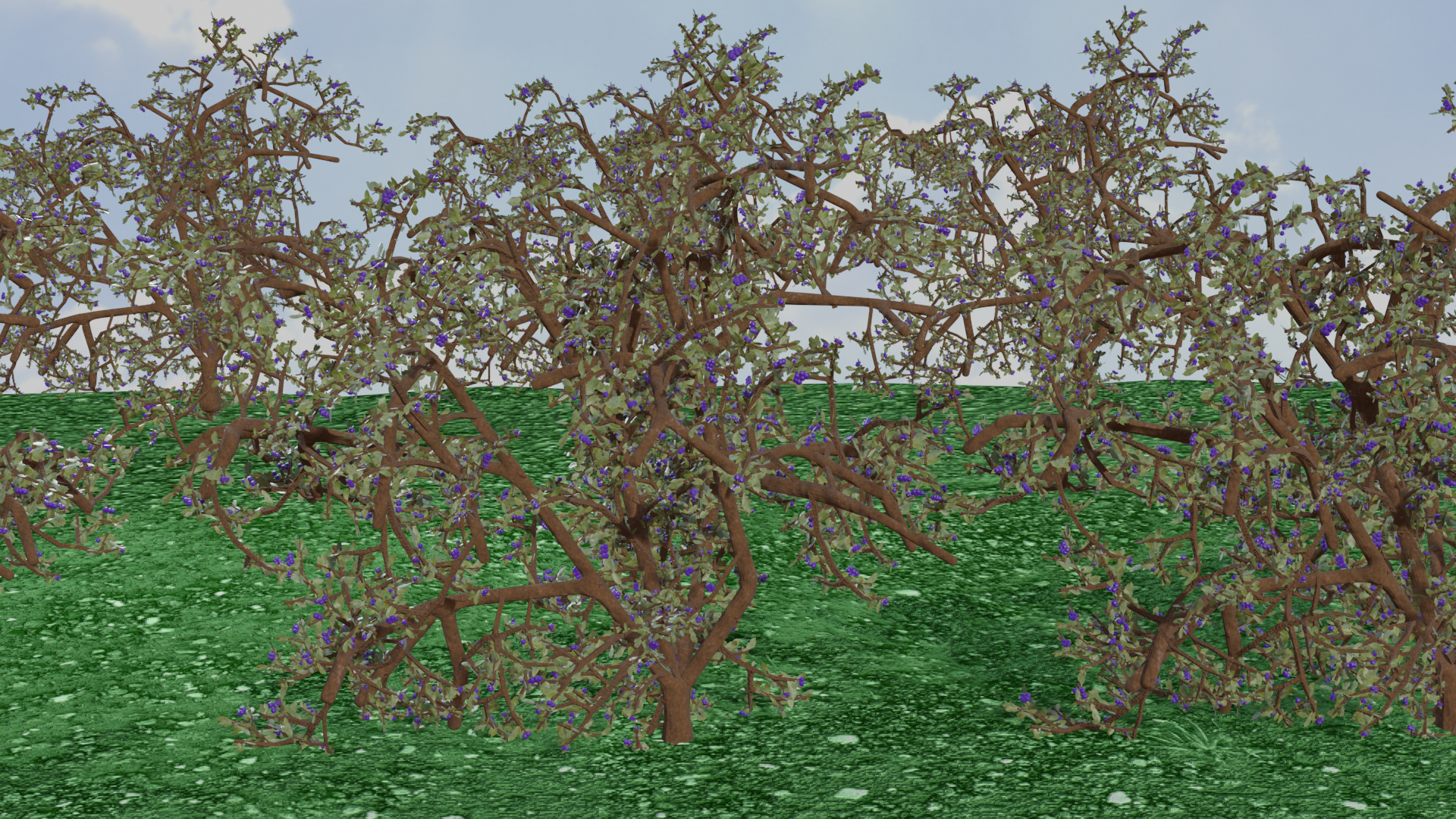
June 26, 2019 at 11:31 am #47438They are supposed to be blueberry bushes (not even I could tell that). I opted to try to use the skin modifier, never used it before. The branch tips should be more pointed, discovered how to do that too late. The leaves should be bigger and were a total waste of time to add any detail to, but the practice was much needed. I tried to have the leaves be hair particles on small branches and then the small branches be hair particles on the larger bush. My version of blender wouldn’t display the two particles systems, only one hair system. Also there were several crashes of Blender on my lap top. Definitely would use the Sapling Tree Gen if I ever do bushes again. Truthfully it just looks like a mess.
 June 26, 2019 at 12:08 pm #47439
@tanya53 Hi tanya, I think that was really brave to use the skin modifier for this!
And as to what you tried, it should work, but as far as I know, you’ll need to apply the Skin Modifier before you add the Particle Hair.
Then use a small branch as Object for rendering in the Particle Settings.
And put another Particle System (Hair, Render Object ‘leaf’) on the small branch.
You’d get something like this:
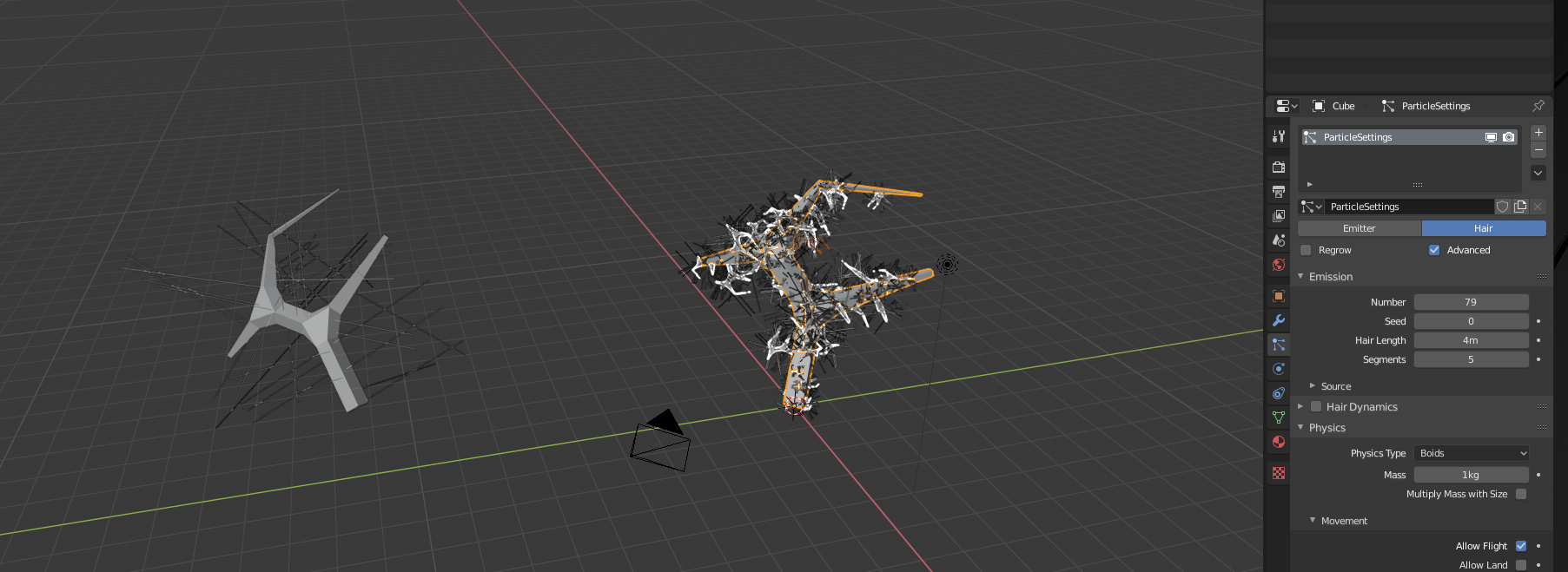
Probably not the best way for making a bush, but it might be useful in other situations, like making a tree from scratch…
I hope you find this helpful;)
June 26, 2019 at 4:02 pm #47440@spikeyxxx Thanks for the advice. I had reached my frustration and time limit. One of the frustrating things of doing this challenge for me has been learning new things and then trying to use those techniques to produce something. Usually I end up finding out things as I go along and there isn’t time to start over or fix what I have, so it has been both challenging and fun, though this nature stuff is turning into a nightmare. Again thanks for the help, your stuff looks great!
June 26, 2019 at 7:08 pm #47441Had some fun with this one, turned out quite well and it was fairly easy to create.
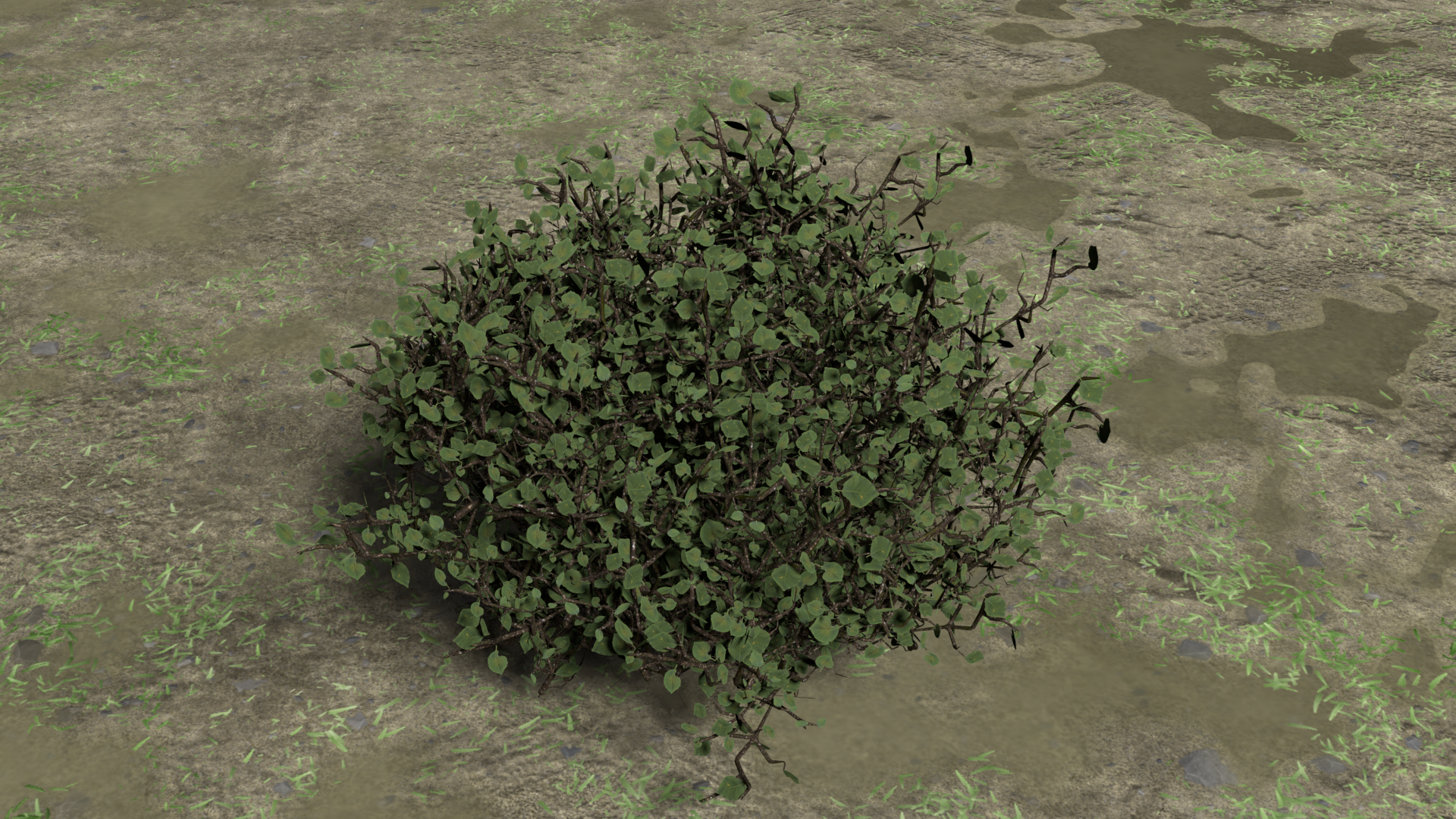
I used this Space Tree addon in 2.79 to create the base of the bush branches, then I created a smaller branch piece with some leaves I manually placed. The leaves were basic planes with a cutout texture of a leaf. I then used that branch with a particle system emitting from the vertices of the main bush.
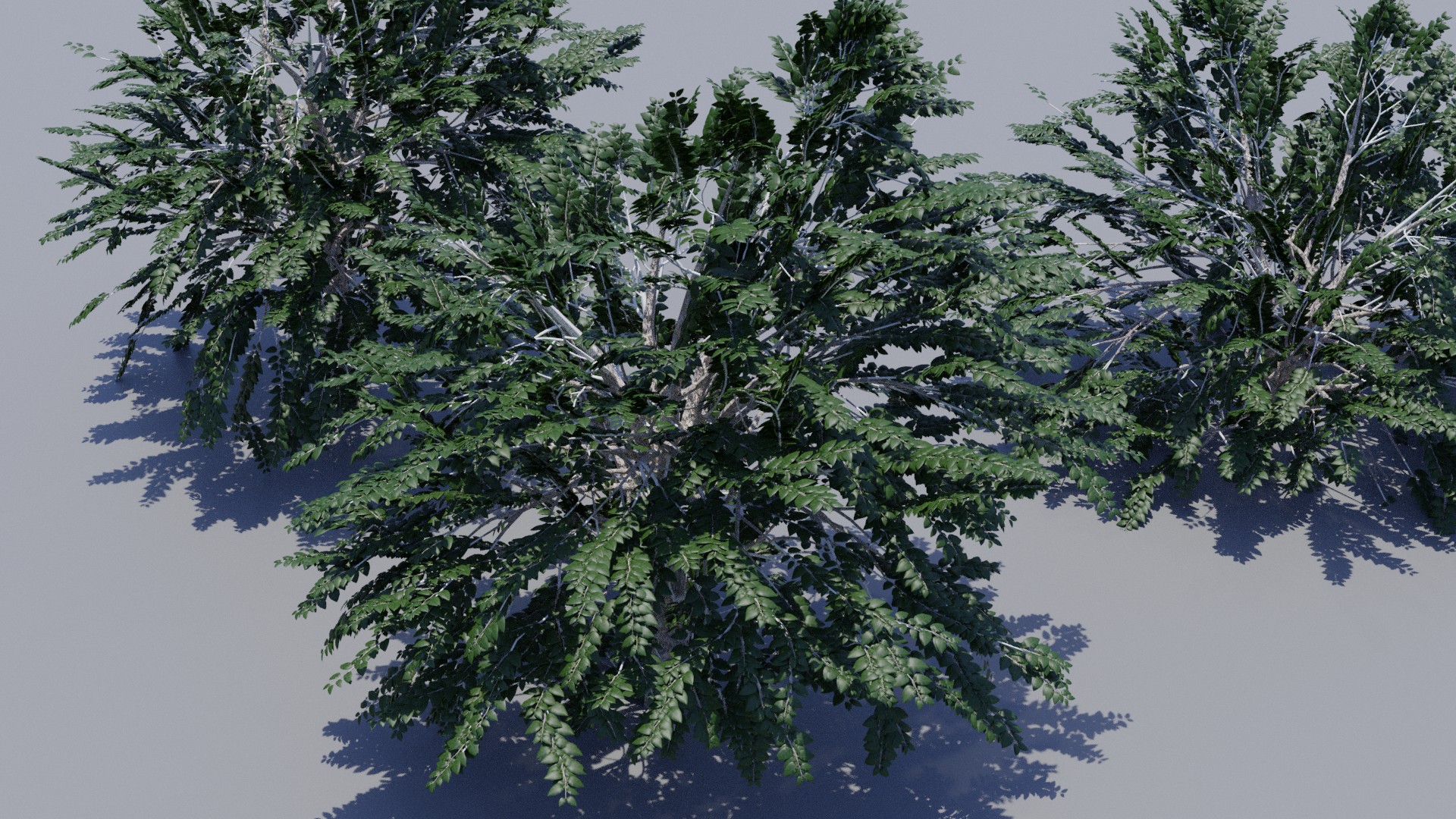
June 26, 2019 at 8:09 pm #47442I spent an hour playing around with the Sapling Generator. Still haven’t been able to get the trunk split all the way to the ground. Not sure if that maybe a 2.8 thing.
 June 27, 2019 at 1:43 am #47443
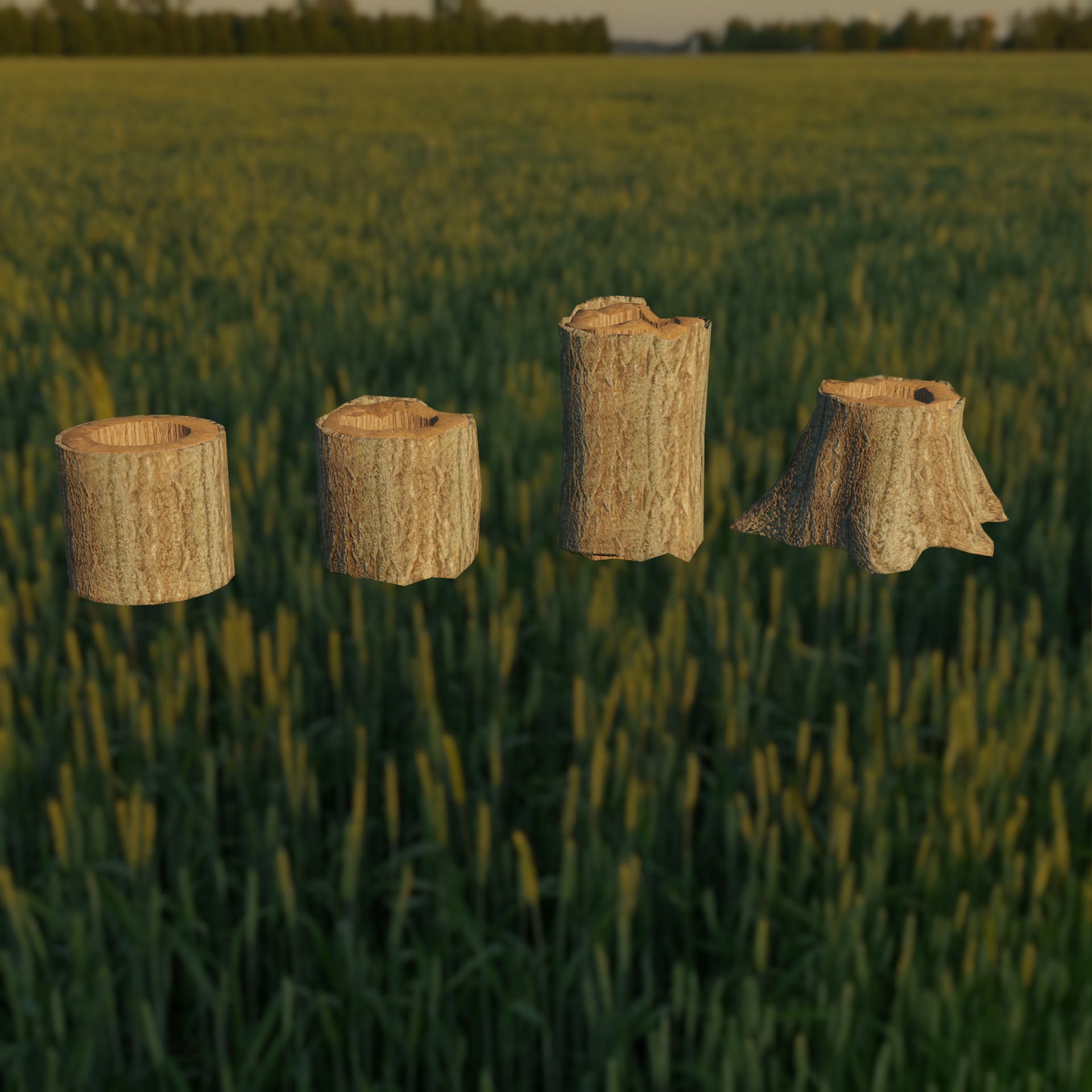
First I made the cylinder thingy on the left. Then made few adjustments on it and finally some sculpting to get the root shapes
 June 27, 2019 at 9:38 am #47444
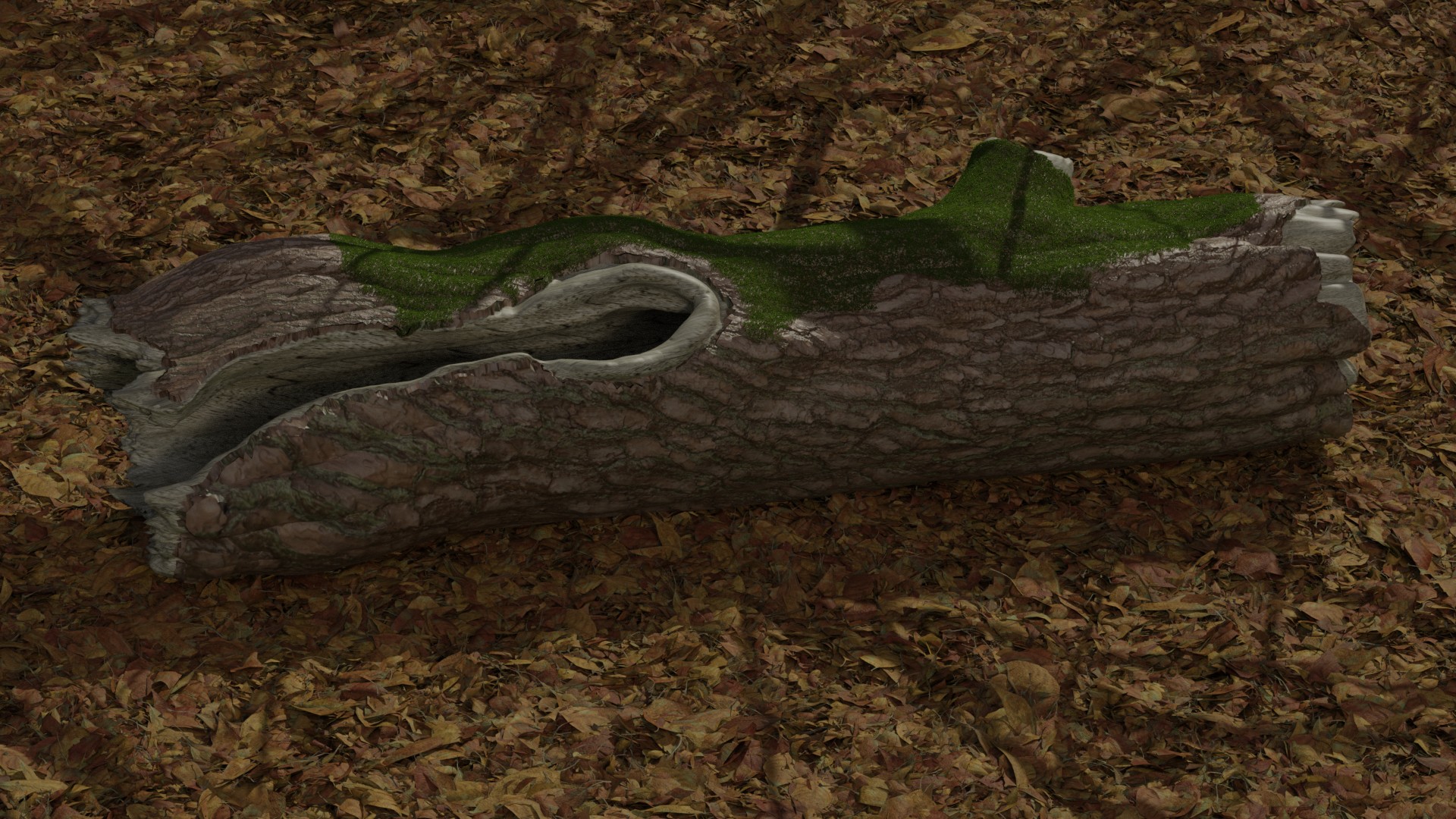
Sculpting went a lot better than expected; gulped some coffee, took out my tablet, tablet wasn’t working, back to mouse sculpting then…
Texturing was a nightmare;)! ( I should have re-topologized, but I was too lazy, so I had to suffer!)
Still, the result is acceptable, I think:
 June 27, 2019 at 11:16 am #47445
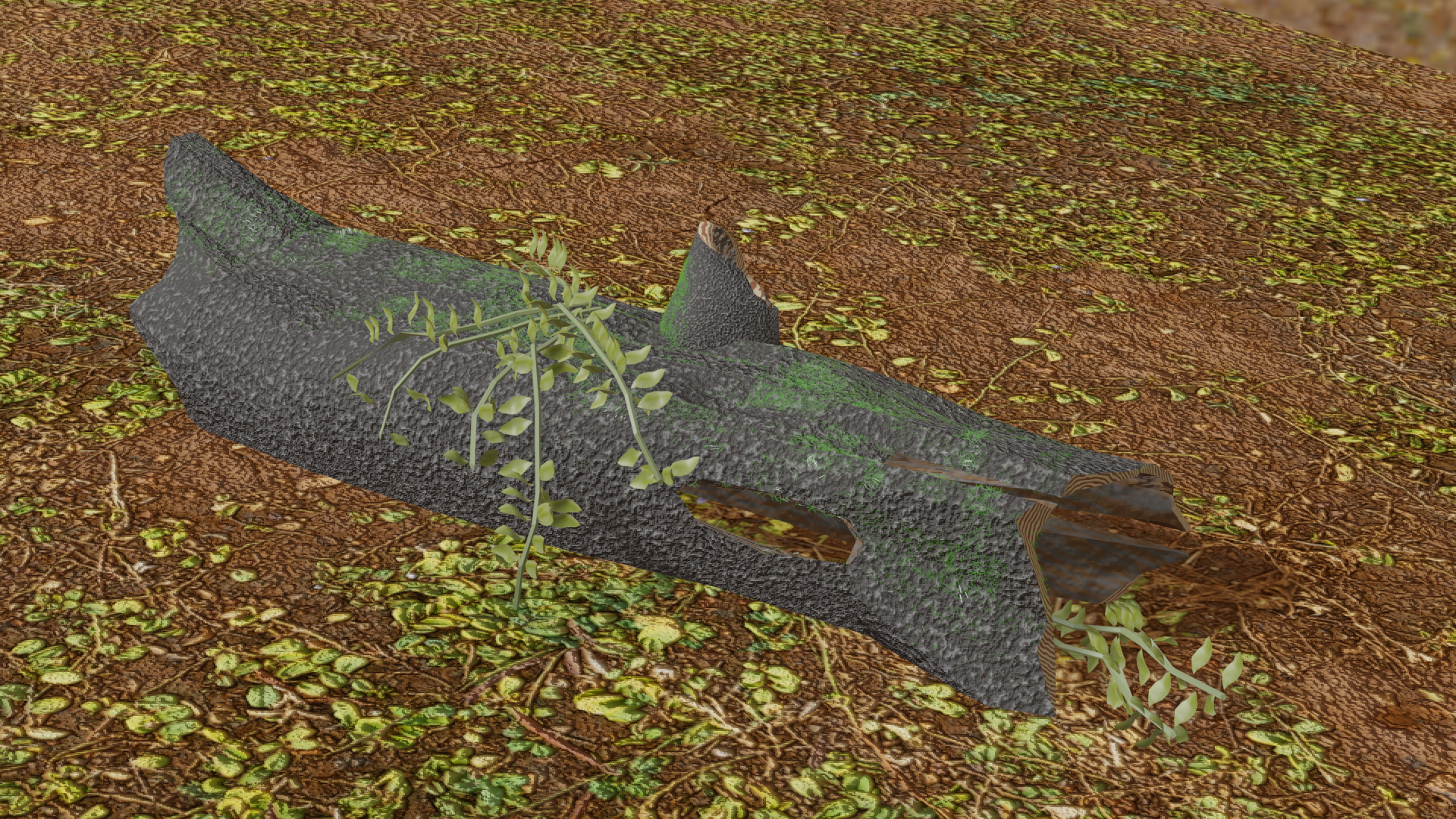
Looks like I am continuing my assault on Mother Nature, glad this wasn’t week 1. Tried sculpting for the first time, learned a lot in a short amount of time.
 June 27, 2019 at 12:09 pm #47446
@tanya53 Looks cool, tanya!
Learning is what this is all about;)
Love those leaf/strands going across the trunk!
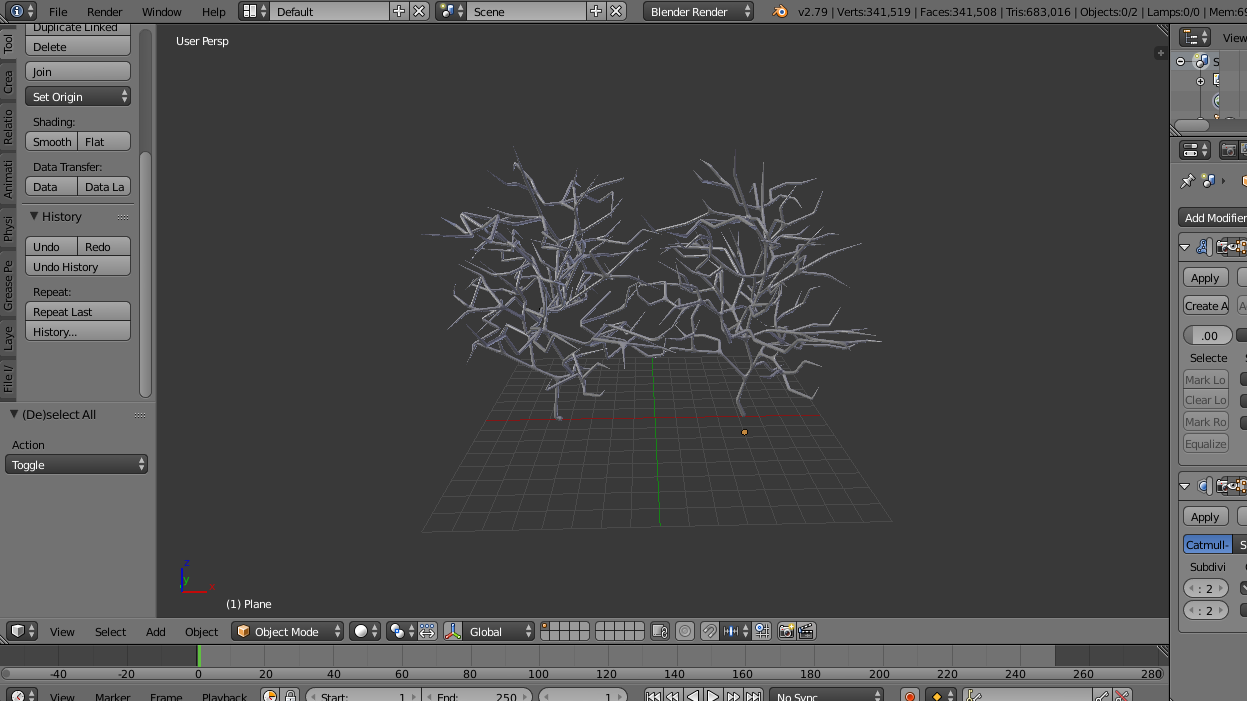
June 27, 2019 at 4:38 pm #47447Well, this week’s challenge is really kicking my behind!!! The leaves have given me a terrible time,feeling really drained. So here’s my bush (incomplete)… I just decided to call it a thorny bush even if realistically speaking a thorny bush has a couple of leaves on it. I’m sorry for posting it so late guys. None of the “tree” add-ons worked for me… eh, I modelled using vertices, applied a skin modifier and then added a sub-surf. To get the sharp needle stuff, I had proportional editing on and then CTRL+A.
 June 27, 2019 at 7:03 pm #47448
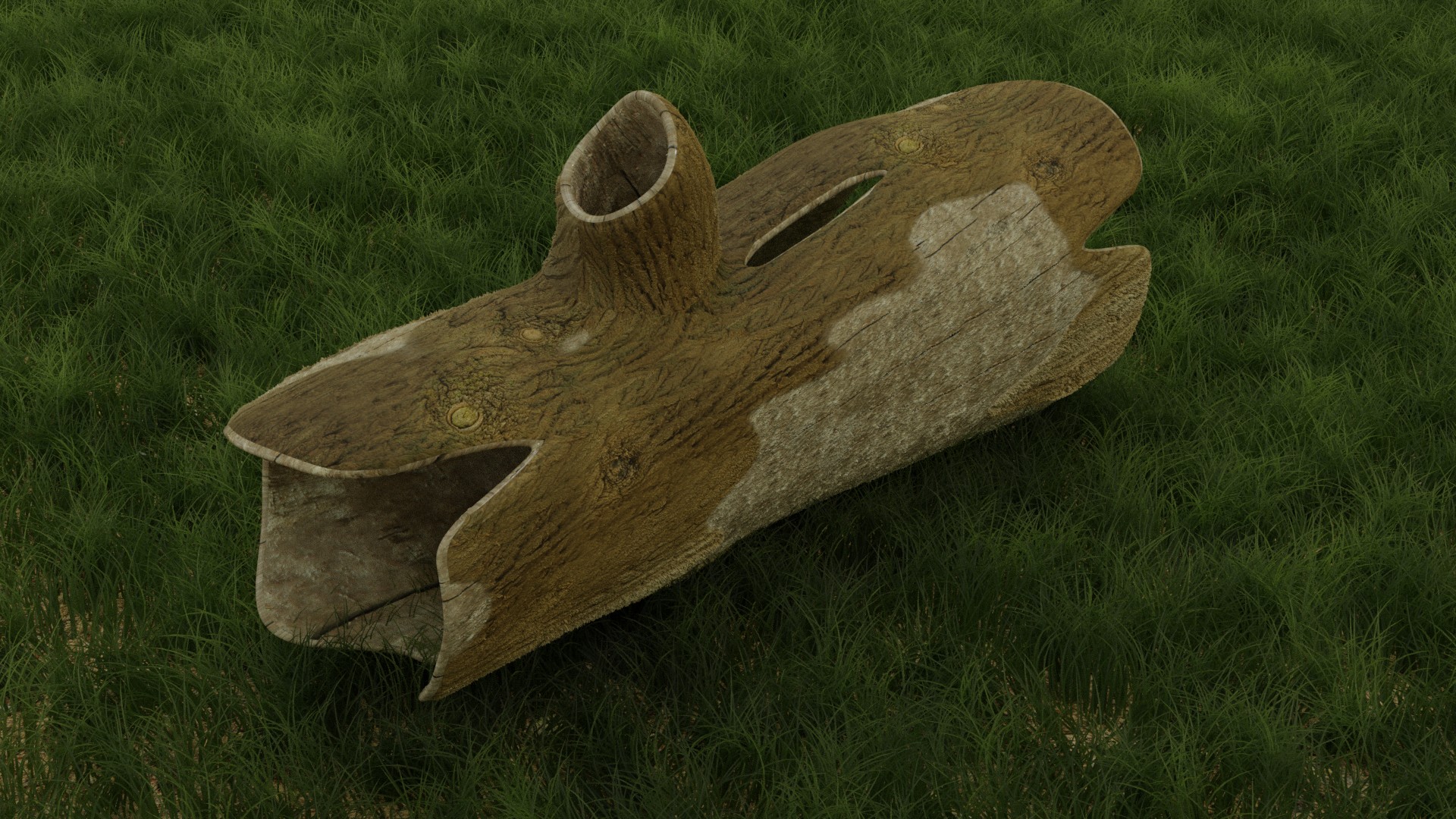
So I think I made myself a whole lot of extra work by trying to use texture displacement with the Solidify modifier. The displacement moved the mesh away from the rims, so I multiplied the displacement by the pointiness node to try and limit the movement at the edges. Anyways I am out of time and had fun experimenting.
 June 27, 2019 at 7:43 pm #47449
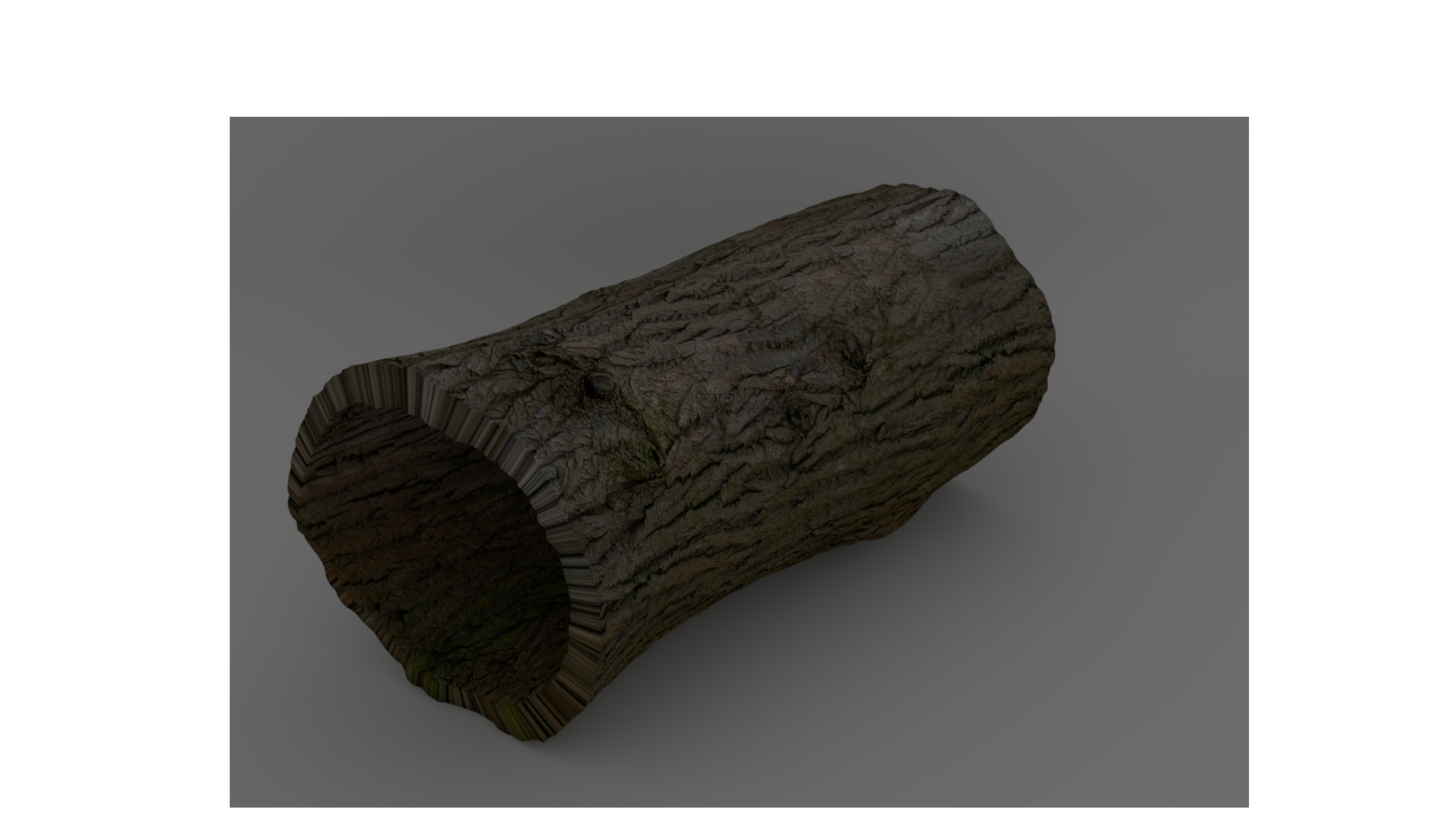
I gave texturing a try… I like it apart from the nasty ring thingy going on, I have tried to fix it but no luck. Any idea guys on how to do that?
 June 27, 2019 at 7:48 pm #47450
@ciku-karugi It appears that way because the texture is stretched out. I added seams on the edges of the trunk and added a different material to the rim. If you only have one material I would add some loop cuts around there as well but the marking of the seam will relieve the stretching.
June 27, 2019 at 7:52 pm #47451Here is my lackluster log:
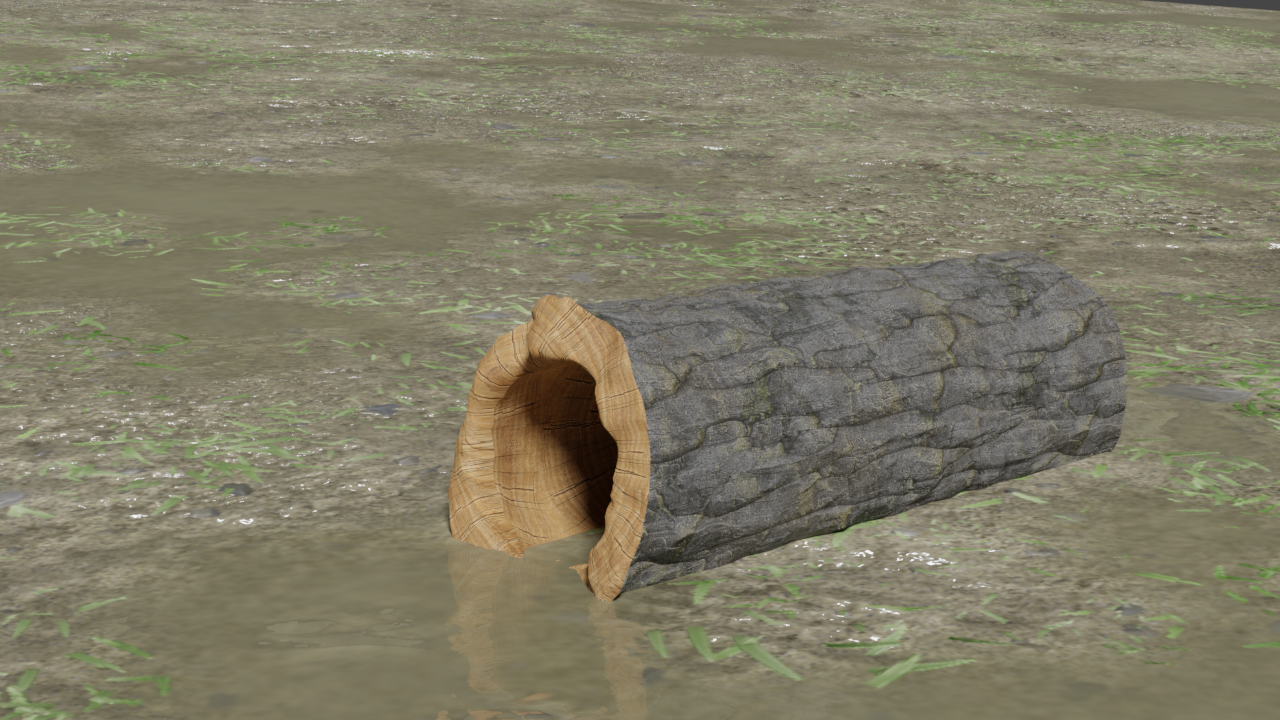
Organic models are definitely something I struggle with that’s why I think the nature topic was a good one. I’ve noticed I use a lot more vertex groups more often with these models which is great. Learned a few tips. I added a displacement modifier to the outer bark and inner/rim portions of the wood using two different groups to control the displacement applied to each instead of uniformly. This was added to create more bumps and distortion in the wood.
I’ve also come to realize why I have trouble selecting UV islands when pressing “L” on the mesh. From time to time it wouldn’t work and it would drive me crazy as I couldn’t figure out why. Today I finally figured out that you need to have “faces” selected in edit mode, if you have edge or vertex selection enabled it won’t work. An obvious thing looking back, but never connected it.
-
AuthorPosts


- The topic ‘30 Days of Modeling’ is closed to new replies.