
Marco Modena

Forum Replies Created
-
AuthorPosts
-
@theluthier When you have time, could you share your light-matching exercises files.
Thanks, Marco
@gradyp if I provide you the files could u help me to achieve the goals that you mentioned?
ORIGINAL FILES:
WEEK 3 HOMEWORK SUBMISSION
goblin
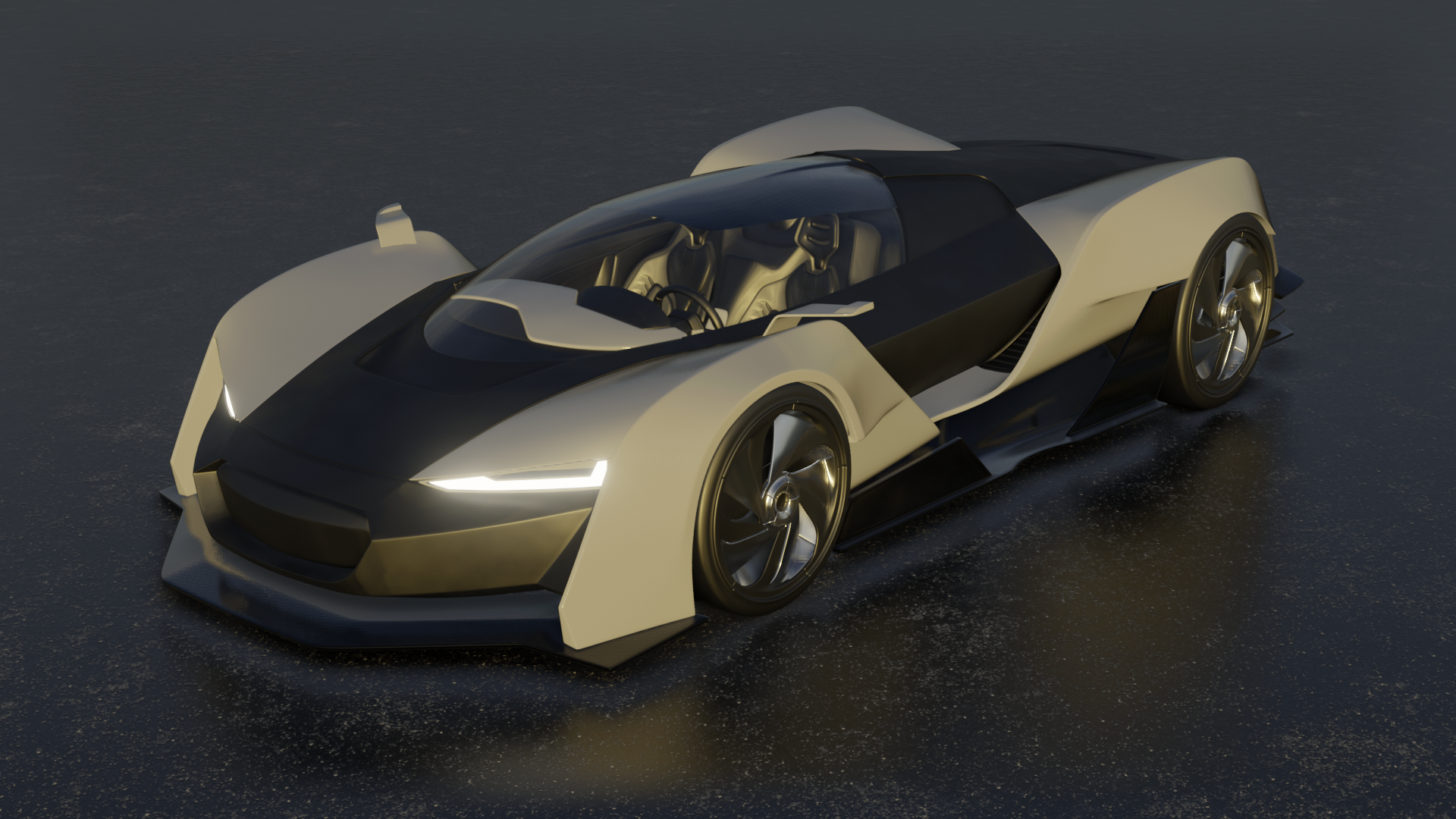
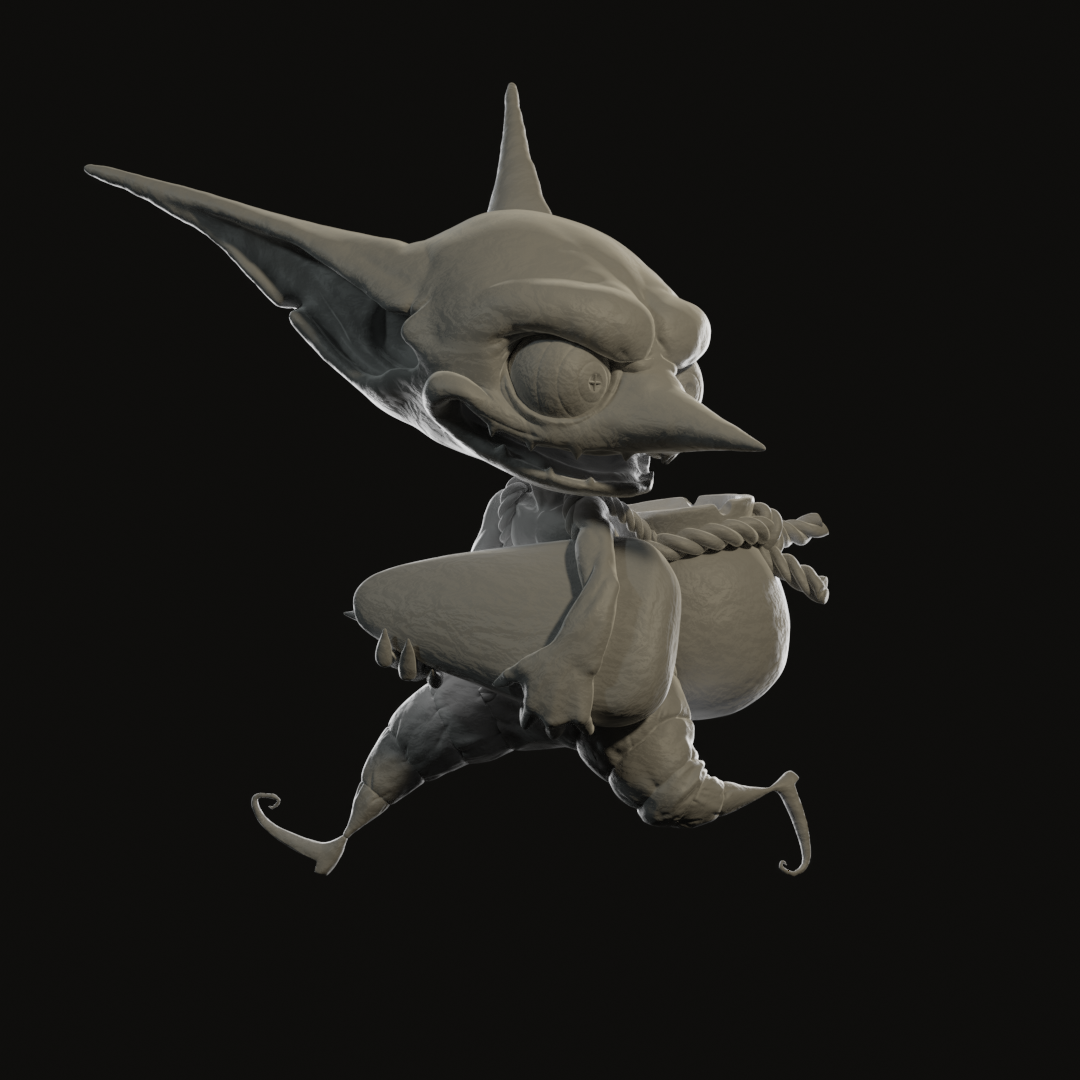 and Lighting Match #2
 original on Artstation https://www.artstation.com/artwork/oDank
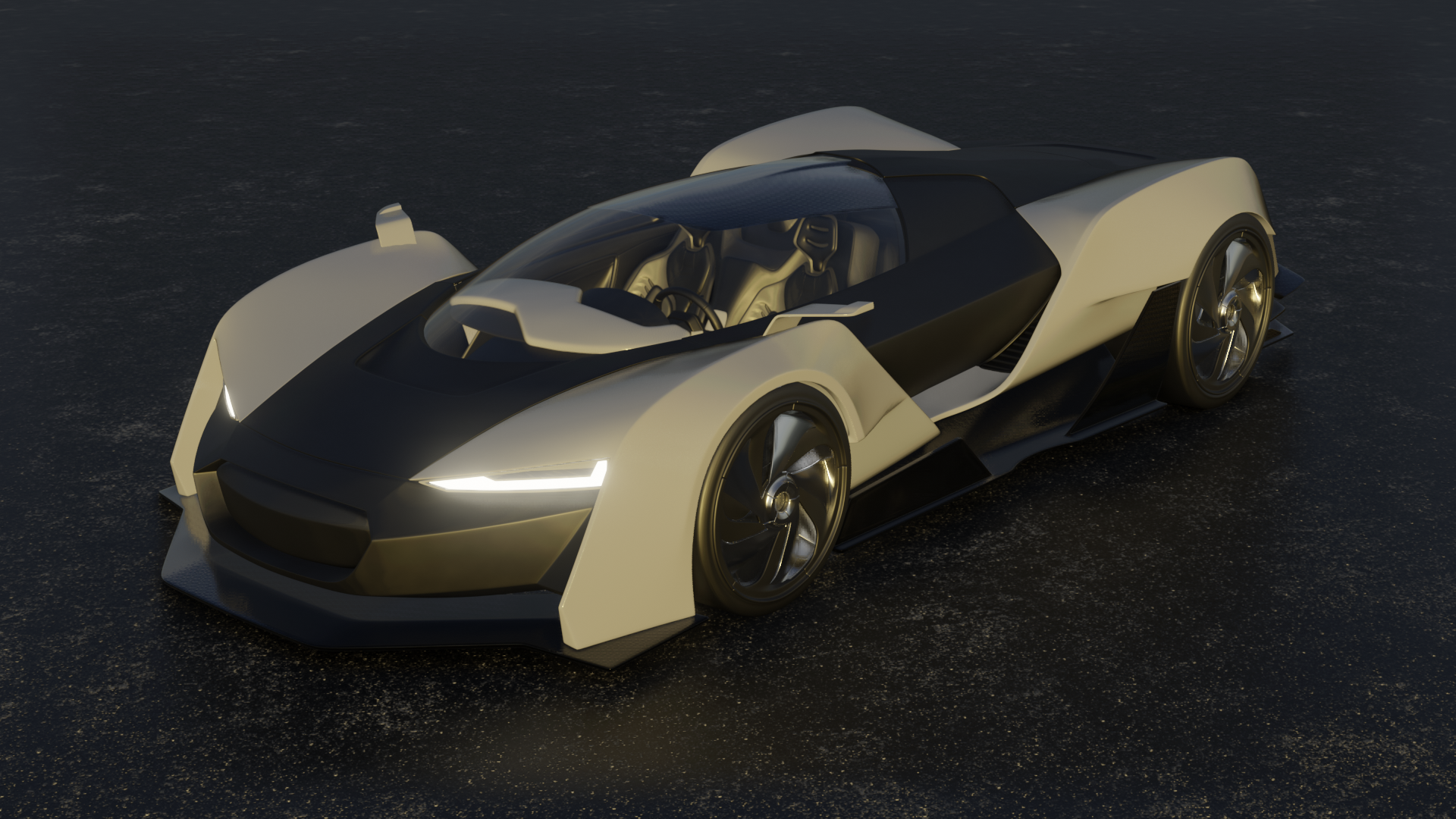
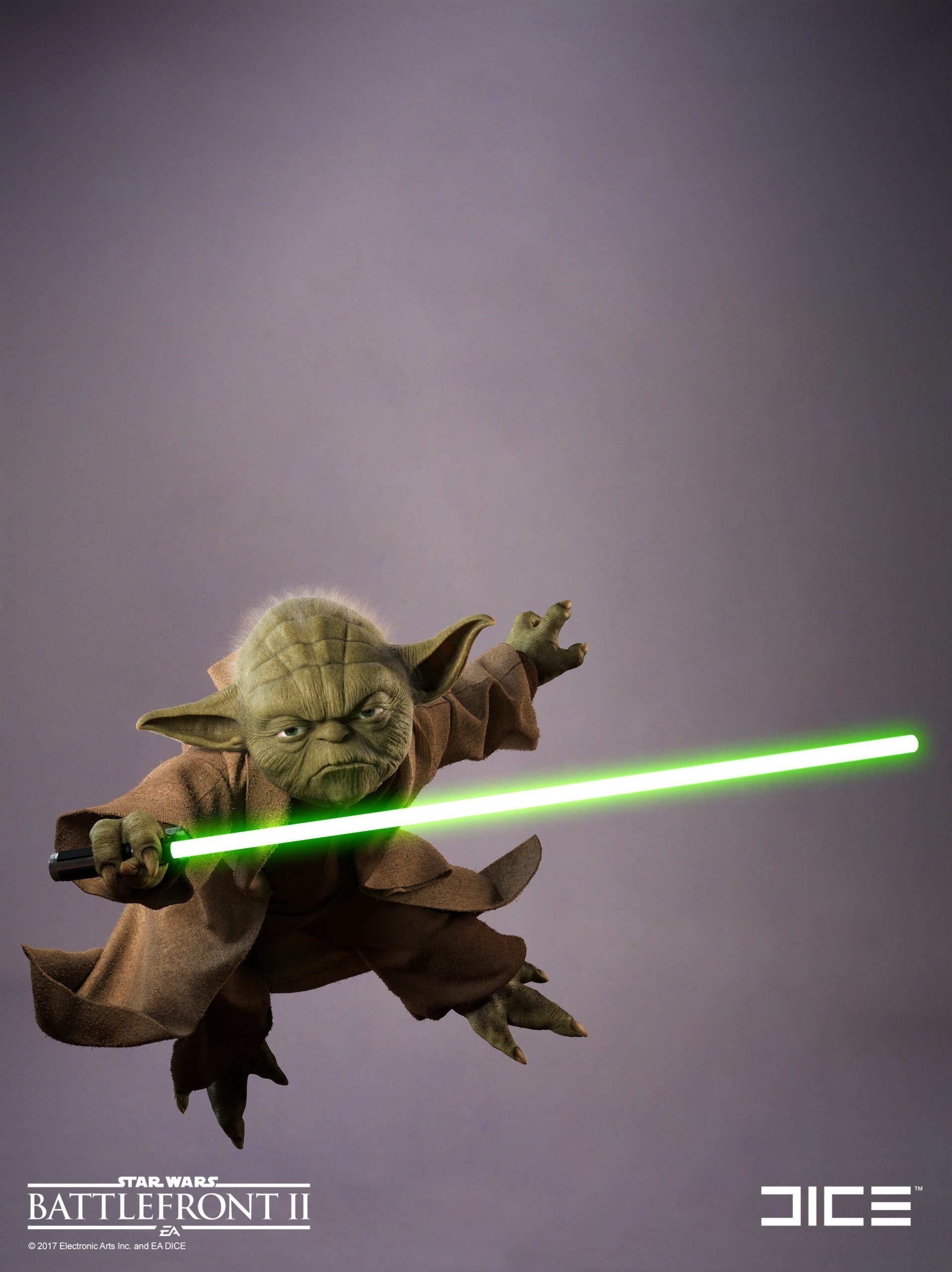 trying to match light using the model by blazer003 https://www.blendswap.com/blends/view/13887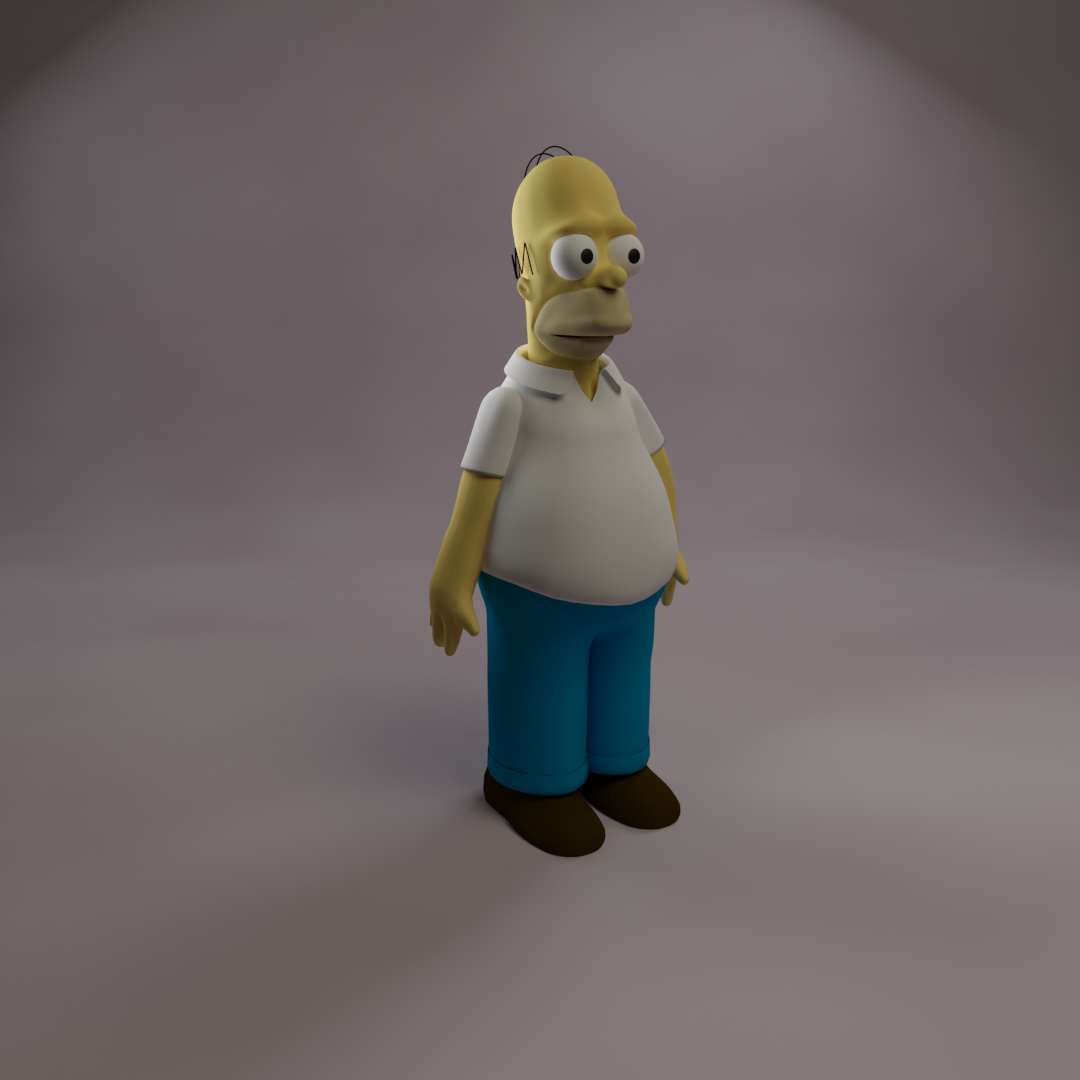
another version
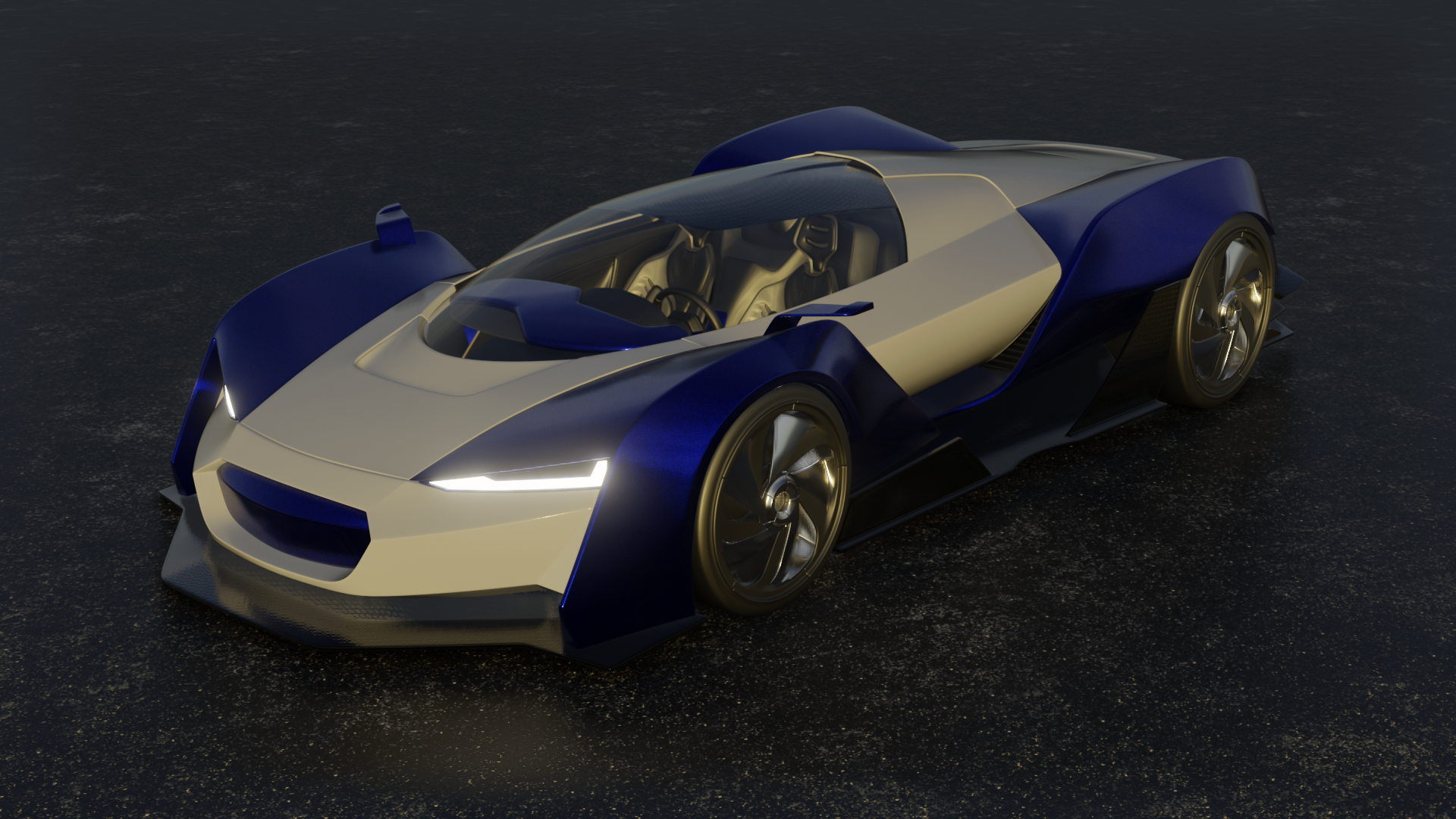
5mm or 0.1m gave me really almost unnoticeable different results changed instead screen space reflection thickness and some bump in the asphalt and carbon fiber
@nekronavt thanks I hadn’t seen it.
Is refraction depth the depth of the glass?
so 5mm could be better?
@gradyp yes I had a problem on setting the rim too strong I burn the background too light it’s not visible.
I attached the files maybe you could help me.
Thanks
@gradyp It was a problem with the scale of the object if you transform everything to mesh it disappears
@theluthier I have attached the files could you send me the corrections maybe underlining changes with some screenshot or with the grease pencil.
Thanks
Ps. For the car I used bump but probably the problem is in the choice of the texture
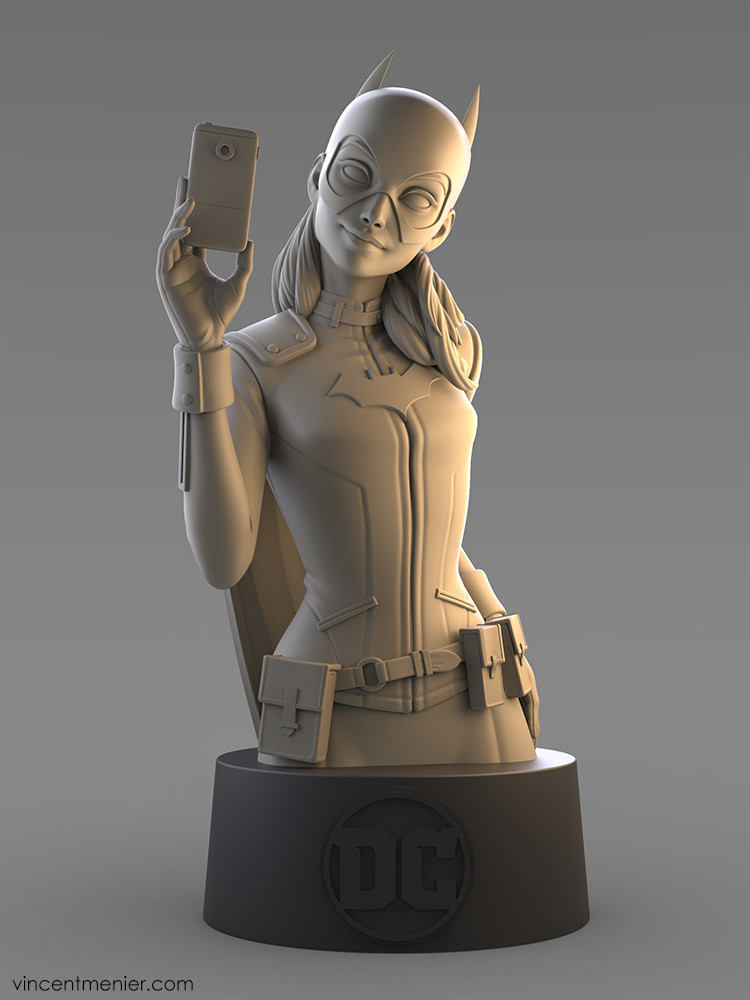
For the rim on the statue yes I had a problem with it is too strong I burn the background is too light I don’t see it, maybe compositing could be the solution
@nekronavt If you want to check I have attached the files.
Thanks
FILES
file of the car with artifacts problem in the render:
file of the car with mesh correction:
file with character lighting:
@silentheart00 the problem is in the mesh the only solution for the moment seems to be transforming all to mesh. It’s something due to the scale of the object but ctrl+a not working
@blenderrender1993 i would like a lot a course on unreal too expecially for visual scripting stuff
WEEK 2 HOMEWORK SUBMISSION
Light matching
artstation: https://www.artstation.com/artwork/EBQan
 mine on model by paritosh : https://www.blendswap.com/blends/view/86595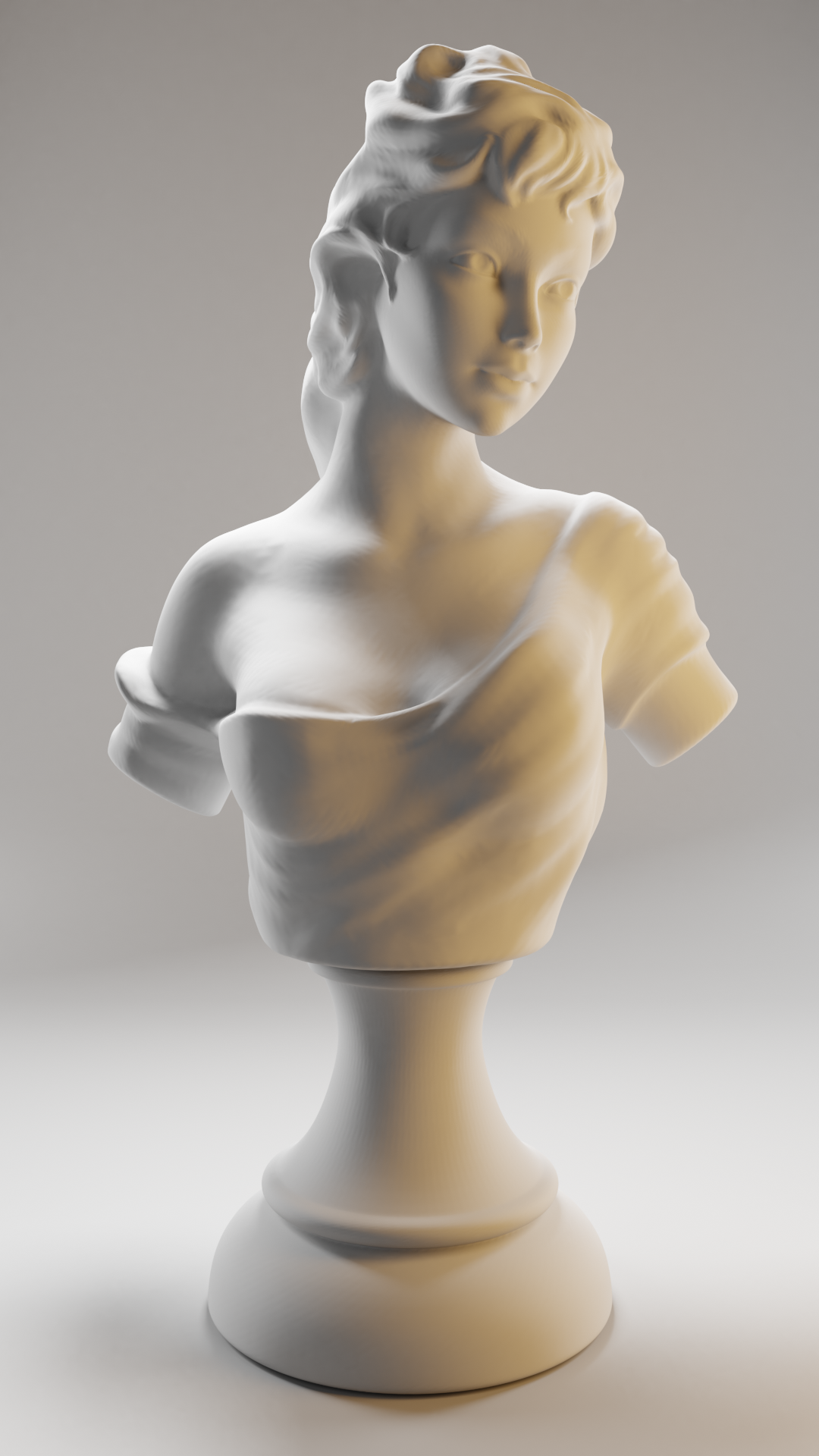
@silentheart00 if u want I could send to u the file
it looks more a problem of Eevee
or it’s like after rendering it moves the geometry
-
AuthorPosts
