BC4-1810 Homework, Marco Modena

Forum Archive BC4-1810 Homework, Marco Modena

Viewing 15 posts - 16 through 30 (of 51 total)
  • Author
    Posts
  • #43422
    Kent Trammell
    Participant

      @mamo You’re absolutely right. I can’t remember why I was using that mode since I wasn’t rendering images.. 🤔

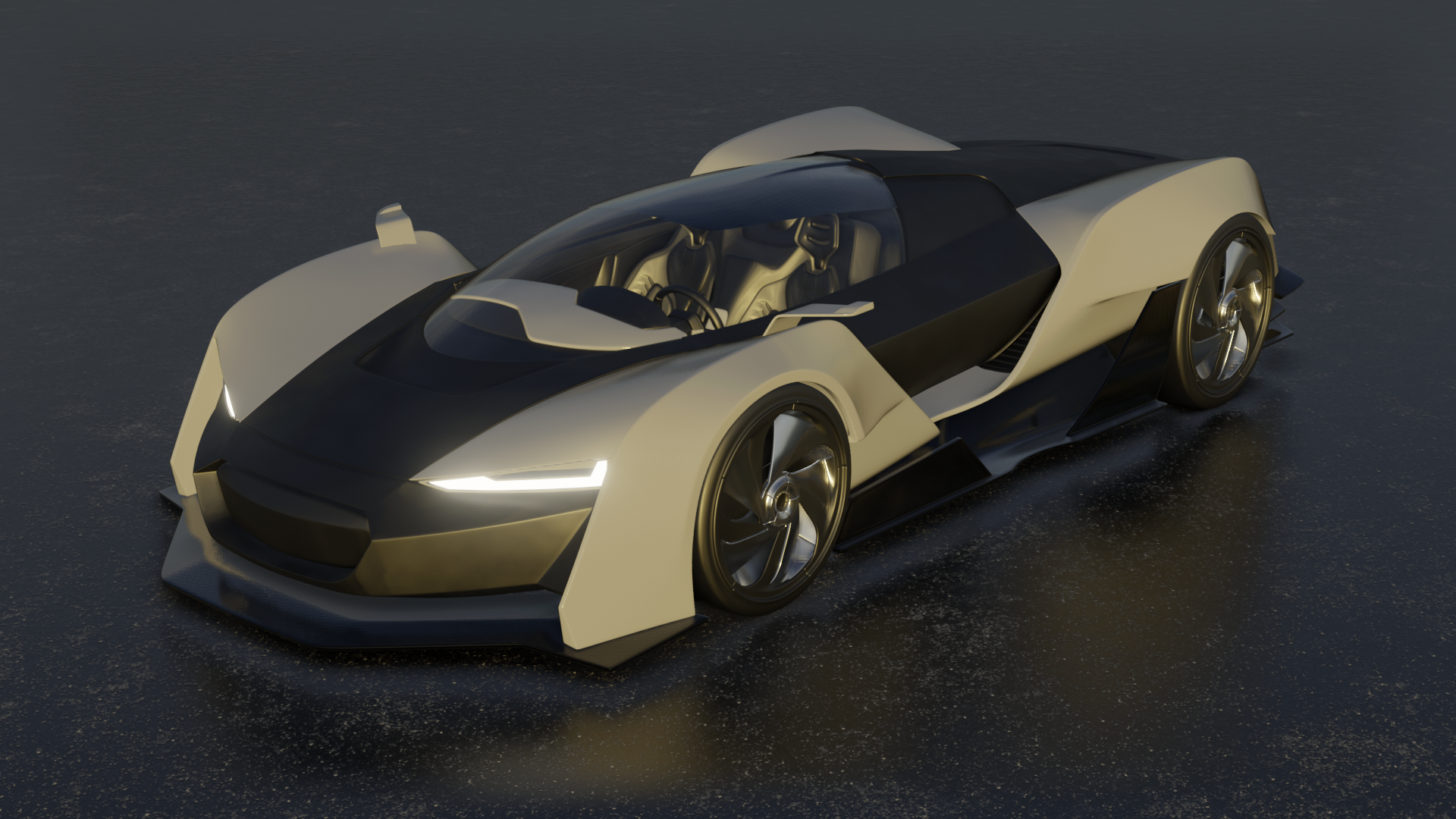
      It looks like your bottom lateral flap is tiling the textures at a small scale. I wonder if it’s the auto texture space setting. With the flap selected, go to your object data properties and look under the Texture Space section. See if Auto Texture Space is enabled.

      #43423
      Kent Trammell
      Participant

        @smurfmier1985 @bun-bun Oh interesting. Maybe it is a Mac thing. [Goes to download the latest daily build…]

        Yes I can confirm that even with today’s build, the texture coordinate node breaks environment textures:

        #43424
        smurfmier1985
        Participant

          @theluthier Bummer.. ☹️

          #43425
          Marco Modena
          Participant

            @theluthier No Auto tile is disabled could be scale and rotation not applied to the object. In this case I can’t use ctrl+A cuz it says it’s not single user object

            #43426
            Kent Trammell
            Participant

              @mamo Ahh yes I ran into this same problem. My guess is it’s a scale issue that needs to be applied but we can’t apply scale because it’s a multi-object user, BUT we can’t make it a single object user because the tool seems broken.

              Whew. What I recommend is duplicating the car paint shader for that flap object specifically. Then adjust the musgrave texture scale accordingly.

              #43427
              Marco Modena
              Participant

                @theluthier It was that problem converted to mesh and worked

                #43428
                Marco Modena
                Participant

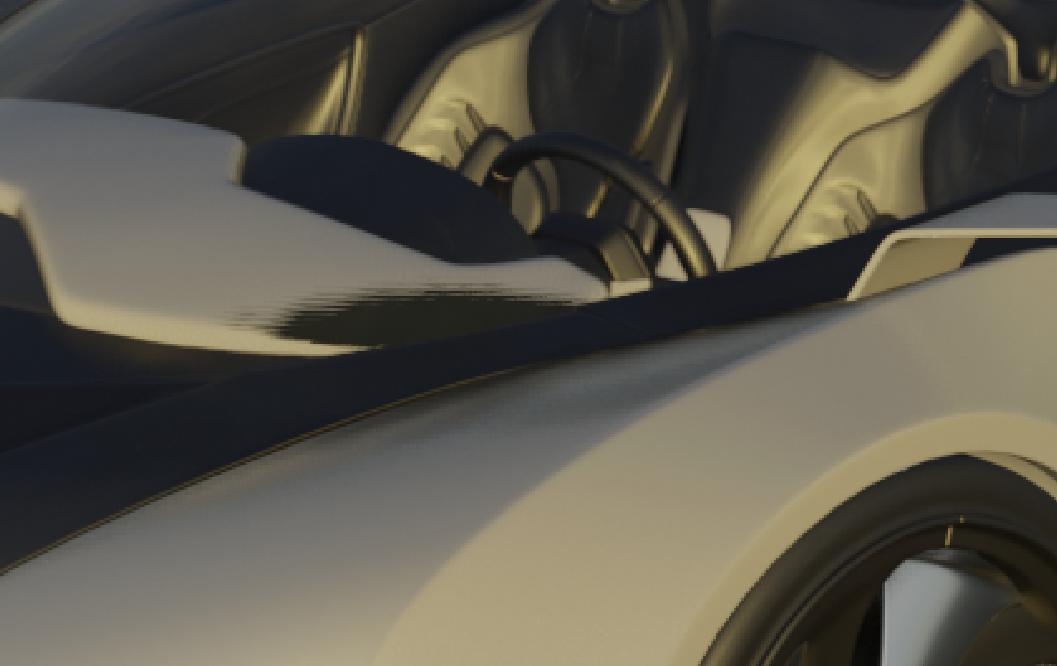
                  theluthier  noticed that in the render there are some artifacts that in viewport are not visible not understanding why

                  #43429
                  silentheart00
                  Participant

                    @mamo I feel like it has something to do with the reflection of something, how Eevee is handling reflections in this case.  Let me see if Pavel can help.

                    #43430
                    silentheart00
                    Participant

                      @nekronavt Can you help?

                      #43431
                      Marco Modena
                      Participant

                        @silentheart00 if u want I could send to u the file

                        it looks more a problem of Eevee

                        or it’s like after rendering it moves the geometry

                        #43432
                        Grady Pruitt
                        Participant

                          do you mean in the shadows? that could just be a matter of turning up the shadow quality on the render properties settings.

                          #43433
                          Grady Pruitt
                          Participant

                            Hmmm… Now I ‘m looking at one of my renders and I’m seeing the banding in the shadows like that too… tried messing with the shadow settings and doesn’t seem to be doing anything. could be an effect of the way they’re calculated in Eevee?  

                            but I also only really notice it when I’m hyper zoomed in… when I’m at a 1:1, it’s barely noticeable.

                            #43434
                            Pavel Mazanik
                            Participant

                              @silentheart00 I can try 🙂

                              @mamo could you provide a blend file to look at your problem closer?

                              #43435
                              Kent Trammell
                              Participant

                                At this point Pavel might be the best person to ask! But please do post a download link to your .blend file. I’d like to take a look as well.

                                #43436
                                Marco Modena
                                Participant

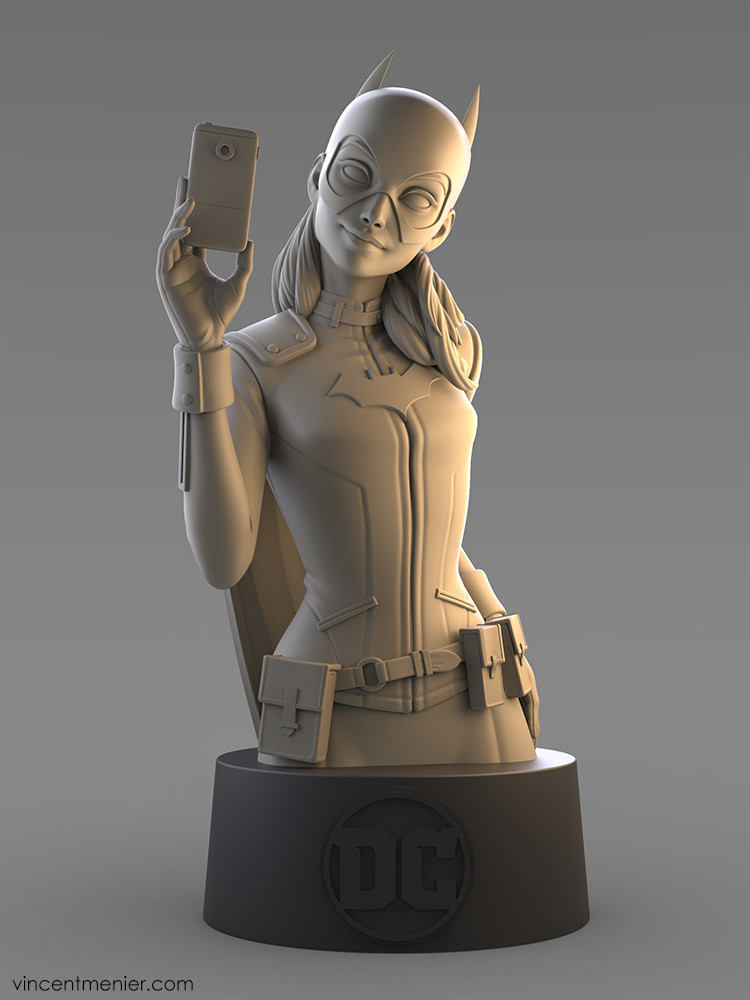
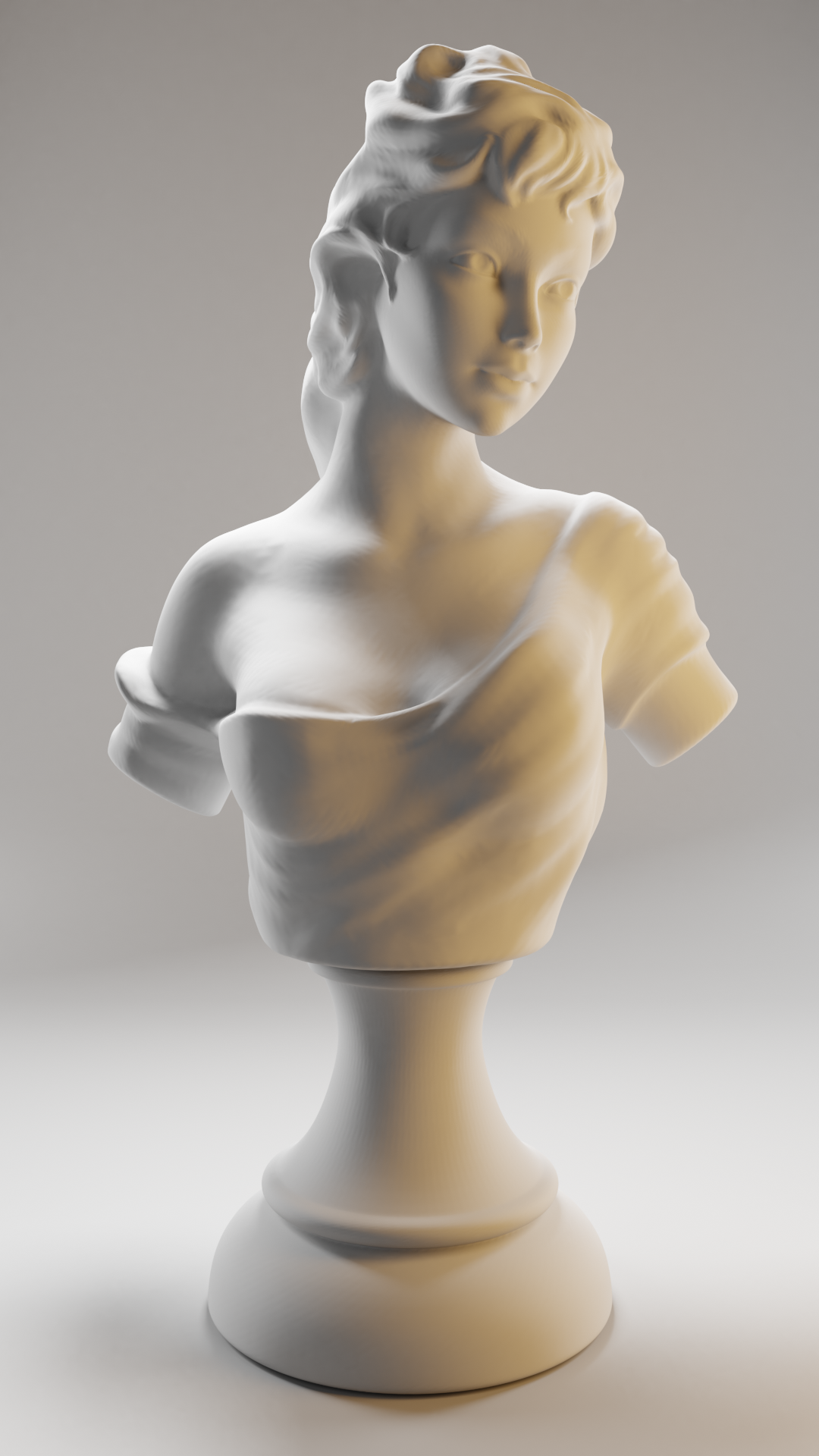
                                  WEEK 2 HOMEWORK SUBMISSION

                                  Light matching

                                   artstation: https://www.artstation.com/artwork/EBQan  mine on model by paritosh : https://www.blendswap.com/blends/view/86595

                                Viewing 15 posts - 16 through 30 (of 51 total)
                                • The topic ‘BC4-1810 Homework, Marco Modena’ is closed to new replies.