William Miller’s New and Improved Polybook

Forum Archive William Miller’s New and Improved Polybook

Viewing 11 posts - 121 through 131 (of 131 total)
  • Author
    Posts
  • #51787
    Karen Trevino
    Participant

      Oh wow, I love it!

      #51788
      William Miller
      Participant

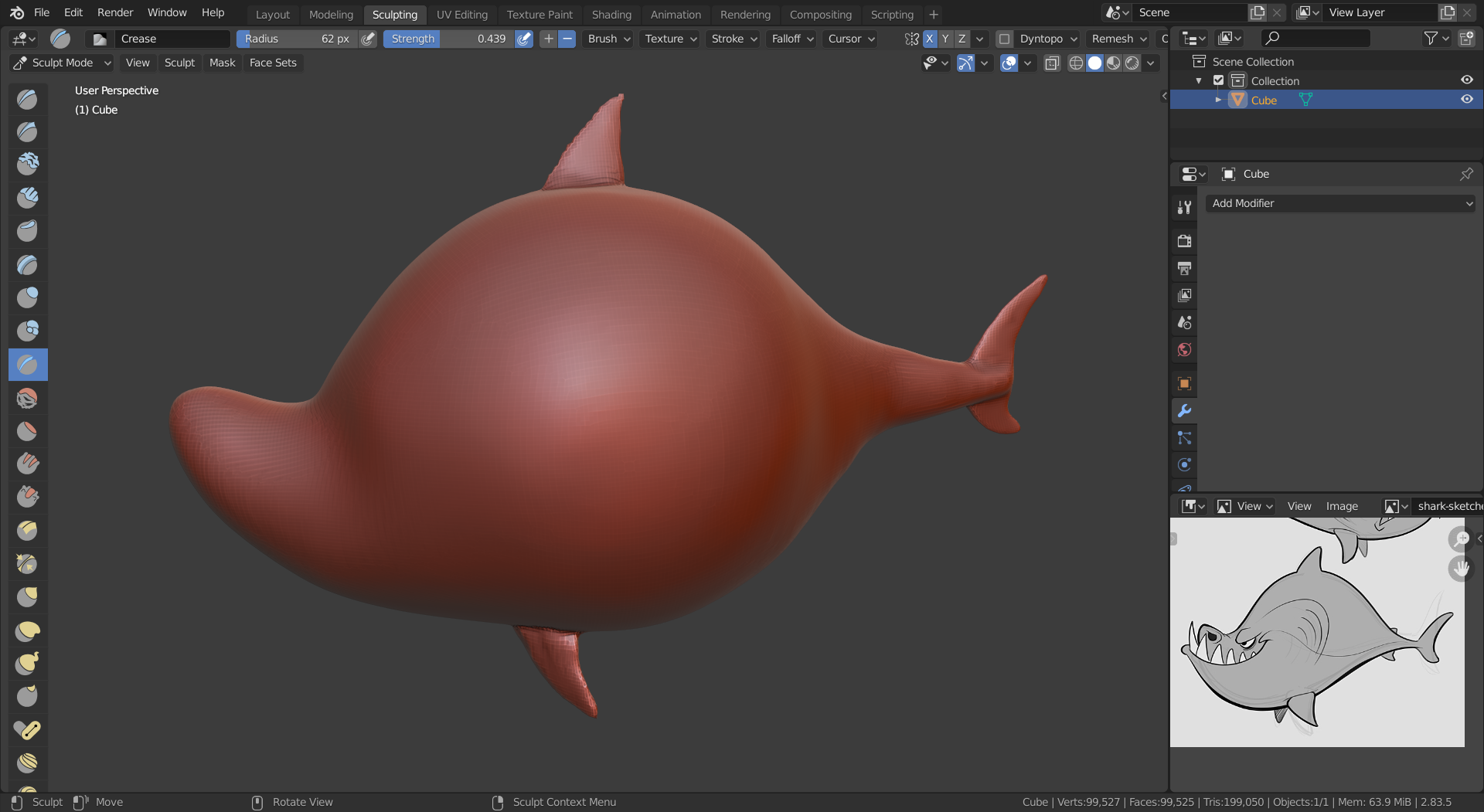
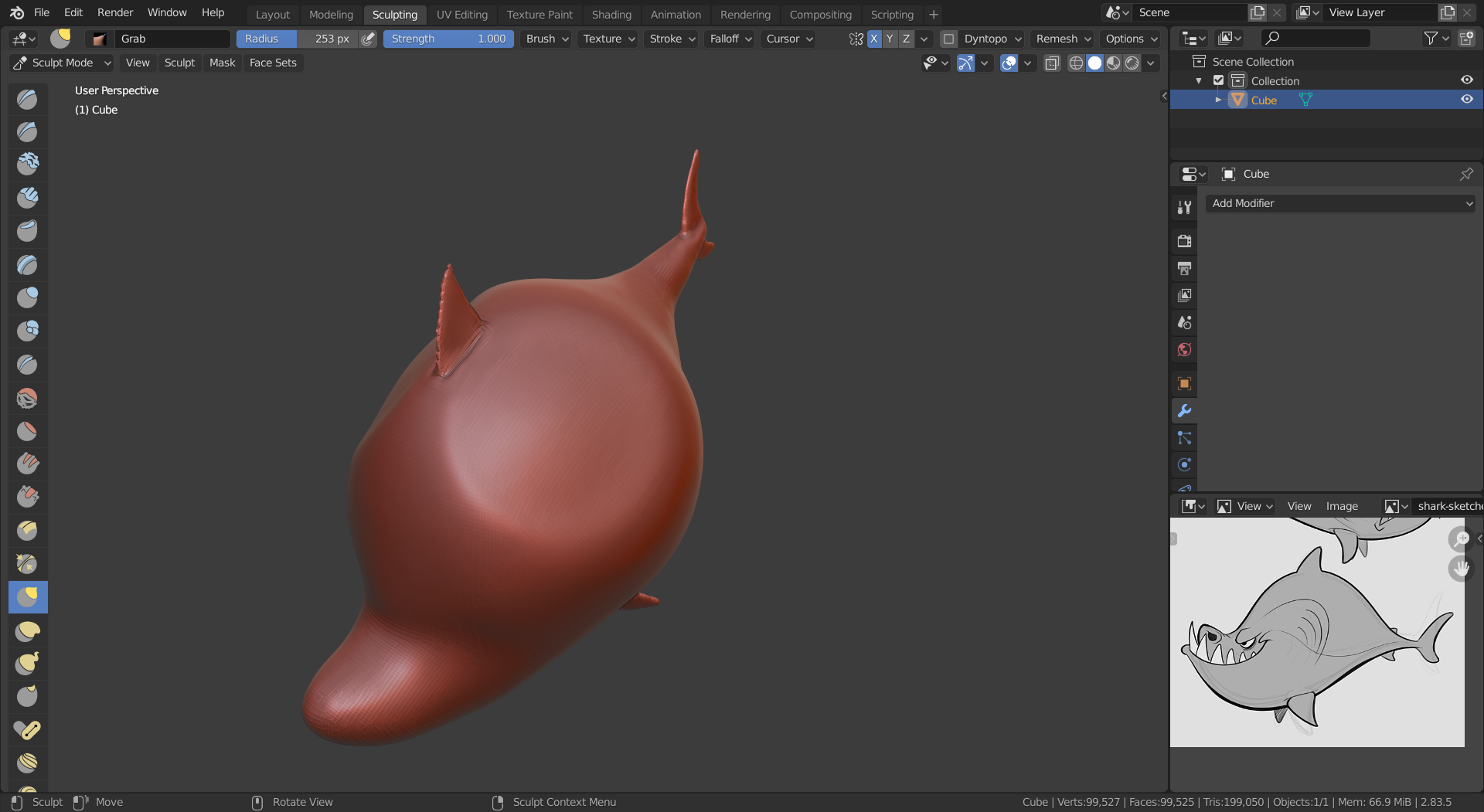
        I want some advice about my shark.  I want it to look like the reference image in the bottom right.

        From this angle it looks (sort of) okay.

        However, from the front it looks worried.
        #51789
        William Miller
        Participant

          I just realized I put the eyes in the wrong place…

          #51790
          William Miller
          Participant

            Why does it seem as if my digital hands are clumsier than Kent’s?  When he uses a brush to create a new shape, he does so quickly and effortlessly.  But when I do it, it comes out as a misshapen blob that looks nothing like what I intended.  How can I get the brushes to obey me?

            #51791
            Shawn Blanch
            Participant

              Yup I have felt like that.

              For me it just has been lots and lots of practice. I also learned to reset my brushes before starting a project because some of them had weird settings that I didn’t love.

              I have grown to love the grab and snake hook brush a lot and combine them with the mask brush to get most of my basic shapes down. I definitely need dynotopo when I am using them and I often play with the collapse methods (subdiv collapse versus edge collapse) and it helps me get most of my needs done.

              #51792
              William Miller
              Participant

                I deleted it and started over because it looked terrible.  The new version looks much better so far.  What do you think?

                #51793
                William Miller
                Participant

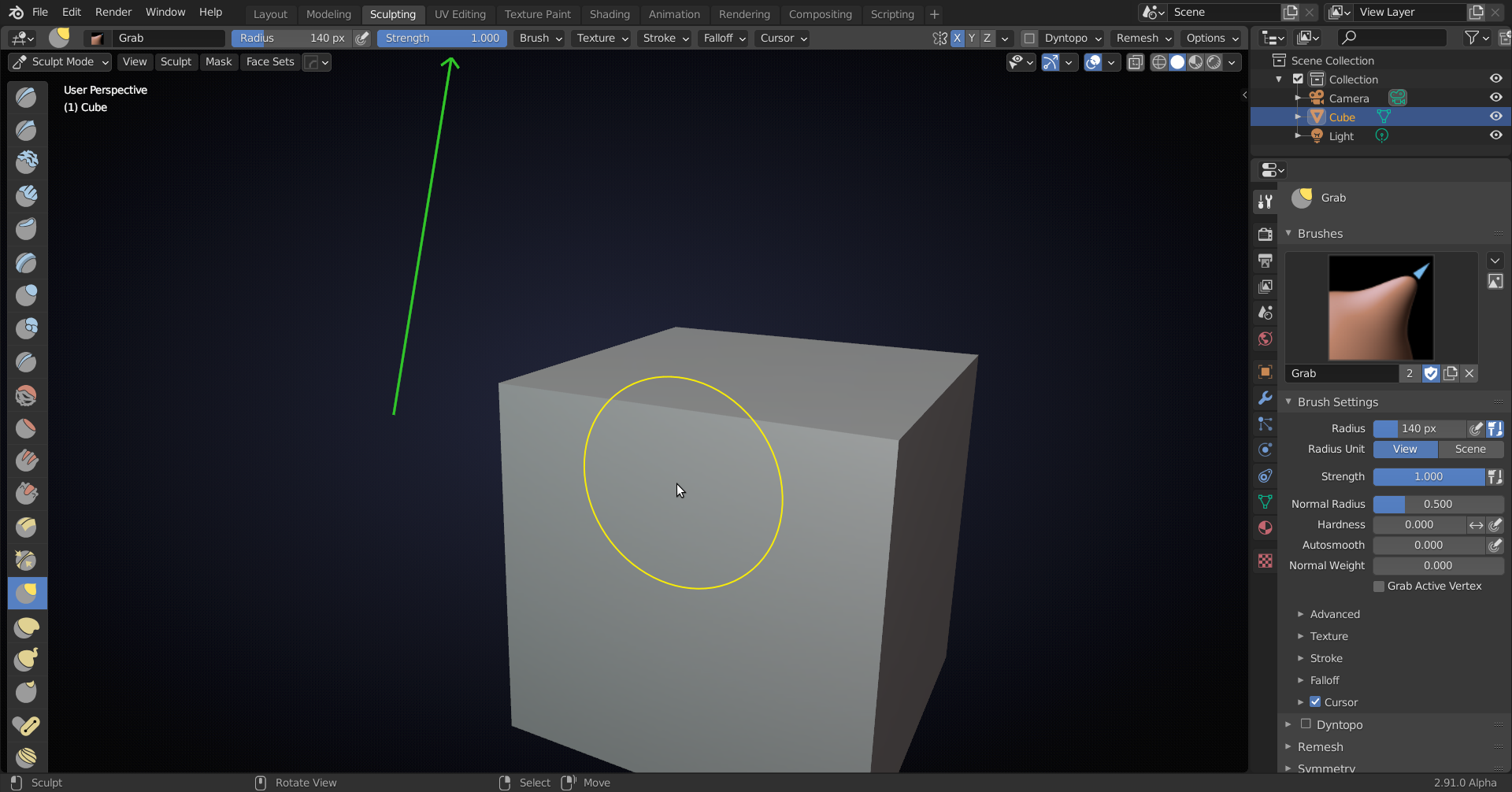
                  I tried to adjust the shape like Kent did, but it just squished a bit of it.  Does it have anything to do with how Kent’s brush has a smaller circle in the center but mine doesn’t?

                  #51794
                  Karen Trevino
                  Participant

                    yes, use the hotkey F to make your brush smaller..

                    #51795
                    William Miller
                    Participant

                      That’s not what I meant.  I meant that Kent’s brush looked like two concentric circles, whereas mine is just one.  Thanks anyway.

                      #51796
                      spikeyxxx
                      Participant

                        @williamatics you probably have the Strength of the brush set to 1. The two circles are overlapping. 

                        Reduce the Strength (adjust slider, type in manually, or use shortcut SHIFT+F) and you will see both circles (the inner on denotes the Strength).

                        #51797
                        William Miller
                        Participant

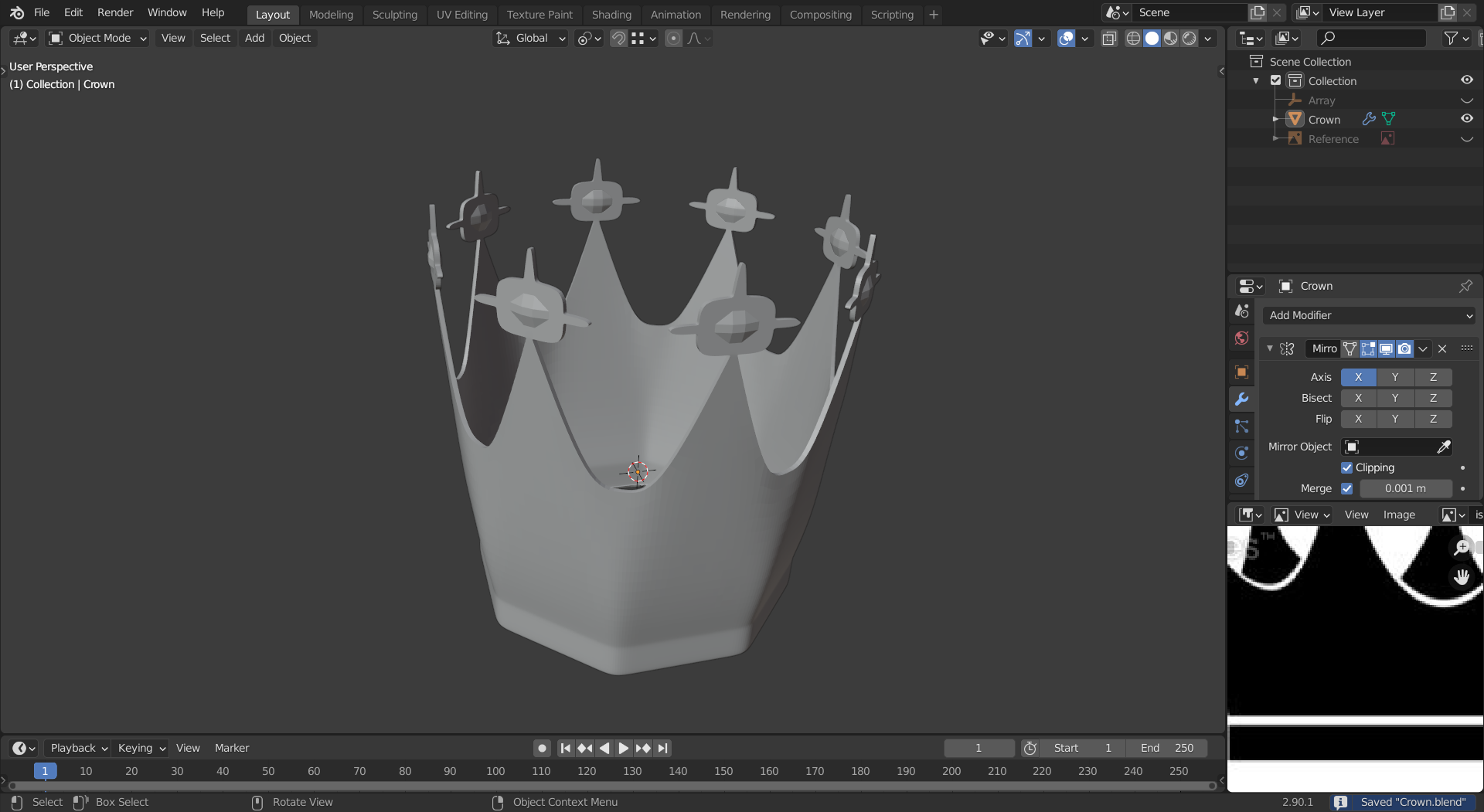
                          What do you think of this?

                        Viewing 11 posts - 121 through 131 (of 131 total)
                        • The topic ‘William Miller’s New and Improved Polybook’ is closed to new replies.