
Omar Domenech’s Demo Reel
Forum Archive › Omar Domenech’s Demo Reel
- This topic has 413 replies, 25 voices, and was last updated 6 years, 7 months ago by
Omar Domenech.
-
AuthorPosts
-
June 14, 2019 at 1:20 pm #46814
@theluthier Thanks for the encouraging words, Kent.
You weren’t kidding when you said it’s going to be Gigabits and gigabits of files. I haven’t make the calculations… lets see, This is just Project 1 Scene 1. There are 6 Projects each with 2 .blend scenes, that’s 12 scenes.
Each scene has roughly 300 frames, so 300 x 12= 3,600 frames
If 550 frames will be 13GB, then 3,600 frames is at least 85GB of disk space.
As long as I did the math right, that is a lot of disk space in image files. And now that I think about it, how is it that I know people that have iPhone’s with 120GB of disk capacity and it’s all full of pictures? I’ve always had 16GB iPhone’s and I’ve never ran out of disk space. Am I the freak here?
June 14, 2019 at 3:20 pm #46815@dostovel 85GB total doesn’t surprise me. I think my Piero project directory was 250GB, but that also included video recordings. Imagine how much rendered frame file space was used on a transformers movie 😳
June 14, 2019 at 3:42 pm #46816@theluthier Jeez 250GB. I have never filled my 1Terabite disk ever. Is the top of your desk full of hard drives? How do you deal with needing so many gigabytes and gigabytes of space? Don’t tell me it’s all on the cloud? that would give me major OCD, knowing my stuff it’s out there somewhere and not in my control.
And I hadn’t even thought of what a movie had to be when it comes to files sizes. I’m having a Pale Blue Dot moment.
June 14, 2019 at 3:42 pm #46817Joining the party !
Mandatory propaganda for you who hesitate:
[EDIT] @dostovel
Quick question: do we also have to sync ALL the frames ? That takes forever. Is there a way to replace them by empty placeholders when they are on the cloud ?
June 14, 2019 at 4:11 pm #46818@tbrbn Thanks Thibaut. We should put that in the header.
@theluthier I’ve notice the syncing of Google Drive have its glitches. Files keep getting duplicated. I’m not going to delete them again because they just spawn again, it’s better to let it all finish. My theory is that Google Drive fails to sync the files in people’s computer, then Blender doesn’t see said file on the Drive folder and renders it and duplicates it when it uploads it.
June 14, 2019 at 11:15 pm #46819@tbrbn That’s a good question Thibaut. If you want to leave your computer alone and just hit render, then at the moment you have to sync all the files, so Blender knows which files are already there and doesn’t duplicate them.
That could be a great feature though, having some kind of empty place holder so that syncing doesn’t take forever.
I think you can do this…. say in the Google Drive folder it’s already on frame 250, so you have to sync 250 EXR’s and in order to not wait that long, you can go into Google Drive settings, turned off sync automatically. That way probably it wont download all the 250 EXR but the ones you put in the Drive folder manually will upload to everyone else.
Problem is now your Blender wont know how many EXR files there are in the folder and it can render files that are already rendered because it doesn’t see them in the Drive folder because it is not synced.
So in the .blend you can set the time line to start in say frame 300 and hit render animation because you know there are only 250 EXR in the Drive folder. So now you haven’t sync 250 files but you’ll start dumping from 300 onward. And when we that have all the files sync reach frame 300 and say you have render 20 frames by then, then our Blender will see frames from 300 to 320 are already there and it will jump to 321. Only keep in mind not to save the file or the change will propagate to everyone else.
Hope that makes sense.
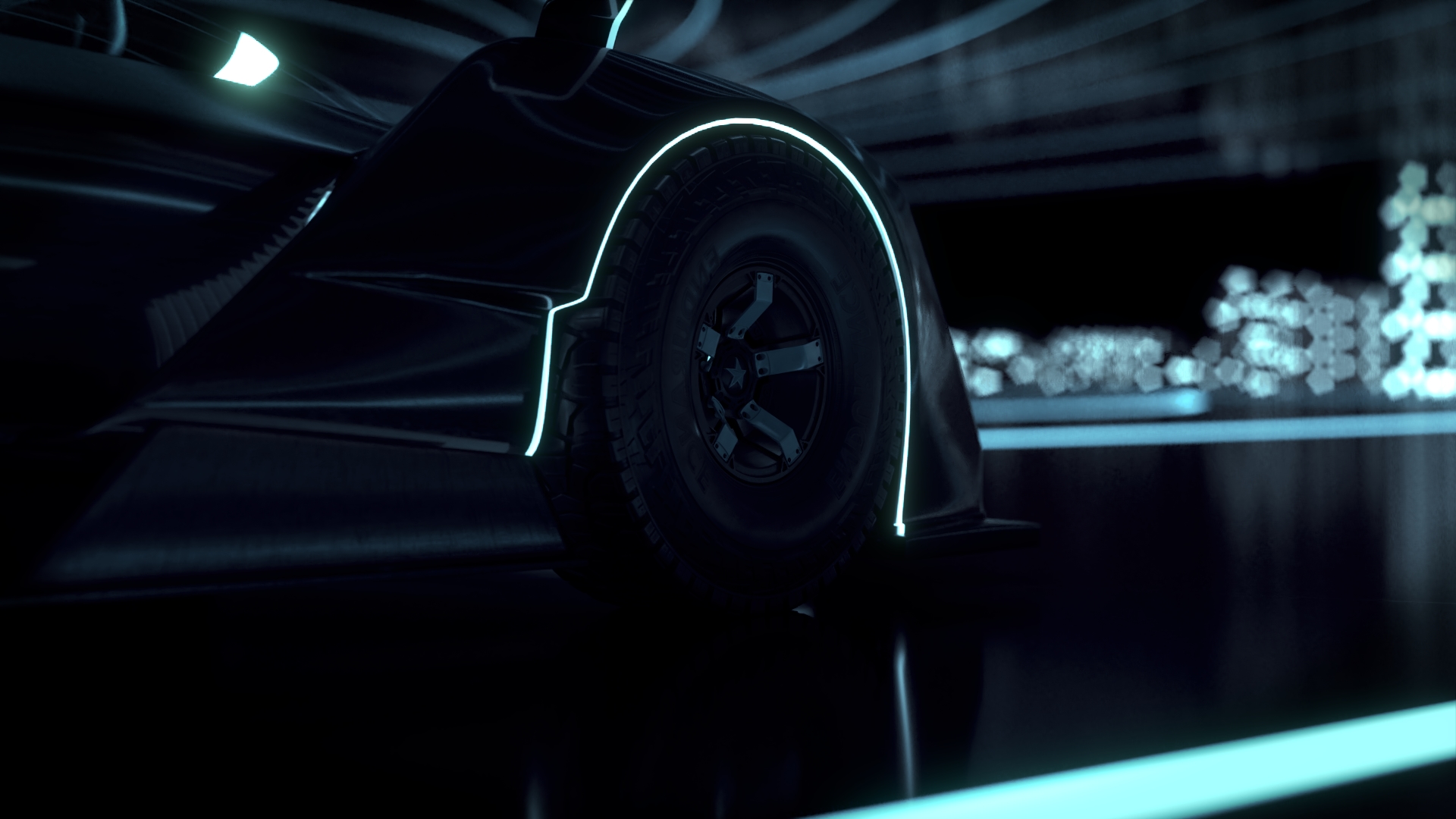
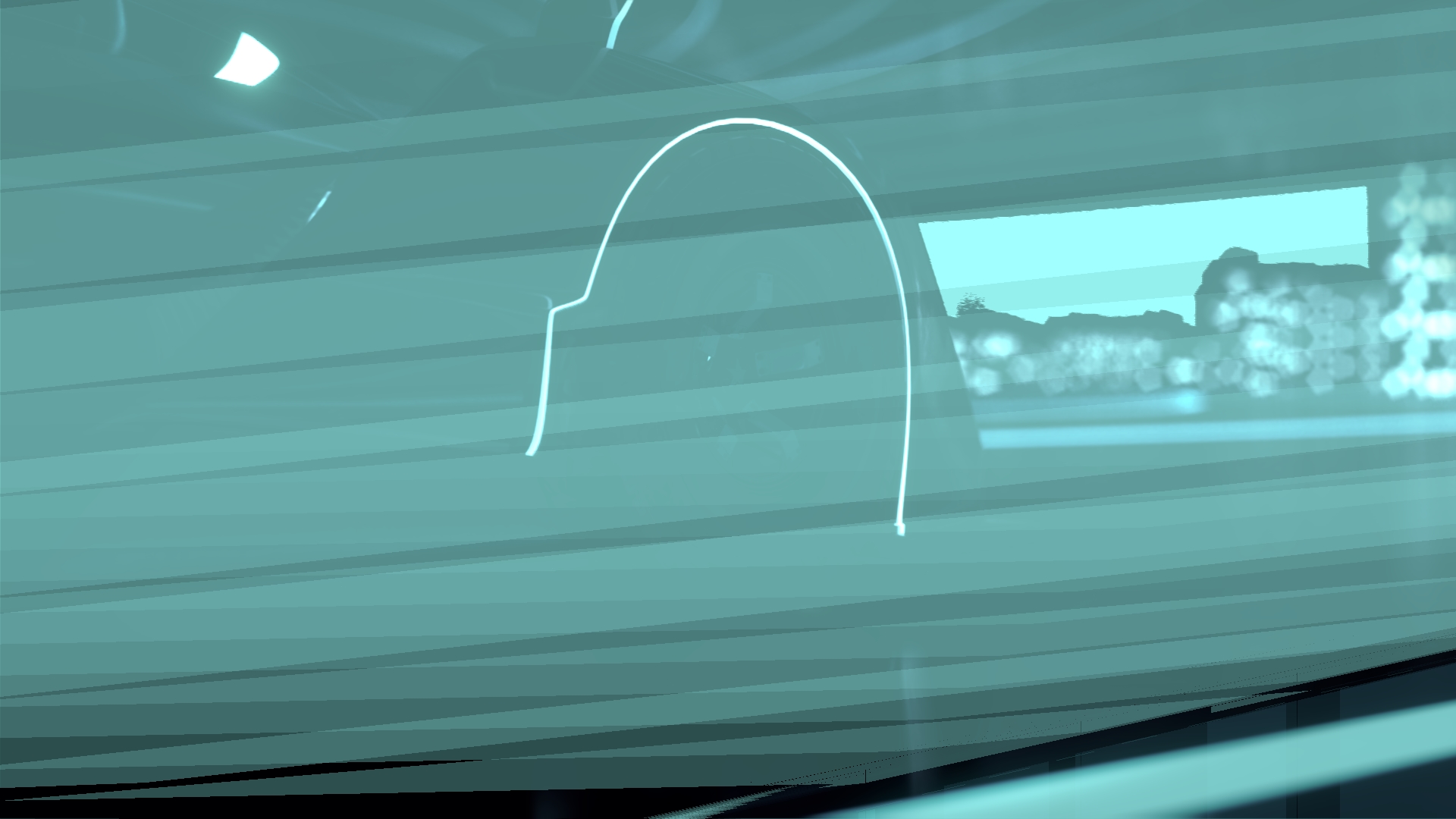
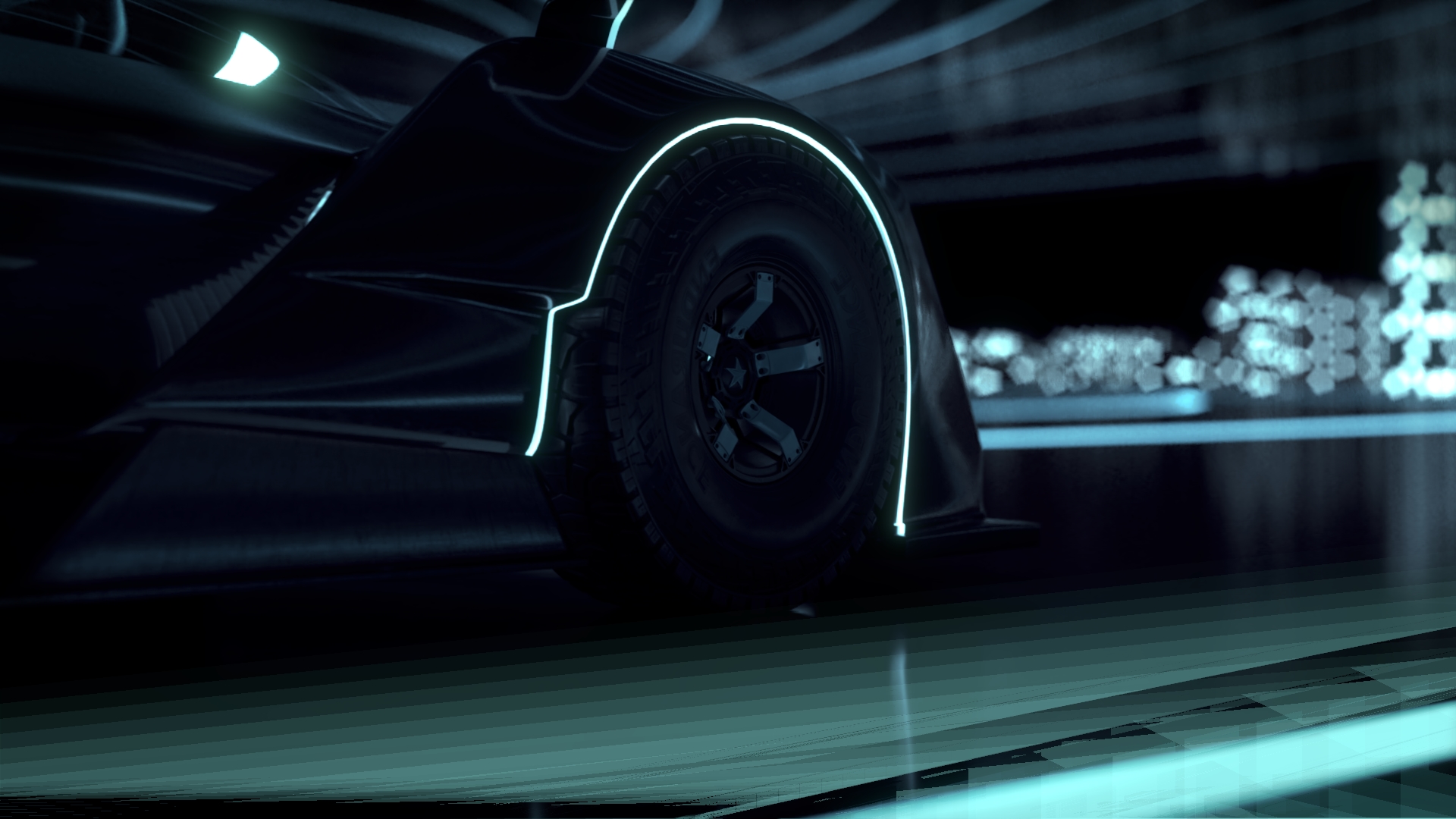
June 14, 2019 at 11:23 pm #46820@theluthier Kent I am having major issues with motion blur compositing artifacts in this scene. I have to tone it way down and even then it gets wonky. Plus at 0.01 for the artifacts to go away, the motion blur on the wheel isn’t even visible anymore. The other scene where the car is stationary is fine, motion blur compositing works great there, the problem is when the car is going at high speed. I might have to run on true motion blur. The scenes are ready, I can upload them to Drive all set up if you want to take a look.
 June 15, 2019 at 7:26 am #46821
Sequence #1 is totally completed! Thank you everyone.
 June 15, 2019 at 8:28 am #46822
@theluthier Kent, I copied all 554 EXR files to my local drive and made some backups, I will proceed with deleting all those files from the Google Drive folder to release all that GB of space so the rendering of Scene 2 can start. Then I’ll delete the Scene_1 .blend so there’s no confusion and only leave Scene_2 .blend file. Instead of all the EXR files, I’ll put the video test of all the frames in that folder, as if you mixed the EXR’s with water, stir it for an hour, 30 minutes in the oven and the video was ready.
June 15, 2019 at 10:13 am #46823Maybe extremely fast objects is a problem for vector-pass motion blur. I’ve never done anything fast like a moving car now that I think about it. Yeah go ahead and setup for true motion blur and hopefully the render time isn’t astronomical.
WOOHOO SCENE 1 FINISHED!! I just started rendering scene 2 💪
June 15, 2019 at 10:22 am #46824@theluthier Awesome. I’ll be working on the other scenes that have to be completed, or people will render this so fast they’ll catch up to me.
June 15, 2019 at 12:11 pm #46825How about an update on progress? I just started rendering and an update would be super!
June 15, 2019 at 12:11 pm #46826I deleted all the Scene 1 EXR’s. I copied them to my local drive number 1, then made a copy in my local drive number 2, then I made a third copy on my backup disk.
In the Scene 1 Renders now lives a test frames video of the whole sequence.
June 15, 2019 at 12:16 pm #46827@dostovel Does that means that scene one is odne? Cause i just started rendering the 1st frame…
June 15, 2019 at 12:22 pm #46828@arev Yes, it’s done. Thanks you Arev. I put a video in there. I deleted Scene 1 so that that doesn’t happen.
Now it’s onto Scene 2. Frames beware, you’re about to be annihilated, specially by @phoenix4690 who’s been like Legolas shooting those arrows.
-
AuthorPosts


- The topic ‘Omar Domenech’s Demo Reel’ is closed to new replies.