[ENDED] BC3-1806 – June 2018 Class Homepage – Vehicle Modeling with Blender

Forum Archive [ENDED] BC3-1806 – June 2018 Class Homepage – Vehicle Modeling with Blender

Viewing 15 posts - 1,051 through 1,065 (of 1,277 total)
  • Author
    Posts
  • #36106
    Kent Trammell
    Participant

      @dieedi This is awesome, Jeremy. And how cool that after 2 months in the queue, you’ve made the character a digital reality. Nice work!

      #36107
      Kent Trammell
      Participant

        @thecabbagedetective Lol that’s definitely WAY BEYOND scope of this assignment but if you’re up for it, do it up! That would be the best way to turn your sculpture into a bonafide model. Though it sounds like you and Blender may need to chillax for a bit 🤓

        #36108
        Zsolt Cseh
        Participant

          @michallis maybe the simpliest method is going on link https://www.cgcookie.com/events and there clicking on the Past Events button

          #36109
          Aaron Rudderham
          Participant

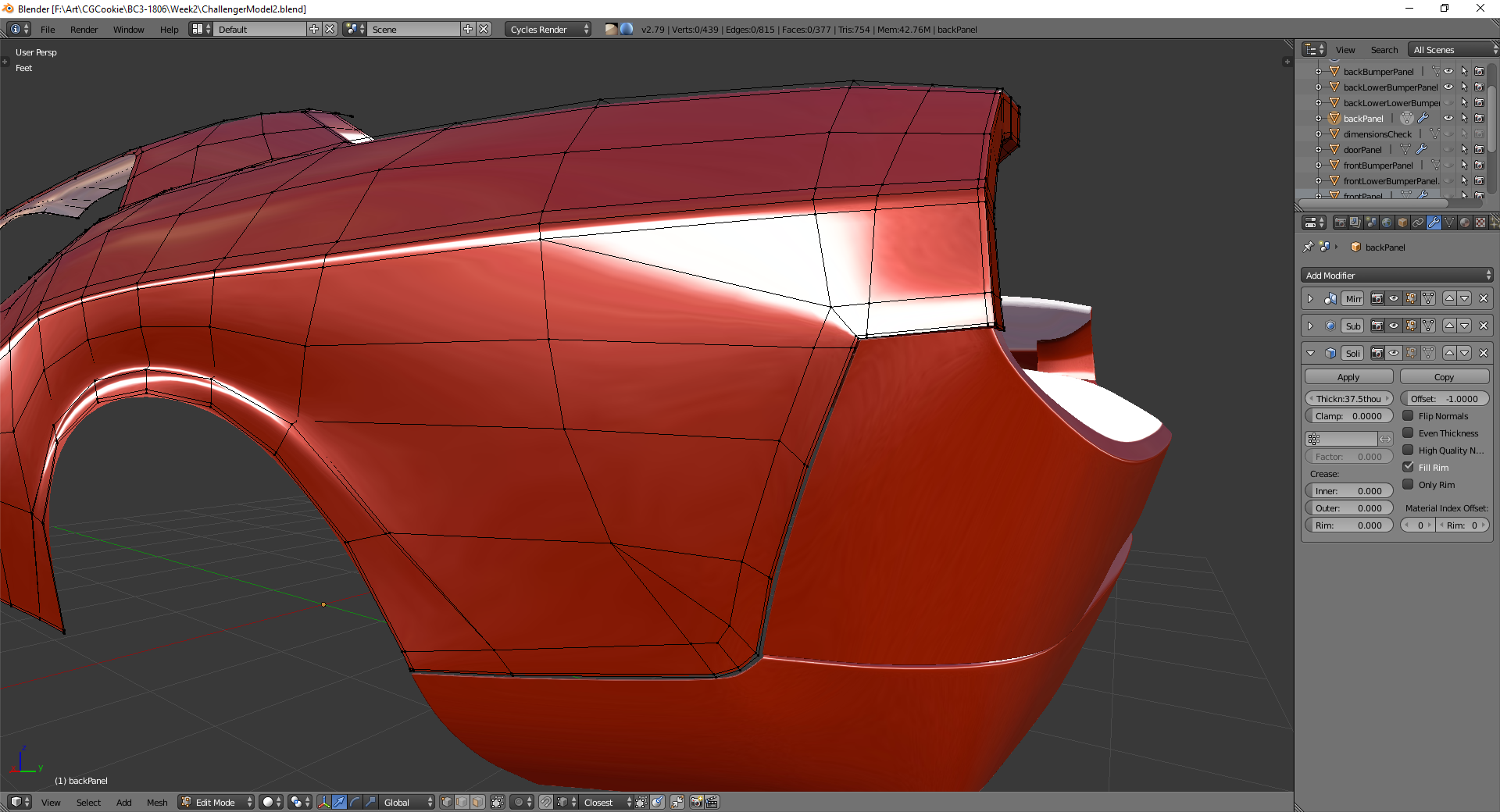
            @baukepost  Whilst you’re correct about them being a bit too sharp, I actually didn’t use a shrinkwrap modifier for them, and that’s something I should *really* get in the habit of doing. But yeah, the proximity loops are there, possibly being a bit too overbearing, so thanks for pointing that out!.

            #36110
            Aaron Rudderham
            Participant

              @theluthier You’re probably right, not to mention unlike with the mesh modeling I have nooooo idea what I’m doing here haha.

              #36111
              Aaron Rudderham
              Participant

                I really hope I’m not the only one struggling in making my model un-lumpy and smooth. Retopology would help with this I guess?

                #36112
                Bauke Post
                Participant
                  #36113
                  Thibaut Bourbon
                  Participant

                    @thecabbagedetective no stress it’s a classic side effect of sculpting 🙂 try to get the main features as correct as you want them to be and try not to be bothered by the bumps. Use the smooth, flatten and scrape brushes to crorrect the surfaces defaults.

                    It’s tough to get, but hang on and I’m sure you’ll deliver us an awesome vehicle ,

                    #36114
                    silentheart00
                    Participant

                      Ah, the classic take a break then find more problems with your model bit!  Good times…

                      #36115
                      Aaron Rudderham
                      Participant

                        @tbrbn I hope you’re right, and thanks for the tips and encouragement. A question I should ask is can you get away with some lumpiness before retopo-ing or must it be as smooth as possible beforehand? Sorry if it’s a stupid question I’m rather inexperienced in both of these areas.

                        #36116
                        silentheart00
                        Participant

                          Fixed it.  Sorta.

                          #36117
                          Thibaut Bourbon
                          Participant

                            @thecabbagedetective There’s no such thing as stupid question 🙂 

                            As usual, the answer would be it depends 🙂 It depends on the size of the lumps and the size of the quad you will retopo over. Usually, since retopo involves larger quad scale, the lumpiness vanishes and you get a smoother result.

                            If you use a subsurf and a shrinkwrap (over the sculpt) on your retopologized model then the lumps will reappear. @theluthier explains it well here. Mind thatt it’s not a car but a buff male body and the purpose is to recover  the details but you get the idea 😀
                            https://www.youtube.com/watch?v=MU7EQjauKNo

                            #36118
                            Jake Korosi
                            Participant

                              Starting to work on this sculpt assignment.  I tried making some kind of car at first, but kept making something that looked either too generic or too derivative to me.  

                              So now I’m playing with some kind of spaceship design, although even that is starting to look a little stealth-bomber-ish in nature and I might start over if I can’t make it interesting soon.

                              #36119
                              William Miller
                              Participant

                                Here’s what I have so far.  I’m not inspired by anything in particular, but at one point it looked a lot like a dolphin.  I didn’t like the dolphin submarine, though, so I sculpted it away (I hope).  Critiques are welcome.

                                #36120
                                Aaron Rudderham
                                Participant

                                  @tbrbn Oh thank goodness, that’s a worry lifted. ‘Cause I’ve definitely smoothed out my sculpt but it’s still a biiiiit lumpy in some areas so nice to know they’ll be basically irrelevant. Ta very much!

                                Viewing 15 posts - 1,051 through 1,065 (of 1,277 total)
                                • The topic ‘[ENDED] BC3-1806 – June 2018 Class Homepage – Vehicle Modeling with Blender’ is closed to new replies.