[ENDED] BC1-1808 – August 2018 Class Homepage – Getting Started with 3D Modeling & Blender 2.8

Forum Archive [ENDED] BC1-1808 – August 2018 Class Homepage – Getting Started with 3D Modeling & Blender 2.8

Viewing 15 posts - 301 through 315 (of 541 total)
  • Author
    Posts
  • #37955
    Pavel Mazanik
    Participant

      @theluthier Remember this “scaling rotated object on single axis” issue in 2.8? That’s seems to be a normal behaviour since 2.79 handles this the same way as 2.8. Another reason for not using scaling in object mode if it’s not absolutely necessary 😀

      #37956
      William Miller
      Participant

        @yukinoh1989 You can paint it with a brush, but I don’t think you’re allowed to.

        #37957
        Aaron Rudderham
        Participant

          @williamatics Ah my bad, fair enough.

          #37958
          Aaron Rudderham
          Participant

            @yukinoh1989 If you disable the eye on the camera it just means that the physical manifestation of the camera disappears from the viewport but it still works like normal.

            #37959
            Aaron Rudderham
            Participant

              @yukinoh1989 You can paint it with a brush but like @williamatics said it’s likely not allowed, because it involves textures. The other way would be to apply the materials to separate parts but that relies going into Edit Mode which as we’ve been told is a no-no (mostly)…

              HOWEVER!

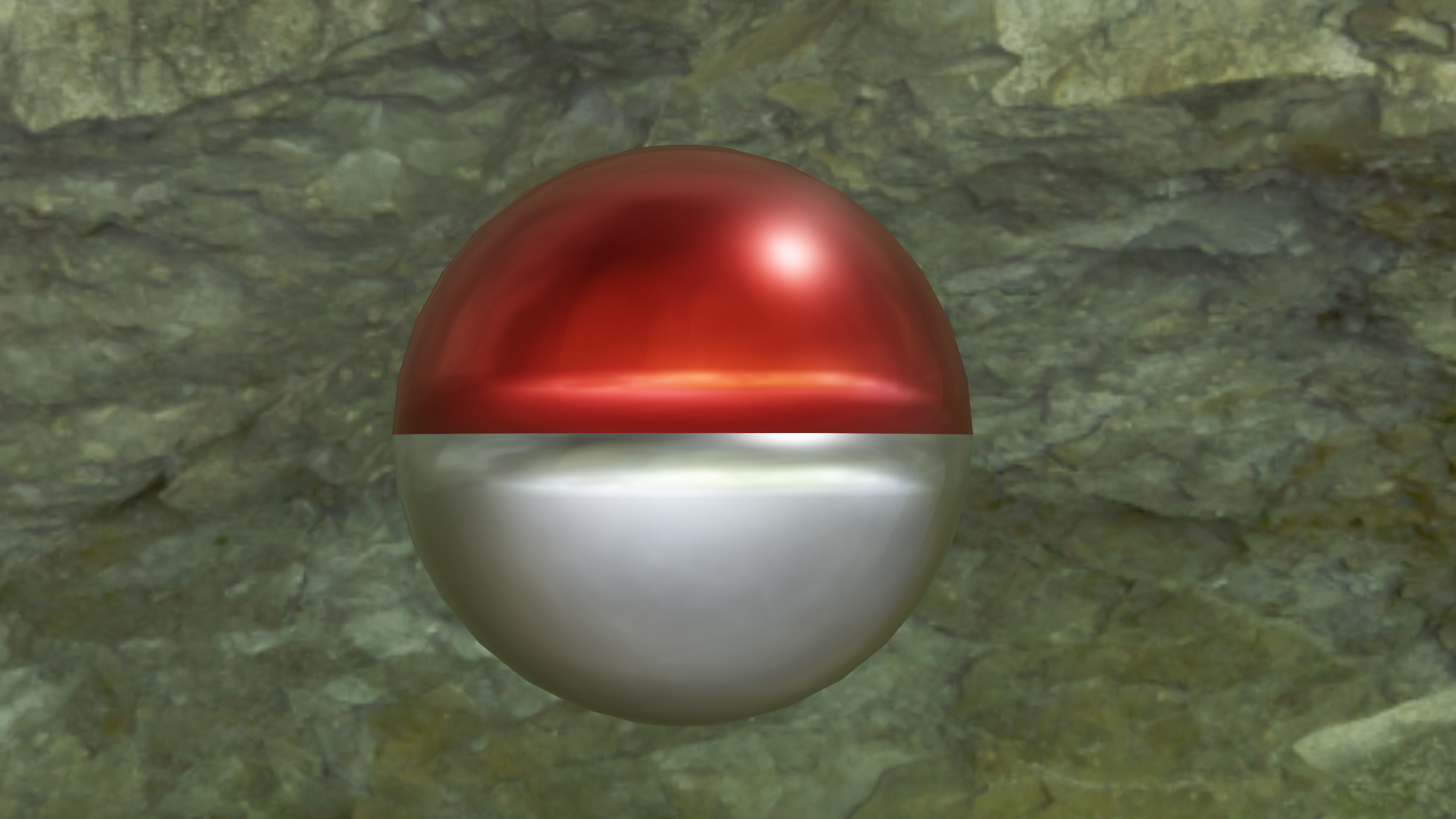
              Using the power of Booleans there is a way – albeit crude, but still effective way – to do this. First get your sphere, equip it with the Boolean modifier and spawn a cube. try to get you cube as close as halfway through the cube as possible (using Orthographic mode might be a good idea here) and set the Boolean to Difference, then apply it.
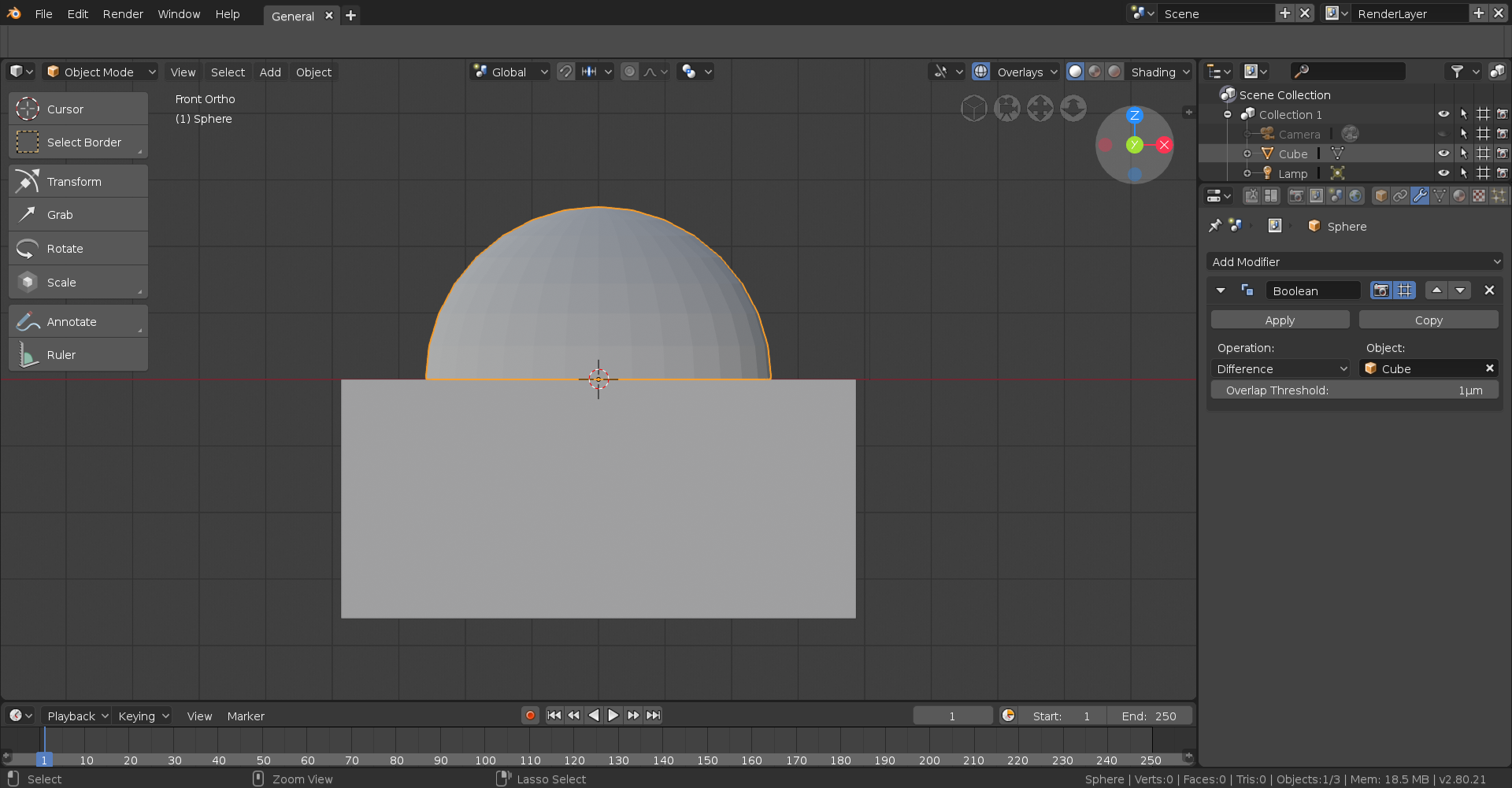
              As you can see you now have a semi-circle.
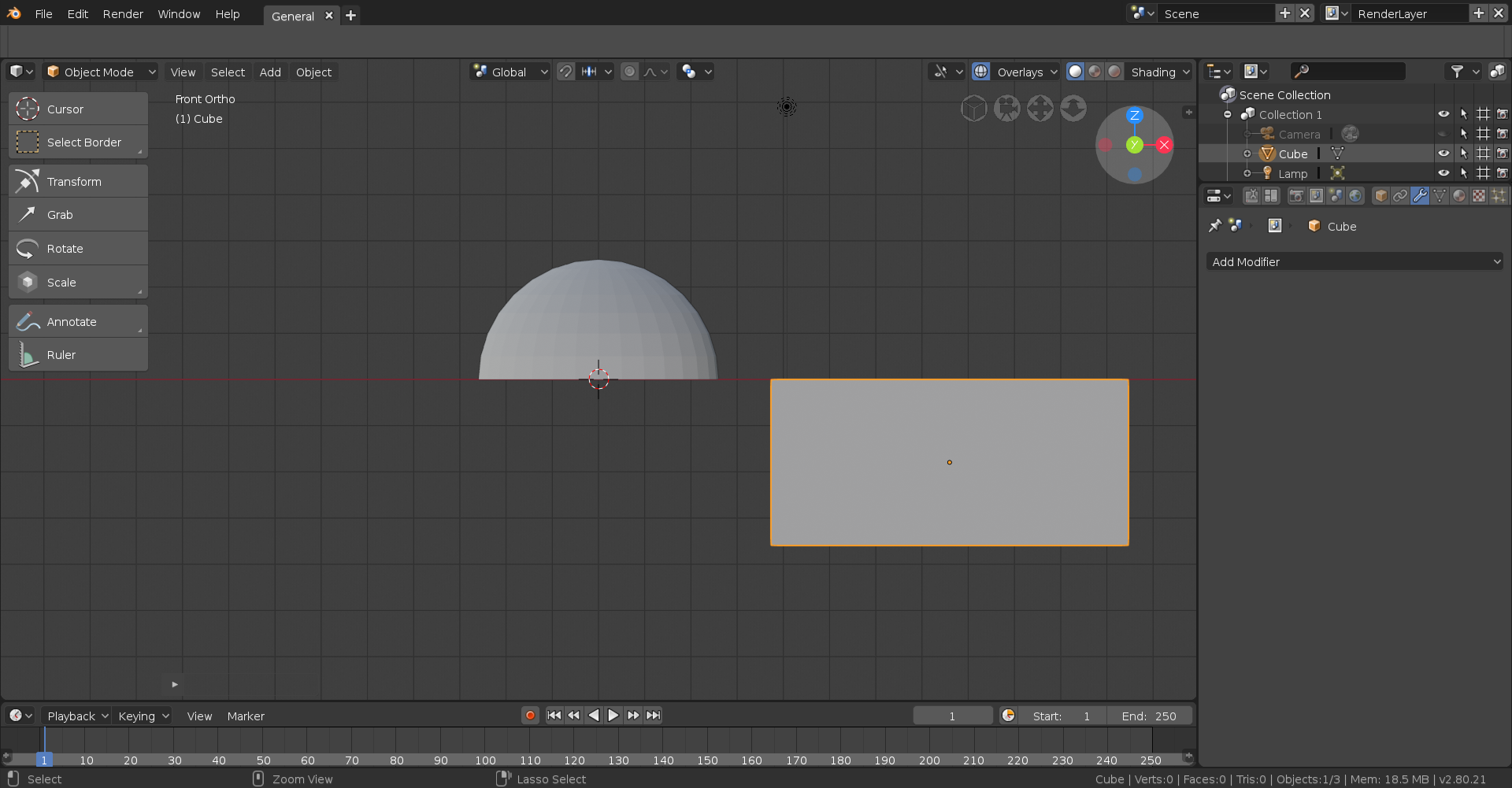
              After that, duplicate the semi circle then rotate it 180 degrees (typically on the Y axis).
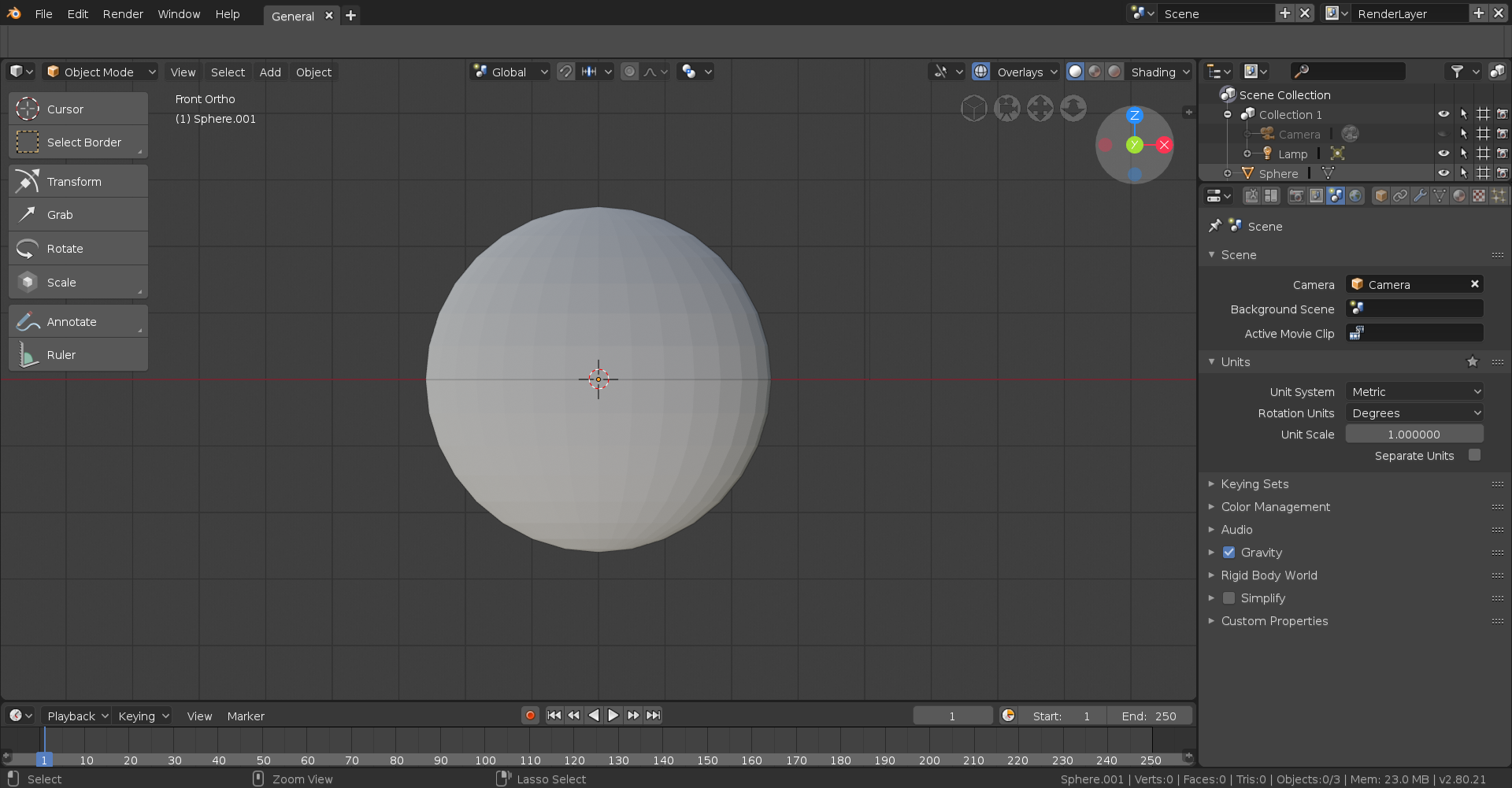
              Finally apply the appropriate material to each semi circle and you’re done!
              #37960
              Pavel Mazanik
              Participant

                @thecabbagedetective are we allowed to use modifiers in this homework? 

                #37961
                Aaron Rudderham
                Participant

                  @nekronavt  Boolean is considered fine, but I think the others are off limits.

                  #37962
                  yukino hatake
                  Participant

                    @thecabbagedetective thanx a lot indeed that is a way to fix it. thanks for the help 

                    #37963
                    Pavel Mazanik
                    Participant

                      @thecabbagedetective I think mirror is even more acceptable than boolean then, isn’t it?

                      #37964
                      Aaron Rudderham
                      Participant

                        @yukinoh1989 Glad to be of assistance!

                        #37965
                        Aaron Rudderham
                        Participant

                          @nekronavt  It’d certainly make sense considering it doesn’t really affect the base mesh (same could be said of the Array modifier) it’s just I’ve only heard Boolean given the all clear. Maybe @theluthier can give us some insight?

                          #37966
                          smurfmier1985
                          Participant

                            @thecabbagedetective Kent replied this in curious’ homework thread, so I guess modifiers are allowed now 🙂

                            #37967
                            Aaron Rudderham
                            Participant

                              @smurfmier1985  Ah, fair enough. If that’s the case, go nuts people!

                              #37968
                              Darren McBain
                              Participant

                                @yukinoh1989  it was purely a screenshot to indicate the visibility toggle buttons which are for each object in the outliner and what they do.  the highlightings that ive done were purely due to lack of space and information.  

                                there may come a time down the blender learning journey where you may have multiple cameras, but for now i wouldnt worry about it, just be aware that each object has these toggles in the outliner.

                                #37969
                                yukino hatake
                                Participant

                                  @oboshape
                                  so multiple camera’s is possible then 😮 what happens then when you press 0 to go to camera mode ?
                                  but i guess indeed i will maybe focus later on that and for now on the homework 🙂
                                  @smurfmier1985  so we can use them this week too ? tought he meant starting in week 2

                                Viewing 15 posts - 301 through 315 (of 541 total)
                                • The topic ‘[ENDED] BC1-1808 – August 2018 Class Homepage – Getting Started with 3D Modeling & Blender 2.8’ is closed to new replies.