
Collab2021 – WIP – vincav81
Forum Archive › Collab2021 – WIP – vincav81
- This topic has 75 replies, 16 voices, and was last updated 5 years, 4 months ago by
sheila5.
-
AuthorPosts
-
April 13, 2021 at 9:01 am #66018
I can’t believe this, It’s so bad, using Melvin as a Donkey, what was you thinking!!!
April 13, 2021 at 12:22 pm #66019I think we’re adding details next so I wouldn’t get hung up about it. I personally got obsessive about making things perfect at first so that when I went back to smash my geometry up it was a more controlled form of chaos. 😆 I think theyre BOTH great. :3
April 13, 2021 at 1:49 pm #66020@vincav81 I think this is going to be a complex scene with a ton of verts, so anything you can do to link and reuse would probably be appreciated. . . as long as you don’t compromise the final product. I’m listening to almost this exact point by Kent as I type.
I took a closer look at the cart, and I see in the original artwork everything appears to be wood. I don’t think it would be breaking the feel of the artwork to add metal wheels to the cart, but I’d check with your group leader about that.
I’m hoping a lot of the how much detail to put into the project, like the springs, will be covered in today’s stream. I don’t know if we really want to focus on what we can see from the original art work, or if we want to be able to walk around things. If we want to be able to walk around things, it’ll need more detail.
April 13, 2021 at 1:55 pm #66021@wardred Thank you. I think I may just go with what I’ve got so far on the 1st one and worry about real life details after the collab.
April 13, 2021 at 4:05 pm #66022@vincav81 I’ve blocked out the spice vendor’s house three times until I got this relatively close match 🕵️♂️! So, welcome to the club 😉😁!
April 14, 2021 at 1:32 am #66023Ok, so here’s the current progress of the lower poly version of my Homework model, for future syncing to the Collab folder.

1. Current state of cart.
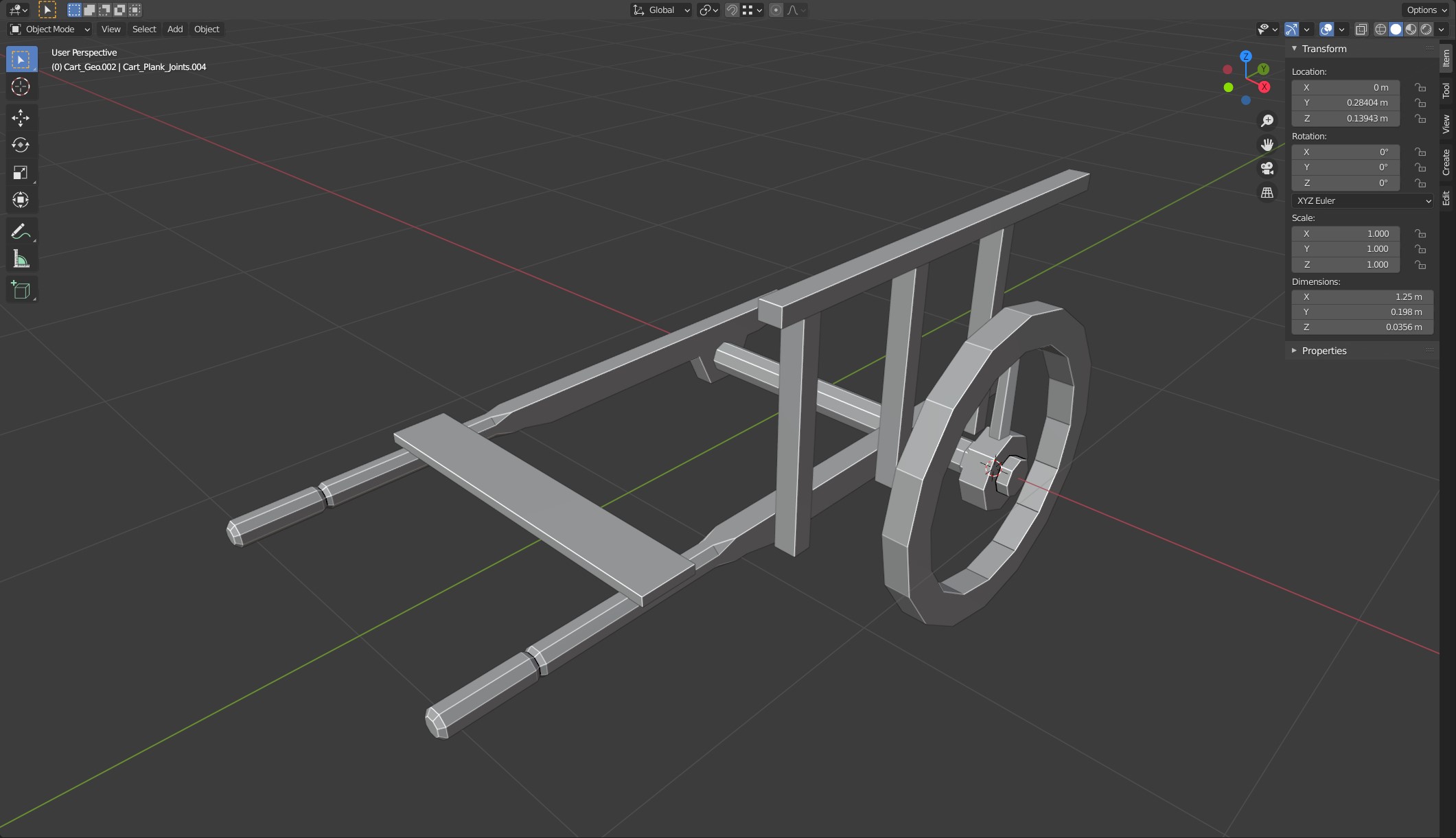
2. Cart with all the duplicated geometry turned off. (Forgot to turn of the Mirror Modifier on the handle though 😬)

3. Cart wireframe with Mirror Modifier turned off. Handle duplicated to show wireframe separate from the other geometry.
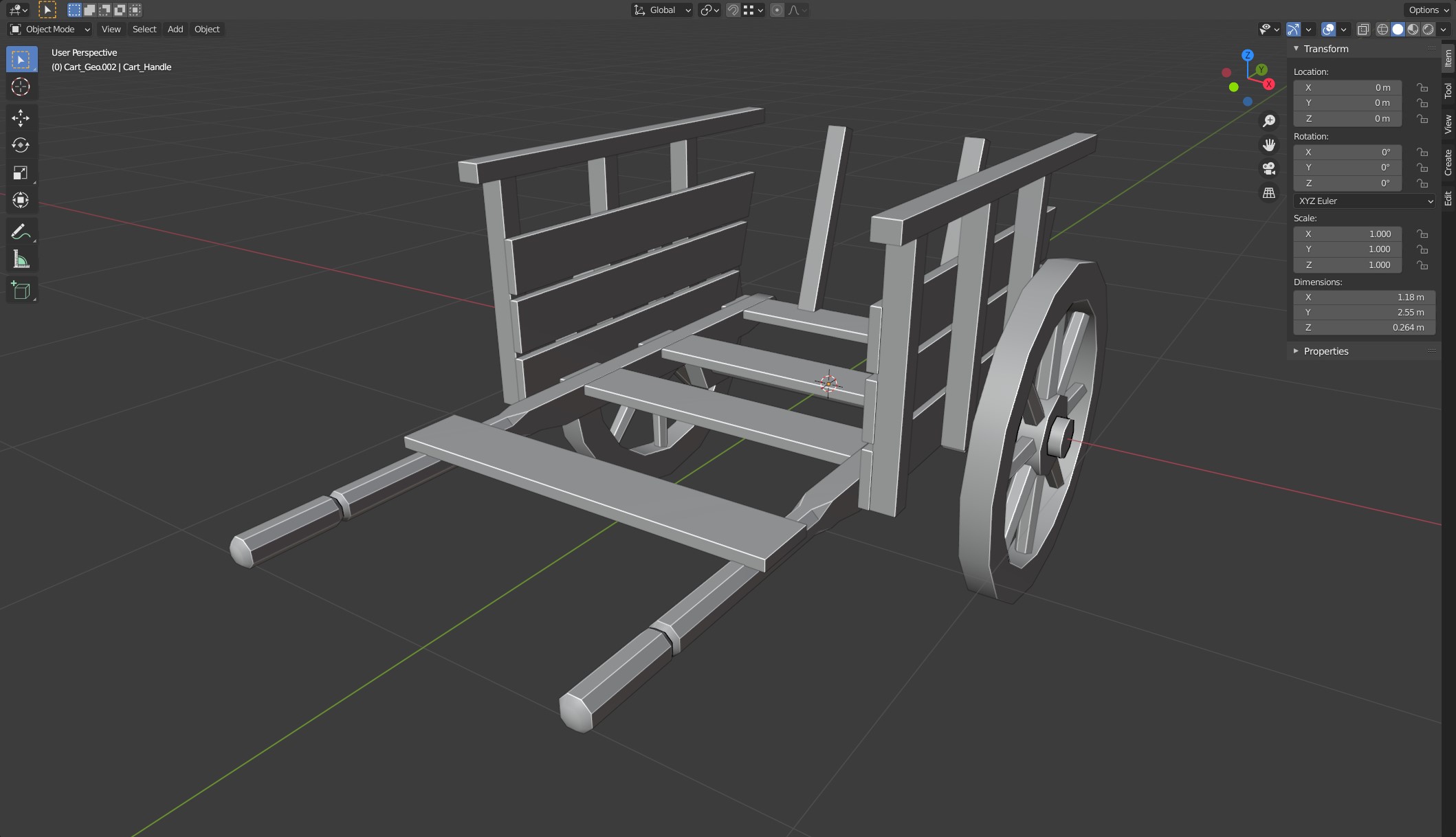
April 14, 2021 at 2:20 am #66024Cart with shared geometry Linked (Alt – D) and edges marked sharp on the handles and wheels.
 April 14, 2021 at 8:10 am #66025
End of Week 2, Day 1, Progress.

1) Final Low Poly Model (sans bevels). I also happened to look more closely at Vadim’s artwork and I noticed his cart has a small curve to the top most rear plank, so I’ve decided to added it here to better reflect Vadim’s vision. @harbinger_ua

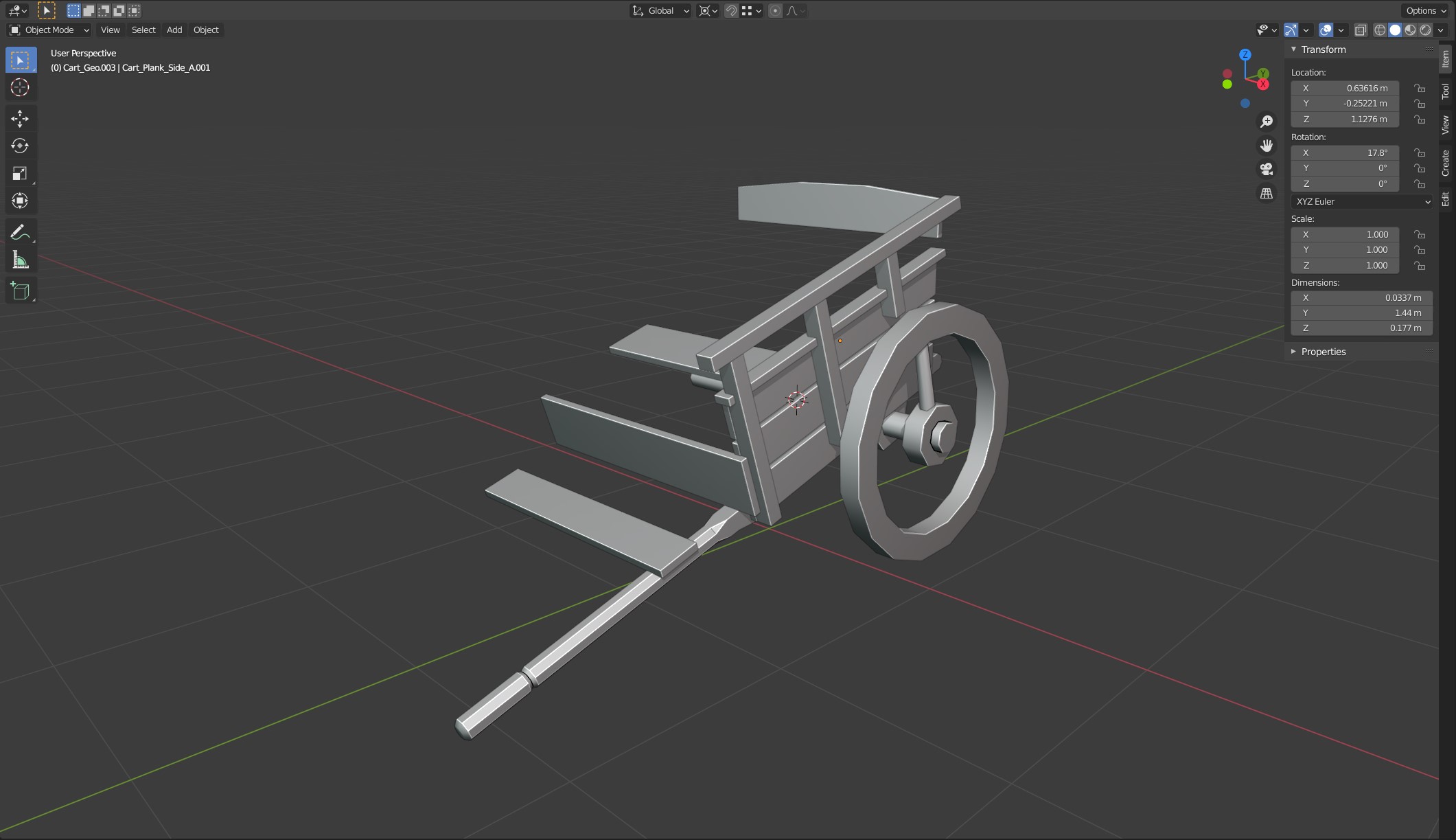 2) And here is the cart with all the linked objects hidden.
I also lengthened the “handles” to better match Kent’s block-out better.
April 14, 2021 at 8:24 am #66026There’s a slight curve there indeed. Great job Vincent!
April 14, 2021 at 10:31 pm #66027Love the work you’re putting into this @vincav81. Working smarter instead of harder, picking up on subtle curves, rebuilding a second time…all signs of a bonafide 3D modeler 💪
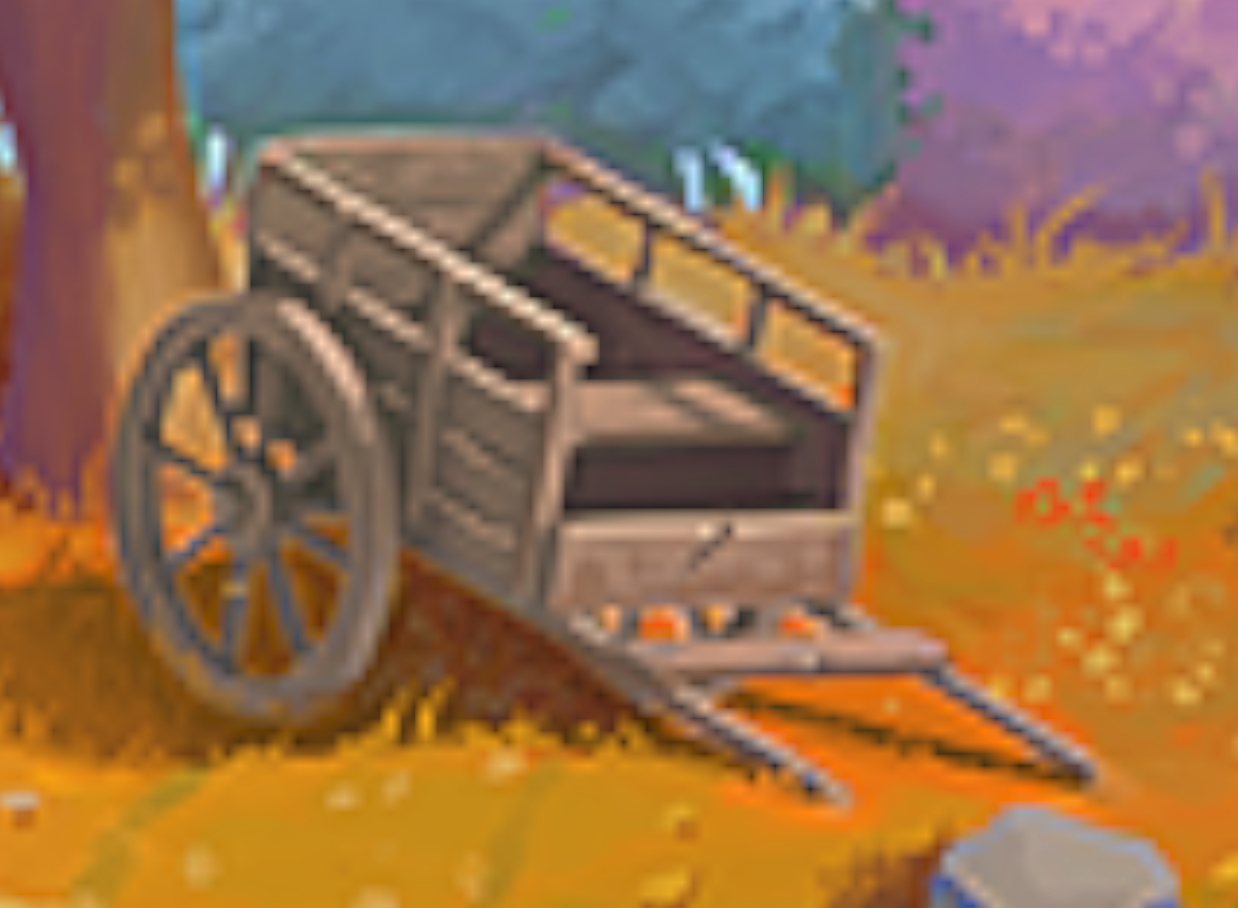
April 15, 2021 at 5:28 am #66028@vincav81 I would prefer the version from your homework. The other model looks too perfect like an industrial product. I just would reduce the gaps between the boards (there’s nothing shining through at the backside or right side of the cart box):
 April 15, 2021 at 8:05 am #66029April 15, 2021 at 9:17 am #66030
I wanted to add metal tires to the wheels, but know I think that that would just ruin the simplicity of the 1st cart.
As far as I know, there’s often a metal ring around the wood wheel in order to protect the wooden part against hard hits from stones etc. on the way:
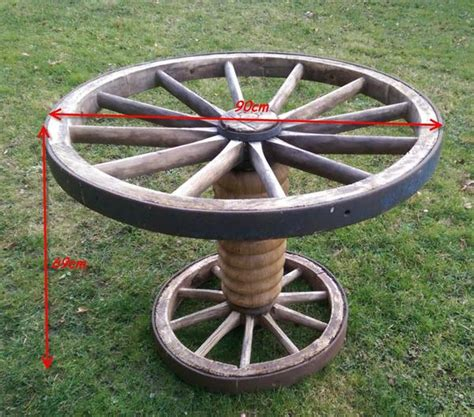
Andrea @elubie added it to her “Homework Submission Cart” here (scroll down to the orange frame).
April 15, 2021 at 9:22 am #66031@vincav81, thanks for identifying and getting confirmation that there is a curve to the top back board! I will implement that in my cart design.
April 16, 2021 at 8:58 am #66032Progress Update: Medium Poly model for Sculpting.
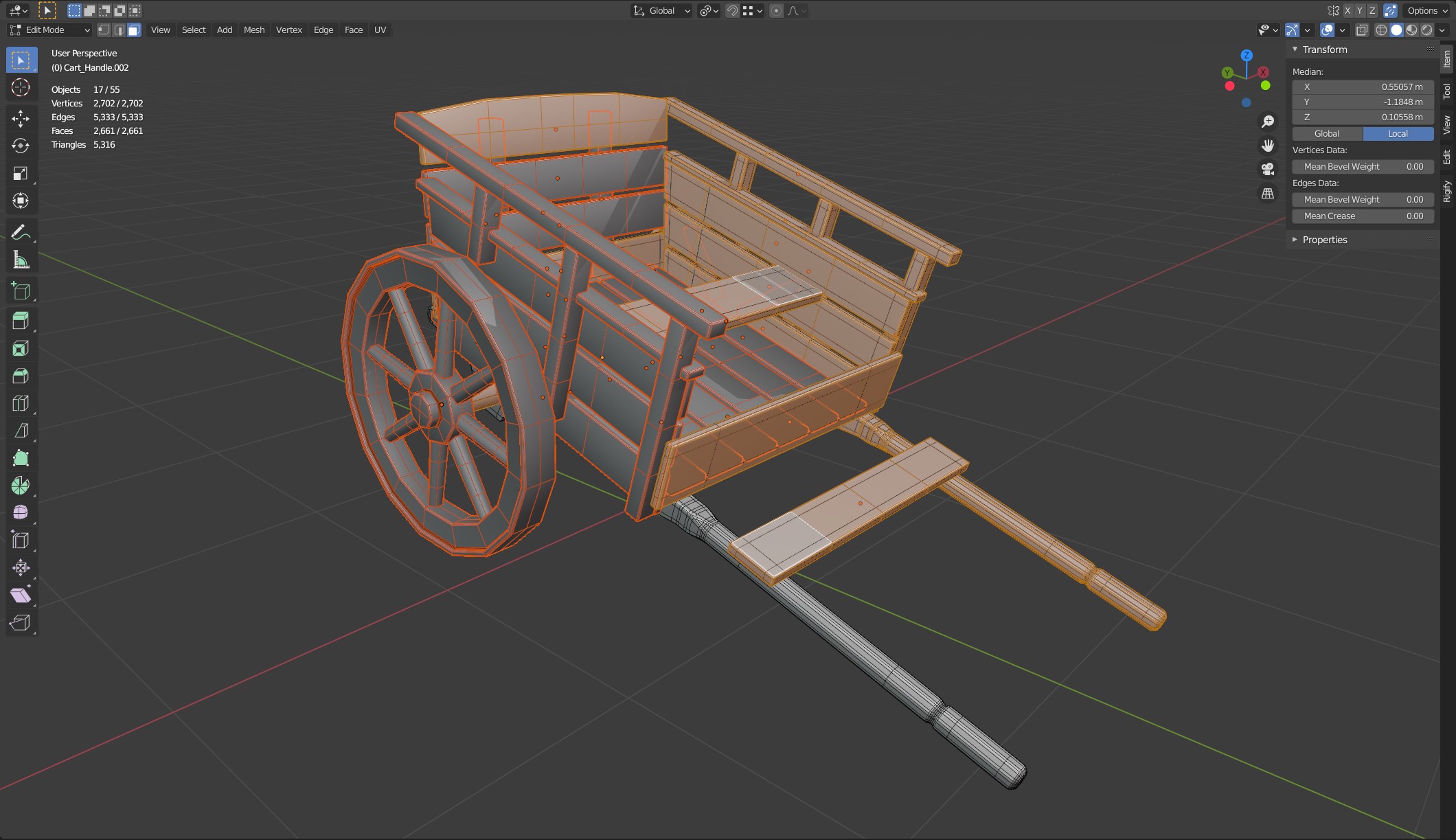
1) Beveled mesh, ready for Hi-Res modifier.

2) Cart with Subdivision (Level 2) added for visualisation.
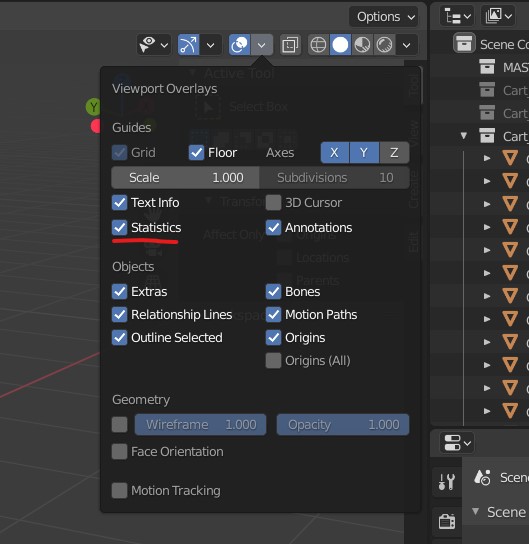
And for anyone else wondering how to turn on the Polygon/Mesh counter that Kent uses, it’s under Viewport Overlays and called Statistics. And if you tick that you viewport should also look like this:
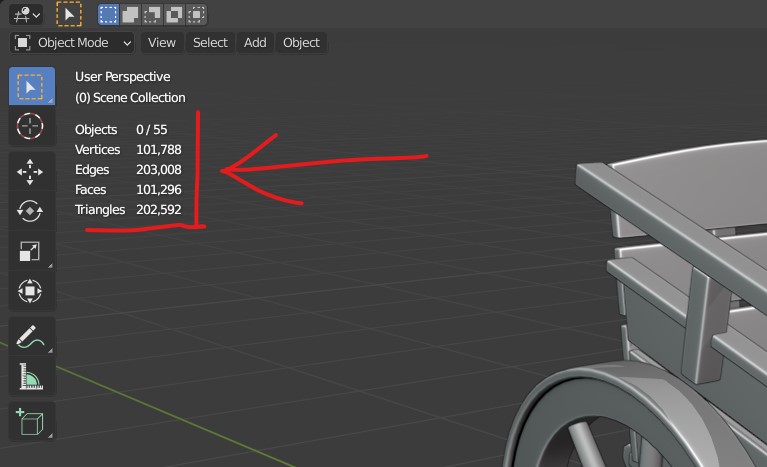
Without the red annotation of course.
-
AuthorPosts


- The topic ‘Collab2021 – WIP – vincav81’ is closed to new replies.