
Clint Johnson

Forum Replies Created
-
AuthorPosts
-
@paulhaynes1955 tyty Paul!
@blanchsb Thanks Shawn! Yes I have some background painting, drawing and sculpting traditionally (and painted waaaay to many Warhammer minis). I’ve started using Blender mainly to create models for 3D print. I had avoided learning Texturing and Rendering until this class, and definitely lost a few more hairs on my balding head trying to figure it out, lol.
@silentheart00 That’s a cool little crossbow 🙂 I spent some time looking at the wood structure, texture and details – to me it looks like someone cut and sanded it by hand which is neat.
Now it just needs enchanted? Or maybe get some poison tipped bolts….
You’ve been pretty busy Shawn, lots of great stuff and workflow posted here!
@spikeyxxx Thanks Spikey, happy art is always fun to do 🙂
@smurfmier1985 Thanks Miranda!
@fide Yes, I like hand painted work – mainly with physical miniatures/sculptures, but this class has helped me look a bit more into the CG painting 🙂 Thanks Ingrid!
@louhikarme Hi Kaj, thanks 🙂
@theluthier Thanks for the class and feedback Kent! Lots of great info and help 🙂
HOMEWORK SUBMISSION WEEK 3
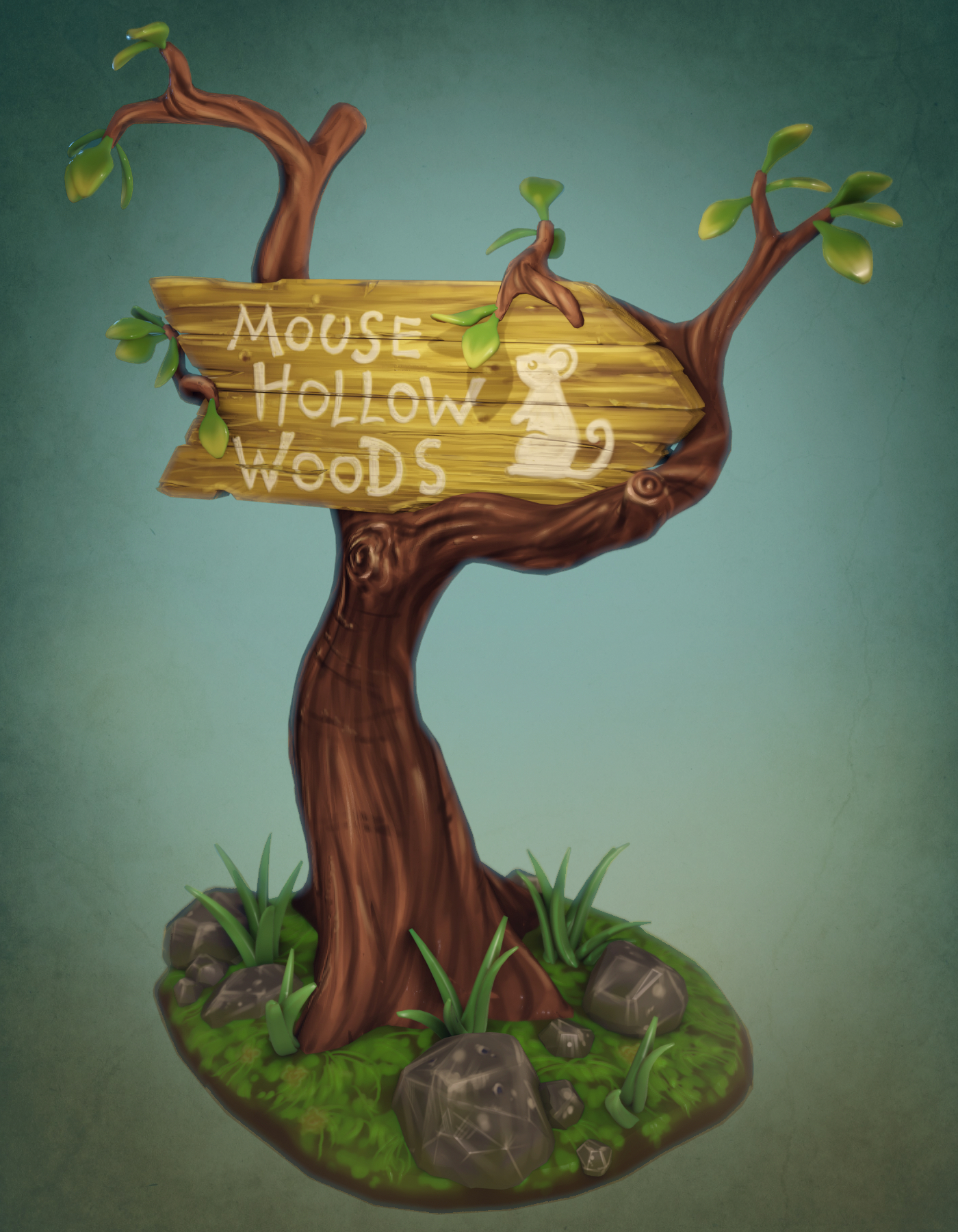
Did a few tweaks on the texture paint, lighting, and tone. I wanted a subtle parchment texture in the background, but couldn’t get it the way I wanted in Blender and due to time – added the texture in via Clip Studio Paint.
hehe, I love those little mugs 🙂 and the overall scene and texture.
From what I can tell, no, besides getting Sculpt Tools or Speedsculpt on Blender Market. I have Sculpt Tools from the market, works great.
@spikeyxxx Wahoo! Awesome art Spikey 🙂
Every dungeon has to have a mimic 🙂 Looks great, and lots of helpful feedback posted!
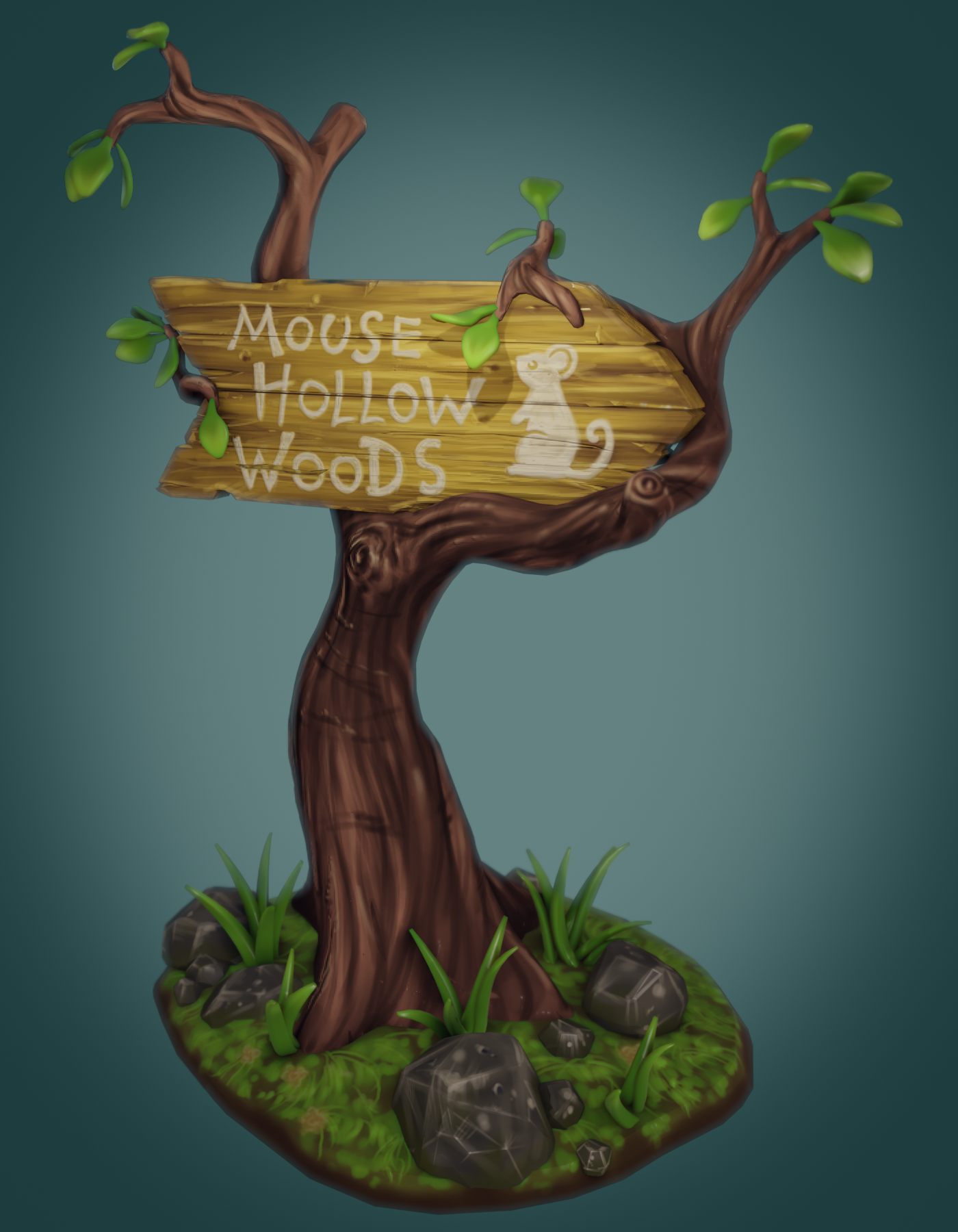
Render work so far – lots of moving sliders around and figuring out how all the render stuff works; and keep my nodes from looking like spaghetti!
I’m still shooting for more of a hand painted physical model (3d printed model) look which reflects how I did the modeling such as the leaves being extra thick.
The tree and sign material nodes are somewhat close to what’s used in the treasure chest tutorial. Generally, going less on the sliders (such as bump) was better due to the extra hand painted texture work I did. I played around with subsurface scatter on the leaves and grass, but they may be too thick for it to be noticeable. I kept a slight bump map on the sign lettering – to resemble thick paint.
Hopefully have some more time later on to play with it \m/
Lots of cool work 🙂 Neat to see the process as you work through engraving/carving text into the wood!
@theluthier Thanks for the kind words Kent,it means a lot! Yes, I was pretty frustrated. After I posted the homework I had to have a Mt. Dew and candy bar to chill out, lol. My first couple of weeks with using Blender for the first time were pretty frustrating too, but now many of the features and hotkeys are becoming second nature; so hopefully texturing and rendering will be like that too.
I do have more of background in painting and drawing – thanks for the feedback 🙂 Once I got a feel for the brush and process, I started to get into the painting and dig it.
Thanks for your help 🙂
HOMEWORK SUBMISSION WEEK 2
@louhikarme hehe, yea, you’re probably right – Thanks again for all your help \m/
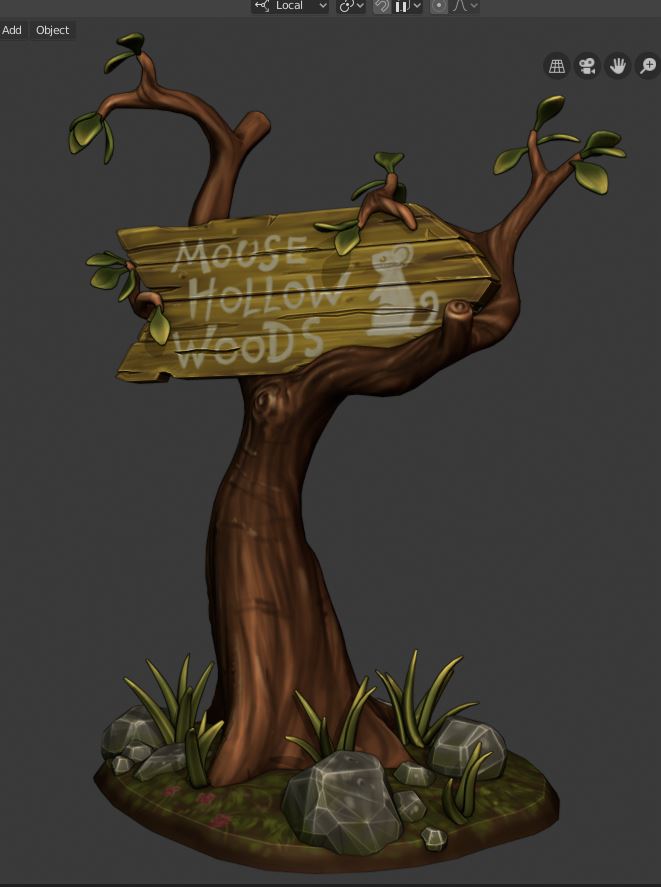
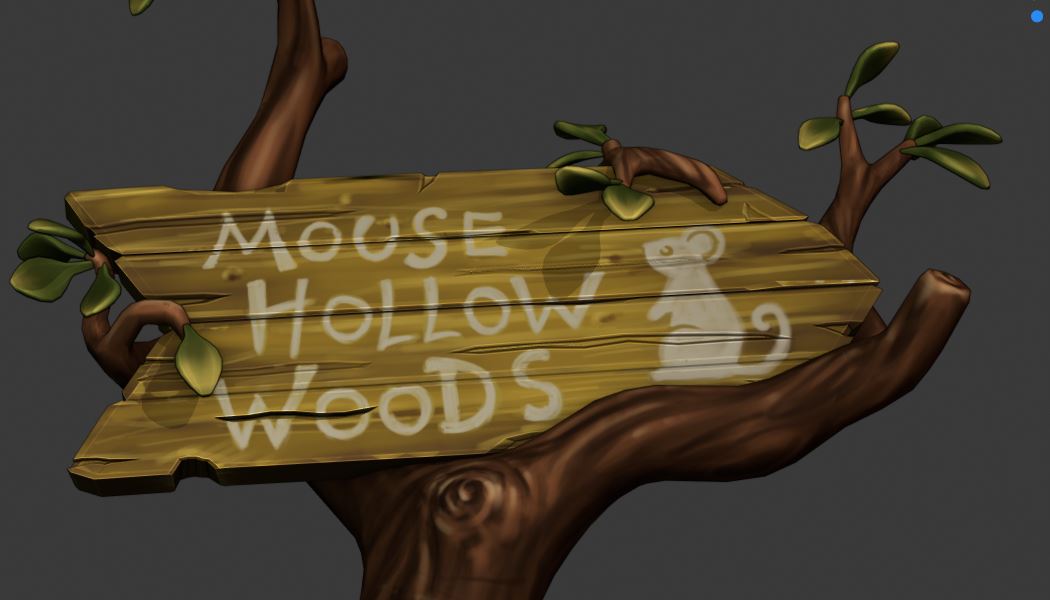
Side note: As I was working through week 2 of this project, I wanted to get an idea of how useful it would be to test colors and paint schemes on sculptures before painting by hand the 3D printed version of the model. The models I make for print have a higher poly count – 60k – 140k and the amount of time it takes to mess with the UV maps and paint the texture would seem to me, to not be the best solution right now, but I bet there’s a solution out there 😉
@louhikarme Thanks for the scale reminder 🙂 Didn’t fix the issue, but the scale needed reset. Yea, I’m using object mode too. I can add decals to a standard cube or sphere – so I’d assume the problem is with the sign geometry, such as the boards split out within the sign object and other geometry issues since I’m still kinda new at modeling. I have a little bit of time to mess around with it today, but may be getting over my head at the current time – we’ll see!
I started using Blender a couple of months ago – mainly for sculpting and I used the 2.8 beta. I kept the Blender 2.8 manual up for reference or just looked up info. on Google. It took a little extra time to reference between the pre 2.8 and 2.8 UI stuff, but it wasn’t frustrating to me.
One of the addons mentioned in the courses (can’t remember which one) isn’t packed with Blender anymore: “Sculpt Toolkit”. It’s now on Blender Market for around $15.
-
AuthorPosts
