Nathan Foster

Forum Replies Created
-
AuthorPosts
-
@chrismckay Thanks for trying. I’ll look into Mari first.
I’ve been thinking about whether to use a character or not. So would be possible to use the baker rig as part of the submission?
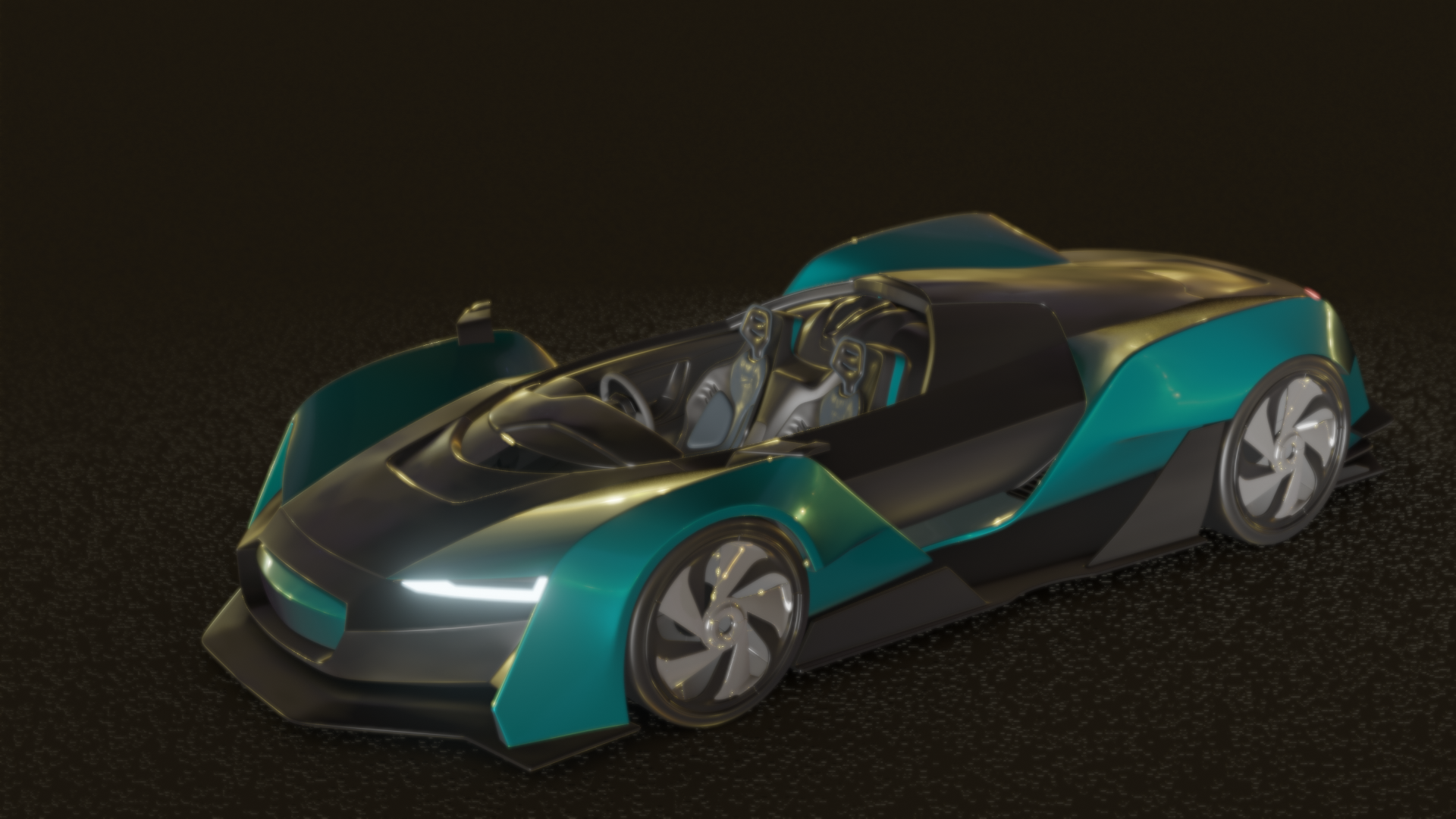
The first thing I decided to work on is the monkey. For starters, I followed Kent’s ”Hologram Shader” on Shader Forge series. That placed me in the right ballpark. Then I modified the shader – first by switching the wave texture for a Voronoi texture, and then connected a wireframe node to the Voronoi’s scale.
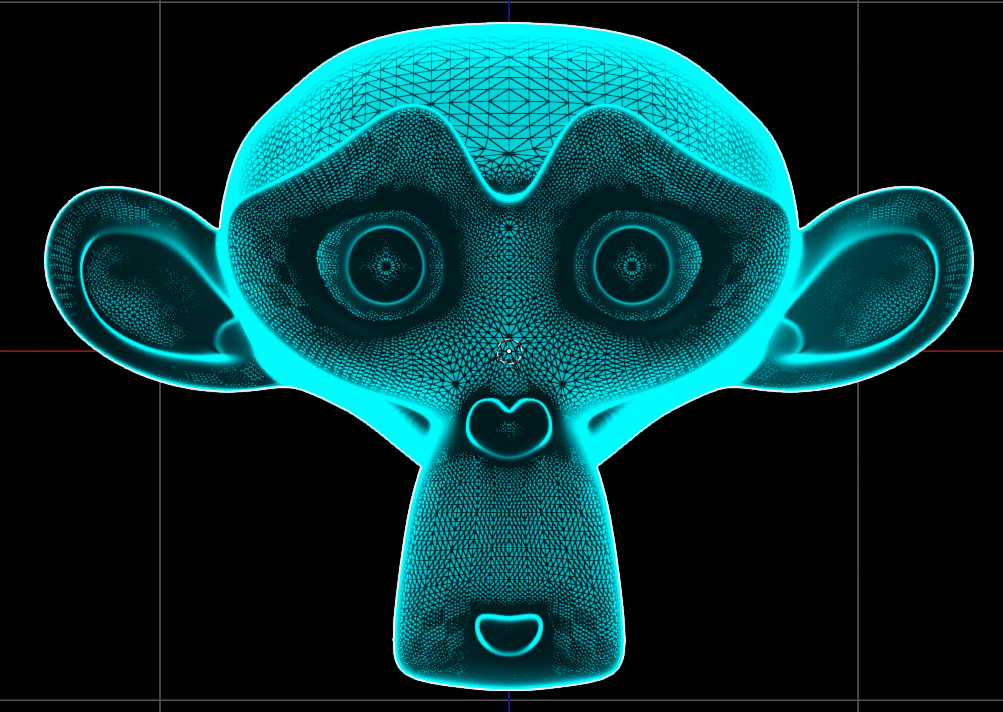
While this was a good start, it still needed some tweaking. For example, there wasn’t enough transparency. I overlaid the “backfacing” and “Pointiness” portions of the geometry node, and lightened it with the brightness/contrast node. Still, it needed further tweaking. After a few searches on YouTube, I fiddled with the options slot in the materials tab. It worked! All that needed to change was setting the blend mode to “Alpha blend.”

Sweet! This is going to be awesome!!
February 5, 2019 at 6:13 pm in reply to: February 26th, 2019 – Blender Live Critiques – Submit Your Blender Art! #44932Here’s my project:
https://drive.google.com/open?id=1u7fH_Em2uj5vetMOSQZ2eOVpQ3znleuV
The problem I have is with the material. I was trying to match the material on Kilo Ren’s lightsaber. Thus, I would like to add wear and tear to the metal (scratches and heat stain, in particular). The thing I run into, however, is that I can’t find a way to make it look right.
Thanks!
Nathan Foster
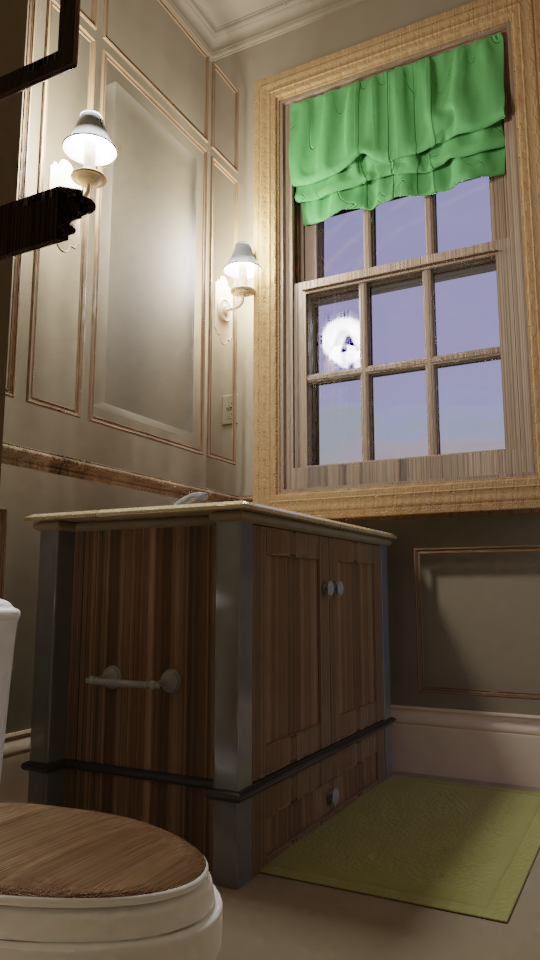
Here’s the entry for week 4:
Matching exercise:
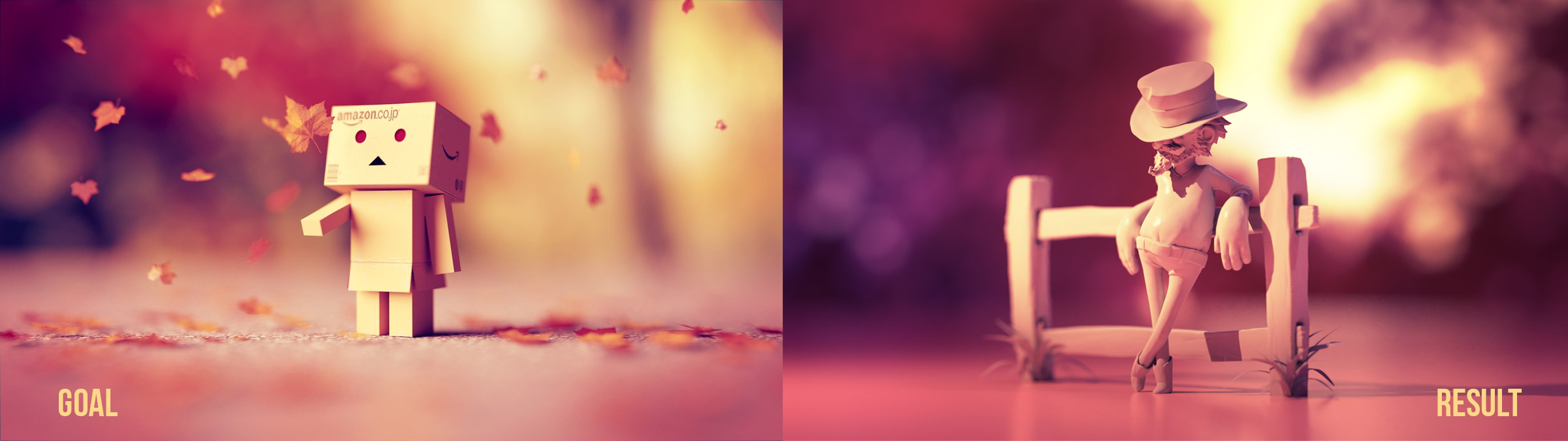
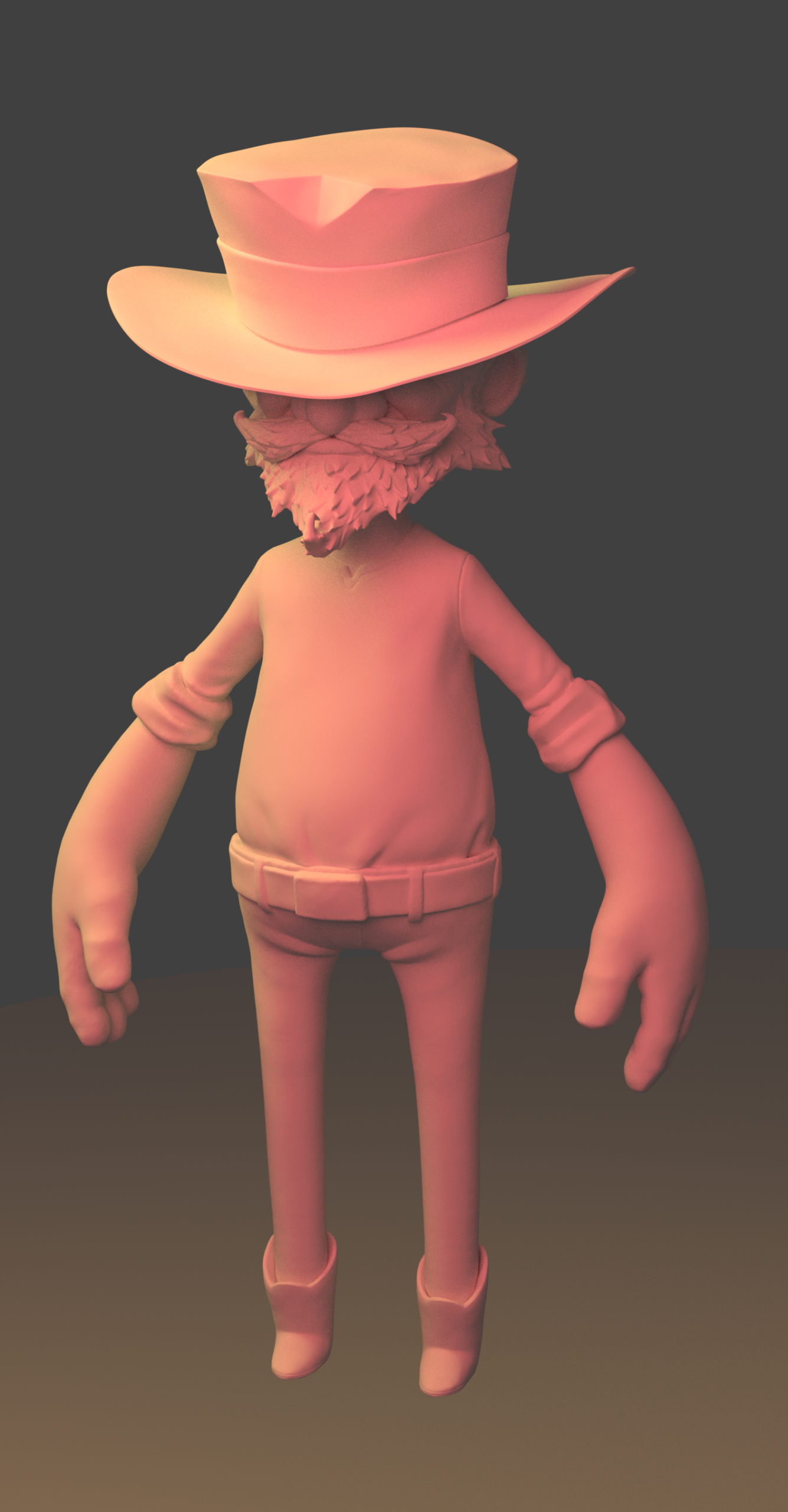
Week 3 entry:
Lighting match exercise:
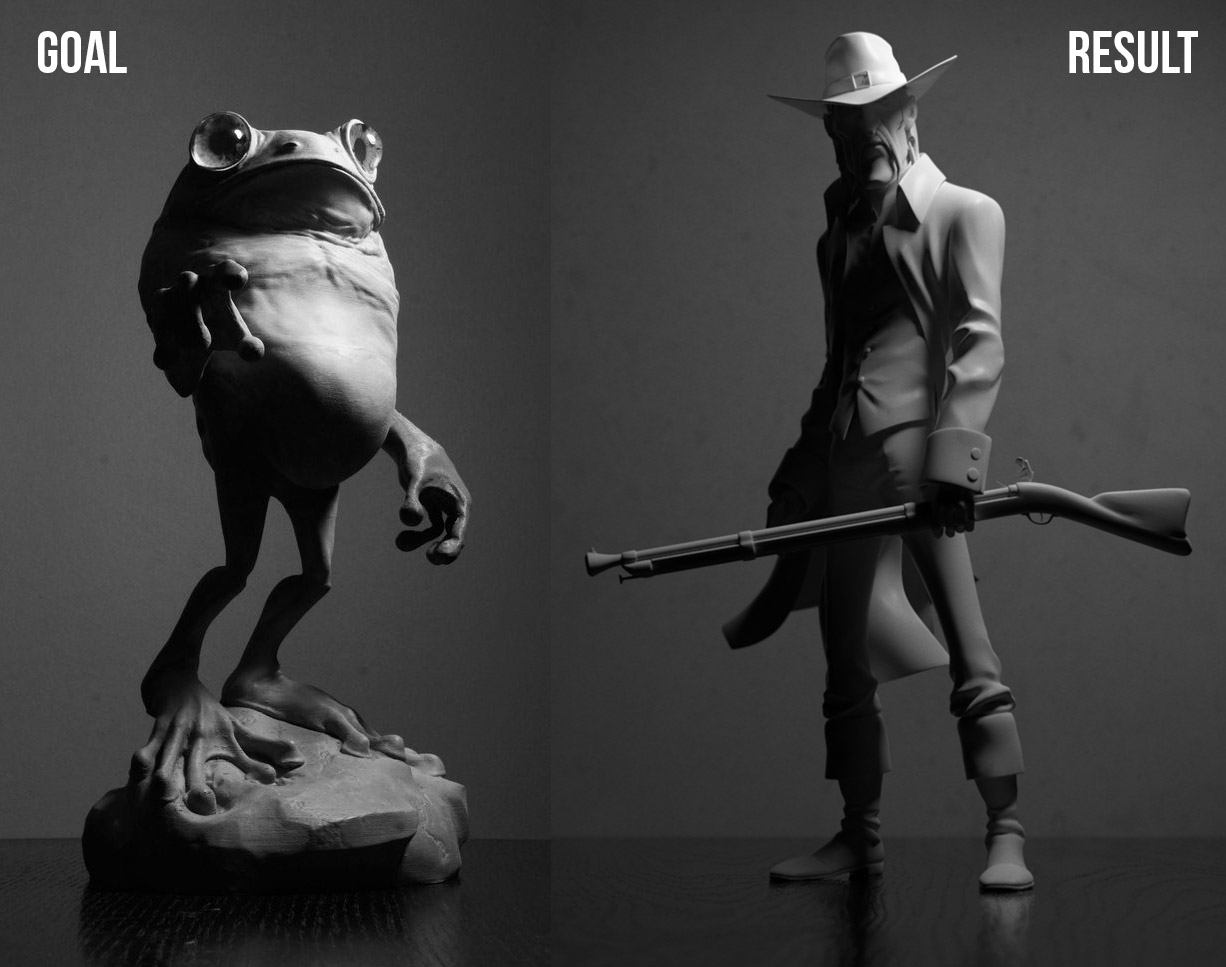
Here are the entries for week 2.
Week 2:
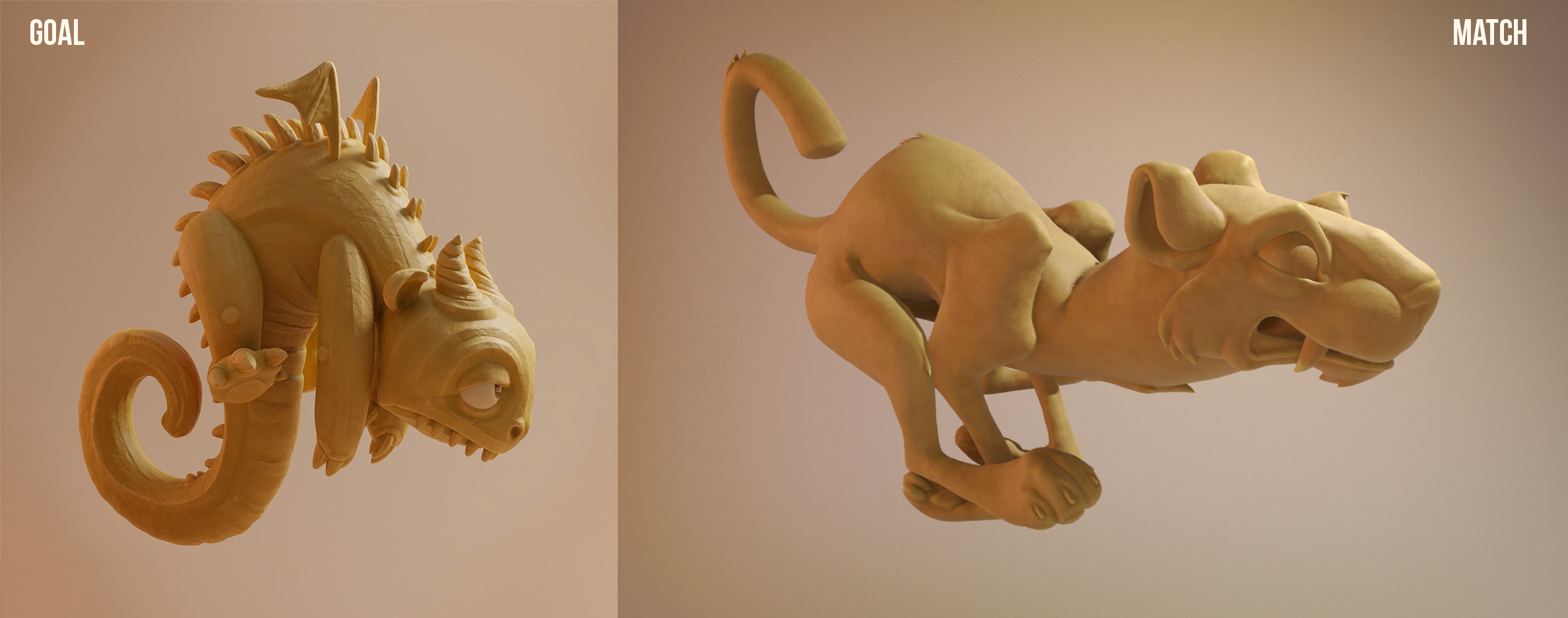
Matching exercise:
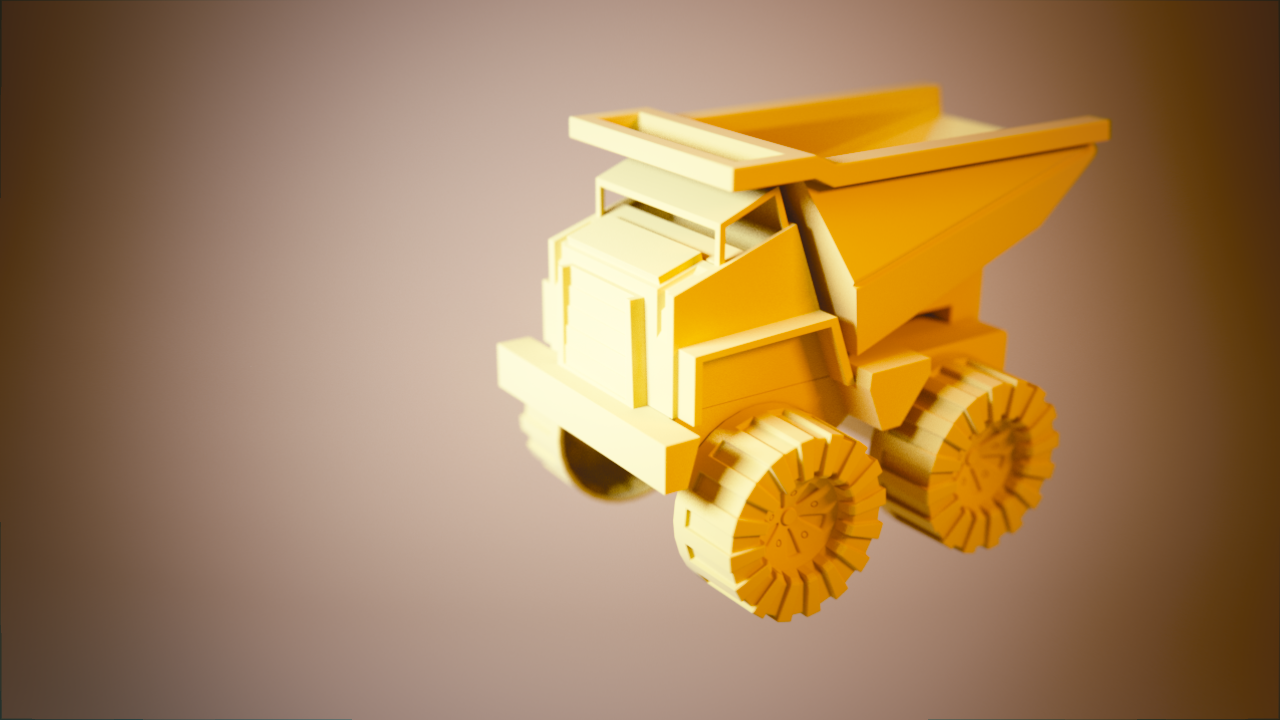
I don’t know if I mentioned this or not, but I’ll be away traveling and planned to combine the assignments for weeks 2 & 3 together.
Unreal Engine would be a nice class to do. Also, AI would be cool.
@theluthier : Here’s the link to the exercise. https://cgcookie.com/exercise_submissions/15659
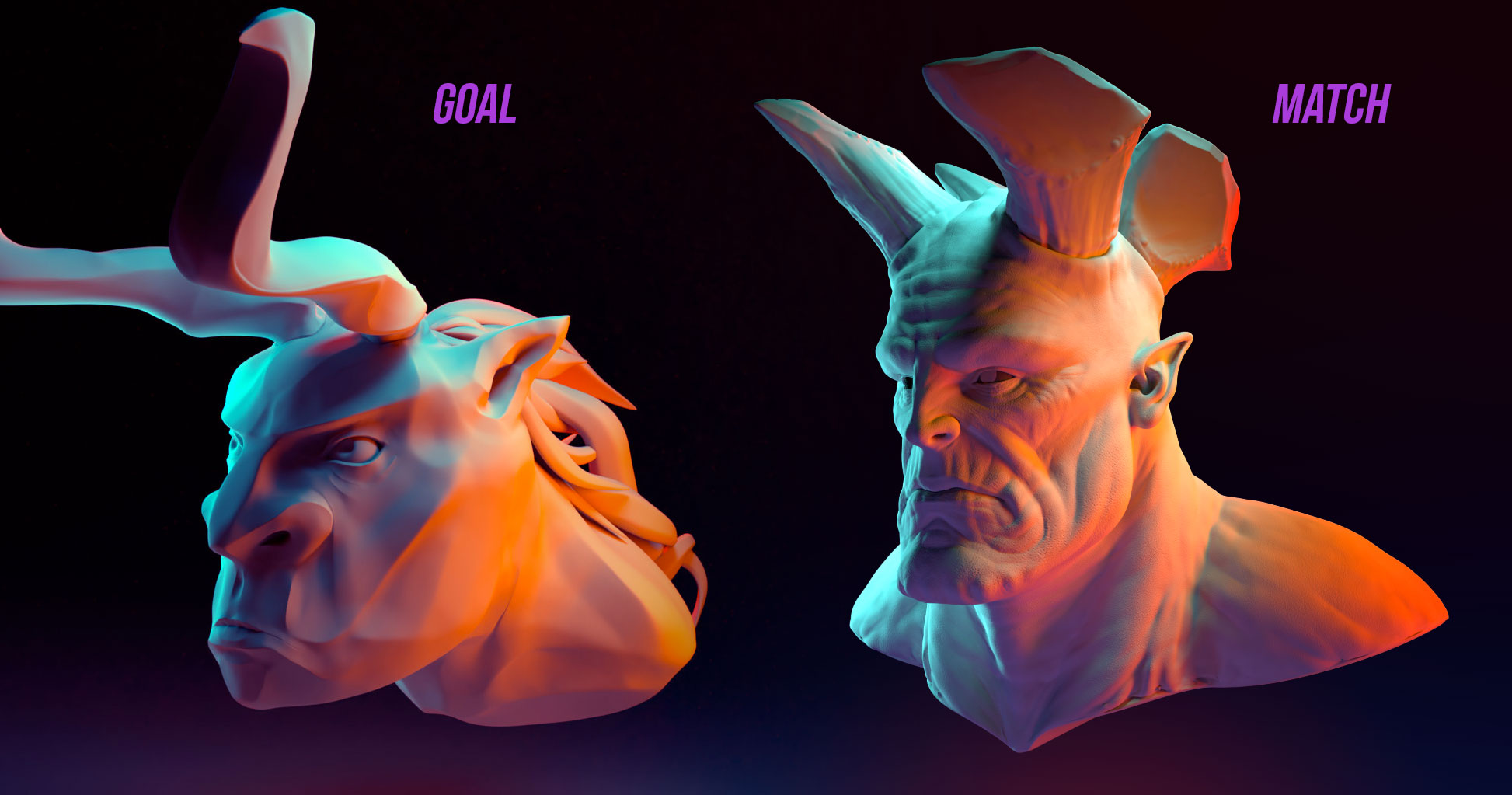
Also, this is the picture I was trying to match.
https://blog.cgcookie.com/wp-content/uploads/2017/10/uploads1528307870927-06-monster-bust.jpg
@silentheart00 mentioned that the cracks are too big. Here is a revised picture:
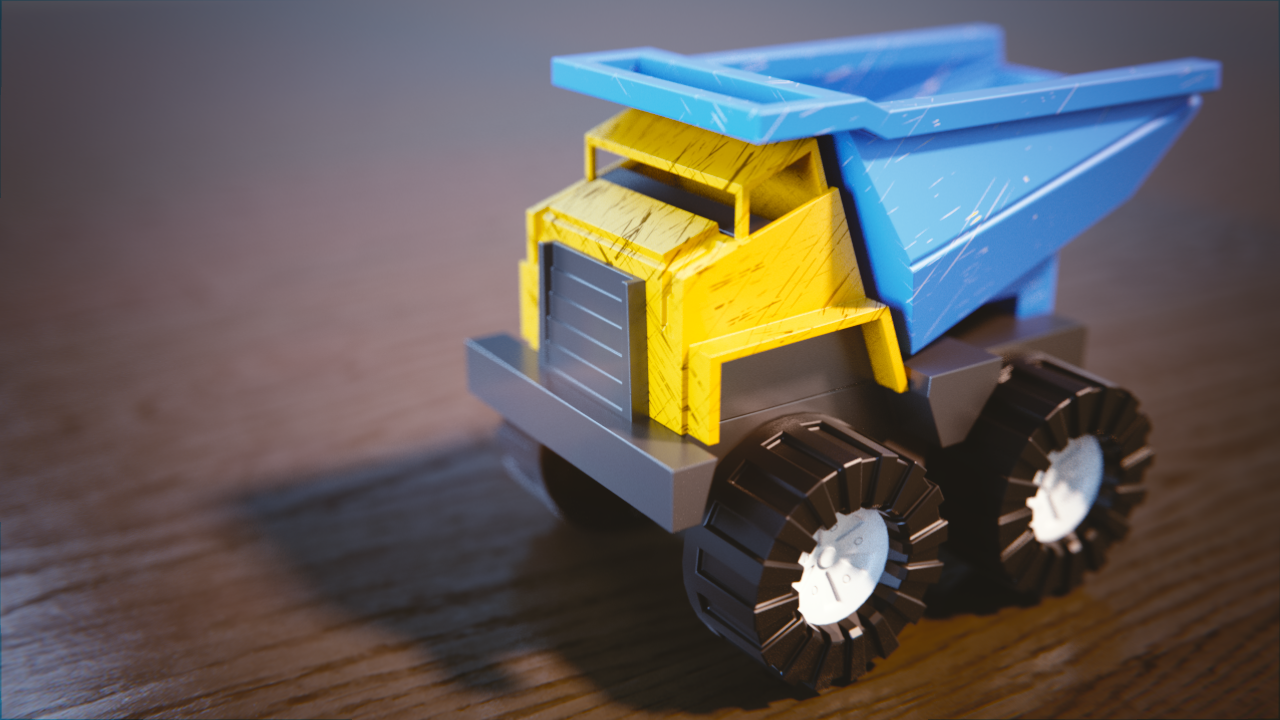
@yukinoh1989 I used a texture from a PBR texture addon actually. Here’s the link if you’re interested: https://www.3d-wolf.com/products/materials.html
@silentheart00 I can tone down the scratches. By the way, would it be helpful if I repost the pictures?
Here’s my entries for week 1.
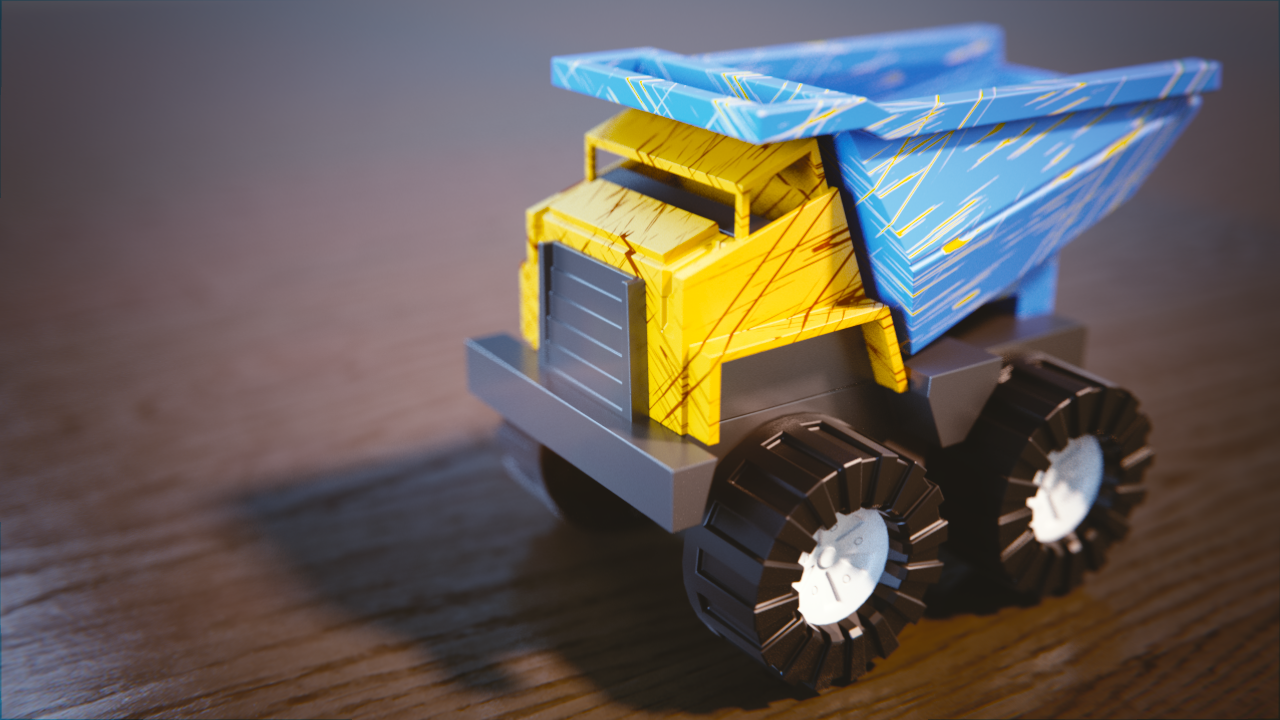
The truck with added scratches:
Instead of doing the bedroom scene again, I decided to a matching exercise with the Wrangler character.
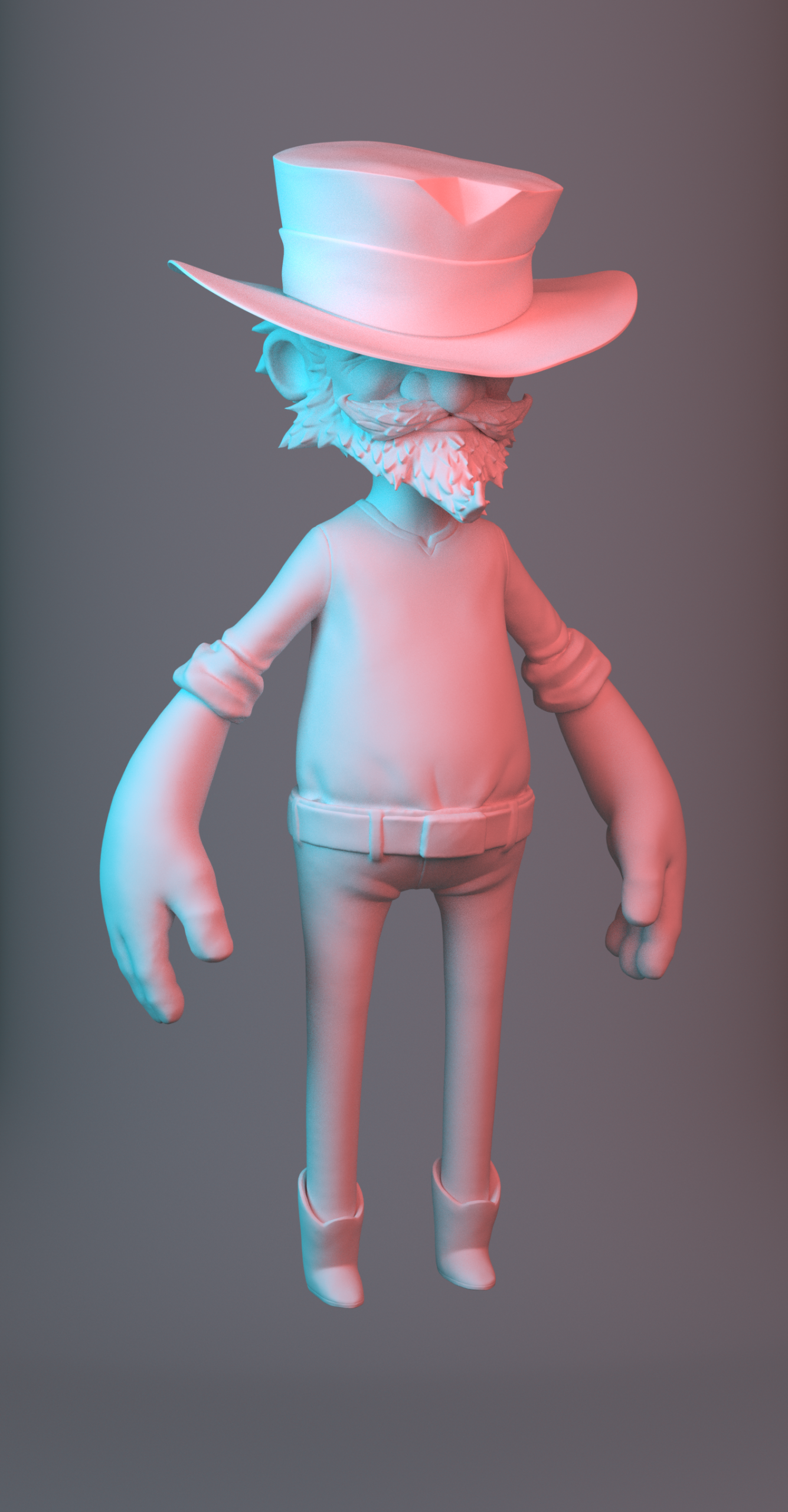
Any critiques are welcome.
October 1, 2018 at 6:35 pm in reply to: [ENDED] BC4-1810 – October 2018 Class Homepage – Shading & Lighting with Blender #41373Awesome! Looking forward to improving shading techniques.
I’m wanting to animate it, otherwise image overlay would’ve worked.
-
AuthorPosts