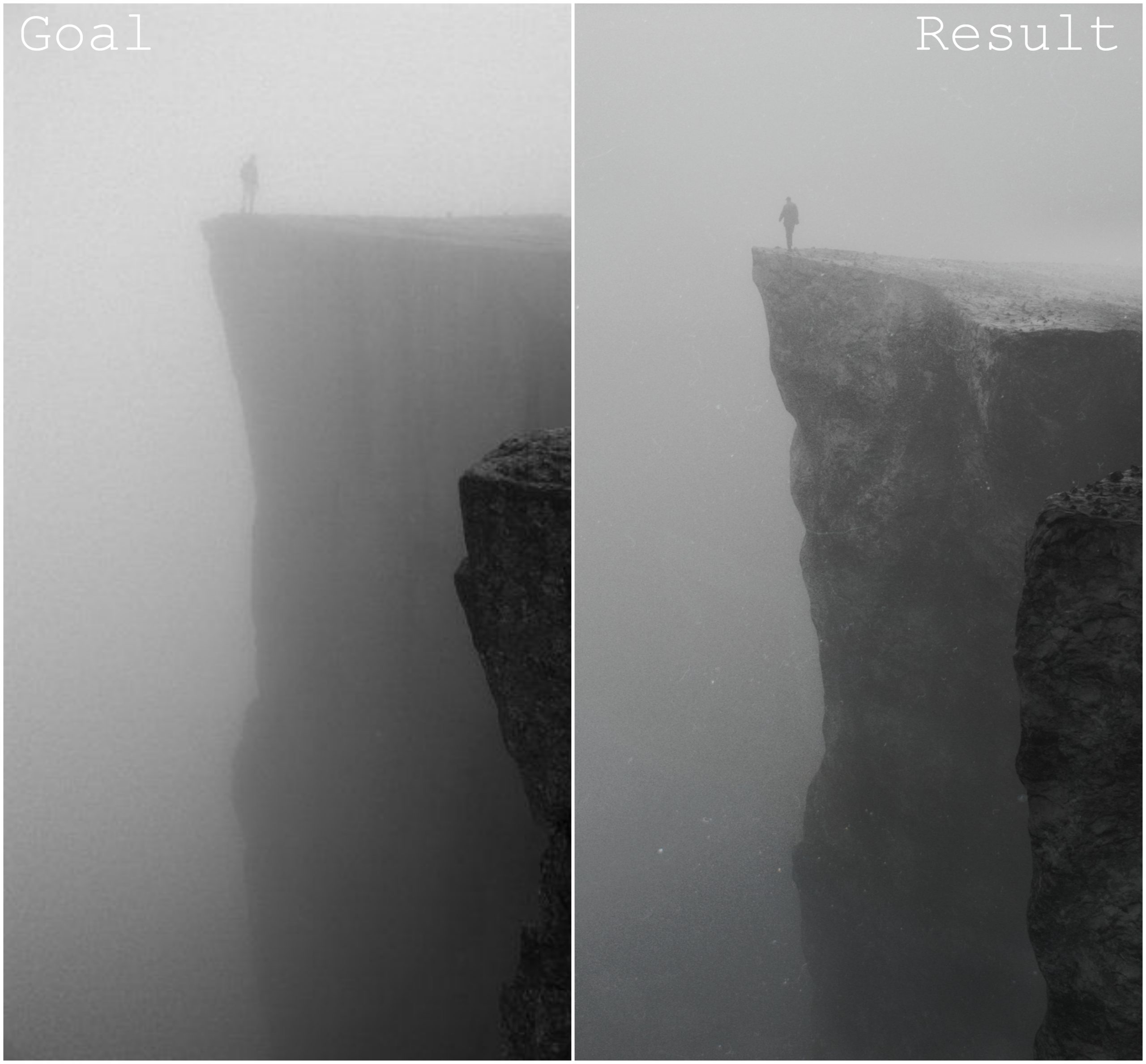
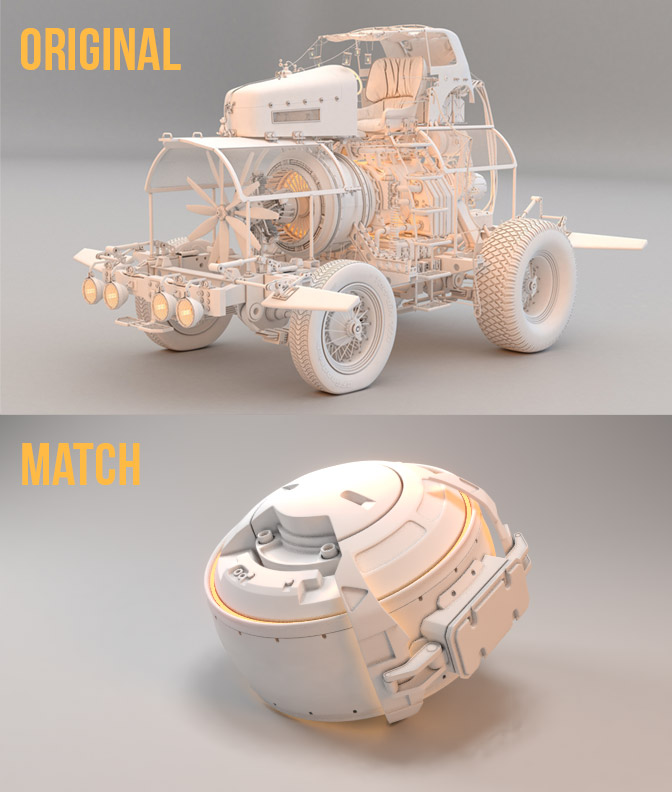
Just got done watching the video, and this looks like a very interesting and helpful exercise. Just might have to give it a go soon 😀
@theluthier , with the CTRL-T thing, you can use it pretty much anywhere that would need vector coordinates… Anything with a color slot, it will even add in an image node. I think if it takes a color input, it will add an image node, and anything else, it will work backward to the Texture Coordinates.
I keep missing the live ones, so I’m always watching the replays… and forgetting I’m watching a replay and want to make a comment — only I can’t because it’s a replay 😀