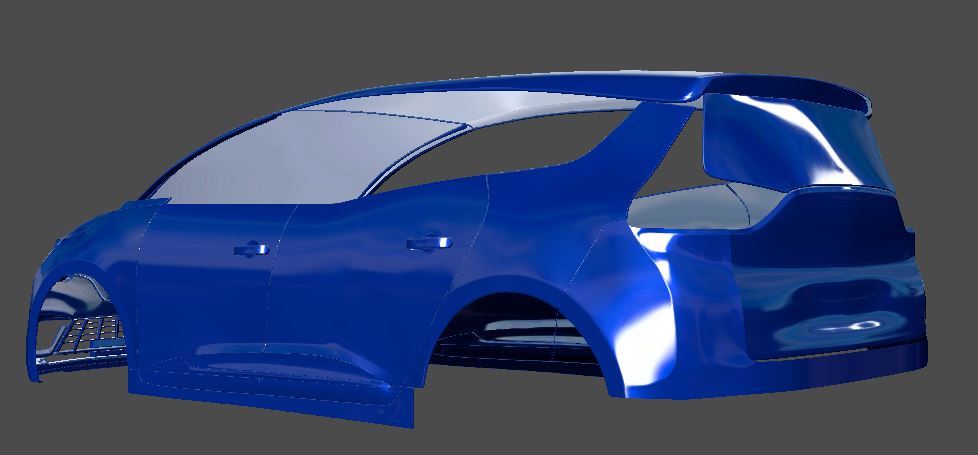
[ENDED] BC3-1806 – June 2018 Class Homepage – Vehicle Modeling with Blender

Forum Archive [ENDED] BC3-1806 – June 2018 Class Homepage – Vehicle Modeling with Blender

Viewing 15 posts - 541 through 555 (of 1,277 total)
  • Author
    Posts
  • #35596
    William Miller
    Participant

      For some reason, the curves won’t work.  If I try to give them thickness in the curve properties, it gets a little bit of thickness, but then it stops.  The same thing happens to objects I use a curve modifier on.  Also, I’m out of ideas for how to connect the hover thrusters with the arms coming out of the side of the tank.  Could you help with that?

      #35597
      Bauke Post
      Participant

        @williamatics Maybe looking up some reference images of real figher jets and tanks will help, as I imagine the parts would not be one single mesh. That would look very CG-like.

        #35598
        Morten Fjellheim
        Participant

          @thepainter Thanks, i will check it out.

          #35599
          William Miller
          Participant

            Homework For Week 2:

            Here it is.  I have worked hard.  I have loved and hated every step of the process at the same time.  I love 3d modeling!  (If the viewport lags, turn on simplify.)

            #35600
            William Miller
            Participant

              How do I fix that weird shading on the back of the turret?

              #35601
              Aaron Rudderham
              Participant

                @williamatics Damn, that looks good. Nice blend of taking something from the real world and adding your own spin on it, loving all the little details. Very interested to see what you’ll be doing come the interior portion of the class.

                #35602
                William Miller
                Participant

                  @theluthier Will you update my grade once I figure out how to fix the artifact at the back of the turret?  I don’t want that to be held against me.

                  #35603
                  Palo Piktor
                  Participant

                    @arev Sorry for confusing you. Forgot that you should just adjust far camera clip plane and thats it.

                    #35604
                    Palo Piktor
                    Participant

                      WIP day 4

                      Got headaches on the rear part, trying to solve all those different shapes and loops.

                      I hope i will have free time tomorrow to finish it on time.

                      #35605
                      Eyad Lotfy
                      Participant

                        @williamatics great William, I’d like to help but I don’t see where is that weird shading?

                        #35606
                        agaton
                        Participant

                          So, too late as usual but here is my aeroplane. Not like the original either but it has wings and a propeller….

                          best regards, Erik.

                          #35607
                          Eyad Lotfy
                          Participant

                            @williamatics is that what u desire?

                            #35608
                            Eyad Lotfy
                            Participant

                              @agaton looking sick mate! 😀

                              #35609
                              William Miller
                              Participant

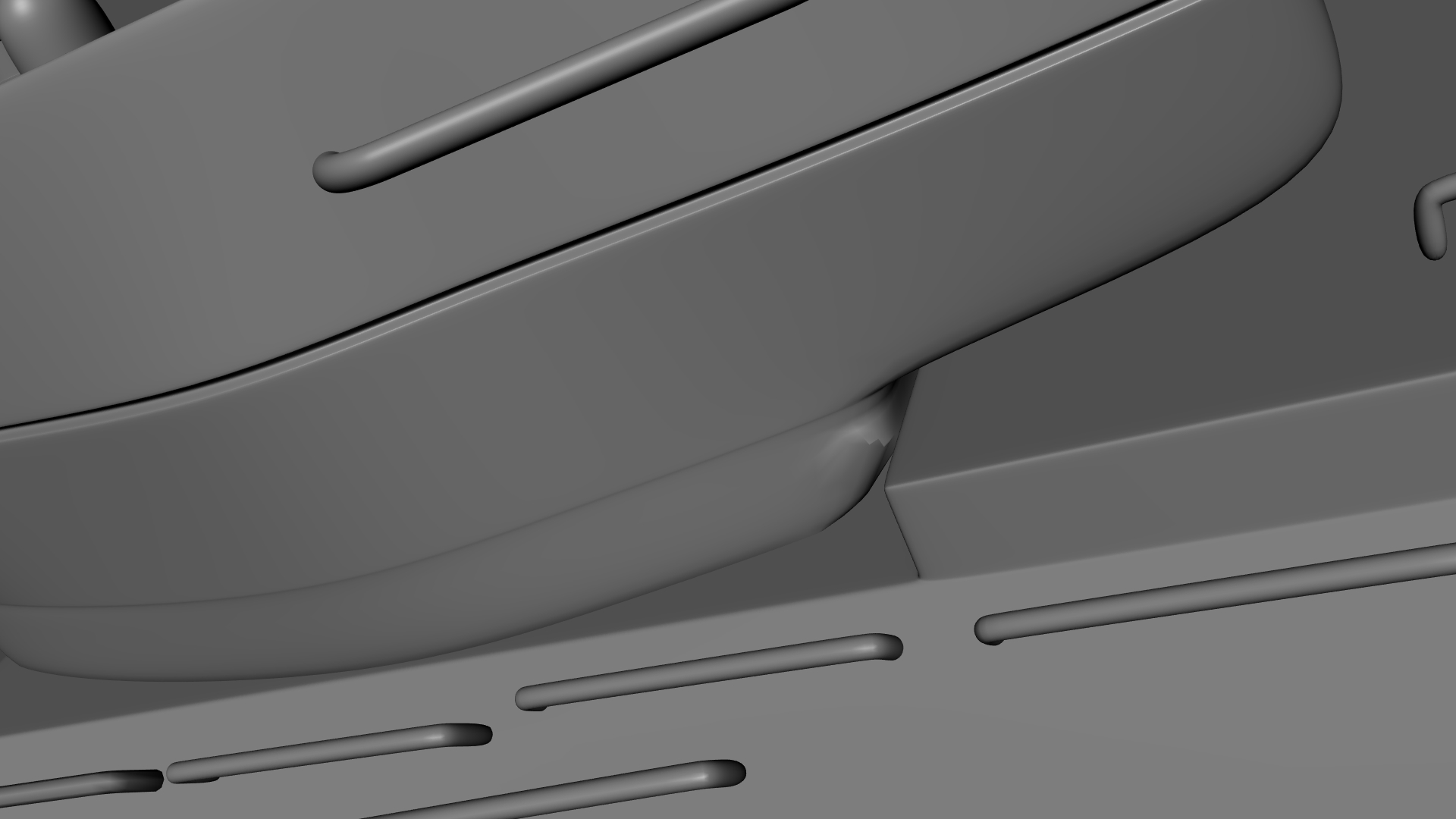
                                I want to get rid of this.

                                #35610
                                Eyad Lotfy
                                Participant

                                  @williamatics disabling the Shrinkwrap seemed to fix it :/ do u need it ? I mean it’s totally useless 😀

                                Viewing 15 posts - 541 through 555 (of 1,277 total)
                                • The topic ‘[ENDED] BC3-1806 – June 2018 Class Homepage – Vehicle Modeling with Blender’ is closed to new replies.