[ENDED] BC3-1806 – June 2018 Class Homepage – Vehicle Modeling with Blender

Forum Archive [ENDED] BC3-1806 – June 2018 Class Homepage – Vehicle Modeling with Blender

Viewing 15 posts - 496 through 510 (of 1,277 total)
  • Author
    Posts
  • #35551
    Bauke Post
    Participant

      @williamatics Can you post the .Blend file? That would make it a little easier to look at the situation.

      #35552
      William Miller
      Participant
        #35553
        Bauke Post
        Participant

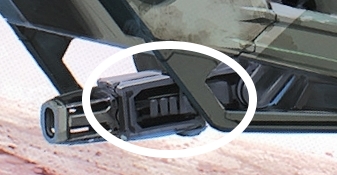
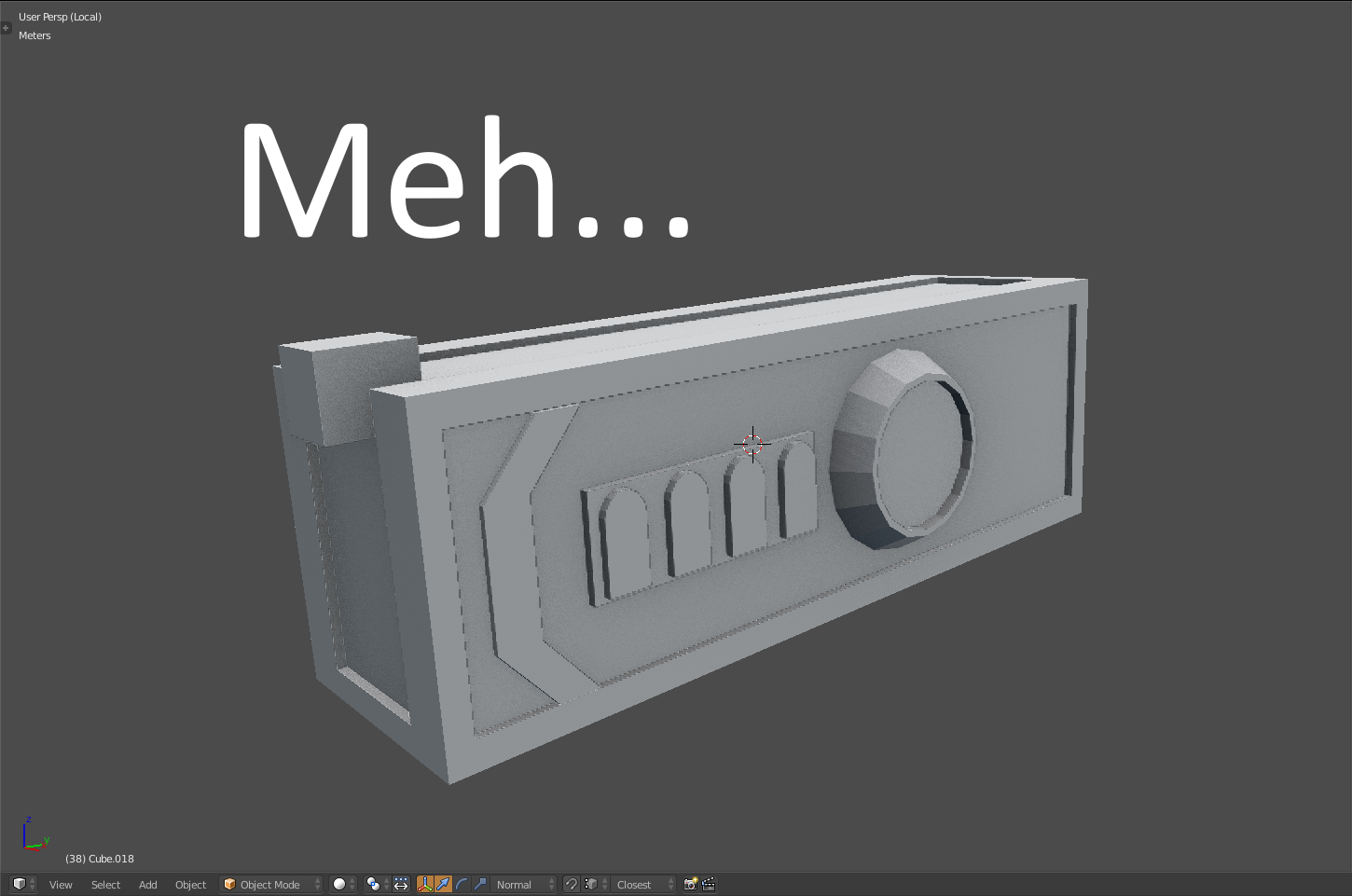
          Hey guys! I’m working on the middle part of this gun, but my my 3d blockout looks a bit uninteresting and just not good. I’m trying do it a bit differently than the concept, instead of straight up copying that part. I imagine it is some kind of laser generator of some sorts, but I can’t seem to get it looking cool and futuristic. Do you have any advice on the design?

          #35554
          Bauke Post
          Participant

            @williamatics Thanks, that makes my life a bit easier 🙂

            #35555
            Marc Hany
            Participant

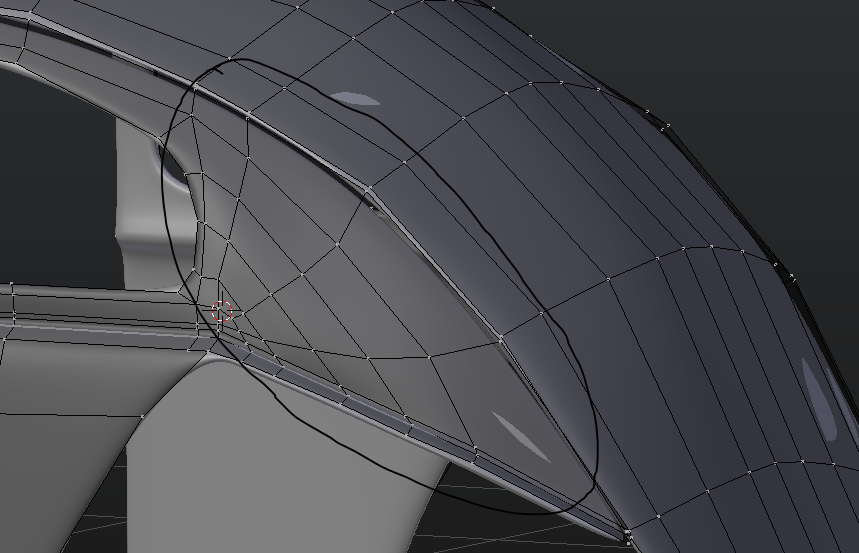
              hello guys is this part ok?  i don’t quite like it personally… is there any other way to fill it  such that it maintains the number of edge loops on the back?

              #35556
              William Miller
              Participant

                @baukepost It looks like the inset is deeper in the concept art.  You should also add more wires and stuff.

                #35557
                Bauke Post
                Participant

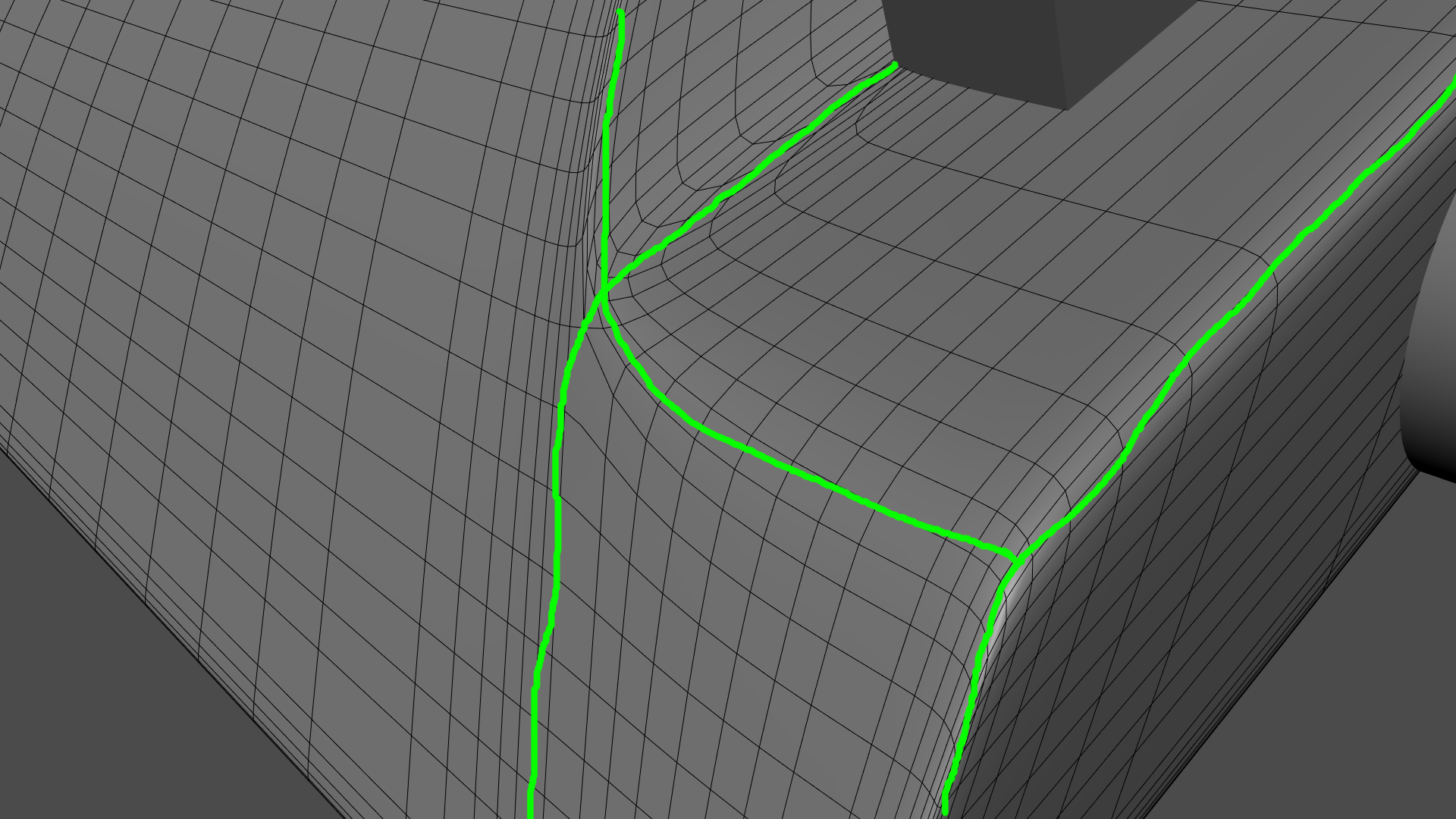
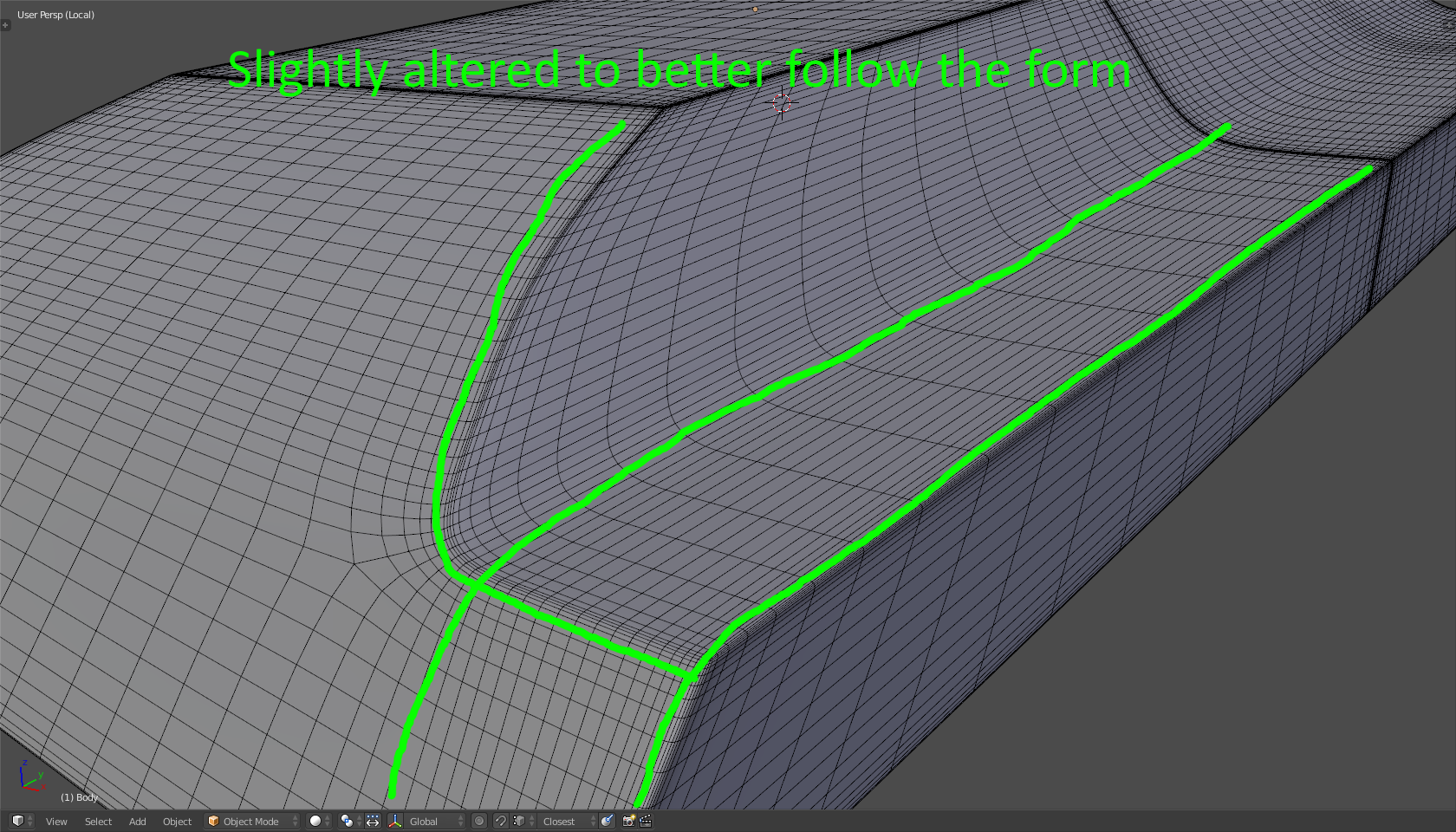
                  @williamatics I think the most important thing is thinking about the function of the edge and face loops in your model. Some of them seem a bit unintentional and lack a purpose. As Mr. Lampel mentioned in his Mesh Modeling Bootcamp, you want to have loops surrounding your major features (indicated by the green lines). I took the liberty of editing your tank a bit; https://cgcookie.com/t/1283-tank-blend-file. You shouldn’t have any pinching problems anymore :).

                  #35558
                  William Miller
                  Participant

                    Thank you @baukepost !  Your help has been invaluable!

                    #35559
                    panboy
                    Participant

                      So this is where I’m at so far, I’ve found my self getting rather frustrated with this model, as my blueprints turned out rather bad, for example the Big engine intakes over and under the wings, a Major feature right? they don’t exist in the front and back views.
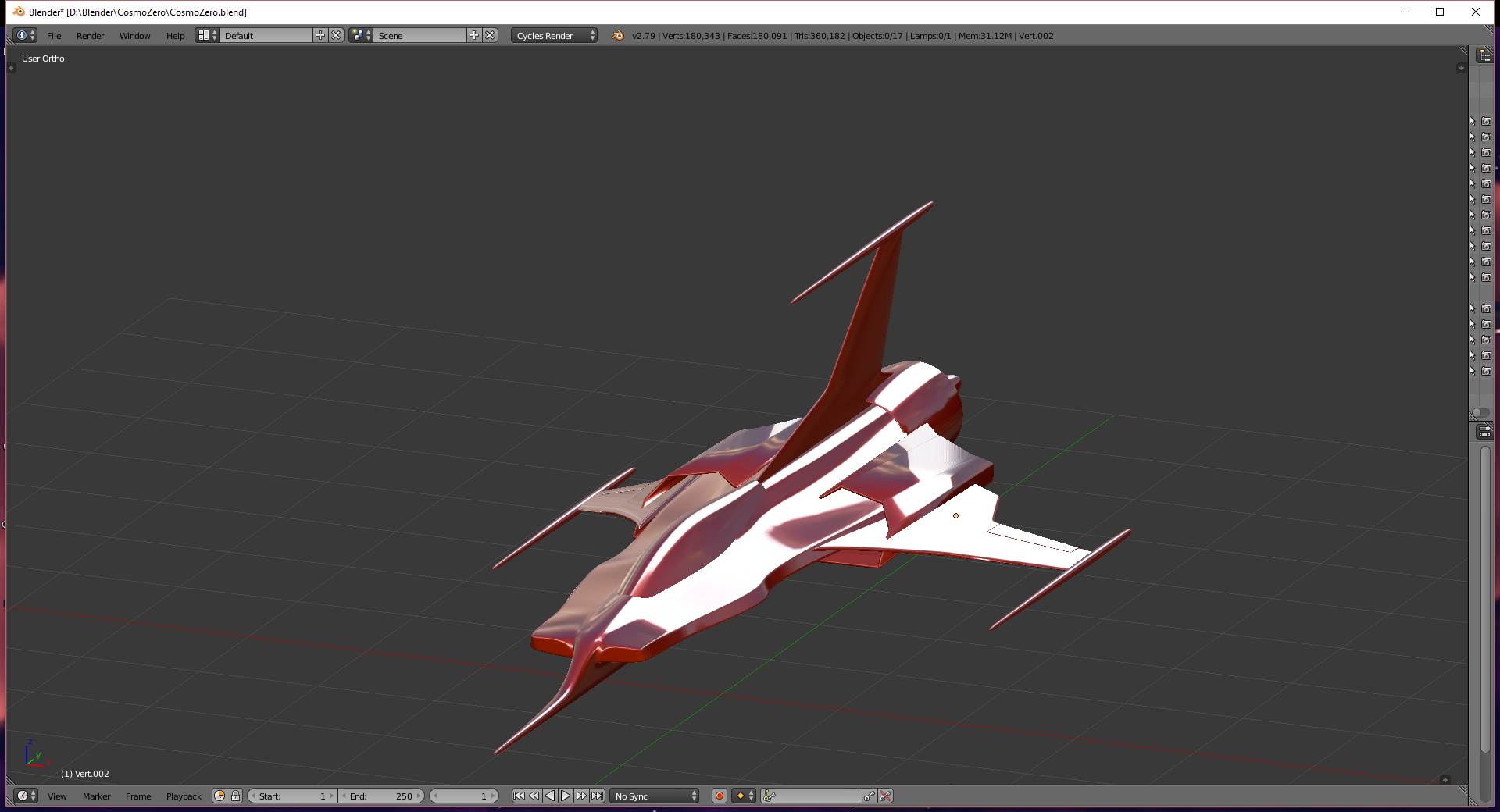
                      https://sketchfab.com/models/e76547354b5c4f1aac6a4e0324ae3071

                      I’ve separated the model into parts for ease of modeling the wings engines cockpit and fuselage are all separate parts. Should i be trying to make it all one solid mesh? I know that’s better for video games, but not sure if its the best way to go for Blender renders. 

                      Now I’m not sure if i should model all the little details or maybe paint them on later with bump maps or what not?

                      #35560
                      Eyad Lotfy
                      Participant

                        Homework Submission Week 2

                        #35561
                        Eyad Lotfy
                        Participant

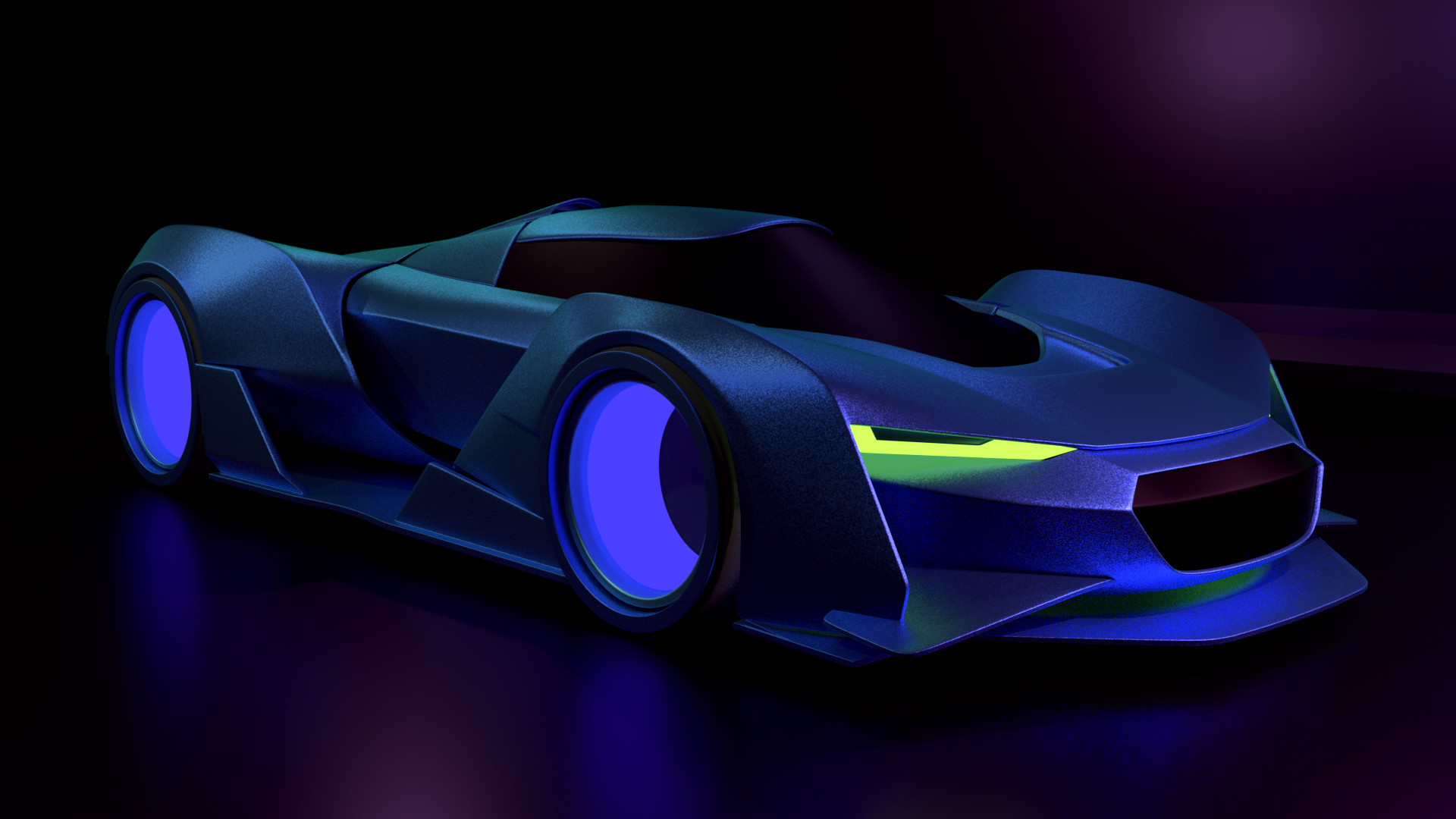
                          @baukepost thanks for the feedback, ironically when I went back to edit my lights I noticed a part that never showed up in the previous render lol.

                          #35562
                          Morten Fjellheim
                          Participant

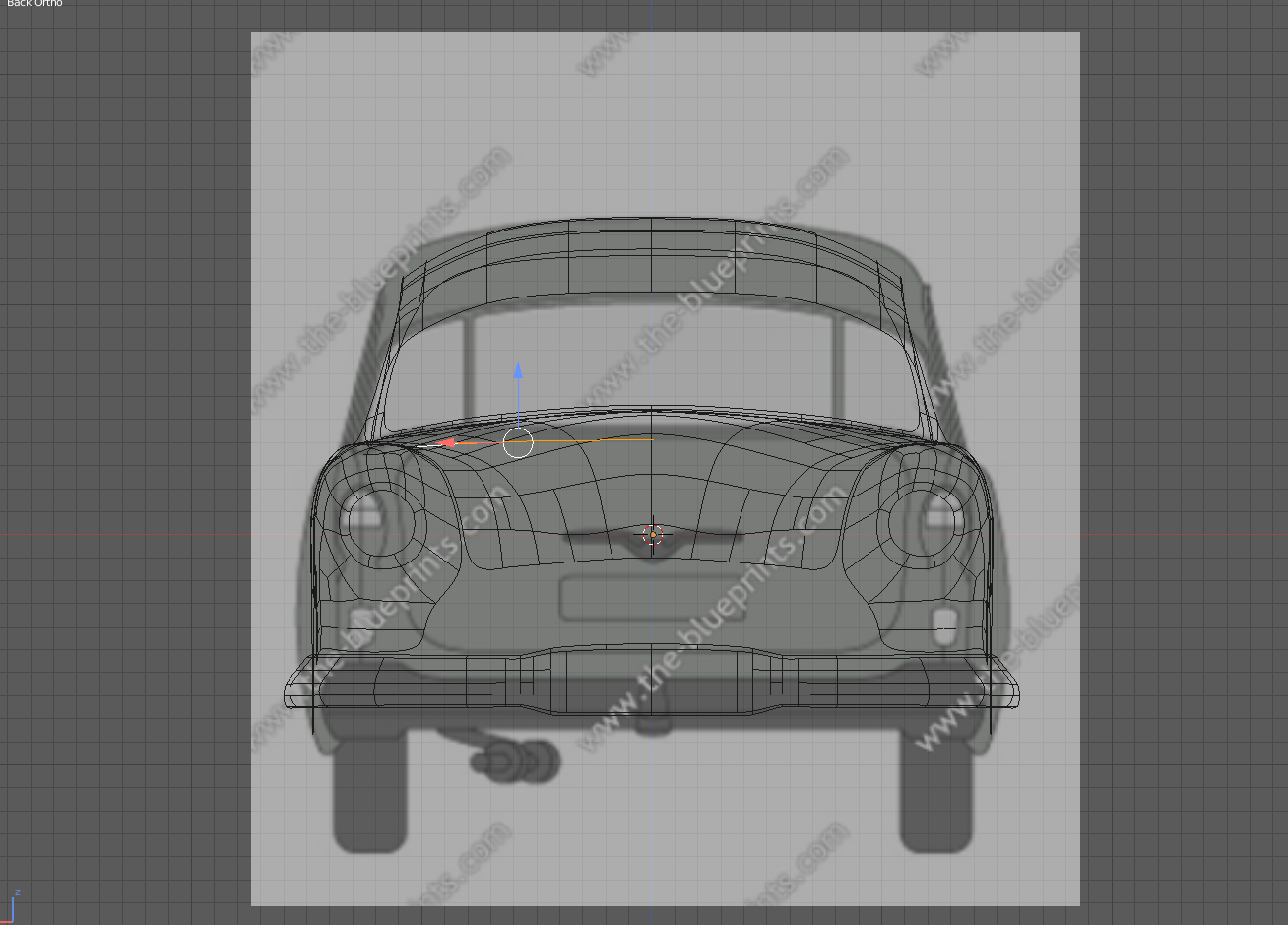
                            When using the back side referance image the geometry on the front side is so dominant its har to see the backside geometry. It makes it hard to see the referance image as well as the back side geometry. I tried to play around with the opacity button but cant sort it out. Hiding it in edit mode doesnt work because the part i am going to work in is not joined, i guess i could join it and hide it but maybe there is another solution?

                            #35563
                            Aaron Rudderham
                            Participant

                              @tbrbn Good Lord that is well done, how many verts is that?

                              #35564
                              Jack
                              Participant

                                @mrdojo Baking the normals is going to take forever! Fortunately I saved a detail-less version at a grand total of 4278 verts! And yeah, I really should learn how to present my models!

                                #35565
                                John Garrett
                                Participant

                                  Hi everybody,

                                  I can’t devote as much time as I would like but I finished aligning and sizing the view of the Refs and will put them into image planes. I will post that later today.

                                  Also I hope at least to have the Fuselage modeled by Sunday and maybe the Cockpit Windows as well. I will probably break the Fuselage into Nose, Body, and Tail minus the Vert Stab. I will try to post WIPs along the way.

                                  ~John

                                Viewing 15 posts - 496 through 510 (of 1,277 total)
                                • The topic ‘[ENDED] BC3-1806 – June 2018 Class Homepage – Vehicle Modeling with Blender’ is closed to new replies.