[ENDED] BC3-1806 – June 2018 Class Homepage – Vehicle Modeling with Blender

Forum Archive [ENDED] BC3-1806 – June 2018 Class Homepage – Vehicle Modeling with Blender

Viewing 15 posts - 391 through 405 (of 1,277 total)
  • Author
    Posts
  • #35446
    Morten Fjellheim
    Participant

      I see that i havent been given a grade for my homework. Is it because it wasnt acepted or because it wasnt good enough?

      #35447
      panboy
      Participant

        @theluthier Thanks, The Cosmo is not a real plane, its from the anime space battleship yamato, and from what i recall it never actually lands on anything so the landing gear is quite vestigial.

        So ill have to think about whether its worth actually keeping the gear on the model. 

        #35448
        Logan Meeks
        Participant

          @theluthier Should be interesting to find reference images for the interior materials then XD

          #35449
          Vlado Tasner
          Participant

            My question kinda got burried by the chat so I will just post it here 🙂
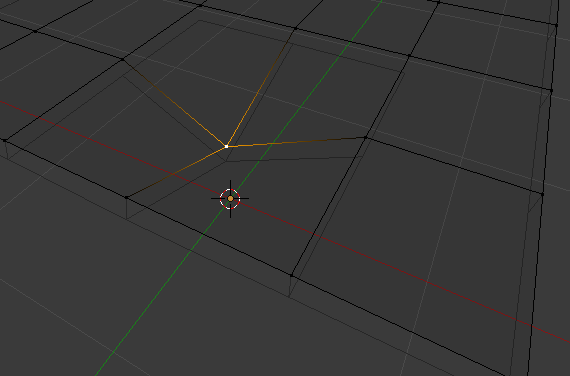
            QUESTION: How to handle when a quad is a bit skewed and renderer/engine is triangling it the way I do not want to.
            I could manually triangle it how I want, but then I lose the quad and good edge flow.
            https://imgur.com/a/stx7csr (flat plane, and one vertex pulled back, exaggerated to show what I mean).
            I really need to up my topo game, one of the reasons I am here.

            EDIT:
            Andswered by @ullreym in chat later on. https://cgcookie.com/lesson/all-quad-junctions

            #35450
            Darren McBain
            Participant

              From stream question , Ill delete this post later as i dont have any online image storage at the mo,
              Is it like that @doulos4iesou, so with a solidify to stop the bottom surface coming through if i were to move the main surface down?
              the solidify should follow the main mesh verts.
              not sure if im on the right track or completely off, sorry 🙁

              #35451
              Adam Bowkett
              Participant

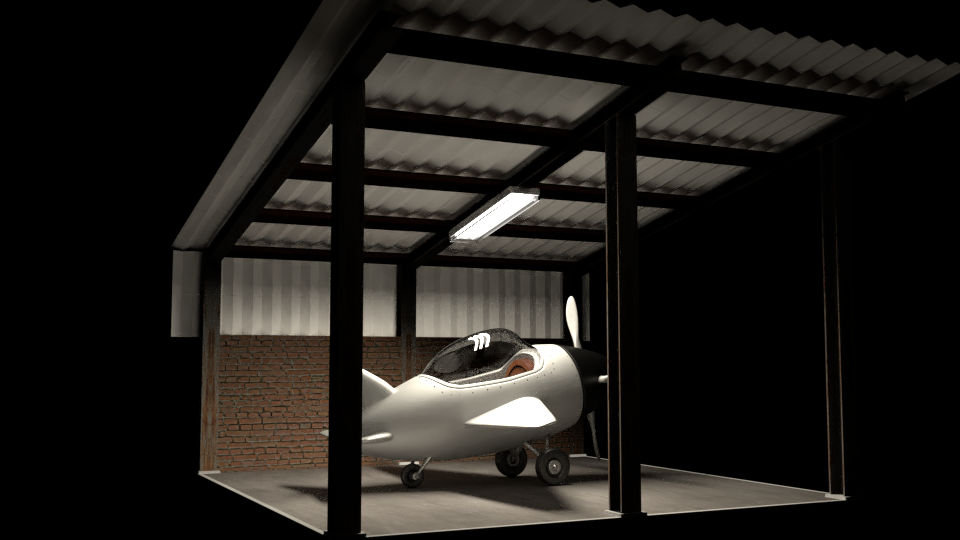
                Apologies for the late homework submission.
                My dog ate my mouse.   

                #35452
                Kent Trammell
                Participant

                  @adsb2035 Haha dog ate your mouse..no worries. Nice job with your plane and render! I love the scene.

                  #35453
                  Michallis Pashidis
                  Participant

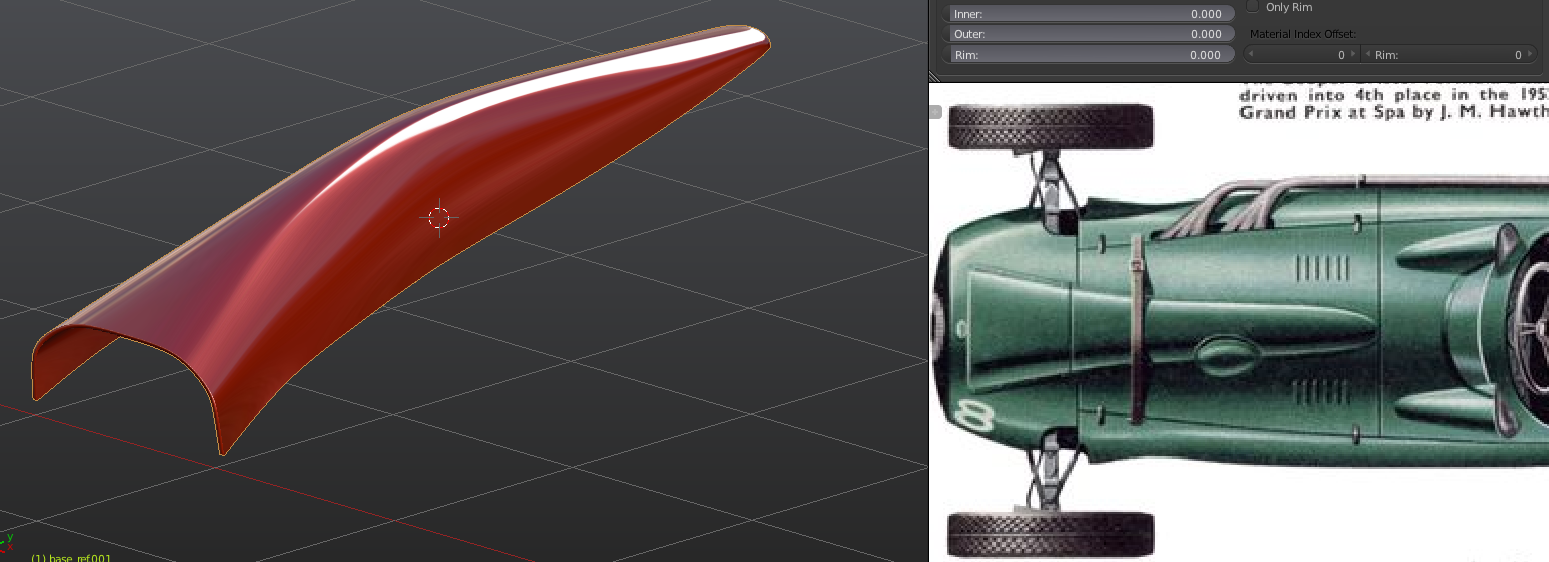
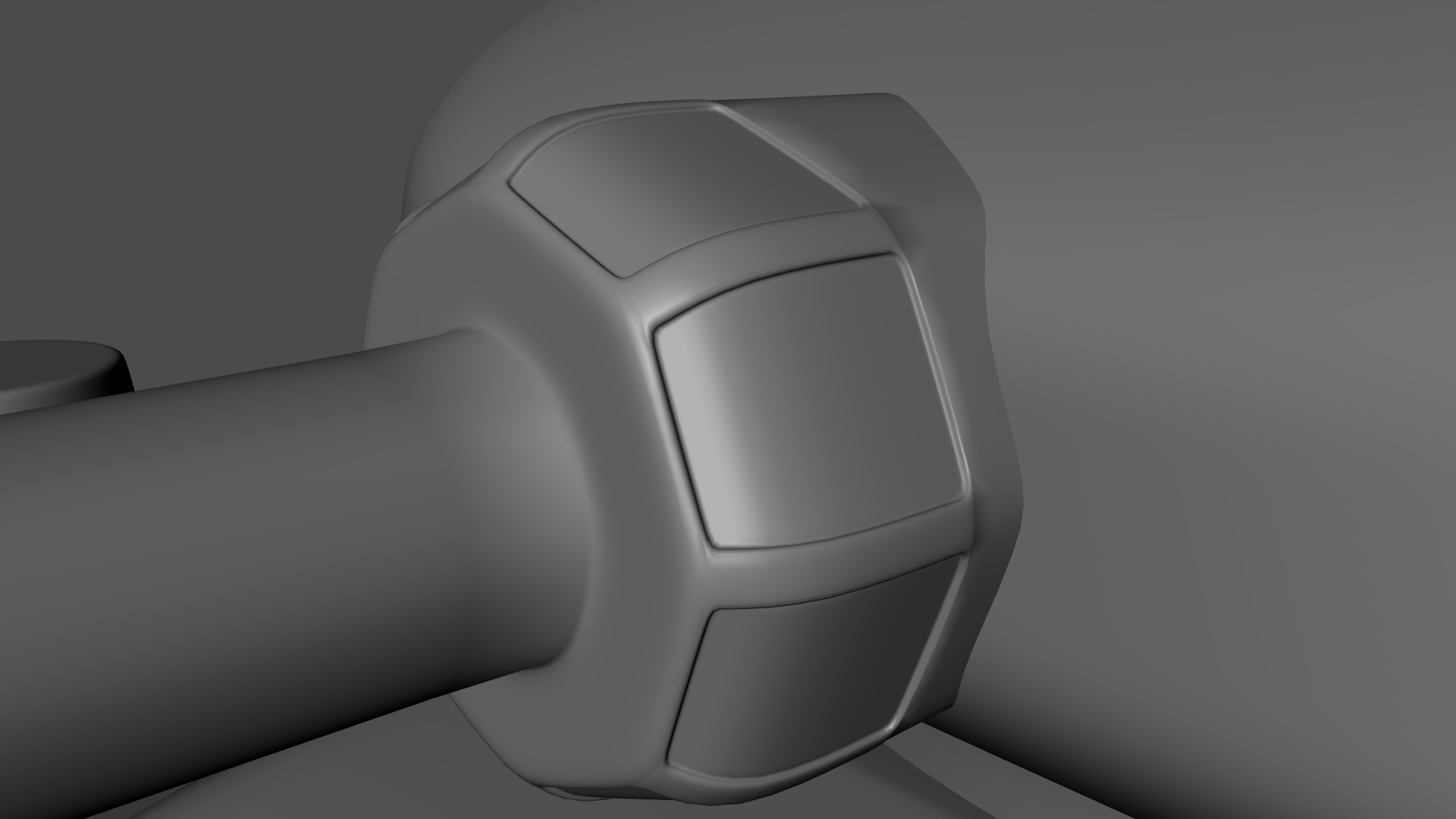
                    Thank you @theluthier  –  learned a new technique because I started with box modeling. So yihaa for my first panel 🙂 … it’s just a start but can’t wait to do it all!

                    #35454
                    Greg McKim
                    Participant

                      Sorry I forgot to link the blueprints I found hope it’s not too late.

                      #35455
                      William Miller
                      Participant

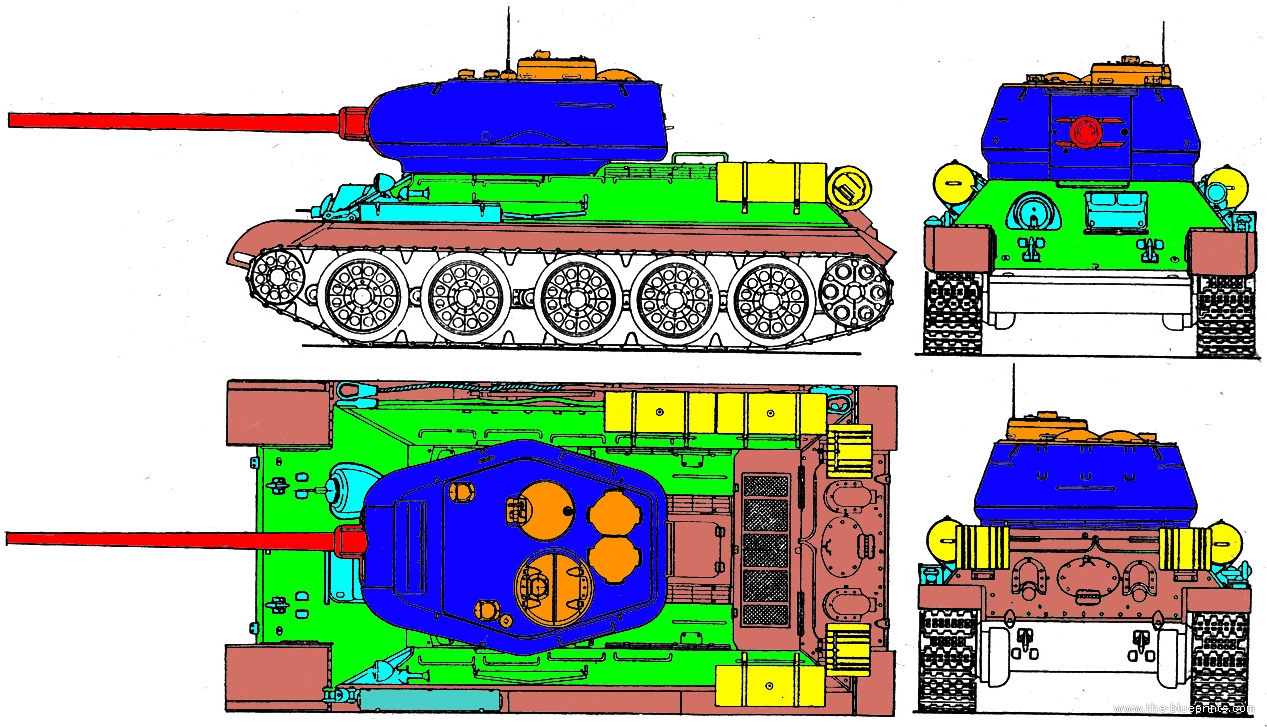
                        I have color coded my blueprints.  It was a lot harder than I thought it would be.

                        #35456
                        William Miller
                        Participant

                          I added some detail to the cannon.  The blueprints didn’t give me much information, so I did what I could.

                          #35457
                          Greg McKim
                          Participant

                            I asked a question in today’s session about subsurface edges bleeding over, and I couldn’t describe it. I still can’t lol, but I did fix the problem by giving some thickness to the mesh (extruding the edge of a panel) and then setting corners where the mesh was bleeding to a crease value of 1.0.

                            That fixed the problem if anyone encounters that particular issue.

                            #35458
                            silentheart00
                            Participant

                              @adsb2035 Wow, nice render!

                              #35459
                              Michallis Pashidis
                              Participant

                                I like the technique shown in the stream much more than starting to block out, like Kent said, step by step with a finished panel each time. 

                                My second panel done, am I going in the right direction?

                                #35460
                                Palo Piktor
                                Participant

                                  Hi guys,

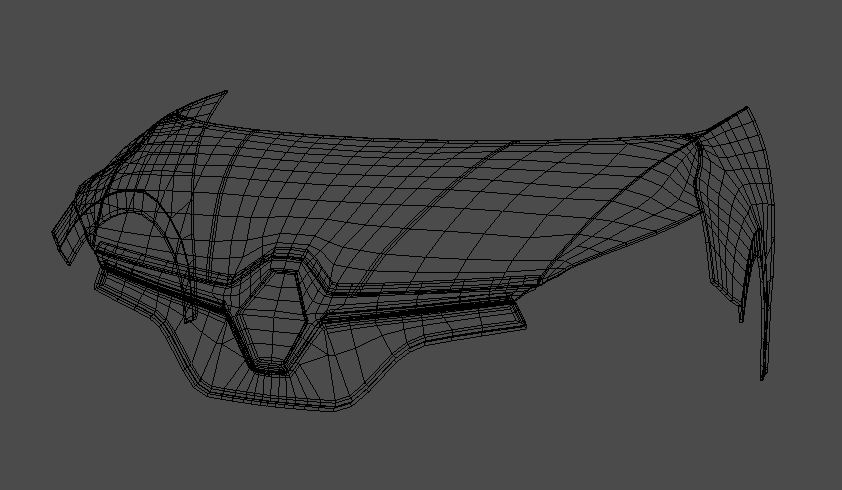
                                  Just started modeling my car. Here’s what i was able to achieve during day1. Hope you like it 🙂

                                  And wires

                                Viewing 15 posts - 391 through 405 (of 1,277 total)
                                • The topic ‘[ENDED] BC3-1806 – June 2018 Class Homepage – Vehicle Modeling with Blender’ is closed to new replies.