
Dragon Knights Course
Forum Archive › Dragon Knights Course
- This topic has 52 replies, 8 voices, and was last updated 8 years, 7 months ago by
knuckelhead.
-
AuthorPosts
-
November 19, 2017 at 3:24 pm #32020
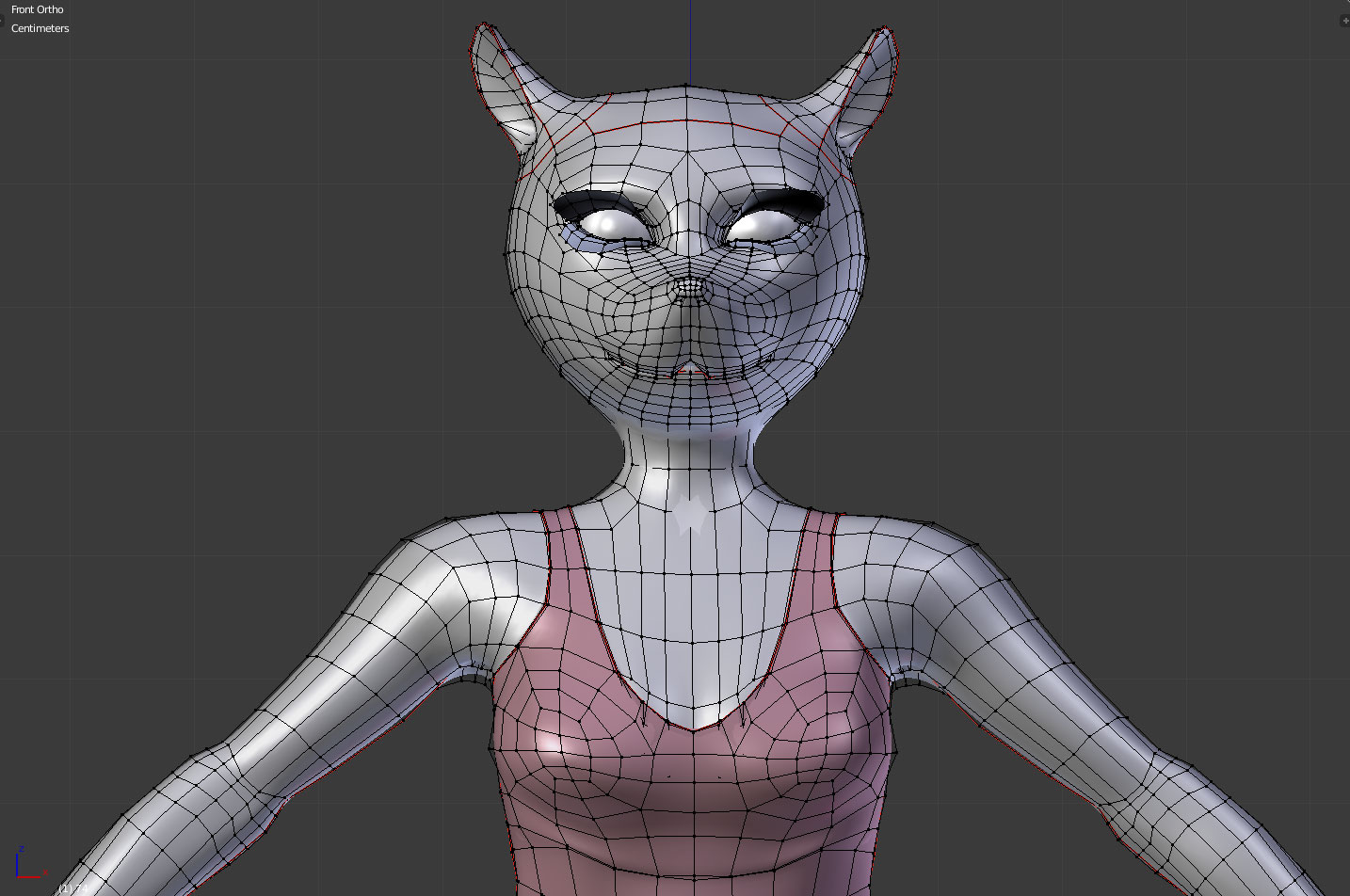
Well it might not be a problem of topology, @dolores74 Could you provide a wireframe of your mouse?
Are you using any corrective hsapekeys?In this kind of character and rig, it’s the go to for shoulder deformation. This could be fixed in few minutes.
Shoulder is the hardest part of the body to be rigged.BTW, I’m currently recording the rigging course. And I’ve just achieved that before going to bed.
It is 100% bone based without any corrective shapekeys. A special something something I’m preparing 😉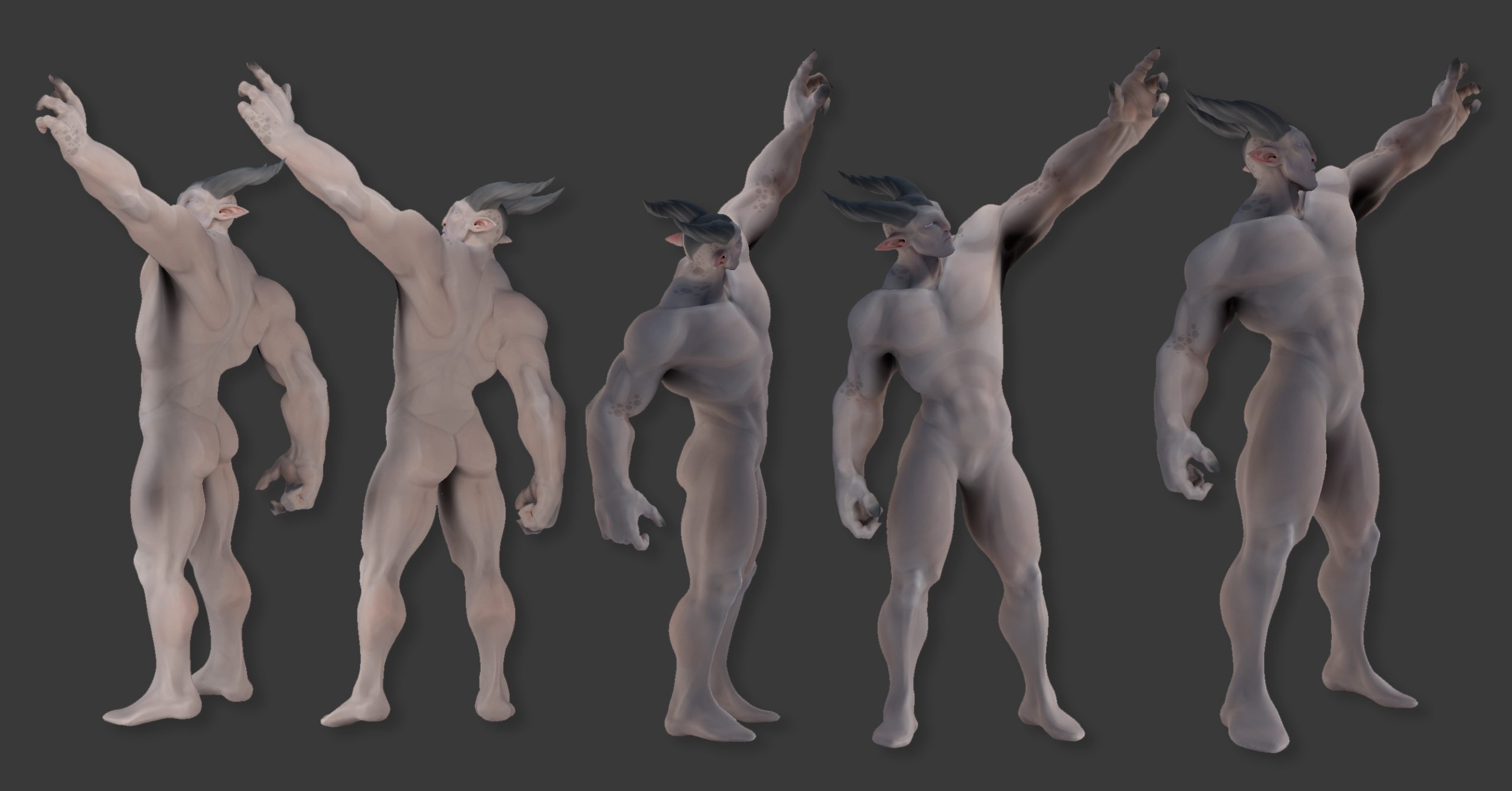 November 19, 2017 at 5:56 pm #32021
Sir, your course has 11 chapters. I needed one week for chapter1. With this velocity I will need ‘plus ou moins’, 3 months to go true it all !!!
And you already have the rigging course waiting for me ???
 November 19, 2017 at 6:09 pm #32022
Topology is fine.
Drop me your model and I’ll fix deformation for you.
That was the goal of this training course. Doing something in depth so that people get what they have paid for 😊
November 19, 2017 at 6:45 pm #32023I will delete this tomorrow (Monday) when I come home from my job. To many Mb’s on my server.
(link removed)
btw, the rigging of the mouth I’ve got from your dog course.
November 20, 2017 at 3:17 am #32024Your model is very good. Nice topology, weight painting is also pretty good.
One thing you should know, is that you shouldn’t get this kind of pose. When you lift your arm more than 90°, the arm bone doesn’t rotate anymore, the shoulder start rotating to complete the 180° rotation toward the top. So, in this case your model is already fine.
Anyway, here is the process :
1) Lift the arm and enable mesh deformed display in the rig modifier
2) Create a base shapekey (needed to have a starting point) and a second shapekey that will be your corrective shapekey.
3)In edit mode, refine the topology of the shoulder while your character is posed (make shure the cor shapekey is selectionned)
4) You can see the result of the shapekey when arm lifted and in rest mode. We need a way to trigger the shapekey when the arm is lifting. Add a driver to the shapekey (set later)
5) In the graph editor, go to driver (instead of F curve in the bottom menu), choose avera velue instead of scripted expression, select deformation variable, select the rig, the deformation bone, X rotation in local space. You can see the value appearing. It’s the little white and red square on the graph settled by 2 dotted lines.
6) Rotate the curve points till you get a 1 value on the Y axes and make sure that the first handle is set to 0 at the origin on X and Y axes of the graph editor (we can use modifier to do so instead of manually editing the curve)
7) done, now when you rotate the arm up, the shapekey is triggered and you get nice deformation
I’ve shown this process in an old video that is still relevent even if the UI has changed a little
 November 20, 2017 at 11:13 am #32025
Here is the stress video for the deformation rig.
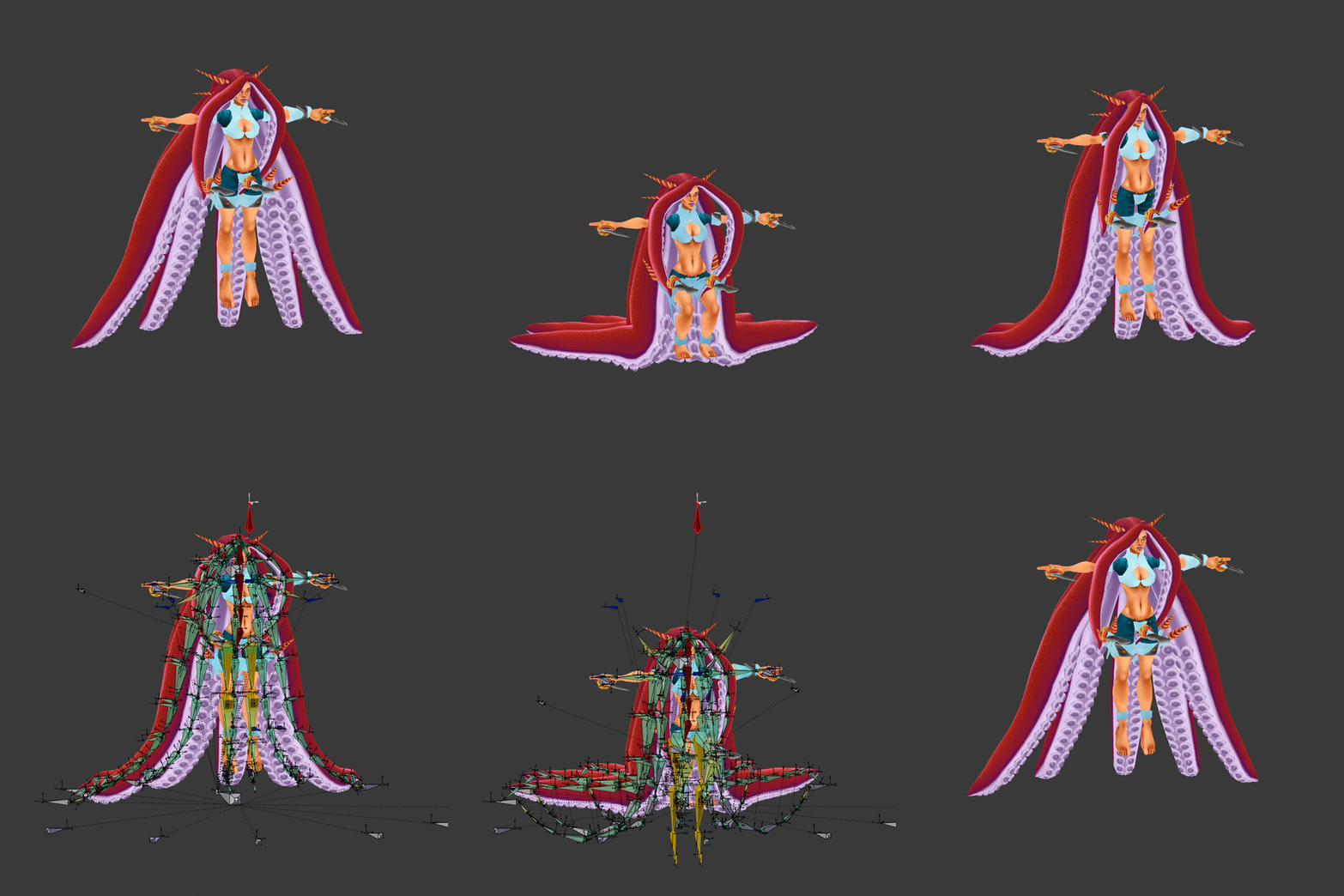
Not that bad, I think most pose are achieved with enough believability and smoothnessNovember 24, 2017 at 5:08 am #32026I’ve been working on characters rigging and animation for a year on a soon incoming game . I will definitively add this tentacle rig I’ve just finished to my incoming rigging course.
 November 25, 2017 at 8:14 am #32027
I need more hours in a day, something like … twice as much.
November 25, 2017 at 8:14 am #32028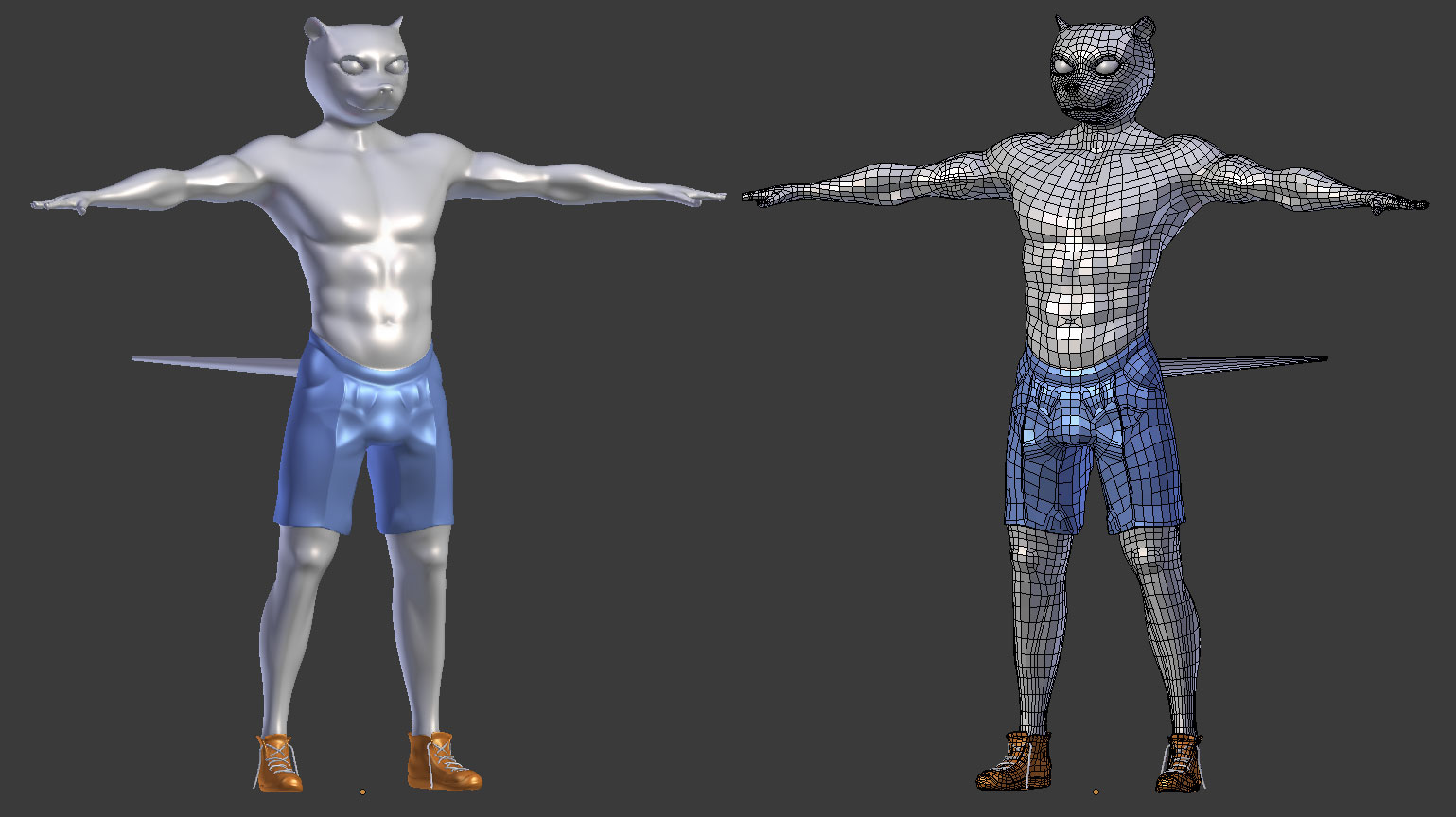 November 25, 2017 at 8:56 am #32029November 25, 2017 at 12:38 pm #32030
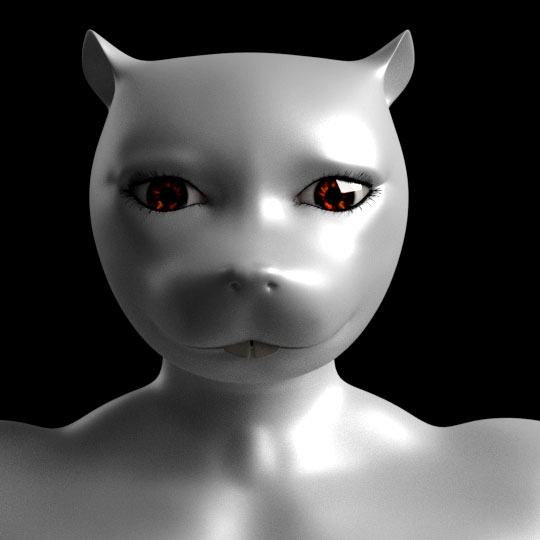
Chapter 3 ; the eyes and teeth.
Chapter 4 ; is the armor. I guess I have to ask Google, what armor does a mouse knight wear ?
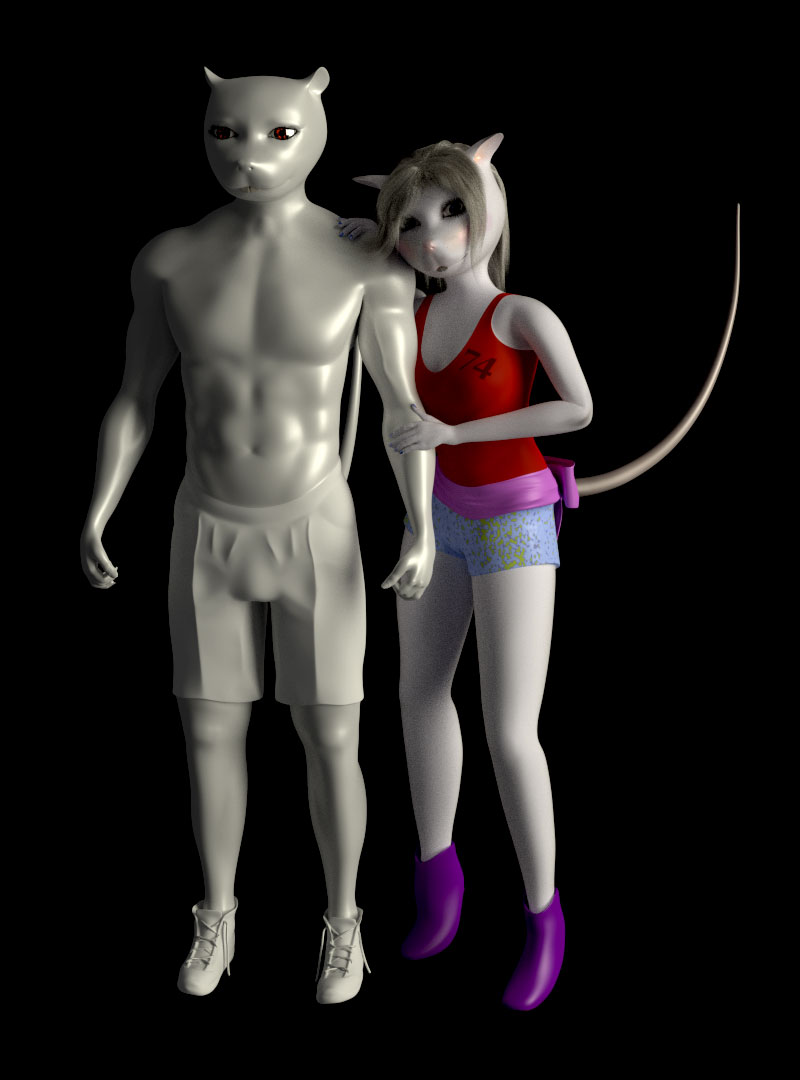
November 25, 2017 at 8:45 pm #32031Ready to be armored. (Found what I want 🙂
 November 26, 2017 at 1:01 pm #32032
Hi @danpro !
Thank you. I love what you do on your youtube channel.
What acommitment to the community. Love your rigging skills, you’re one of my inspiration for sure.I’ll release ashort tip tutorial tomorow to get rid of IK poping issues. I’ve found a hard trick and then after research I’ve found such a simple solution.
Also, I was planning to reach you because I was wondering if you could give me feedback on my further rigging course before I release it (I’ll push you a copy).
Thanks for passing by.
November 26, 2017 at 1:02 pm #32033Your topology is pretty good.
We’ll use a mesh modifier to rig the short pants. Will be way easier to skin.November 26, 2017 at 1:03 pm #32034Looking forward to it 🙂
-
AuthorPosts


- The topic ‘Dragon Knights Course’ is closed to new replies.