
COLLAB2021 – WIP – adrian2301
Forum Archive › COLLAB2021 – WIP – adrian2301
- This topic has 66 replies, 10 voices, and was last updated 5 years, 4 months ago by
Adrian Bellworthy.
-
AuthorPosts
-
April 15, 2021 at 2:48 pm #67388
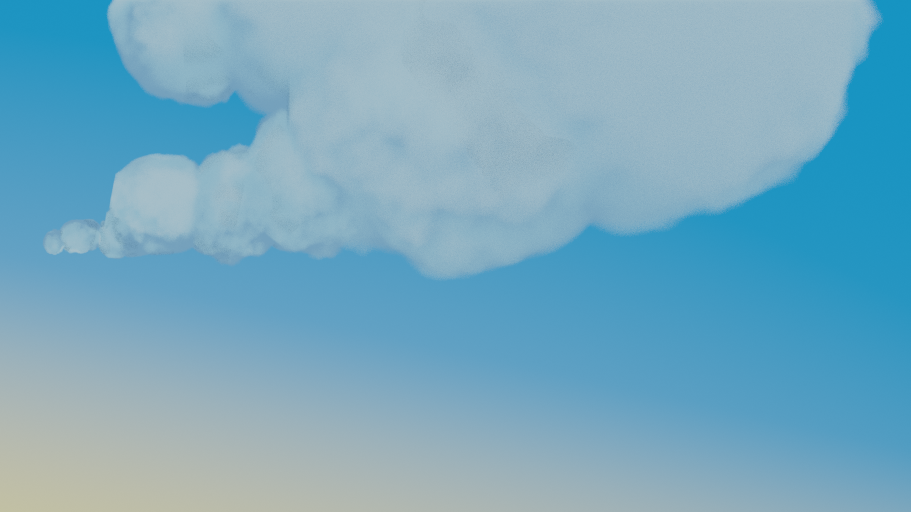
Another version of the Ghibli cloud
 April 16, 2021 at 5:56 am #67389
So these clouds have become a real pain in the arm.
@theluthier can you give me some guidance on these clouds. It’s proving rather a challenge coming up with a cloud that matches the artwork.
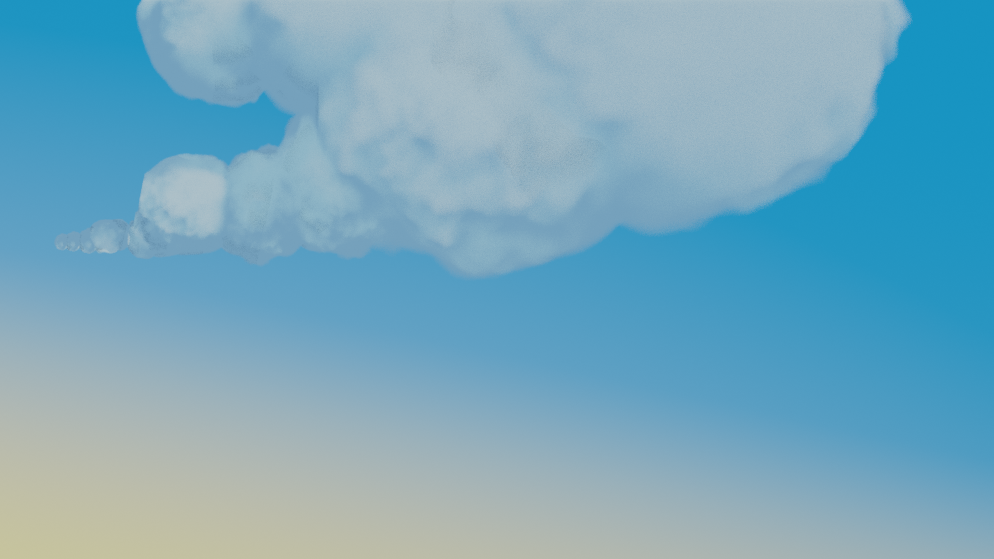
This method of Ghibli takes one ball of cloud and then with collection instancing duplicating, scale and rotate to form a full cloud shape, the problem comes with the color shading (shadow) which is based on the original, they will all be obvious duplicates, by rotating them also rotates the shading so moving the shadow to the top for example, which then looks wrong. The other problem is the long streaky pointed bit, not sure of the technical term, its a bit lumpy rather than a smooth floaty look, and again the shading looks wrong. Now, while I have been typing this I just had a thought, Collection Instancing , Keyword Collection, I can have more than one ball or streak of cloud in the collection, I’ve been so wrapped up in trying different methods and mixing and matching that simple solutions have eluded me occasionally. How simple it seems now to model a few rocks. I do relish a challenge and I will continue, but I maybe lost in the clouds for a while longer.
April 16, 2021 at 9:53 am #67390@adrian2301 This is my favorite result so far:
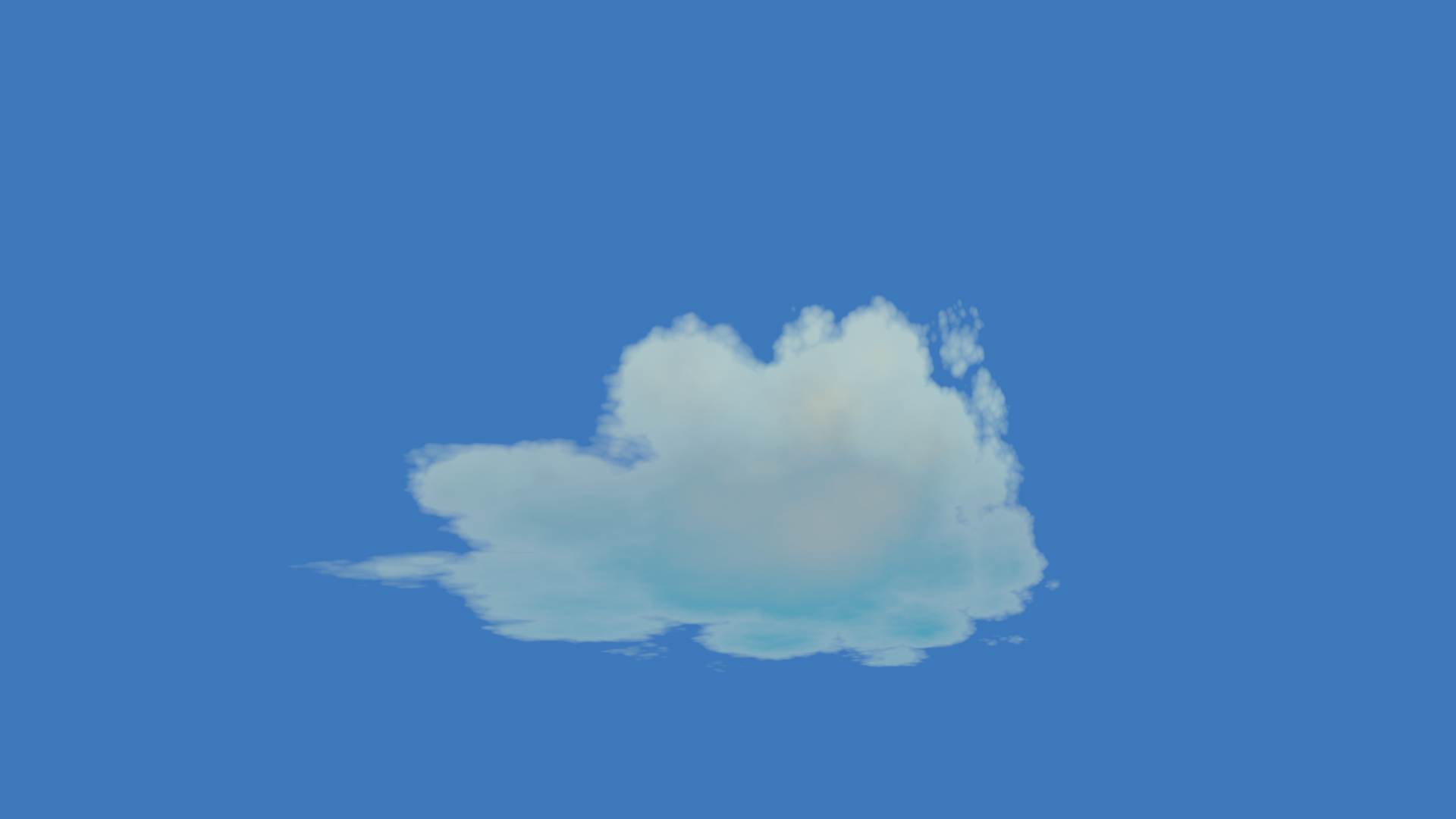
I know the video shows a fully procedural texture setup, beginning with a gradient texture like your’s truly. But what if you hand-painted a black-n-white texture that roughly matches the shape of the clouds in the art? Then you could add the breakup textures to get the final poofy effect. Since you can adjust the UV coordinates just like any other coordinate, this could be a good way to fine tune the shape while not losing all the procedural breakup.
April 18, 2021 at 1:13 pm #67391Homework Submission – Week 2- Sky and Clouds
Made the recommended adjustment to the sky by adding a noise texture and a color mix node to distort the blend between the 4 colors.
For the clouds I made 3 images in Krita, one for each cloud, and tried to add them to exiting shader setup from the previous attempt, the one you said was your favourite so far, but it was more of a pain than starting fresh. So I come up with my own shader.
I may go back to Krita and soften some edges a bit more.
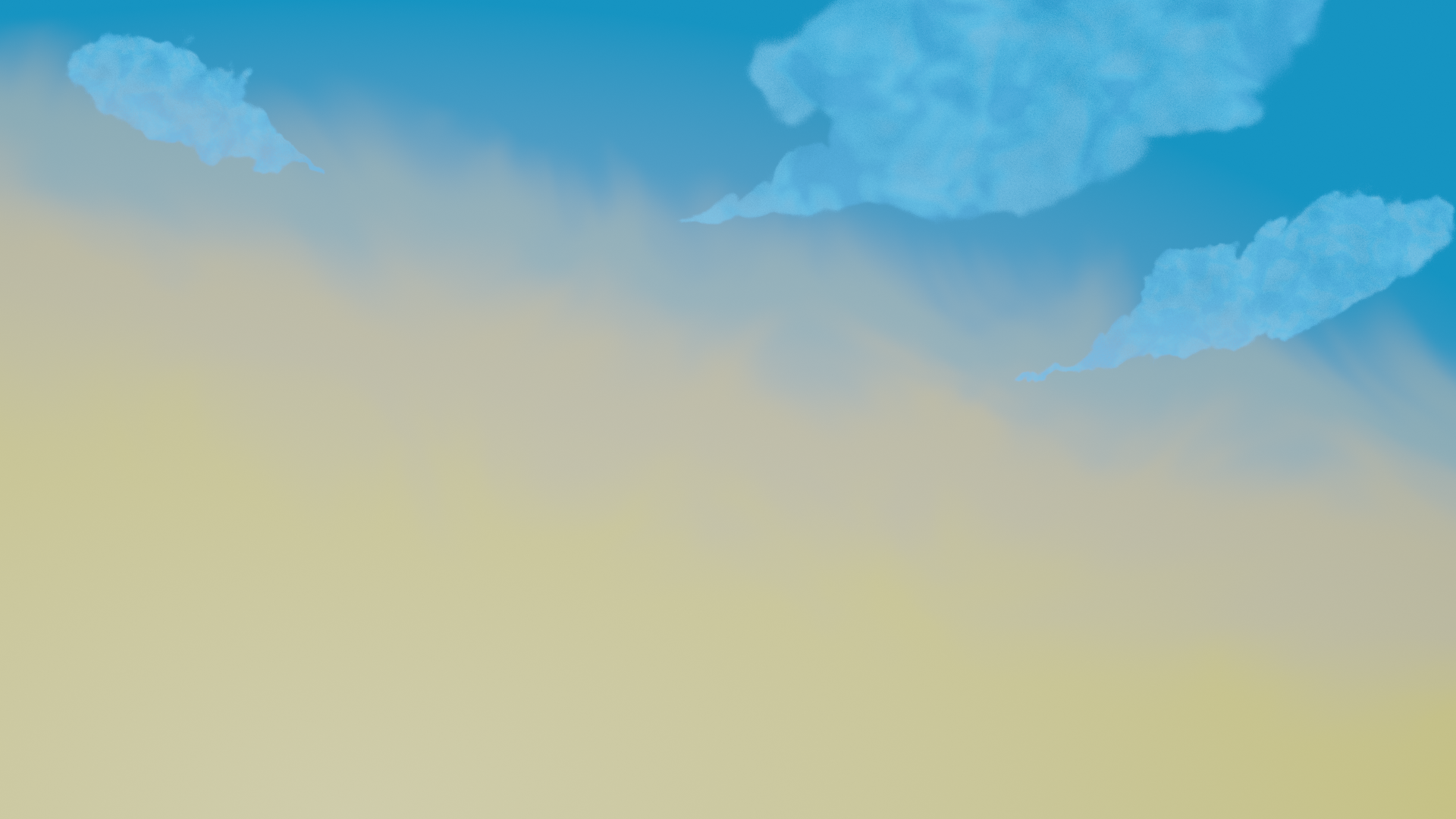
Ok added this image after blurring the edges of the images in Krita.
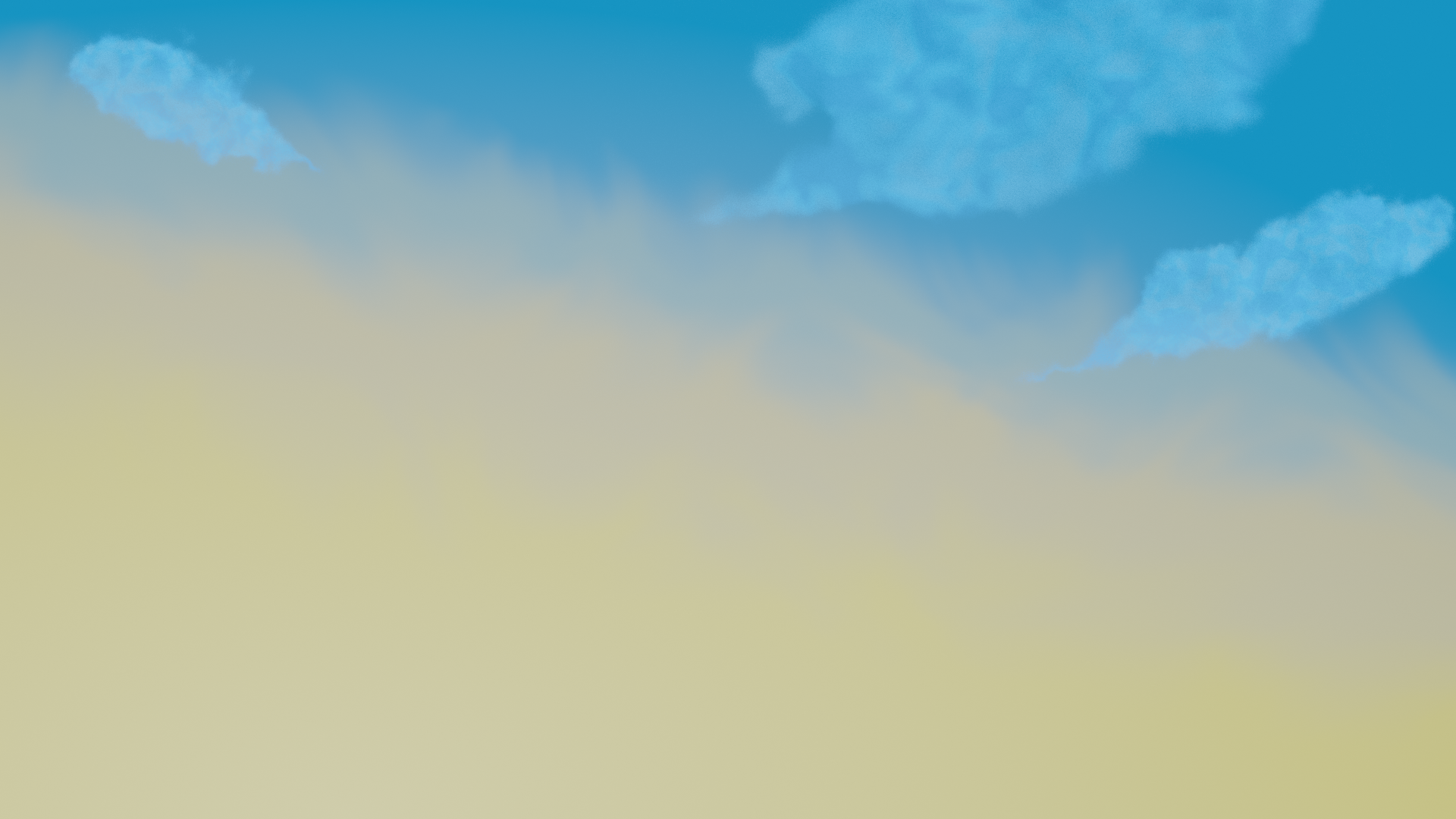
OK this is it, last edit for today
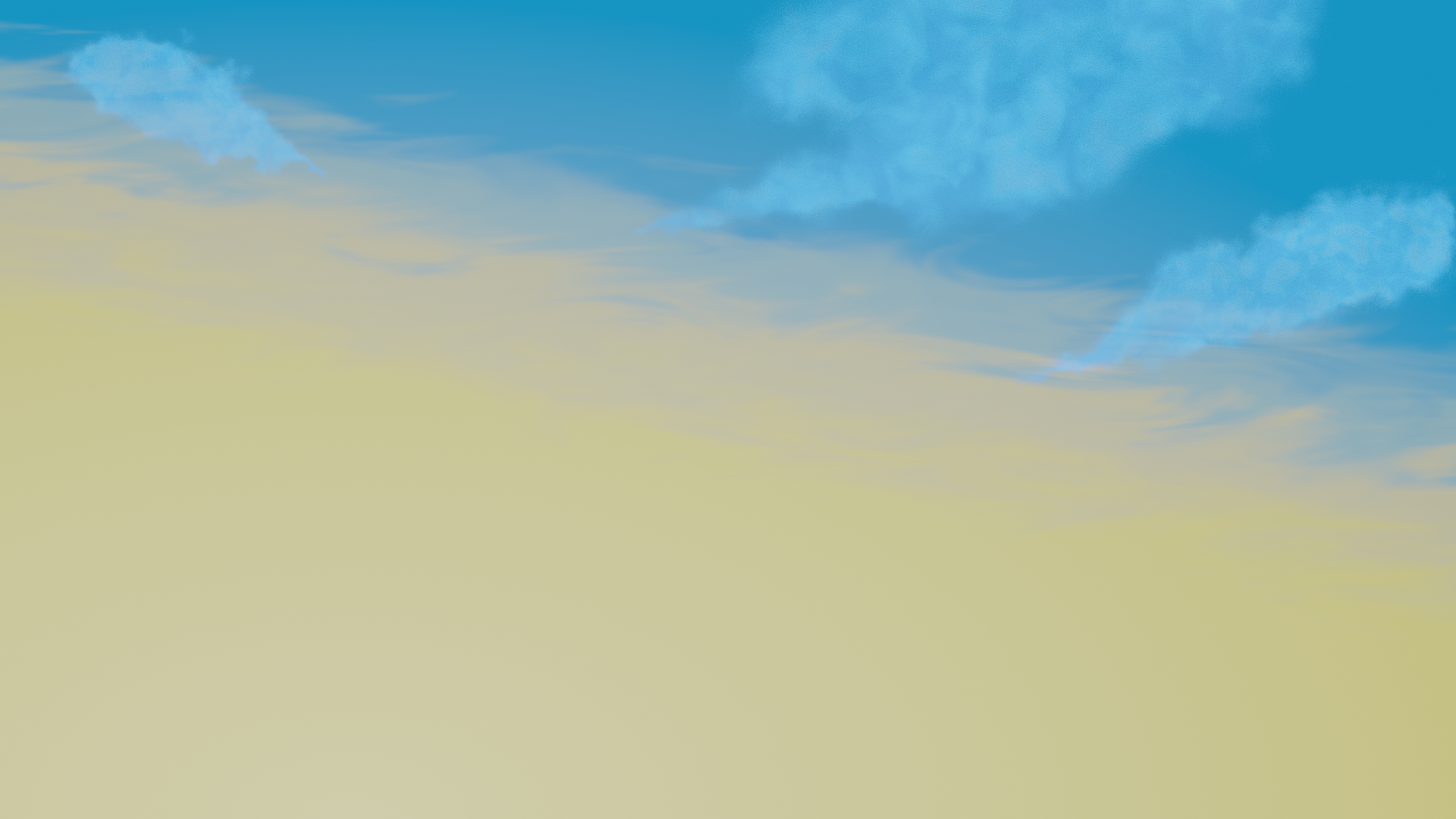 April 20, 2021 at 4:17 am #67392
So today I thought I would weald my power and make some adjustments to the world.
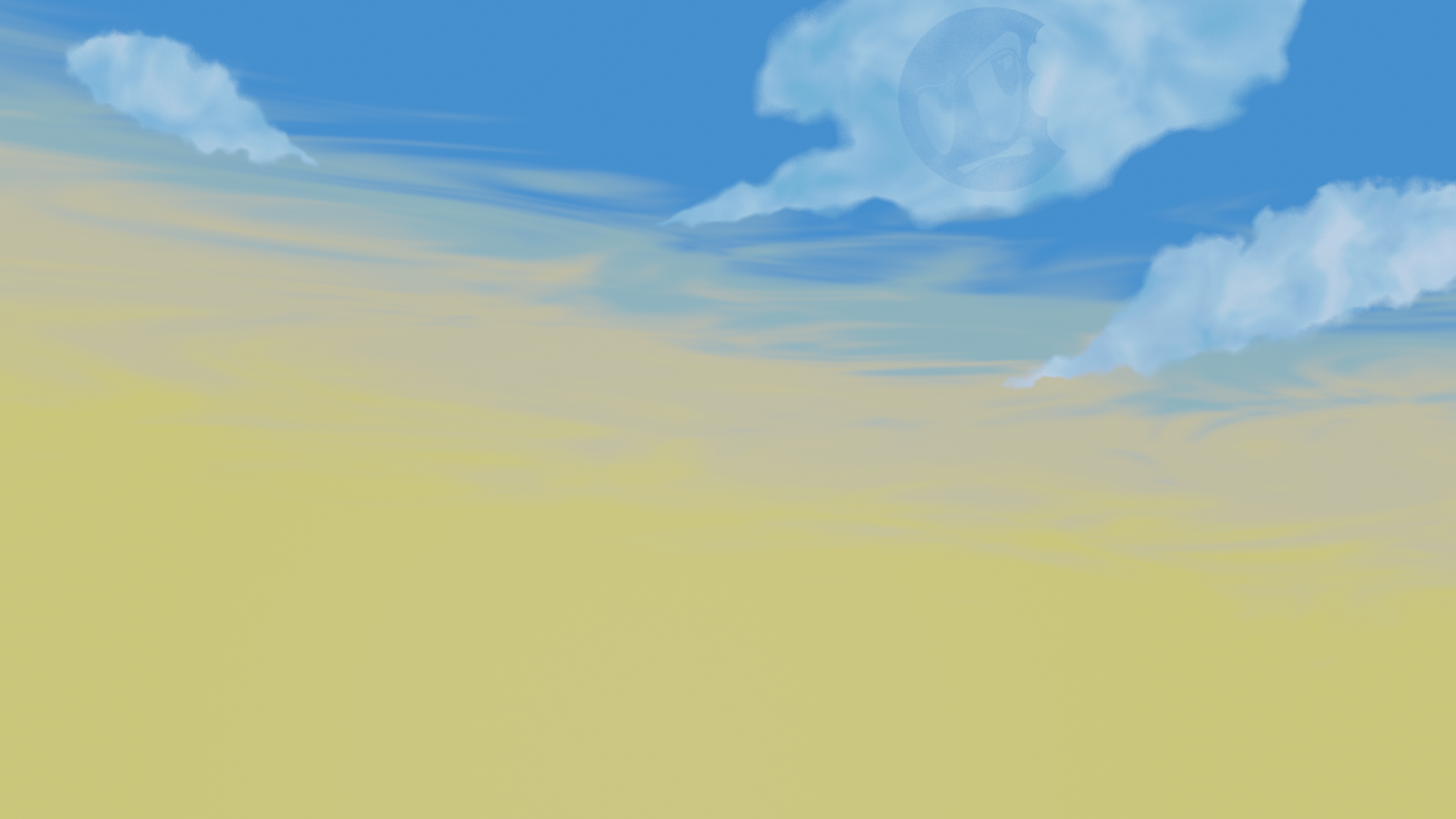
More variation in color in the clouds and tweaked some world settings , and added a sun lamp.
April 20, 2021 at 4:38 am #67393I could keep tweaking , No! not twerking! , tweaking.
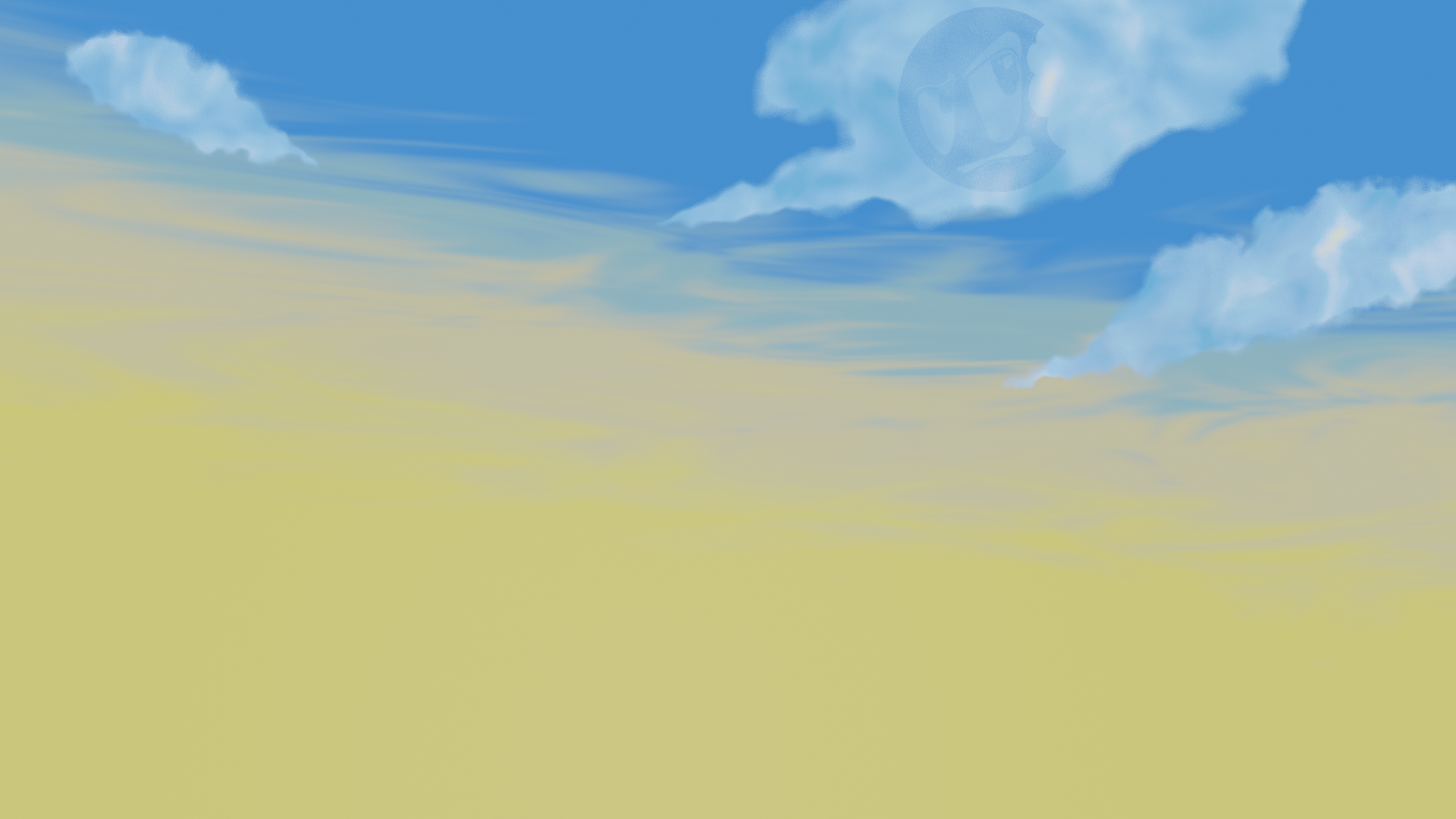
 April 22, 2021 at 1:43 pm #67394
@theluthier you said in the livestream you needed to catch up with me about the clouds.
April 23, 2021 at 8:25 am #67395100% It’s my #1 goal today! Sorry for leaving you hanging. There’s a couple key questions with the clouds for me:
- Achieving a soft look without volumetrics. Volumetrics recalculate with every movement of the camera which is really bad for the goal of a realtime final .blend scene.
- Achieving 3D depth or going for an illusion. As in a flat cloud layer over the world. The later being easy for animation and performant but losing depth.
I’m going to play with techniques to wrap my head around the options and report back to you with some solid direction (hopefully)
April 24, 2021 at 6:31 am #67396@theluthier I looked at your example and think I can achieve something resembling the artwork. Leave it with me.
Just one question every where I look I see ico sphere’s are used, can I use any mesh object? for example metaballs and converting to a mesh to try and match the shape better.
April 24, 2021 at 9:23 am #67397@adrian2301 if you don’t mind me barging in…I am not a cloud expert, but I think that Metaballs are definitely more apropriate for clouds!
For something like bushes, I’d use (Ico-)spheres….here’s why:
 the bushes/far away trees are like a few clusters (not so round, of course):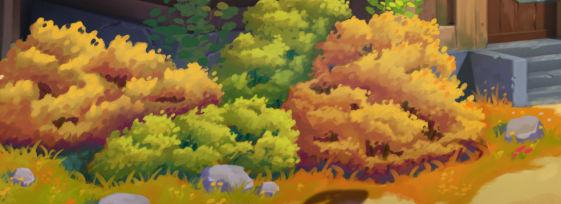
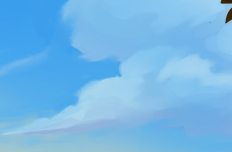
but clouds are ‘one piece’:
 April 24, 2021 at 10:33 am #67398
Thanks @spikeyxxx , that’s exactly the answer I was hoping for.
April 26, 2021 at 3:30 am #67399Homework Submission – Week 3- Sky and Clouds
So I took a look at Kent’s efforts to create clouds using the bush method and had ago.
Not for me, the look and shape was not happening. I feel it was a long way of the artwork.
For me this collab was about the artwork and recreating it in 3D.
So I have reverted to and redesigned the Ghilbli approach.
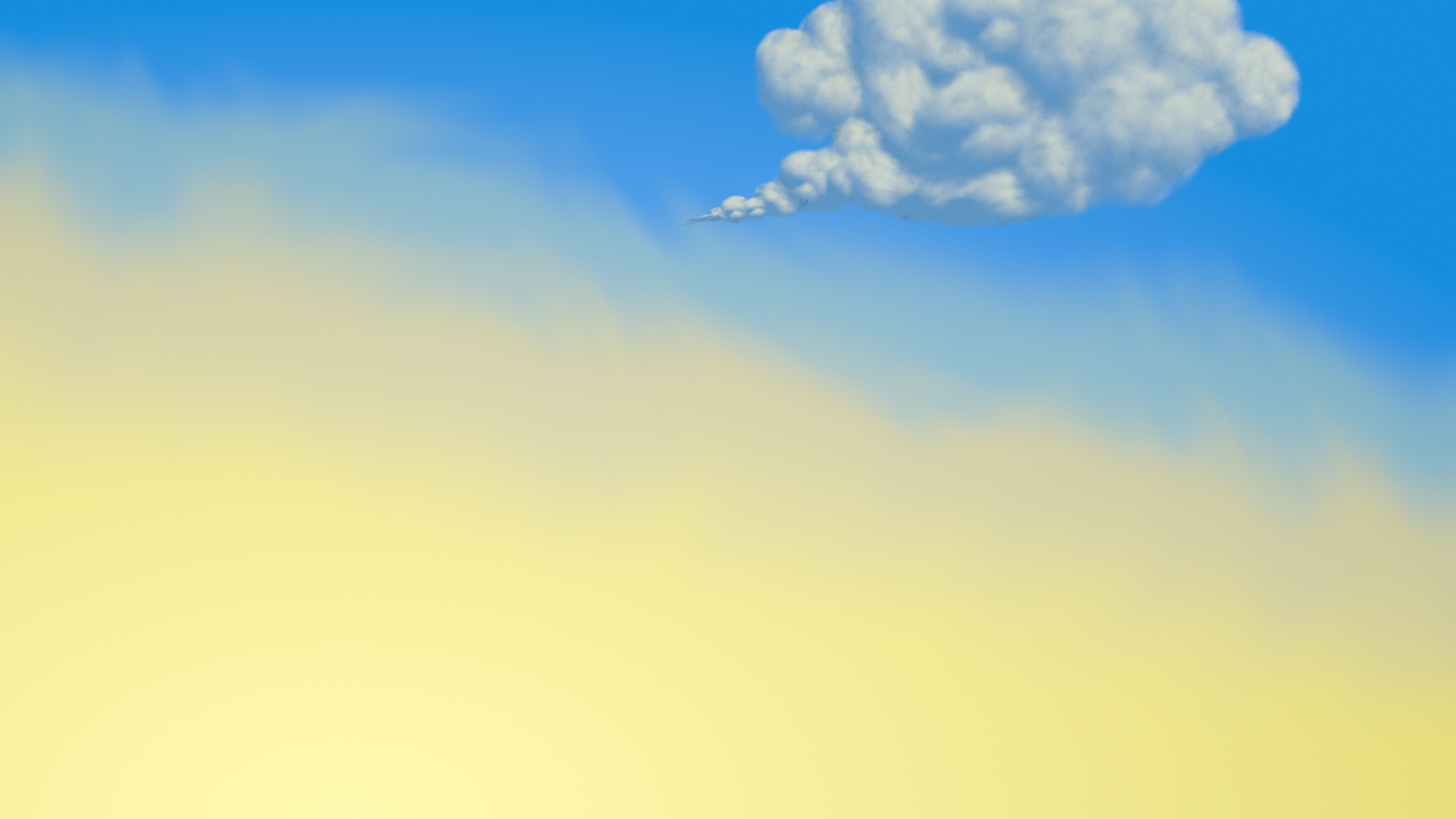
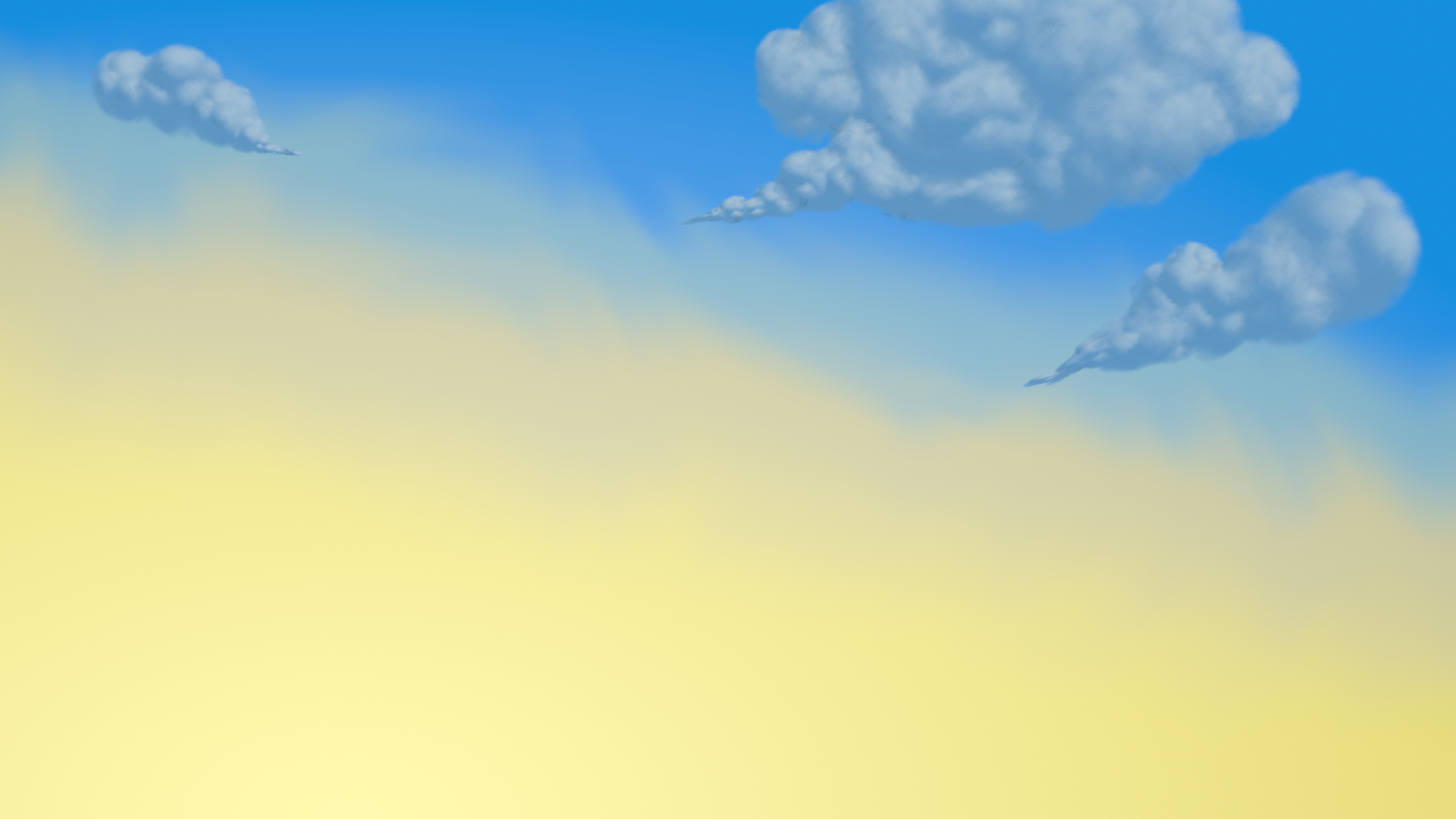
Still need to recreate two more clouds, I will try to add them today. Watch this space…..
If they are already added when you read this , don’t watch this space, I’m sure you have something better to do.
……………….
……………….
……………….
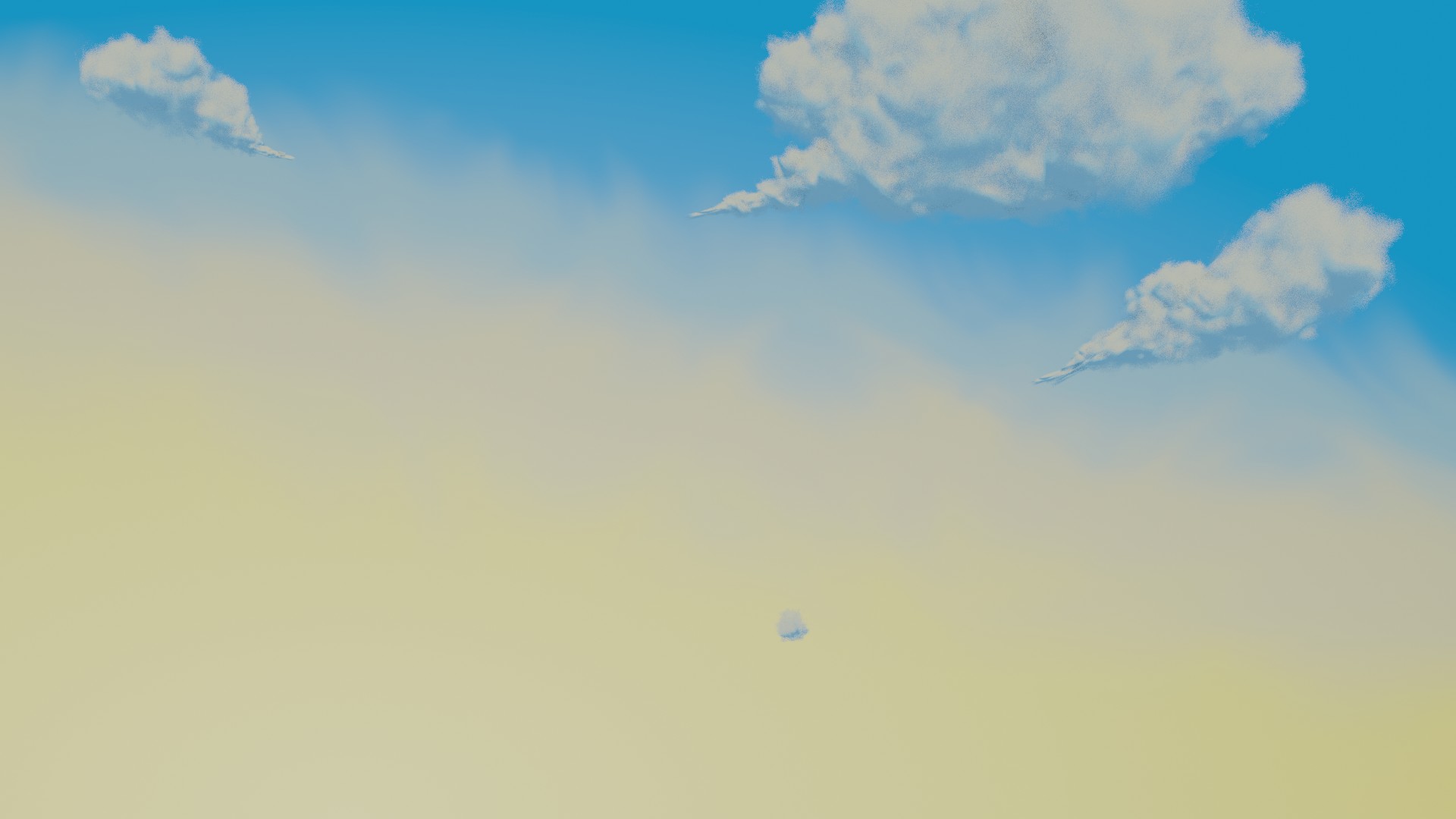
Here it is, 3 cloud render.
 April 26, 2021 at 1:39 pm #67400
First I want to apologize for my lack of presence with you and the clouds. The nature team in general has had less direction / demonstrations for guidance AND the recommended courses haven’t been the right approaches to take for efficiency…beyond that the clouds especially have been something that I say to myself: “Adrian’s got this, he’ll be fine.”
Ultimately the clouds have been one of the weirdest assets in the whole project. I sincerely appreciate your diligence and willingness to explore techniques to achieve great clouds.
Your latest iteration is the most impressive yet. You’ve really applied lighting boy studios’ method to great effect. Regarding transparency, I think the best words to describe what I’d like to see is “painterly” and slightly more “whispy”. Your screeshot above still feels to defined on the edges for me; no variety. I played around with your scene a bit and here’s what I came up with:
Mostly by tweaking the transparency ramp (in the noise frame) and noise-ifying the texture coordinates. The only remaining gripe I have is that the pointed trails are still too sharp. Duplicating the shader just for the pointy bits and intensifying the transparency ramp would fix it I think.
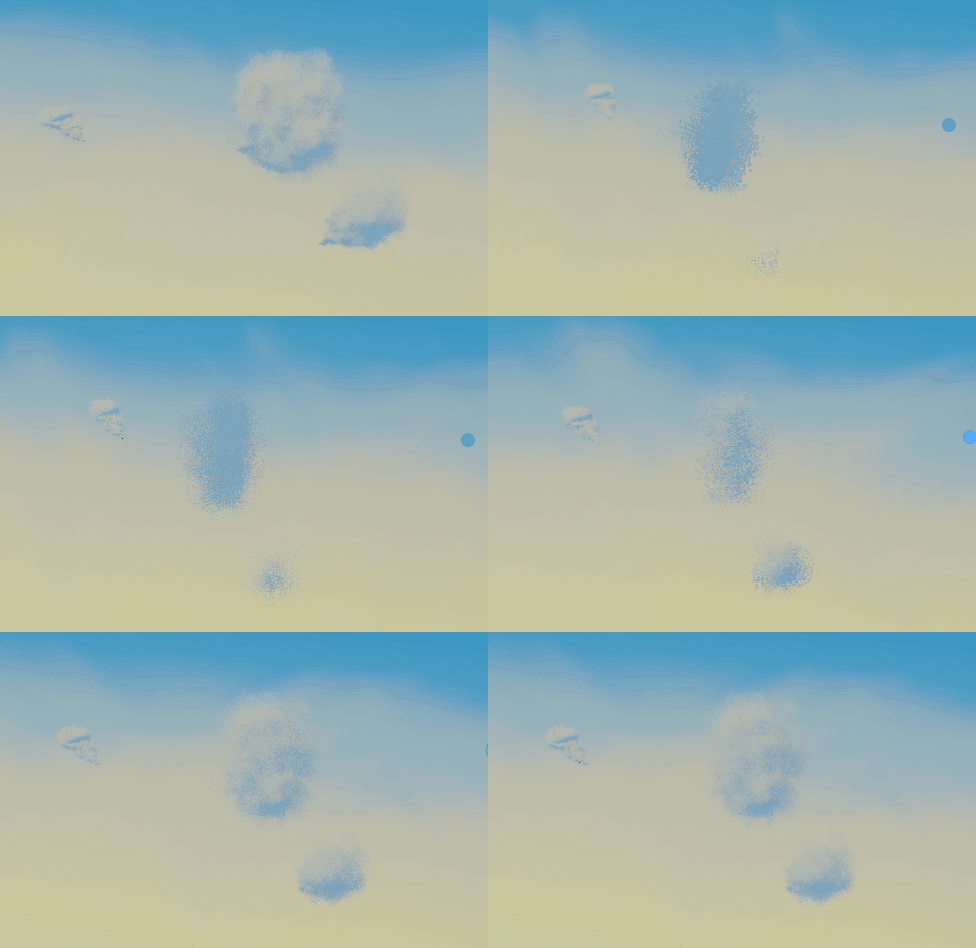
However there are some shortcomings with the ghibli “volumetric planes” method:
- The clouds more or less disappear from a side angle. Only a problem because we want to orbit around the final scene freely. Also it reveals that the clouds are 2D-esque being much disproportionately skinny from the side:
- The clouds get laggier the closer we get. When i navigate my viewport camera into the cloud it crawls..kind of a weird problem I didn’t expect. Not that we need to put the camera in the clouds for the final but it seem like an optimizational liability for the final scene.
If you could adjust the clouds’ proportions to look right from all angles (not skinny from the side) I think we can keep your ghibli version as a plan B. The cloud cards have proven very efficient in the viewport and I want to encourage you to make it your plan A method.
There was one new technique I added to my cloud cards that really helped; a technique I didn’t apply to the bushes/trees. I’ll go over it tomorrow during the stream and hopefully
April 26, 2021 at 2:03 pm #67401Thanks @theluthier , I did feel it got a bit laggy the lower the distance in the array. I thought about adding a mirror modifier to thicken them and have the normals flipped to the otherside but that would make it even laggier. I like how the look but I’m like you not convinced they are right for this project. The pointed part I thought I might use a different base geo, to make it whispier. Using the same cloud plume and scaling so small it looks a bit too dense. Where scaling up makes it more fluffy.
April 26, 2021 at 6:23 pm #67402The clouds definitely seem to be one of the trickiest assets of all! I fully agree with Kent here, so I don’t have much to add, but if you need help experimenting I can try to lend a hand.
Out of curiosity, what did your bush-clouds look like?
-
AuthorPosts


- The topic ‘COLLAB2021 – WIP – adrian2301’ is closed to new replies.