
COLLAB2021 – WIP – adrian2301
Forum Archive › COLLAB2021 – WIP – adrian2301
- This topic has 66 replies, 10 voices, and was last updated 5 years, 4 months ago by
Adrian Bellworthy.
-
AuthorPosts
-
April 9, 2021 at 10:34 am #67373
That looks like a cloud in the shape of a whale 😁
April 9, 2021 at 11:02 am #67374Yes @spikeyxxx but with the mod added to a mesh it fits the mesh shape but adding a volume empty and then add the mods to the empty I can move around and get a different effect plus the volume displacement works nicely also.
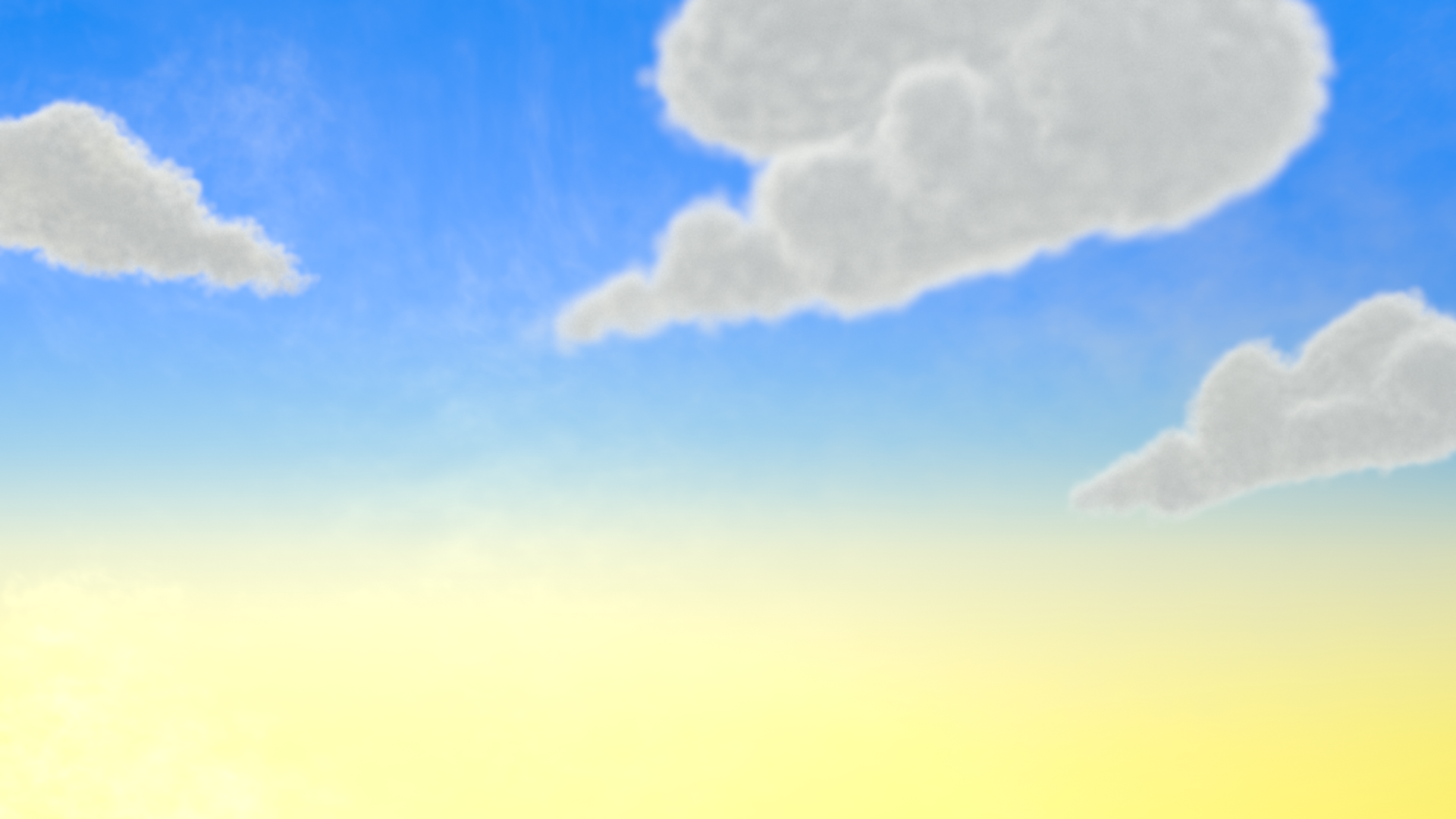
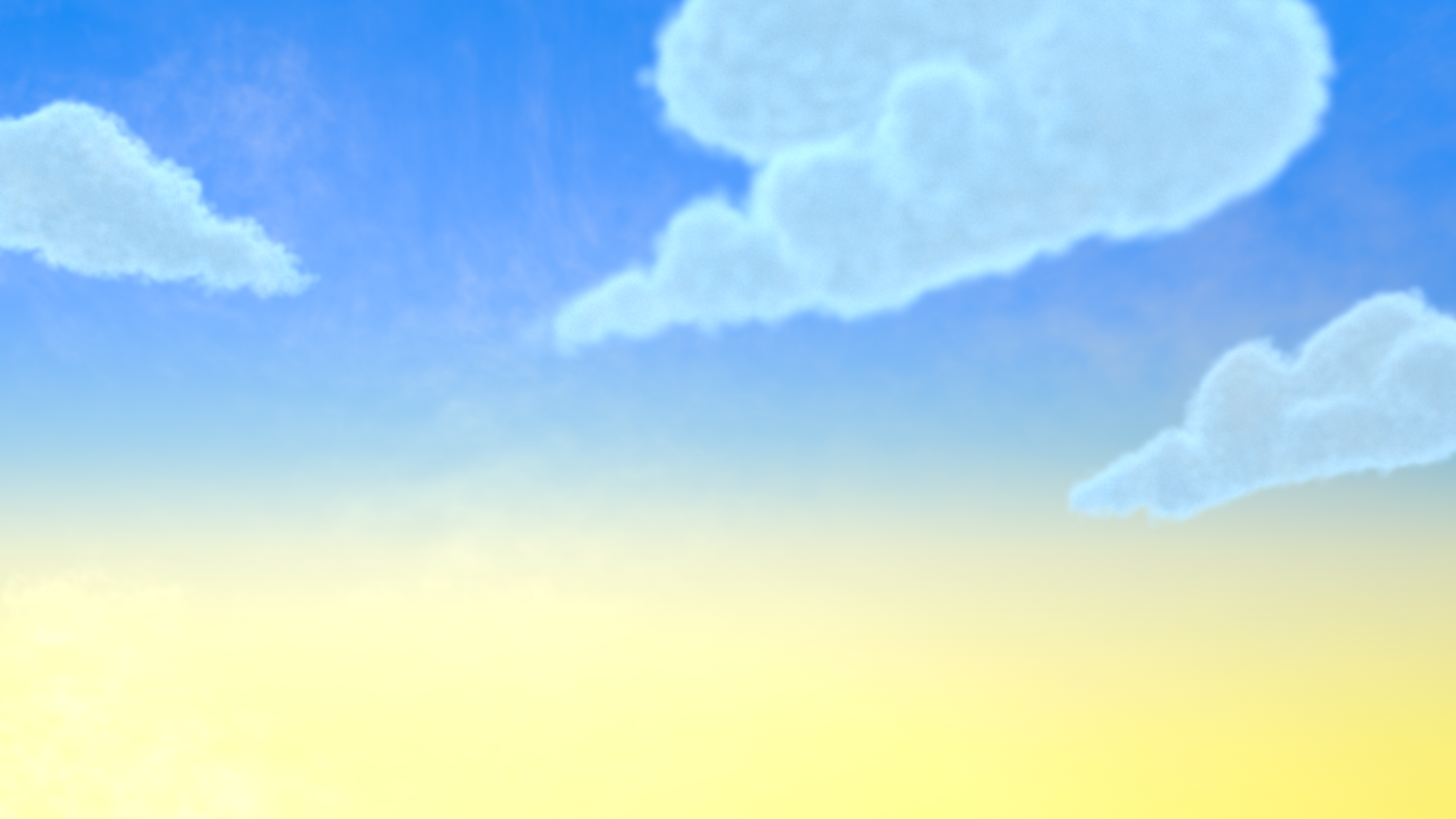
April 9, 2021 at 11:33 am #67375Added the Sky and atmosphere, added some color to the clouds.
Without Color
Then color added
And the reminder of the artwork.
 April 9, 2021 at 11:45 am #67376
And a bit more adjustment
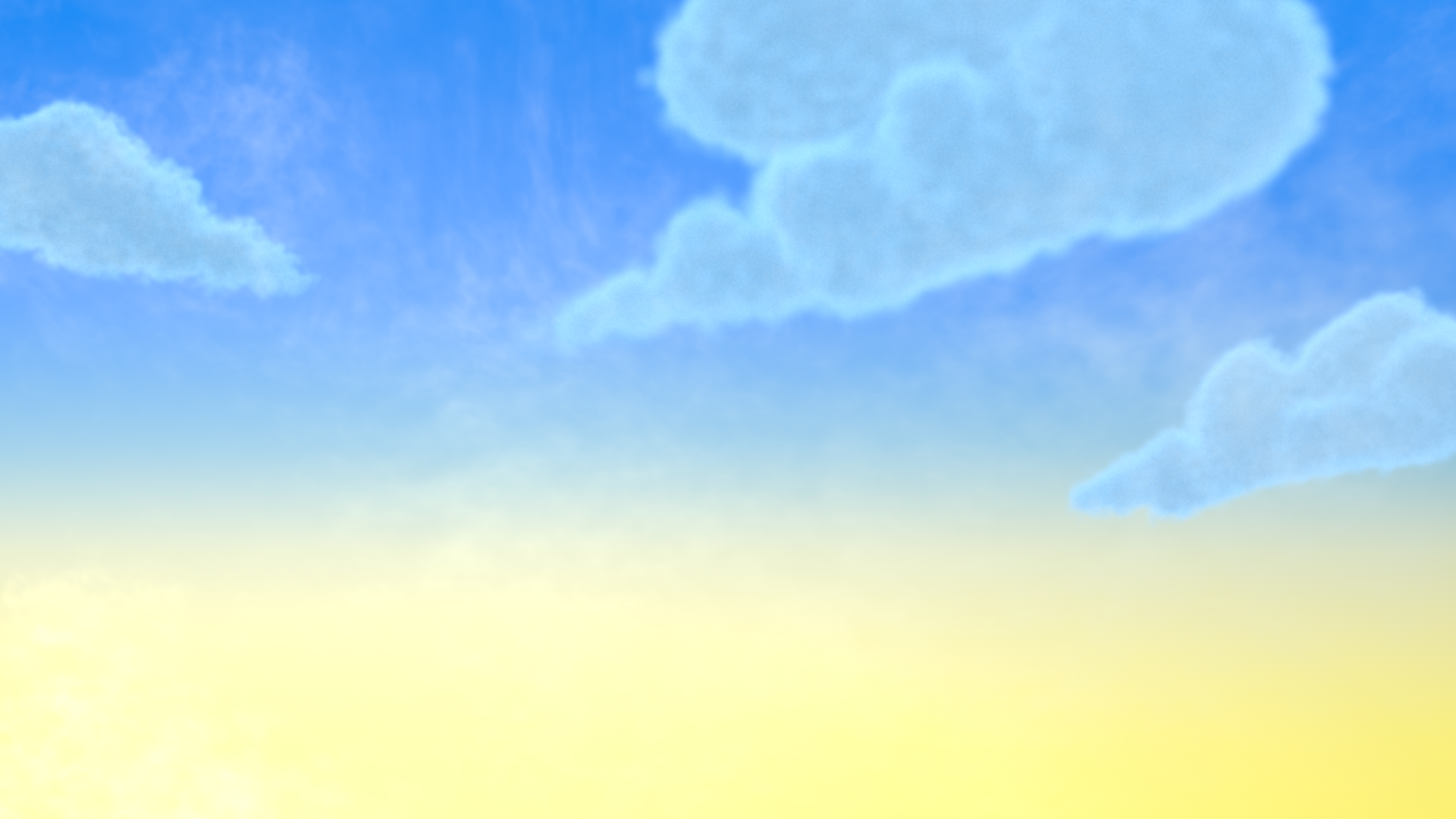 April 9, 2021 at 11:52 am #67377
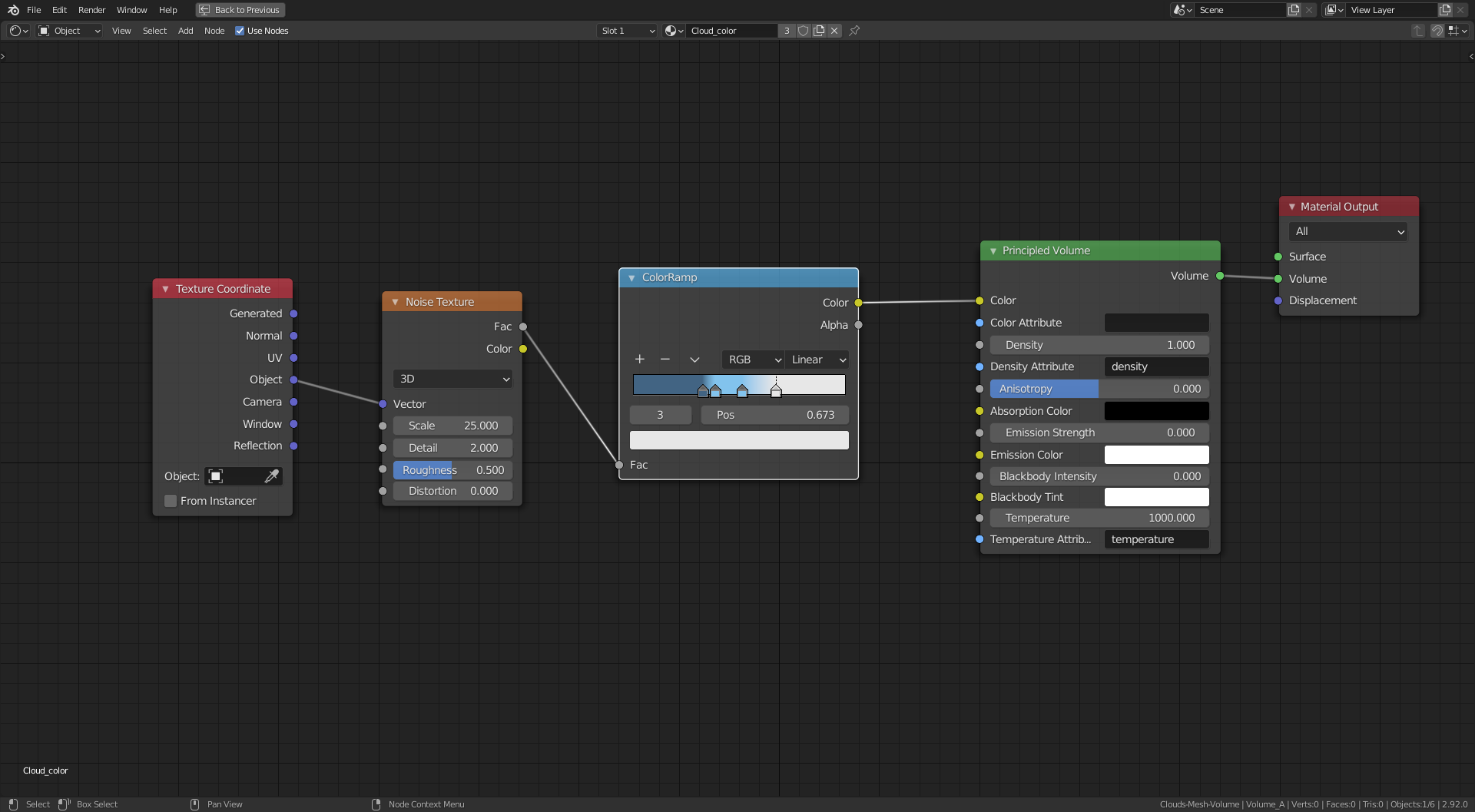
The simple node set up for the color
 April 9, 2021 at 11:55 am #67378
nice work already , love the rim light on the bigger parts . youre getting closer to the reference. most important part now is i think a bit work on the collor place’s. still its looking awesome already 😀 and we still have 3 weeks to go.
perhaps some smaller clouds in the back would be nice too (i am so bad with words xD) but the stripe sort clouds you see in the background might add also a extra someting 🙂
April 9, 2021 at 11:56 am #67379easter egg xd cloud in form of the whale 😀
April 12, 2021 at 5:07 am #67380Homework Submission – Week 1 – Sky and Clouds
Not really homework, just been testing different methods.
A close up of the clouds in the artwork:
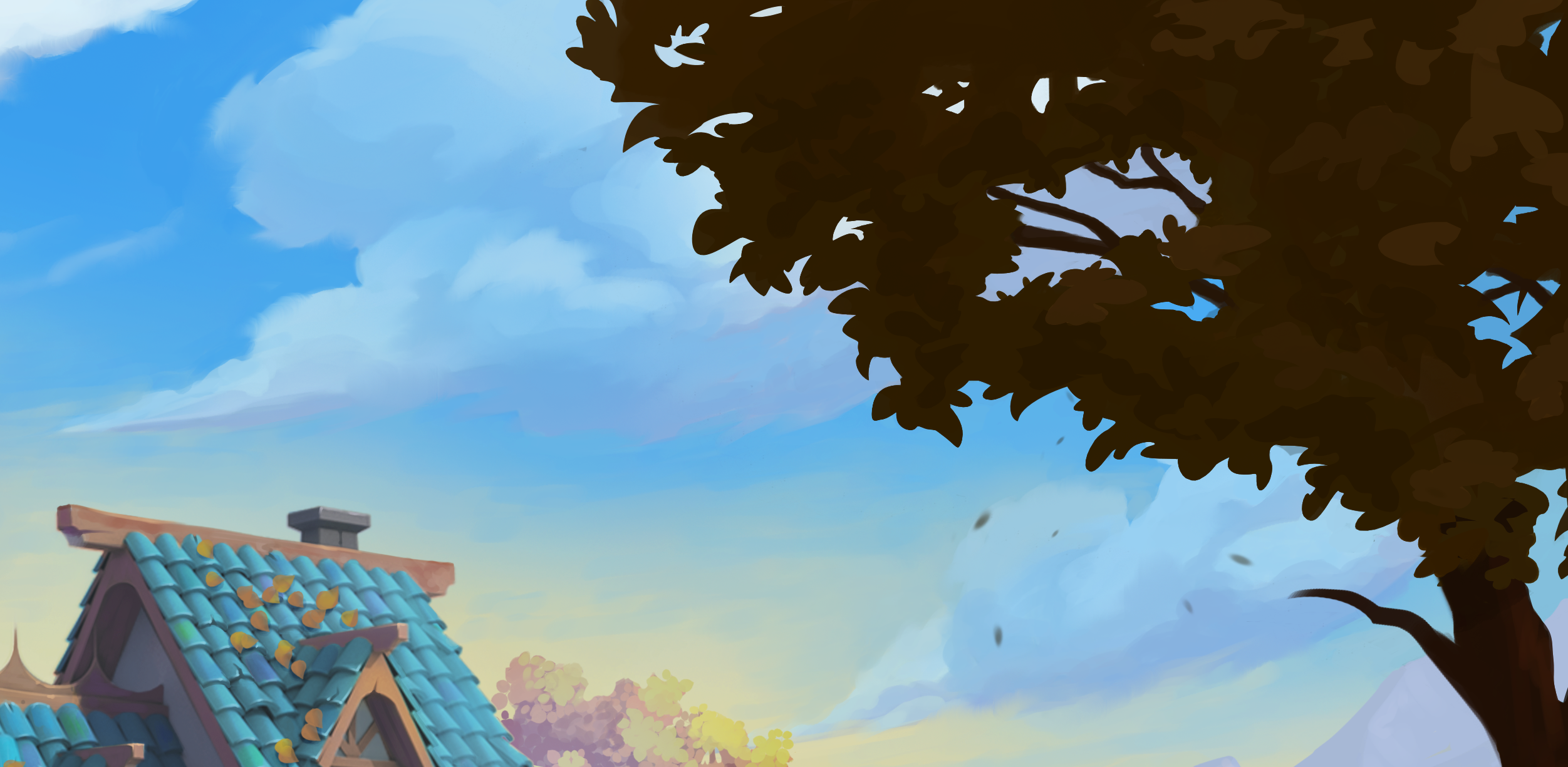
Method 1
Volumetric mesh.
Mesh objects with a volume empty and volumetric modifiers added as described previously.
Render time with my crappy CPU = 22.44 seconds.
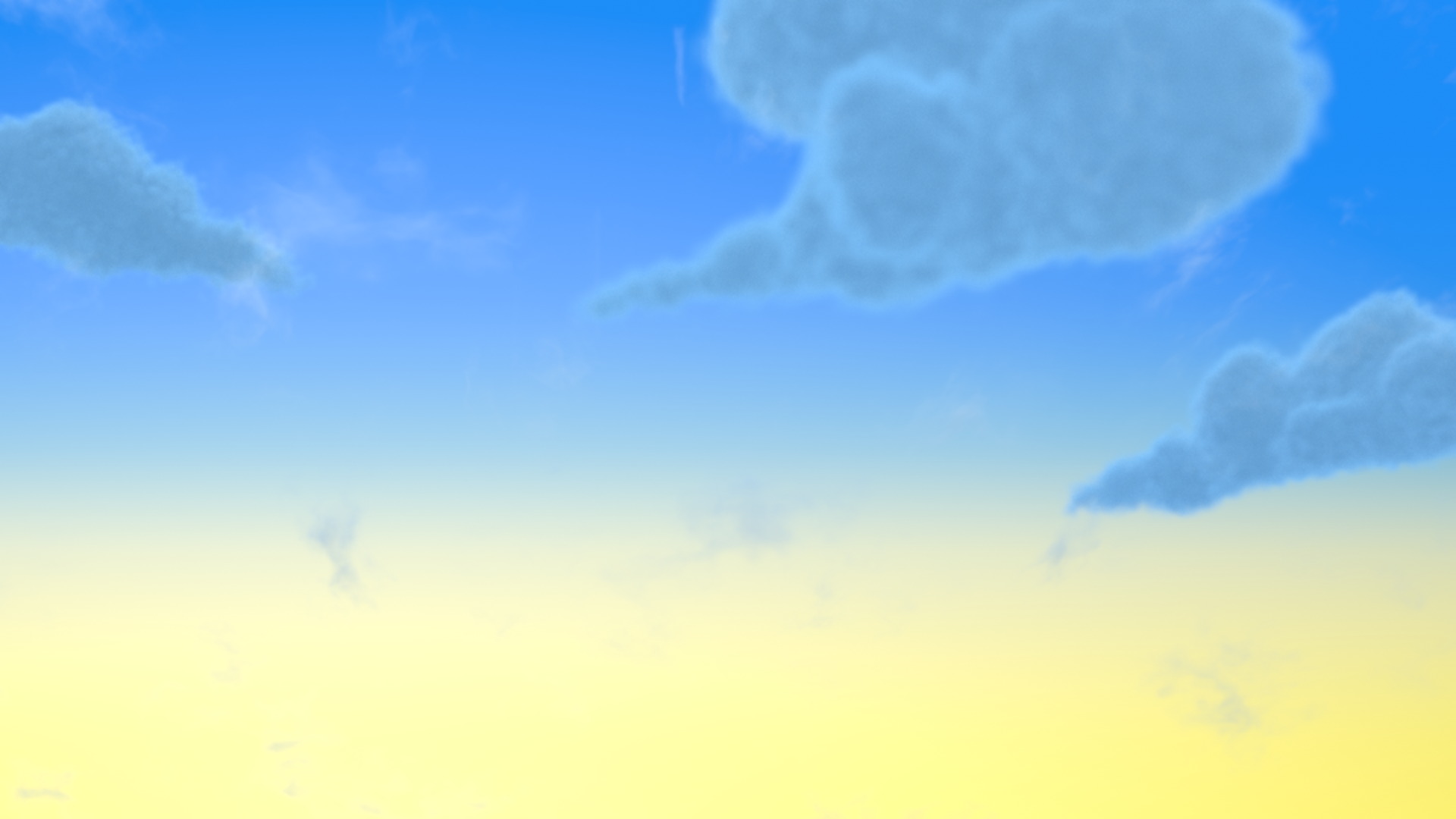
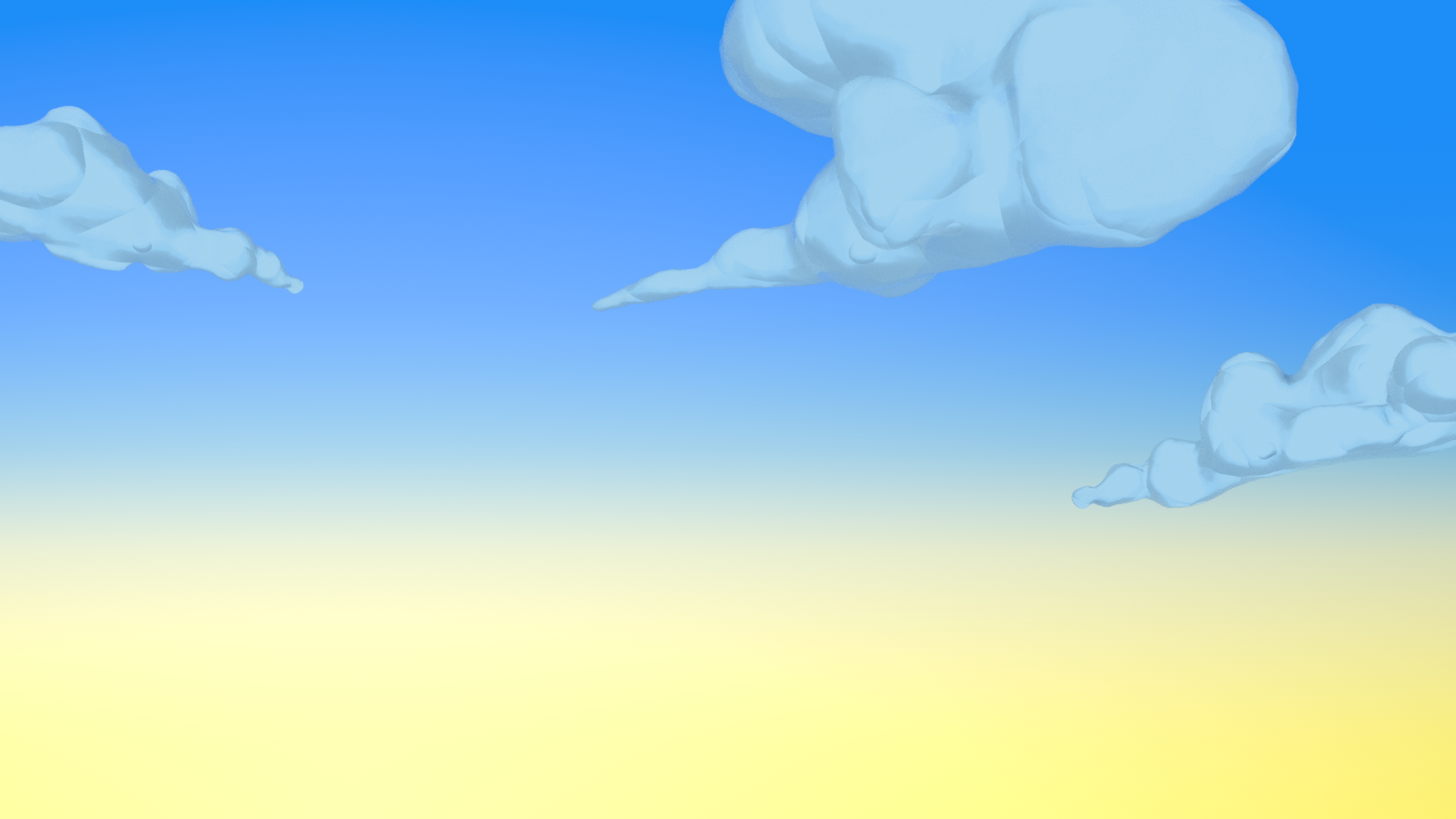
Method 2
Same mesh with Displace Mod to add shape and Decimate Mod to decrease poly count and with procedural shader.
Render time again with my crappy CPU = 2.14 seconds.
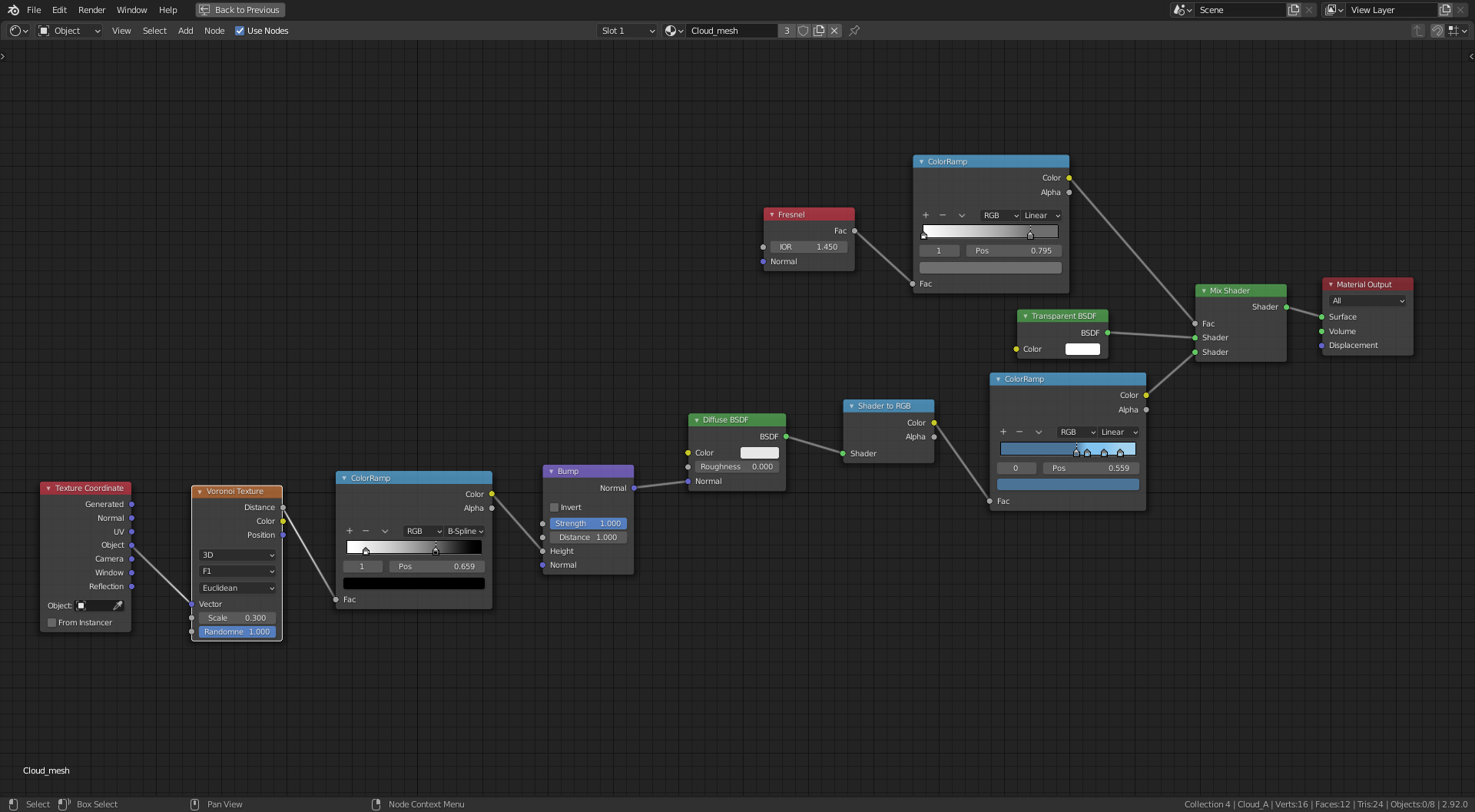
The shader
With a Diffuse shader and a Transparent shader mixed with a factor controlled by a Fresnel and Color Ramp to soften the edges of the mesh. For the color I plugged the Diffuse into a Shader to RGB Node and then to a Color Ramp and selected color for the flags. Also added some extra ‘fluff’ with a Voronoi , Color Ramp and Bump Node into the Normal of the Diffuse Shader.
Need to work more on shape to match the artwork but my need here was to focus on a solution to reduce render time, I quite like the procedural shader route, not only for render time but also I like the stylized look and feel of this method. The volumetric method was difficult to get the color adjustment and it’s still not where I would want it. Need to soften the color in method 2 also to match the artwork.
Could slightly reduce render time further by baking texture and normal maps.
April 12, 2021 at 5:35 am #67381And softer color
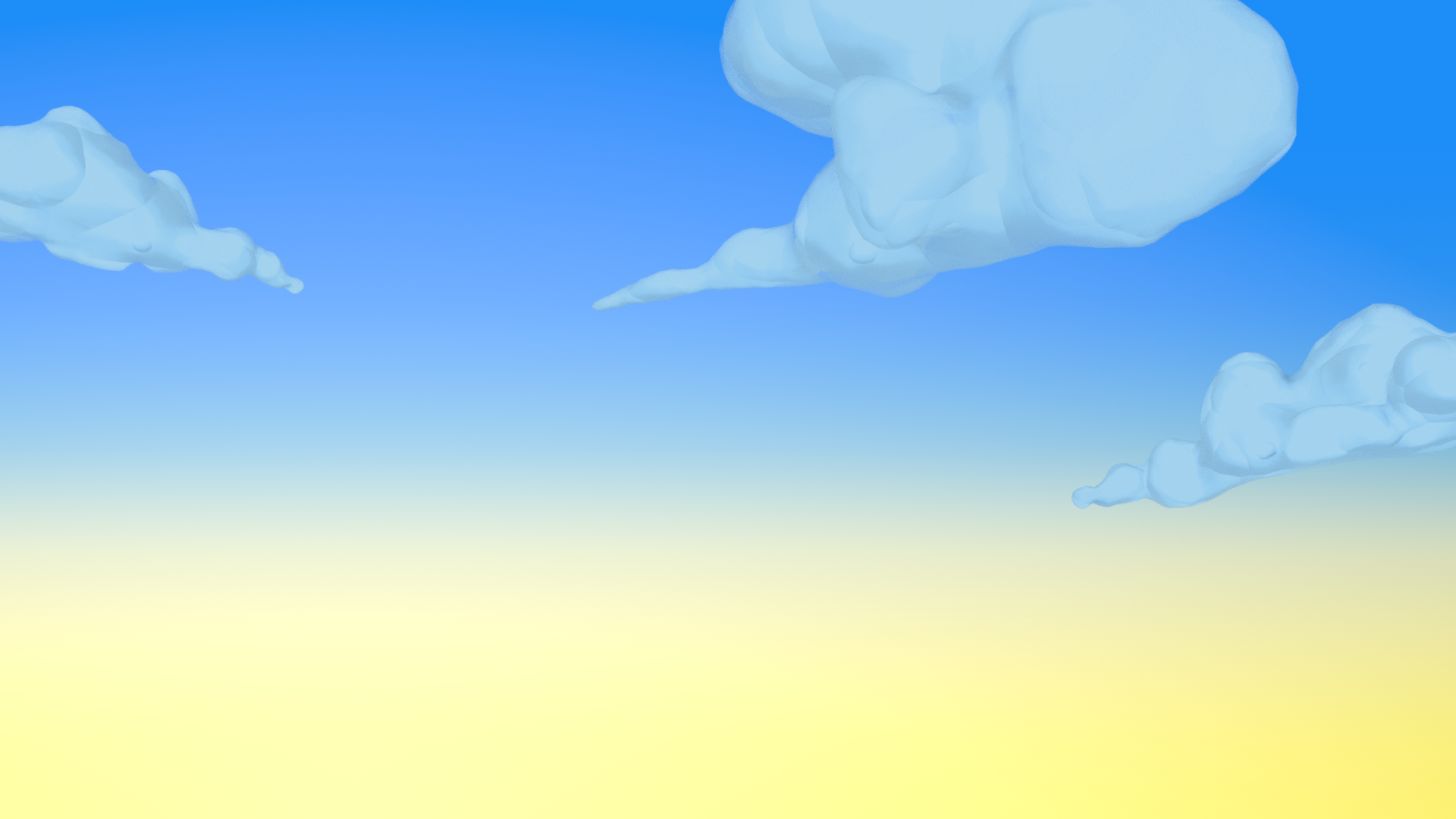 April 12, 2021 at 7:16 am #67382
Having a go at playing God and turning Day into Night.
Next I’ll have a go at Jesus and turn water into wine.
April 12, 2021 at 2:56 pm #67383Ooh, I like this look a lot.
April 14, 2021 at 9:41 pm #67384What a WIP thread @adrian2301! You’re going hard at the sky and clouds and your results look promising. Very nice work 👏
One note I have on the sky is to break up the gradient with some painterly effects. Currently the sky gradient looks like a simple transition from one color to another. Try introducing a noise texture or voronoi (cell) texture into the vector coordinates to muddle the gradient around. Something to give it more character and aesthetic.
As for the clouds, I’m afraid volumetrics may not be the right method. They just feel too flat and undefined next to the art. Are you using a sunlamp or just illuminating them with the world?
The second method is interesting! Definitely could use more softening to somehow feel volumetric while not being volumetric. I saw that you mentioned the ghibli clouds. I’d suggest they’re worth a try. There’s 2 different methods on youtube battling for ghibli supremacy:
April 15, 2021 at 6:58 am #67385Thanks @theluthier , I have seen the first of these vids and took some of the ideas from it, I’ll watch the second one and see what I can do, I like to mix and match and try and create something more unique.
It’s a shame the volumetric method is so inefficient as it can give some great effects. I have used a sun lamp but like you say it is looking flat. I think this is the difference between original volumetric and mesh volume methods. Rotating and increasing the strength still didn’t help, and they also seem so dull and grey , like UK clouds, even with a second sun lamp.
The procedural shader in the second example, is based on the Ghibli shader from the first vid, but with some differences. I actually like the look of the shader result but the cloud mesh itself needs to feel softer.
Here’s a render with an adjustment to the transparency.
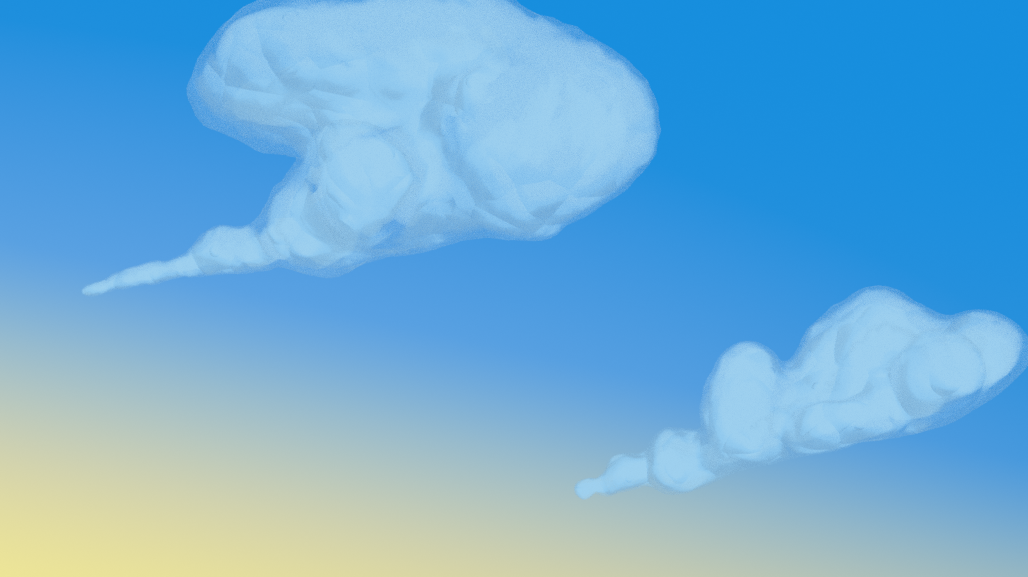 April 15, 2021 at 9:07 am #67386
After watching the second vid I come up with this
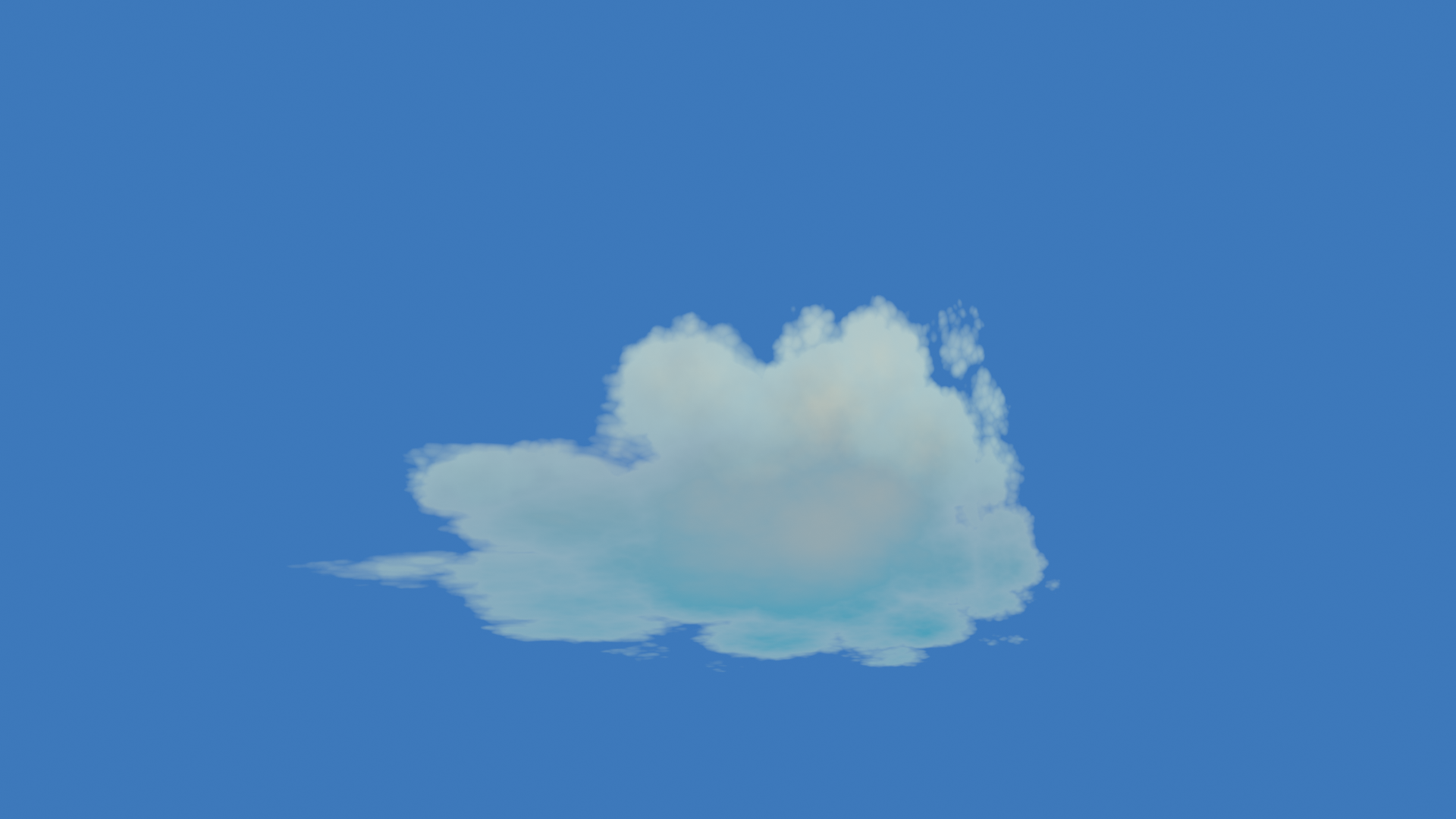
The problem we have with this method is the shape, we have limited kinda hit and miss control of the shape.
@theluthier you mentioned previously about the pointy streak of the clouds in the artwork, how close this shape do you want me to get? If I go much further than this, the stretched out look becomes obvious.
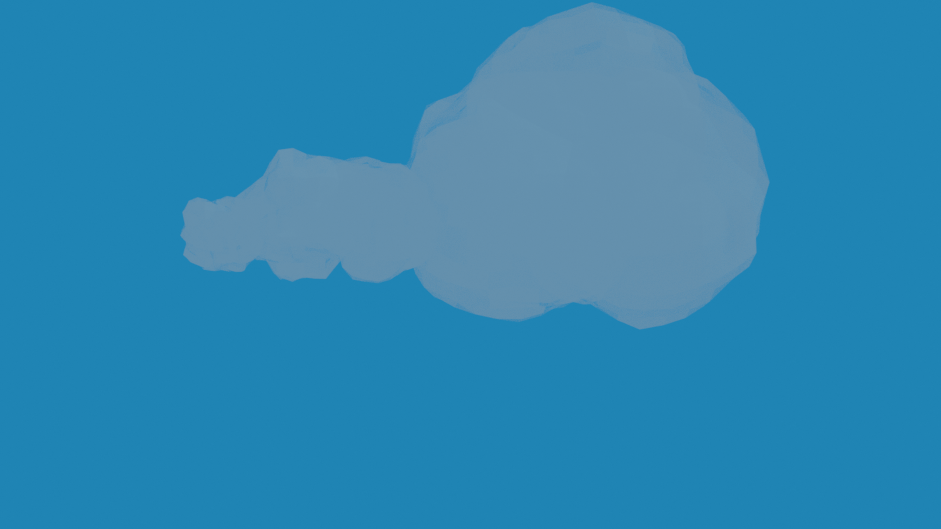
I need to come up with a combination of the different methods for more of a cloud with the look but still with control over shape. Now, where did I put those Geo Nodes, I haven’t used them yet.
April 15, 2021 at 10:04 am #67387Yeah, No, that ain’t gonna work, we’re a little early for Geo Nodes for what I want.
-
AuthorPosts


- The topic ‘COLLAB2021 – WIP – adrian2301’ is closed to new replies.