Collab 2020: Modeling Heavy Equipment (Backhoe)

Forum Archive Collab 2020: Modeling Heavy Equipment (Backhoe)

Viewing 15 posts - 346 through 360 (of 1,440 total)
  • Author
    Posts
  • #54122
    Adrian Bellworthy
    Participant

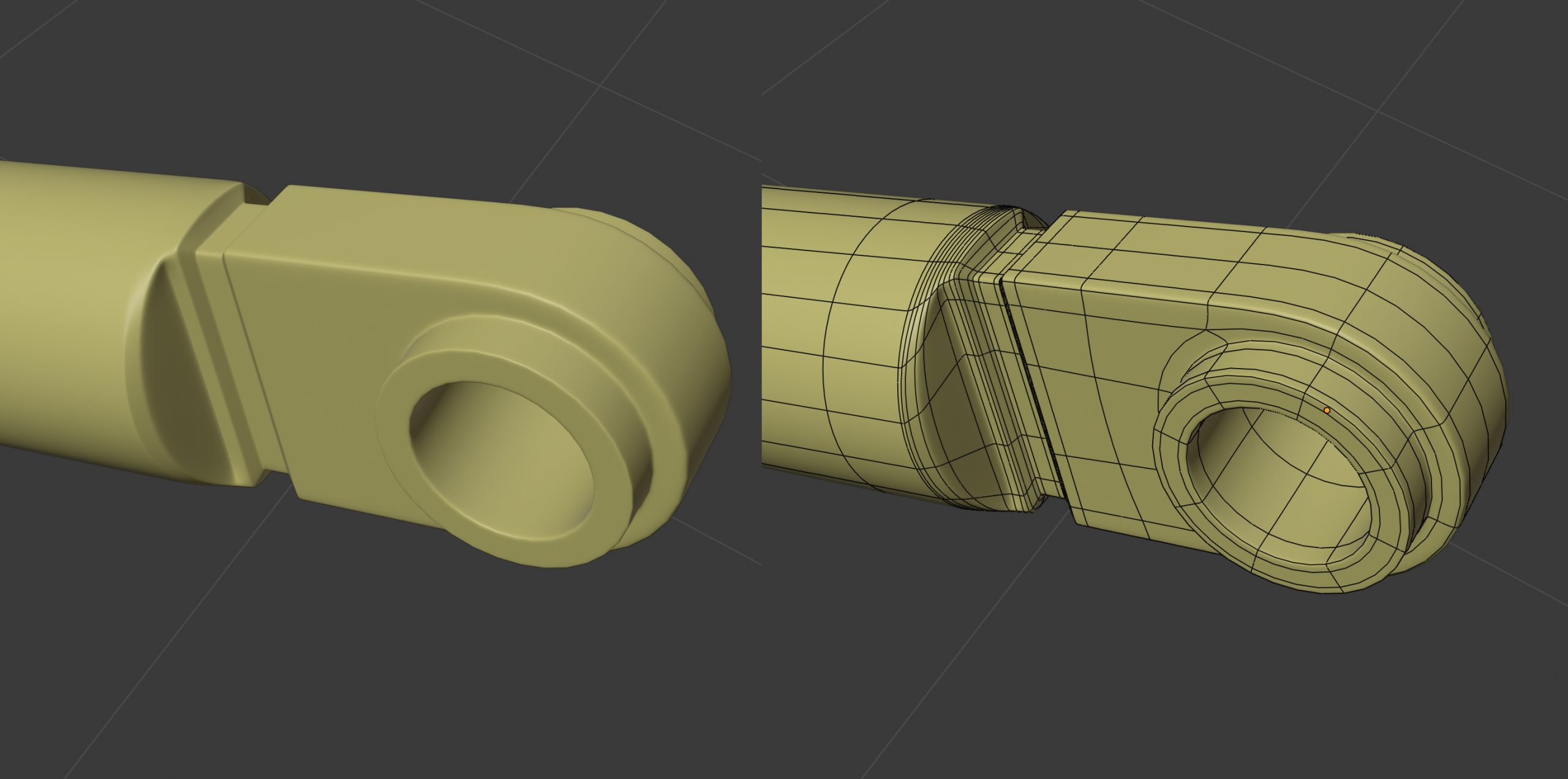
      @blanchsb or maybe this is what you meant after rereading:

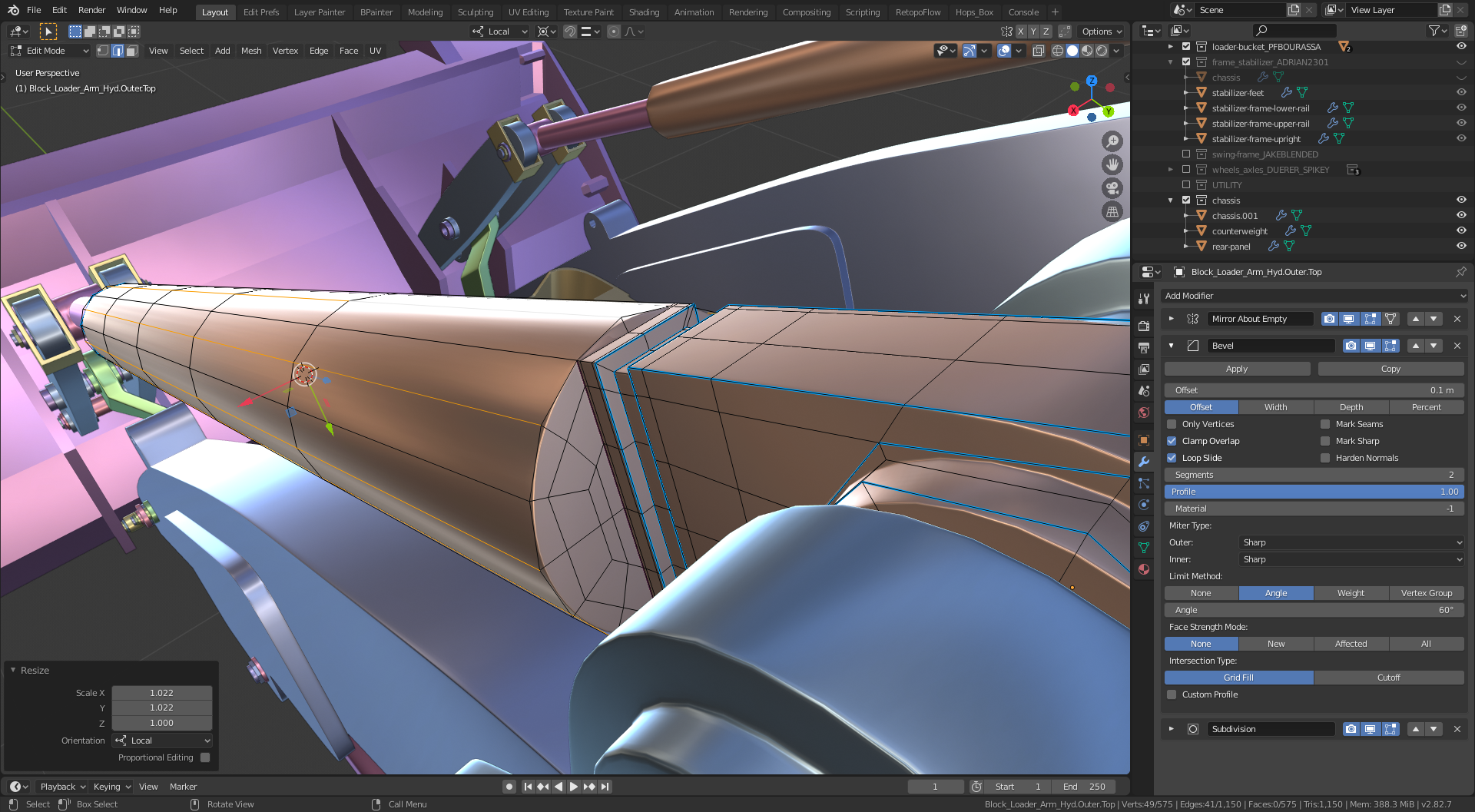
      As you can see I added more edge loops to help define the shape of the cylindrical shape and scaled on the local x and y. same settings for the Bevel Mod as I suggested earlier, minus the other loops I added previously. It’s all about the angles. Hope this helps.

      #54123
      Shawn Blanch
      Participant

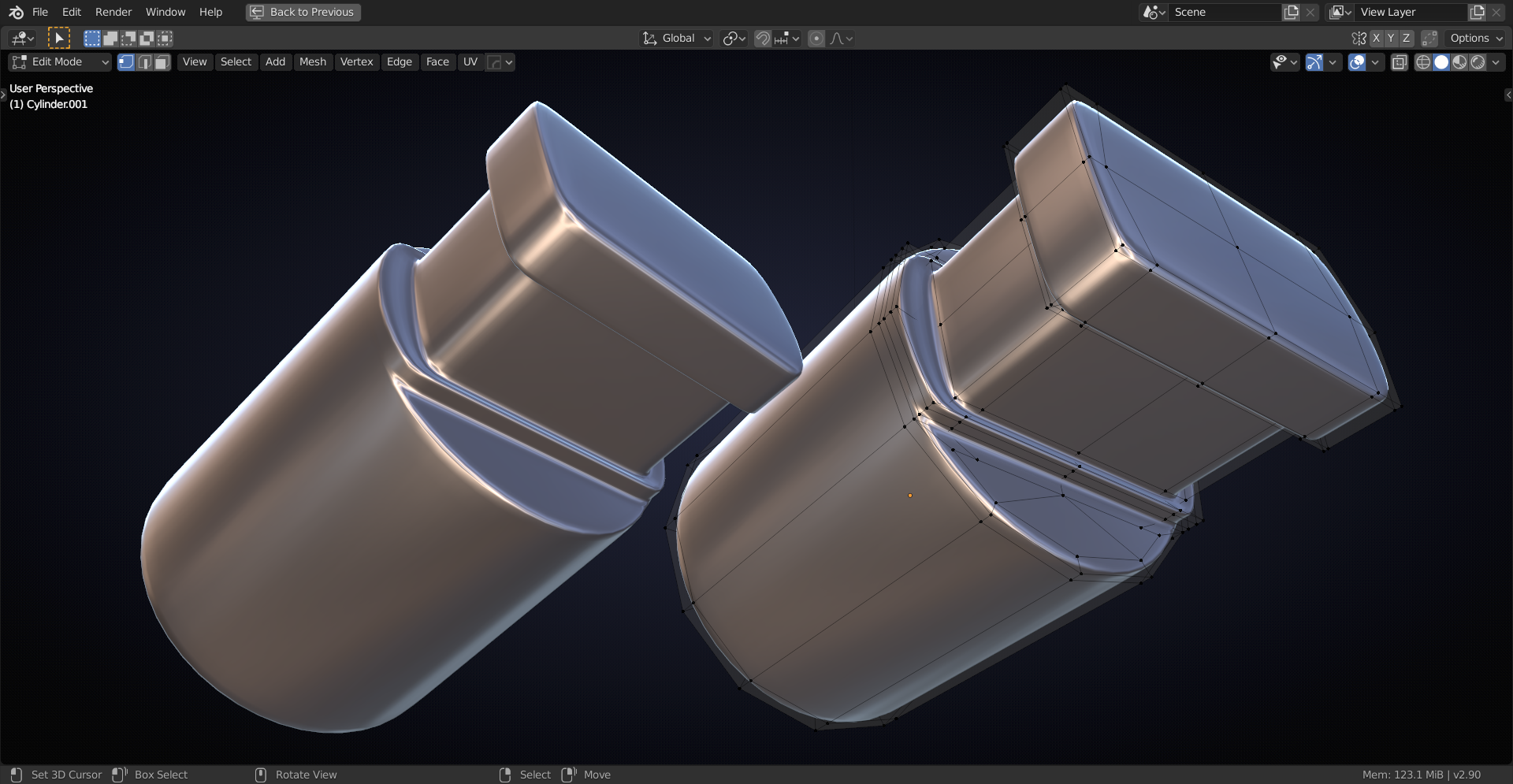
        @adrian2301  Yeah your second image is closer. Everything except for the part on the top where the cylinder meets the square. That top needs to remain circular and only the side remains the square.

        Yeah, how did you “scale” the extra lateral loops on the cylinder to make it circular (did you just “eyeball it” while scaling in the local X and Y)? 

        I’m hoping for a precise solution as opposed to “eye balling it” haha. But yours and Spikey’s are really more like what I am trying to get at.

        When I make those extra loops using Ctrl R they don’t magically turn into a circular cross section and the sub-div now makes them appear even more-so like an octagon. Hope that makes sense? I guess I could bust out some of my engineering math to move them precisely but I was hoping for a modelers approach haha.

        Maybe starting over with a circle cross section with more edge loops would help give more geometry. Maybe the limits of the basic shape 8 sided shape are being pushed beyond their ability?

        #54124
        spikeyxxx
        Participant

          Or,    

          just a late night test….

          far from perfect, but…

          #54125
          Parker Bourassa
          Participant

            I’ve done some things that seem janky to wrangle edge loops.

            Are these okay? Is there a better way to handle these situations?

            #54126
            Adrian Bellworthy
            Participant

              @blanchsb I eyeballed it but if you want to be more precise , with the loop tools add-on loop select a ring of verts and click on circle ( loop tools add-on), for the top squarish part  I would vertex snap to line up with the others. I see now on @spikeyxxx ‘s post , I didn’t include that edge when I scaled out . But I would say more geometry is required or  at least one edge loop as @spikeyxxx has done on that face to define the shape.

              #54127
              spikeyxxx
              Participant

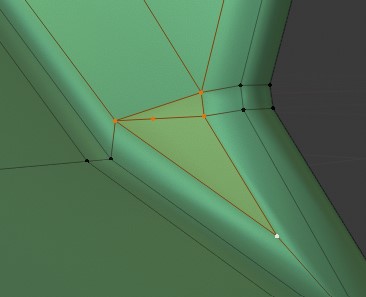
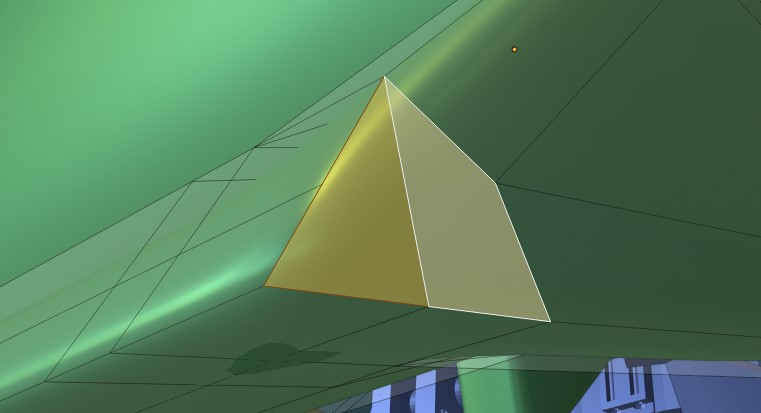
                I do not know, what exactly you want to achieve, but this doesn’t look right to me (but who am I to judge…):
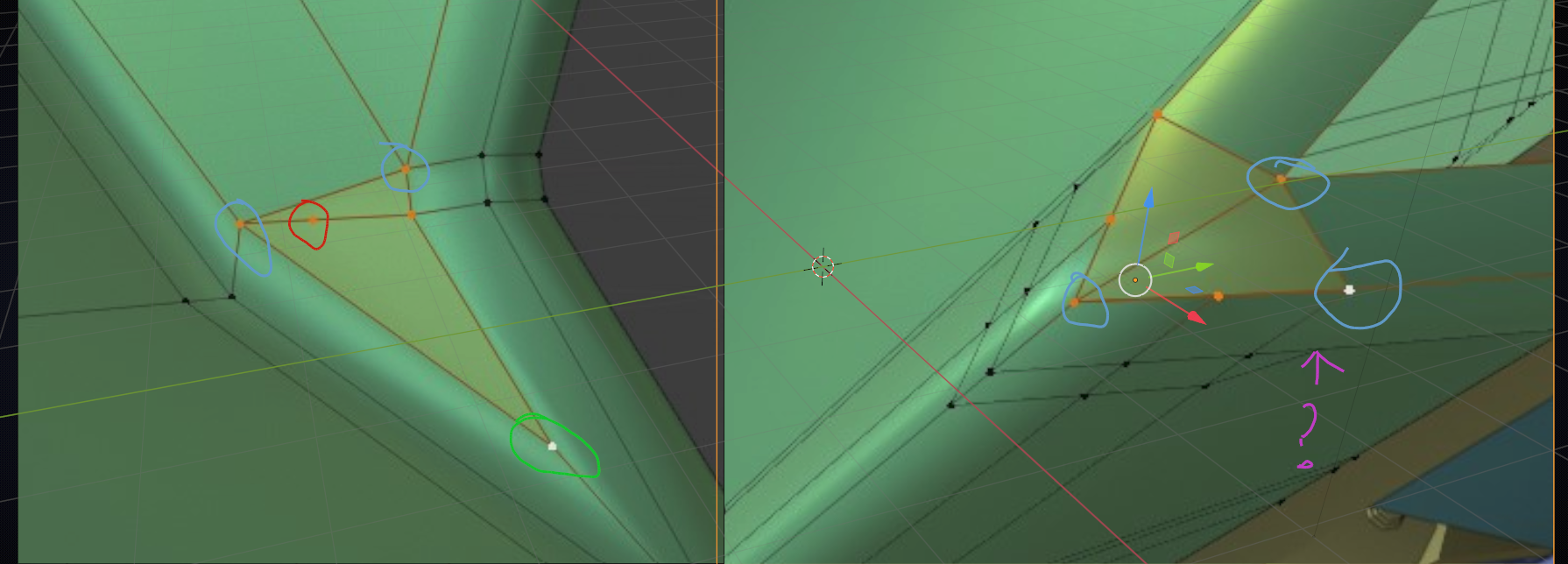
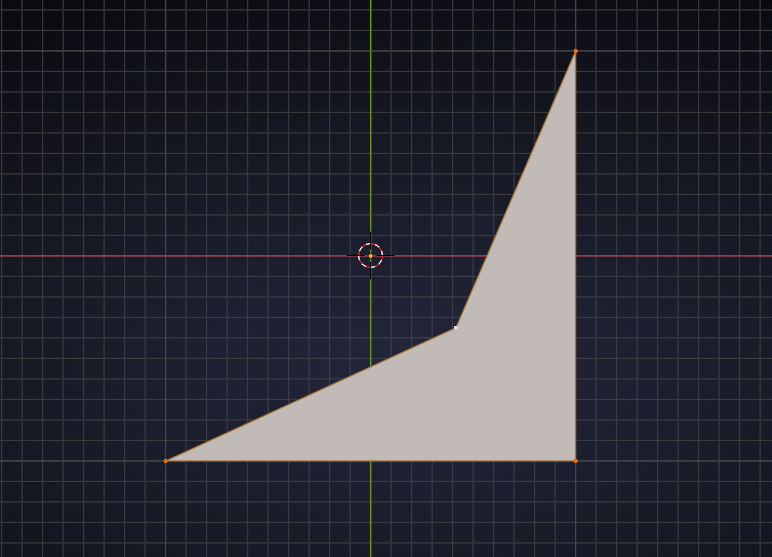
                In red: a vertex that doesn’t make any sense to me; no matter where you put it, it will always make a concave quad:
                in blue are the 5-sided poles. We try to avoid those and although that is not always possible, it looks like you’ve got too many of them and at non-planar points…I don’t know what is happening at the purple question mark (yes, it’s supposed to be a question mark!)

                Not sure about the green 3 sided pole, might be ok, or not?

                In short: there is a better way to do this, but it is not clear to me what exactly you want to do…

                #54128
                Parker Bourassa
                Participant

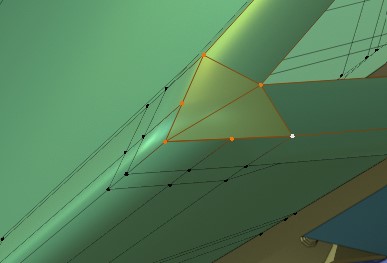
                  @spikeyxxx My goal is to keep those holding edges to keep the shape, and just fill in the gaps. 

                  There’s a weird mix of concave and convex shapes all really close together.
                  I used GG to make sure that the blue vertex was directly in the middle, and neither face would be concave.

                  Here’s my second attempt at this section. I’m not sure it’s much better.

                  #54129
                  Karen Trevino
                  Participant

                    Waves at everyone…yall so good 🙂

                    #54130
                    shan jay
                    Participant

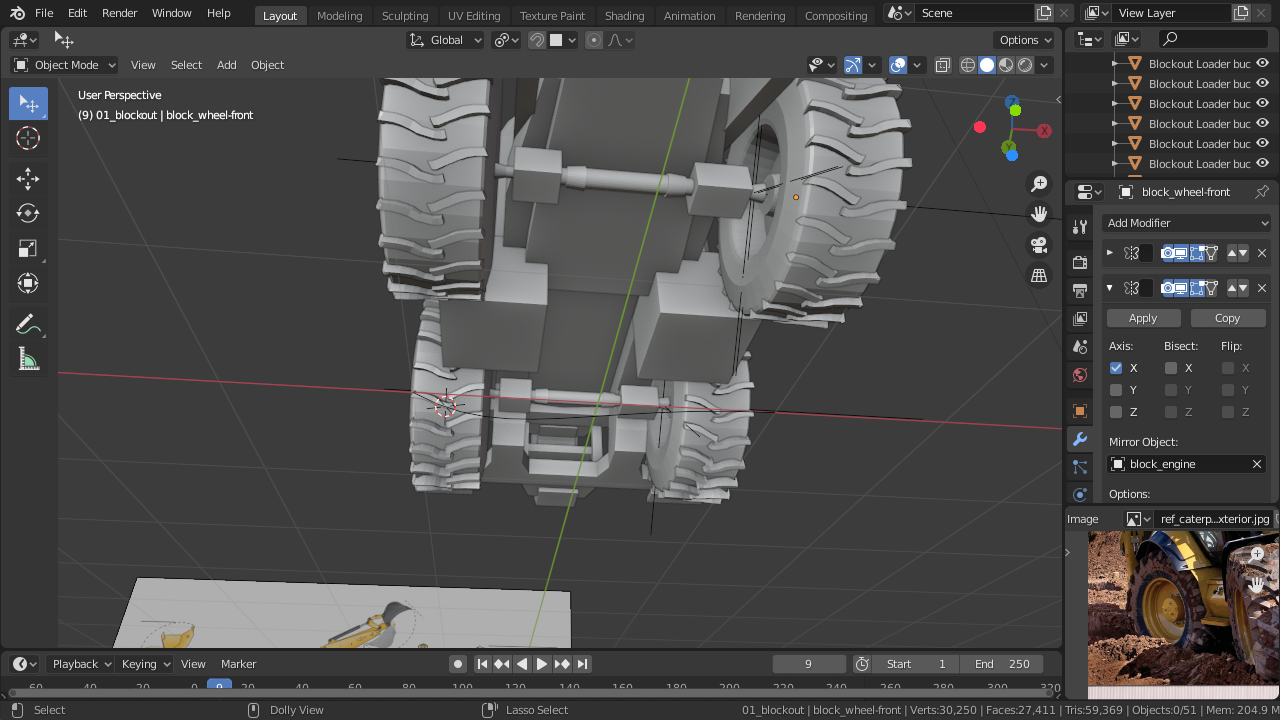
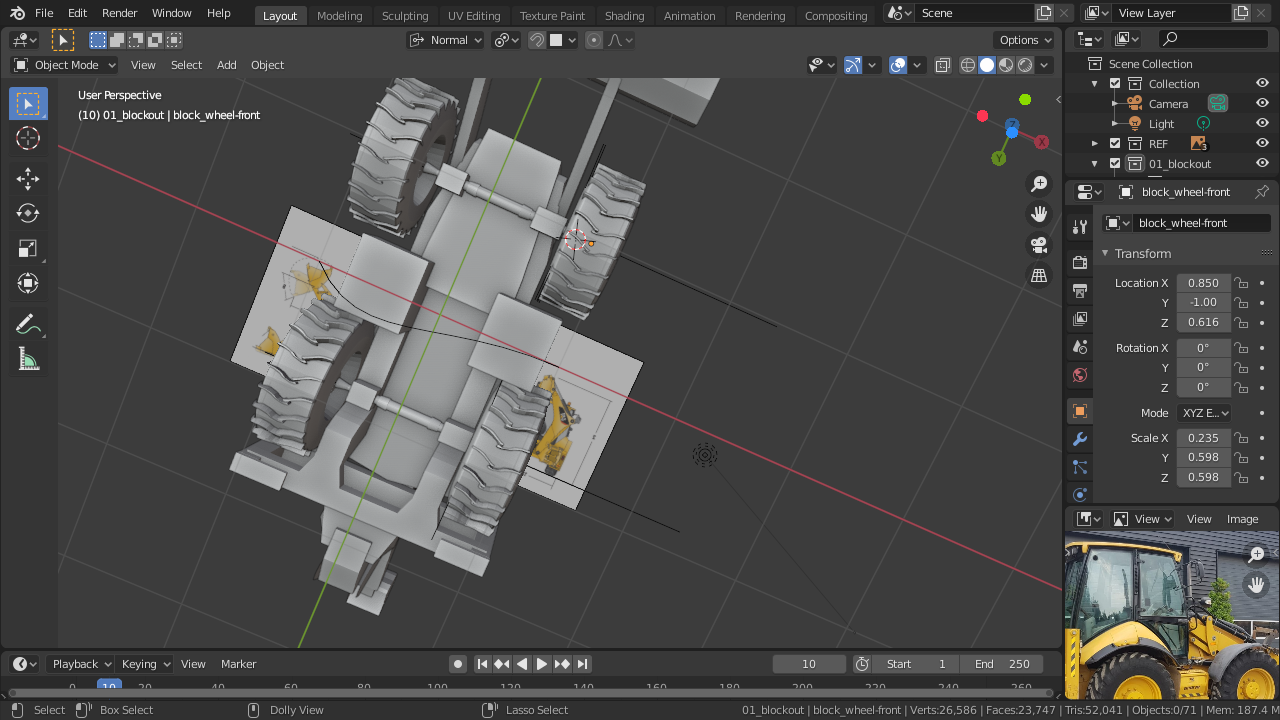
                      Hi guys Here is a image of my wheels 

                      #54131
                      shan jay
                      Participant

                        #54132
                        shan jay
                        Participant
                          #54133
                          shan jay
                          Participant

                            sorry there 

                            #54134
                            shan jay
                            Participant

                              sorry there 

                              #54135
                              shan jay
                              Participant

                                #54136
                                Omar Domenech
                                Participant

                                  @blanchsb Ok Blanch, here’s the link of my part of your part, it’s called Blanch Part. Kinda of a hard part your part.

                                  Link:

                                  https://drive.google.com/drive/folders/1Nc7P0RQ3lAdfU4bSq2YwdZDZqd9wYUHo?usp=sharing

                                Viewing 15 posts - 346 through 360 (of 1,440 total)
                                • The topic ‘Collab 2020: Modeling Heavy Equipment (Backhoe)’ is closed to new replies.