
BC1-1908 Homework, Thibault Caradec
Forum Archive › BC1-1908 Homework, Thibault Caradec
- This topic has 82 replies, 16 voices, and was last updated 7 years ago by
Thibault Caradec.
-
AuthorPosts
-
August 8, 2019 at 11:25 am #48518
Need Help/Advice
I have a problem with the handle.
I have two versions of it : One with all modifiers applied, and a very complex geometry, which when trying to unwrap results in a total nightmarish mess…
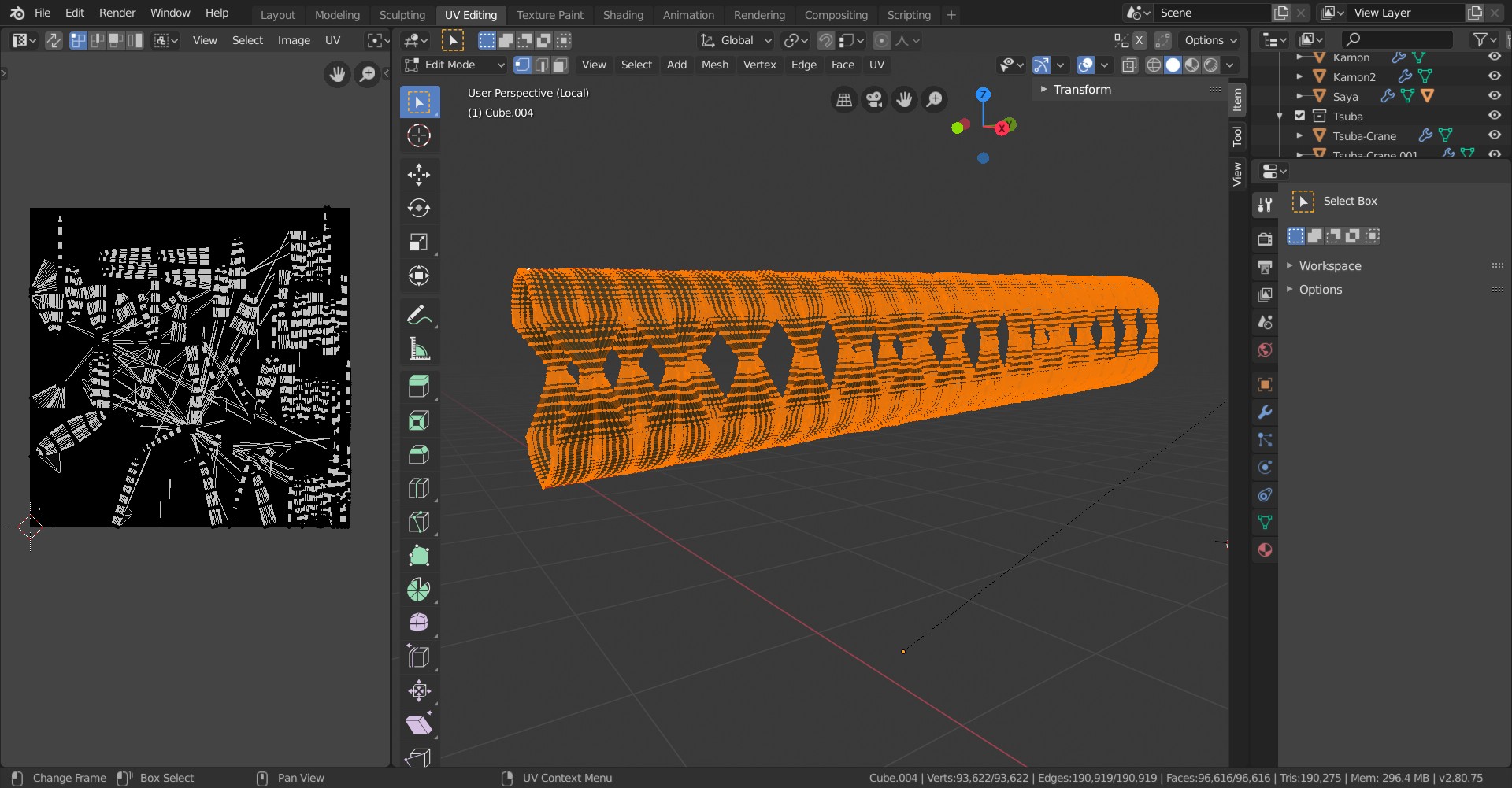
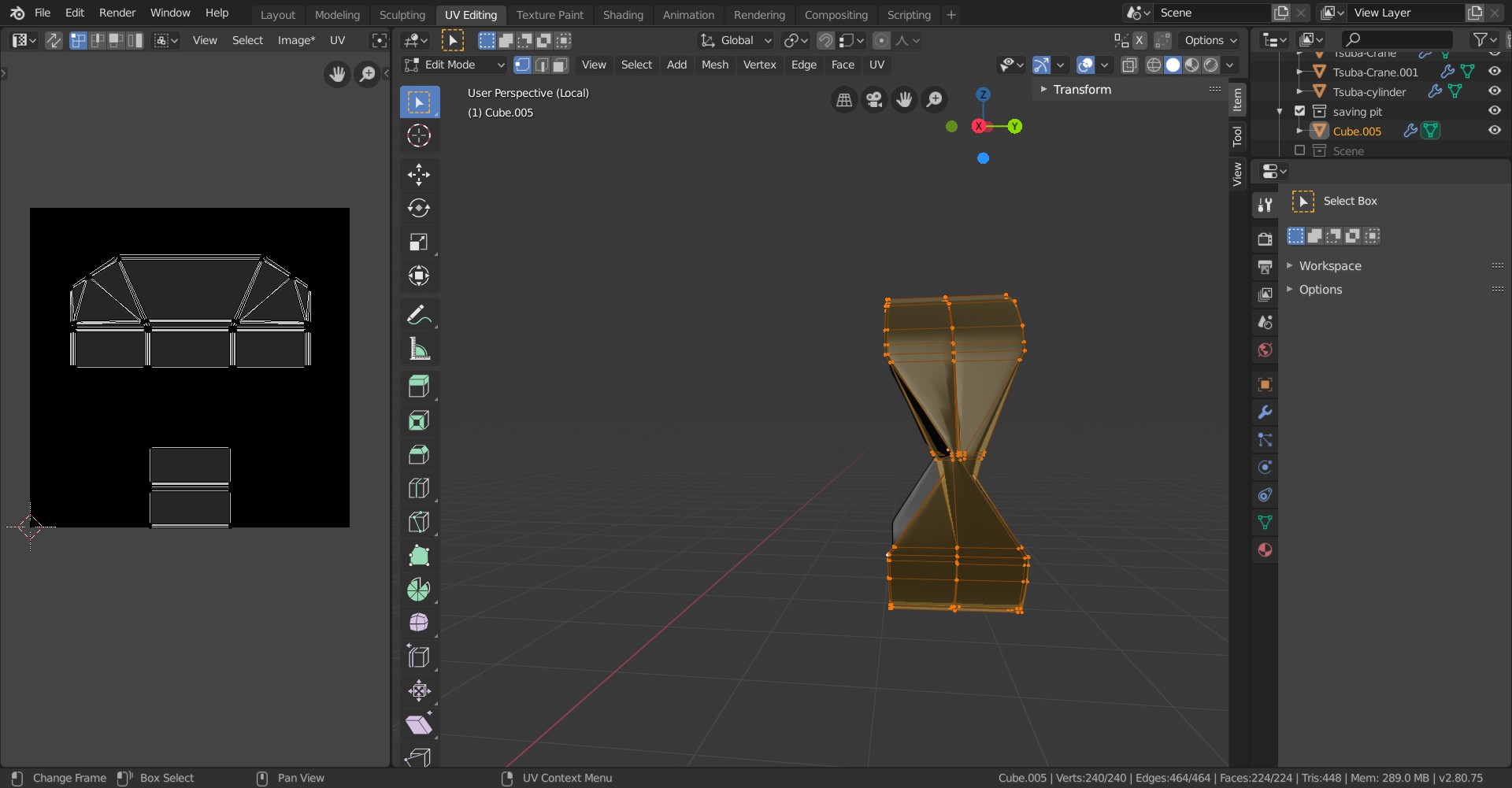
And I have saved the original, before any application of modifiers, just in case, at the time I wasn’t sure if I should randomize the vertices or not.
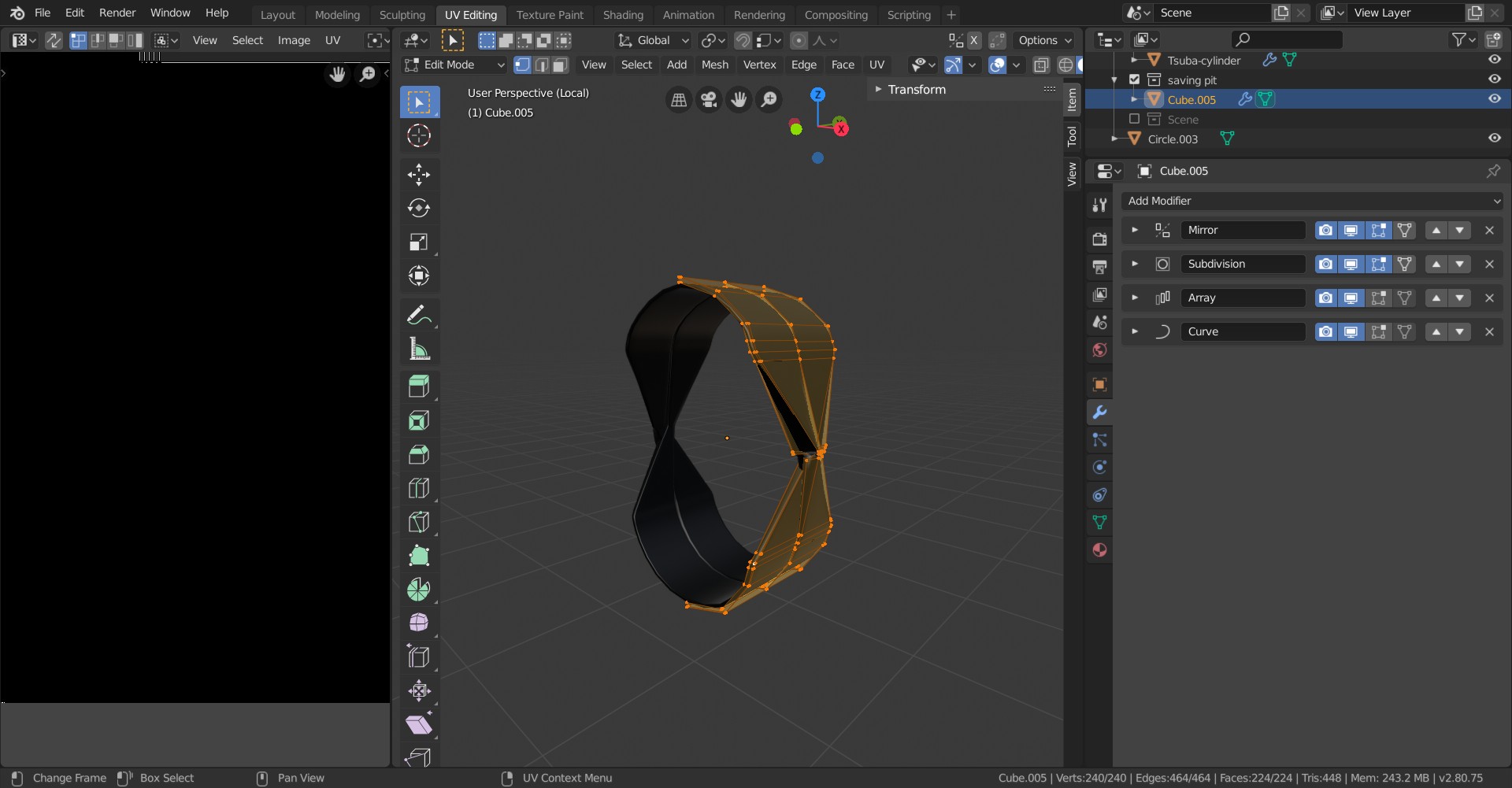
For reference, here is the modifiers stack.
Which way would you choose to have a usable UV in the end?
August 8, 2019 at 11:48 am #48519@otowa If you are going to hand paint this, I would at least apply the Mirror and Array. (For some variation along the handle!)
But be aware, that, at least when you apply the Mirror Modifier, you’ll need to make seams, otherwise it won’t unwrap cleanly anymore. (And by the looks of it the Array Modifier also gives some problems; check the settings before applying it, especially watch the Merge option!)
Check if all your Normals are consistent, I don’t know if that has any influence, but they need to be correct anyway.
Apply the Scale, if you haven’t already.
Check back in if you still get such a messy unwrap…
August 8, 2019 at 11:55 am #48520@spikeyxxx I’m really starting to consider NOT hand texturing this part…
Thank you for the input, I’ll give it a go later.
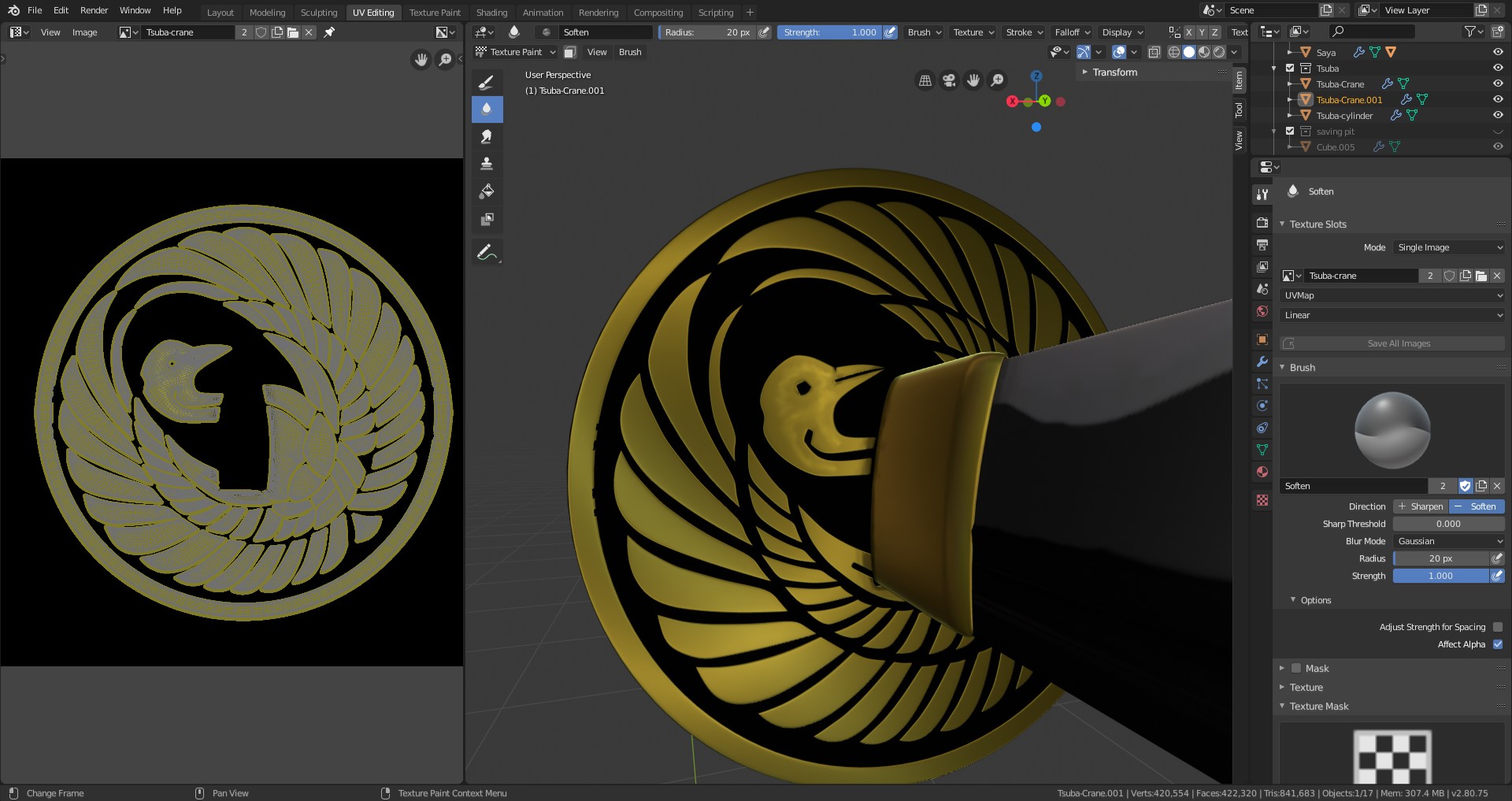
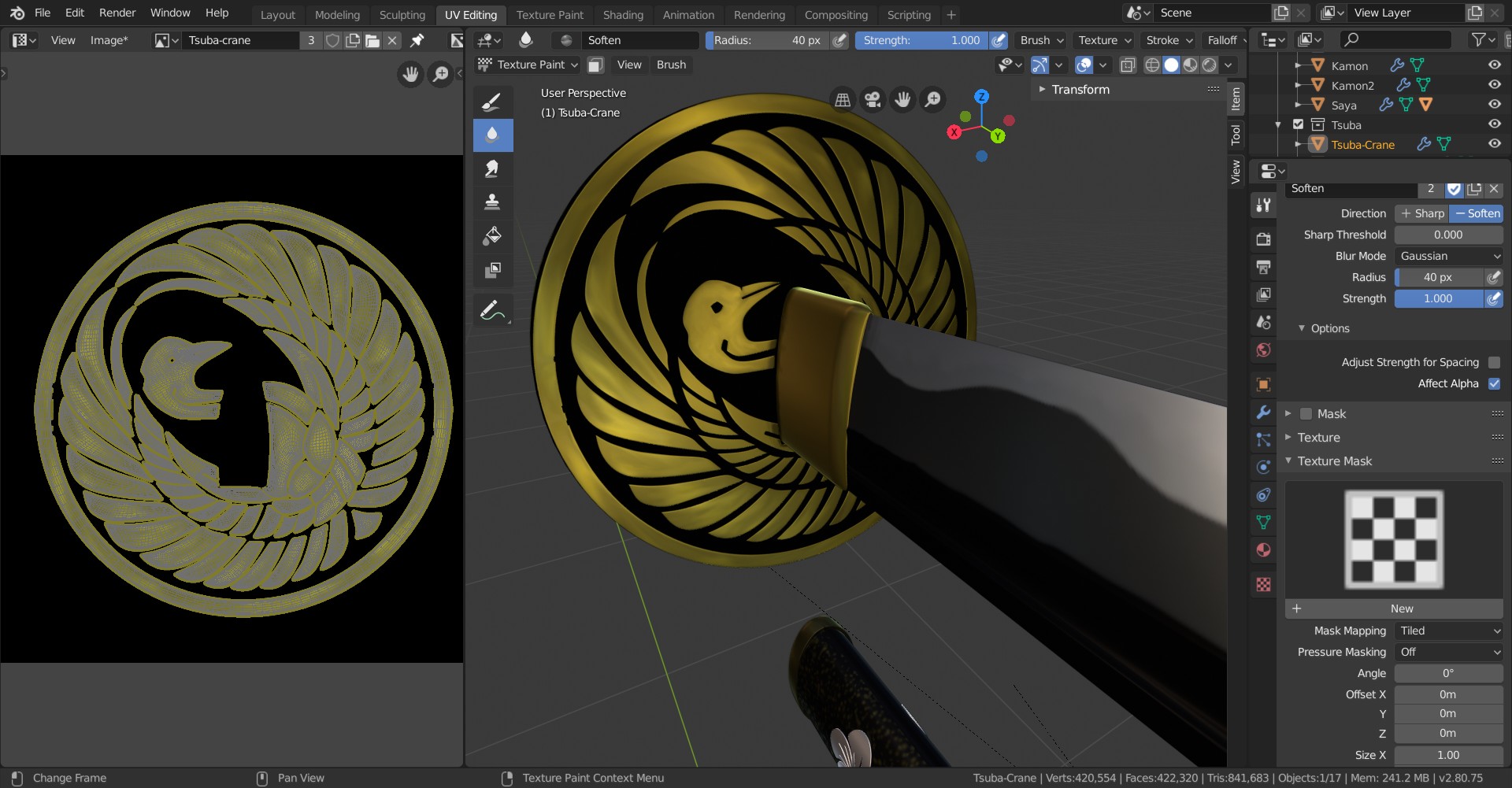
August 8, 2019 at 12:49 pm #48521Ok, I left the fabric aside for now… Went for some Tsuba Crane Gold painting… Just started around the base of the blade and the Crane’s head. I guess it gives this golden metal some personnality… Maybe?
 August 8, 2019 at 8:38 pm #48522
@otowa Variety and gradients in colour are almost always good, especially things like metal. Naturally how much may be determined by how worn it is (as then you’d have to accommodate for things like chipped pieces and maybe rust/tarnish (though being gold this wouldn’t apply as much)). I’m definitely liking the direction your going, but maybe use the smudge brush to make the two colours flow between each other more smoothly? It might help, so certainly give it a shot. Loving it by the way!
August 9, 2019 at 4:27 pm #48523Got the tsuba decoration dirty and used all over…
 August 11, 2019 at 10:46 am #48524
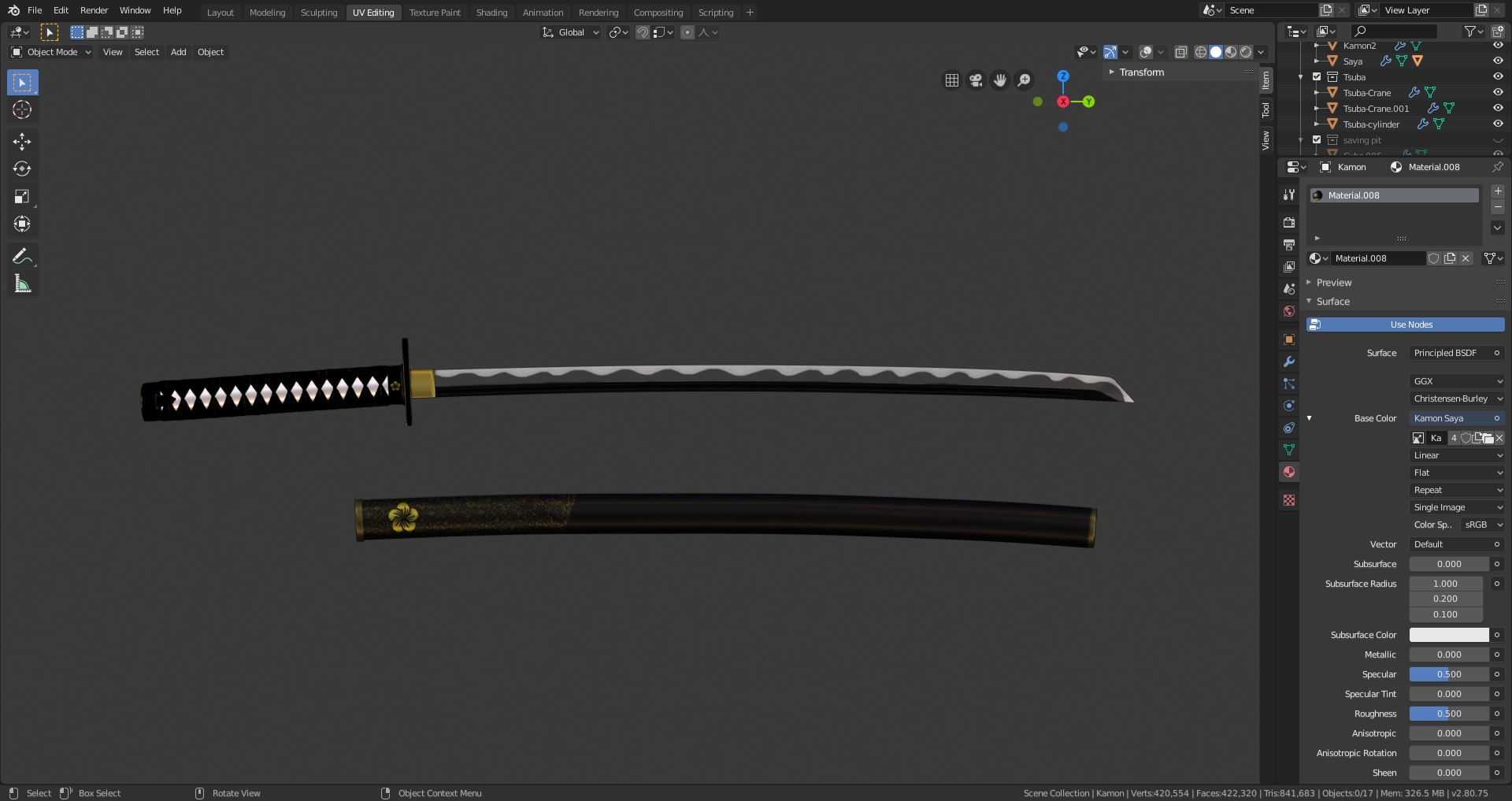
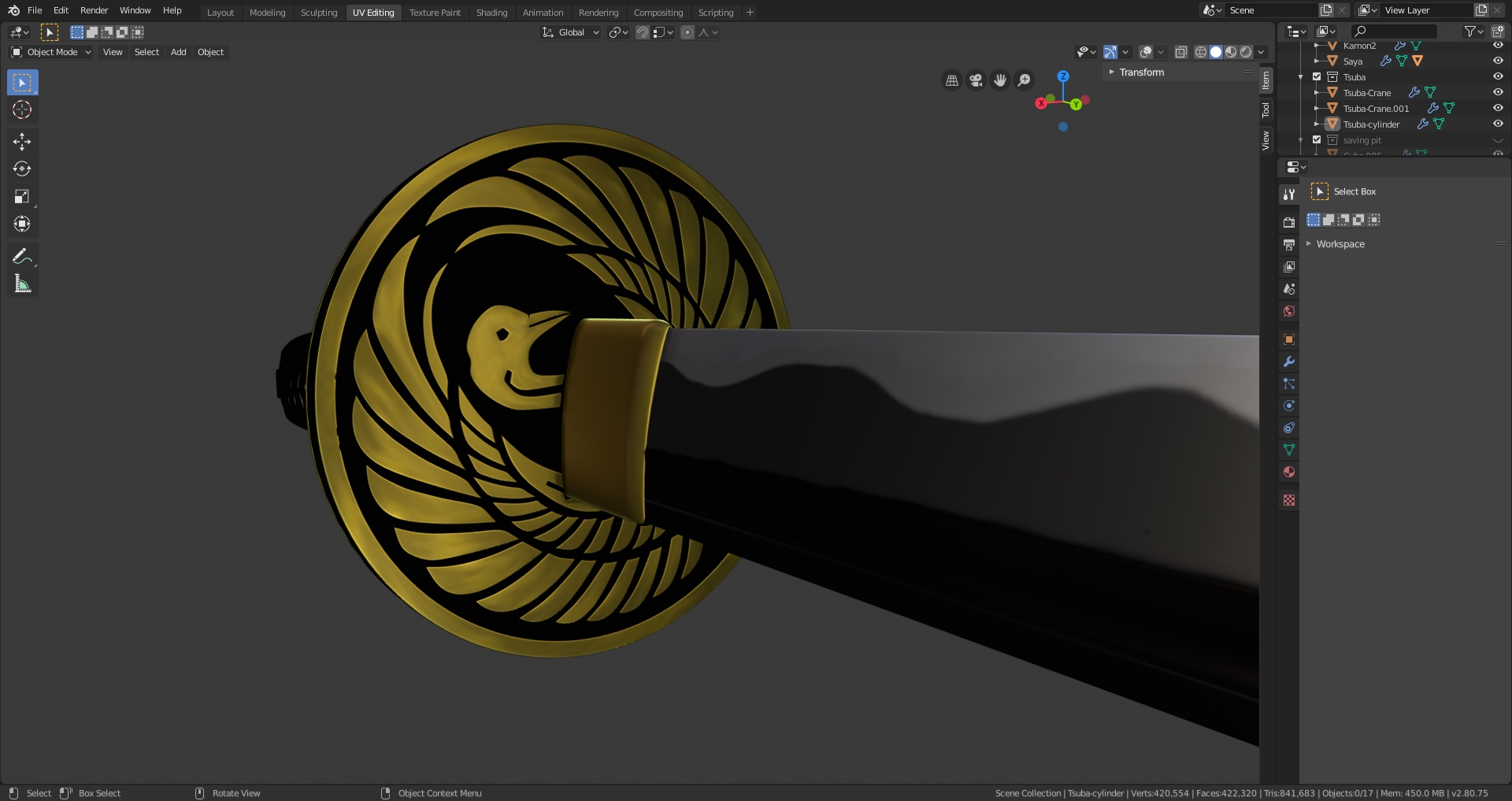
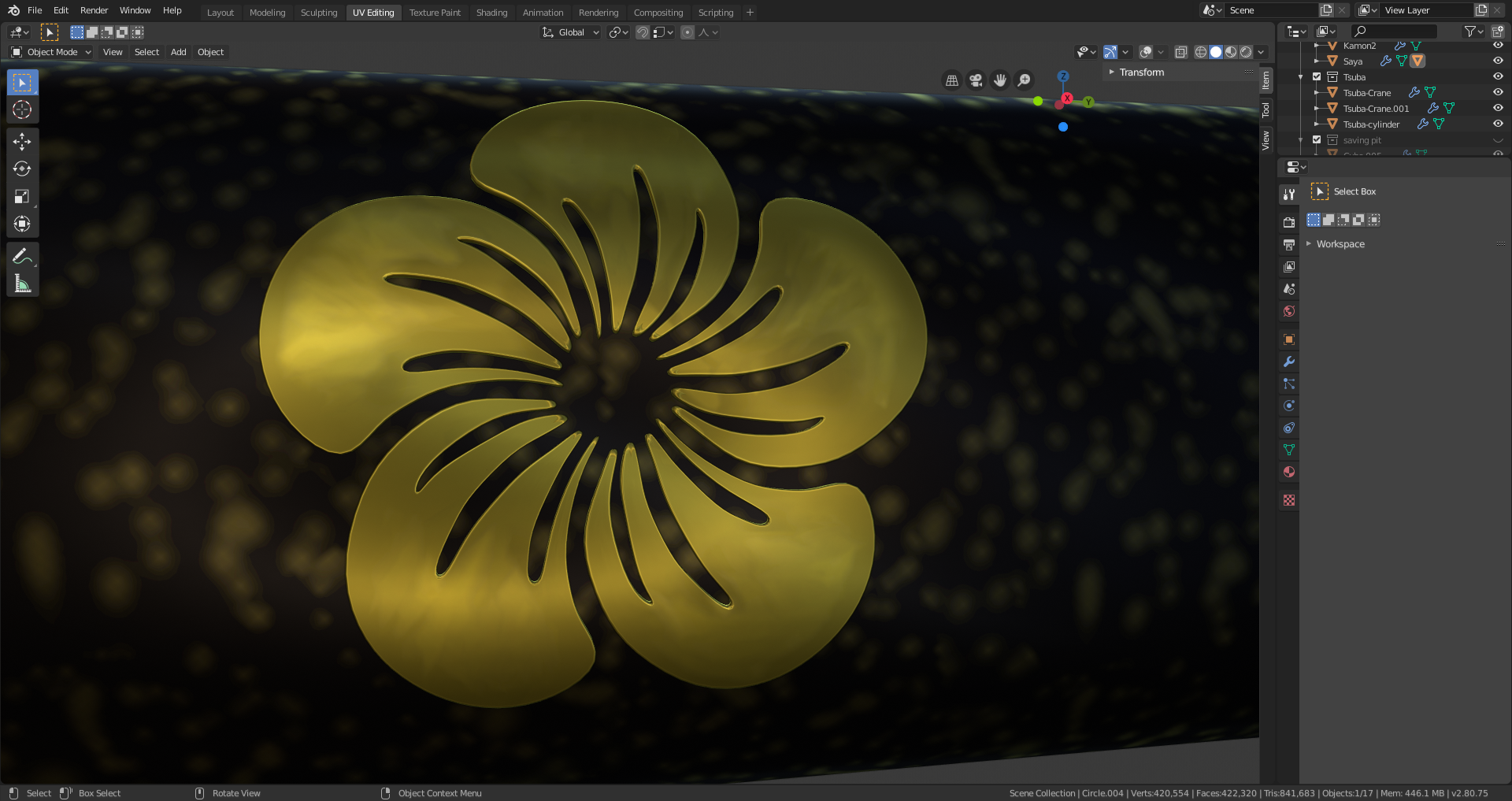
Homework Week 2 Submission
I’ve not been able to put too much time in it this week, but at least now I understand the concepts of UV unwrap and texturing that I had no clue before.
I also kind of regret my original choice of the katana, as it’s a little hard to find a lot of things to texture on it.
I know it’s not very good, but I will use what I learned here for a personal project later.
 August 11, 2019 at 10:52 am #48525
@otowa looking sharp!
August 11, 2019 at 10:42 pm #48526@otowa Those tsuba and saya decorations came out fantastic, really nice job!
August 13, 2019 at 2:37 pm #48527Shading – Day 0
So, as usual, I started playing with my blend while listening to @theluthier during the stream. Let’s go for our katana blade.
Small reference
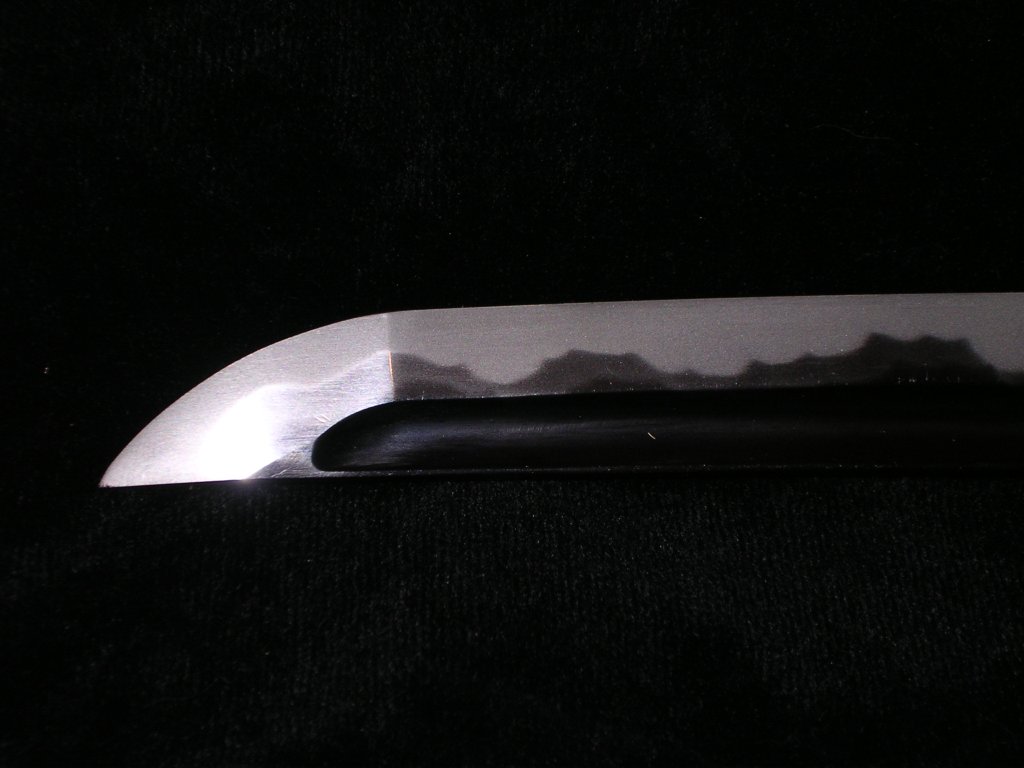
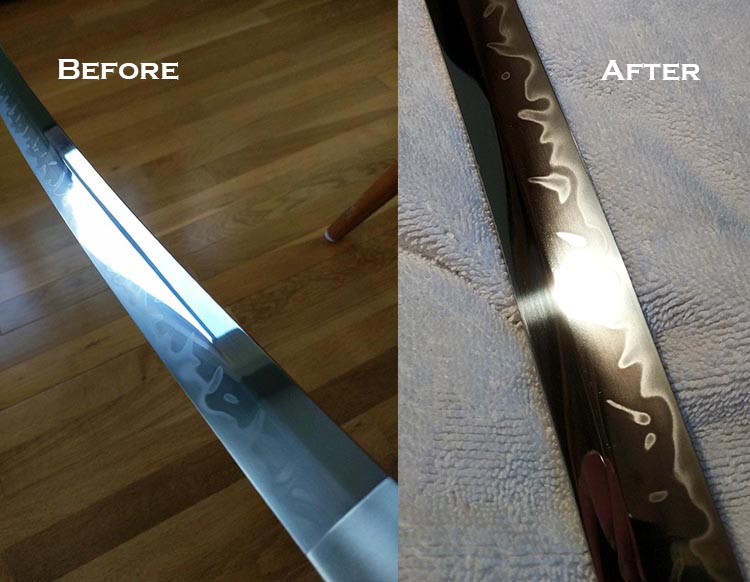
There are some variations again in katana blade, even in the way they reflect light, sometimes based on specific treatment.
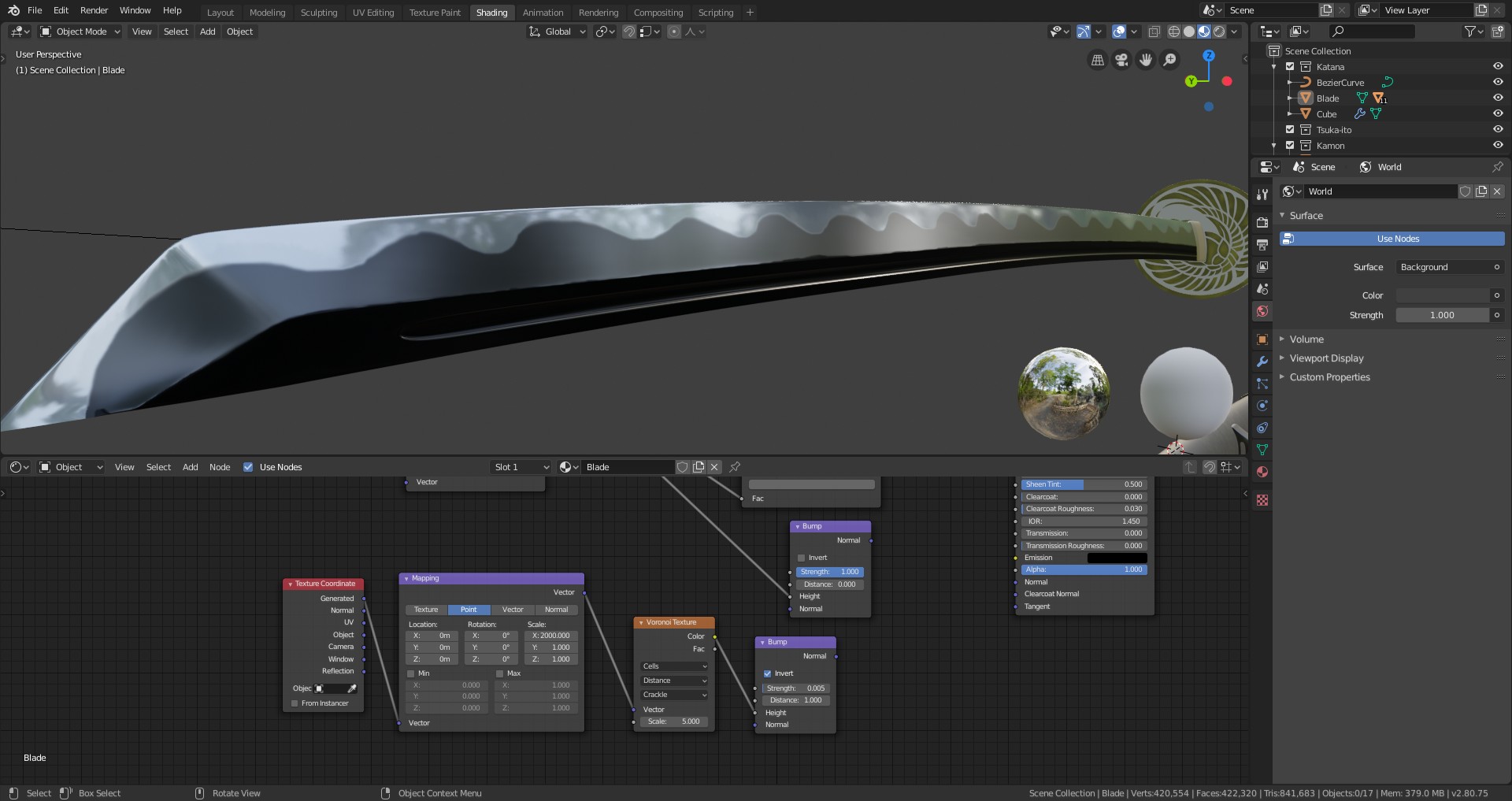
My aim for the blade is to have the cutting edge being shiny, and the back side being less shiny, with the intermediate part being somewhere in between.
I managed to do so by following Kent’s stream protocol and tweaking it for my own purpose. One of the main trick was to get the Color Ramp for roughness going from grey to black, without white step, otherwise I couldn’t get the result I wanted.
After that, my aim was to add those “lines” you can see on the first reference on the blade.
I added a bump, treated with a Musgrave texture extremely stretched with the scale setting of a Mapping node.
OFF
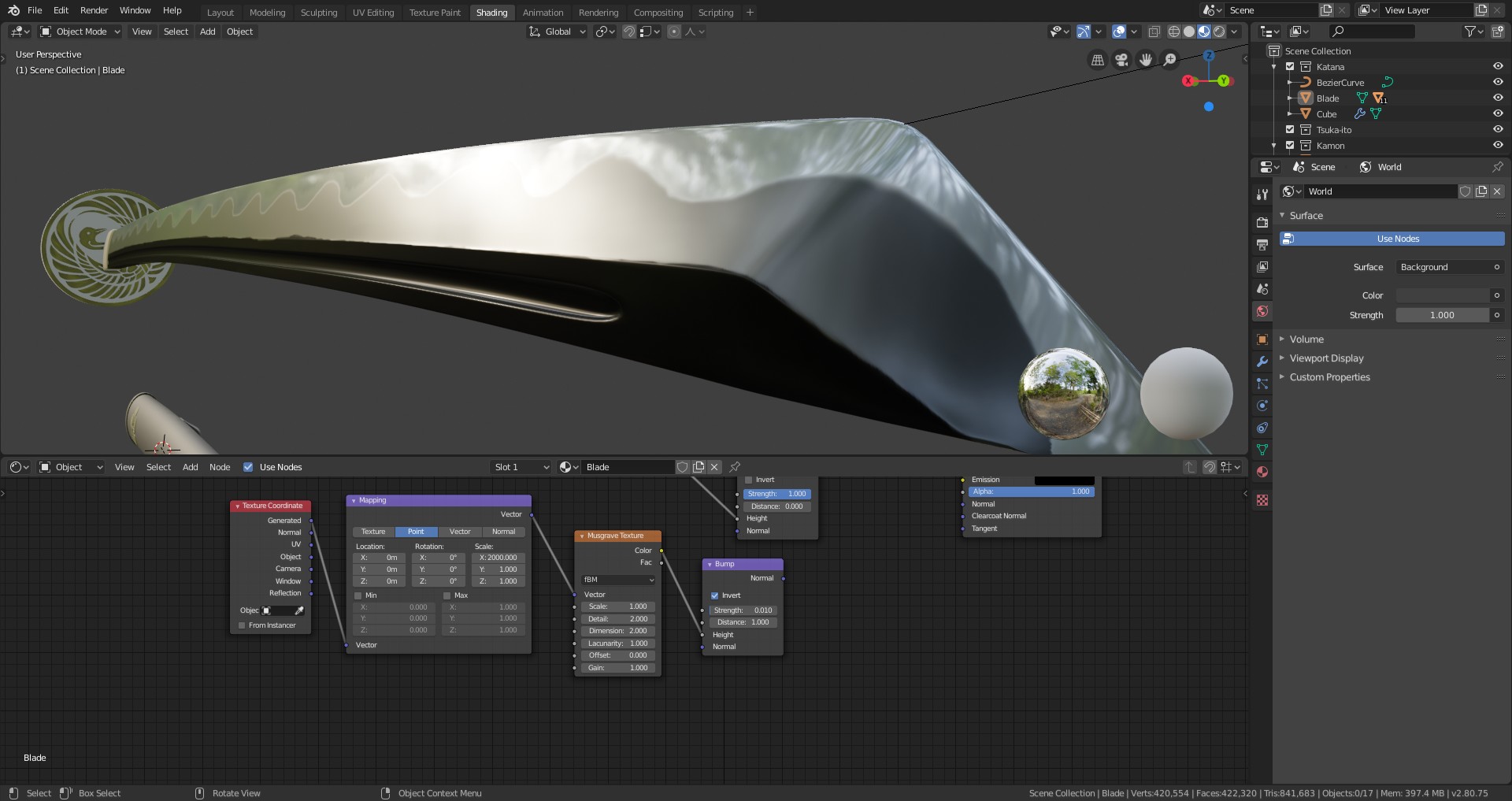
ON
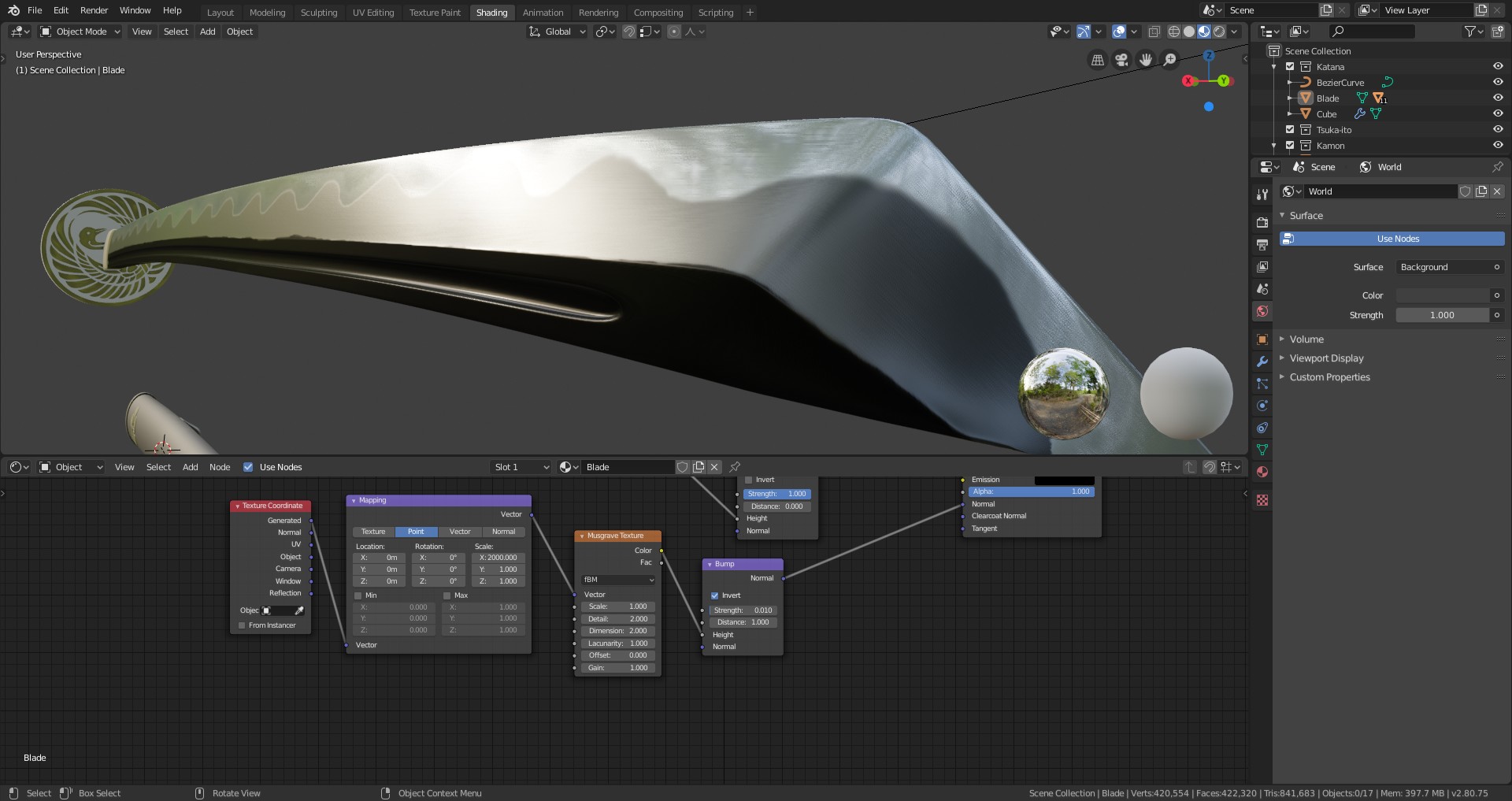
As you can see, that’s where my poor texture kind of ruin it… But I may take some time to clear it at one point. (Not a lot of free time these days)
And that’s already it for me, it’s almost 10pm here in France and I’m up to bed. I’m pretty happy with this first go on the blade, I’m just disappointed that I could not get my texture done really nicely previously…
August 14, 2019 at 3:43 pm #48528@otowa Your katana texture looks good, Thibault! So far this is the only project this month that I’m not recommending you make it battle damaged or noticeably aged. The katana just has a pristine aura around it to me. Generally I do think that pristine things in CG is a tall order to make look good and interesting, but you Katana is a rare exception.
That said I don’t really have any notes. The texture is simplistic but that matches the pristine perfect nature of a katana. Even still you add some tonal flare to the gold emblem on the tsuba. It’s an A from me for week 2 👍
As for the shading of the blade, it looks like a single color texture may not be enough to achieve the look of your reference. Because it appears to me that the blade is 2 sharply defined colors (black to chrome, as you have) but there’s at least 3 variations of reflection roughness. I didn’t cover this in the stream or the treasure chest course, but you can paint a specific texture for the roughness values.
August 14, 2019 at 4:15 pm #48529@theluthier Thank you very much! I’ll look into creating a texture for roughness to try it!
August 15, 2019 at 3:48 pm #48530@otowa Late to the party. Despite running into your current limitations, the katana looks good! Just keep practicing and your limitations will soon be broken.
August 17, 2019 at 2:14 pm #48531Hmmm… I’ve got a small problem :
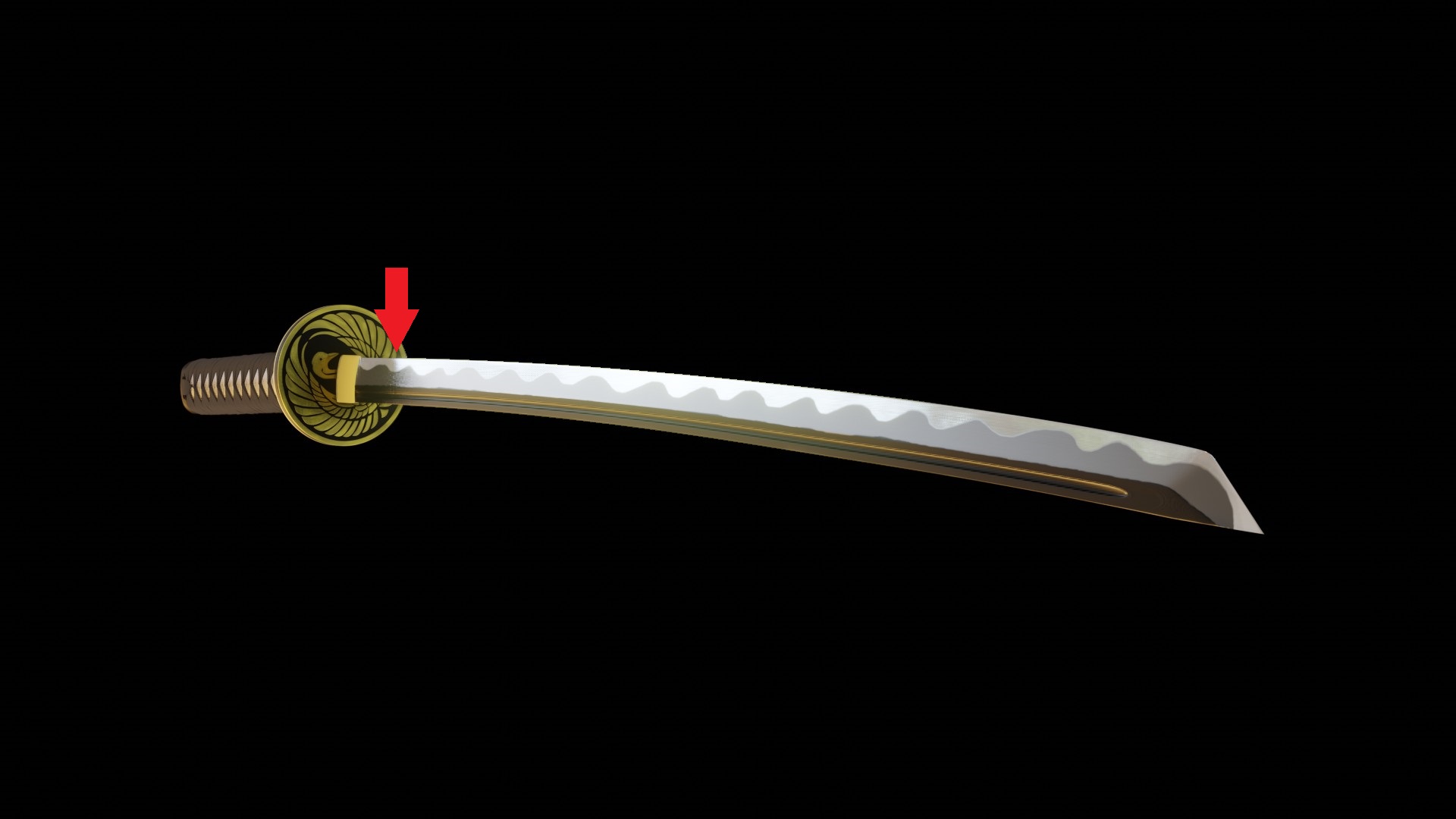
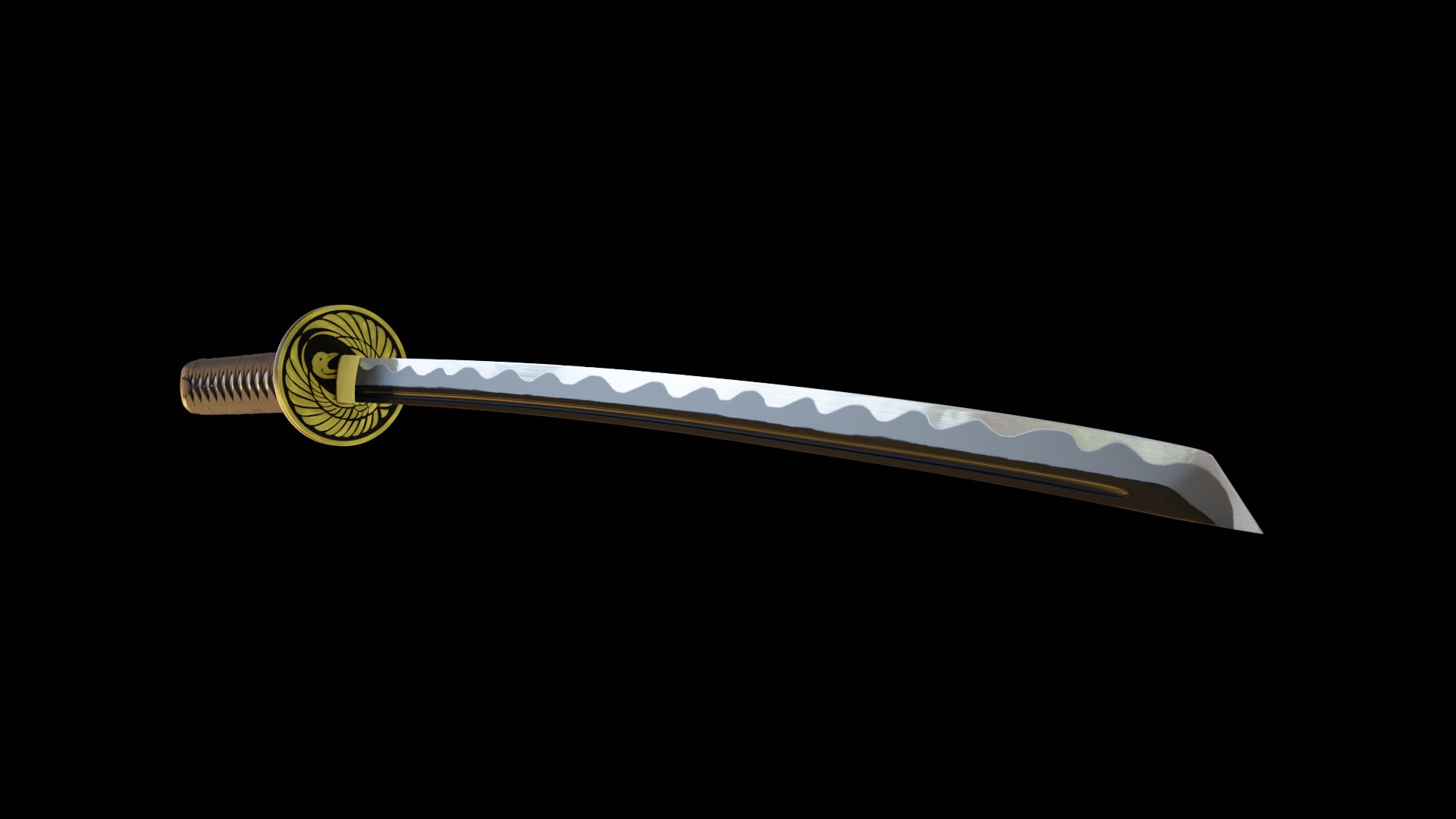
If you look on my EEvee render, there is a weird part of the blade that seems super low res. I think it’s where the guard reflects on the blade. Do you Know how to fix this? The Cylces one looks much better in that regard…
Eevee
Cycles
 August 17, 2019 at 2:46 pm #48532
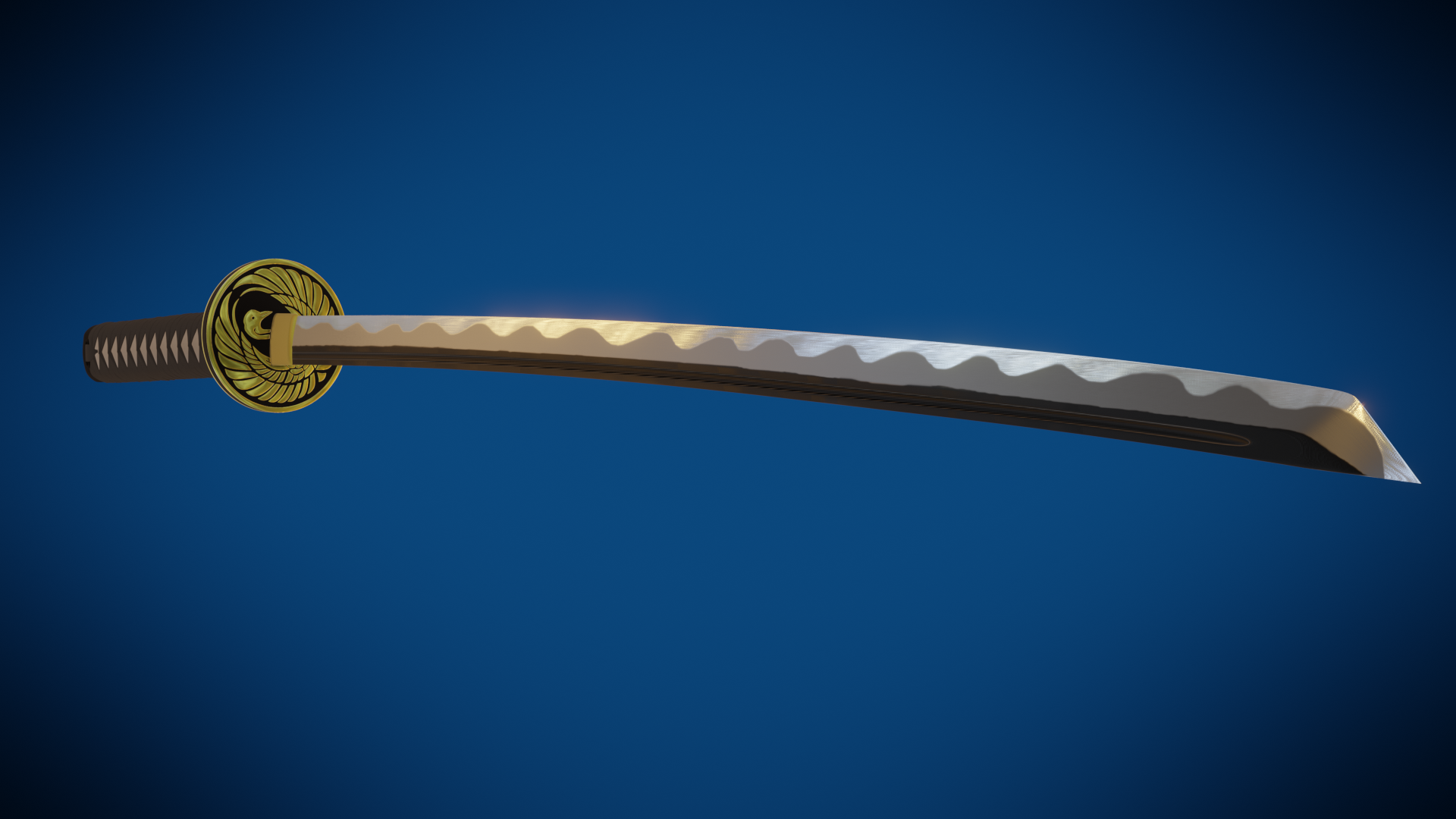
Homework week 3 submission
Unfortunately, I can’t give it more time, I need to be done with it. I found in the Eevee settings what was troubling me, but I’m sorry I couldn’t put more time in the overall process.
Thank you @theluthier for the course, it was great!
Thanks to all VA’s and cookies for help, advices, tips and cheers!
-
AuthorPosts


- The topic ‘BC1-1908 Homework, Thibault Caradec’ is closed to new replies.