
Charlie Fisher

Forum Replies Created
-
AuthorPosts
-
Thanks guys, means a lot that you all showed interest…
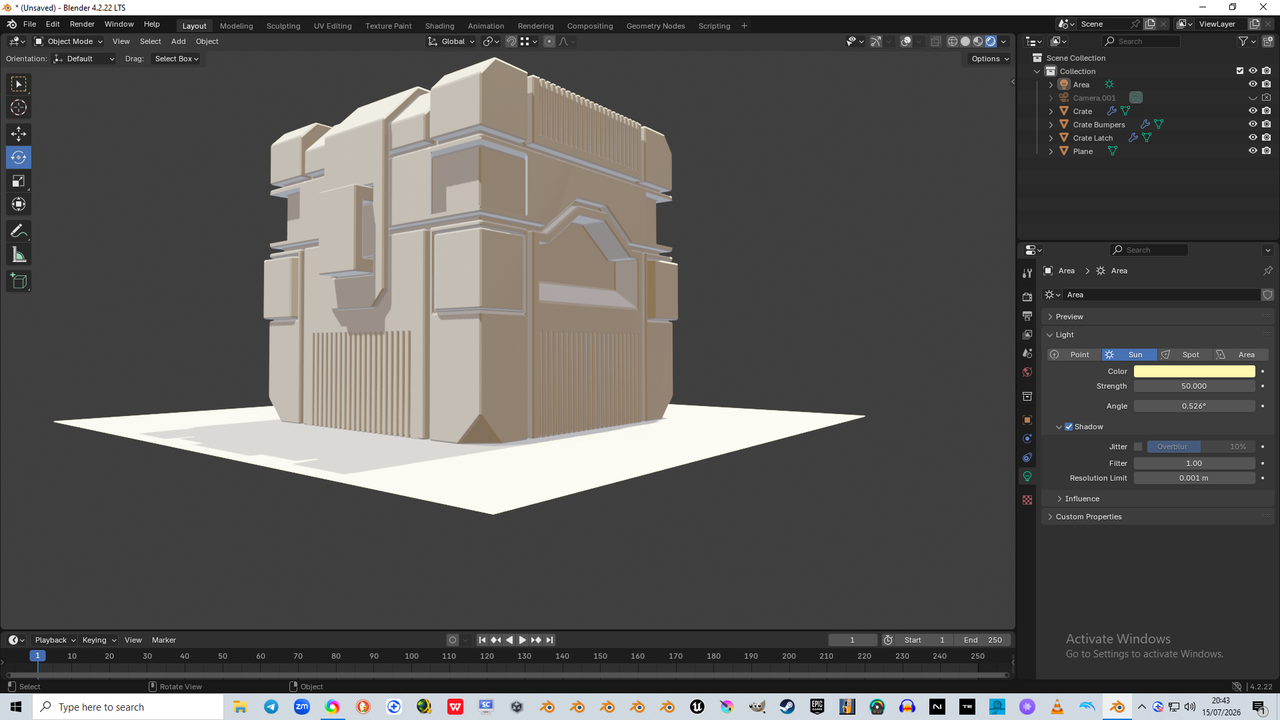
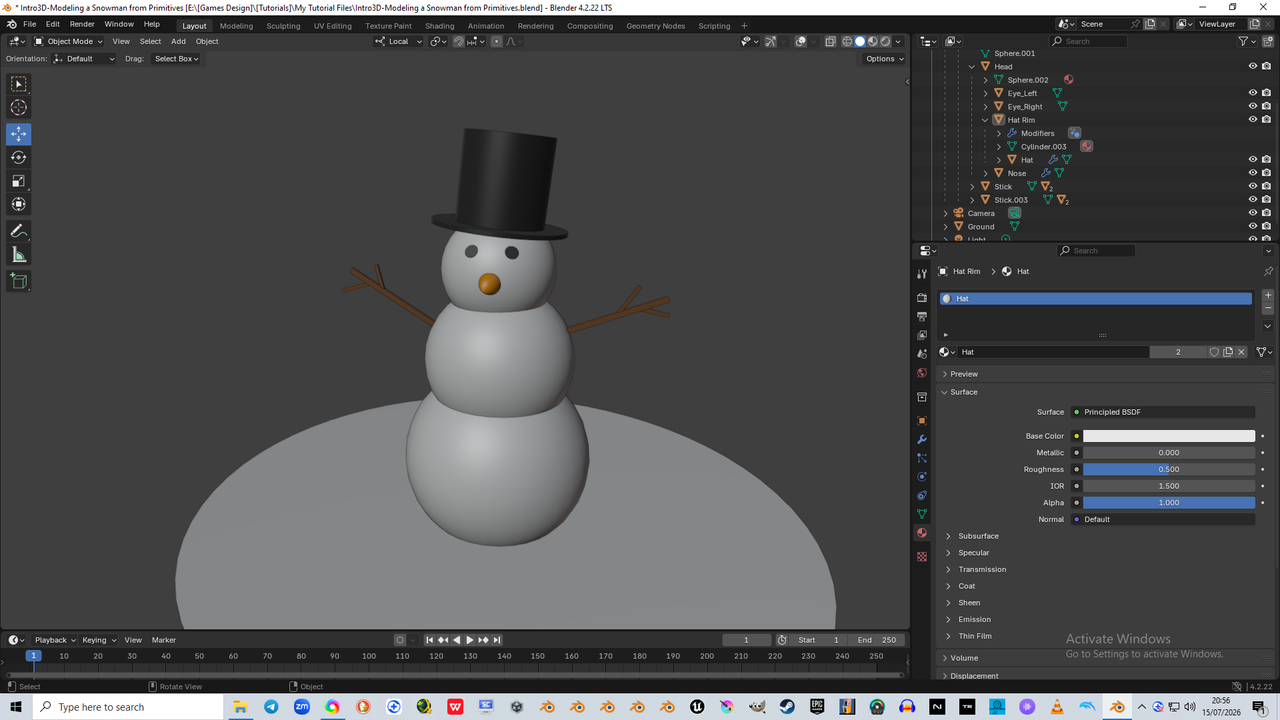
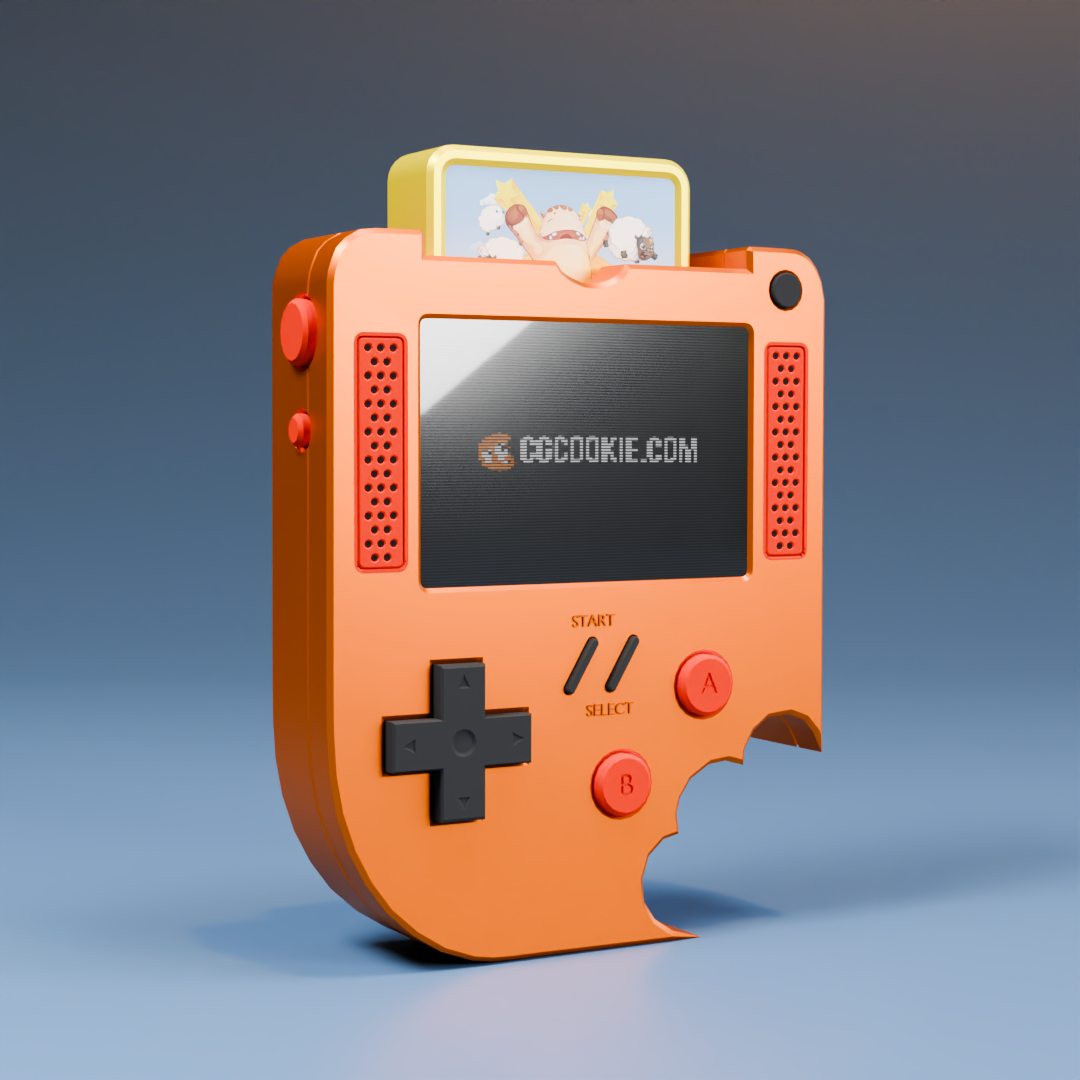
I kind of messed up a little throughout this one, but managed to find my way to fixing the few issues i had, well all barring 2, both because i didnt remember to increase my undo levels to 100, as sometimes i try things out, get a bit lost in it, then cannot undo, and didnt make an extra save as i could have (my ADHD i suppose lol), but overall, i am very happy with what i accomplished here, so thank you Martin 🙂
Wayne has found the hidden mini-game, yay! But sadly i forgot to charge the bloody thing, so as soon as you entered the code, it died… sorry about that, i will design a charger cable for it asap
BTW Wayne, i am extremely excited to come and learn all i can from you about animation and rigging, your approach, thoroughness, and obvious mastery in what you teach tells me, i have found the guy that can help me get where i need to be, and for that i am so so looking forward to getting to your courses
Hahaha Omar, thats not far off Brother… i am loving finally getting to a place where i can put all the time i want into learning everything i can about games design, modeling and all the rest, that i am very much like a kid in a sweet shop… and after all that hardwork these tutors put into making these courses and responding to the students here every day, it certainly doesnt hurt to show appreciation back
I see a lot of talented tutors here and the courses show it too, some of whom i remember from earlier self-taught learning stints many years back when i was watching youtube video tutorials, and now i see just how much further many have come too, and they are all still smiling and as passionate as ever… such inspiration and consistency is rare, and well, i’d much rather learn from them than anyone else for sure
 July 10, 2026 at 3:57 pm in reply to: Some changes to Blender versions have prevented me using certain shading items, such as Specular IOR #100768
Thanks for adding that Dwayne, yeah i getcha brother, i am in both camps at the moment, i use my eye and make it aesthetically pleasing to myself for sure, but i like to be able to emulate everything that i am being shown by my tutors, and then go ahead and make my changes from that baseline – i dont wanna miss anything, i am skilling up and wanna retain and replicate to boost my learning
The only reason i came to Blender was because of how amazing these guys all are, making and keeping Blender open source… i have always loved and understood the power of open source, and for me it showed a serious passion, was a bold move against competition like 3D Studio Max, Lightwave, Maya and SoftImage, but also open sourcekeeps everyone honest and those that know how can and do produce so much for the whole community and the blender software, that it shows a lot there too
When that much is put into it, thats why its free to download Blender, we all own it, we all contribute in one way or another, and that made this such a unique and needed alternative to what then was £1000s for the best software, and now look where the greedy so and so’s took their business model… straight to monthly subscription, optional extras, [pay every month and never own the software (i know currently you can get the software for a one off price still, but i bet they plan on removing that IF their figures show they have captured the majority for long enough on the subscription option)
Corporatism destroys everything, so i am glad i have something worthwhile, within my financial range and a trustworthy, lively and active friendly community and tutors to rely upon for my necessary educational requirements & creative dreams, plans and ambitions
July 10, 2026 at 2:03 pm in reply to: Some changes to Blender versions have prevented me using certain shading items, such as Specular IOR #100766The changes to UV editing are another matter though, i am going to go back to my save file on the end of the previous lesson and start the UV Editing lesson in Blender 4.2, but i am still concerned that i do not know how to remove the UV Mapping boxes, i looked everywhere and found nothing that deletes them, only a recommendation to move them off to the side, as if thats any kind of suitable way to delete them so i can try another UV unwrapping tool/option
…and i do not wanna seem like i am unhappy with the course, because this has been put together so well and still stands up great, it has helped me refresh and pick up greater understanding of what i am doing in Blender, i am loving this Learning Community, it is perfect for me
July 10, 2026 at 1:56 pm in reply to: Some changes to Blender versions have prevented me using certain shading items, such as Specular IOR #100765Thanks for replying Sascha, and yeah, i have seen that myself pretty much consistently, new additions, and normally as you say its a UI update of things
I’m sure i will get there once i am more up-to-date, and thanks for that yeah, i forgot about the video releases they put out, thats perfect if it walks us through all the changes, exactly what i was looking for
My fault for using an updated version despite being told not to tbf, but i am so eager to get these courses completed that any setback is annoying to me lol, i best chill out a bit if my ADHD lets me and stop annoying the tutors
July 10, 2026 at 9:29 am in reply to: Some changes to Blender versions have prevented me using certain shading items, such as Specular IOR #100763Hi Grady, they were there on his material panel, and yes he used both Specular IOR and Subsurface IOR when assigning materials, i wanted to replicate his exact settings so i had that baseline, then i could adjust for personal preference, but couldnt find the matching fields in 4.5, i did know there were some changes that put most into the Principle BDSF Node, but they aint all there and they arent all the same even if the text says something similar or even the same, it is a little confusing
July 10, 2026 at 9:21 am in reply to: Some changes to Blender versions have prevented me using certain shading items, such as Specular IOR #100762It was just those certain couple (subsurface IOR & specular IOR) that i couldnt find an exact or same named version on the nodes, such as the IOR, and yes, i should have really used the same version of blender, but i am fedup of having to switch over versions every time i do a different tutorial, its one part of all this i dislike and is a headache at best
If i have a project that means i have to use many different versions of blender just because i learnt that way, then it is gonna be a huge issue with compatibility and having to know what to change, where to change it, etc
My other new issue is that i cannot reset the UV Editing unwrap i did, this was because, again, i used 4.5.1.1 and instead of having as your screen showed, UV Unwrap, the UV Unwrap i clicked was instead a container for a variety of unwraps… not an issue in itself, but after playing around with it and finding it put lots of boxes in, instead of the one i needed for the selected screen face, i now find there is not a tool option to delete these boxes off, so i can start it again, and it is frustrating because i just wanna finish it
the other big issue with all this in general is, i do not wish to miss out on quality tutorials because of version differences, and also even if i use the same version of blender, that teaches me nothing about how it works when changed in another version… seems like an uphill struggle for those of us inexperienced, and at the very least a lot of reading manuals and looking up changes tht detracts from the creativity and adds a lot more learning UI and additions
Are there any comprehensive blender version change guides put out, or is that somehting we have to do ourselves?
July 8, 2026 at 12:35 pm in reply to: Issue with switching to edit mode whilst following the “Modeling the Sides” lesson… #100749Silly thing is, i tried to unhide the hidden geometry in both modes before i asked the question, or at least thought i had, but i went back in and tried it again in edit mode and it did indeed unhide all that was missing… phew, i am glad it was that simple lol, i thought i’d broke the software then lmao
July 8, 2026 at 11:50 am in reply to: Issue with switching to edit mode whilst following the “Modeling the Sides” lesson… #100747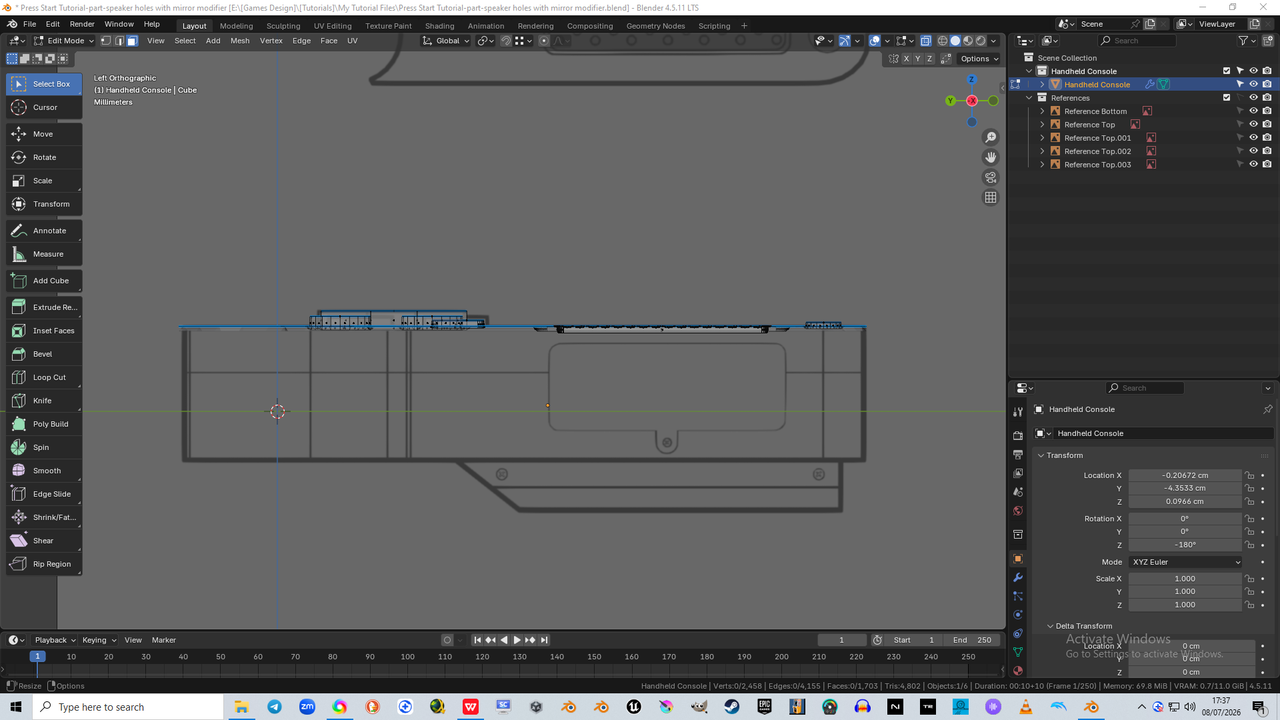 July 8, 2026 at 11:48 am in reply to: Issue with switching to edit mode whilst following the “Modeling the Sides” lesson… #100746
 July 3, 2026 at 9:38 pm in reply to: Knife not working as expected on the cartridge cut, then move face #100708
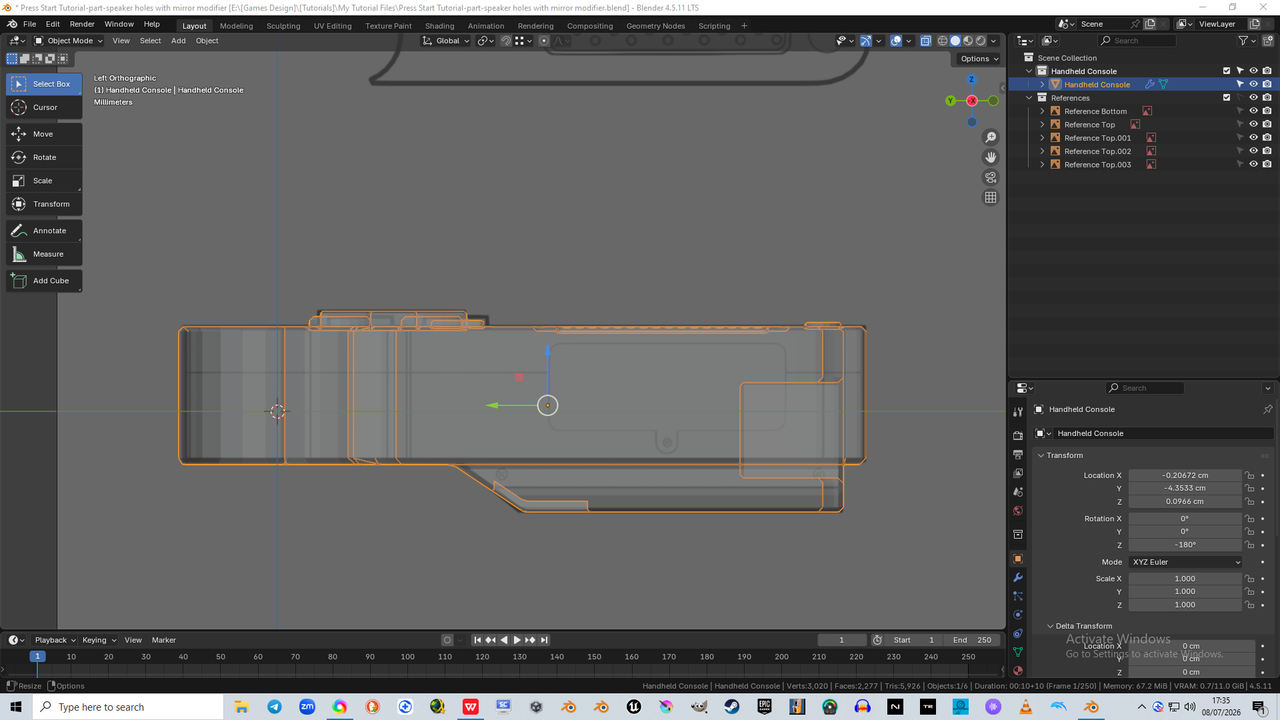
Yeah i kind of forgot to pay attention at that point, i was so into it lol
I found later that it was an earlier cut that caused it, it was not a straight cut, so had a pixel or two still attached that caused twisting to occur, and i was a bit miffed for a second or twenty, as i thought “oh dear, ive screwed this up now”, “not sure i have enough undo’s to get back to where i made the mistake”, but i took cue from you guys and 3D Tudor too, (i am doing a course i purchased from him also “Stylised Environments with Blender Geometry Nodes”) as you all look at the problem and try to find as optimal a solution as possible, albeit with much more experience than i have, but still, im happy that i tried, and i thought about what could work as a solution that wouldnt cause more issues, and thats what i landed upon
Glad to hear i was on the right track, and now i have also remembered that the more undo levels you have, isnt always better, but it helps in a pinch, even if it means redoing a lot of intricate work, although thankfully the Press-Start tutorial does not, but is a great little tutorial none-the-less
Thanks for responding and sorry for my delay getting back to you, i have been so engrossed in a course for a few days now that i forgot to look up to see there were message alerts lol, i shall pay more attention to the screen cast and the last operation dialog box too in future, completely forgot about those in the moment tbh
June 30, 2026 at 8:27 am in reply to: Knife not working as expected on the cartridge cut, then move face #100706Had a think about it and decided to use extract to fix it instead
-
AuthorPosts
