
Eric Szabo

Forum Replies Created
-
AuthorPosts
-
Thanks for the feed back. Also, I have never clicked on a model from so many angles, so many times.
Tried all of these suggestions. Furious clicking the front orthographic view will sometimes catch the 2 problem bones (head & neck). Of course, in practice that meant selecting then immediately deselecting the target bone. Same view, alt-Lc worked, but with inconsistent results. Again, it’s an oddly specific and new issue to me.
Ultimately, searching in the Outliner was reliable, if inefficient. After a single key was set, the bone was selectable in the graph editor for additional edits. That said, Wayne’s screen named the bone he was working on. Without the bone’s names on screen, that wouldn’t have been a workable solution.
On the plus side, the course was repeatedly playing on a second screen while working through the issue. At this point, I’ve heard the dialogue so many times I can recite long stretches from memory.
Good course. Completed 1.5 times (the first pass was trashed, trying a reloaded file as a solution). Mr. Dixon wants reps, so I’ll redo it again tomorrow.
Tom, Thanks. I checked that. Then rechecked it, expanding the entire nested stack. All are selectable.
I discovered the bones are selectable from the outliner, but the same bone is not selectable in the viewport. I have not encountered this issue before. Manually working through deep stacks like this is very inefficient. Other ideas?
Bien! Gracias.
Bien! Gracias.
Manually marking “Conclusion: What to take next” as complete.
That did it. 100% Woot!
I’ve ignored the ‘mark as complete’ button. Clicking it felt dirty.
You know, reverting back to not caring about points seems appealing atm.
I think this was unintentionally misleading. Let me clarify: The images above was to show that all the lessons are green check marked complete. That “Chapter 1 “Important Topology Tools pt. 2″ is highlighted was incidental contact when I snapped the pic. When I wrote ” ‘Continuing course’ bounced me to back to this page,” I meant this page: ‘Conclusion and what to take next…” Taken together, it’s easy to see how this was misleading, a red herring, if you will. Sorry for that confusion.
Adrain, obviously I’ve been on this page since we are here chatting. My 5/5 review is posted, feedback was sent. Let’s try lingering ‘mark as complete.’
I appreciate the follow ups
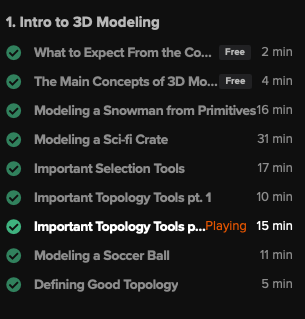
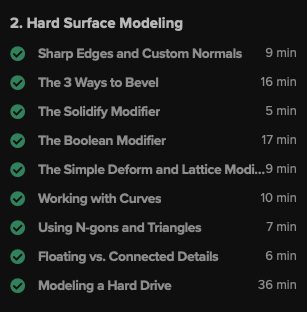
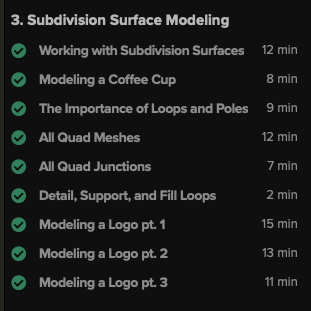
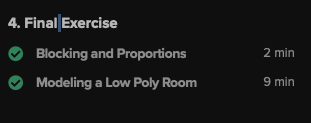
All green check mark’s here. Every quiz that has come across my screen has been completed. ‘Continuing course’ bounced me to back to this page. The assignment was submitted on the 1st, and graded as a ‘pass’ on Monday. Completed a course review, and submitted feedback.
Perhaps there is a blood sacrifice required of me?
Adrian, you indicate there is a specific quiz that you can see I have not completed. Where it can be found would be instructive.
Cool stuff here!
Put on some music and ‘sketch.’ This is a new thing for me. No pressure. Details be damned.
ex: for the next 20 minutes, lets see how many interesting buildings I can make.
keep moving. keep it loose. play!!!
Nice lighting. Clean models!
Which level of reality is real!?!?!?!?!
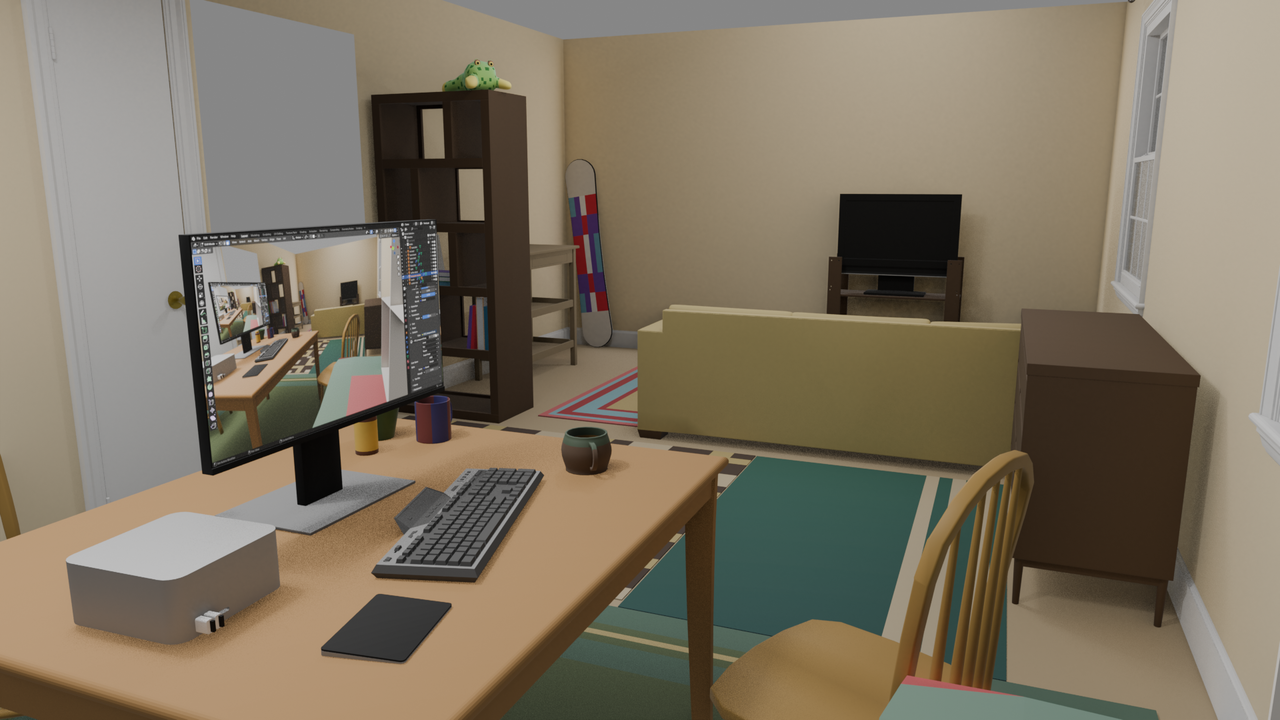
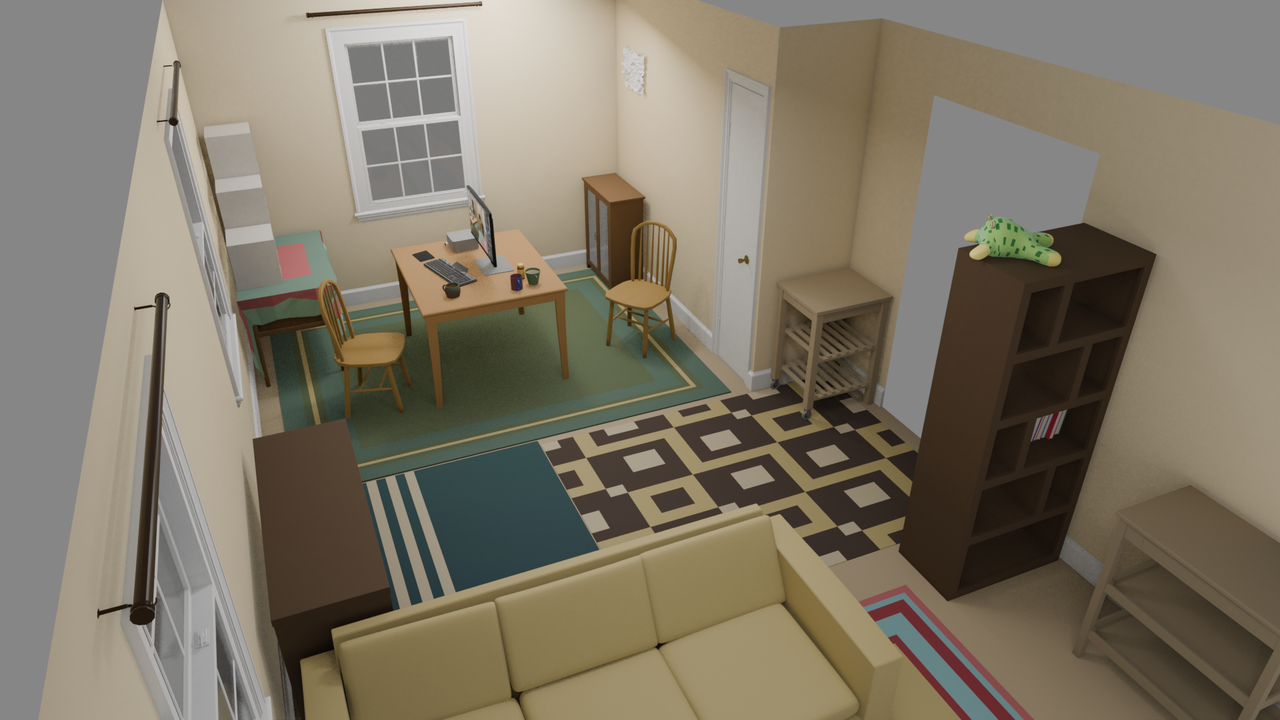
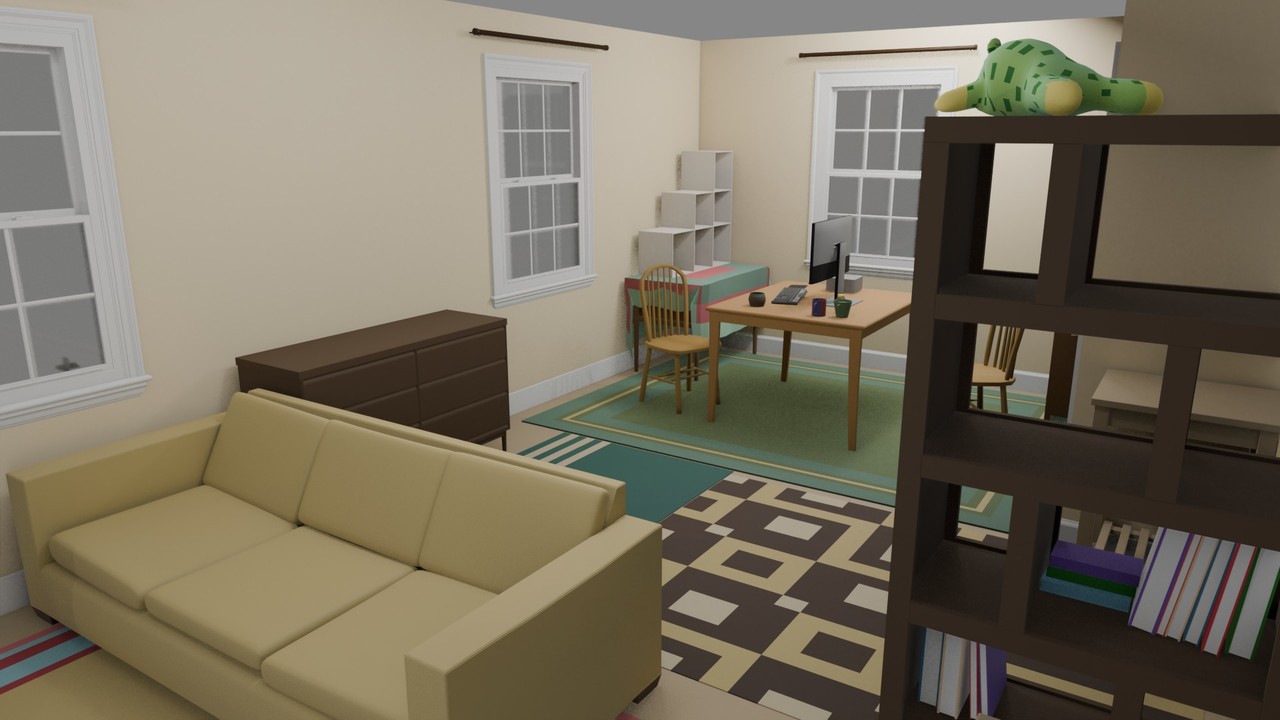
Wrapping up Core: 3D Fundamentals. I used this room as a bit of a skill check: no external resources, hints, videos, etc were used. (except a tape measure). Either I could make it, or I couldn’t. The goal was to keep a good pace. Material’s were not a priority. Instead, just give the objects a little life. That said, the computer monitor’s screen was a lot of fun. 🙂
nice mod with the hexagonal hatch!
-
AuthorPosts
