Roger Corbett

Forum Replies Created
-
AuthorPosts
-
I found the Dice Generator addon that ships with Blender. Bit disappointed really, as knowing me, I will never learn how to properly make a dodecahedron myself, now that I can do it with a click. Still it’s going to save me a ton of time. I’m hoping the eyedroppers will enable me to easily attach objects to the faces. Time will tell…
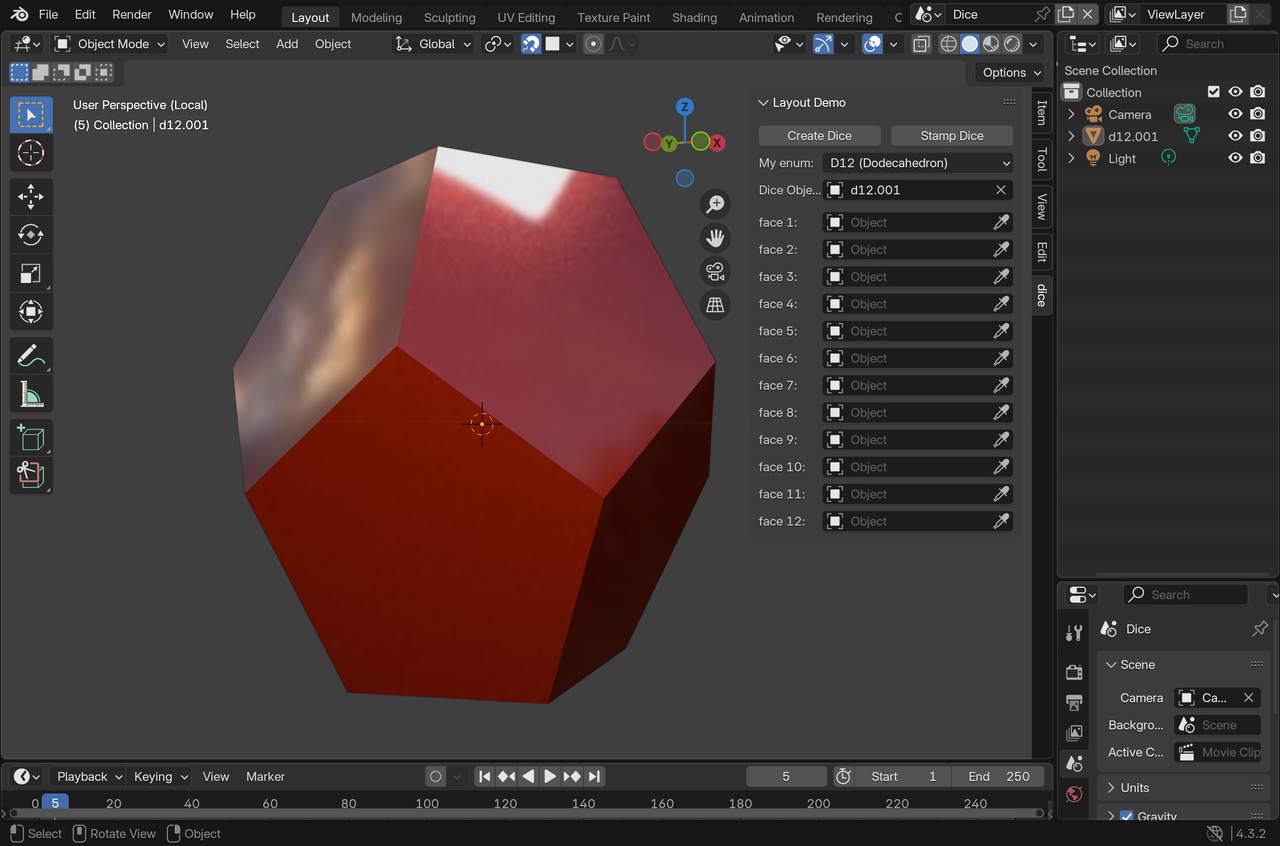
Thanks guys, I’ll check out the addon and see what I can do. Here’s the file. Thanks again!
https://www.icloud.com/iclouddrive/0b1yipAlH_lnglWReFu4-eFkA#polyhedral%5Fcookie
Nearly scratched my head down to the bone but I got there in the end. A few different issues but basically I had different bools Displaying As Bounds, Wire and Solid. Add in what was hidden and what was not and there you are, a bit of a tangle. Still here it is at last!
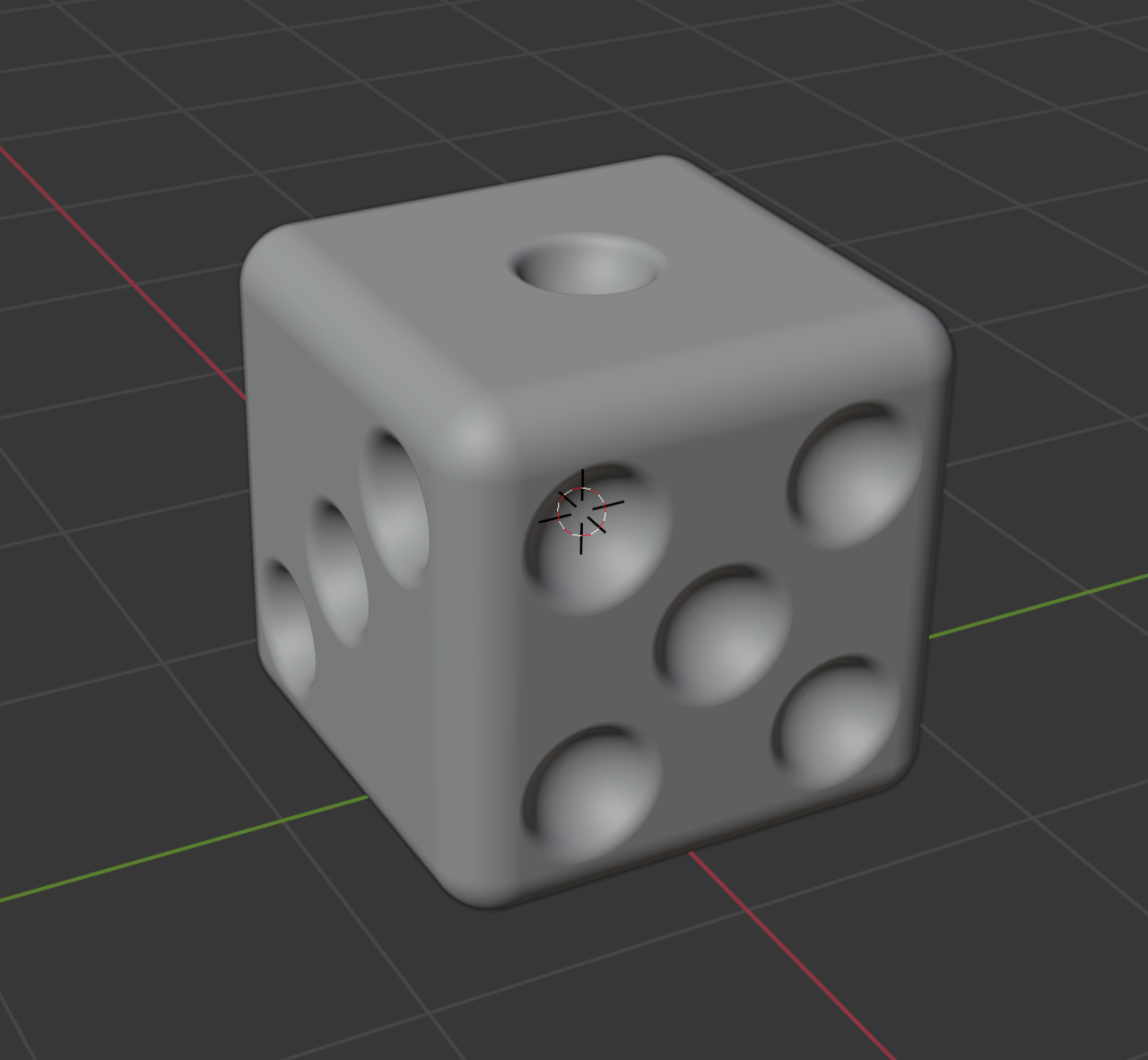
This is as close as I can get for the bool to work and leave a dimple. Any further
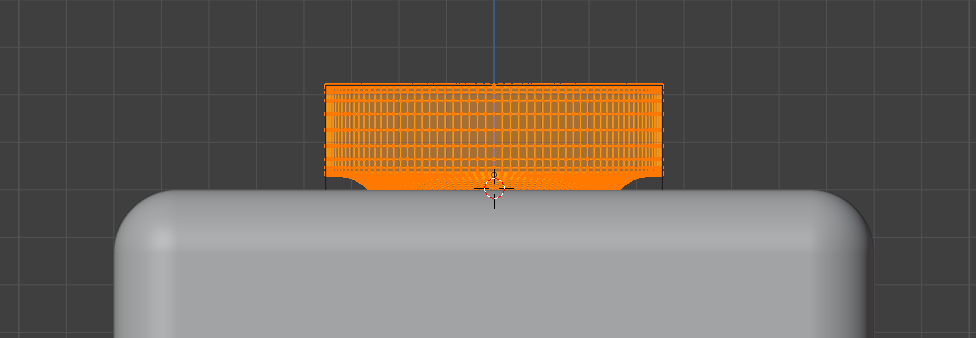 into the cube won’t cut it (pun intended). Unfortunately, at that distance it leaves a sharp edge. Using other objects, cubes and spheres, for cutters on the cube works, so it must be the dimple cutter. I’ve tried it with and without the bevel modifier applied.
 Thanks guys. I’ve tried everything but no joy. I even started again from scratch. Then tried again from scratch on my work computer. Perhaps I have a setting wrong or something. Could it be the version? I have 4.3 at home and 4.4 at work. I’ll keep plugging away at it from all angles and see.
Frustrating time trying to get this Boole to work. Eventually gave up, made a few cuts and extruded in. A better solution I think. Thanks guys!
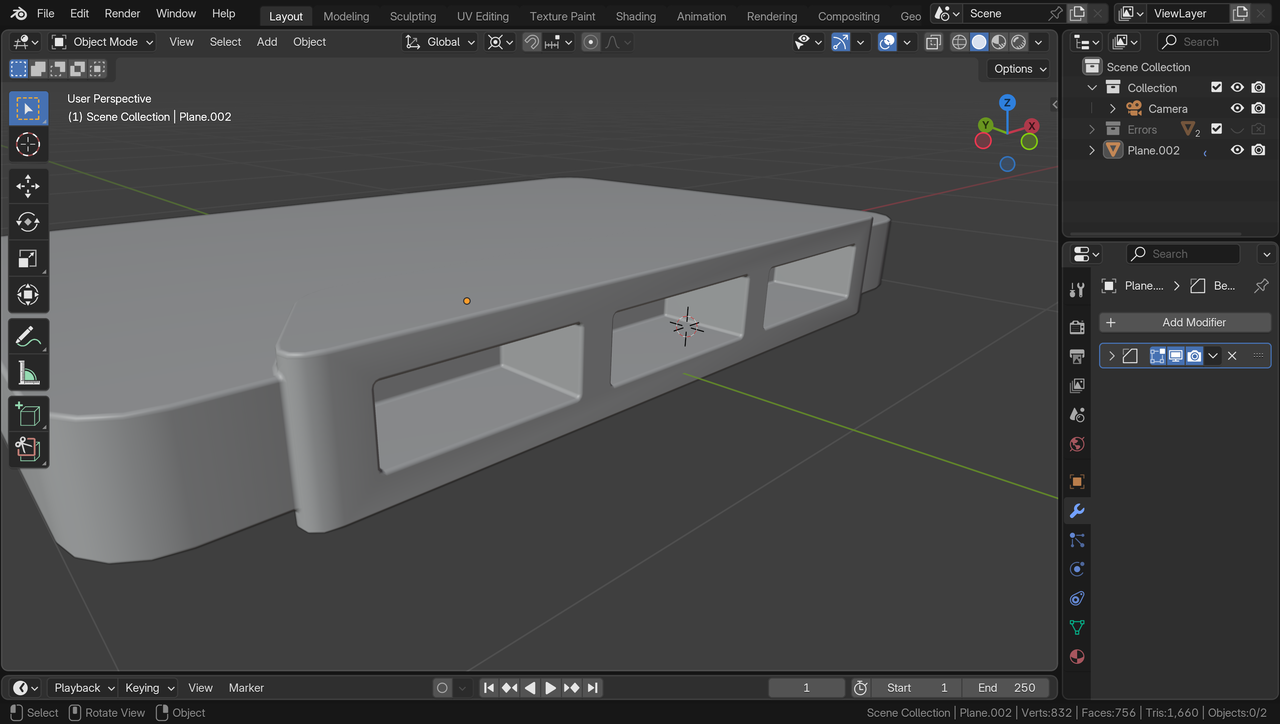
I thought up a hack which works, but I don’t like it. I duplicated the head then attached the second eye as previously, then hid the head in the Viewport and Render. Yuk, but hey…
OK, I did it with the assistance of this video tutorial and in short, this is how.
Three objects, in this instance – the Eye, a Lattice and the Head.
- Subdivide and Smooth the Eye and the Head
- Parent the Eye to a Lattice – Object (Keep Transform). Make it just big enough to encompass the Eye. Give it resolution U 10, V 1 , W 10. The Eye should be sitting on the V.
- Add a Lattice Modifier to the Eye and select the Lattice as the Object.
- Add a Shrinkwrap Modifier to the Lattice and select the Head as the Object – Wrap Method – Project, Snap Mode – On Surface, Axis – Y, Check both Negative and Positive.
- Set Transform Pivot Point to 3D Cursor
- Select the Head and move Cursor to Selected
- Move the Eye around the Head with RR
But now I have a related issue. When I add a second eye in exactly the same fashion, it is skewed! I’ll keep at ti 🙂
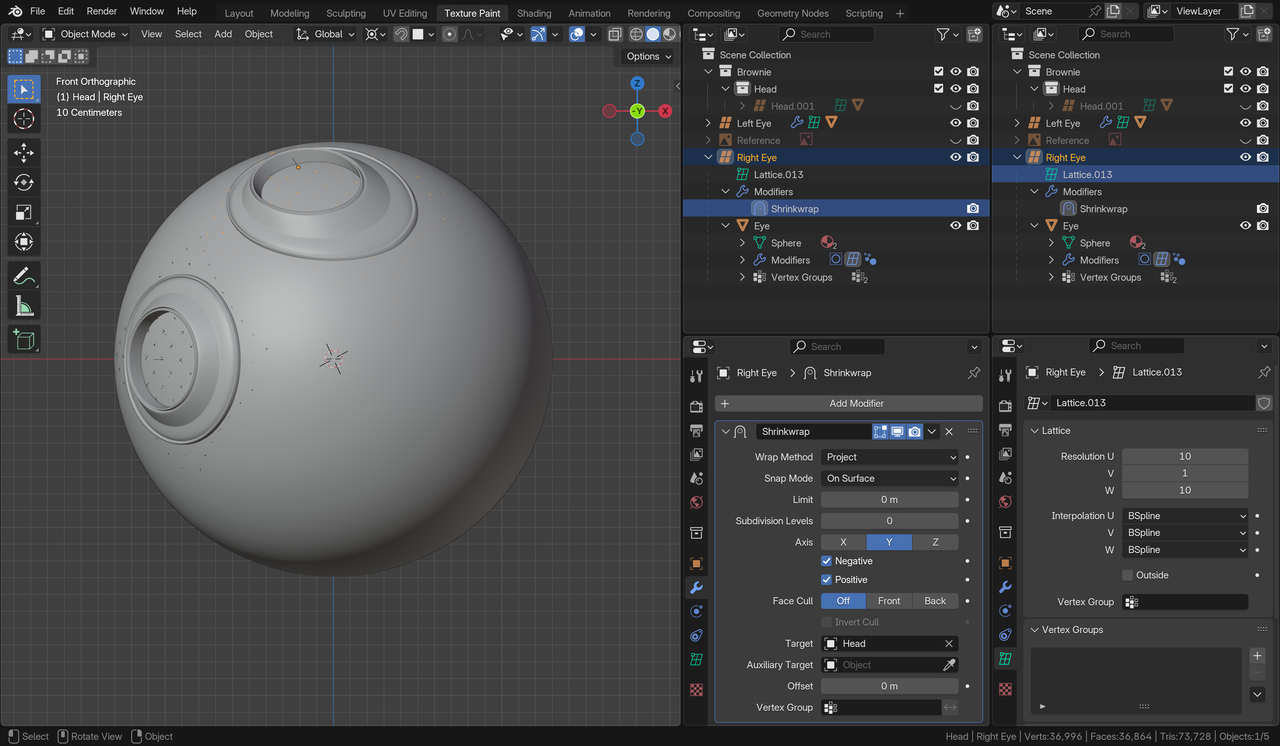
Thanks all!
just to let you know. I’m not ignoring your advice and questions. Something has cropped up and I’ll be unable to concentrate on this for a few days. Many thanks.
Thanks guys, Perfect!
Thanks guys. It took me a while to work out that the back of an object can also be the front.
BTW I get that position in the Y is not the issue. I have the images positioned like that so I can get my head around it.
Sorry for taking so long to respond. I wrote a response to this a couple of days ago but obviously neglected to Add Answer. Turns out, I worked out after grabbing it, I had mirrored it in both the X and Y. There are several words that spring to mind, the most polite being Rookie 😀 Thanks guys.
Thanks Martin and Omar. It seems that both options have their place. I’ve just had a quick noodle around with the image in front option and I think it’s going to make a huge difference to me. I’ll be able to give it a proper try out at my next blender session.
Thanks Sascha. That wasn’t it unfortunately. I faffed around a bit more before giving up on it. Luckily enough, since a recent accidental deletion of a whole project, I’ve taken to doing a lot of incremental saves, so I haven’t wasted too much time.
-
AuthorPosts