
Troubles with painting across certain islands in 3d viewport
Forum Archive › Troubles with painting across certain islands in 3d viewport
- This topic has 22 replies, 5 voices, and was last updated 2 years, 3 months ago by
Dwayne Savage.
-
AuthorPosts
-
May 24, 2024 at 8:48 pm #18048
Bit of a ramble, but I’ll try summarise it as best as poss!
I might have hit something on the keyboard by mistake, or changed a setting without realising? Or maybe I need to take a walk and come back with fresh eyes 😵
I can’t seem to paint across seems/islands in the armpit in the 3d viewport. Or moreover, I can’t paint on certain islands at all in the 3d viewport. I’ve not got paint mask enabled (turning it on and selecting the faces doesn’t do it either). The paint just stops at the seam. I’ve tried adjusting the normal falloff angle. I can, however, paint in the image editor directly onto the UV maps but that’s only a half fix to this hiccup and doesn’t give a clean transition across islands.
It’s all the same material and normals are the right way around too.
It’s probably a fast fix and I have forgotten something easy. But pls halp!
I’m working across two monitors so i’m uploading screengrabs of both
May 25, 2024 at 1:35 am #86386Hi Harris, I think that might be the Normal Falloff (just disable it).
As far as I know there is no longer a setting that disables projection Painting in modern Blender.
May 25, 2024 at 2:35 am #86387Hmm that didn’t seem to do it. This issue has only occured in this body object, all the others have been fine.
Sidenote, I’ve got a peculiar cutout showing up in both the 3d viewport and the image editor. This doesn’t happen when I paint onto the UV maps in the image editor, only when I do in the 3d viewport. Any clues on this? I have a feeling this situation might have been mentioned in one of the videos so I’ll go back and have a look
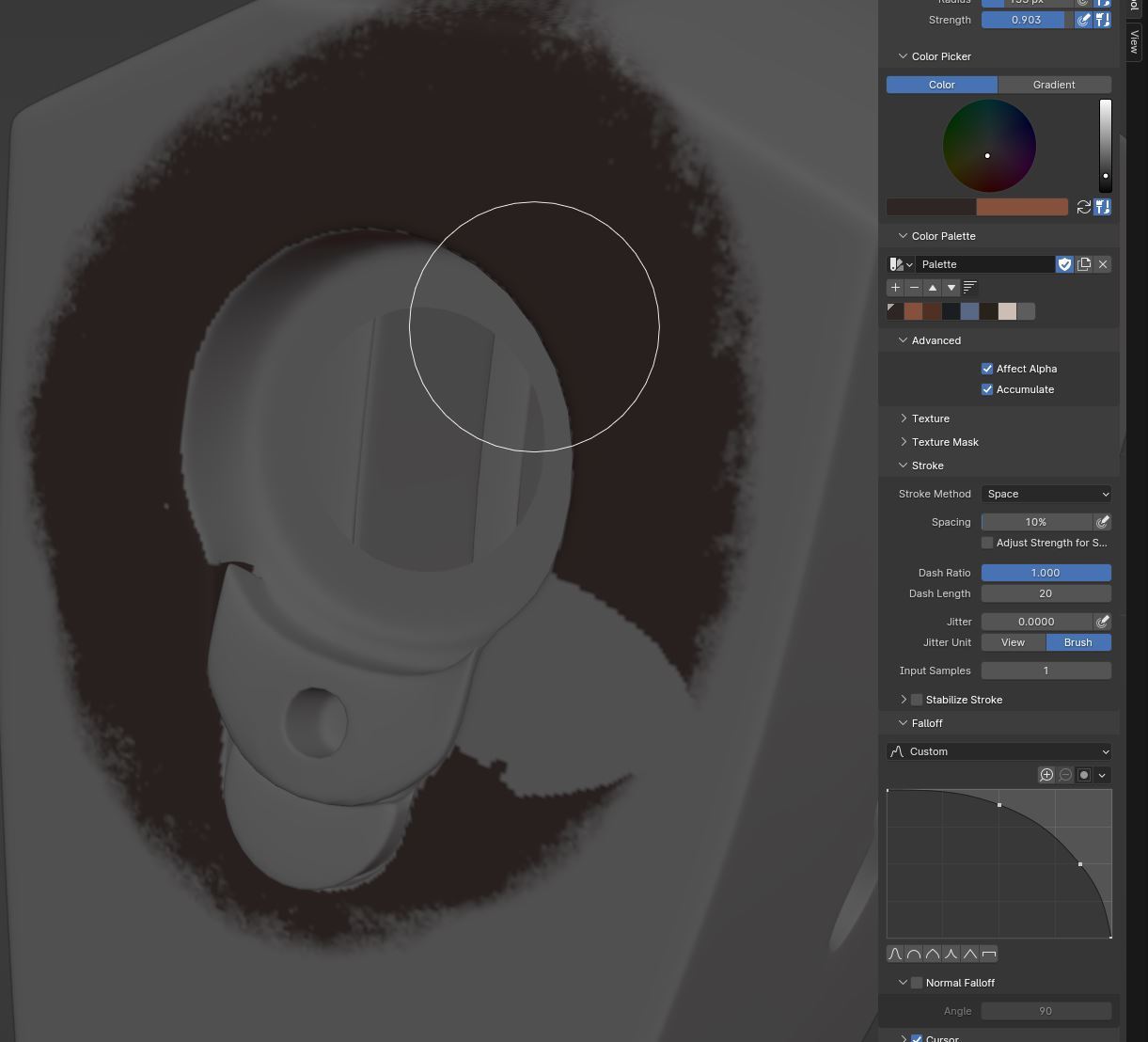
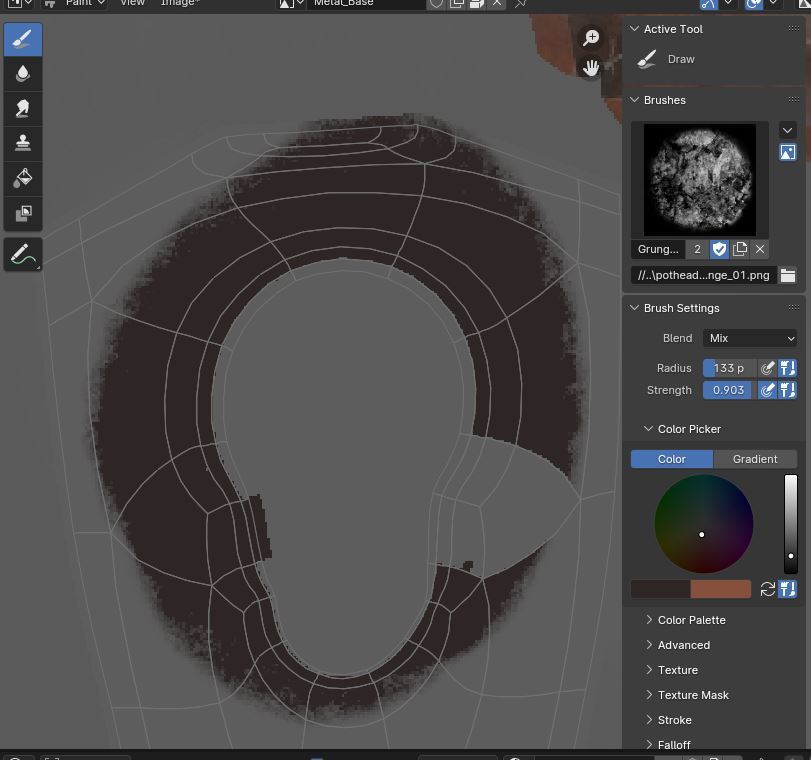 May 25, 2024 at 3:02 am #86388
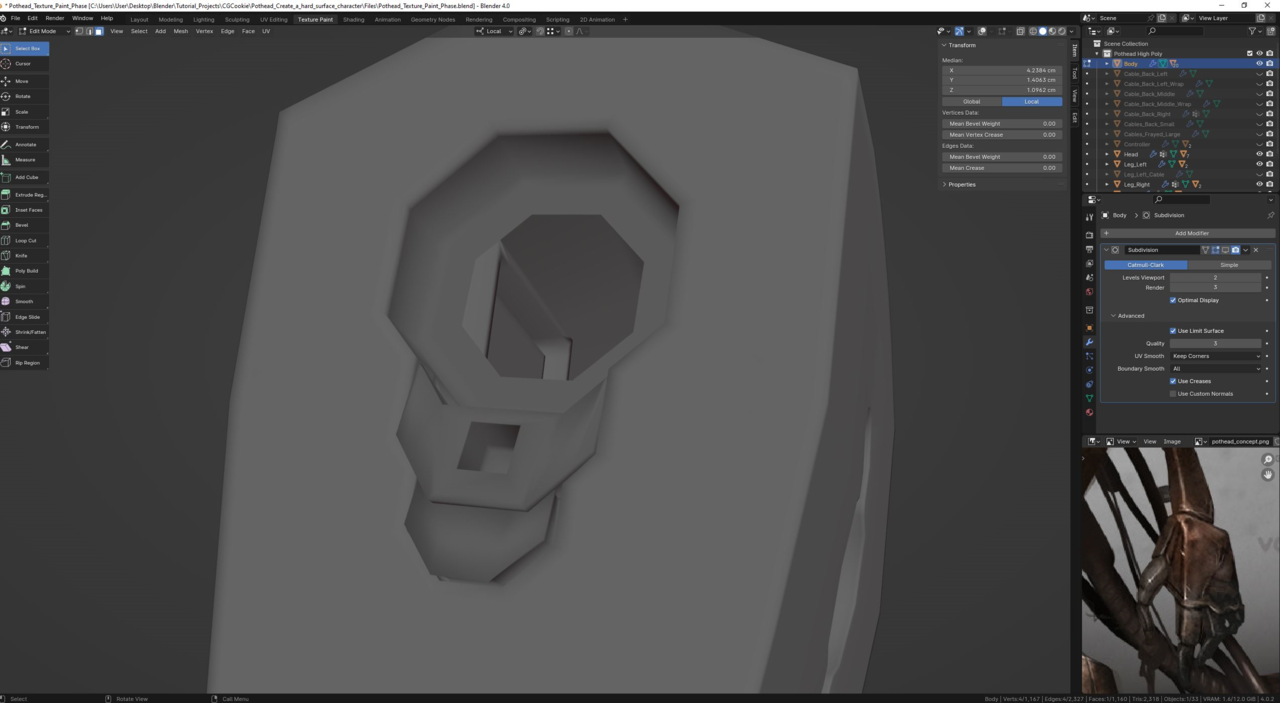
I switched off the subdiv mod and noticed that the offended faces look like their normals are backwards. But the shading is much different to that of the rest of the body.
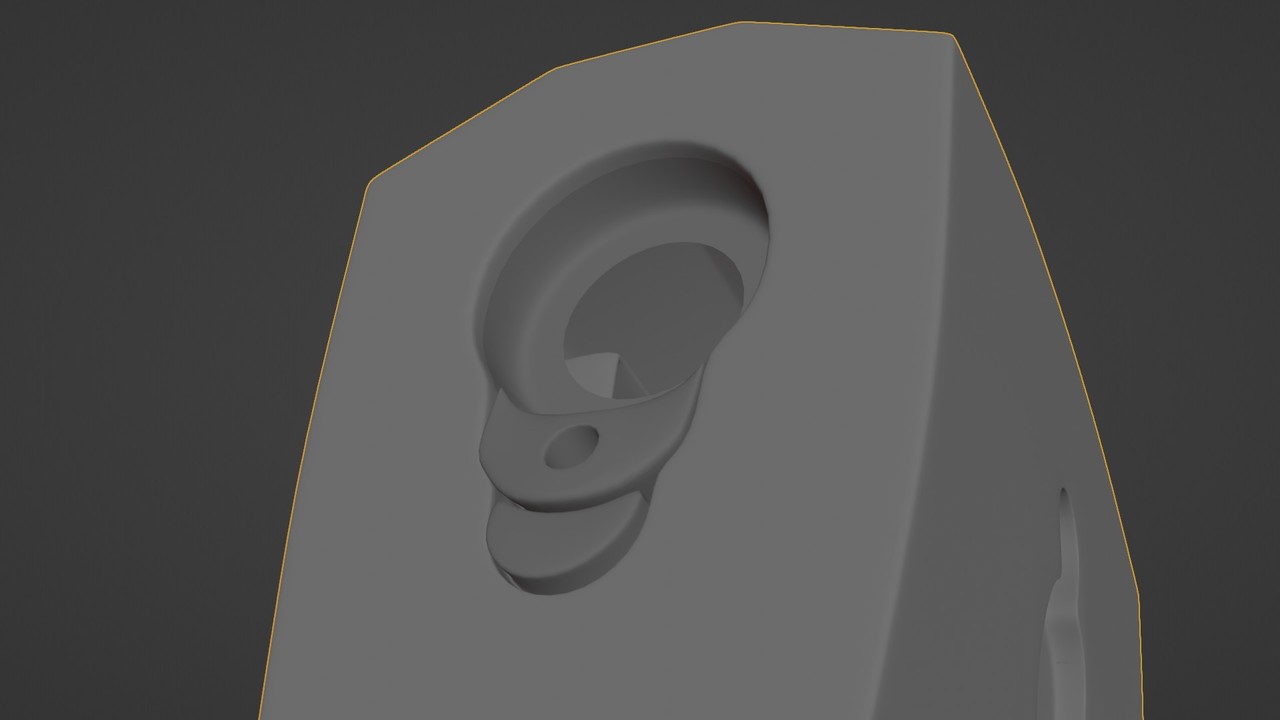
Here’s how it looks with the subdiv on. I’m wondering if there is something happening elsewhere judging by that edge loop that runs around in the inside of the armpit that causes differing shading on either side?
 May 25, 2024 at 3:14 am #86389
Have you recalculated the normals?
In edit mode select everything with A, then press SHIFT+N.May 25, 2024 at 3:19 am #86390Yeah the normals are all fine
May 25, 2024 at 3:29 am #86391Try turning off GPU Subdivision in your Preferences > Viewport > Subdivision
That is known to sometimes have buggy effects on Texture Painting (among other problems).
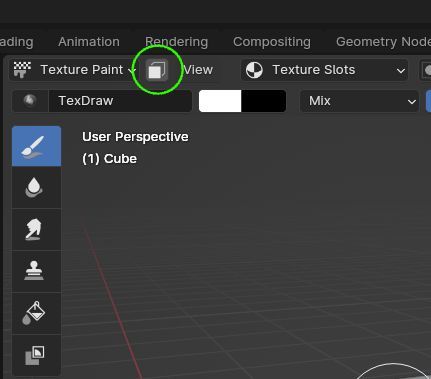
May 25, 2024 at 3:33 am #86392And you don’t have the paint mask option enabled or any other mask?
 May 25, 2024 at 3:36 am #86393
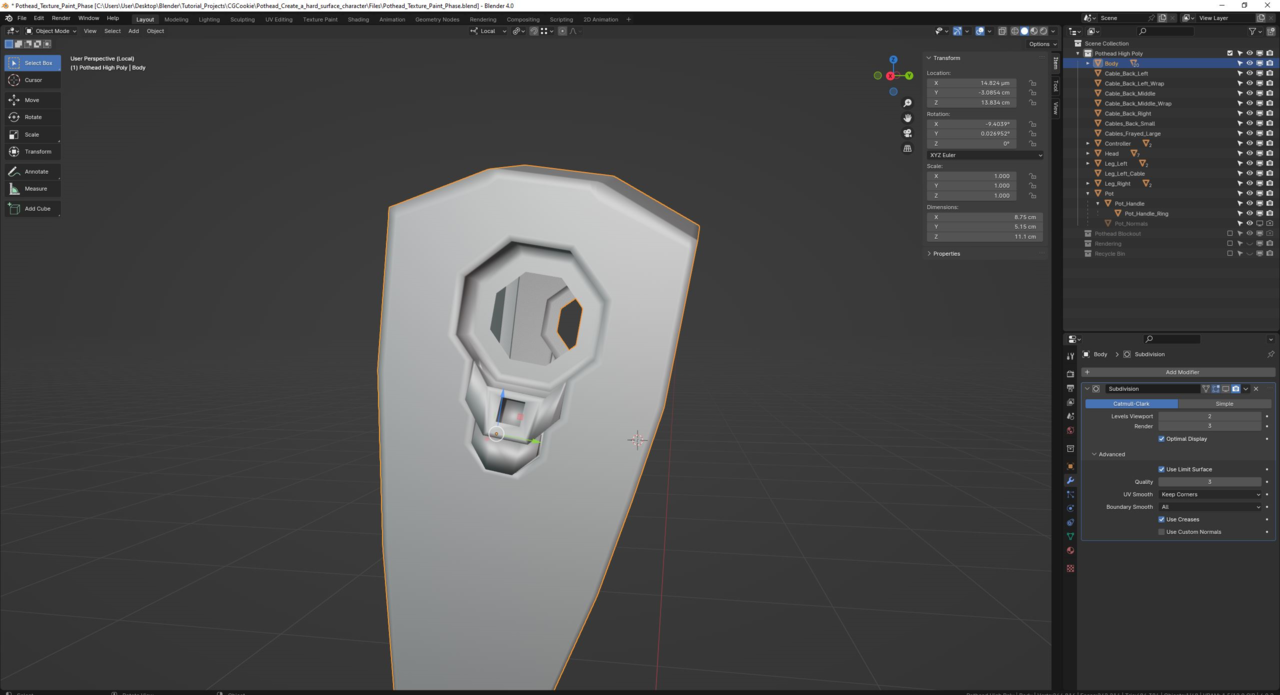
Unfortunately that doesn’t fix it either! If it helps I switched to layout mode and it looks pretty rough there with subdiv off here in this screengrab
 May 25, 2024 at 3:38 am #86394
@ Adrian I don’t have the paint mask on. And as far as I’m aware I haven’t got any other masks on. I tried turning it on and selecting the bad faces, and it seems I can’t paint on them at all in the 3d viewport regardless
May 25, 2024 at 4:10 am #86395I’m trying all sorts of things at this point. But here’s an odd one. I hid all of the islands that were behaving fine. So I’ve only got the bad ones visible. Strangely enough I can paint on this one face while in the 3d viewport. The rest of the faces within each of the island are misbehaving.
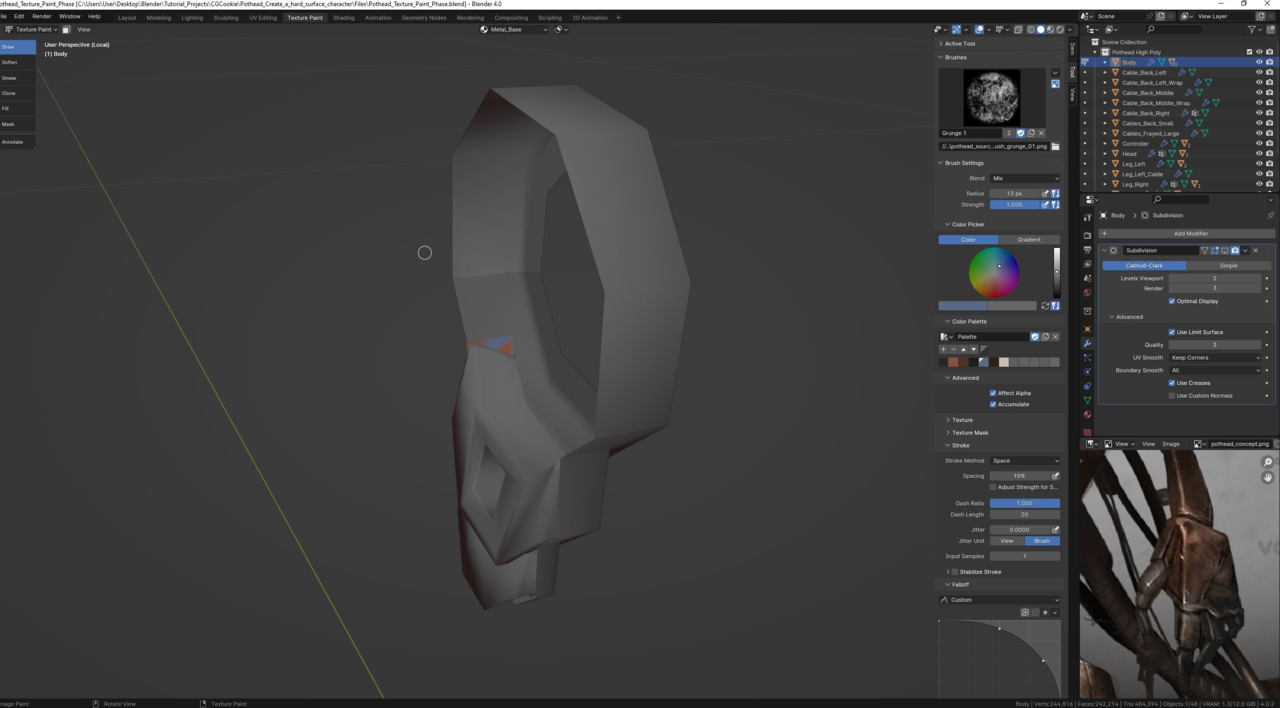
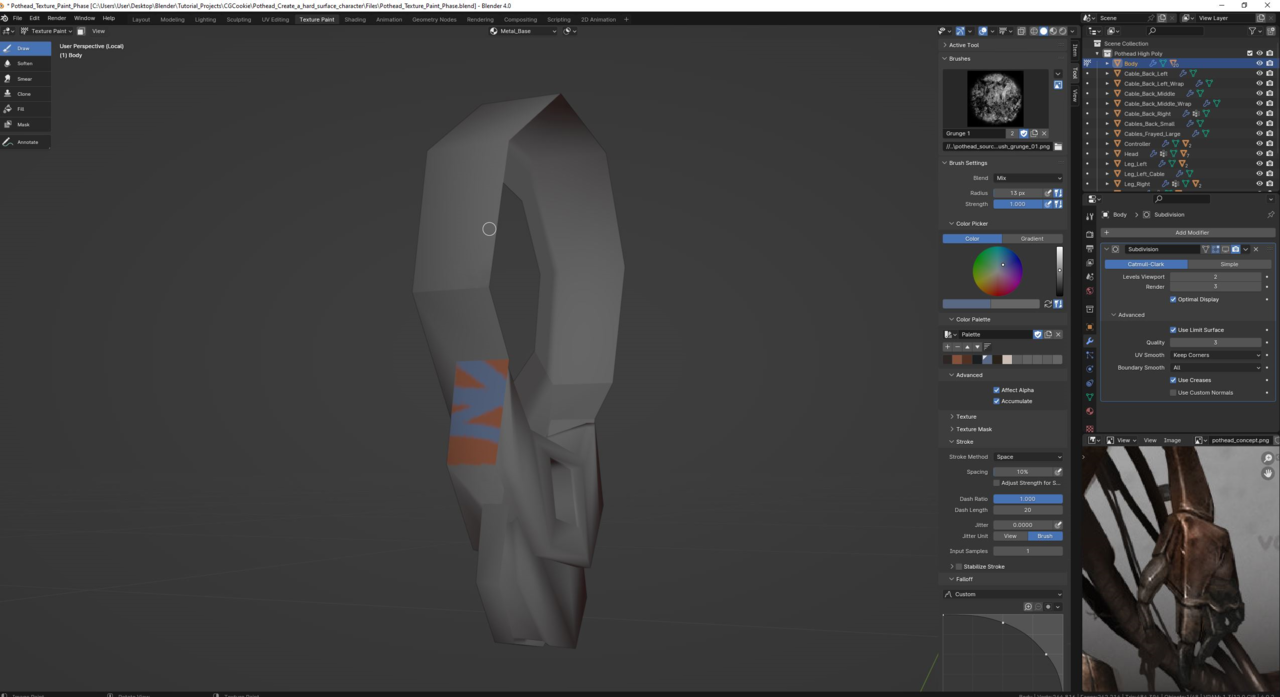
I might create an iterated save file and try remodelling the armpit to see if it occurs again
May 25, 2024 at 4:21 am #86396Or, if you want, you can post a link to your .blend file (via Dropbox, Googledrive, or so). Thgen we can see if we can find the culprit.
May 25, 2024 at 6:43 am #86397That would be great, I’ll link it asap. Cheers!
May 25, 2024 at 3:14 pm #86398I’m starting to think you may have the UV island for that part somewhere else and not there in the middle. It looks like it is chopped off or probably not even unwrapped at all. Or perhaps you have object on top of that part in the 3D viewport, because if you see the UV island, the shape matches like there is a hole there more than anything. I want to take a look at that file, I’m intrigued.
May 25, 2024 at 4:46 pm #86399
Let me know if it works or not, I’ve not uploaded anything via dropbox before!
-
AuthorPosts


- The topic ‘Troubles with painting across certain islands in 3d viewport’ is closed to new replies.