the motherlode of confusion

Forum Archive the motherlode of confusion

Viewing 10 posts - 16 through 25 (of 25 total)
  • Author
    Posts
  • #82080
    Martin Bergwerf
    Participant

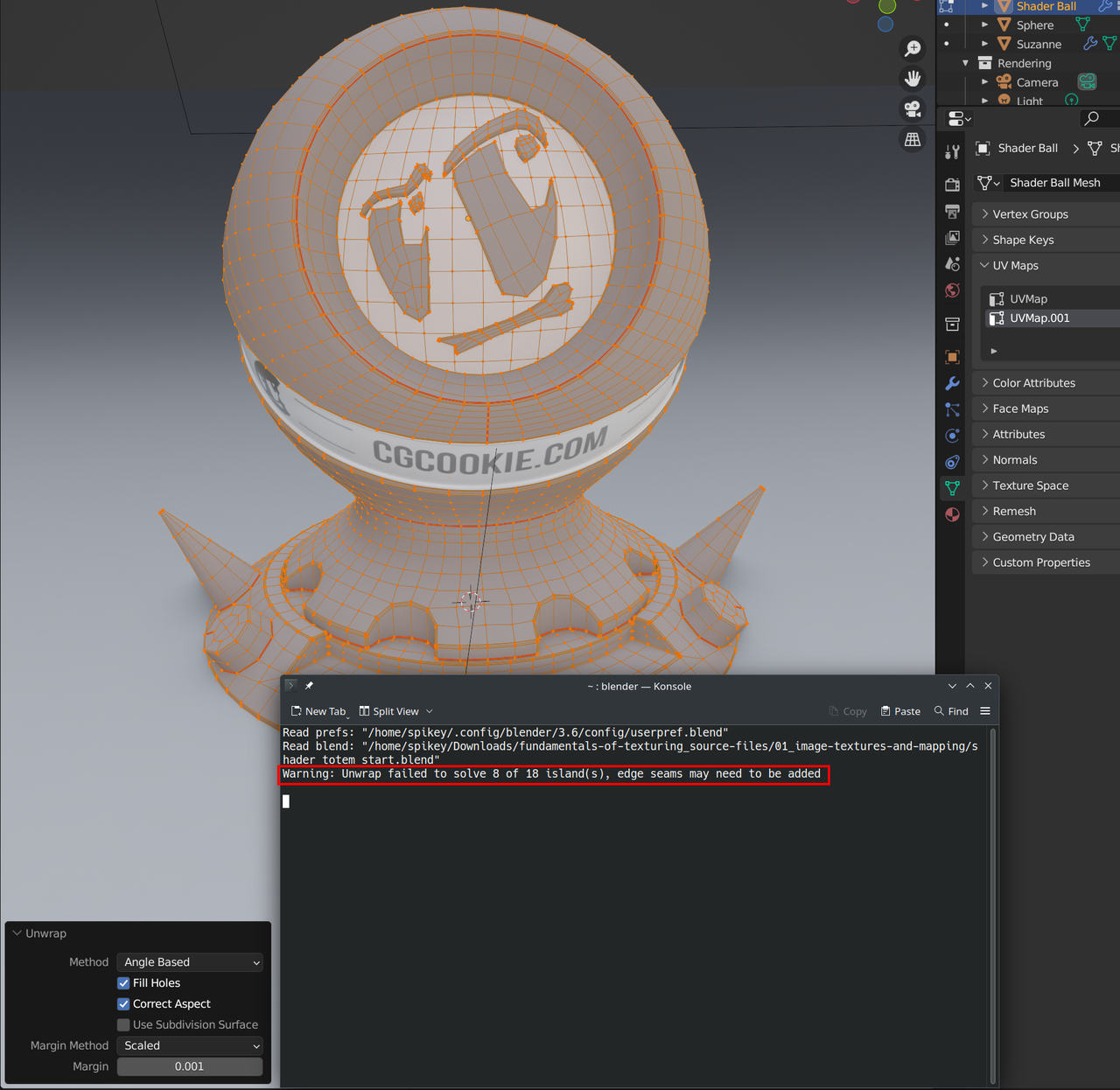
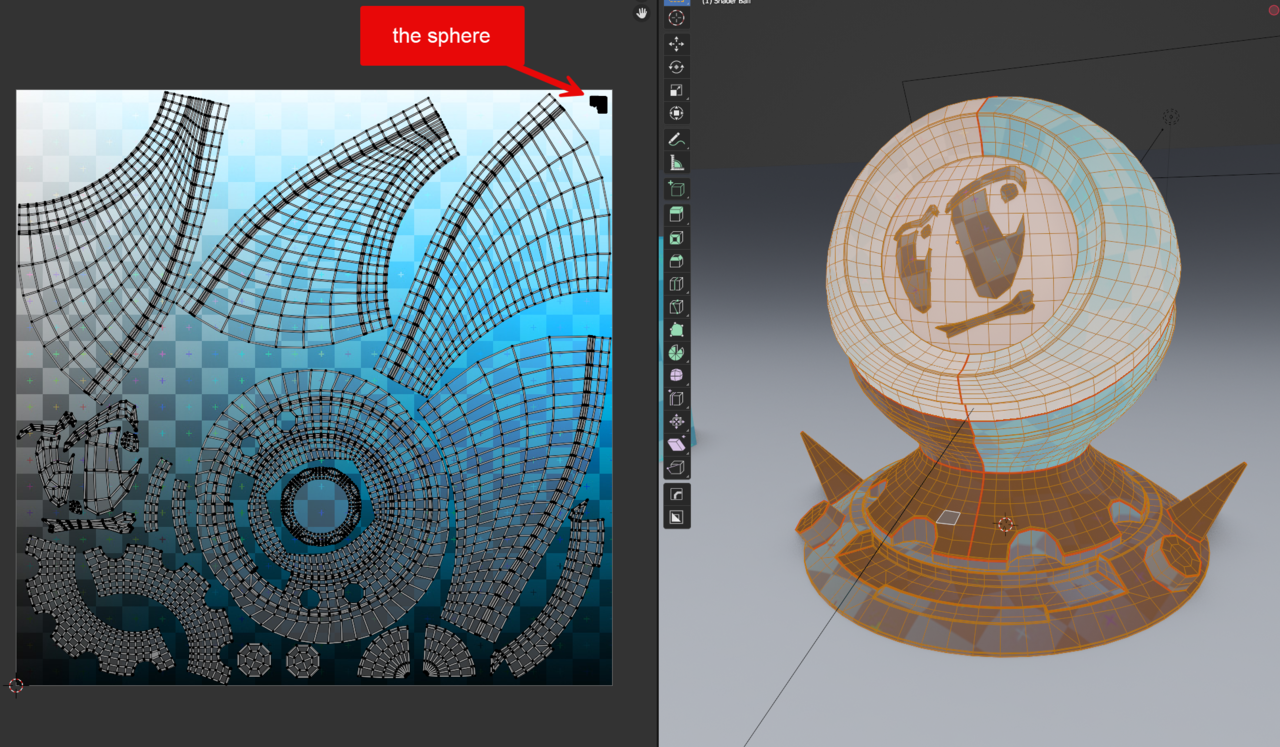
      If you try to Unwrap the Shader Ball as is, with the Seams that are present, you get an Error:

      Errors.png

      (The Error Message shows on the bottom of the screen, but it disappears after a few seconds, that’s why I show it in the console here.)

      Packing after a failed Unwrap, doesn’t really make sense now, does it?

      #82081
      Charles
      Participant

        I’m not trying to unwrap the shader with the seams present. I clear the seams, mark my own ones and then unwrap and pack.

        I started again from scratch and everything is fine apart from the inner sphere and eyes/mouth brows which completely screws things up.

        I hide the inner sphere.
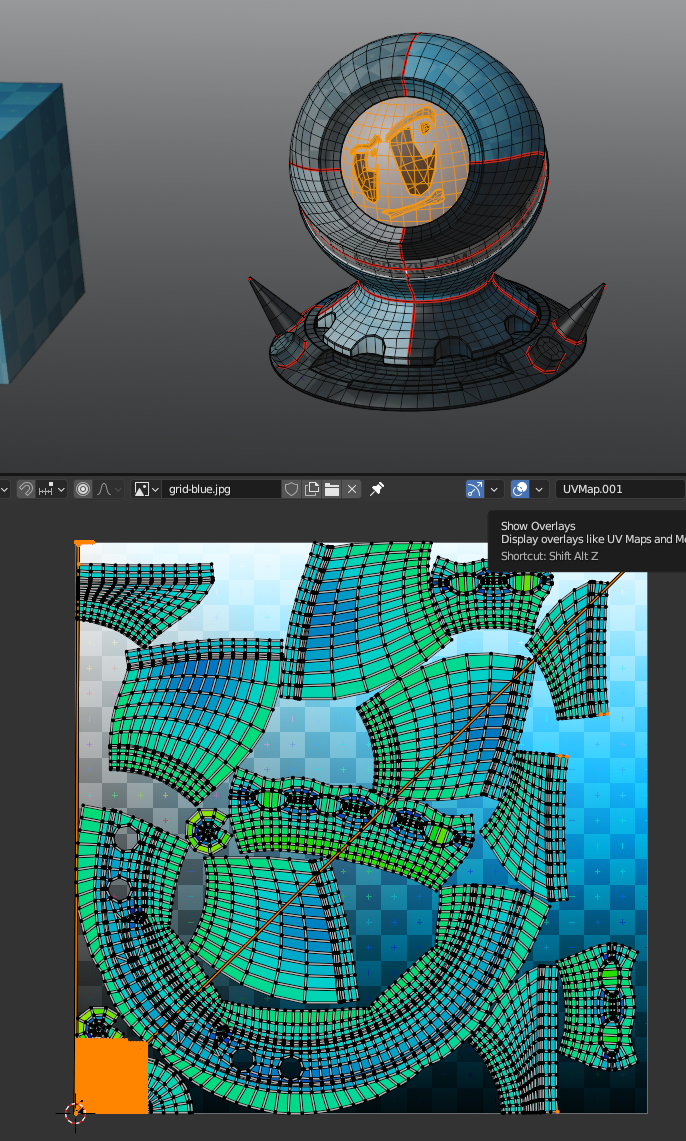
        Clear original seams, mark new seams, unwrap and pack. Good results
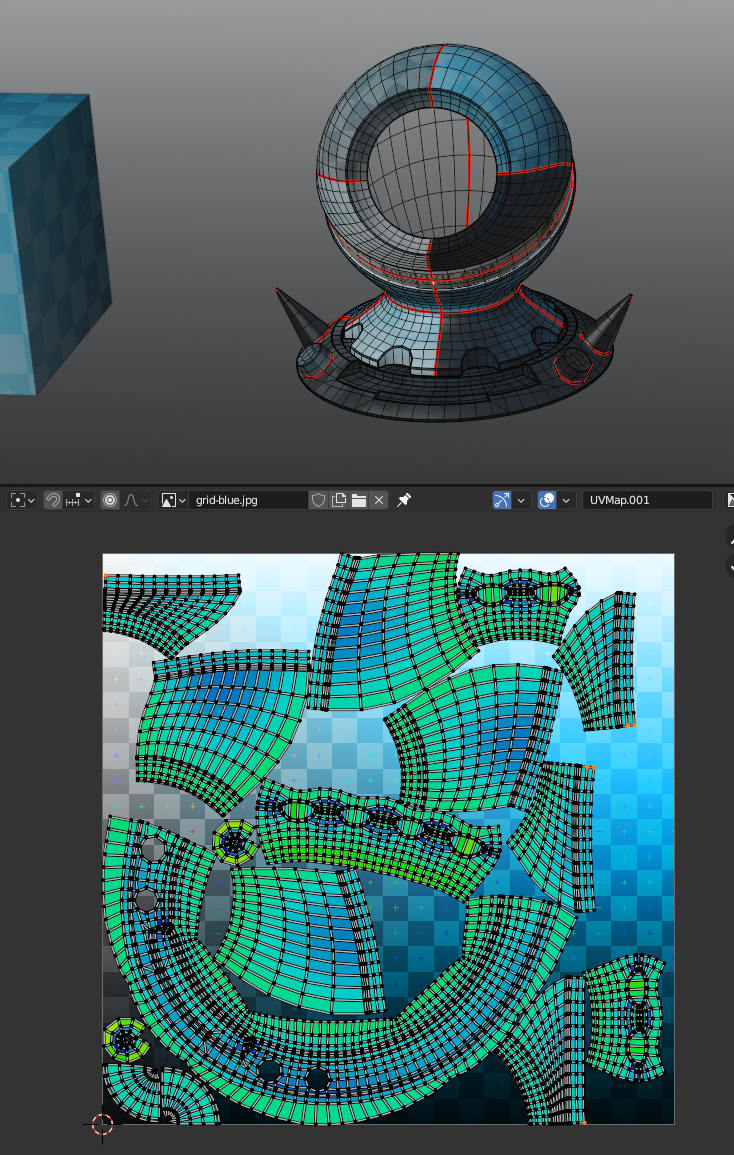
        out inner sphere.png

        Now I unhide the sphere

        ap unhide sphere.png

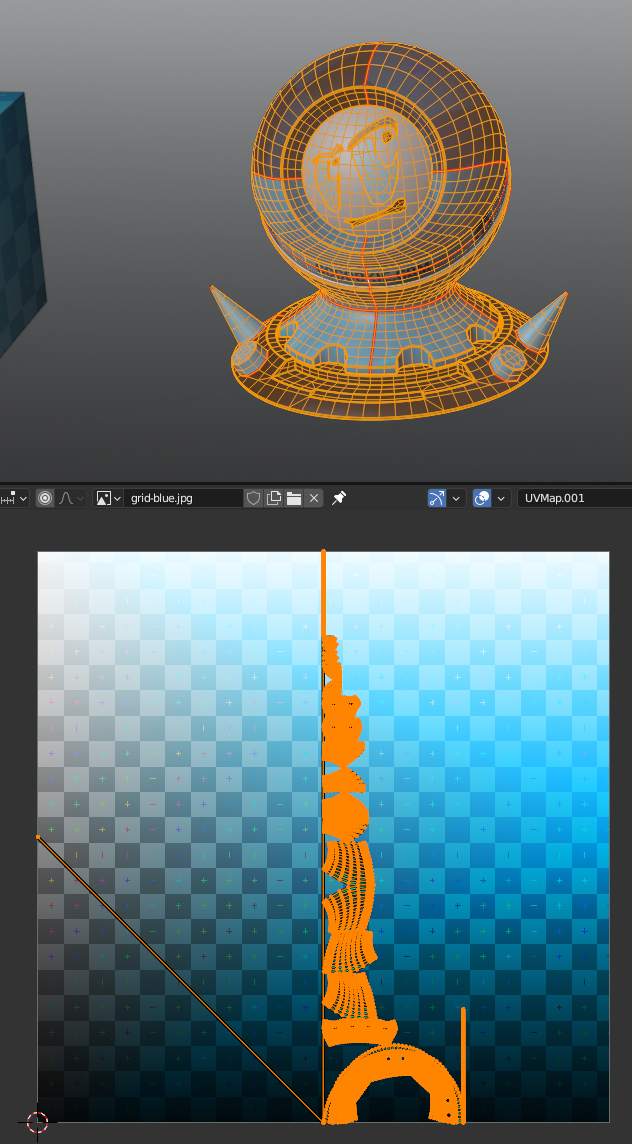
        Select all and unwrap

        n all inc sphere.png

        and now pack

        n all inc sphere.png

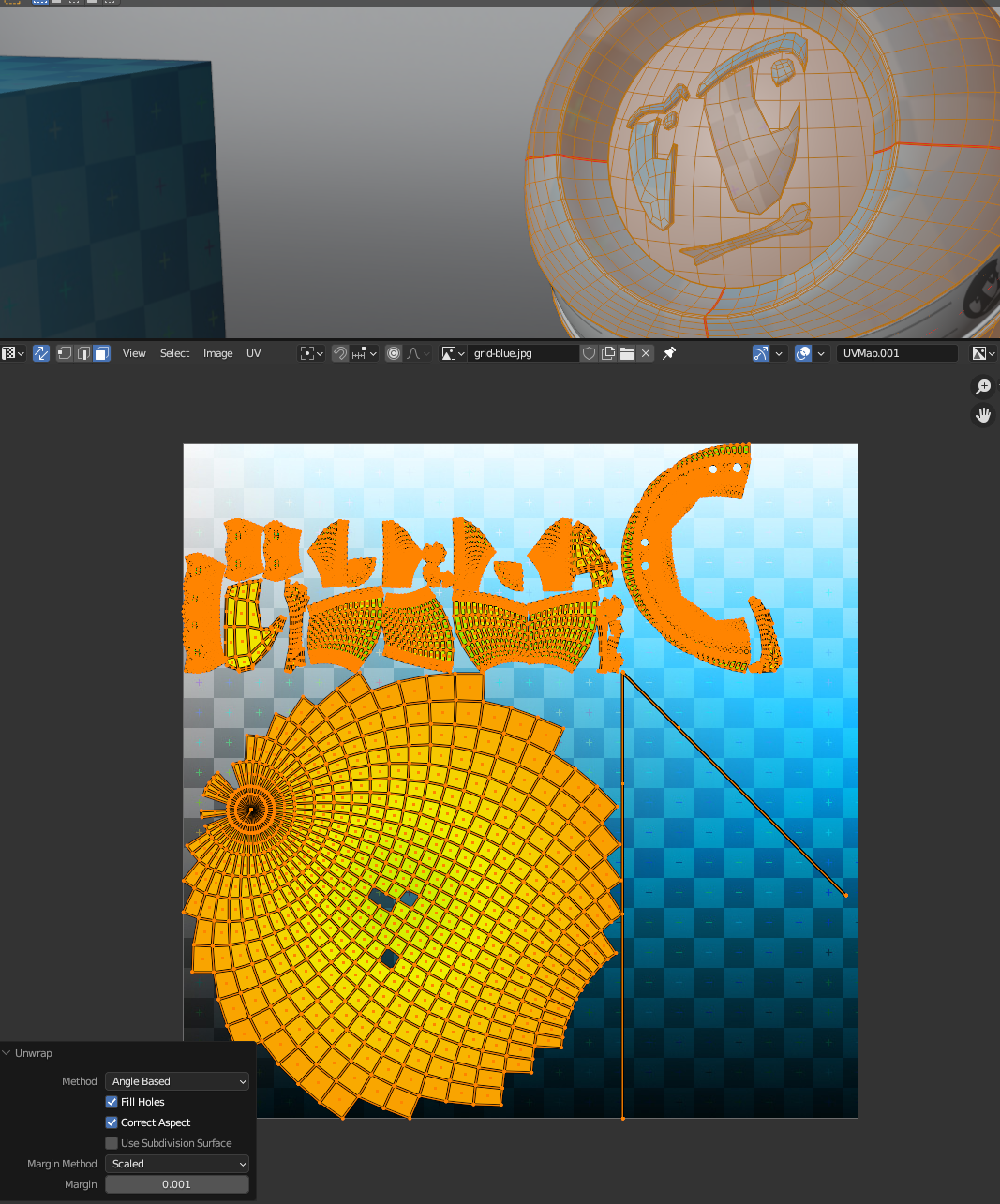
        The crazy diagonal lines are from the eyebrow! So I hid everything except the sphere, unwrapped jus that – and get this (below) Why are there a few missing faces and why do I have a line of vertices in the bottom right hand corner of the UV edit?
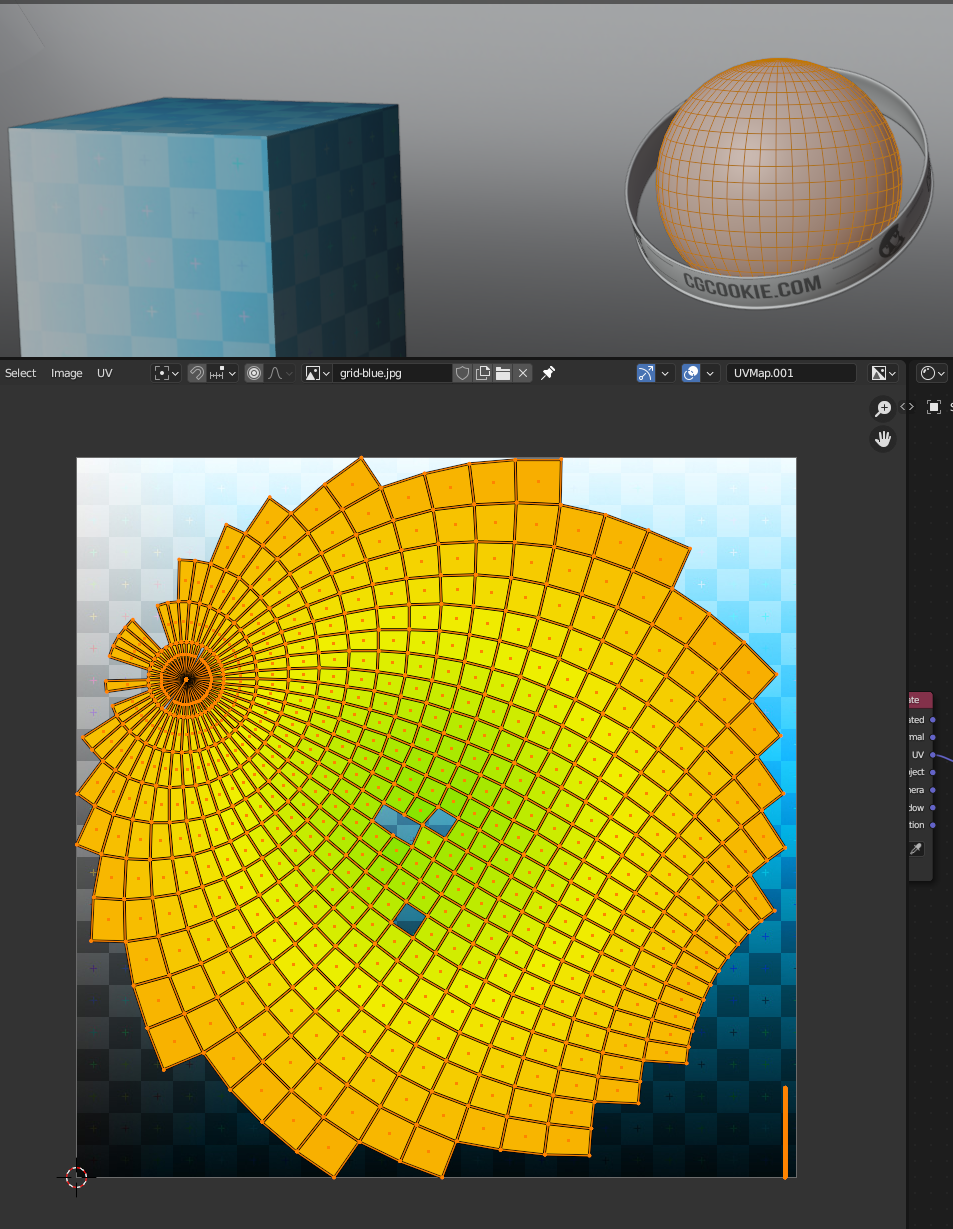

        sphere unwrapped.png 

        #82082
        Charles
        Participant

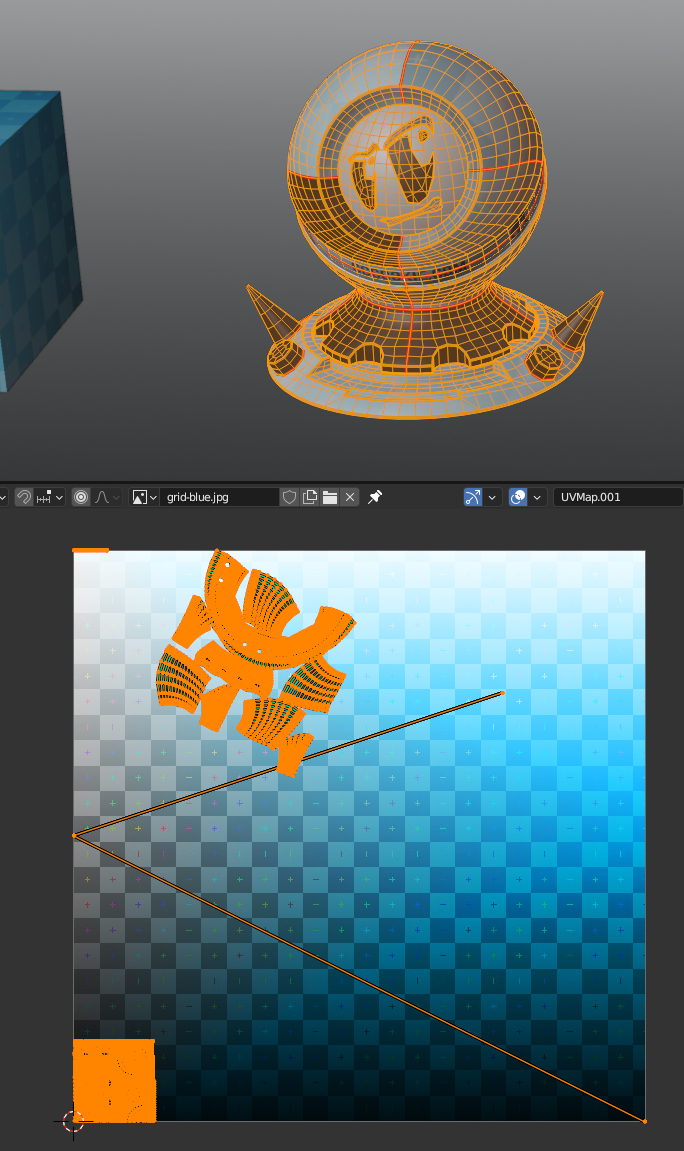
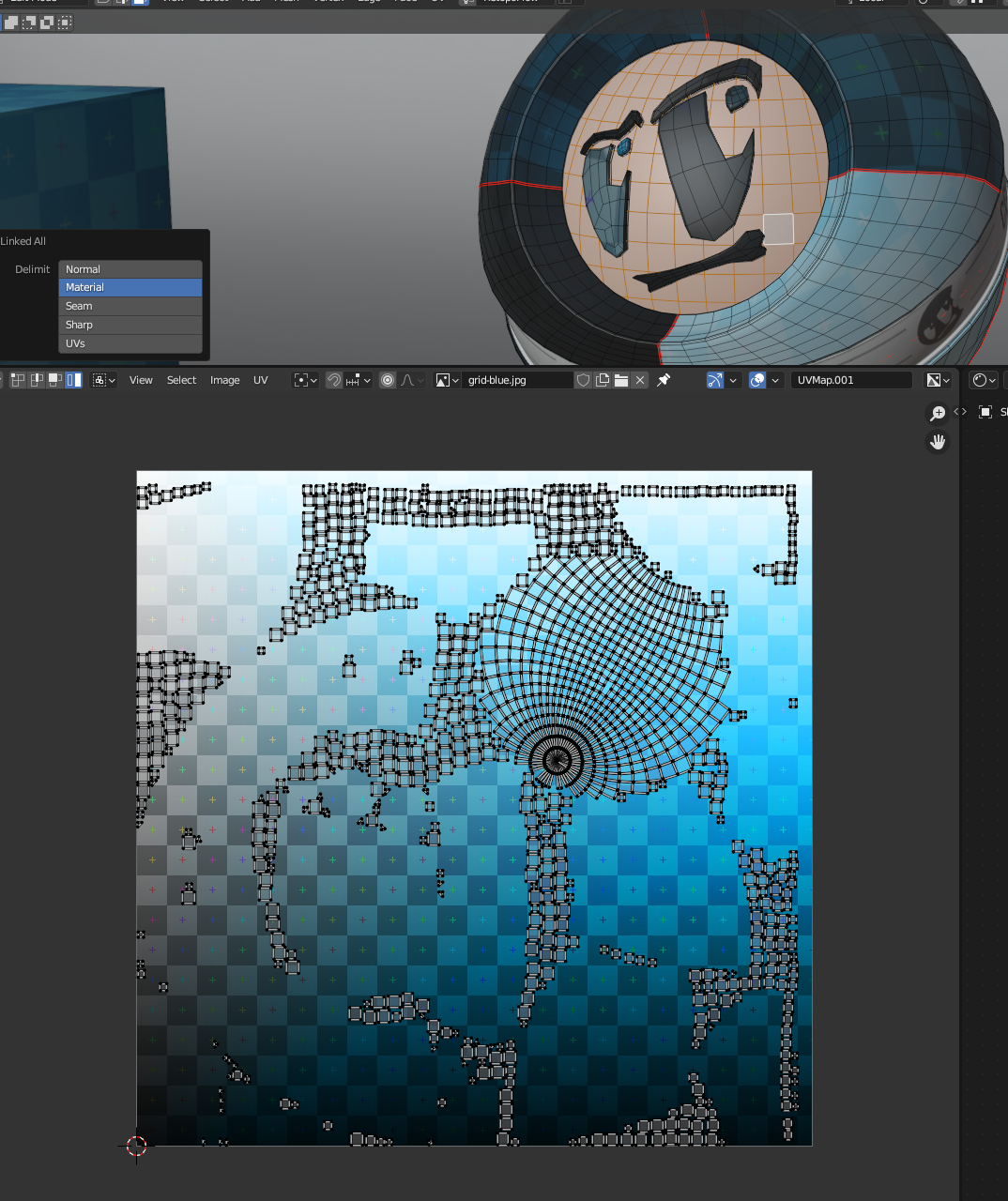
          And then if I unhide and select all and unwrap again – I get this with the unwrapped sphere as an island that I didn’t get before

          ct all - unwrap .png

          BUT if then select all and ‘pack’ the sphere splits apart into individual cubes againunwrap and pack .png

          I’m really sorry to be asking so many questions. It just doesn’t make any sense to me

          #82083
          Martin Bergwerf
          Participant

            I know, you don’t want to Unwrap with the present Seams, but you will get an Error as well.

            You need to Unwrap the face as well (ie: place Seams).

            (Also, the rest of your Seams don’t look too good…)

            #82084
            Omar Domenech
            Participant

              I don’t have explicit answers, Blender is as Blender does most of the time. If it gets quirky, I try to do workarounds if it’s misbehaving. For the time being, try not to focus on the weird things Blender does, it always does weird things and they don’t always have answers unless you are a super coder developer. Try sticking to the basics for now, place your seams where they should go on the model, don’t leave things without seams, then unwrap, it should go smoothly.

              #82085
              Charles
              Participant

                OK… I think I’m finally got to the bottom of this. 
                Not hiding the sphere is the thing that’s done me in. If you follow as per video and select all with everything showing and clear seam while live unwrapping is on then this is what causes all the squares.

                Hiding the sphere completely and keeping the eyes. brows and mouth hidden until you’ve completed the unwrap of the shader is vital! The importance of this really isn’t stressed in the video.

                How do you remove the UV map from an object e.g. the sphere if you do it by mistake?

                #82086
                Omar Domenech
                Participant

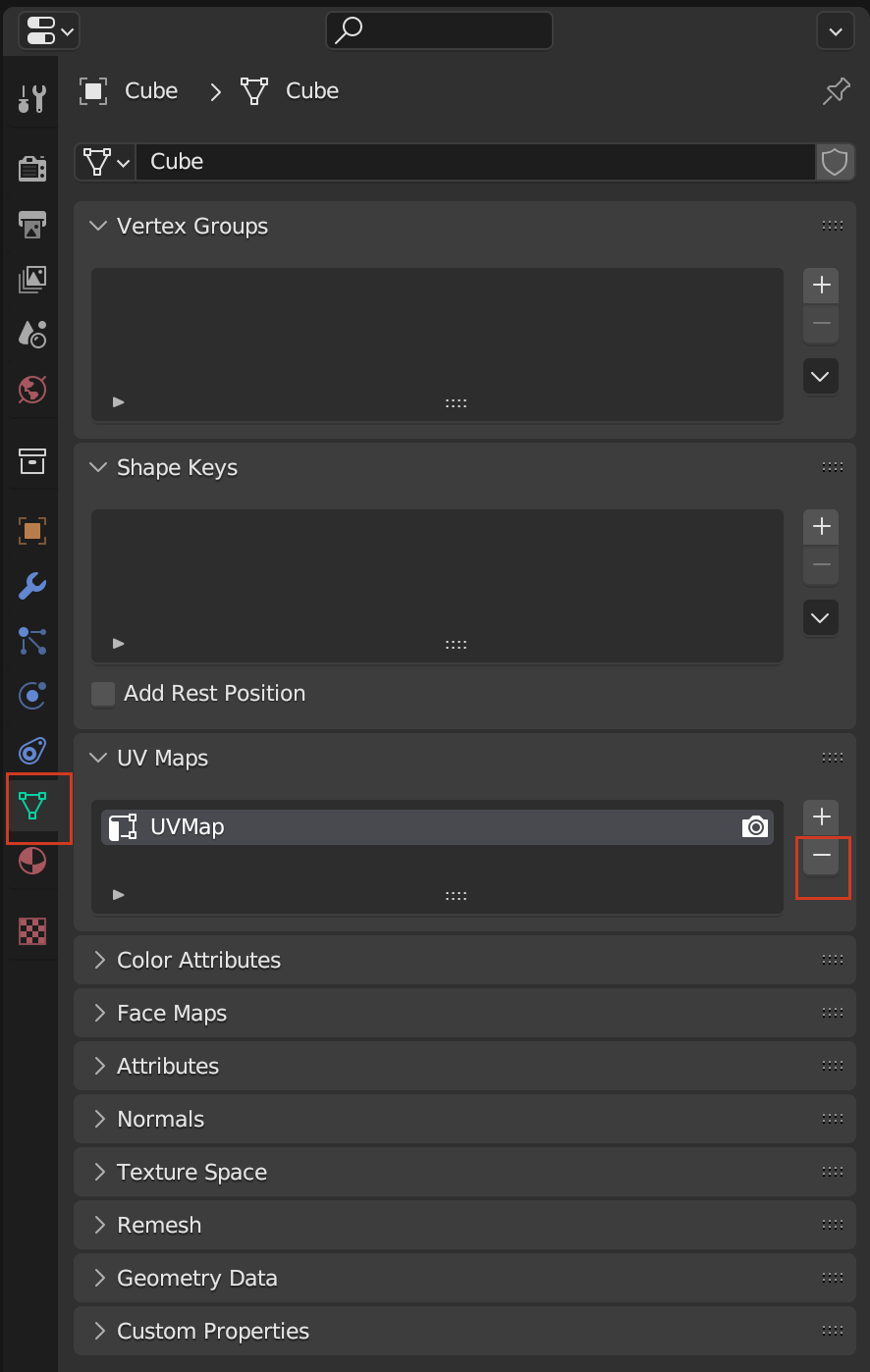
                  Under Object Data, UV Maps:

                  UV Maps.png

                  #82087
                  Charles
                  Participant

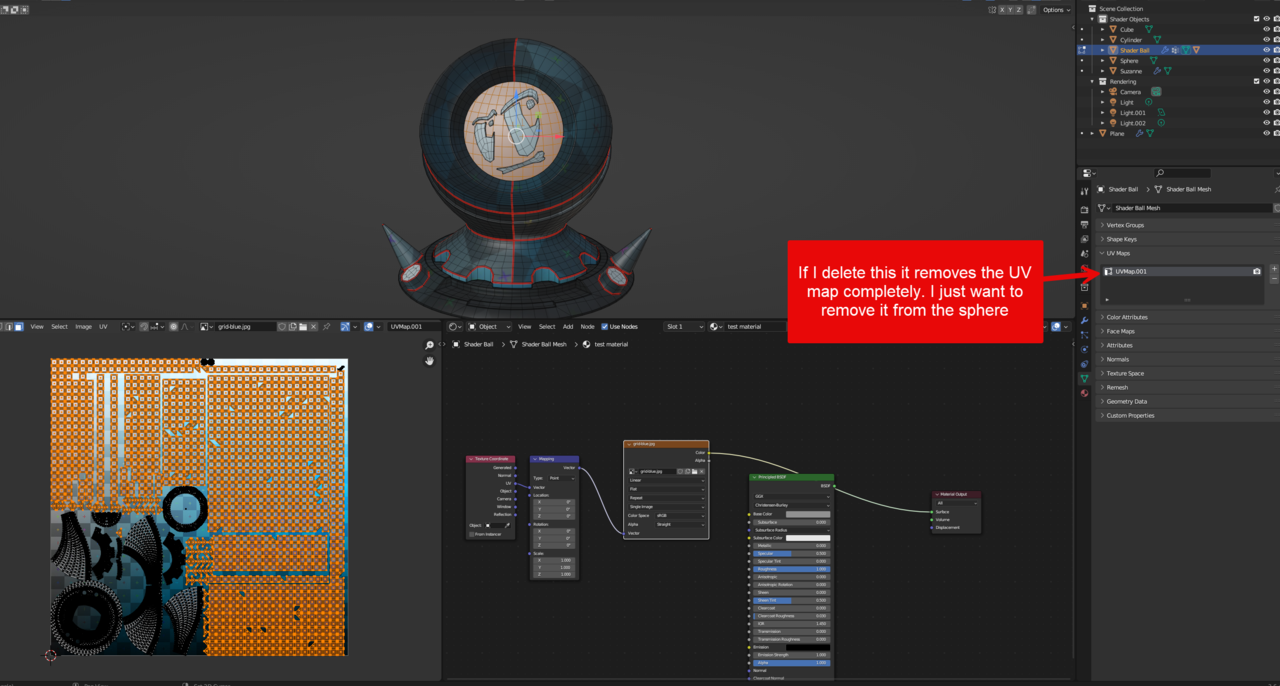
                    I don’t want to delete the UV map completely – just from the sphere. 

                     from an object .png

                    #82088
                    Charles
                    Participant

                      And finally… after 12+ hours… I’m finished

                      18 done .png

                      #82089
                      Jonathan Lampel
                      Participant

                        Oh man, I had no idea this would cause so much confusion. Sorry you had to suffer through that. I think the key is the error that Spikey pointed out, and I’ll try to stress that unwrapping completely enclosed shapes without seams or projection will cause bad results in future videos. 

                      Viewing 10 posts - 16 through 25 (of 25 total)
                      • The topic ‘the motherlode of confusion’ is closed to new replies.