Piero: Cycles Hair Shape Settings in Blender 2.90

Forum Archive Piero: Cycles Hair Shape Settings in Blender 2.90

Viewing 7 posts - 16 through 22 (of 22 total)
  • Author
    Posts
  • #61042
    Ingmar Franz
    Participant

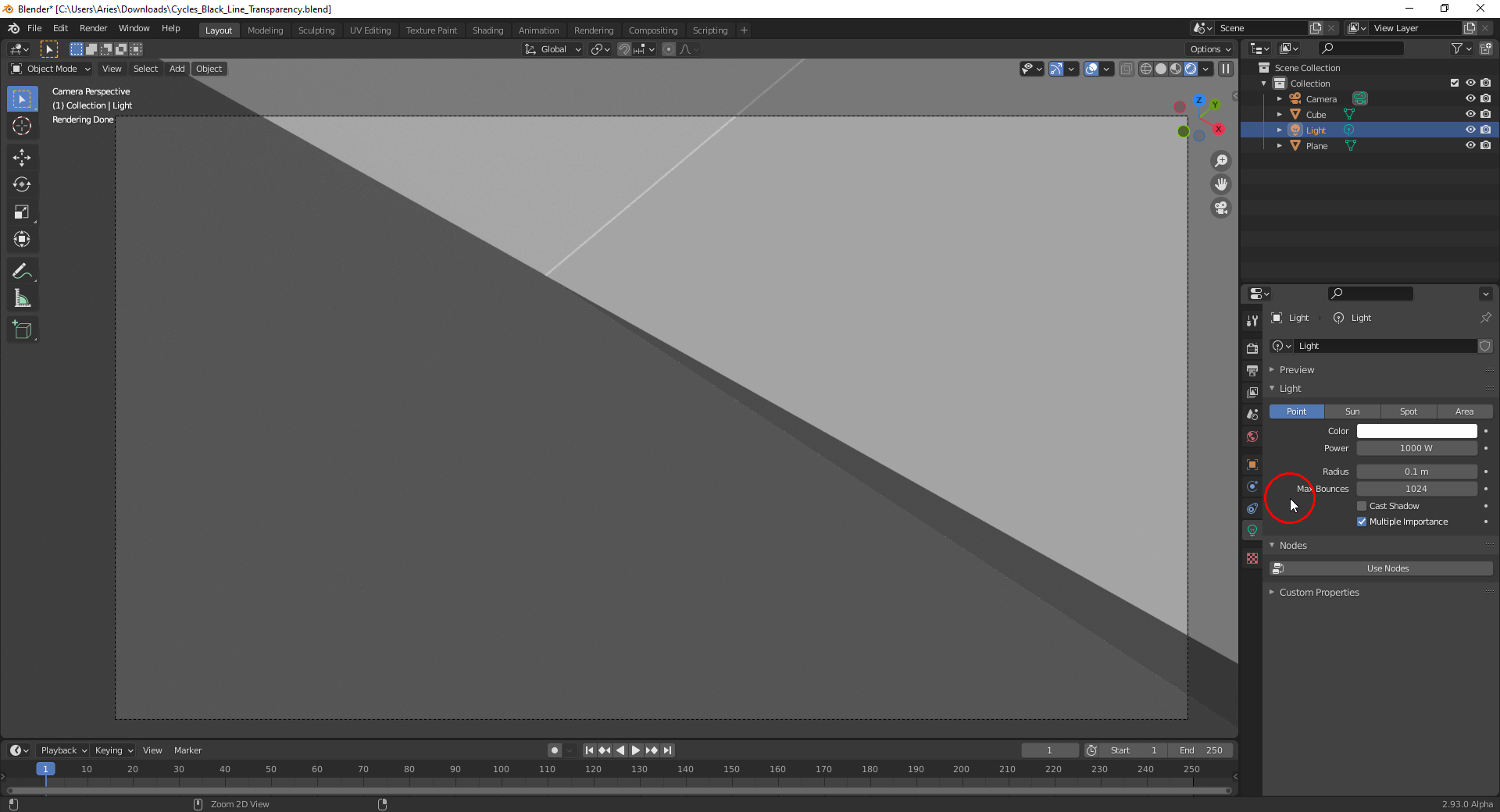
      Interesting that this intersection line turns white when switching off “Cast Shadows” for the “Point Lamp” in the example file here:

      #61043
      bkol
      Participant

        Hmm, yeah, turning off shadows for the area lights in my file works a bit, too. The lines are still dark, but less noticeable. 

        #61044
        Ingmar Franz
        Participant

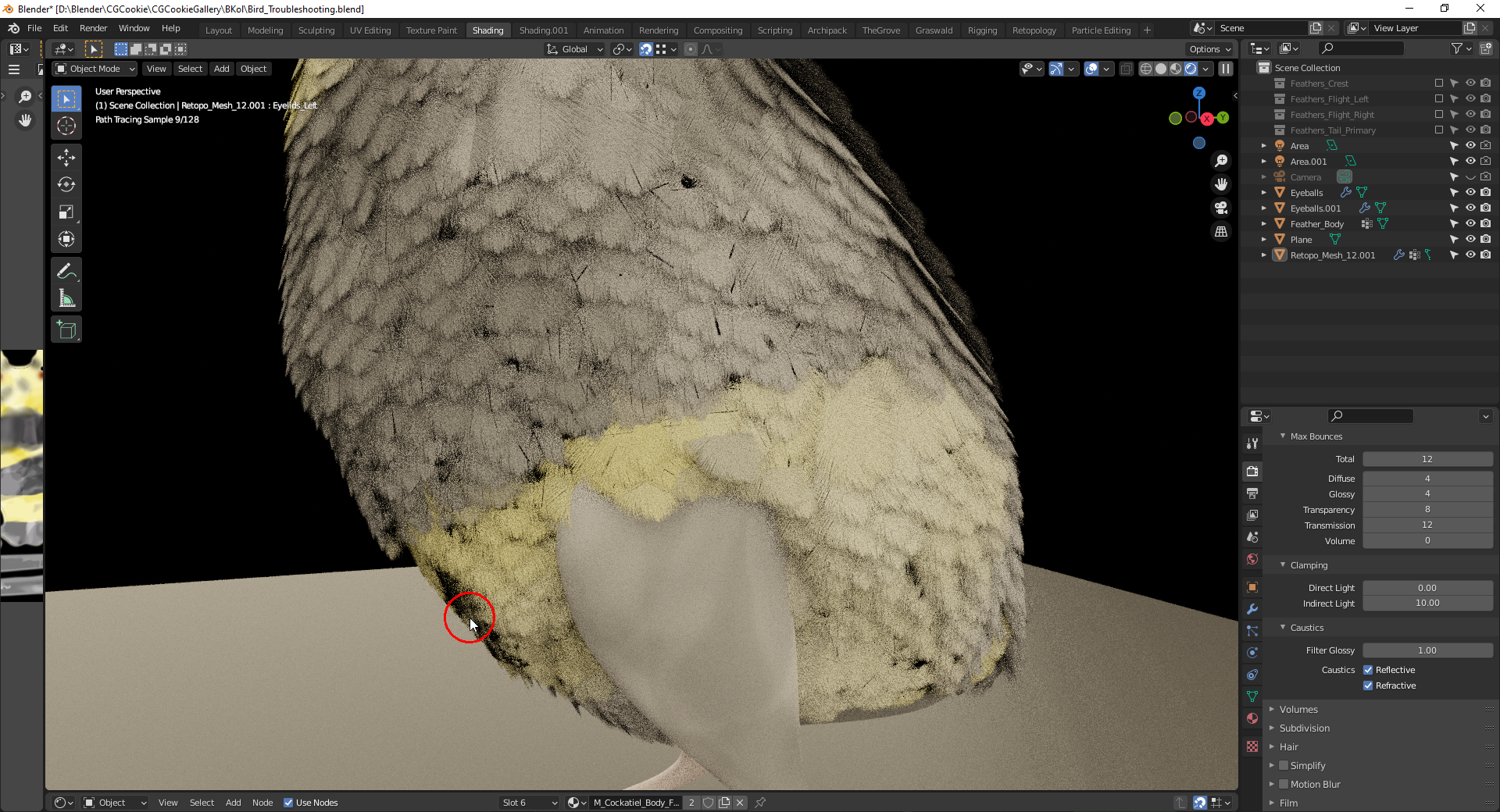
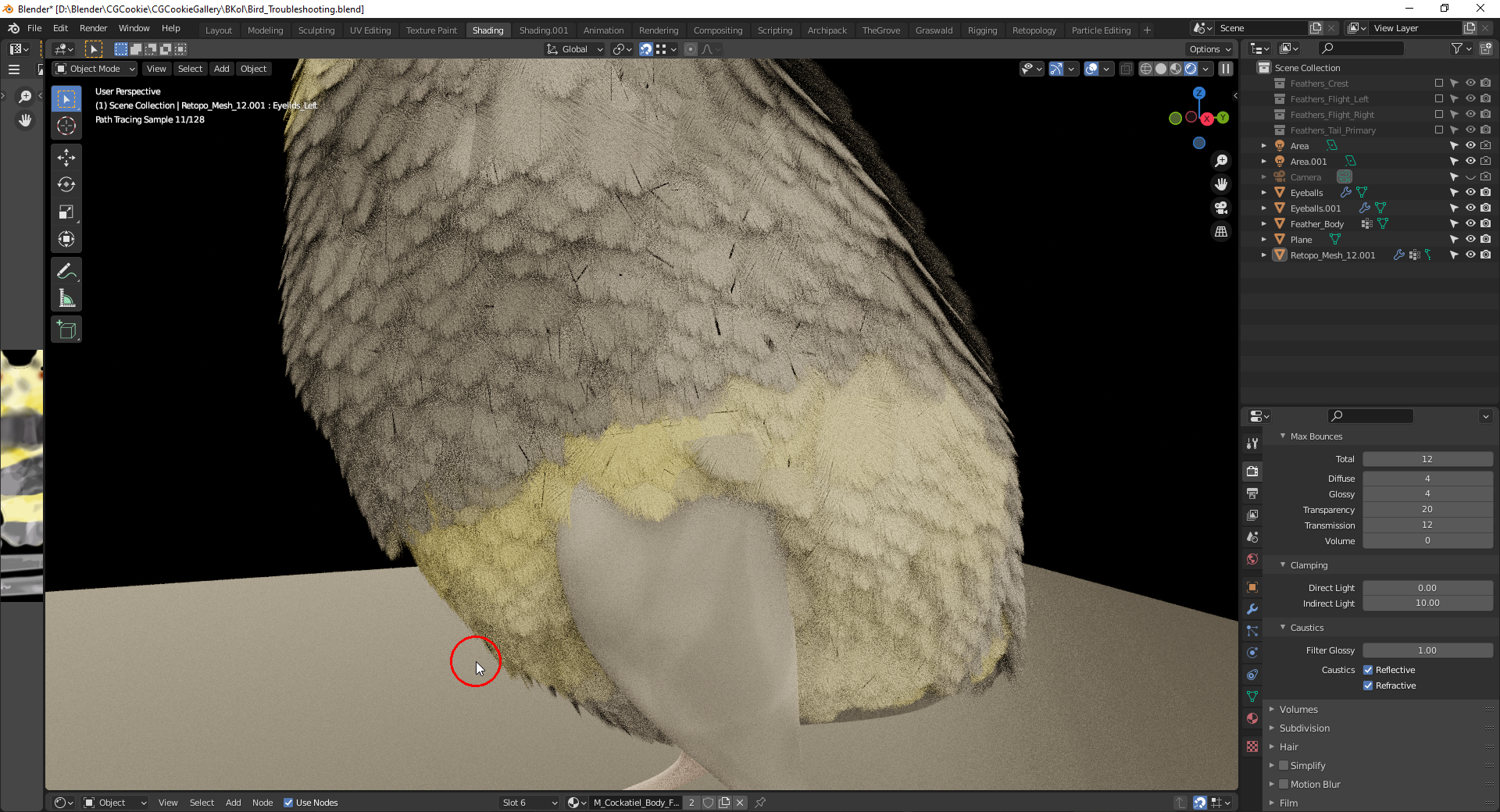
          Setting the number of maximum bounces for “Transparency” from 8 to 20 helps reducing black areas:

          1) Before

          2) After

          “Transparency” is not affected by the “Max Bounces Total” setting!

          #61045
          Ingmar Franz
          Participant

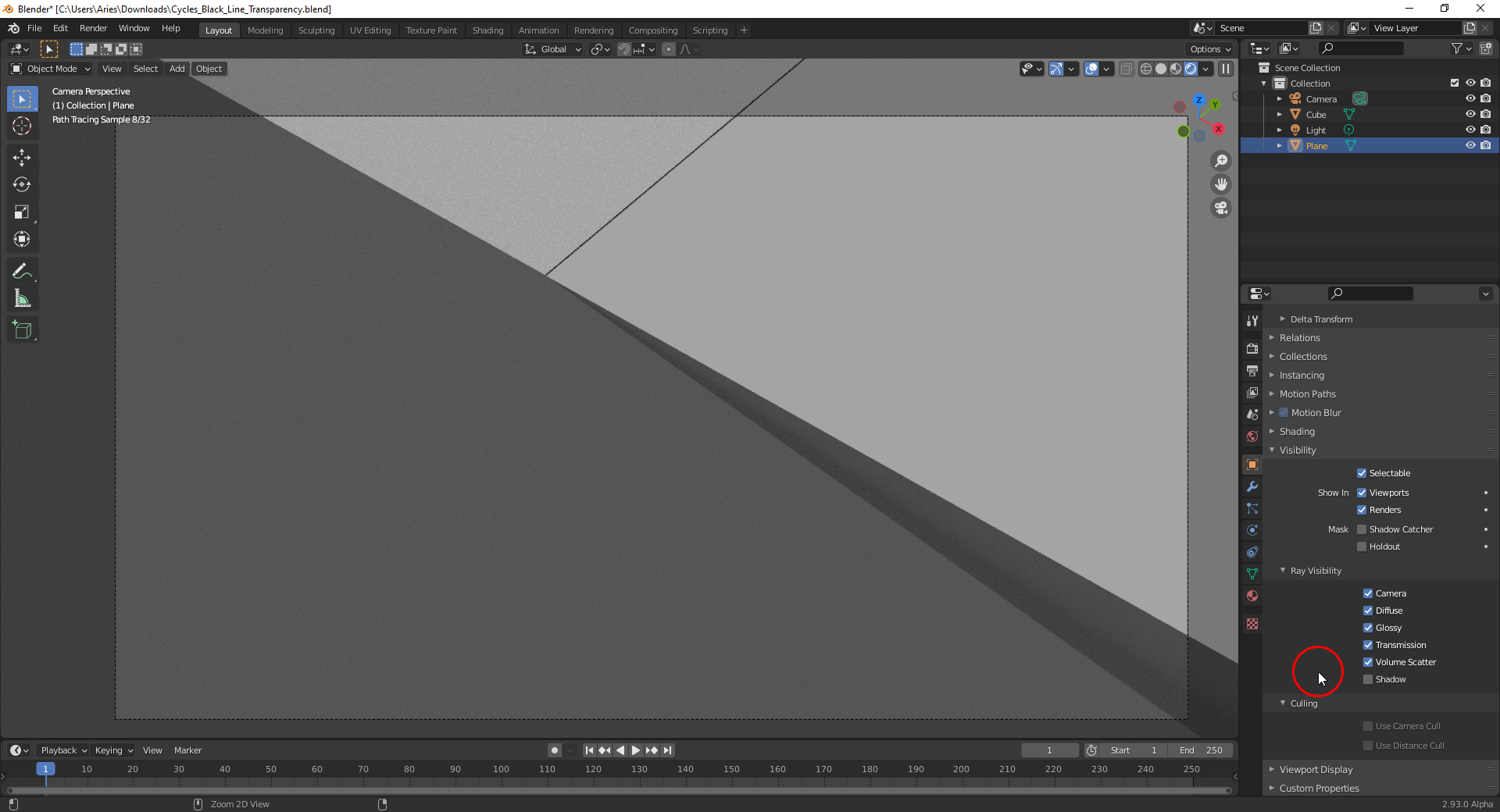
            I would have expected that turning off  the visibility of the transparent plane  for “Shadow Rays” in the example file here would make this line disappear but it unfortunately doesn’t:

            #61046
            bkol
            Participant

              @duerer Wow, yes, that helps a lot! Combined with turning off shadows, it looks MUCH better. Thank you!

              #61047
              spikeyxxx
              Participant

                Okay, you’ve already figured out that turning of Shadows (in both feathers and bird) helps.

                I’ve reduced it to the basics and gave the feathers a Transparent Shader and you were absolutely right @bkol that the lines are caused by the intersections.

                With Shadows off:
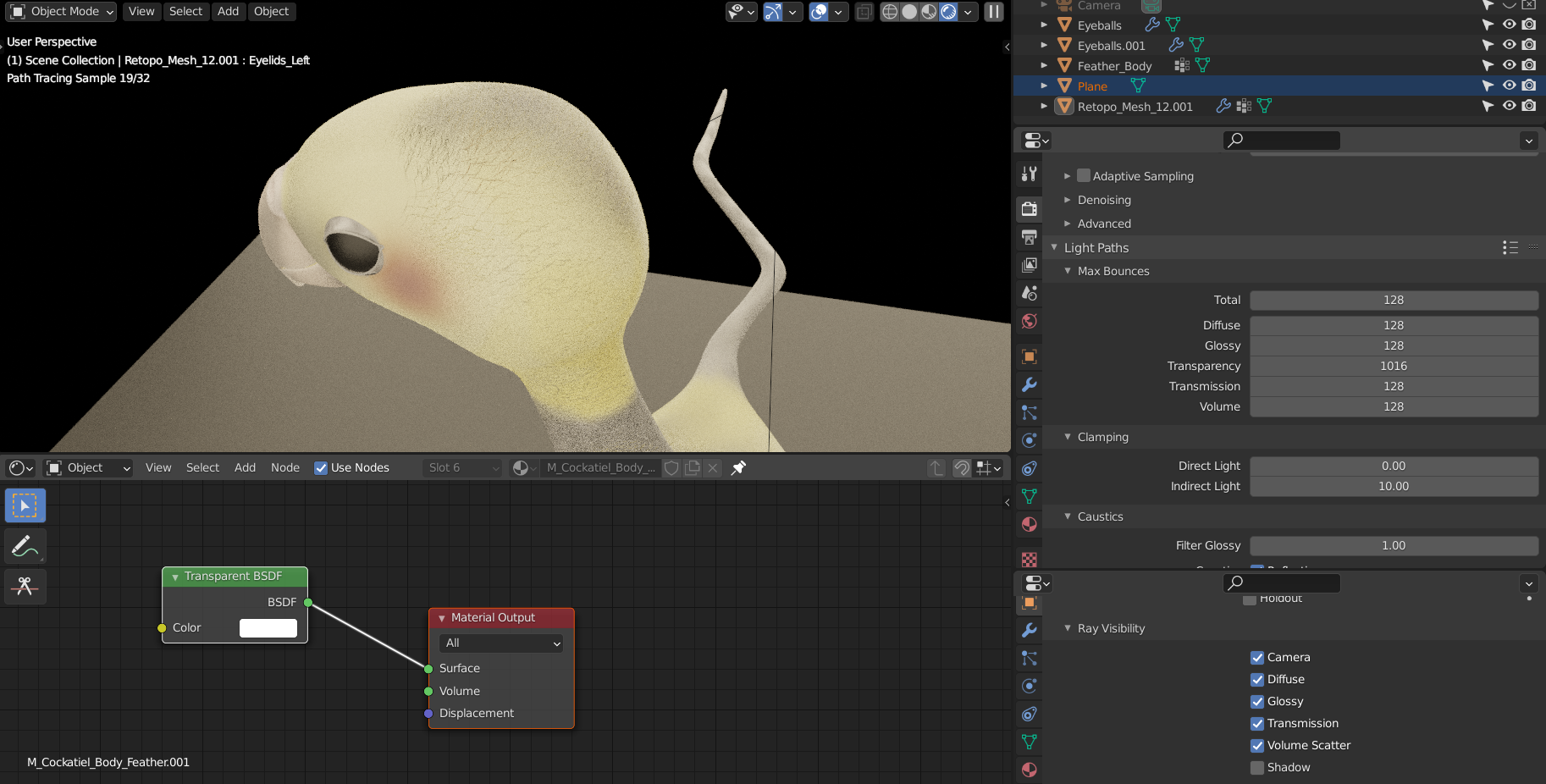
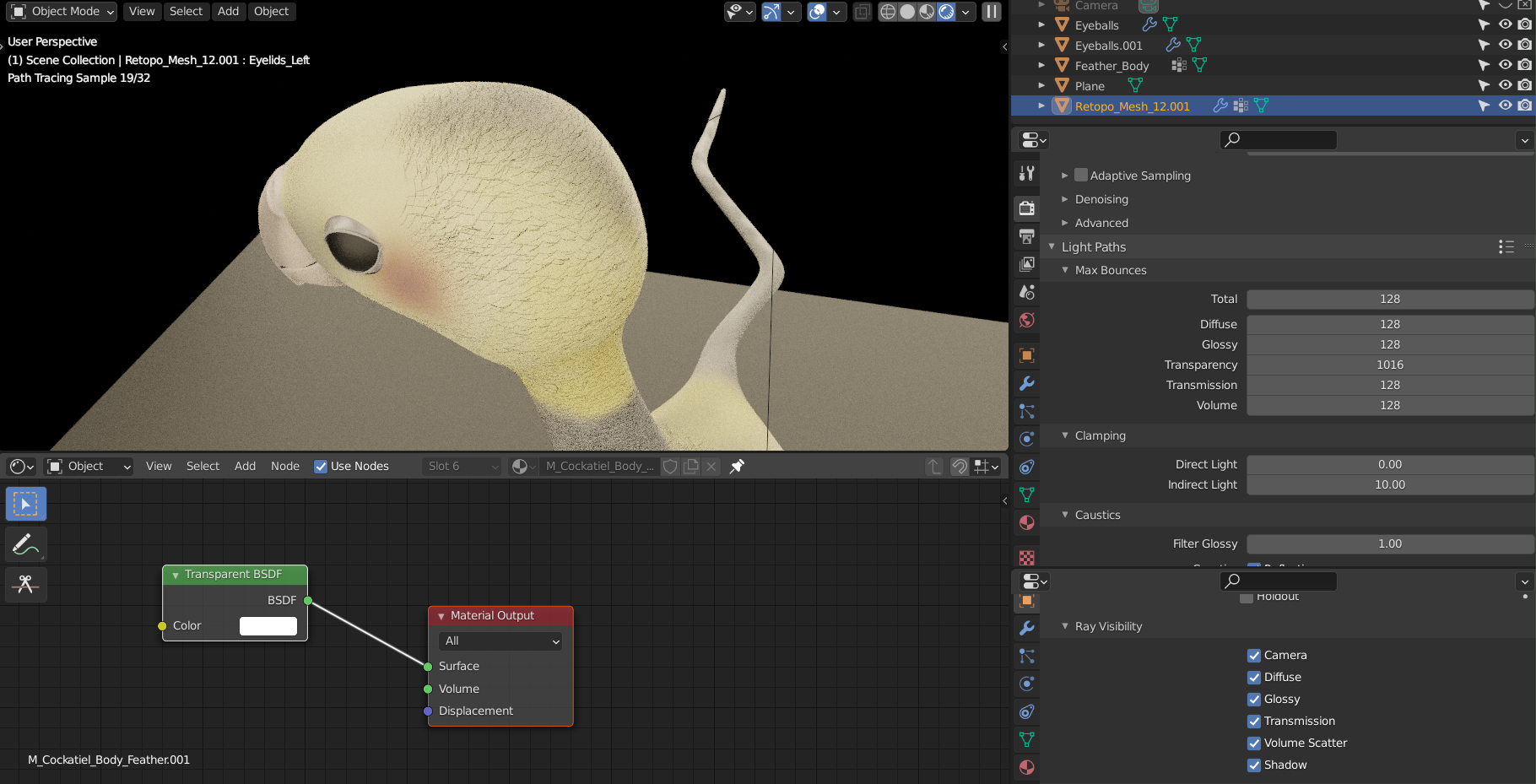
                compared to with Shadows on:
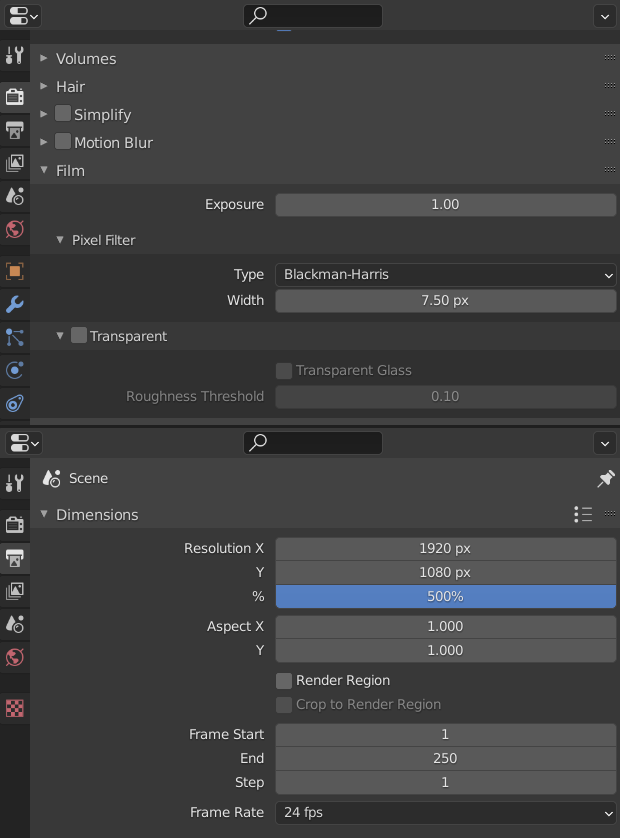
                Increasing the resolution and the filter size also makes it a little better, but seeing that this is for an animation, it’s not worth the extra render times:
                I’d actually sooner opt for a lower resolution, which also improves it a bit (maybe in combination with a denoiser ?)

                Anyway, I’ve been trying things out and I didn’t find a way to completely remove those artefacts, sorry.

                #61048
                bkol
                Participant

                  I haven’t tried rendering at a higher resolution yet, but I can bump it up considerably using e-cycles, and see what that does. I’m actually not going to animate it, as it’s for a picture book, so higher resolution shouldn’t be a problem. Thank you so much, @spikeyxxx , between you and @duerer, it’s looking really good! Undoubtedly I’ll have more questions before I’m finished, so most likely be hearing from me again.

                Viewing 7 posts - 16 through 22 (of 22 total)
                • The topic ‘Piero: Cycles Hair Shape Settings in Blender 2.90’ is closed to new replies.