“Industrial Environments with Eevee” Course: Columns Turning Magenta when Mixing in Second Principled BSDF

Forum Archive “Industrial Environments with Eevee” Course: Columns Turning Magenta when Mixing in Second Principled BSDF

Viewing 13 posts - 16 through 28 (of 28 total)
  • Author
    Posts
  • #68722
    Ingmar Franz
    Participant

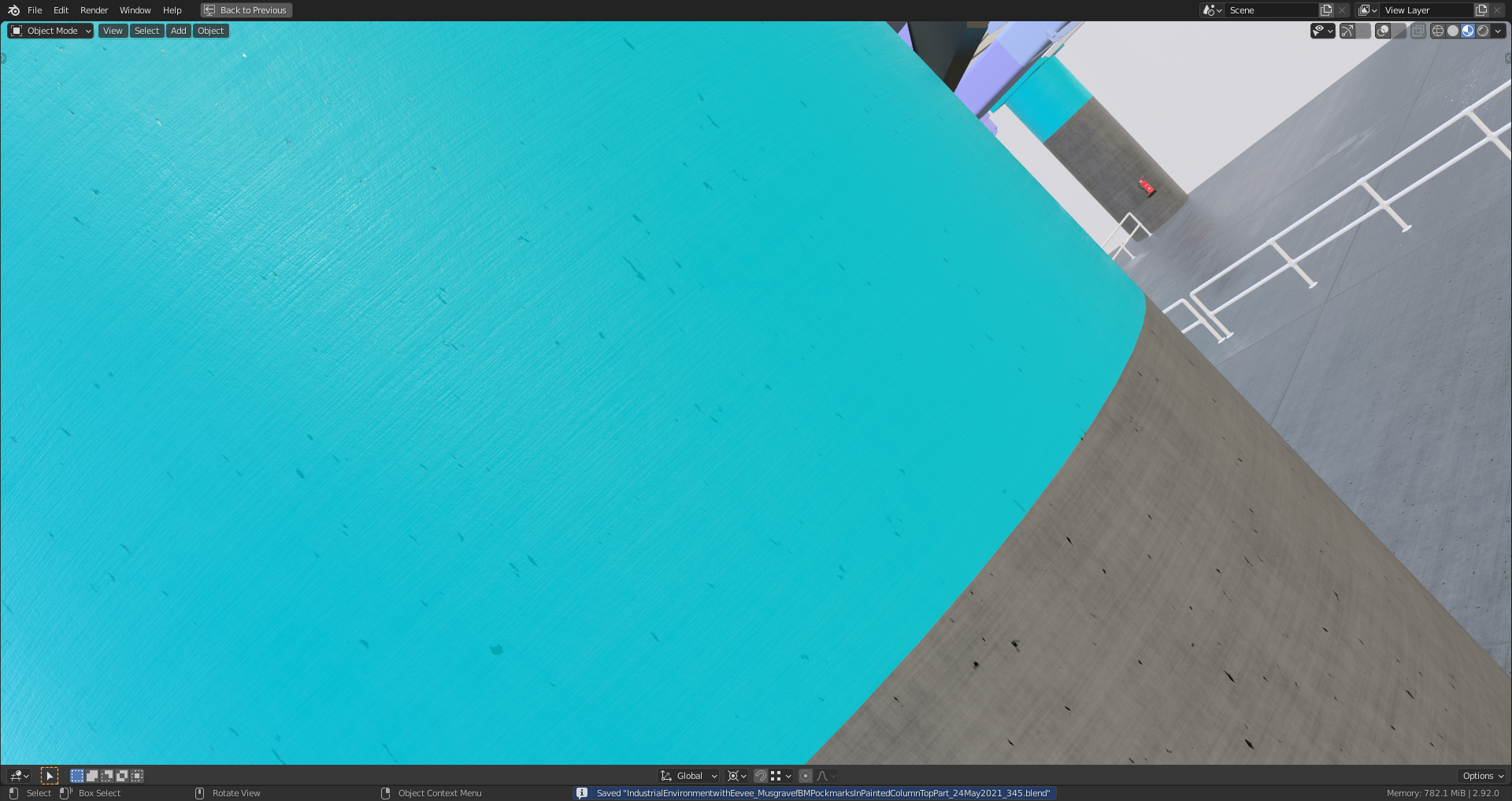
      With the color mixing before the one and only “Principled BSDF” node in the column material I also mixed in some “pockmarks” into the surface color:

      #68723
      Ingmar Franz
      Participant

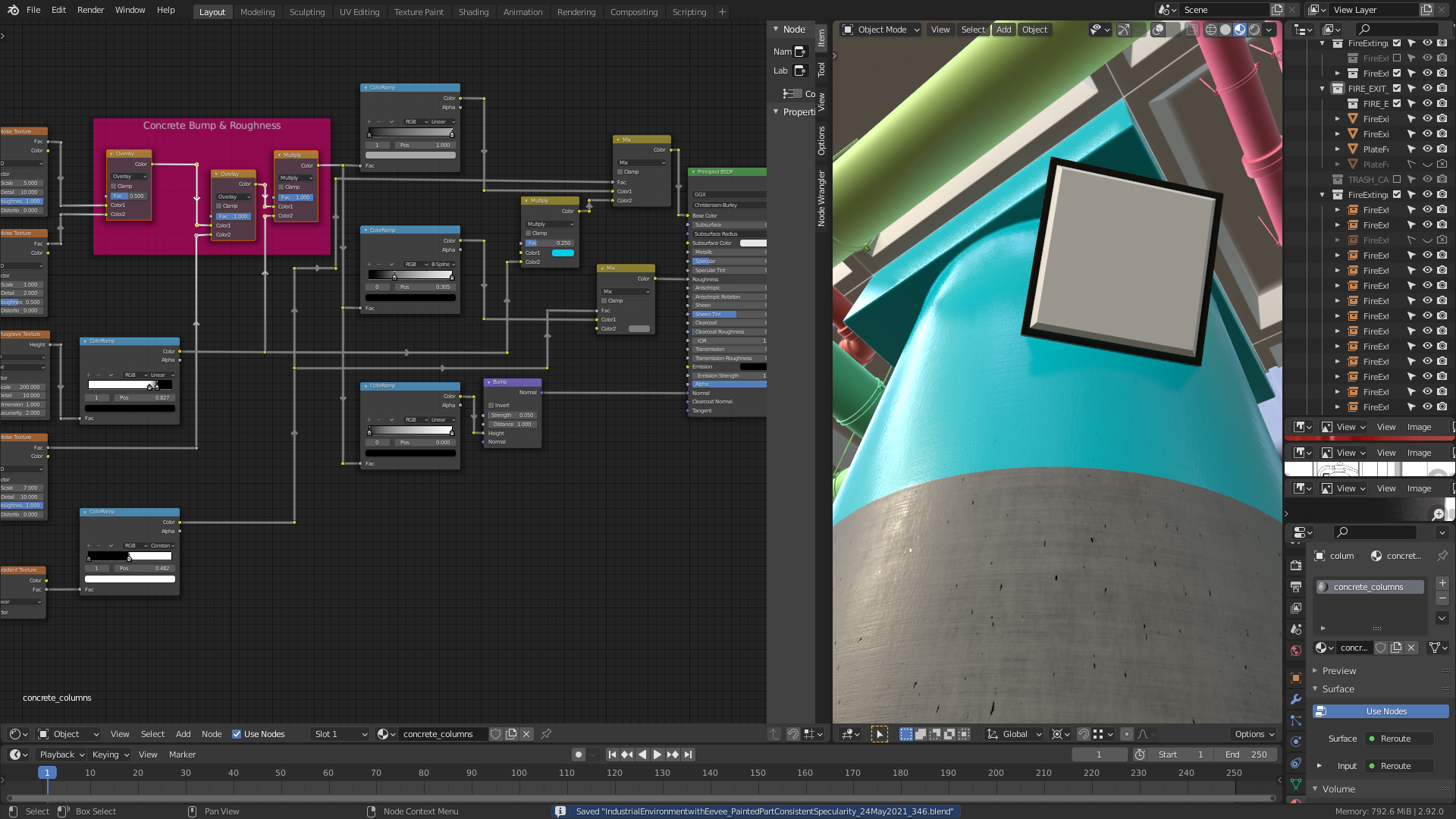
        @spikeyxxx  I’ve created for the painted column part  a consistent reflectivity both for specularity and roughness as Kent describes it later in this lesson:

        #68724
        Kent Trammell
        Participant

          I’ve run into this problem before, caused by too many texture nodes in the network. Eevee is apparently limited to 24 texture nodes and going above that limit will turn the material “error-pink”.

          But I did not experience that with any material in this course. I’m at a loss for why this would happen to you @duerer despite following my material exactly 🤔

          #68725
          Ingmar Franz
          Participant

            @theluthier Since this even happens when opening your files from this course it’s obviously due to my hardware.

            #68726
            Kent Trammell
            Participant

              AH Ok, I was wondering if hardware could be at fault. It just doesn’t seem like that complex of a material in the first place. Thanks for troubleshooting it so we know what’s going on 🤝

              #68727
              Adrian Bellworthy
              Participant

                Have you updated the drivers for your GPU?

                By the way, that’s a node tree to be proud of. 

                My tree is the same as yours, but perhaps not as neat, and I’ve not had any problem, I even changed all my settings to match yours and no problem. So my first thought from there was GPU.

                Are you using Windows?

                When Windows updates automatically, I sometimes encounter issues until I update the GPU drivers. Now I do my updates manually so I can easily troubleshoot any issues.

                #68728
                Ingmar Franz
                Participant

                  Thank you, @adrian2301 😀! Yes, I’m using Windows which is updating very often in the last time. It’s a little bit annoying but on the other hand I don’t want to miss any security gap fixes.

                  #68729
                  Adrian Bellworthy
                  Participant

                    I do my updates every couple of weeks. When an update is released there is normally an update to the update a week to 10 days later to resolve any issue reported by the original update, so your not really missing anything. And I get to do it when I’m not Blendering and slowing down my computer. With the GPU you are best checking manually because Windows updates will only give you basic drivers. My GPU is an AMD, I have to update the standard drivers plus install pro drivers to use Blender.

                    #68730
                    spikeyxxx
                    Participant

                      @duerer and @adrian2301 I am pretty sure that this is not a driver’s issue! (I am using Linux and don’t have driver problems like on Windows…)

                      It probably has to do with the amount of GPU Ram. Using only one Principled Shader solves the issue.

                      #68731
                      Ingmar Franz
                      Participant

                        @adrian2301 and @spikeyxxx Blender on my computer  is running on GPU.  It’s a gaming laptop with Blender as my favorite game 😉! So, one should think that there won’t be such problems. I’m wondering what monster 👹 graphics card  Kent @theluthier is using 🤔?

                        #68732
                        chapeline
                        Participant

                          Thank you so much !

                          #68733
                          Kent Trammell
                          Participant

                            @duerer I’ve got a GeForce RTX 2080 (8GB VRAM). It’s not new but it’s on the higher end still…maybe?

                            #68734
                            Ingmar Franz
                            Participant

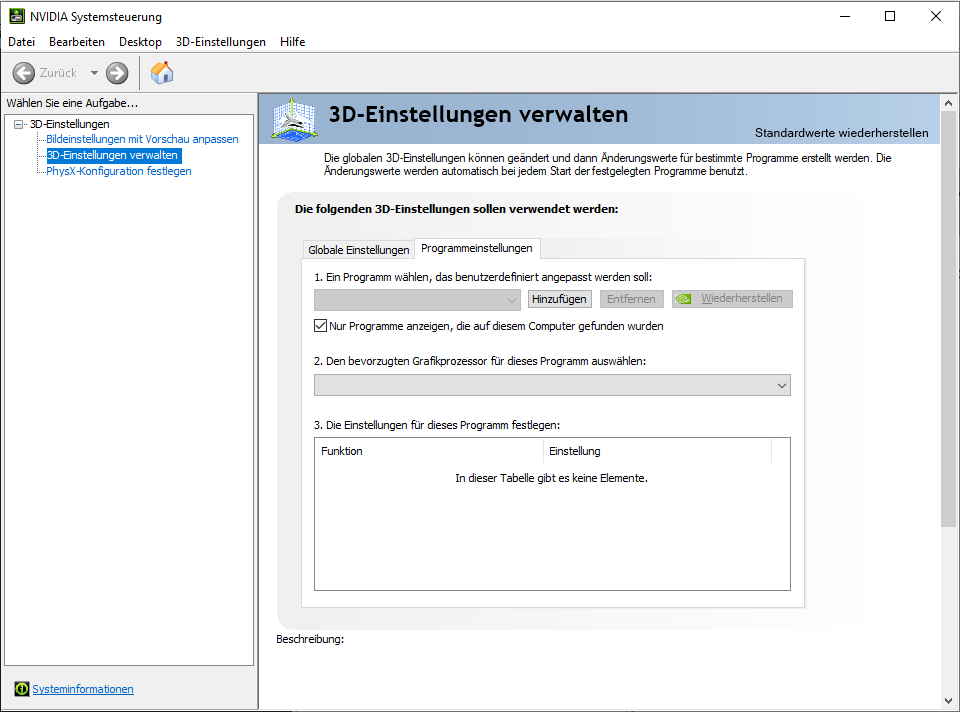
                              Thank you, @theluthier! I’m wondering whether part of the problem could be an outdated driver. When I’m starting the program for the system settings of my GeForce GTX 1060 the program crashes after a few seconds before I can change anything:

                              I need to search for more informations on how to fix this isssue. The problem with updated drivers is unfortunately that they sometimes make things even worse. I’ve read so often about such problems which I’ve already experienced myself in the past but not with my current computer.

                            Viewing 13 posts - 16 through 28 (of 28 total)
                            • The topic ‘“Industrial Environments with Eevee” Course: Columns Turning Magenta when Mixing in Second Principled BSDF’ is closed to new replies.