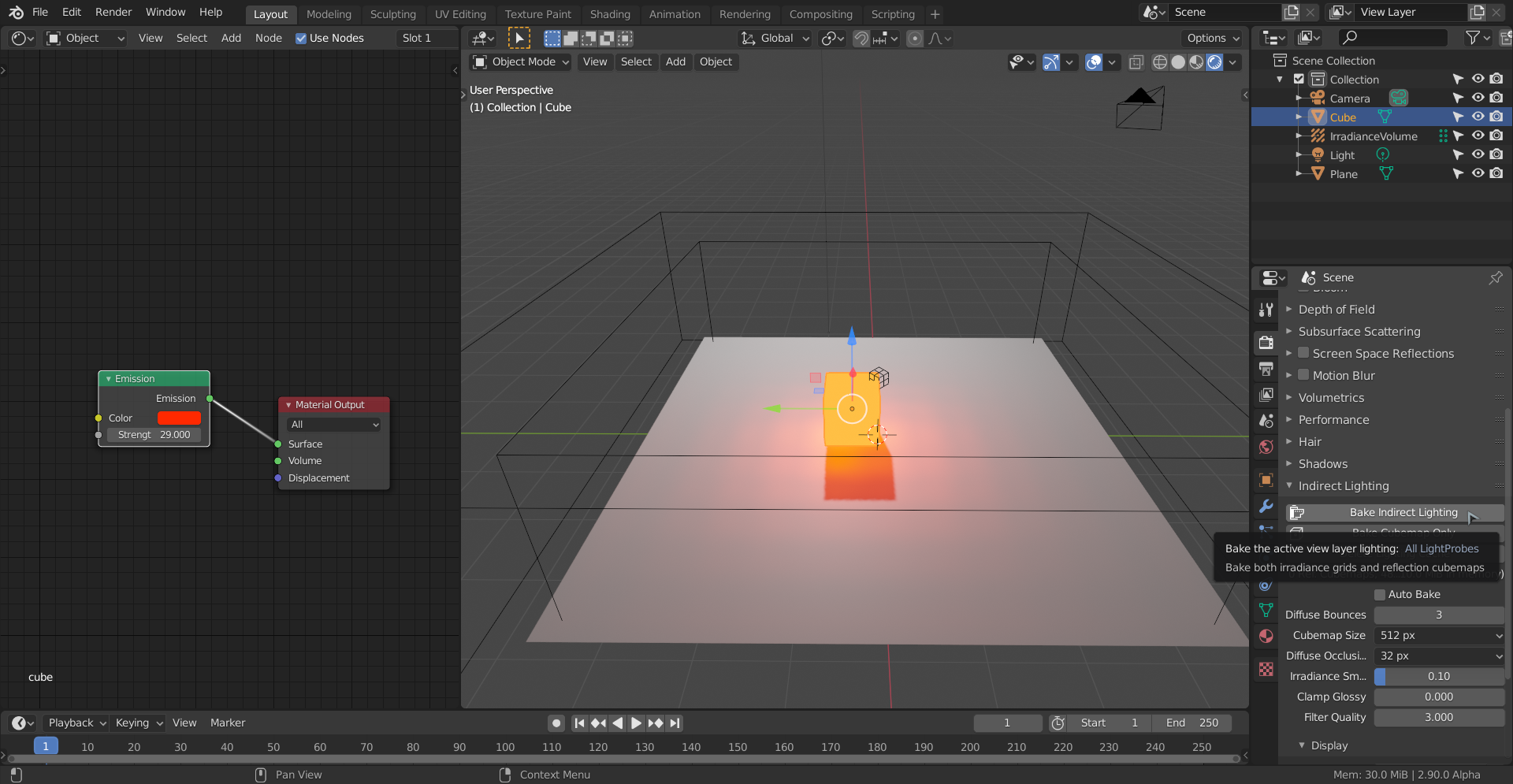
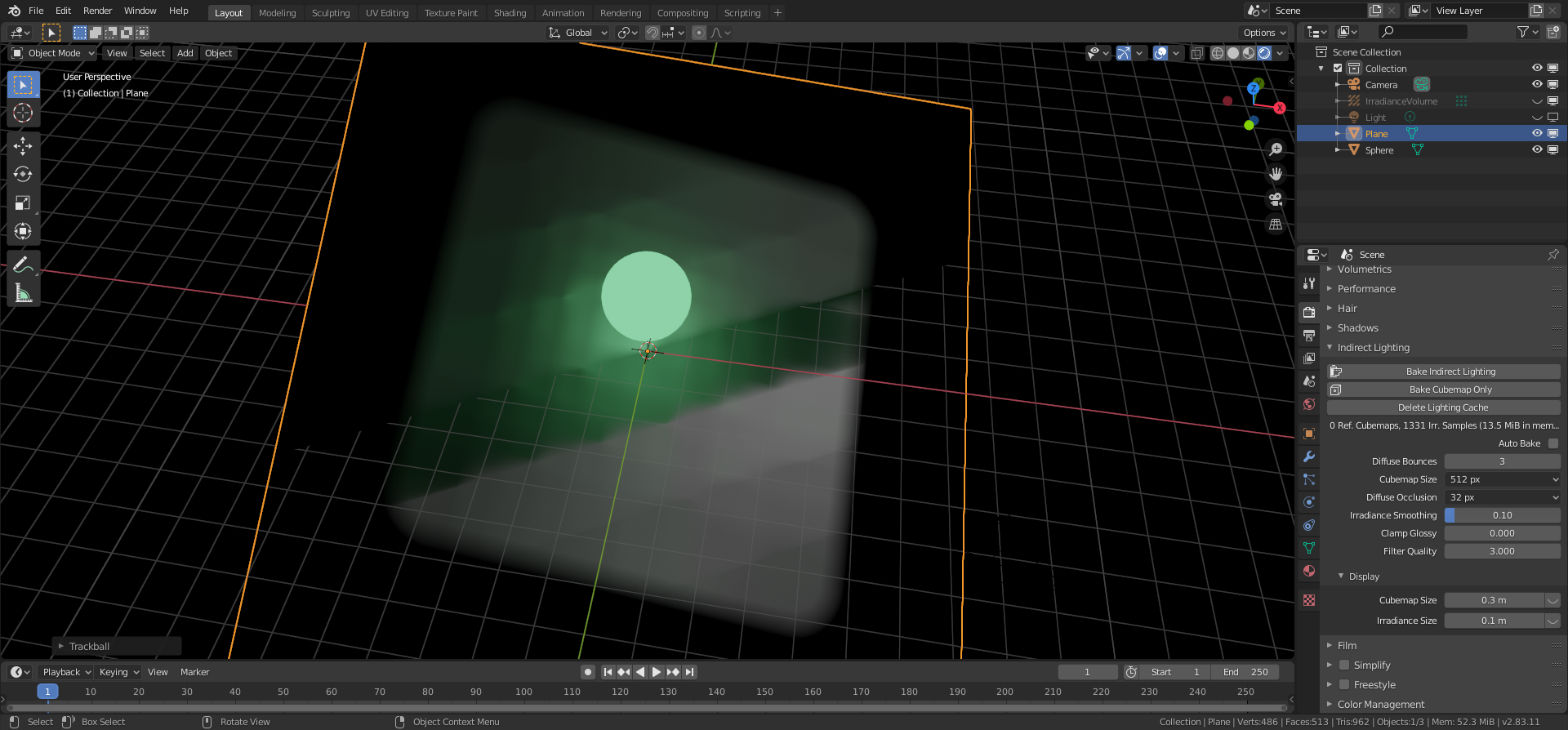
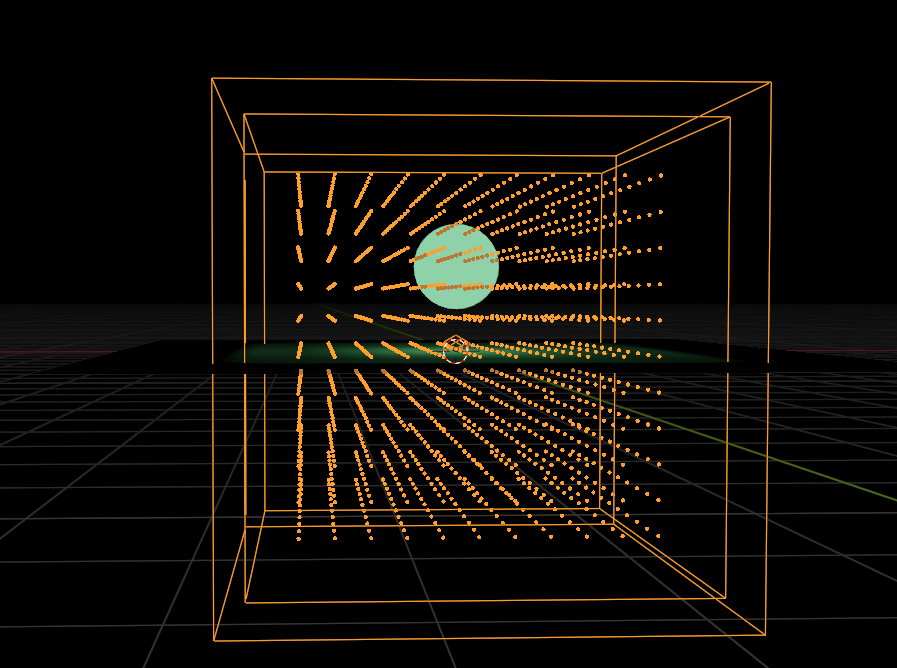
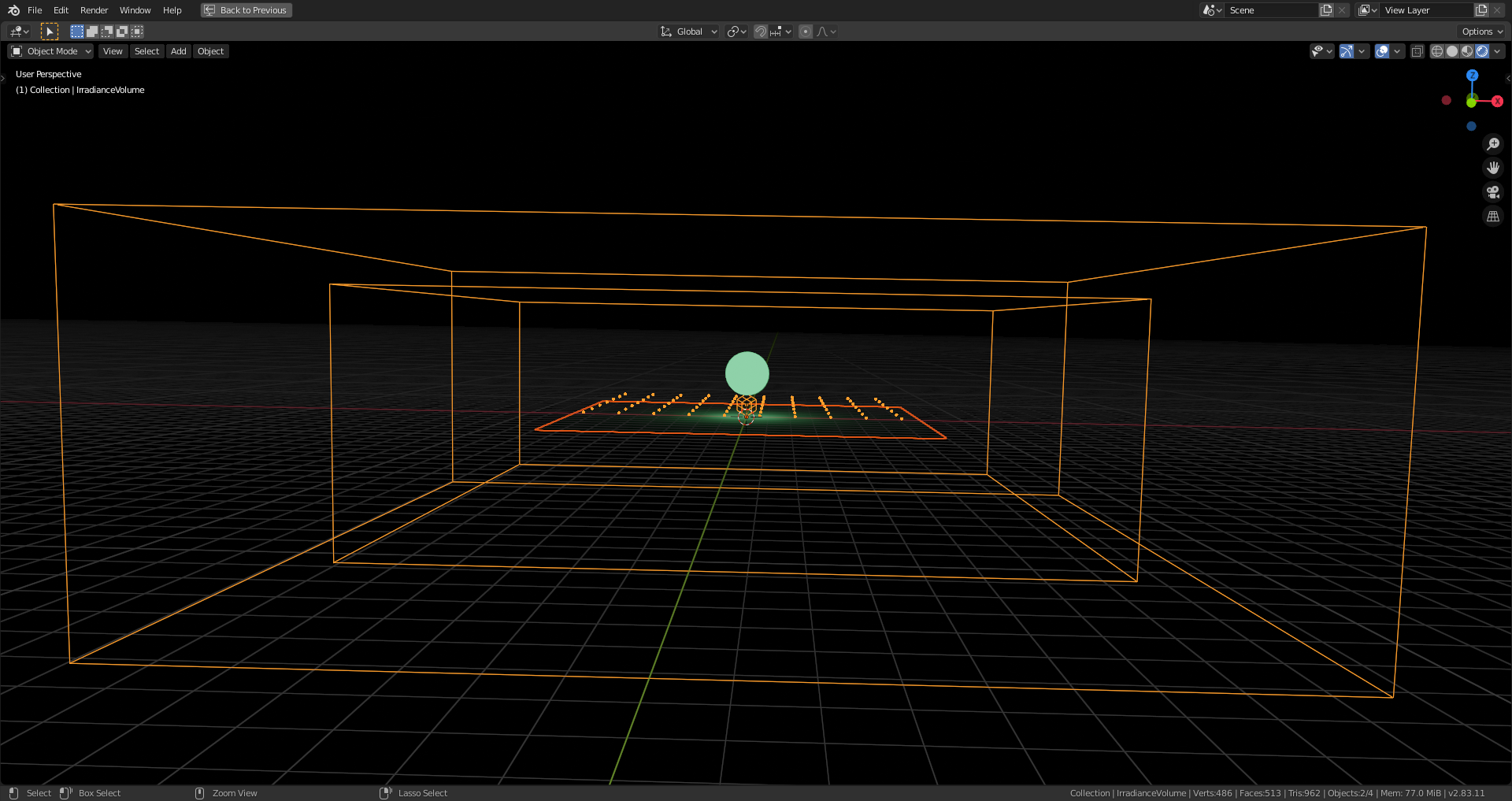
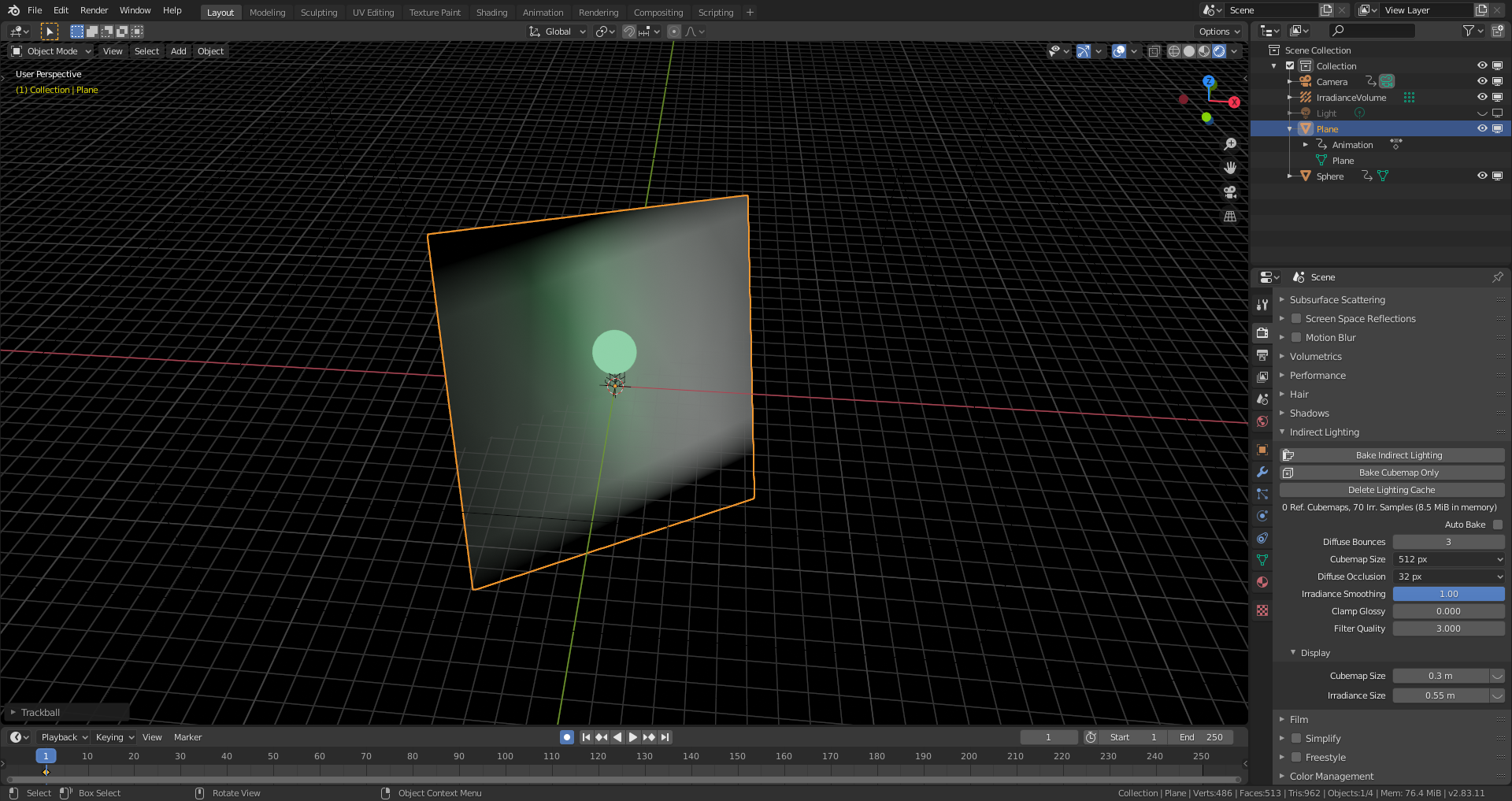
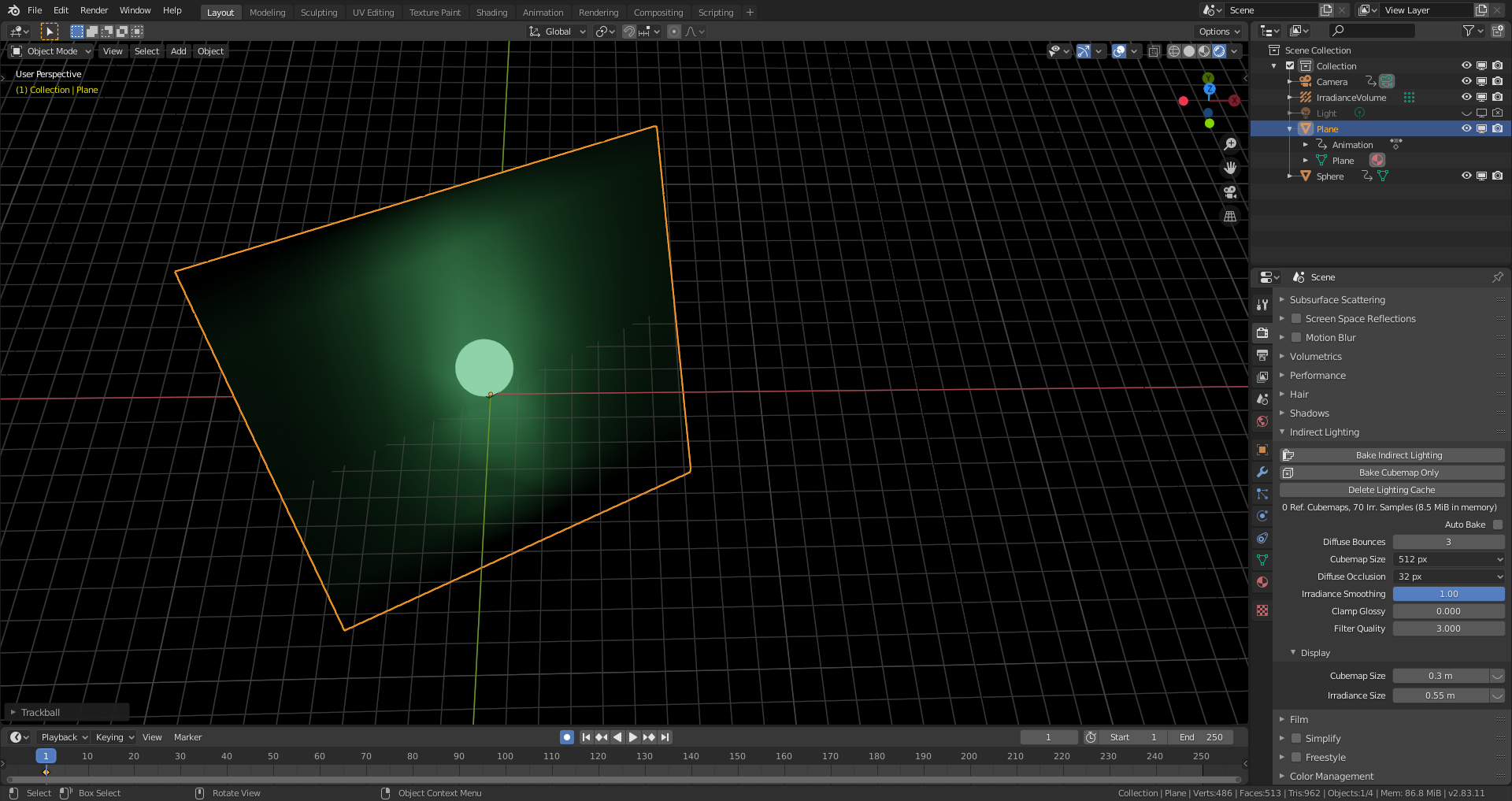
Hm, I think I have the solution: The white we’re seeing is from the ground plane itself in its original orientation. The light probes took each a 360 degrees image around them during the baking process. Now, these probes are acting as projectors of the situation before the rotation of the ground plane. We’are simply to much used to thinking the way Cycles works.
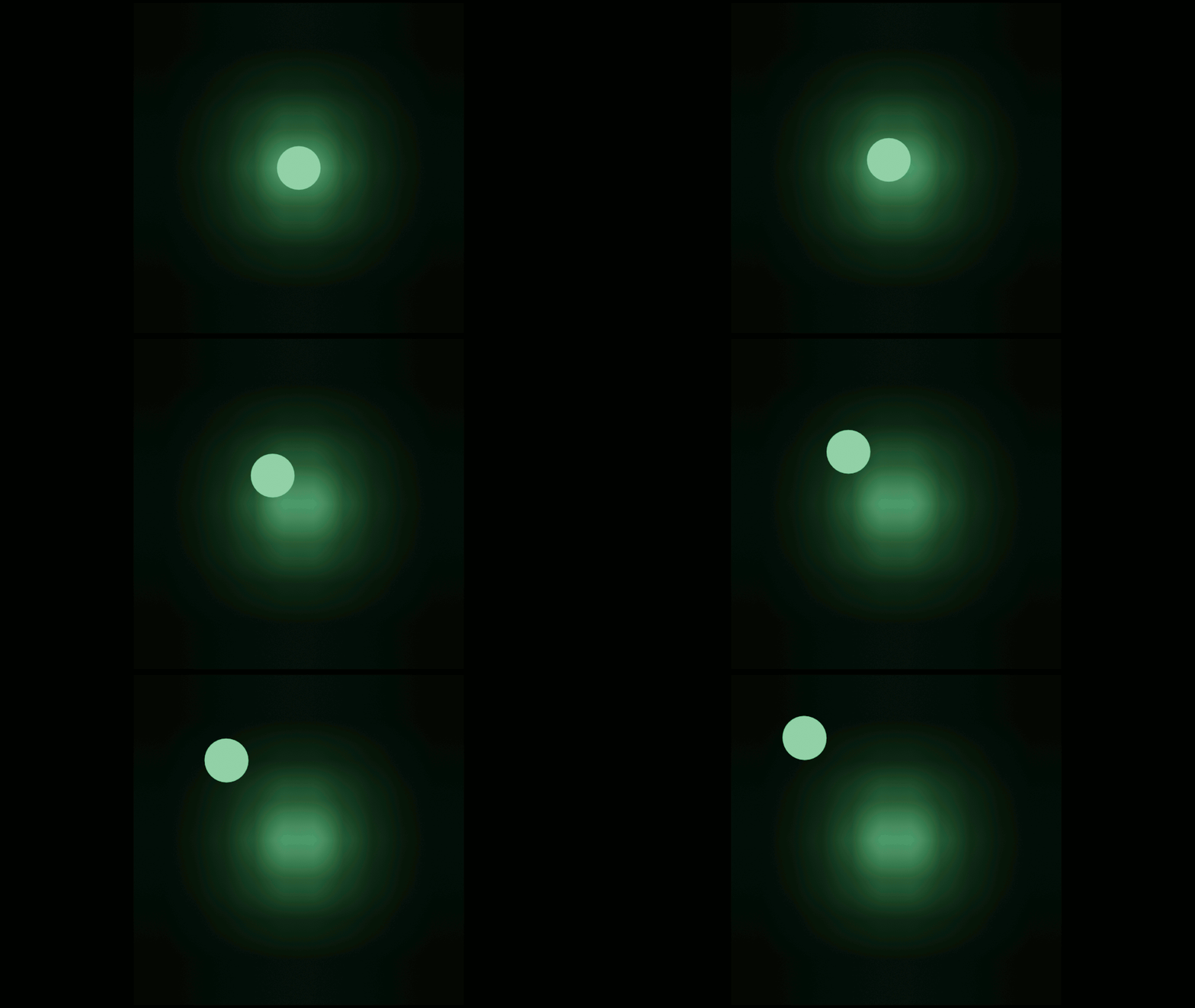
Commands back! There was a white point light hidden from preview but not from rendering. Due to the fact that the camera icon for enabling/disabling the rendering of an object isn’t visible in the “Outliner” per default, I forgot to disable the point light. Now it works as expected:
But parts of the white light before nevertheless originated from the light that the (default material) grey plane reflected in its original orientation.
Oops. I must be loosing it; I thought I checked that Point Light, but that was indeed only the Viewport visibility, not the rendering (both are sort of square-ish icons…I always have that render icon visible in my files, but loading someone else’s file per default loads their UI and that messes me up sometimes, when I don’t realize that;)
Nice, thanks @spikeyxxx ! You’re spot on. I generally don’t use mesh lights at all when rendering with Eevee since the result will always look a bit grid-like, but I’m sure it’s helpful in some situations.
As of now the light cache is static and needs to be computed before rendering. It cannot be updated per frame (unless via scripting). This limitation is being worked on and will be removed in future versions. l
Hm, I’m wondering how this scripting stuff works 😉. Allthough I have some Python knowledge, I haven’t dived in very much.

.