Grease pencil edit extrude : odd behavior

Forum Archive Grease pencil edit extrude : odd behavior

Viewing 10 posts - 16 through 25 (of 25 total)
  • Author
    Posts
  • #77629
    Paul Caggegi
    Participant

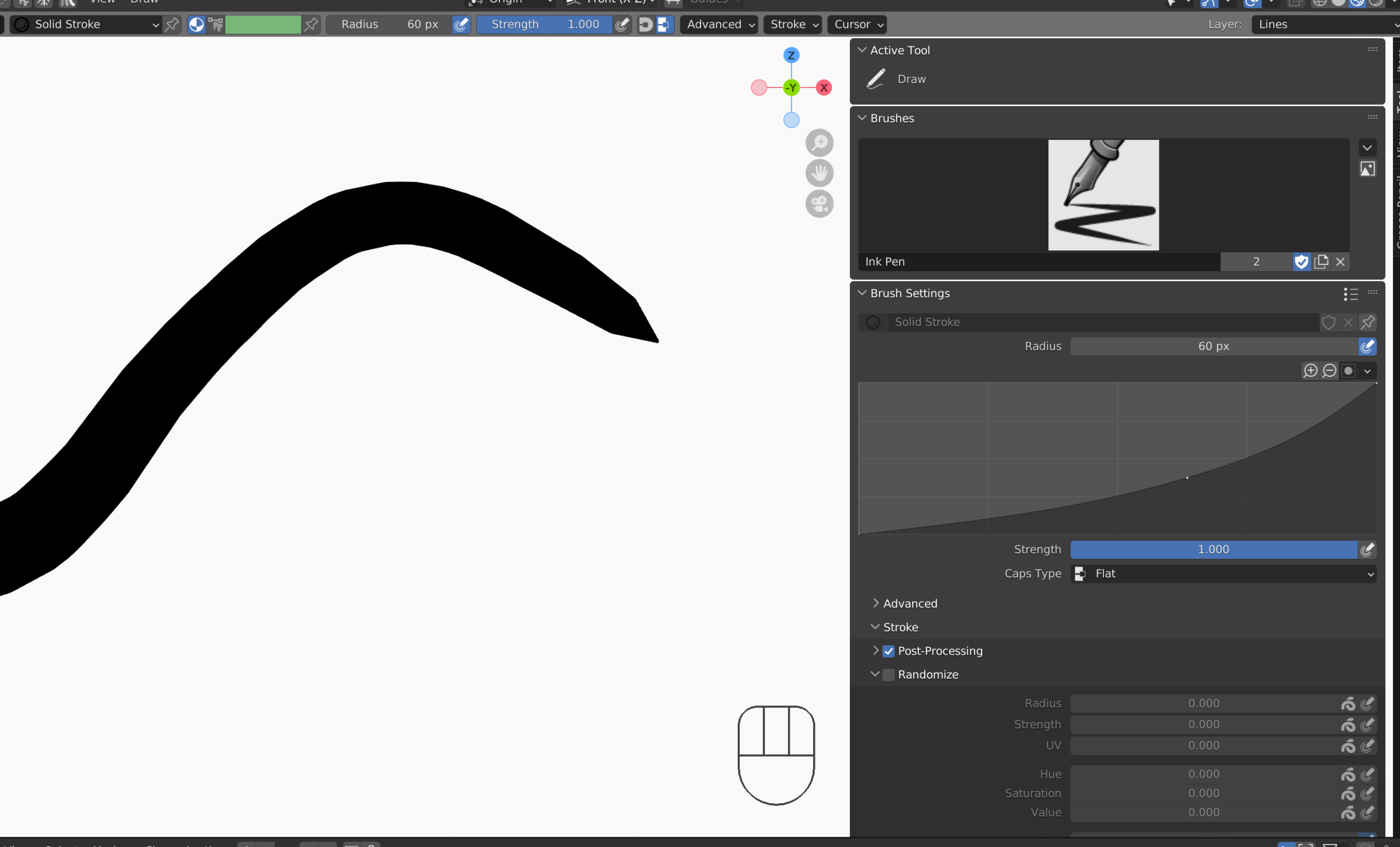
      You can further tweak your brush settings – Advanced, Stroke options – and in your brush tool window (N-Key, Tool Tabe) you can adjust the curve that will dictate how the pressure sensitivity should act. You also have post-processing and randomize settings to play with as well.

      #77630
      Kevin Mather
      Participant

        Hi @pcaggegi , in 3.4.0 it is set to round with the button. (I think that was also the default in 2.81a although the control is in a different place.)

        I’m using strength 1.0, fixed radius, with tablet controls all disabled. (I have a tablet but often use the mouse.)

        The line ends appear as round while extrusion is being done.

        If I then scrub/step back and forth in the timeline, (while the duplicated stroke points exist), the ends appear square/angled for all keyframes except the last.

        When each hidden duplicate stroke point is dissolved, the affected end then correctly appears as round.

        After all the duplicated stroke points have been dissolved, scrubbing back and forth displays the ends properly as round at every keyframe.

        Hopefully this clarifies things. It’s a little hard to explain without a video.

        #77631
        Kevin Mather
        Participant

          Extruding on a straight line minimizes the artifacts. I should have chosen a better example like a curved path. But invisible duplicate points occur in either case.

           I imagine that real artists rarely use edit mode. Since I sketch/paint poorly, I use it a lot 😉. And it is extremely handy for “geometric”/“SVG-like” animations.

          #77632
          Paul Caggegi
          Participant

            Hi @techworker1 – yes this problem persists even in the latest version of Blender. I don’t know why it happens, I’m sorry, but I do offer an alternative. Instead of extruding one point at each keyframe, do this: draw the entire stroke/image. Then apply the build modifier. This will allow you to animate the stroke drawing on AND have control on how fast or slow it happens. Check this video out

            #77633
            Kevin Mather
            Participant

              Thanks to all.

              For stroke zero-to-full-length, Build modifier is clearly the simplest.

              For sliding a stroke along a curved path (similar to 3D Curve modifier), there are several ways to redraw or edit the stroke. I was using extrude-head + delete-tail (with cleanups) since this seems easiest and most accurate. Of course a full draw at a new position (classic method) or other edit operations are also possible.

              Putting this one to bed for now.

              #77634
              Paul Caggegi
              Participant

                To put on a bow on – you can always add a second build modifier and set it to erase the line as well. 🙂

                #77635
                Kevin Mather
                Participant

                  Yeah, I thought of that too. As they say in Perl, TMTOWTDI – there’s more than one way to do it. 

                  #77636
                  Martin Bergwerf
                  Participant

                    I’ll have to remember that acronym 👍🏻

                    #77637
                    Kevin Mather
                    Participant

                      AKA the “Tim-toady” principle.

                      #77638
                      Kevin Mather
                      Participant

                        It seems that the Length modifier (3.x only) is the one I really want for what I was trying to do.

                      Viewing 10 posts - 16 through 25 (of 25 total)
                      • The topic ‘Grease pencil edit extrude : odd behavior’ is closed to new replies.