
Epic Pumpkin Contest WIP
Forum Archive › Epic Pumpkin Contest WIP
- This topic has 97 replies, 9 voices, and was last updated 7 years, 10 months ago by
smurfmier1985.
-
AuthorPosts
-
October 28, 2018 at 11:07 am #43658
Alrighty, here are the retopoed versions!
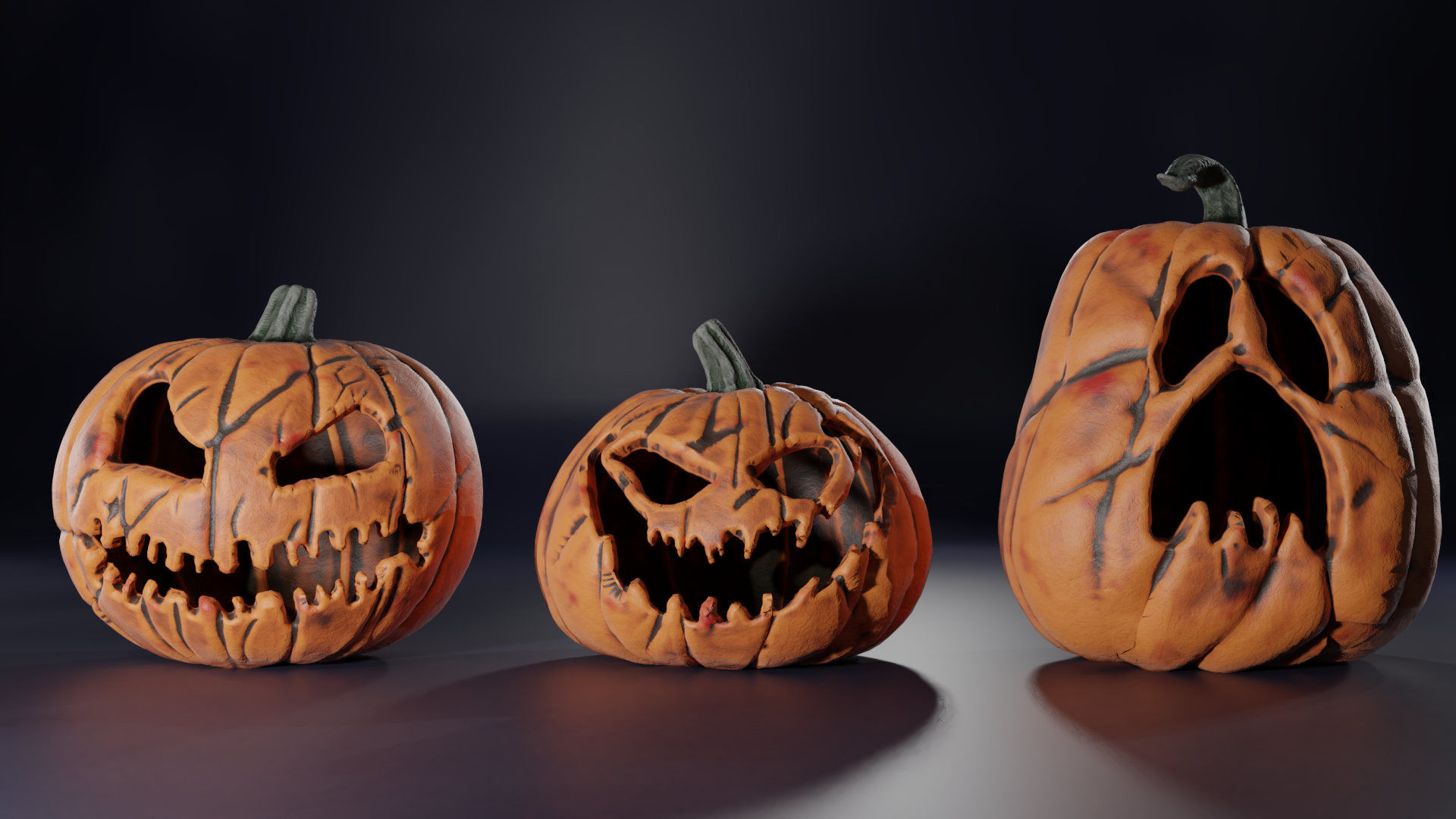
Now back to work!
October 28, 2018 at 12:31 pm #43659@thecabbagedetective really great work. Mind showing the retopo of the pumpkin? It’s really good done
October 28, 2018 at 12:37 pm #43660@yukinoh1989 Why thanks! The render’s probably gonna take a while and every minute is vital to me right now so I hope you don’t mind waiting a little bit, but I’ll absolutely share it when time lets up (aka I’ll render as I sleep). I will say though that also like the clothes they’re very dense as I had to apply a subsurf modifier to get the details, don’t have no time for baking normals unfortunately lol.
October 28, 2018 at 12:40 pm #43661@thecabbagedetective don’t woory I have time enough
October 28, 2018 at 8:06 pm #43662So, uhh… don’t suppose we have any pro riggers in here?
So here’s my base mesh:
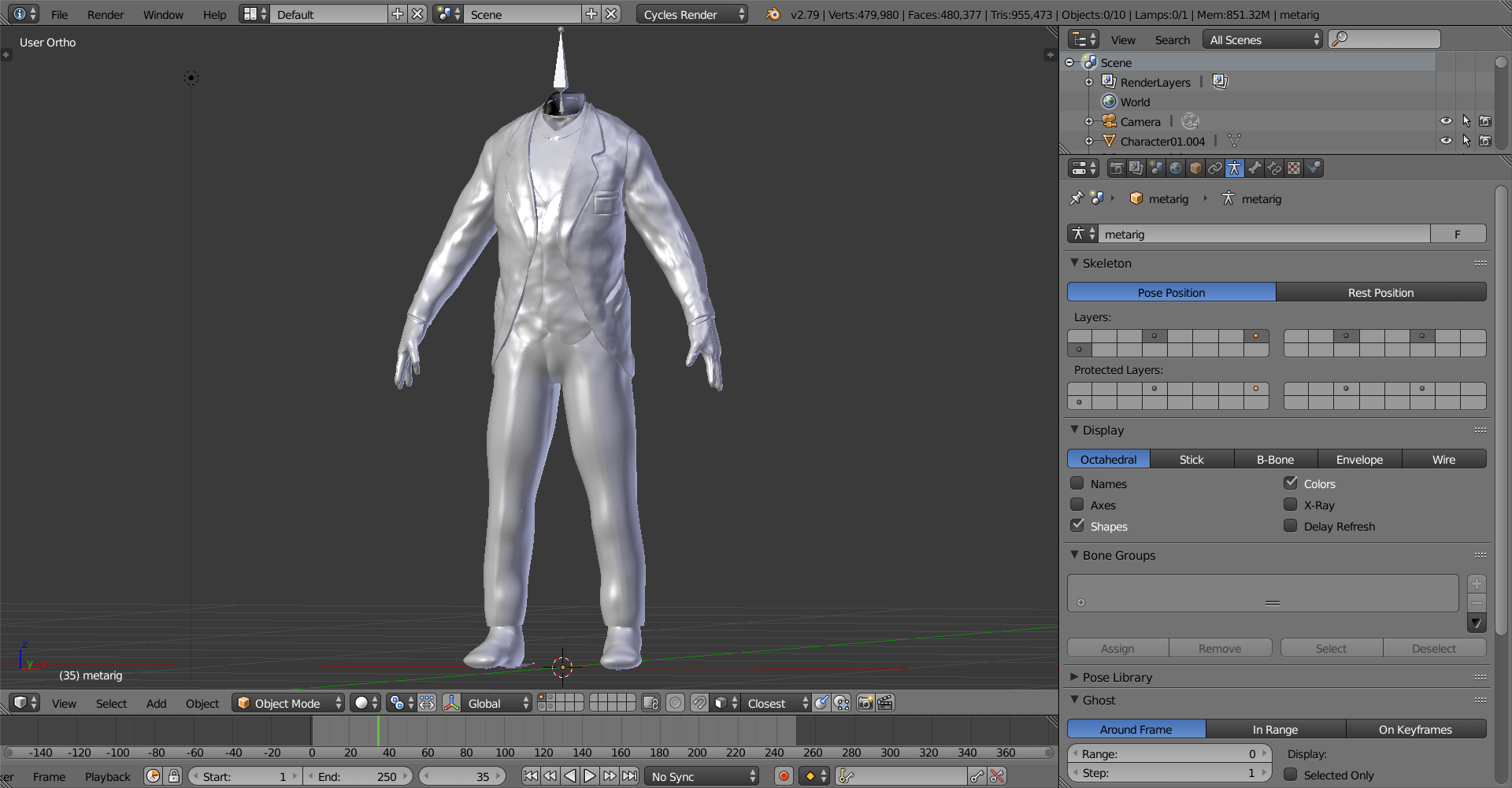
Just tried using a basic meta-rig and applied it to the suit guy with automatic weights and I get… this:
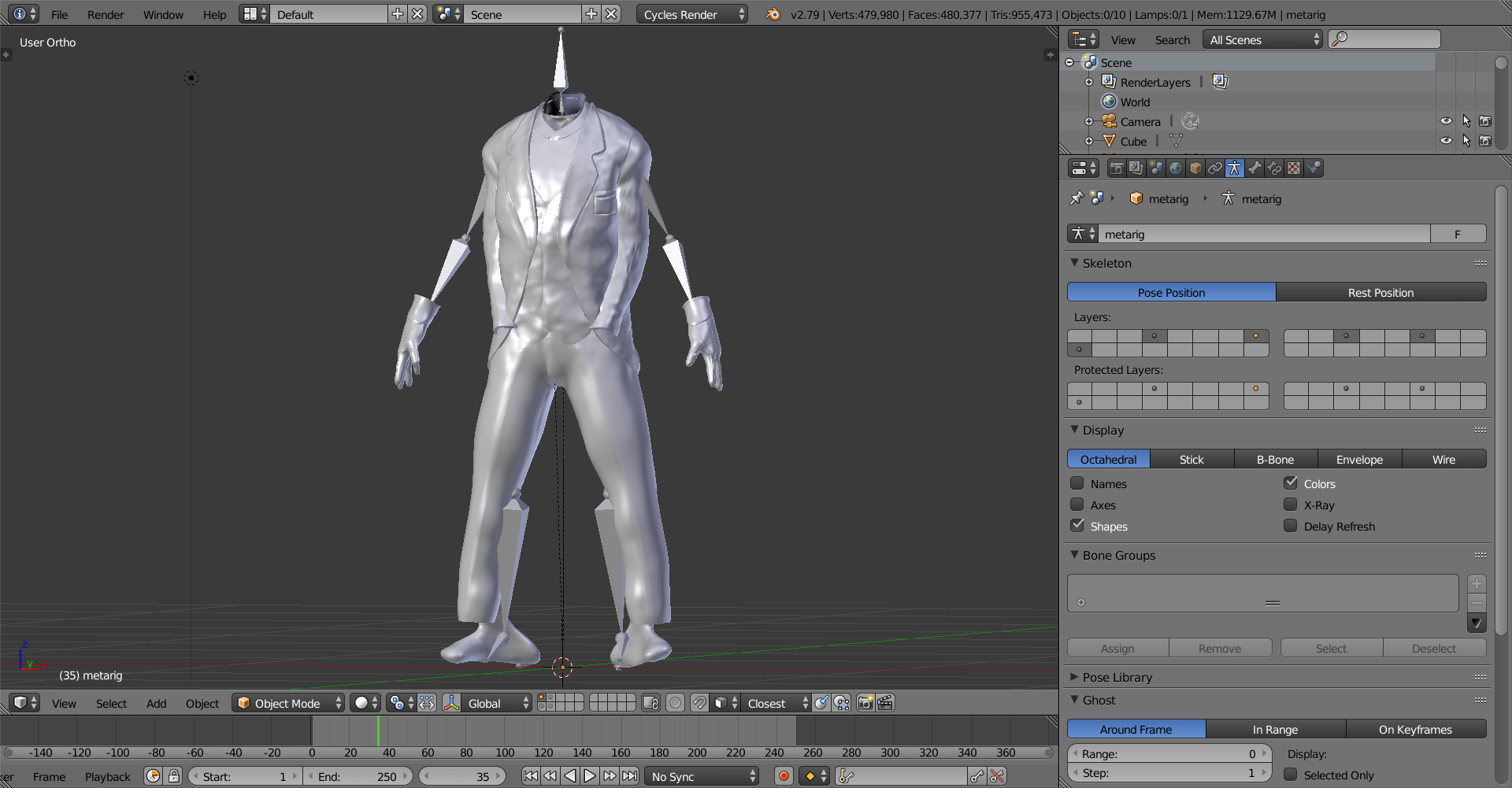
So is this related to the automatic weights? Am I gonna have to paint it? UGH.
UPDATE: Also applying modifiers seems to completely break the automatic weights and weight paint as well so I guess I’m going to have to keep them?
October 29, 2018 at 8:25 am #43663Don’t give it any automatic weights and then try to paint it and I get this:
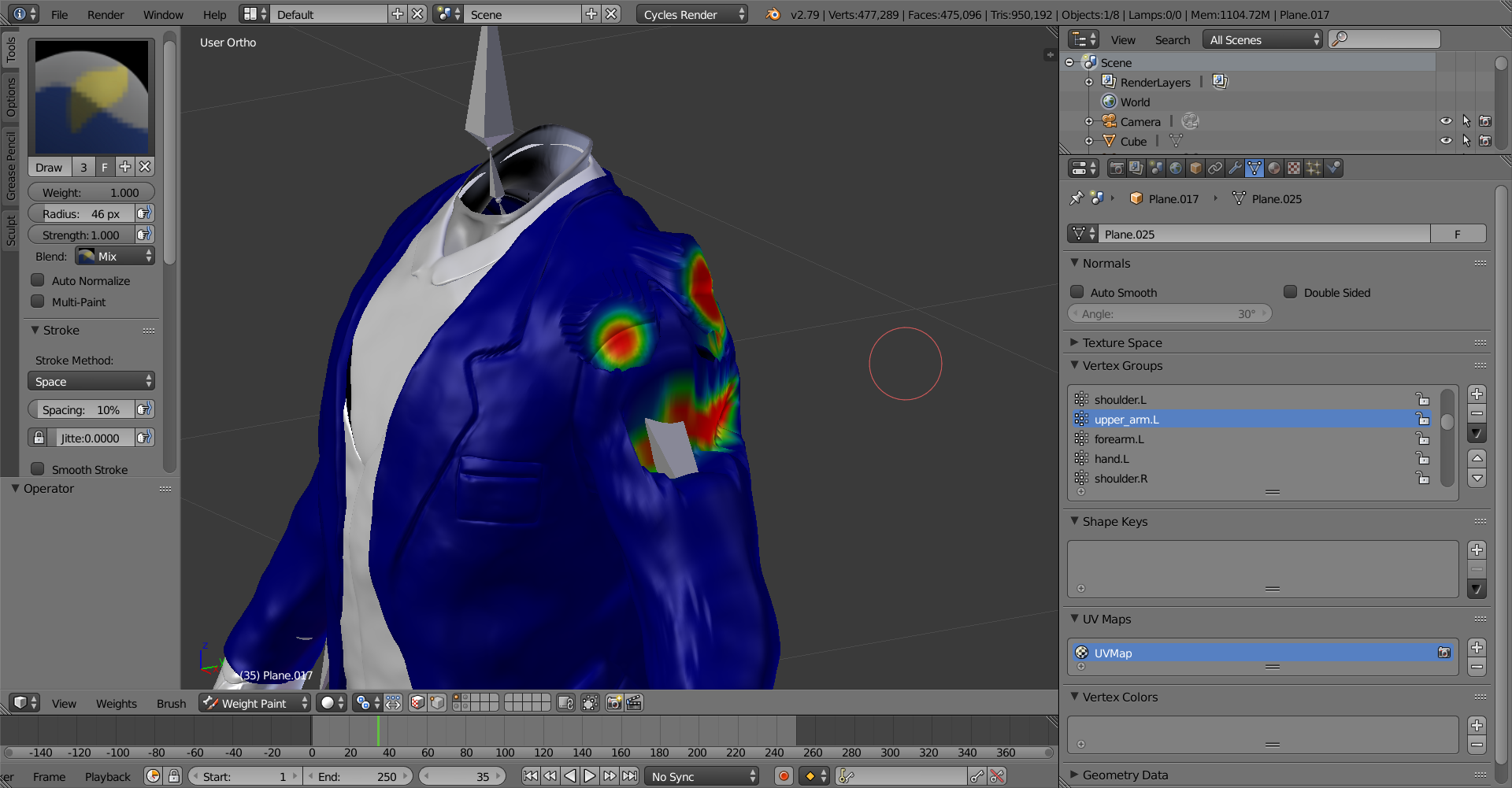
Anyone got any ideas?
October 29, 2018 at 8:43 am #43664@thecabbagedetective sorry mate, no clue. I can’t even rig that nasty dog of the fundamentals course… hope someone knows the answer for ya, would be a shame if this awesome scene you’re imagining doesn’t come to life the way you wanted!
October 29, 2018 at 10:59 am #43665@thecabbagedetective Just a suggestion If I were you I would : remove all current vertex groups, then apply my scale – location and rotation on the mesh with CTRL + A (If I can remember correctly the shortcut). After that, I would try to link the rig to the mesh with the automatic weights. Be sure to disable bone deformation for bones that wont be deforming the mesh directly as well (if there are some of them).
October 29, 2018 at 5:27 pm #43666@nabro Aha, this seems to have put me on the right path, thanks! One more question though if I may:
When attempting to give automatic weights to the gloves it tells me that the Bone Heat Weighting has failed and I don’t know why (also btw each piece of clothing is a separate mesh, though even when I join them together I get the same issue). I’ve tried separating them as two meshes, removing doubles, apply everything, but nothing seems to be working. Am I just going to have to paint them manually?
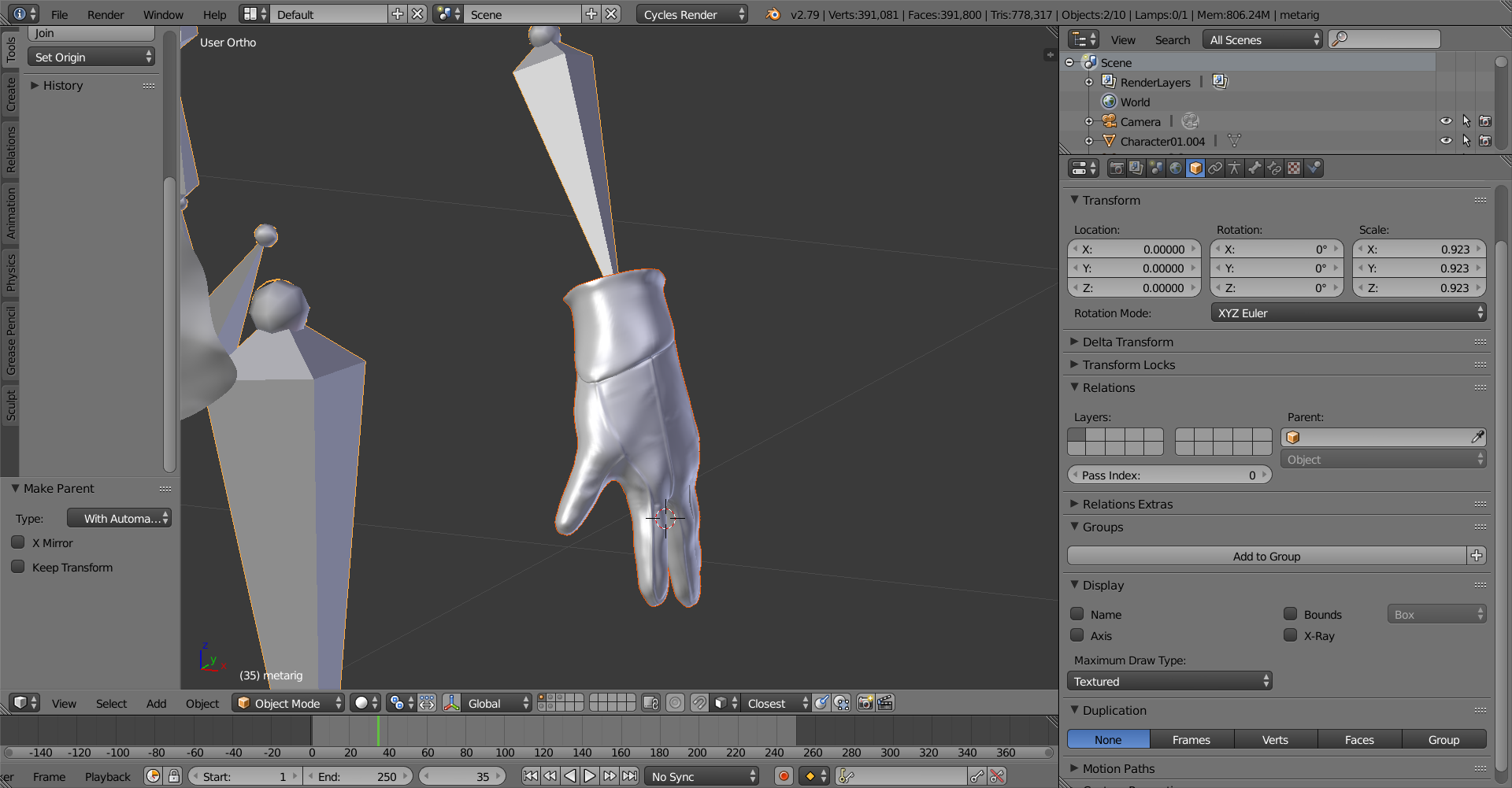
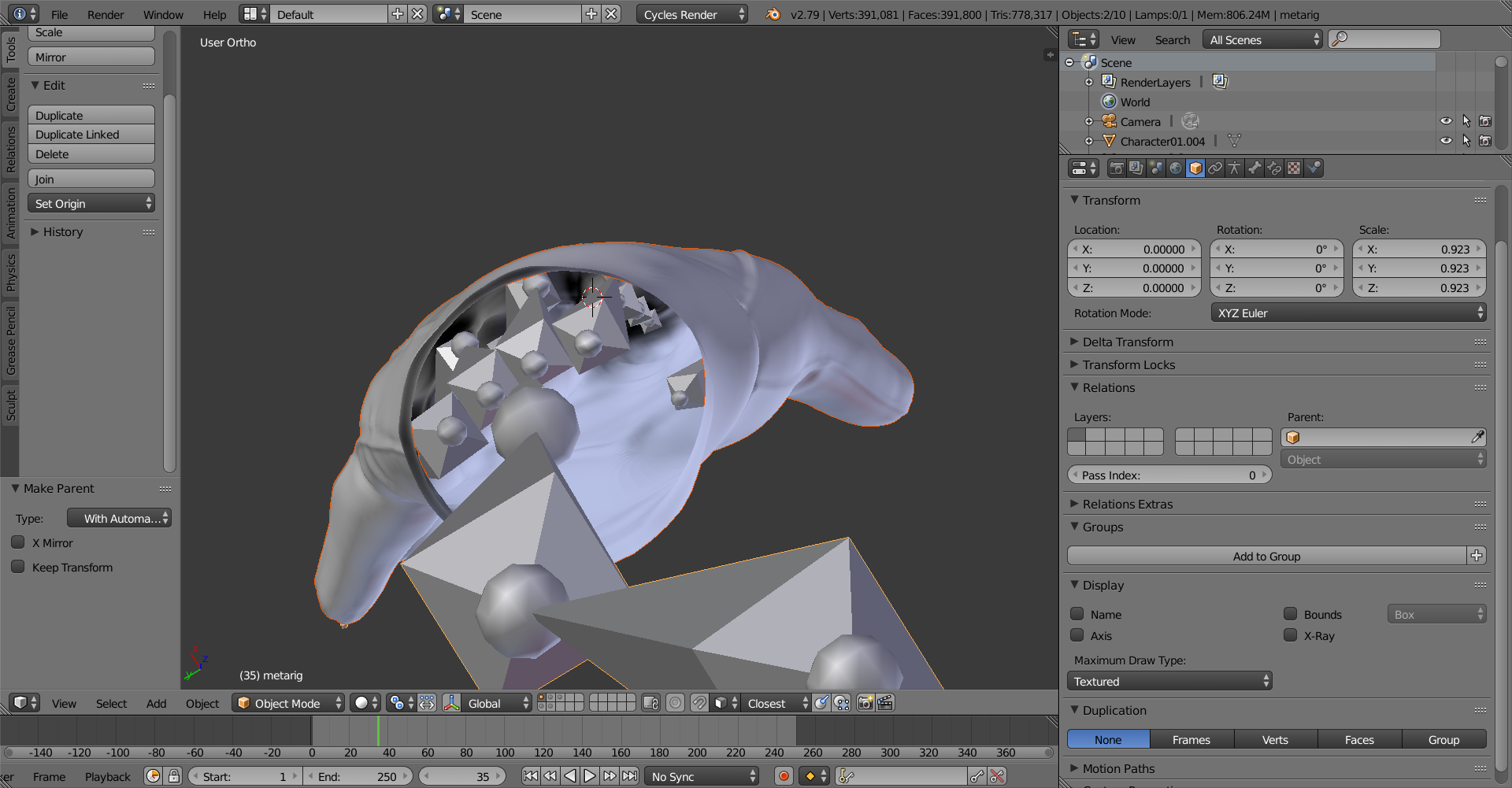
Admittedly I didn’t disable bone deformation on the unnecessary bones but even then I still get automatic weights with the other parts, I’d really appreciate the help and thanks in advance.
October 29, 2018 at 5:41 pm #43667I swear I’m gonna pile drive my PC into my desk or something, I don’t want this to be what kills my project. After studying the mesh some more it did have some vertex problems but even after fixing them it still wouldn’t work.
October 29, 2018 at 5:47 pm #43668After testing this with my other characters it seems I can’t rig any of the hands, is it because they’re a separate mesh or something?
October 29, 2018 at 10:02 pm #43669Stayed up a bit longer than I wanted but I’m turning in for the night. Messed around with some grass particles and some textures for the background, nothing particularly interesting to render. Apologies if it’s coming across as spam now but due to my limited time and lack of rigging skills I *really* need some help on this one. Well, thanks in advance to anyone who can help and I’ll see you tomorrow.
October 29, 2018 at 10:51 pm #43670@thecabbagedetective If nothing else works, and your mesh isn’t too dense, you could do it in edit mode with proportional editing.
October 29, 2018 at 11:11 pm #43671@cgcookiedough Yeah see that’s the problem, they’re dense as hell. That’s why I’m so stumped, it’s a real bummer.
October 29, 2018 at 11:16 pm #43672@thecabbagedetective Darn, you have the basic stuff there, like the origins in the same places and the scale is the same right? You might could try making just the hand bones if you wanted too, it might fix it.
-
AuthorPosts


- The topic ‘Epic Pumpkin Contest WIP’ is closed to new replies.