[ENDED] BC3-1806 – June 2018 Class Homepage – Vehicle Modeling with Blender

Forum Archive [ENDED] BC3-1806 – June 2018 Class Homepage – Vehicle Modeling with Blender

Viewing 15 posts - 316 through 330 (of 1,277 total)
  • Author
    Posts
  • #35371
    Jason
    Participant

      HOMEWORK SUBMISSIONS WEEK 1

      I thinking about the Mach 5 from Speed Racer

      #35372
      Omar Domenech
      Participant

        I have to say this car modeling has been like a boxer, that has KO’d a fair share of opponents, and now is fighting a contender that just found out a weak spot on his defense stance and now all the punches our going through and he is getting massacred.  My car is just a wobbly mess. 

        And @wesburke “Delete it and start over” advice really comes across when you realize you could spend hours tweaking and tweaking vertices and it is not going to make a difference, you have to delete it and start over. On to my fourth iteration. 

        #35373
        Jake McCluskey
        Participant

          Homework B3-1806 Week 1

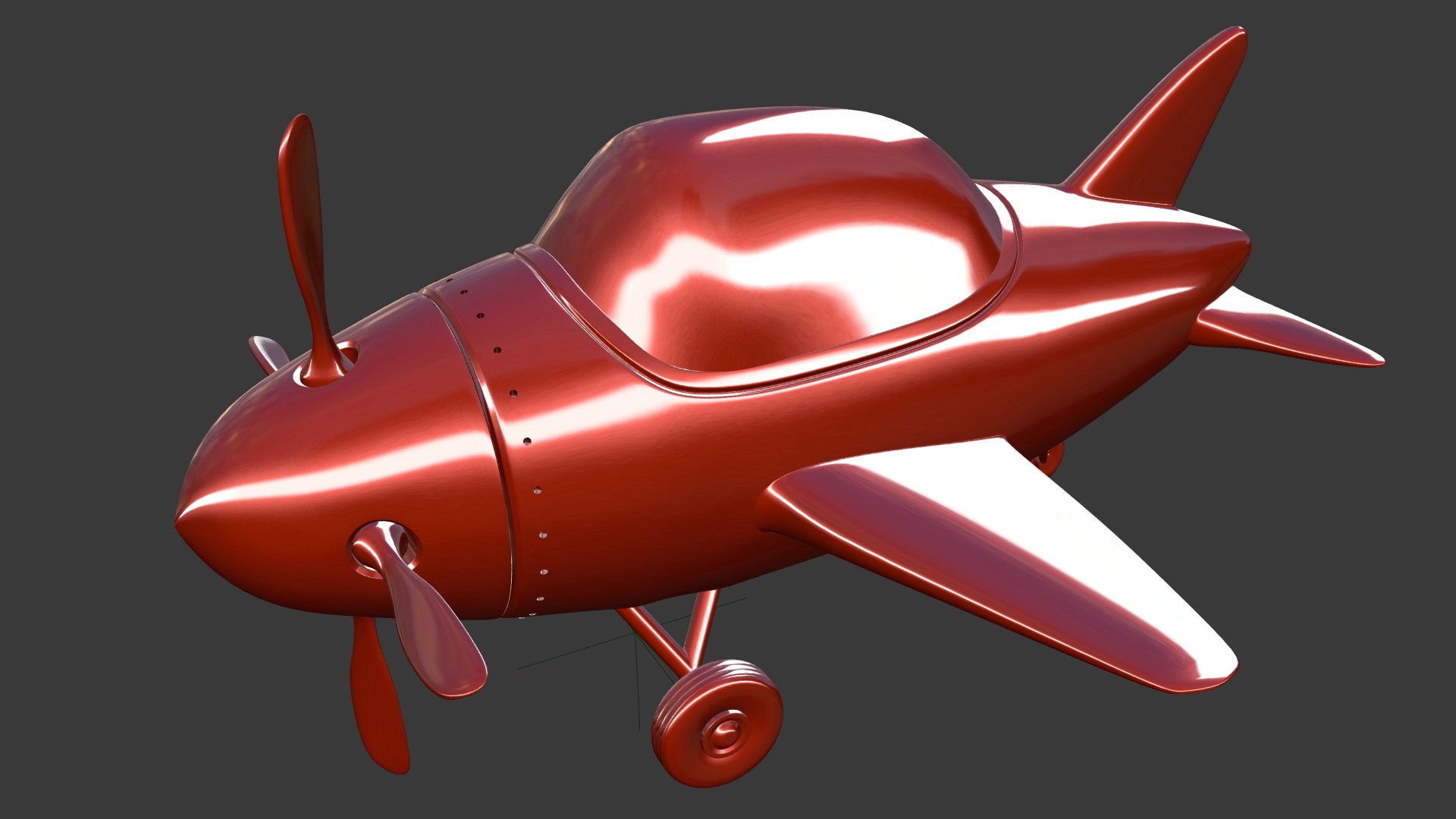
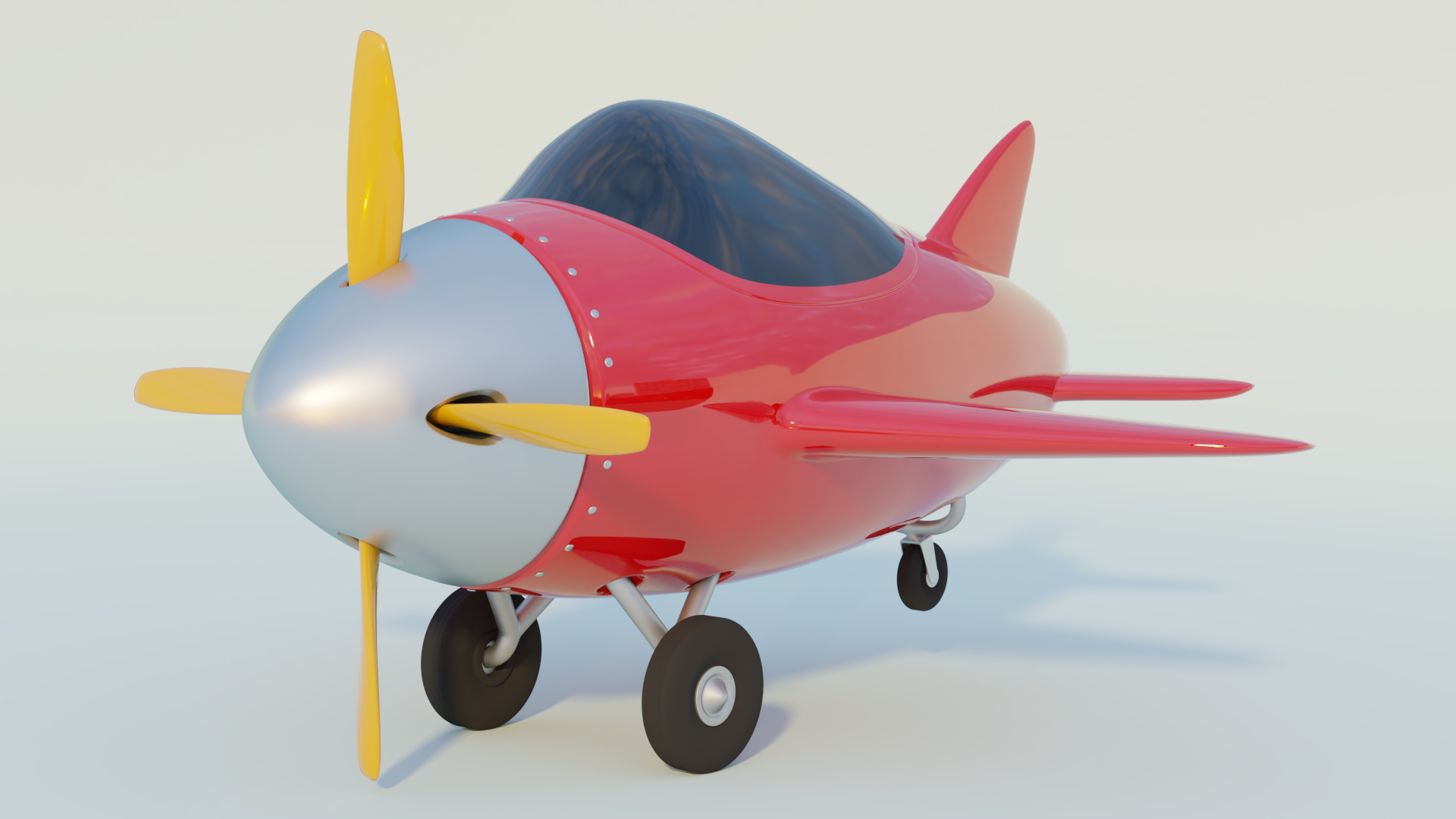
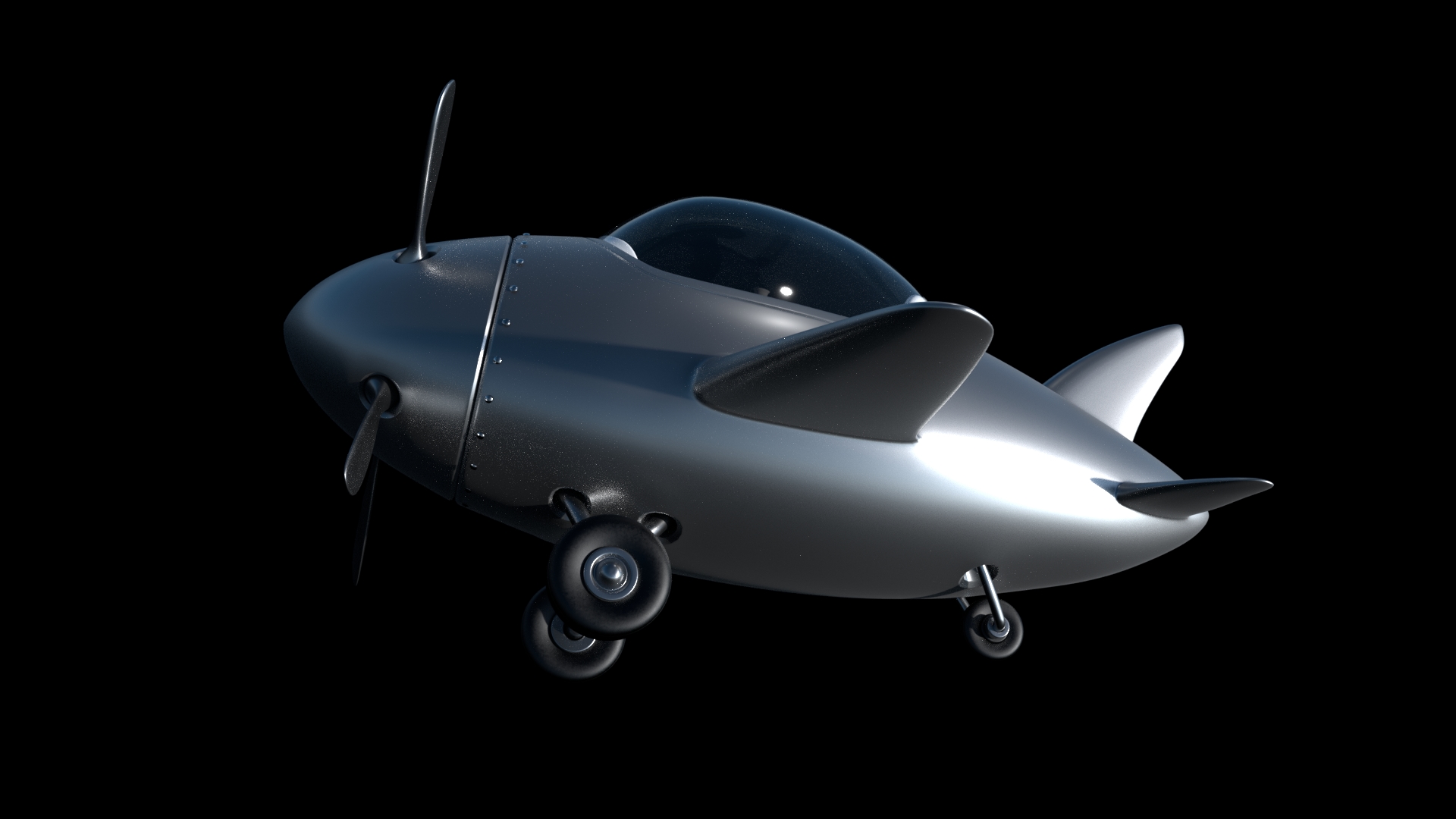
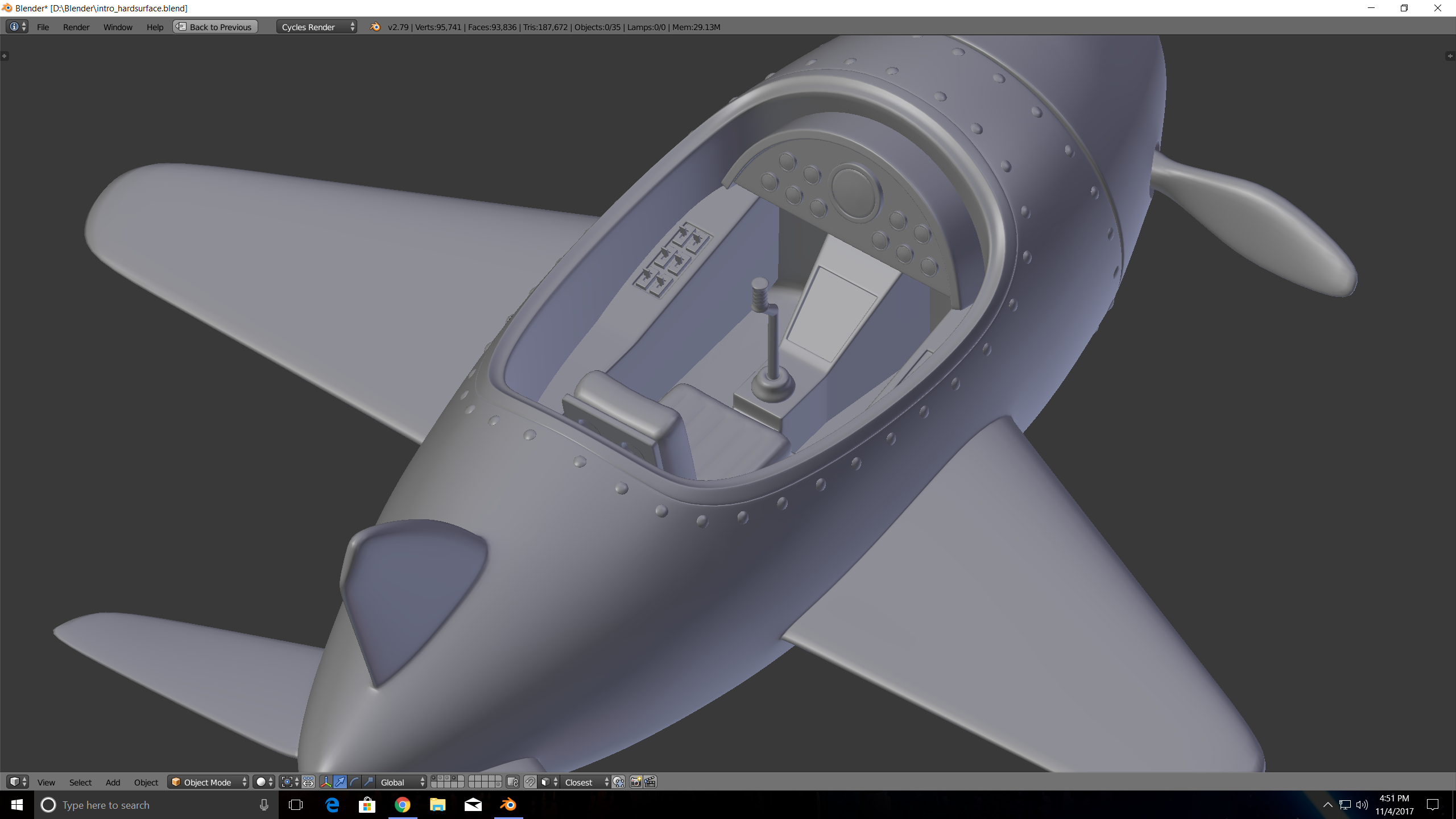
          Airplane :

          Simple Airplane on Sketchfab

          Sketchfab ate my cycles materials, and my gauges and one of the rivet paths, but I learned quite a few neat tricks from that series.

          Primitives :

          Simple Bridge made with primitives

          I’m going to try modeling an Austin Healy 3000 MkII, here’s a blueprint;

          I also found some reference photos for the interior over at automobile-catalog.com

          Looking forward to blocking it out tomorrow morning.

          #35374
          Kaj Suominen
          Participant

            @dostovel Amen to that. thought i’d just continue with the old blockout i had done.. yeah. three tries later i think i have something that i can work with. 😀

            #35375
            silentheart00
            Participant

              Homework B3-1806 Week 1

              The airplane’s kicking my butt!  I’ll keep poking at it and try to get it in by the deadline.

              Modeling with Primitives

              This was a lot of fun for me having constraints to work within.  I had lots of ideas, but I thought a garden would be the most successful.  I would’ve like to put more stuff in it, but that damn grass took for-freaking-ever, so I moved on.  At least it doesn’t look overly barren.  Might poke at it a little more and add more things.

              Vehicle – Dodge Challenger

              I like Challengers, and I thought the body would look really cool with the custom paint job.
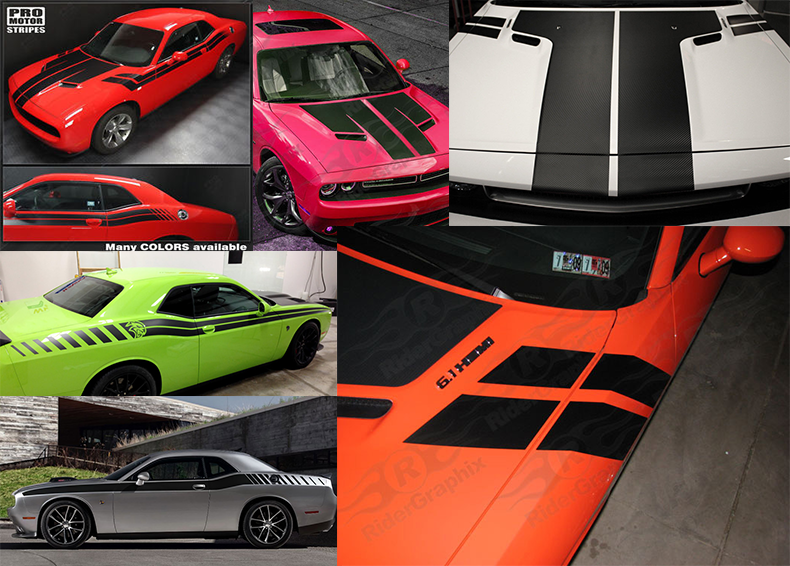
              References for the stripes.

              Interior references.

              #35376
              Logan Meeks
              Participant

                I couldn’t figure out how to get the rivets to show up in my final render! They showed up for the previews though. Any ideas? 😛

                For my vehicle, I chose the Dartz Prombron. I’m super excited to participate in the class 🙂

                #35377
                Michallis Pashidis
                Participant

                  @silenthans nicely posed the airplanes 🙂

                  #35378
                  Char Hunter
                  Participant

                    Homework B3-1806 Week 1

                    I didn’t have time to do the primitives.  I attempted the airplane though.   I changed the two rods on the back tire to come out of the middle of the tire.  Bad lighting too.
                    Soooo late.  0

                    #35379
                    Zach Zellman
                    Participant

                      Homework Submission – Week 1

                      Modeling with Primitives Exercise

                      And here are my Blueprints for the Light Cycle 🙂

                      #35380
                      Michallis Pashidis
                      Participant

                        Hi, 

                        I’m blocking out the main form, but the moment I want to extrude some faces to make the nose, I have a vertex which is doing weird (looking with the subsurf). How can I get this right, I think that i have to wait adding supporting edge loops, or is it better to ignore this and deal with it later on?

                        when adding subsurf I get:

                        thank you!

                        #35381
                        Omar Domenech
                        Participant

                          @onelesspuppy Check in the Outliner, maybe the camera icon or render icon is disabled. You can sometimes turn it off without noticing via hotkeys.

                          #35382
                          Omar Domenech
                          Participant

                            @michallis How does the topology look without the sub-surf? It looks like the modifier is conforming to the shape since there is no loop to hold it. 

                            #35383
                            Omar Domenech
                            Participant

                              RPG metaphor coming….. this exercises are like a boss fight. Where you have been fighting small enemies that appear randomly on the map, easy, give you little XP and you have to wait ages to level up, you’re always stuck in level 15 and the XP gauge is like a serum with honey in it… now a boss battle comes, it’s hard, you need certain level to at least be a match, you will get game over a lot, but it has lots of XP to give if you defeat it and you’ll level up from level 15 to 20 in this match alone. You just have to keep at it and go defeat some small enemies to get some XP if you need to. 

                              #35384
                              Kaj Suominen
                              Participant

                                update. fourth body mesh. i think its getting there. 

                                Mirror modifier giving wieird line in the middle, even though the vertices are middle and looks ok. if i apply it, its ok.. so prolly a viewport issue. since render time its not showin.

                                #35385
                                Omar Domenech
                                Participant

                                  @louhikarme Maybe is not showing in the render because the lighting condition is not enough to make it apparent. Probably you have some vertices down the center line that are a little bit up or a little bit down and are causing the shading issue. Try adjusting them and the bunching down the middle might go away. 

                                Viewing 15 posts - 316 through 330 (of 1,277 total)
                                • The topic ‘[ENDED] BC3-1806 – June 2018 Class Homepage – Vehicle Modeling with Blender’ is closed to new replies.