
DKG’s 3d ArtBook
Forum Archive › DKG’s 3d ArtBook
- This topic has 120 replies, 4 voices, and was last updated 2 months, 3 weeks ago by
Deb kanta Guin.
-
AuthorPosts
-
August 11, 2025 at 9:23 am #96140
Thank you, guys — @spikeyxxx and @omardomenech.
Yes, you guys are right, I forgot to enable the “Disable in Renders” option, for the startup point light lol.
Here its looking better now August 16, 2025 at 10:12 am #96141
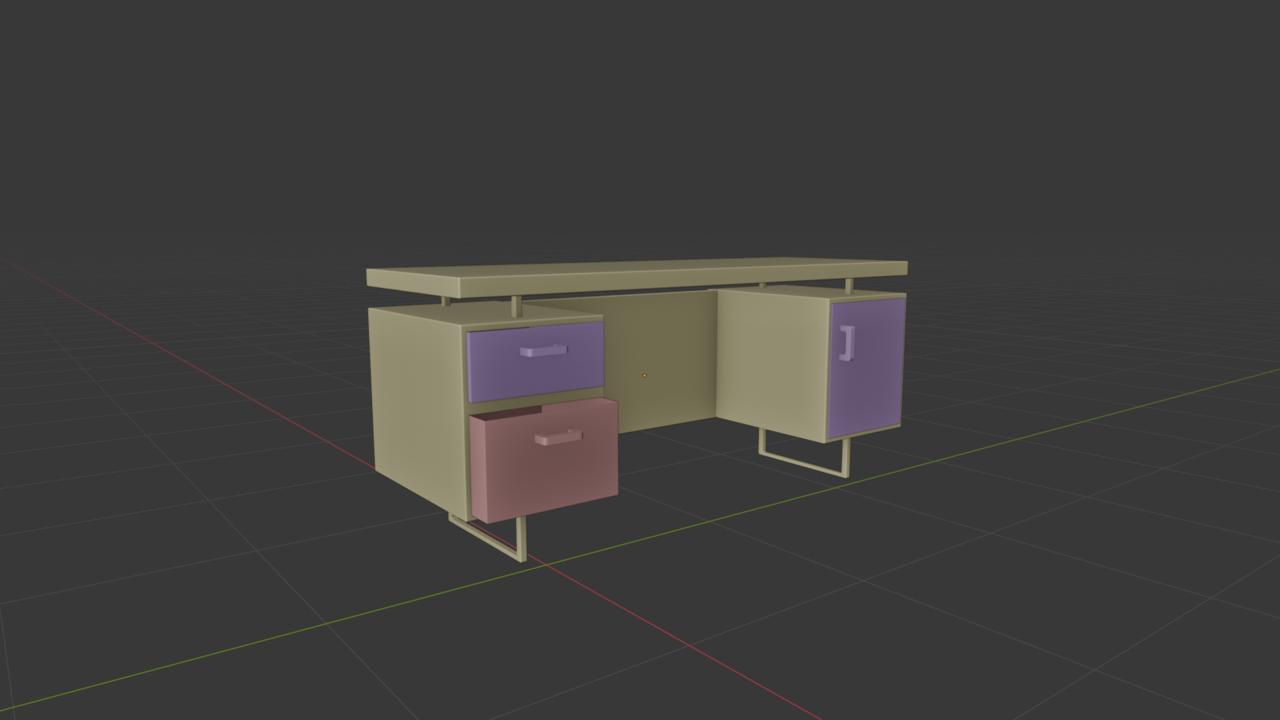
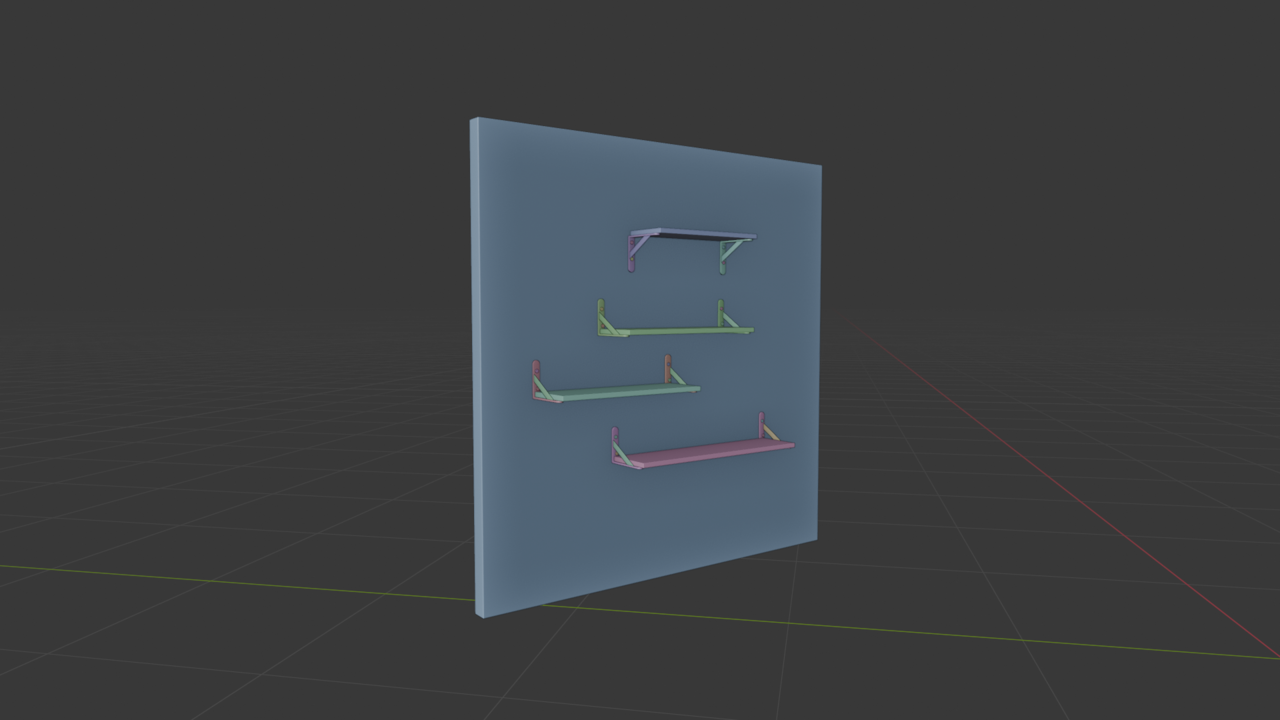
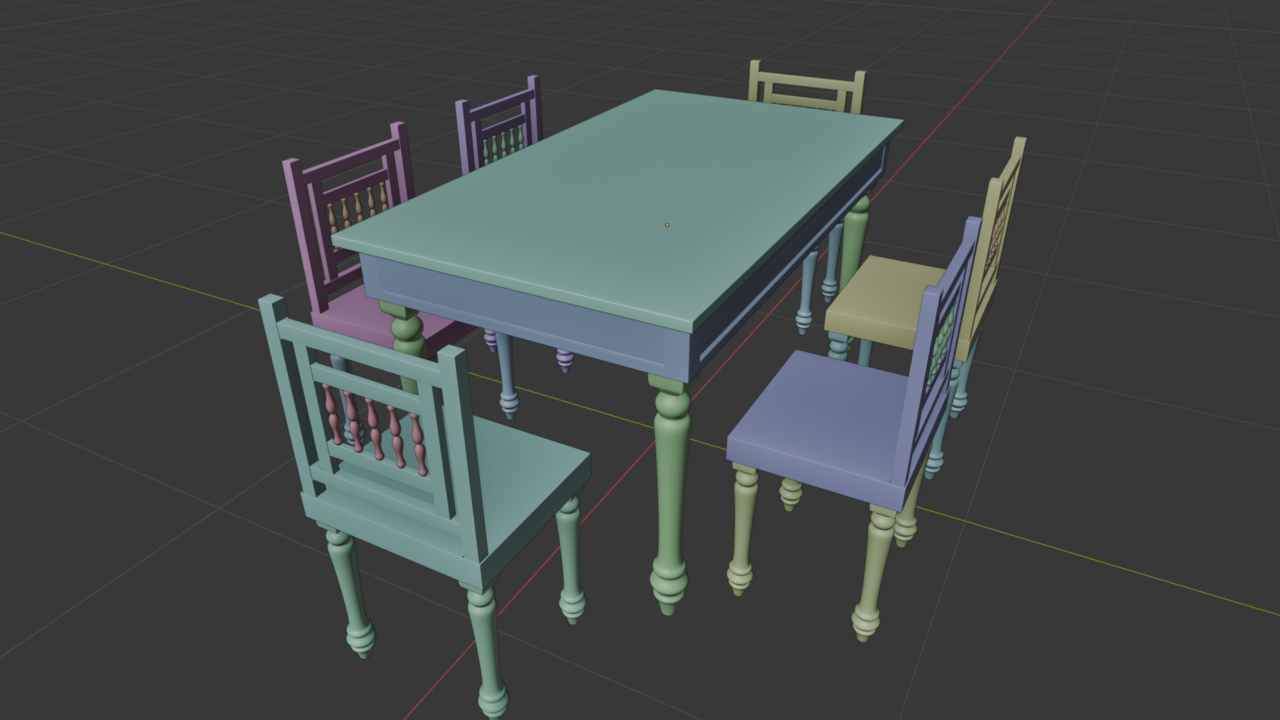
I’ve been using Blender for 2 months, and I made these without watching any tutorials, all on my own and god definitely helped (Helping) me . Could you give me some suggestions and critique? am i doing good enough or do i have to improve more fast? (Not yet finished CORE mesh modeling tutorials)
That dining set is todays rendered
 August 16, 2025 at 11:31 am #96142
Well you definitely do not have to improve faster, unless you’re in the plot of a movie where they have your daughter kidnapped and the guy on the phone is telling you, you have to learn Blender in 8 weeks or you wont see your daughter ever again, we’ll paint her with invisible paint.
People progress at different speeds and it’s not right or wrong, so you can be chill and just keep watching courses and learning, it’s fun and you’re having fun learning, that’s all that matters I think. Remember, two months ago you didn’t know any of this, and if you could talk to your former you and tell him man in 2 months you’re going to be modeling in 3D, think how cool that would’ve been, and now that’s you.
Your models are looking good. Keep on rocking modeling.
August 16, 2025 at 9:52 pm #96143Damn you are funny 😄
Thanks a bunch man
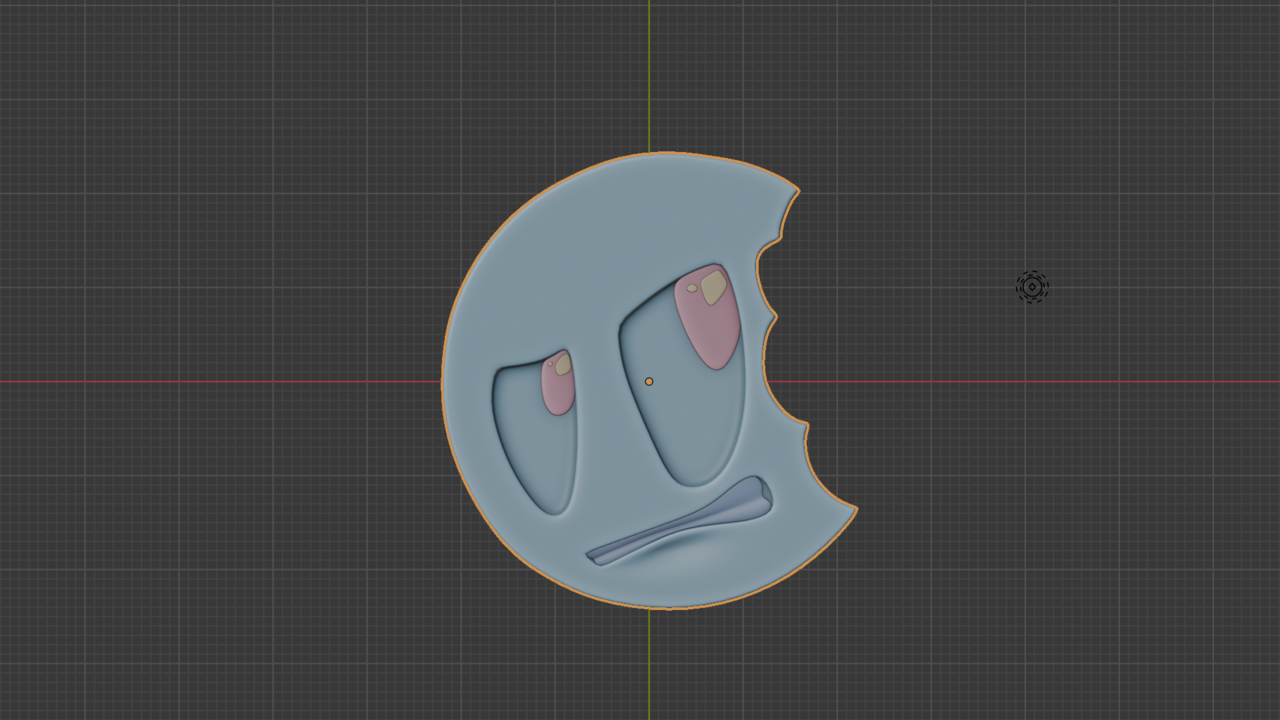
August 26, 2025 at 2:56 am #96144Nearing the end of the mesh modeling course… I’ve gathered tons of knowledge, but I still need some hardcore practice. I kind of lack confidence and don’t fully know how to put everything together to create a masterpiece. Still, the course has been a lot of fun!
 August 26, 2025 at 3:43 am #96145
Wise words Deb,
Practice, practice and practice…and then practice some more.
It is also completely normal to still lack some confidence and not know how to combine everything yet; that will come with…, you guessed it, practice😉
And your cookie looks great!
August 26, 2025 at 7:22 am #96146Yeah don’t worry, just stick to practice and you wont even notice when you get super good. Perhaps one day you’ll be like oh, I modeled an entire motorcycle that looks awesome and in the past I wasn’t able to do that, but now all I can think about is all the errors I left in. Like the George Orwell quote:
 August 26, 2025 at 8:24 am #96147
Thanks a lot as always, guys! 😀
So now that I’ve basically wrapped up the mesh modeling fundamentals, my plan is to do a 30-object practice challenge to really build confidence. After that, the next part of the core course is sculpting.
My question is: do you think I should jump into the sculpting section after finishing those 30 objects, even if I don’t yet feel fully confident with modeling? Or would it be smarter to keep pushing modeling projects further before I touch sculpting? My biggest fear is spreading myself too thin — I’d rather build solid modeling fundamentals first since that feels like the foundation for everything else.
Also, what would you suggest I should and shouldn’t do at this stage?
One more thing — I notice that I always think, “I know this part, so I should be able to create this object on my own without tutorials.” But then I often get completely blocked, feel demotivated very fast, and don’t want to look up YouTube videos for that specific object. I know this probably isn’t the best mindset, but it keeps happening.
So do you think, while making these 30 objects, if I get stuck, I should watch a YouTube video for that specific object? Or would that be harmful for learning? How would you guys suggest I approach this whole practice phase?August 26, 2025 at 10:03 am #96148I like to stay into something until I feel I have a good grasp of it. So I would stay on modeling practicing for a while, at least until I feel I needed a change, then I would jump into sculpting, just to change things a bit and not get too burned out. That way I give modeling a rest and then after a bit of sculpting, jump back into modeling and keep practicing it. Because you are right, modeling is the foundation of everything else, and it also takes a lot of practice, so the point is to try and not get overwhelmed, and again, when you feel overwhelmed is when I would change things a bit and jump into sculpting.
I’d say do a mixture of trying to do things for yourself and when you get stuck then try watching a tutorial. But I’d say trying to model something from scratch without a tutorial is crucial for learning. Like ridding a bike with back wheels, it’s comfortable, but you need to start getting rid of them and risking a crash from time to time or you’ll never learn proper bike riding. And it’s ok if you get stuck or demotivated, we all have to push through it. Learning is not like in the movies where you have a passion and it never is hard, no, even if it’s your passion it’s going to be hard and you have to keep at it, because it does get easier and easier as you practice.
August 26, 2025 at 12:18 pm #96149Well, as Sculpting is a form of Modeling, I think you can start the CORE Sculpting, if you feel like it, even if you don’t feel completely confident in the classical Modeling department yet. It’s really up to you; not everybody learns the same way.
September 1, 2025 at 1:09 am #96150Noted..Thank u guys omar and martin
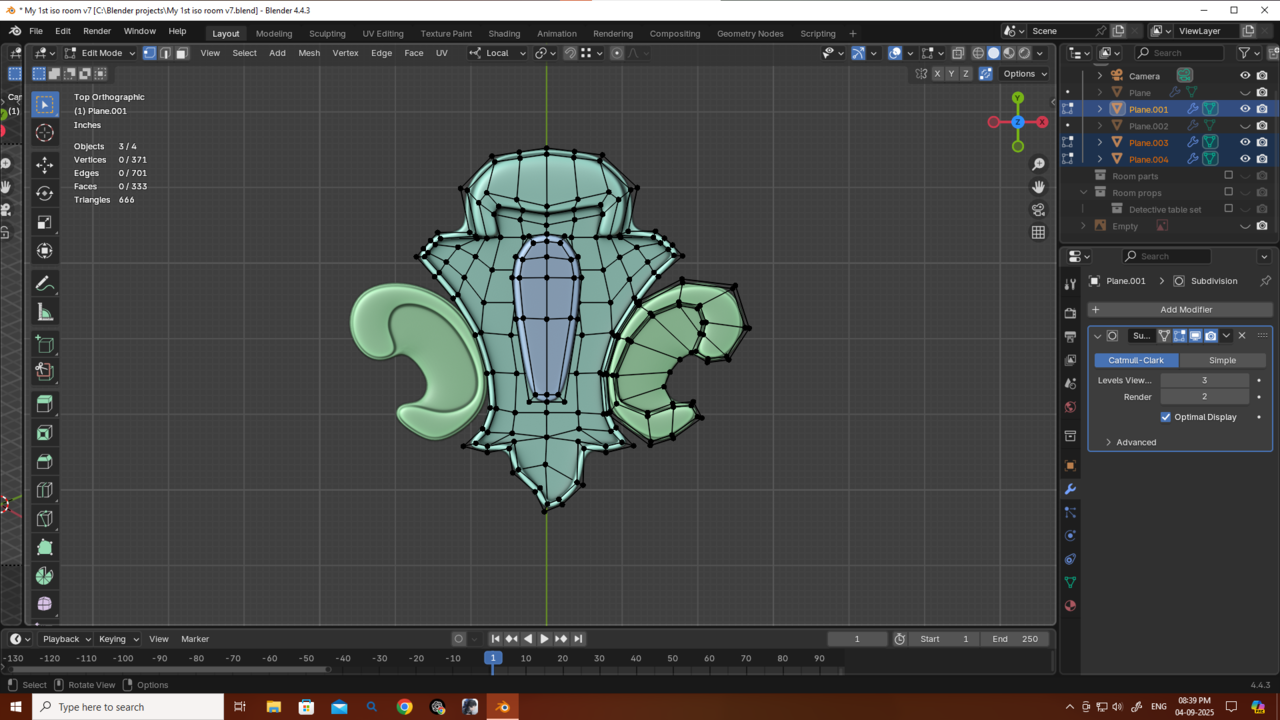
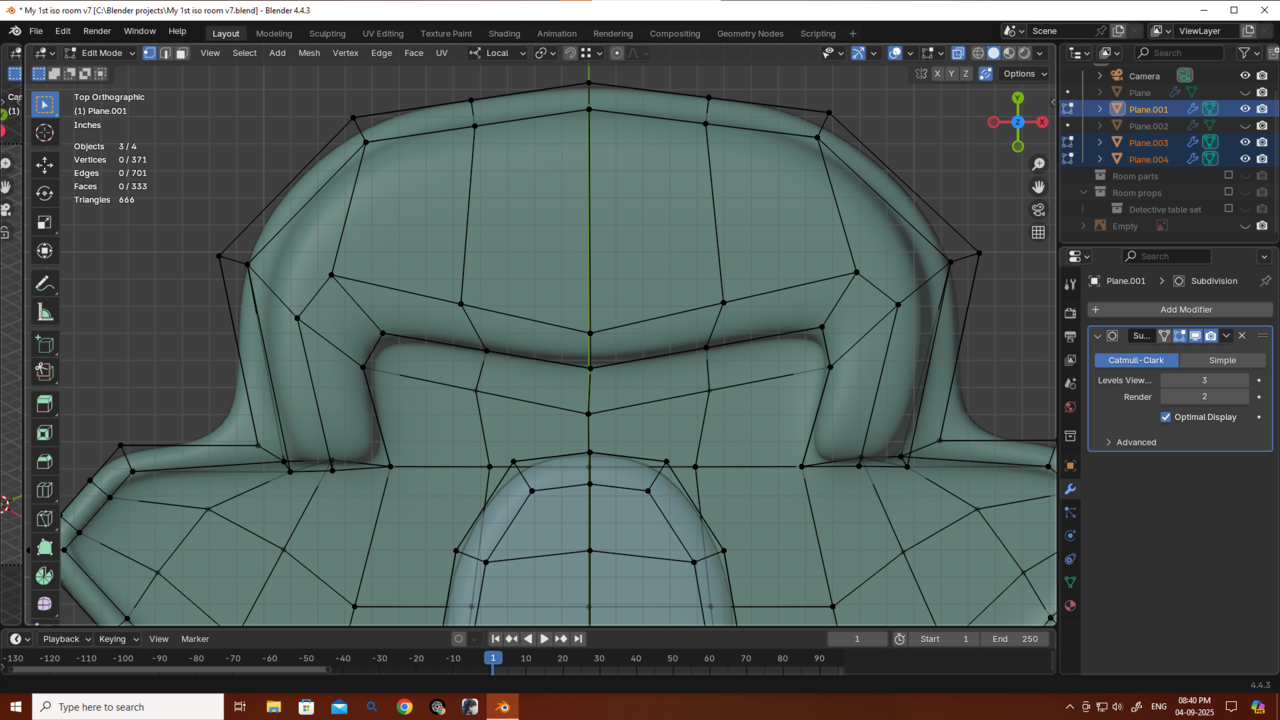
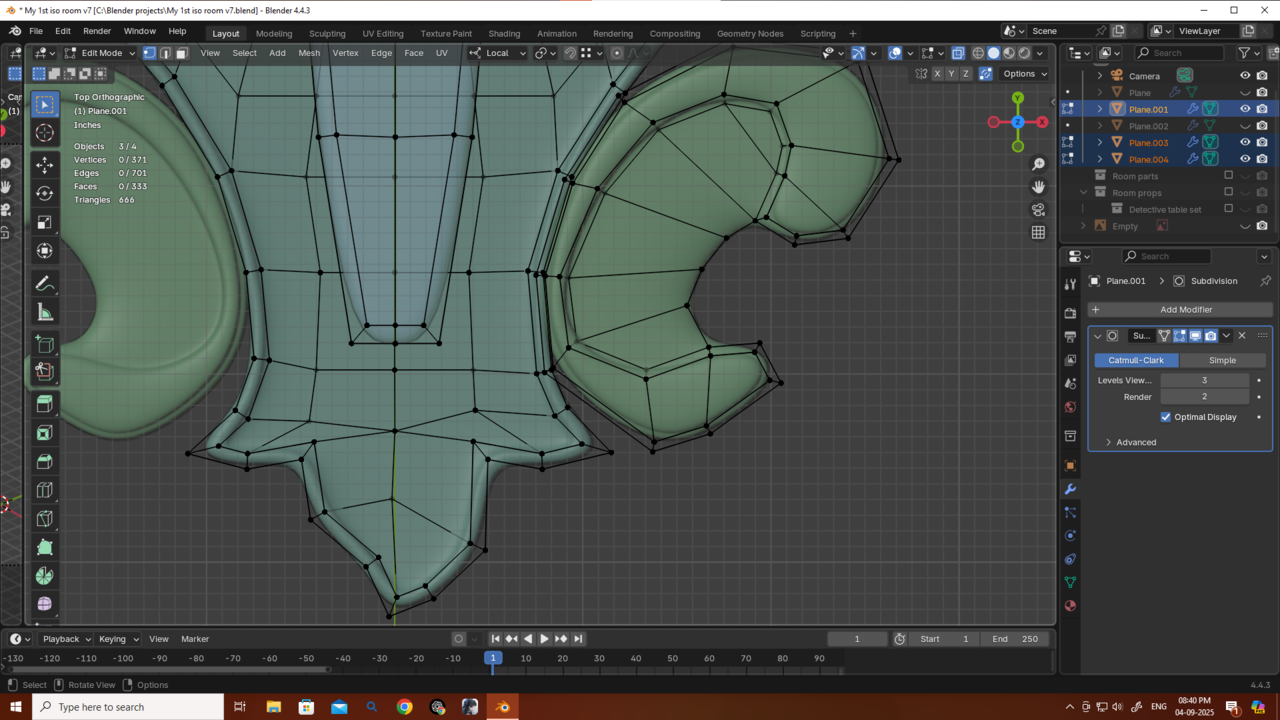
September 4, 2025 at 11:07 pm #96151My first SubD model made completely on my own, without any tutorial.
what could i have done better?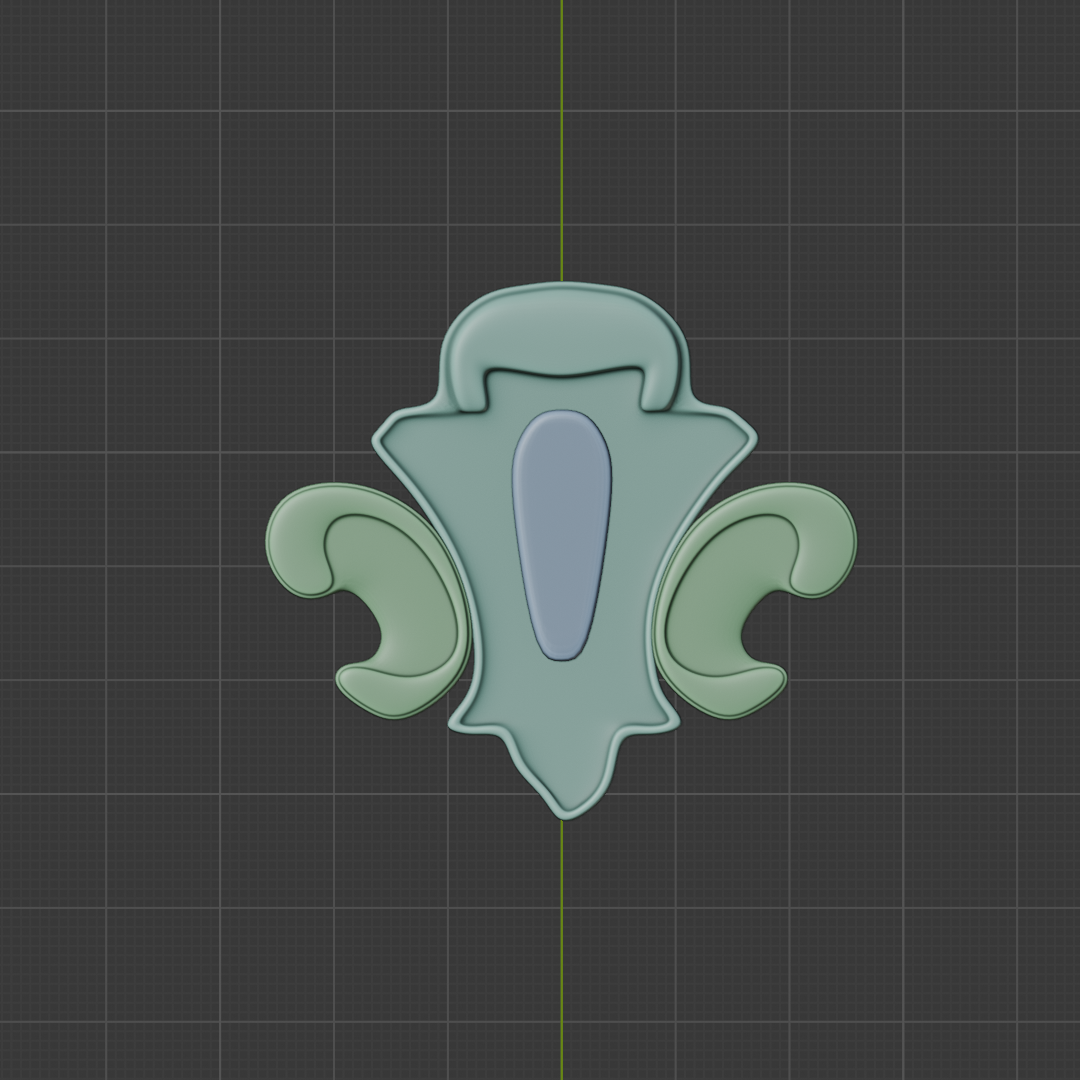
 September 5, 2025 at 5:14 am #96152
Hi Deb,
Congrats, it looks good, so it is good.
But, you stiil can improve this area:
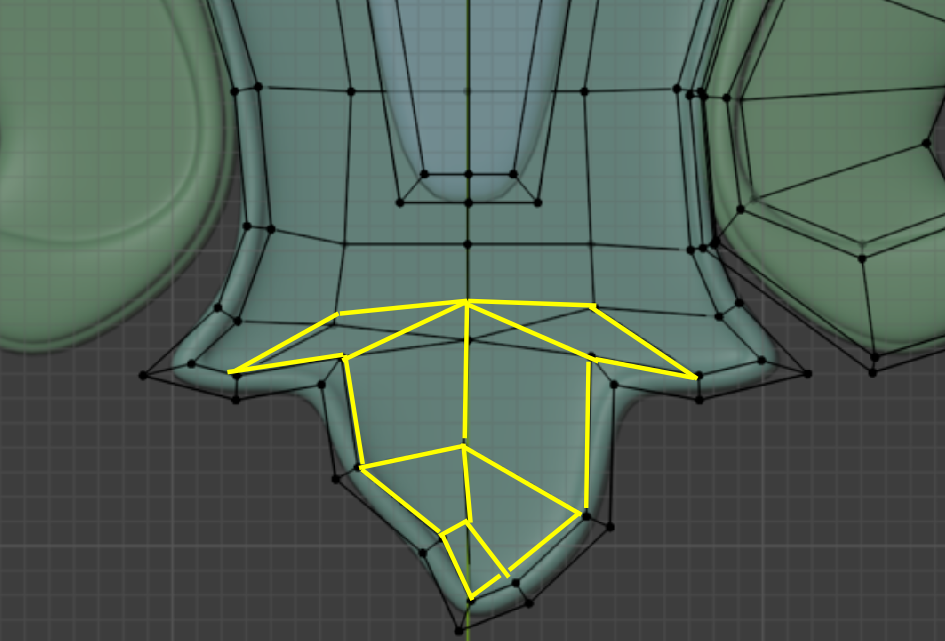
Those 2 Quads that look like Triangles are generally frowned upon and the Quad near the bottom, that is like an arrowhead, actually causes problems. This is not obvious in your case, but if you allow me to exagerate the situation a bit, you get this:
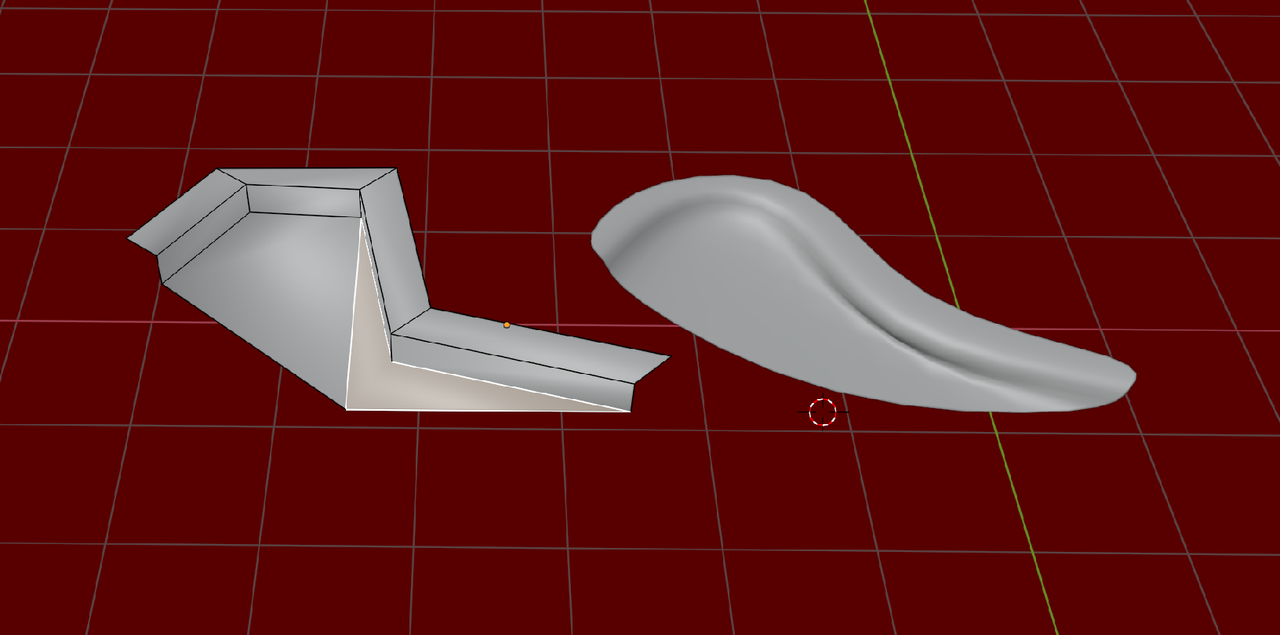
This is usually not what you want (unless you’re making an earshell or so).
This happens, because the Subdivision algorithm, subdivides a Quad, using the average Position of the 4 Vertices as the Center of the Quad and when that Center lies outside the surface of said Quad, you can get undesirable results.
September 5, 2025 at 7:09 am #96153Love your work, mate — always so helpful. I was having this problem when I tried to create the whole thing as a single mesh, but when I made the ear-like shapes separately the problem was solved. Now I understand why it was happening.
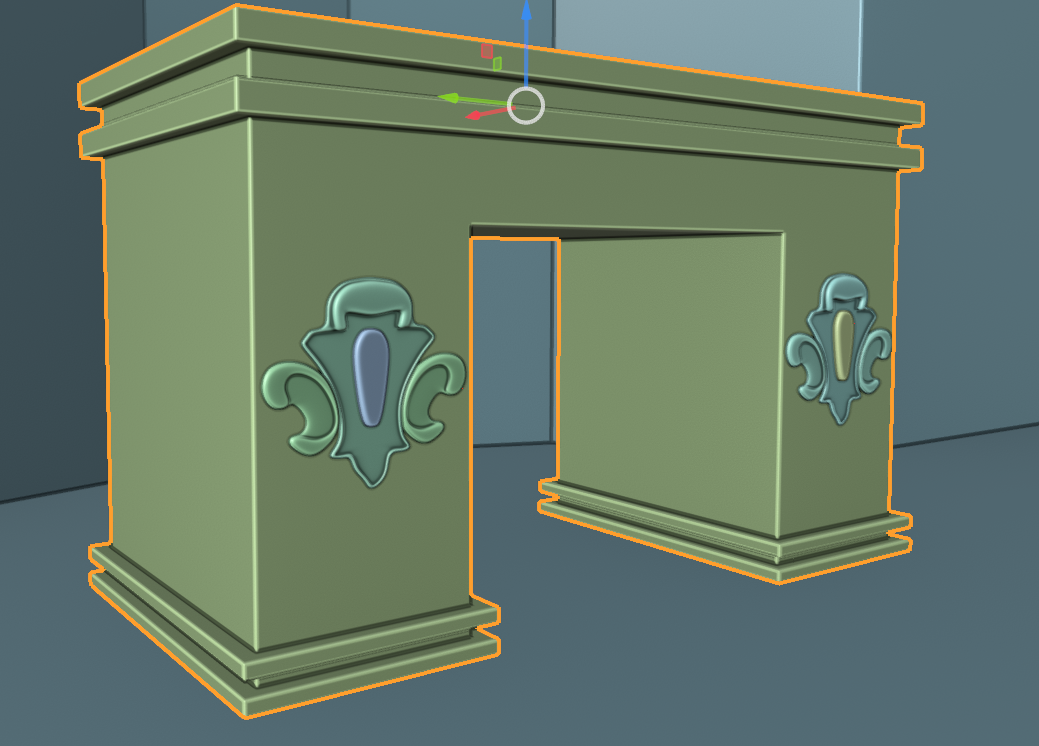
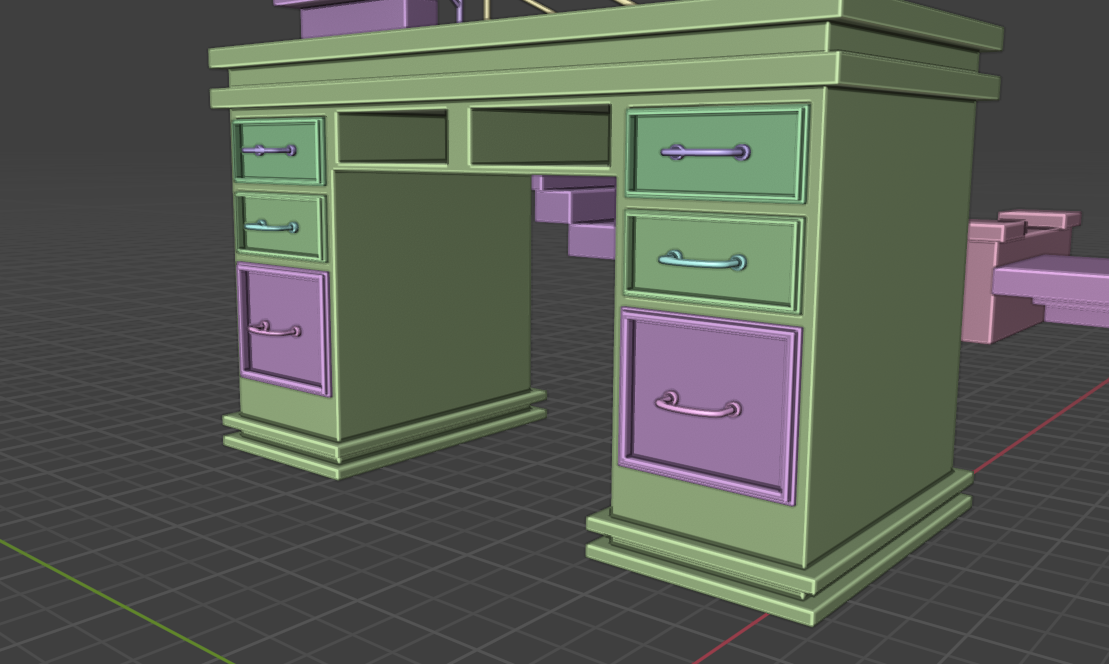
Also, could you take a look at this ornament I created for my desk? I want to use it in the mesh modeling isometric room challenge. I attached it to the desk, but something doesn’t feel quite right. Should I make it shorter, place it somewhere else, or maybe array it? Or is it mostly because my desk doesn’t have any textures yet? Also, let me know if my desk itself looks fine. Thanks as always!
 September 5, 2025 at 7:18 am #96154
The only thing for me is that it’s too big compared to the space it is in, it almost touches the outer sides. So I would just make them smaller. And as you say, you have to wait until it’s in context with the whole table finished, textured and lit. Also if you feel something isn’t right, it’s always a good idea to work with real life measurement and have a human model next to your asset, so it’s easier for the eye to judge proportions. Being very bulky it almost doesn’t fell like a table and more like an architectural monument, like France’s Arc de Triomphe.
-
AuthorPosts


- The topic ‘DKG’s 3d ArtBook’ is closed to new replies.