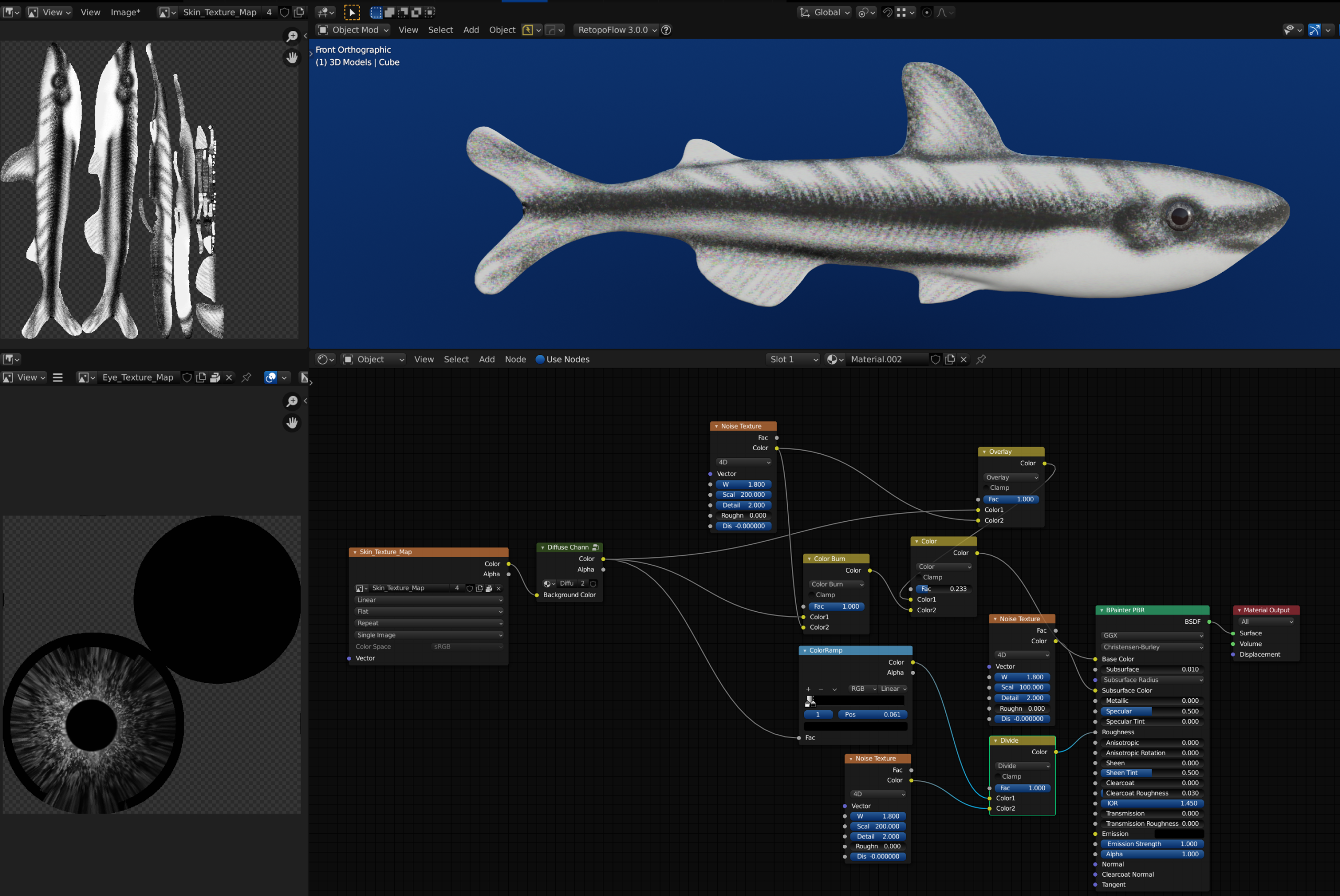
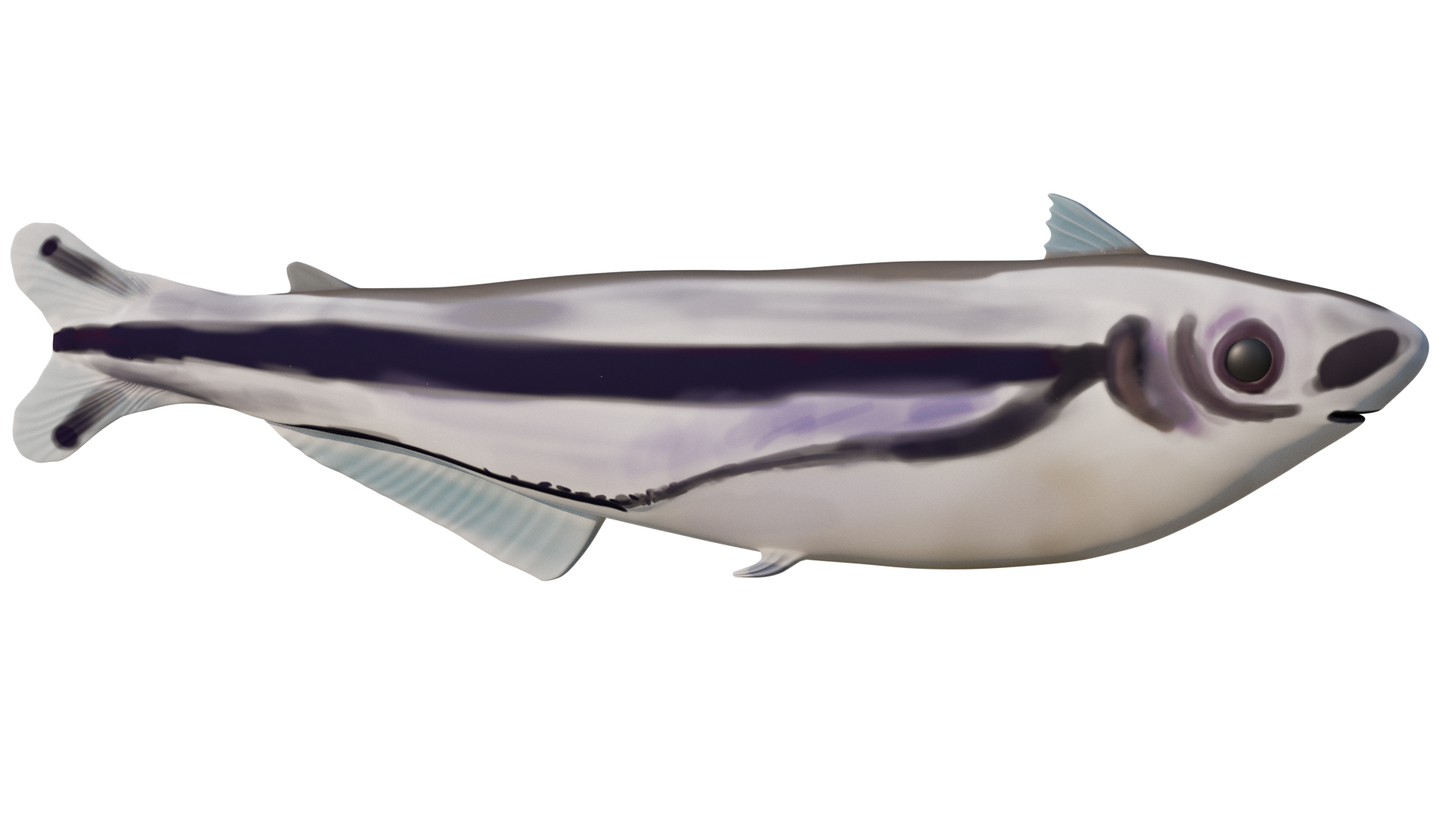
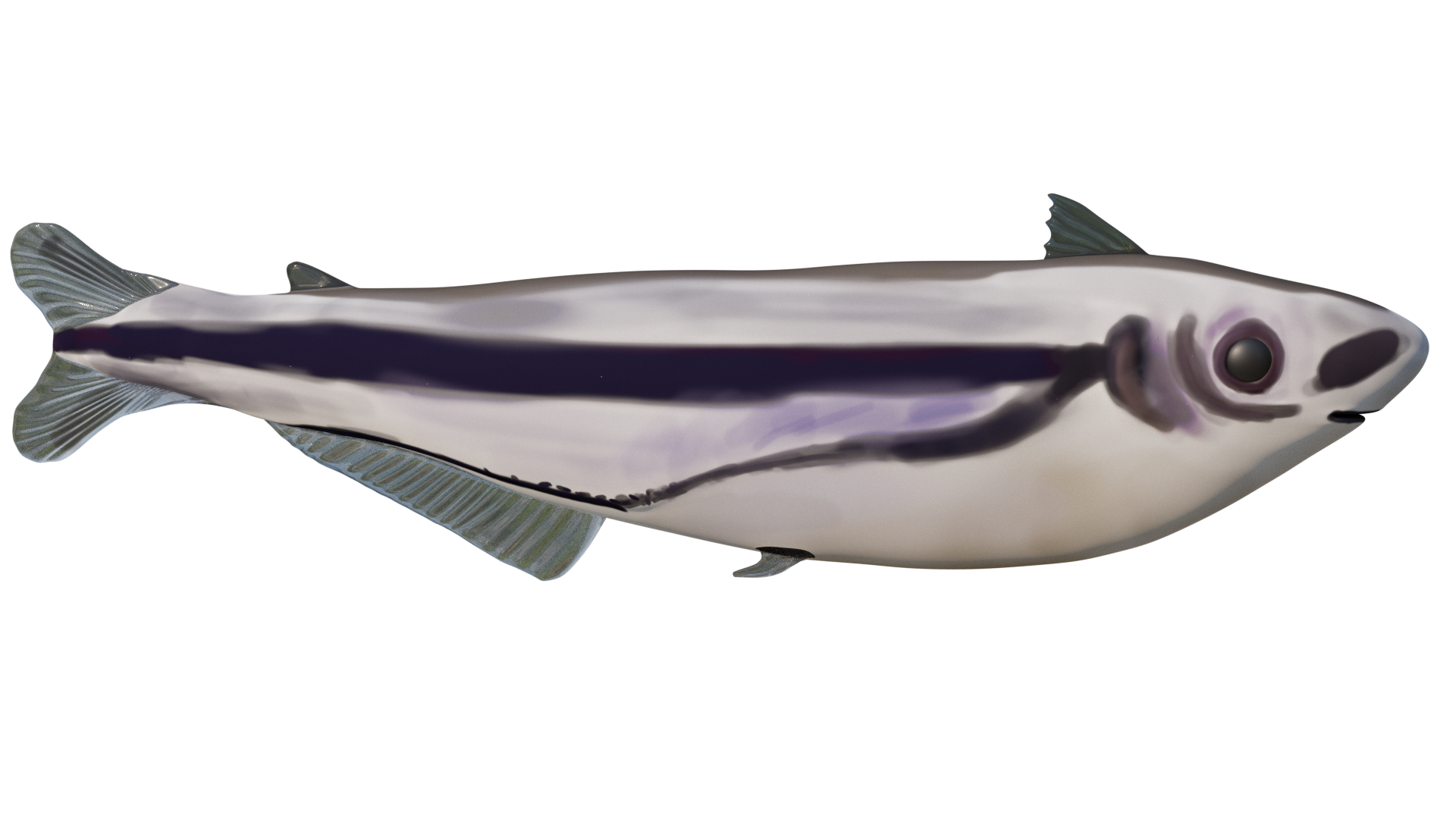
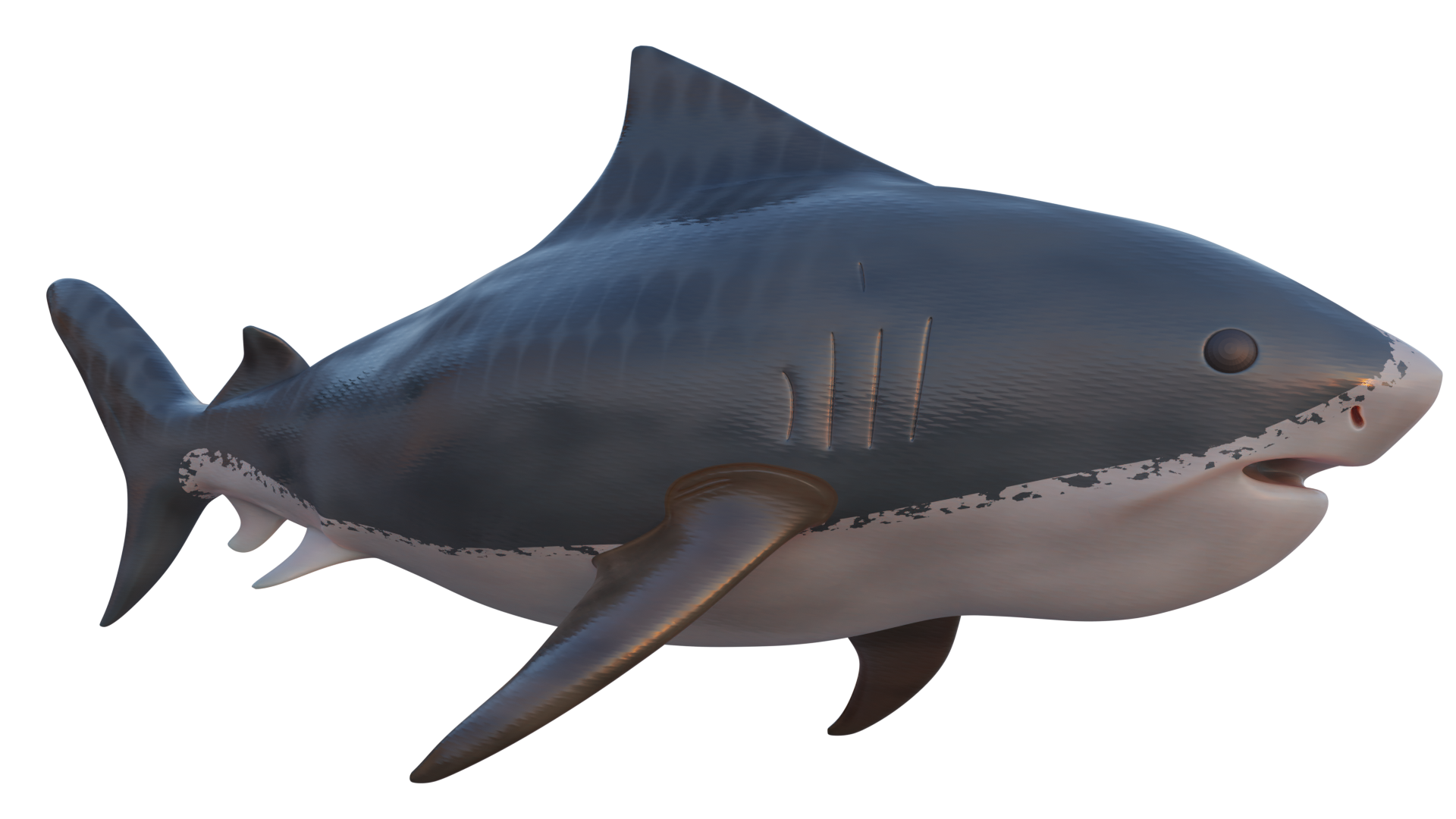
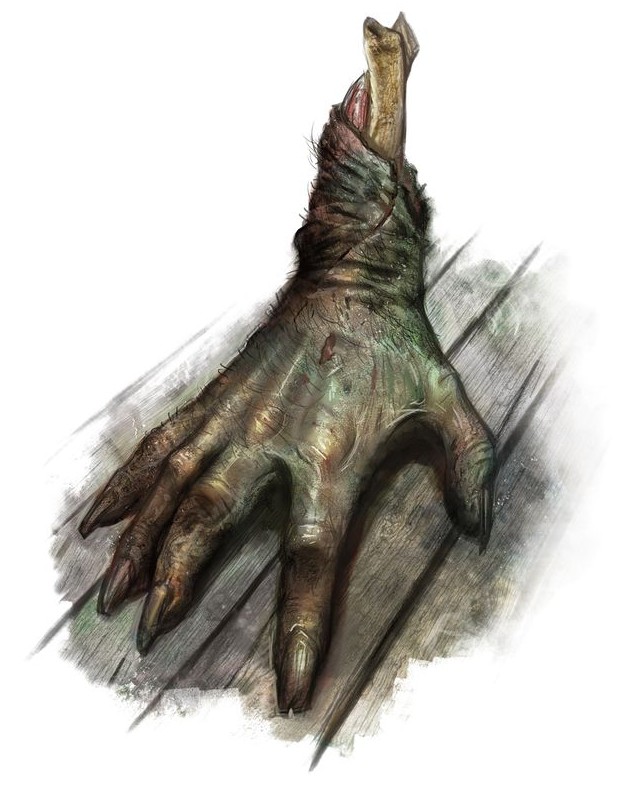
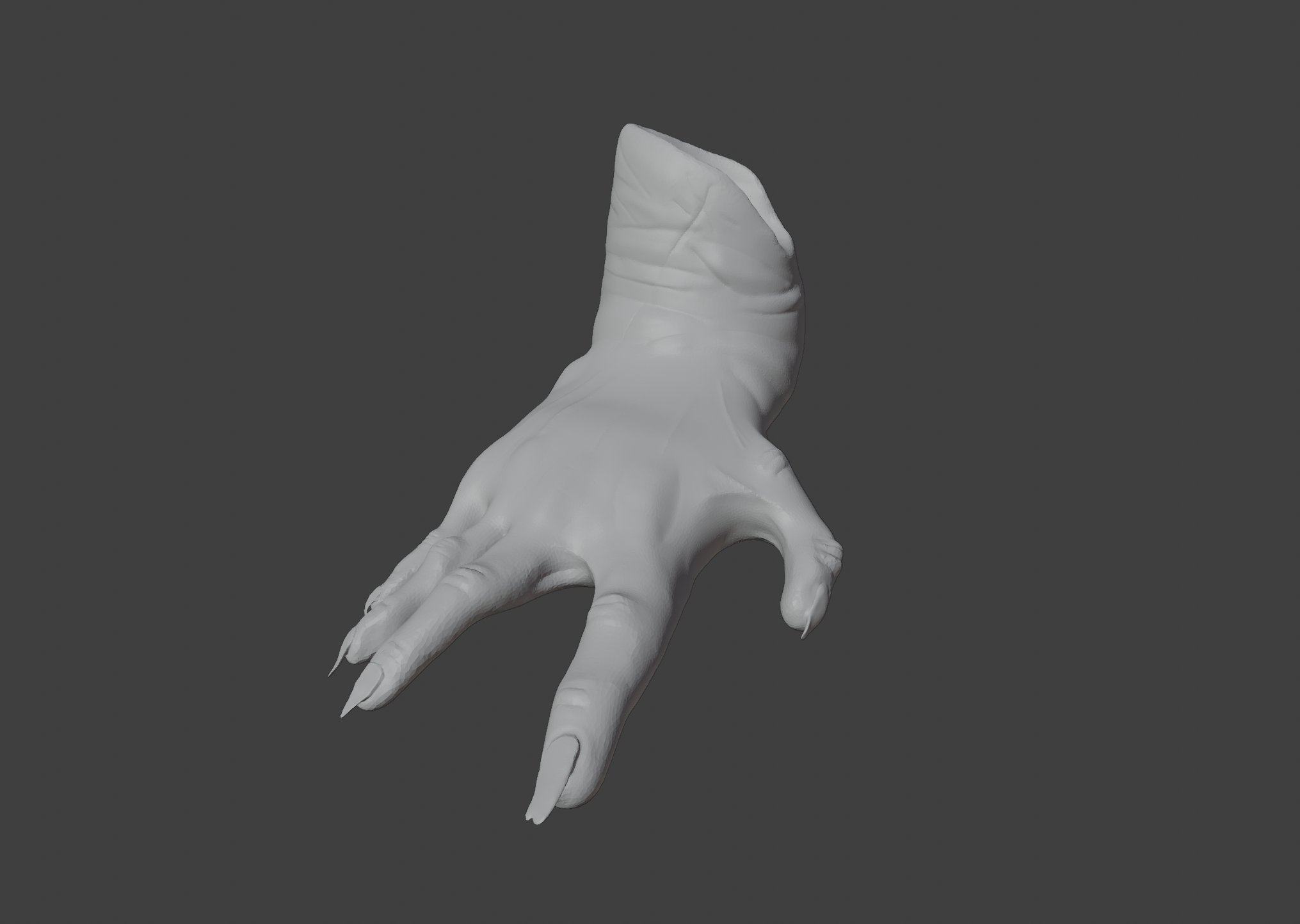
@dariusjohnson You my friend have stumbled upon the next mountain in blender: textures, materials, and shaders.
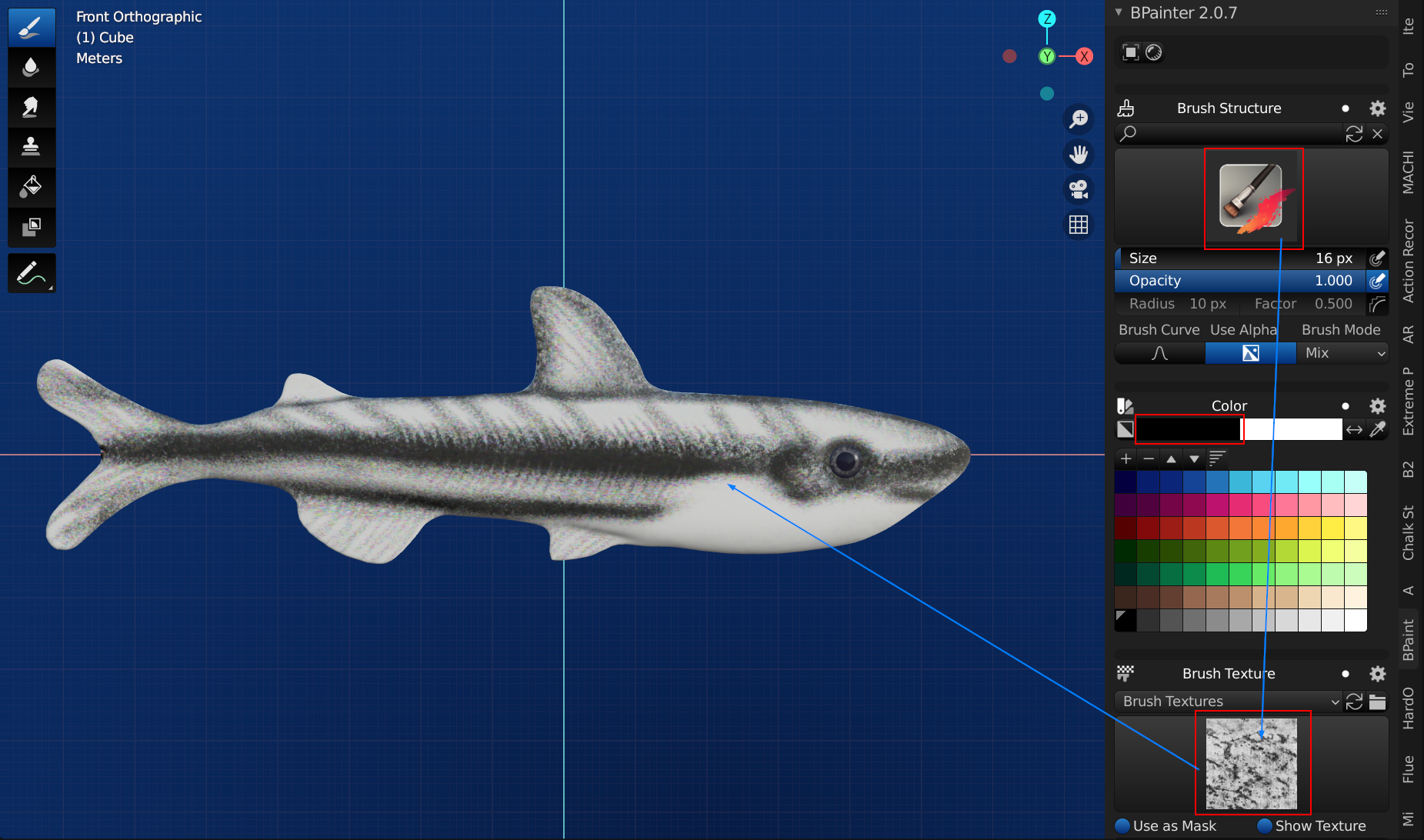
Grant Abbit has some great Youtube Videos on painting on top of models. Your painting is not that bad actually. I’d probably use some kind of brush texture to get that “choppy” look on the transition from the black to the silver.
I personally love the add-on called bpainter. It has some great texture painting settings along with a ton of other functionality: Looks like I fell down the rabbit hole on this one hahahaha.
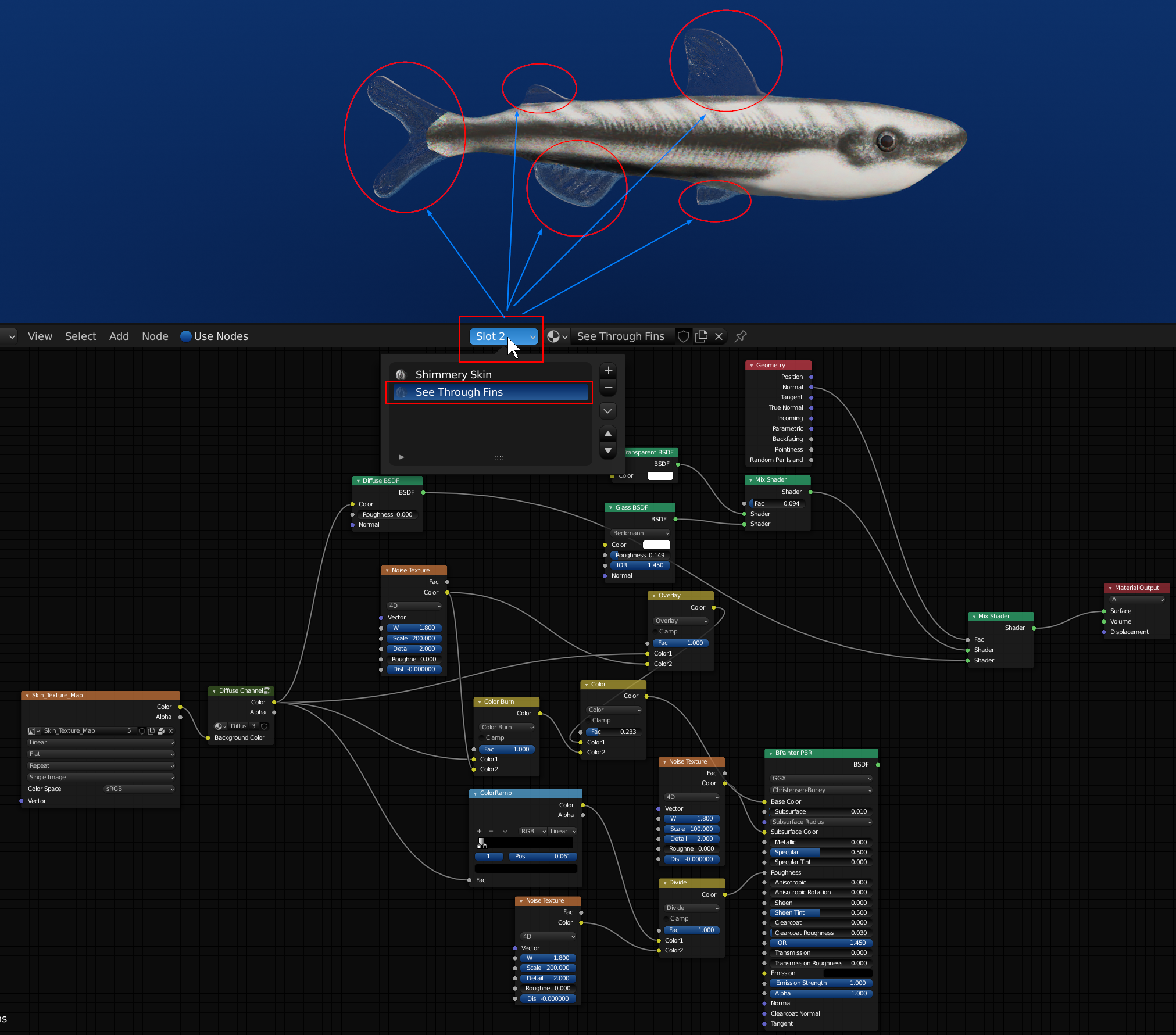
You canadd more than 1 material slot onto your object (meaning you can use more than 1 material). Then you go into edit mode and select the faces you want to assign the other material slot to. The fins would be a good candidate for another material slot. You could try playing around it a translucent bsdf, transparent bsdf or glass bsdf shader and maybe mix in the texture shading to it.
You can also make use of the noise node to get some color reflections off of the skin (they are subtle). I know it is hard to say without showing but maybe something like this: