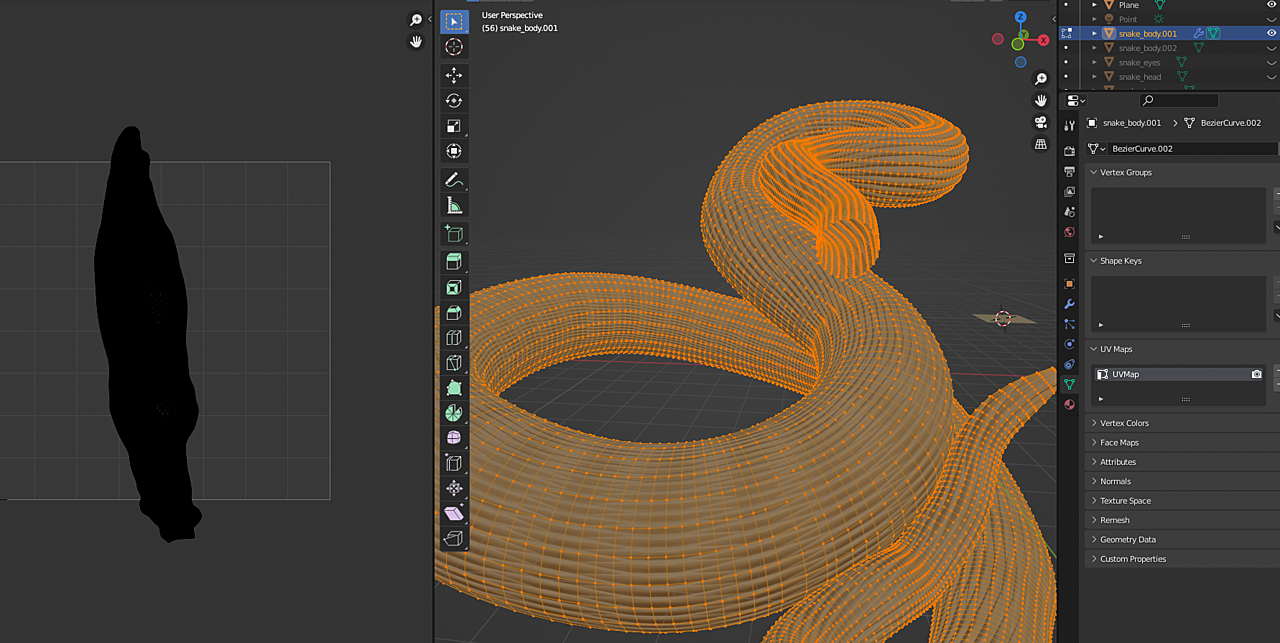
[Creating snake scale] any way to work with Array modifier with Bezier curve without stretching the mesh?

Forum Archive [Creating snake scale] any way to work with Array modifier with Bezier curve without stretching the mesh?

Viewing 9 posts - 16 through 24 (of 24 total)
  • Author
    Posts
  • #73344
    talkingskunk
    Participant

      Is it possible to model your own object and convert it into a seamless texture?

      For example, this:

      3-02 at 12.58.03.png

      #73345
      spikeyxxx
      Participant

        You most certainly can!

        Josh Maul did that in his stuffed elephant course in part two. You can find that here: https://www.youtube.com/watch?v=bQFX9tXMCdI

        #73346
        talkingskunk
        Participant

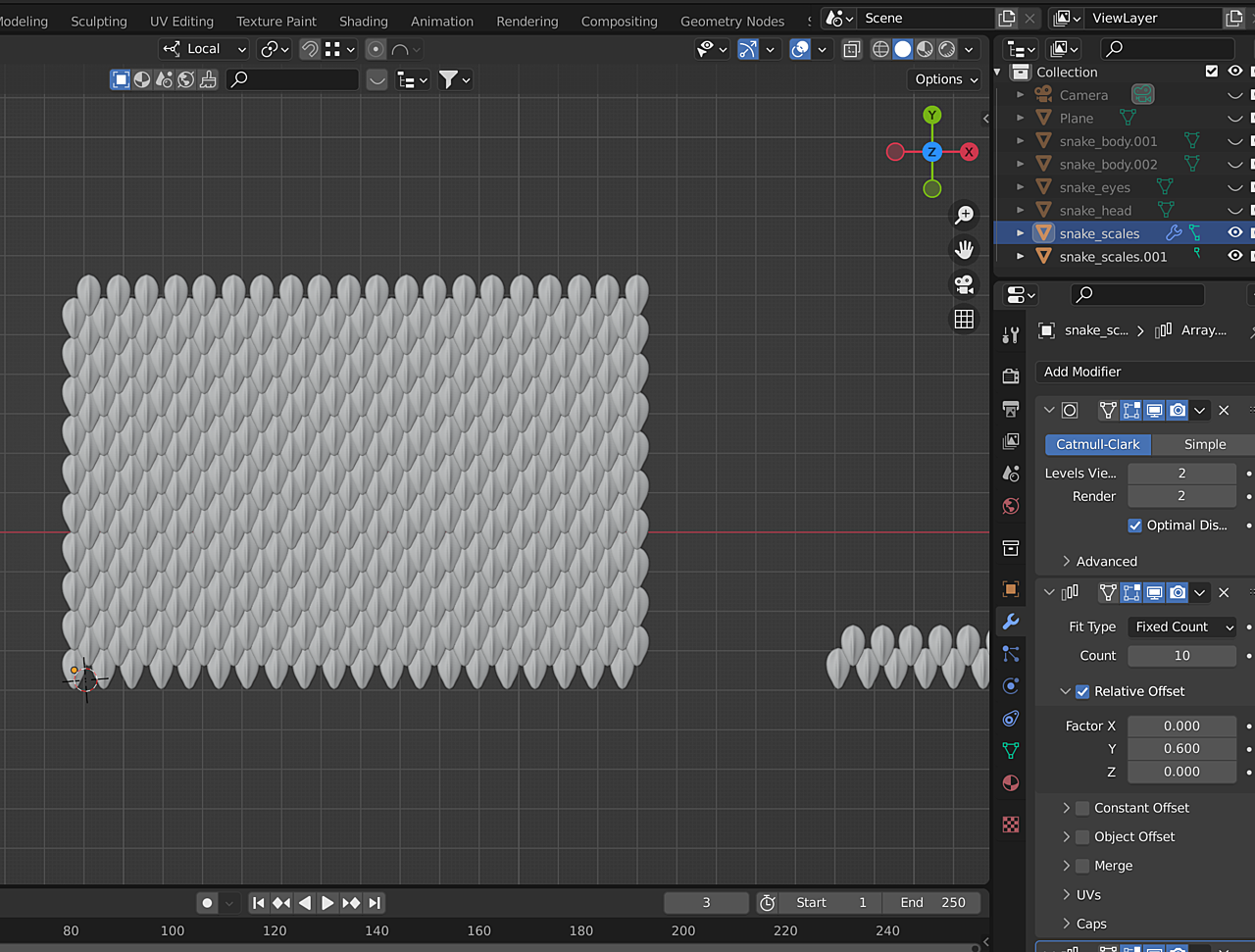
          With UV unwrap, I realize it will be difficult to control the flow of the scale to be in one smooth direction, so I think this method was the best:

          1. Create the scale object with Array modifier, then render a displacement map image in EXR.

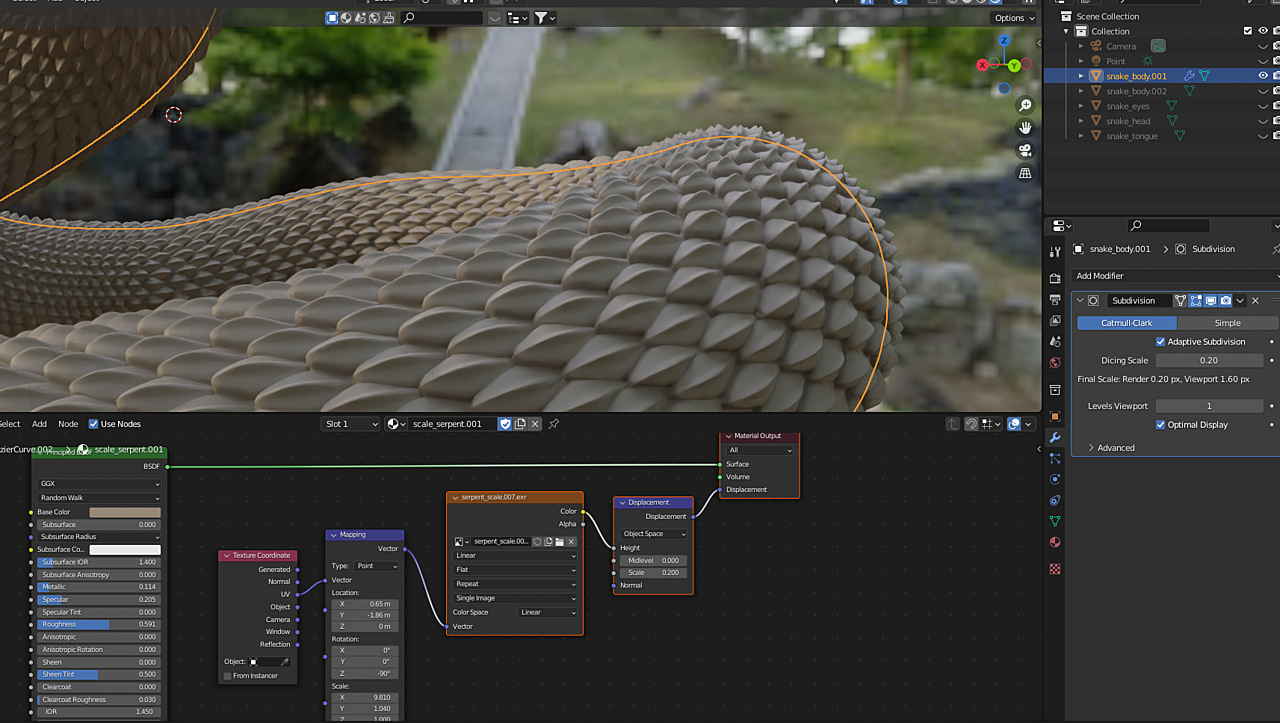
          2. Then, make a material with the Image Texture node and Displacement node.

          3. Then Append the material into the actual snake body object.

          There is one more hiccup, is that it is not exactly seamless, so there are obvious cuts in the scale flow. I might just try to make it work in Sculpting. Please let me know if there is a quicker solution.3-02 at 17.13.00.png

          #73347
          talkingskunk
          Participant

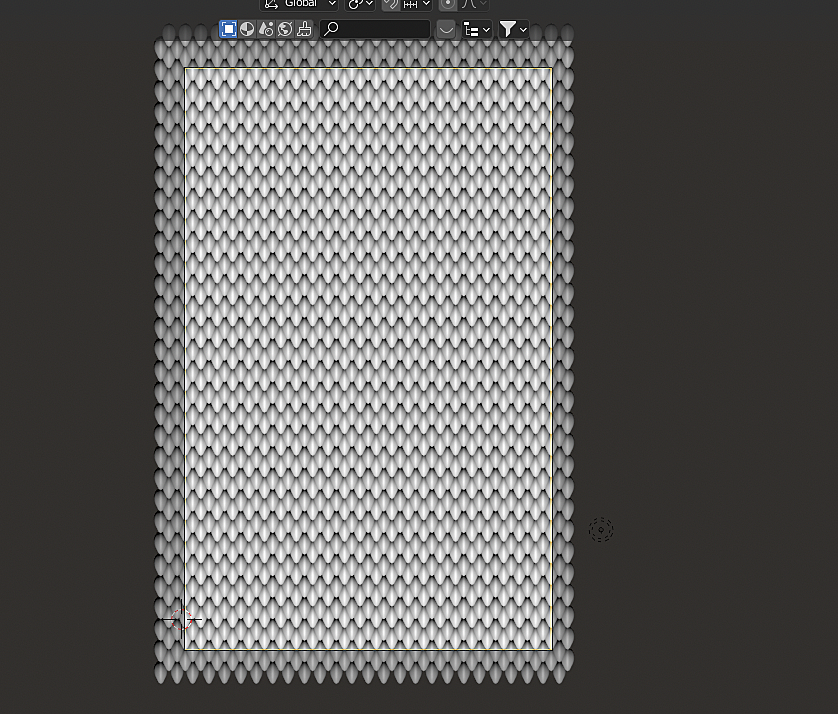
            Figured it out. It was just a matter of lining up the displacement map object in the camera view, taking into account the 4 sides before rendering the image.

            3-02 at 22.42.10.png

            3-02 at 22.38.41.png

            #73348
            talkingskunk
            Participant

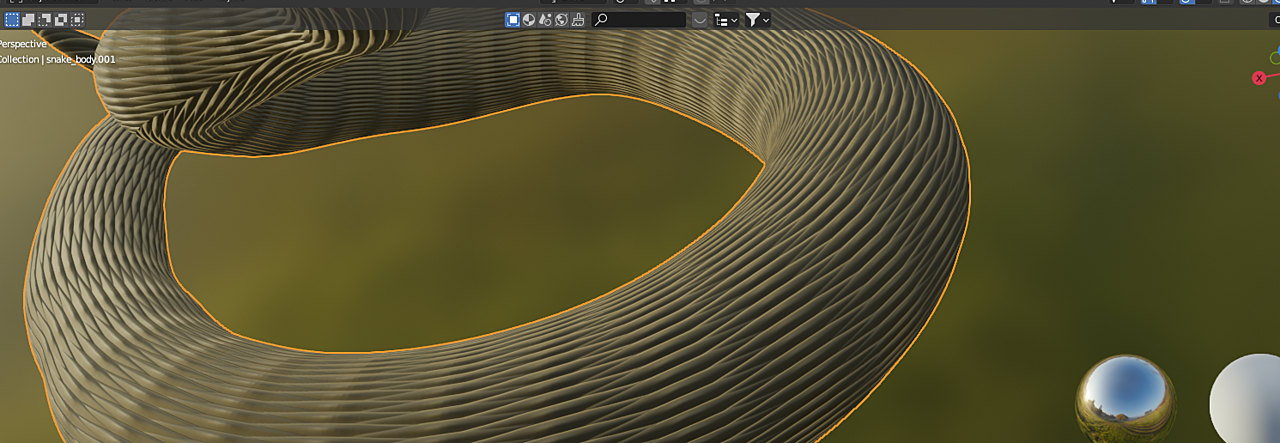
              Ok. I messed something up during messing around with UV editing workspace. I unwrapped it, and marked seam, and in the UV Editor, I uploaded an image, and it just messed up the entire materials, and I can’t go back to it. Does anyone know what the problem is?

              3-03 at 20.04.08.png3-03 at 20.04.19.png

              #73349
              spikeyxxx
              Participant

                Try adjusting the Y Scale in your Mapping Node.

                #73350
                talkingskunk
                Participant

                  I marked seams where cameras won’t notice, so it is close to what I remember it to be, but I don’t understand what went wrong. I learned my lesson to save multiple files next time before trying something new.

                  #73351
                  spikeyxxx
                  Participant

                    You made a new UV Unwrap by placing the seams (which is good!); old Unwrap:

                    Old UV.png

                    vs new Unwrap:

                    New UV.png

                    You’ll need to use different values for the Scale and maybe Rotation in the Mapping Node to get a similar result.

                    #73352
                    talkingskunk
                    Participant

                      Ah, that was it! Thank you.

                    Viewing 9 posts - 16 through 24 (of 24 total)
                    • The topic ‘[Creating snake scale] any way to work with Array modifier with Bezier curve without stretching the mesh?’ is closed to new replies.