[Creating snake scale] any way to work with Array modifier with Bezier curve without stretching the mesh?

Forum Archive [Creating snake scale] any way to work with Array modifier with Bezier curve without stretching the mesh?

Viewing 15 posts - 1 through 15 (of 24 total)
  • Author
    Posts
  • #14838
    talkingskunk
    Participant

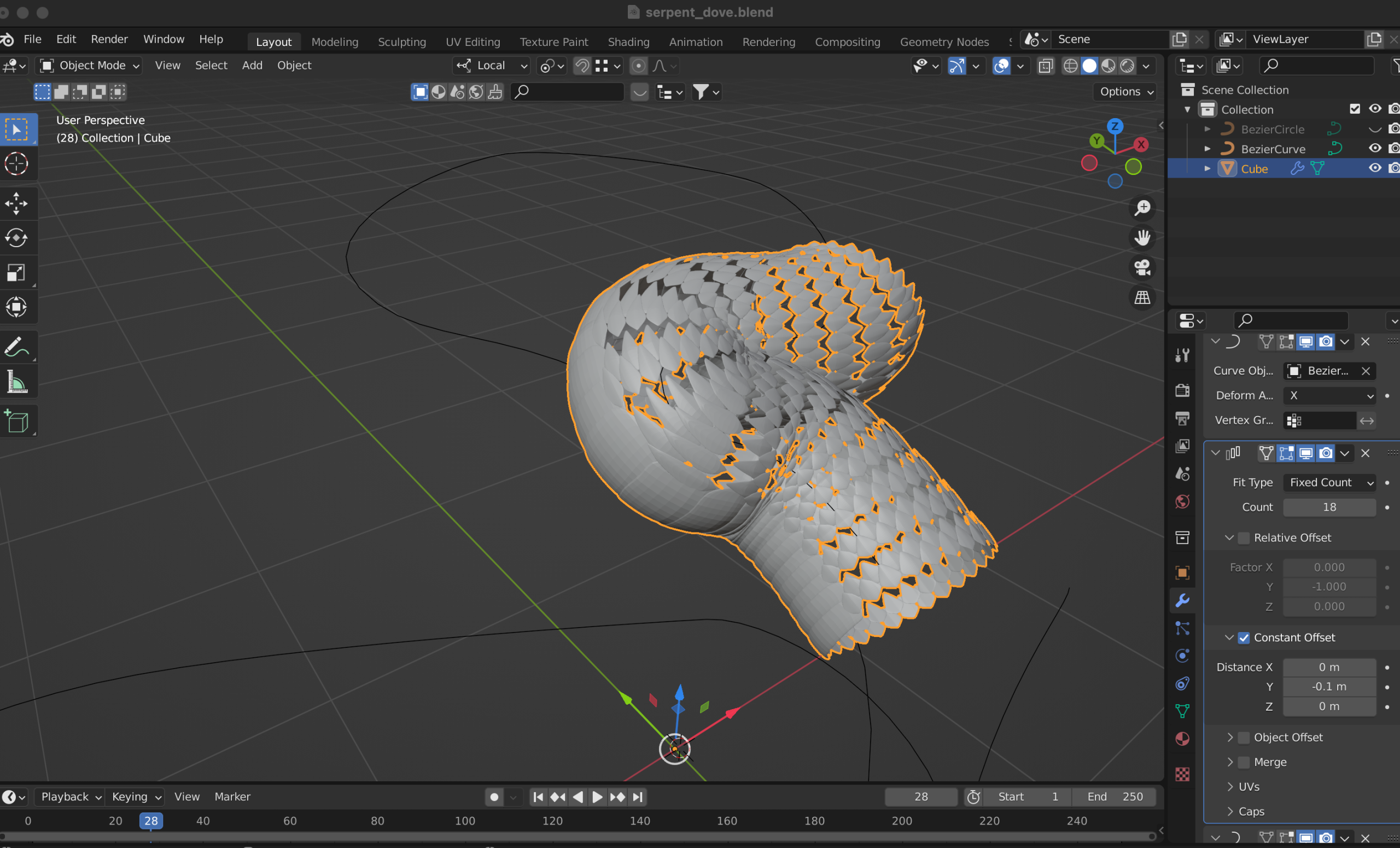
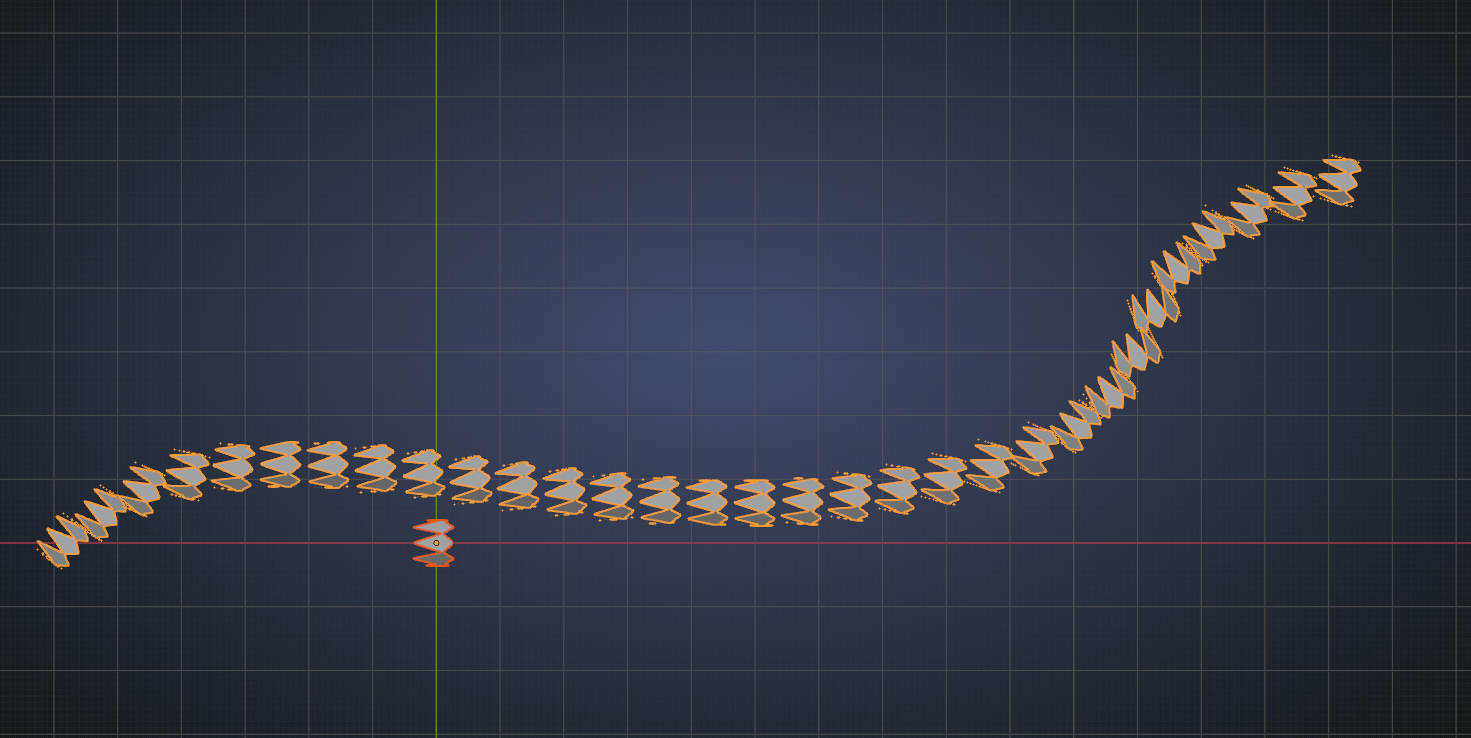
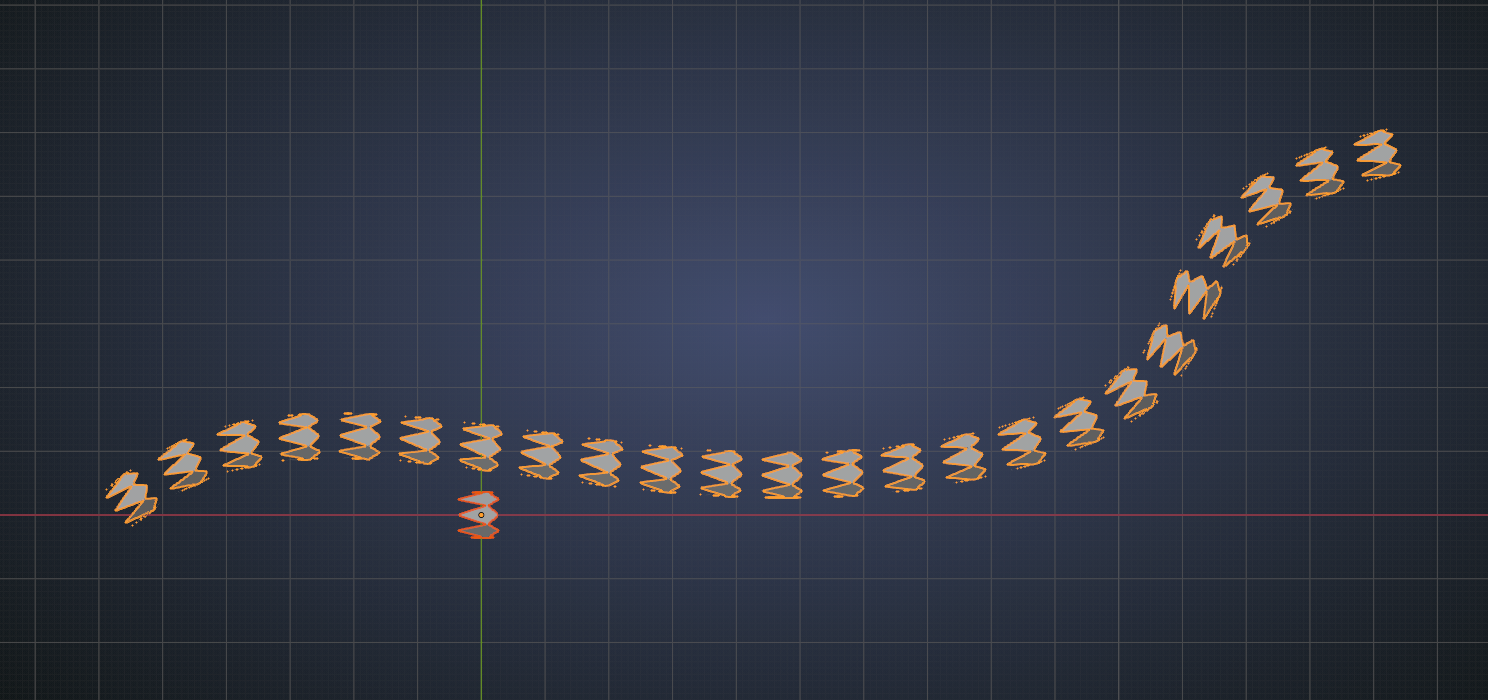
      Is there a way to keep the mesh from stretching like this when you go around a curve?

      #73330
      spikeyxxx
      Participant

        Hi talkingskunk, there is. Use Instancing in stead of a Curve Modifier. But there are some extra steps necessary:

        Create some scales:
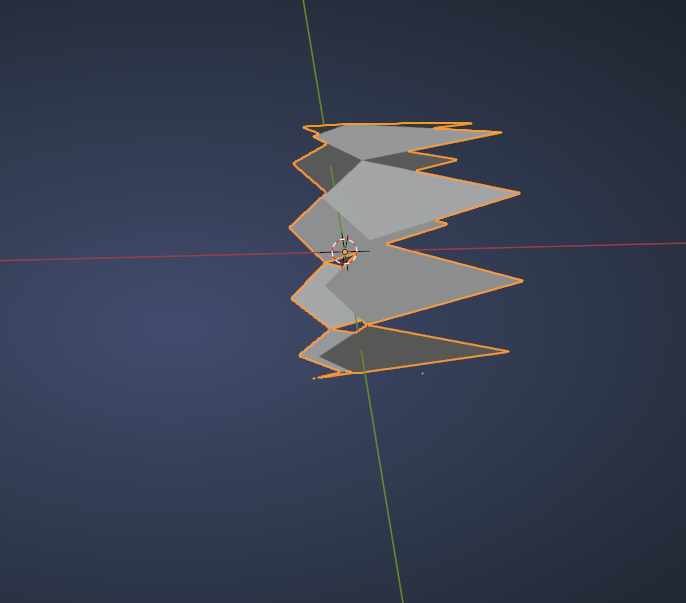
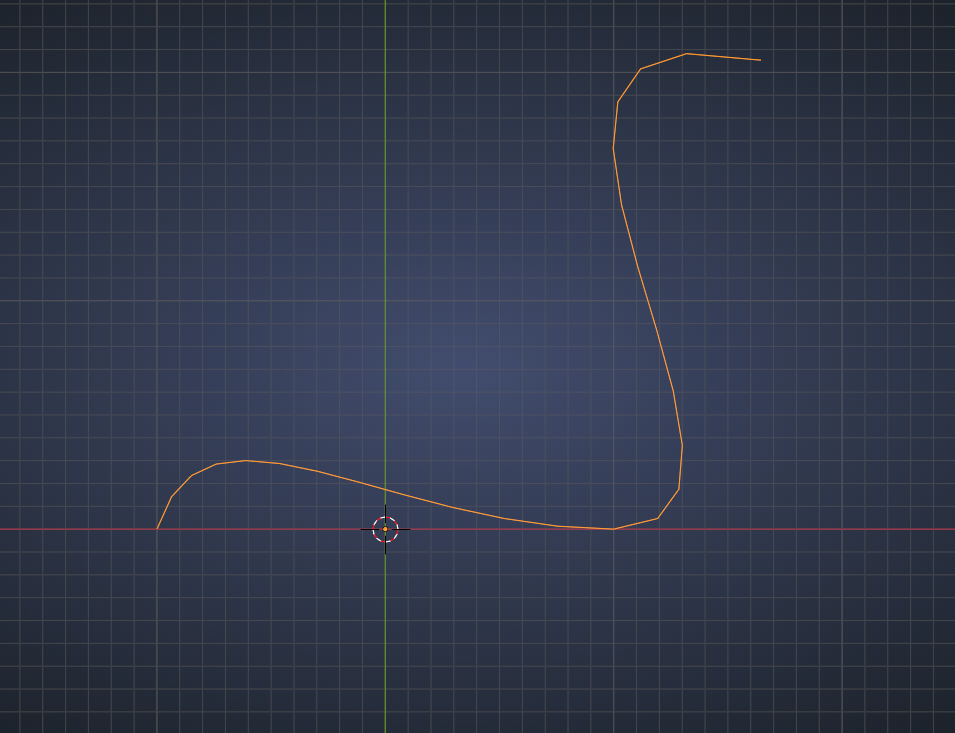
        Make your Curve:

        Convert it to a Mesh and go into Edit Mode:
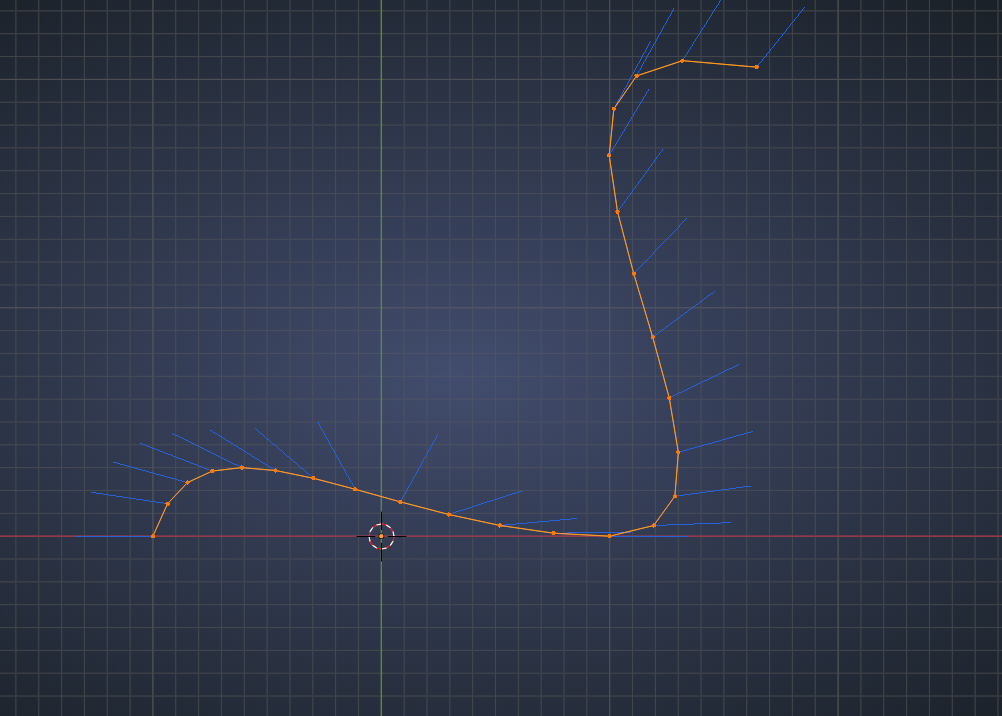
        Here you can already see two problems; the Vertex Normals are a mess and the distribution of the Vertices is uneven.

        Second part first: enable the LoopTools Addon and then W (when using RCS) or right click > LoopTools > Space:

        Now comes the trick; Extrude on the Z-axis (in my case):
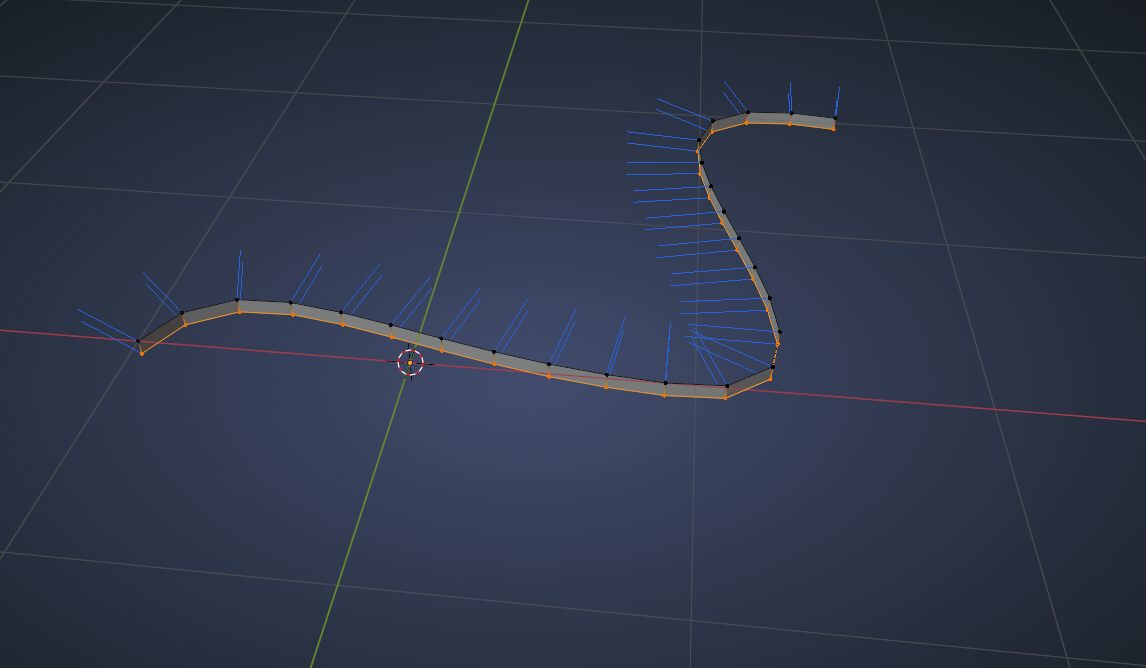
        (This fixes the Vertex Normals, but we are not going to use that here, in stead we are using the created Faces.)

        Now back to Object Mode, Select your Scales, SHIFT Select your curve-mesh and CTRL+P > Set Parent to Object.

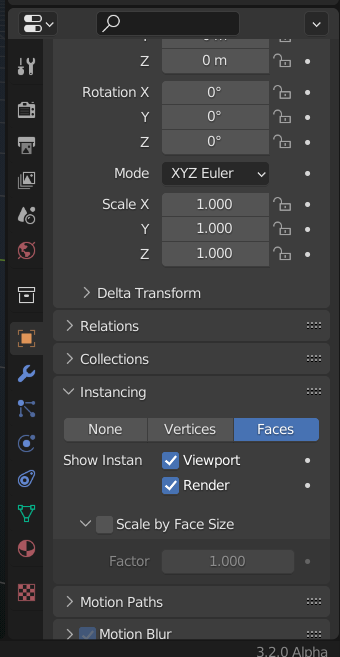
        Then go to Instancing and you can Instance on the Faces:

        #73331
        spikeyxxx
        Participant

          Sorry, I forgot, you can find that here:

          #73332
          talkingskunk
          Participant

            Thank you. I’m having trouble how to make it go around the snake curves, as the the scale mesh will not turn with the curve?

            Still not certain re: relationship between normals of the faces with the mesh.

            #73333
            John Sanderson
            Participant

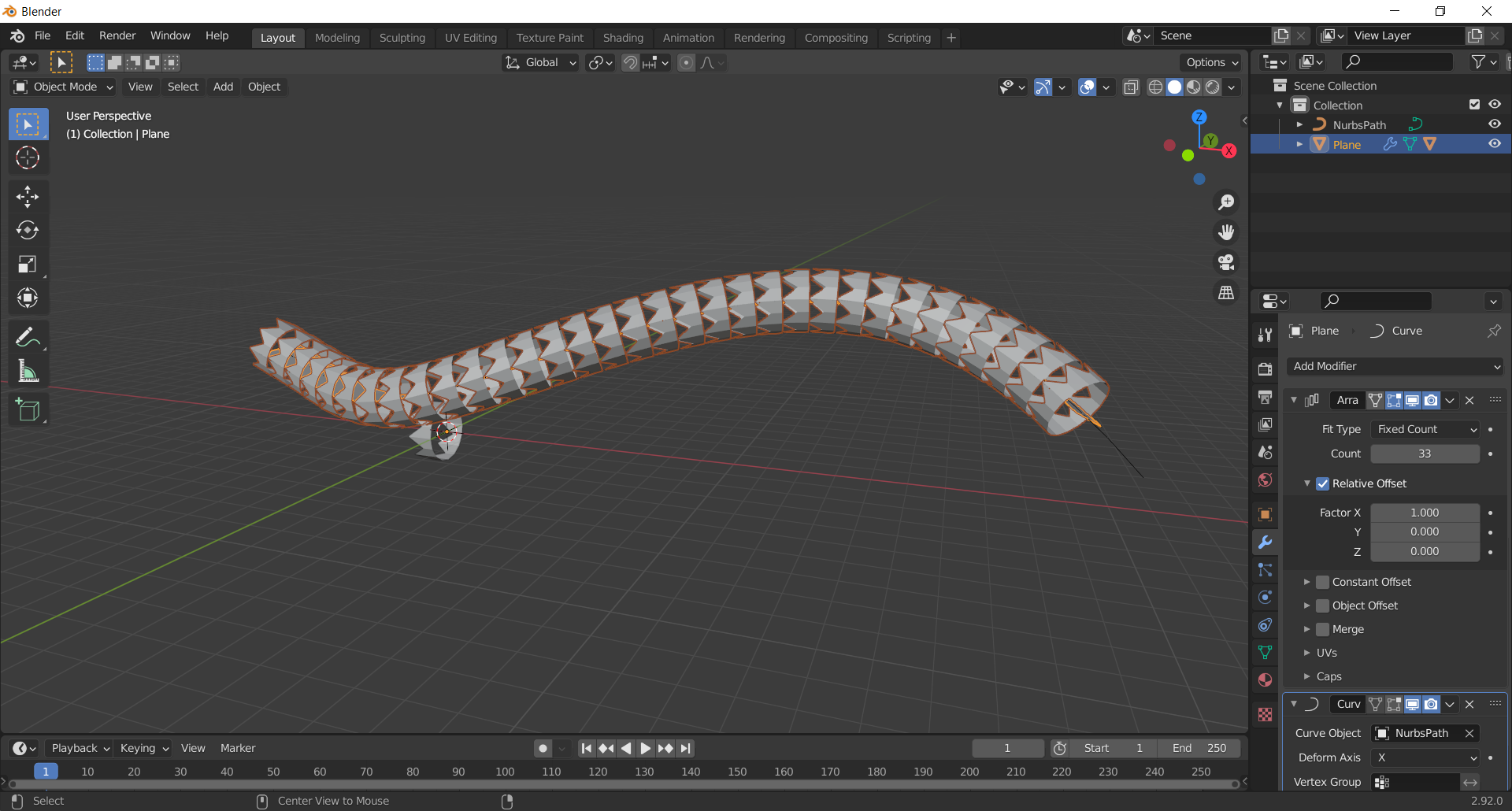
              Alternatively, You could just use a plane with the array and curve modifier, have it parented to your scale and set up instances on it.  This preserves your curve so you can still edit it. Though spikey may know some reason this isn’t best practice?

              #73334
              spikeyxxx
              Participant

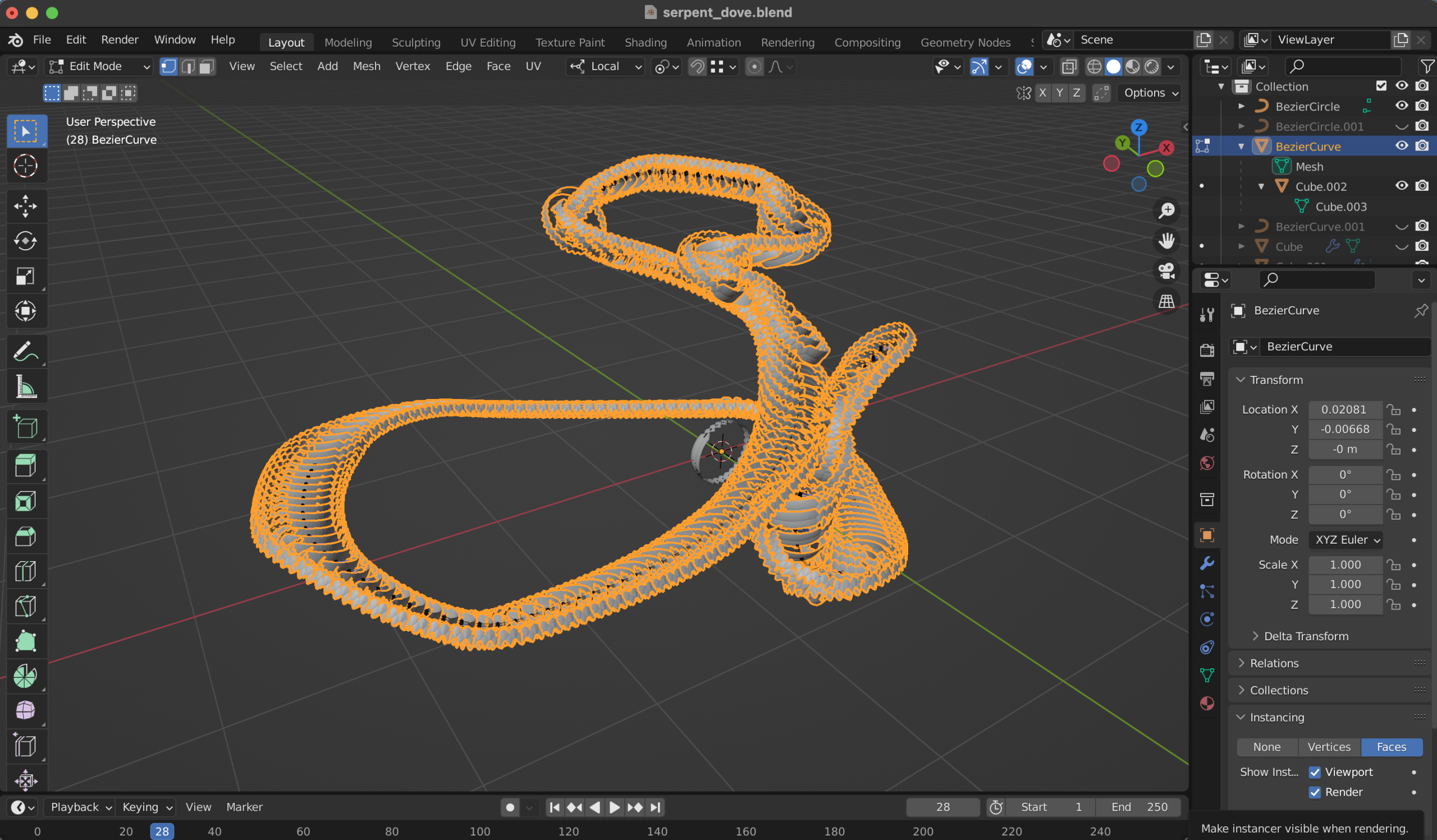
                @procyonlotor that sounds like a great idea, but I can’t get it to work..

                your method:

                vs mine:

                #73335
                John Sanderson
                Participant

                  I don’t know why it did that.  It seems to work fine for me. 

                  #73336
                  spikeyxxx
                  Participant

                    @procyonlotor I must have done something wrong then.

                    But will does your method still work when the curve is 3D like in talkingskunk”s snake?

                    Mine doesn’t, because you can’t extrude correctly anymore…

                    #73337
                    spikeyxxx
                    Participant

                      @talkingskunk I didn’t realize that the curve was so snakelike and not flat.

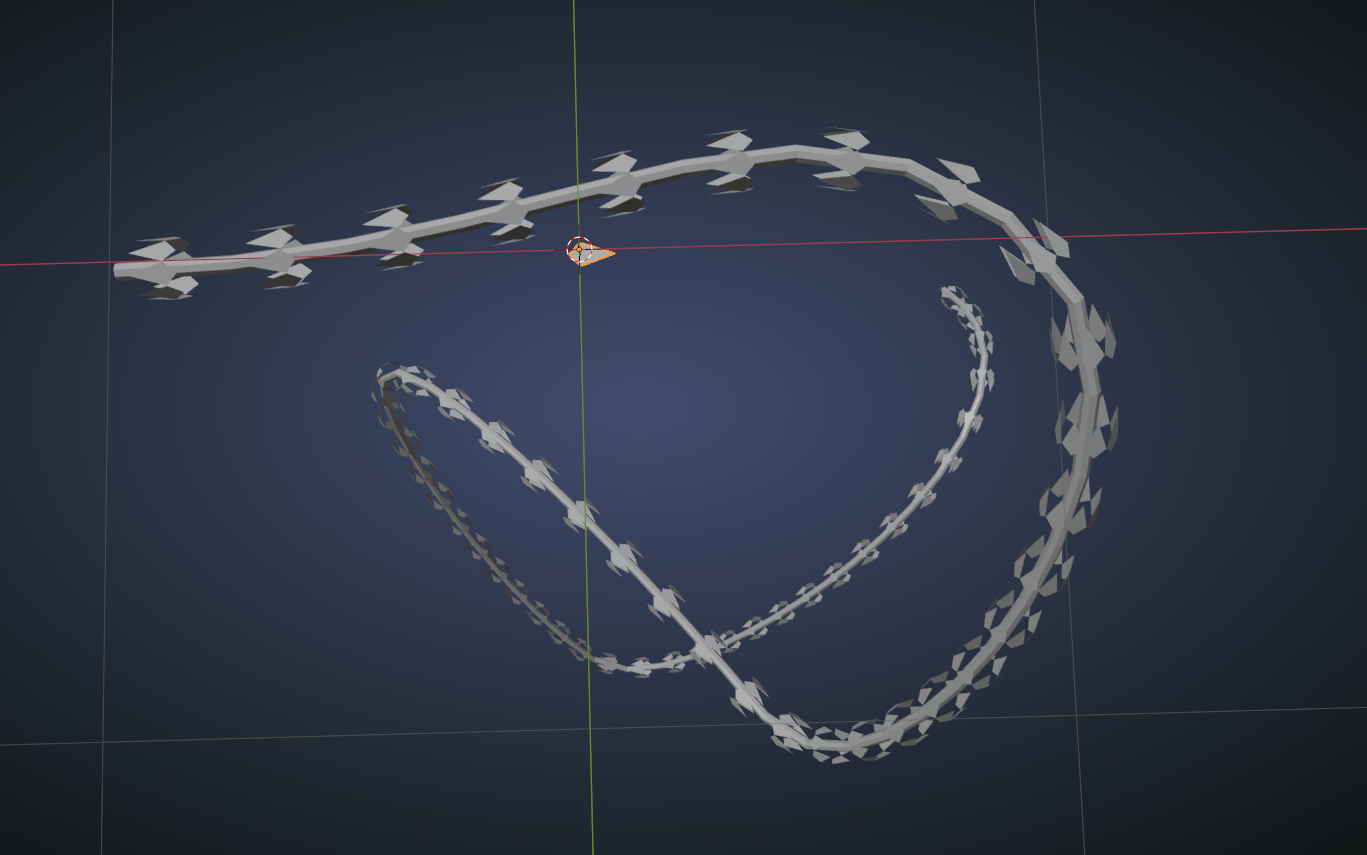
                      What you can do in your case, is to give the curve a Bevel and then convert it to a Mesh again and Instance a single scale to its Faces:

                      Of course first take care of the spacing in the Curve and make sure you have the correct resolution.
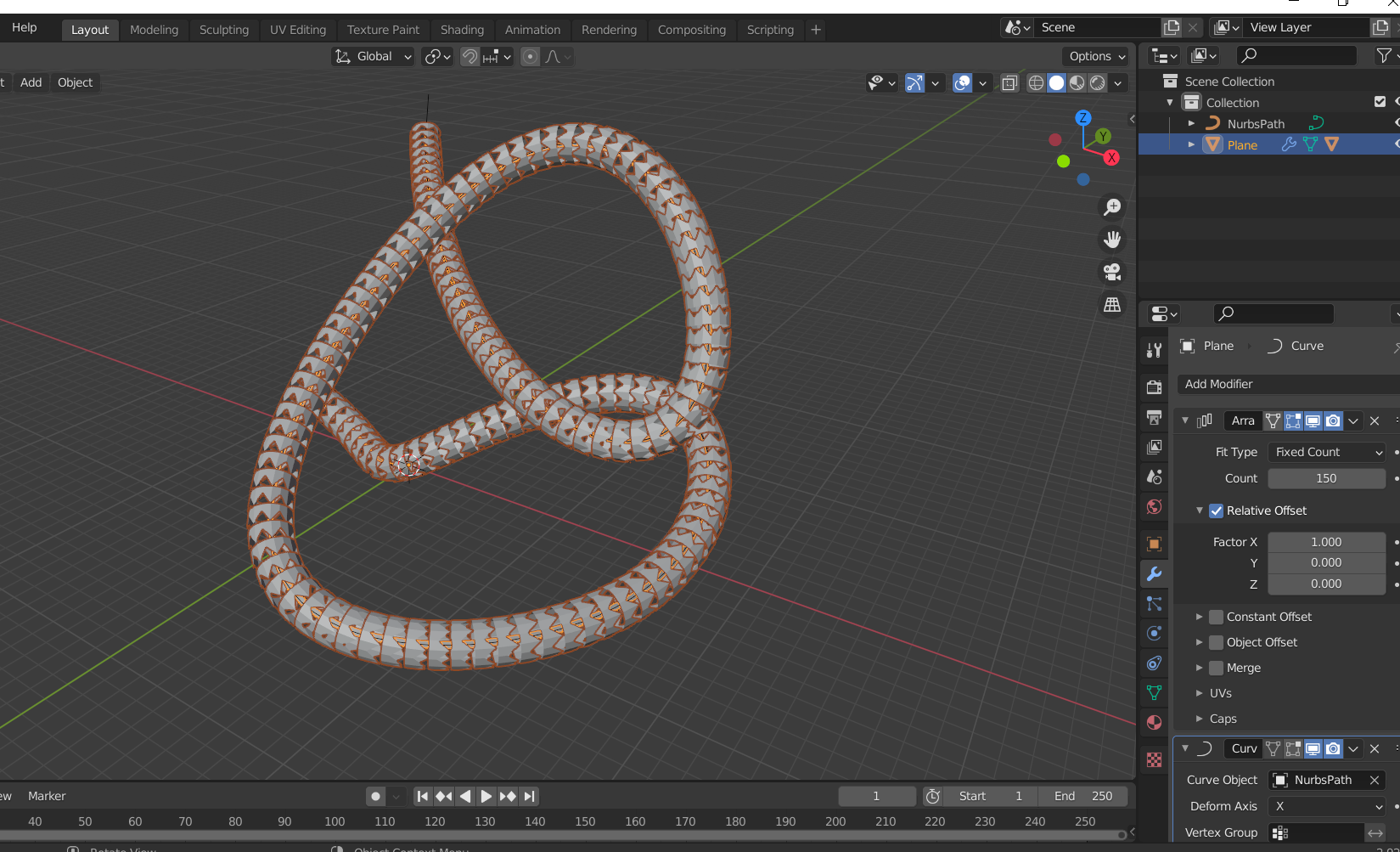
                      Important: if the orientation of the scales is wrong, first unparent the scale, the rotate it in Edit Mode (or Apply the Rotation) then Parent it again.

                      #73338
                      John Sanderson
                      Participant

                        it does.

                        #73339
                        spikeyxxx
                        Participant

                          @procyonlotor excellent! Sounds like the way to go then. Still being able to move the Curve is a great advatage.

                          I’d probably try something like this in Geometry Nodes, if I had to do it myself, but this is a great and very easy and accessible way to do it. Thanks for helping!

                          #73340
                          talkingskunk
                          Participant

                            Sorry guys. After trying array and curve modifier method to create scales, and after trying to draw the image texture in sculpting (both of which crashes my Blender),  I am trying UV editing with the image of scales I cropped from Google. 

                            The issue: there are visible cuts in the model, as the image is not large enough to encompass the the entire unwrapped skin.

                            Question: How  would you go about this? Would you know how to make an array of the same image?

                            #73341
                            talkingskunk
                            Participant

                              3-01 at 21.21.34.png

                              #73342
                              spikeyxxx
                              Participant

                                You need to use a seamless (image) texture.

                                #73343
                                spikeyxxx
                                Participant
                                Viewing 15 posts - 1 through 15 (of 24 total)
                                • The topic ‘[Creating snake scale] any way to work with Array modifier with Bezier curve without stretching the mesh?’ is closed to new replies.