
COLLAB2021-WIP_procyonlotor
Forum Archive › COLLAB2021-WIP_procyonlotor
- This topic has 39 replies, 10 voices, and was last updated 5 years, 4 months ago by
John Sanderson.
-
AuthorPosts
-
April 27, 2021 at 11:03 pm #68030
Nice work exploring more solutions this week! First, to answer one of your technical questions:
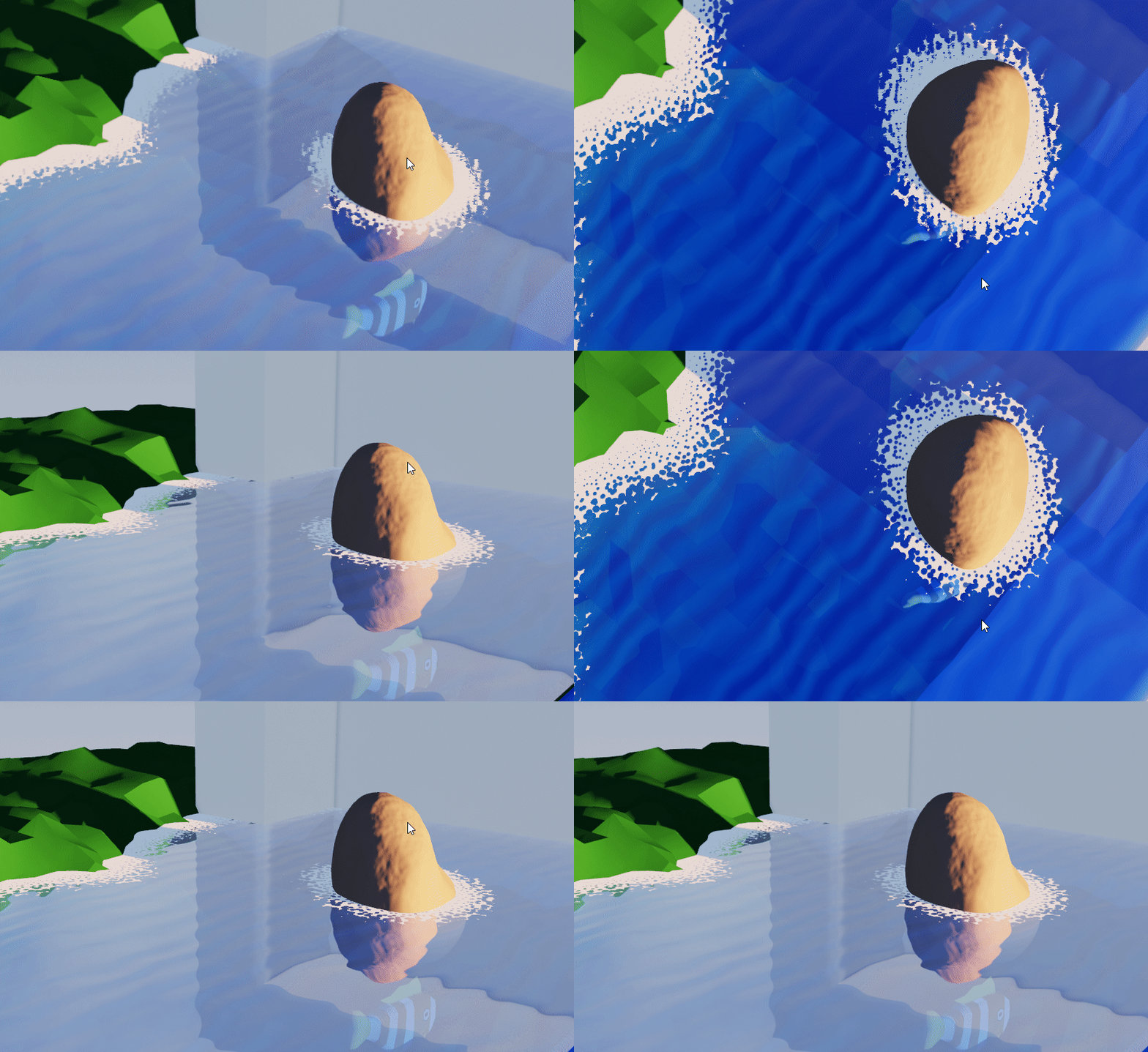
The reason the rock appears to be in the wrong place is because of what’s being plugged into the normal of the glossy node. The normal helps the renderer know at which angle to bounce light, and so according to Eevee with that texture plugged in, the whole creek is angled down and away from the rocks, so the reflection of the objects appears to be further away.
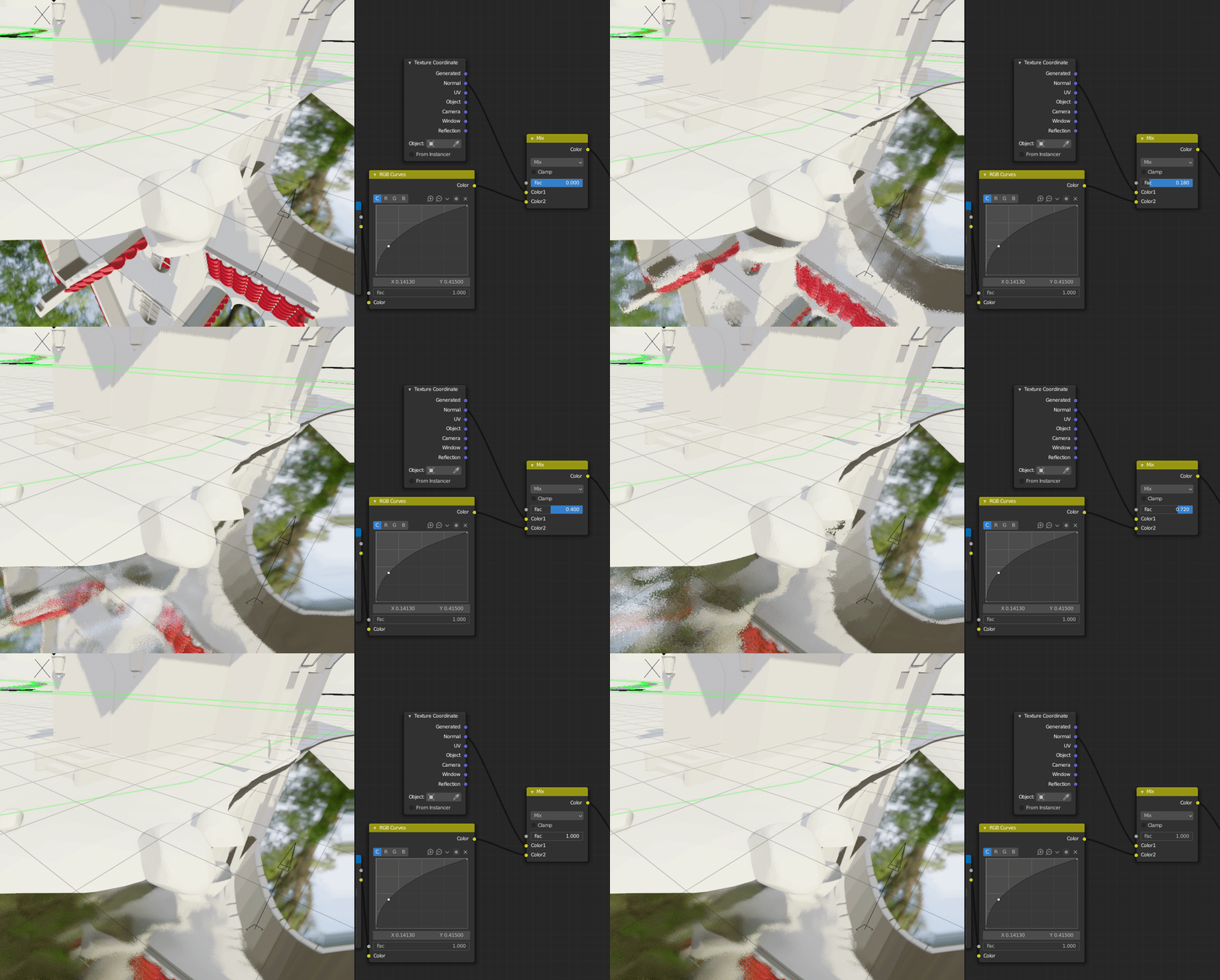
What you’ll want to do instead is create a texture that can be plugged into a bump node. To make it work with your texture you’ll need to adjust the values in the displacement section of your graph, specifically the add node.
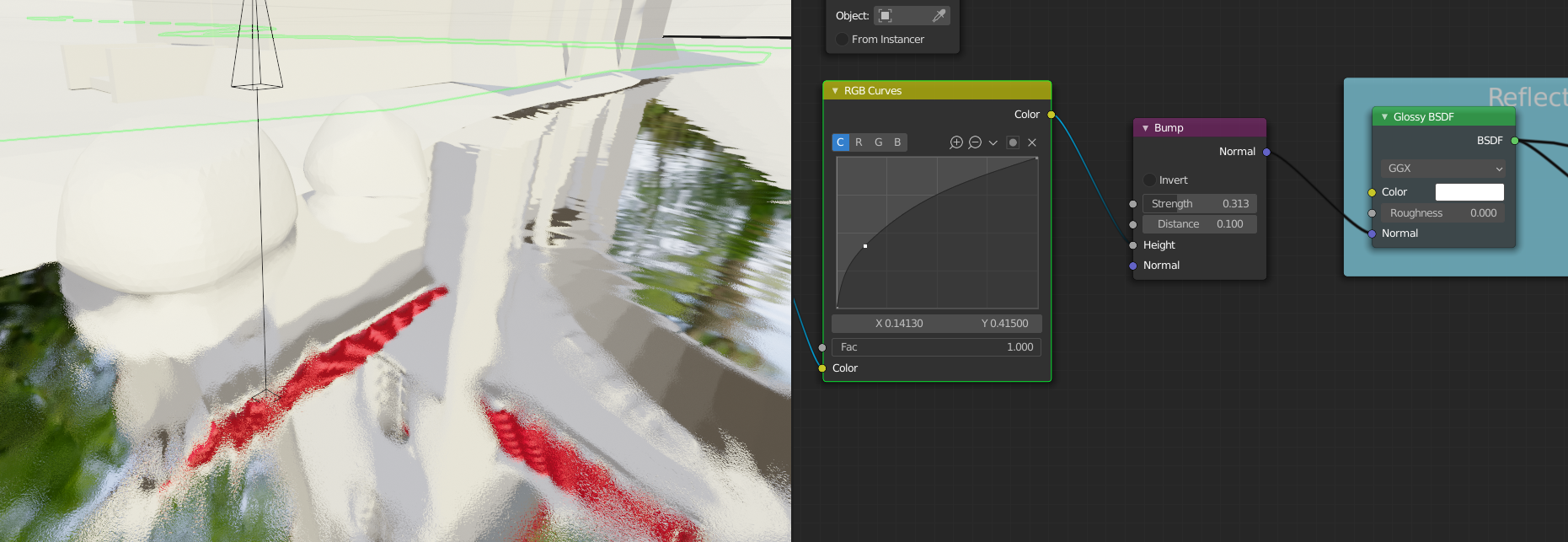
It sounds like you and Spikey got the river flow direction sorted out with multiple UVs, so that will be cool to see!
For the emission shader discussion, I was pretty surprised by how strongly you felt about using it. I didn’t expect that changing which shader nodes you plug your textures into would minimize any of the hard work you’ve done on those textures, the foam setup, the animation, and so on. I also don’t believe that it’s necessary to use emission shaders to achieve a stylized result. Obviously though, this is your asset and you are free to create it with whatever method you choose as long as it fits with the rest of the objects in the scene and looks good for the final render. If it works so well in context that it convinces myself and Kent to use it in the final render, anything goes.
I think I hammered on the shadows a bit too much – you’re right that the surface of the water does not have shadows in the concept nor would it in real life unless it was very dense with particles. My intention was to show how that setup behaved properly both in shadow and out of it by not glowing in the dark. When turning a stylized concept to 3d, some decisions need to be made as to how certain qualities get interpreted. As a general rule of thumb, flexibility is king. If we were to change the lighting from day to early morning or night, no further adjustments to the previously posted setup would be needed. I did not want to go through and adjust every asset’s colors if we need to change to a golden hour shot or something, so for all other nature assets in the scene I’ve said no emission shaders
However, for this project, I’m fine with assuming the final animation will be shot with the same lighting that is in the concept, and the creek is unique enough in it’s properties to potentially warrant it.
One thing that I do request though is that the reflections more faithfully show the colors of the reflected objects. Compare the reflection of the water wheel to the concept art:
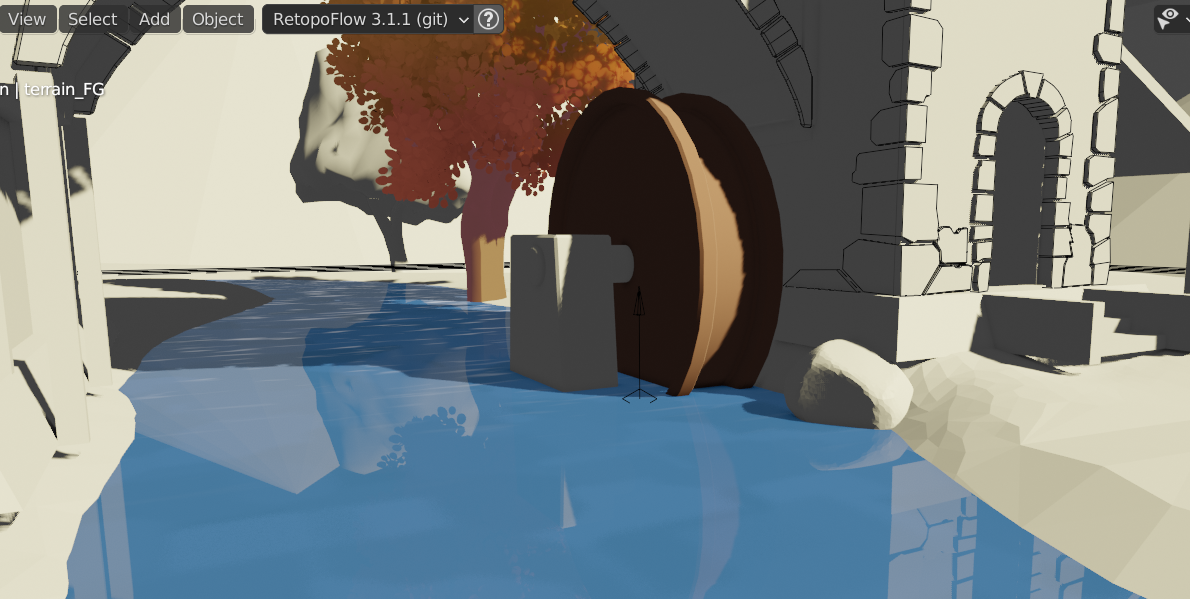
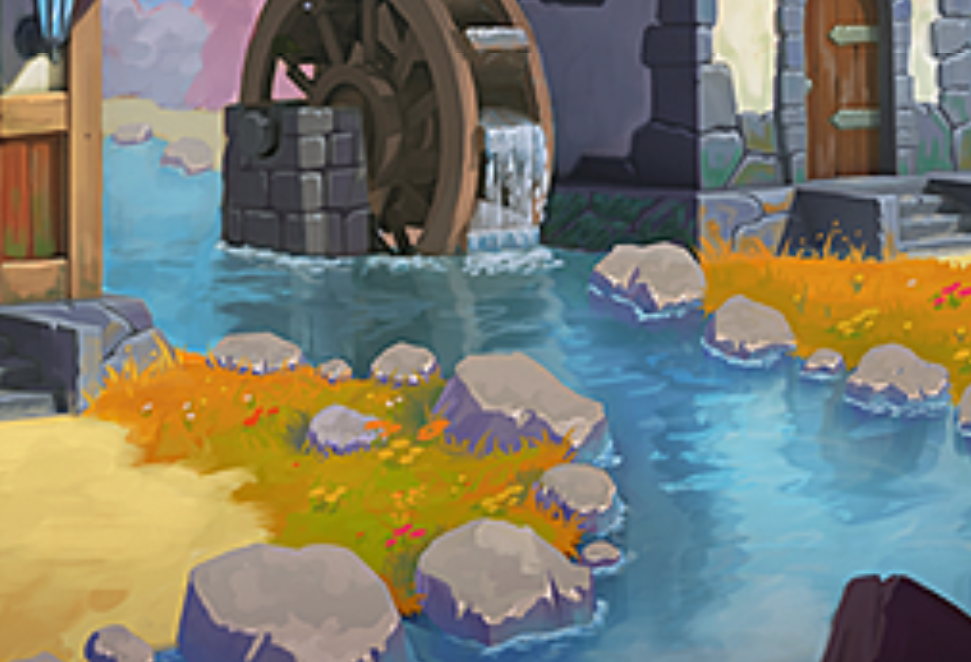
While both are tinted blue, the reflection in the concept, at least when close to the object, is much closer to the original color. Since we’re going to have such fun vibrant colors all around, it would be incredible to see those reflected in the creek in a painterly way.
Using Fresnel seems to be one way of having our cake and eating it too when it comes to stylized colors and nice reflections, but I’m open to all solutions.
Apologies for coming in late and giving feedback after you were well on your way – I can see how that would be frustrating. Keep plugging away at this and I’ll be looking forward to the final week’s submission.
April 30, 2021 at 11:17 pm #68031Creek week 4: @spikeyxxx @jlampel @elcangrejo
@theluthier I think I may have saved over your 10b file. Soooo sorry! I just punched save without even thinking. I shouldn’t have messed with much other than my asset though.
May 1, 2021 at 6:40 am #68032😍
May 1, 2021 at 5:32 pm #68033@procyonlotor, it looks like you are finishing up with your project. And, your creek looks great. I’d love to post your artwork in the TSMF Blog. Please let me know if you create a money shot.
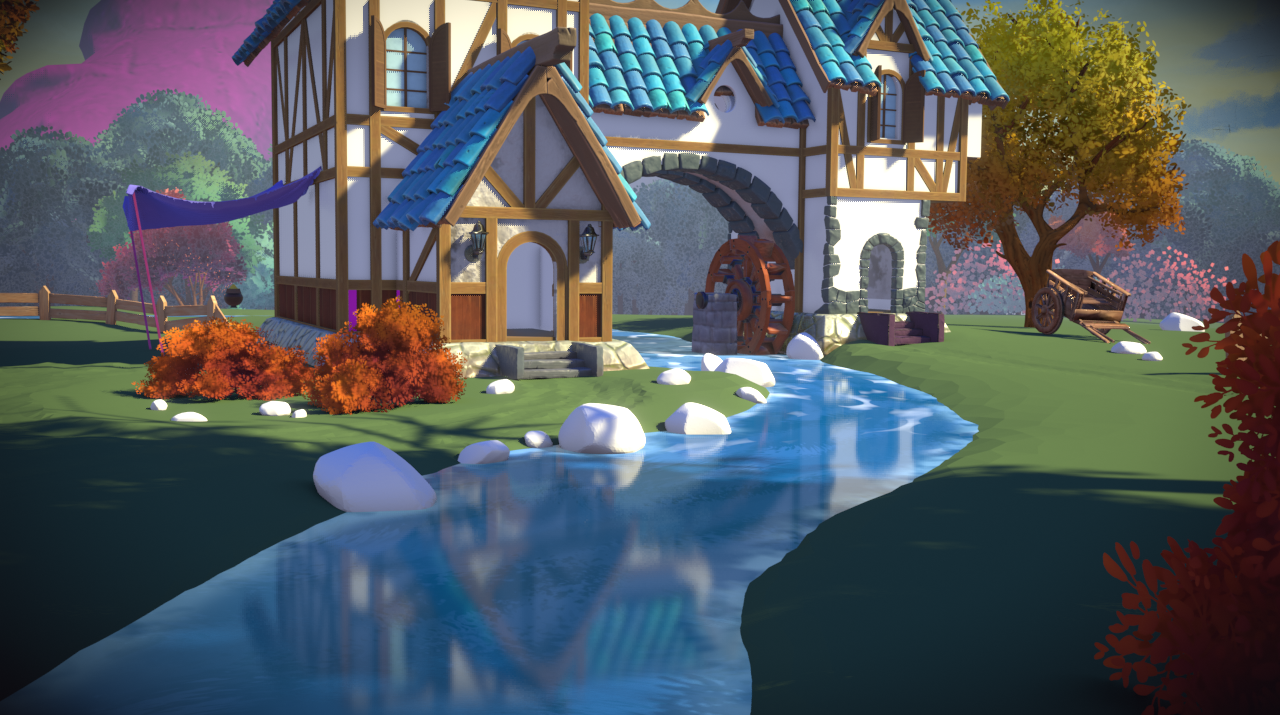
May 2, 2021 at 1:15 pm #68034Thanks @splat21 ! I don’t know how much sense a shot of the creek in isolation would make. This render showcases it, although it has a lot of other people’s work in it too. But if you feel ok using it for your blog, then go for it.
 May 2, 2021 at 2:15 pm #68035
@procyonlotor, I agree with your assessment has to the best way to present the creek. I think it looks great, especially with the reflections. I will specifically call out “creek” in the blog posting so viewers will know what is being showcased. Thanks for providing a money shot!
May 2, 2021 at 9:51 pm #68036May 3, 2021 at 1:46 pm #68037Nice job @procyonlotor , I think this turned out well! Full points for week 4!
May 3, 2021 at 3:05 pm #68038@procyonlotor I agree with Lampel – Your creek turned out very well! Check it out in the final assembly:
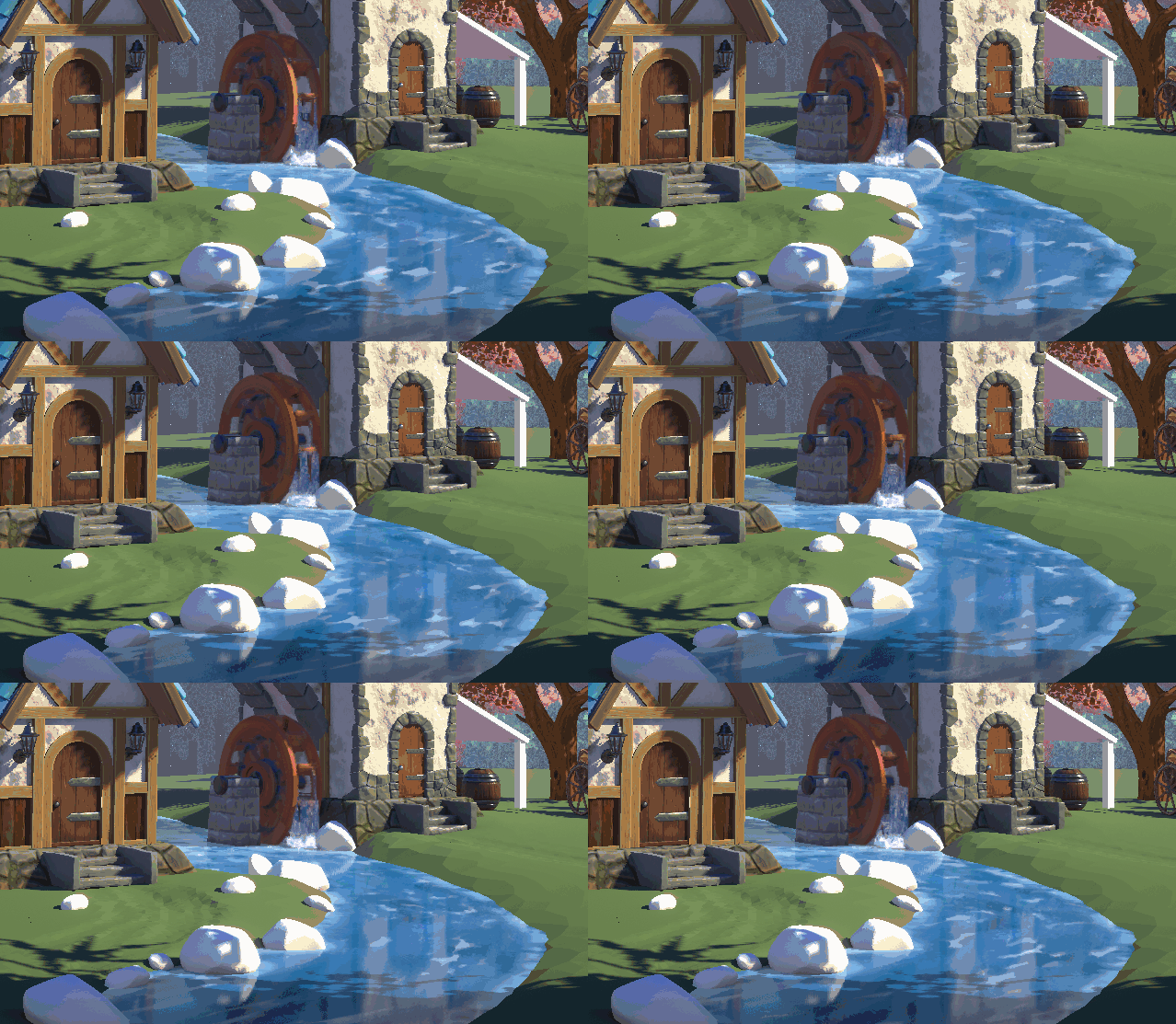
Just beautiful. Very well done 👋👏
Thanks for contributing to this collab. It’s been a pleasure working with you!
May 3, 2021 at 6:43 pm #68039Thanks guys! And a special thanks to @spikeyxxx for helping me at every turn and just generally earning his baronship.
-
AuthorPosts



- The topic ‘COLLAB2021-WIP_procyonlotor’ is closed to new replies.