
Collab2021 – WIP – Yukinoh
Forum Archive › Collab2021 – WIP – Yukinoh
- This topic has 61 replies, 10 voices, and was last updated 5 years, 3 months ago by
yukino hatake.
-
AuthorPosts
-
April 15, 2021 at 3:02 am #65686
@spikeyxxx thanks a lot apparently i counted not right , 24is the edge count , i ended up with 16 vertices so i guess that is great.
i do have one question , right now the bottom will be also having the yellow dot . should i try to fix that or wont that be noticed?
then for the lower part of the flower should i also use the same technic or should i here work with a 5 sided mesh?
or is that depending on the type of flower ?
like with this i could use the same technick but if the flower points downward i should work with someting to create some volume ?
April 15, 2021 at 3:19 am #65687bottom will be also having the yellow dot
that’s not a problem if it won’t be seen, which I think is the case.
You can use different tecniques, depending on the flower, se what works best; the hanging flowers will probably need a slightly different approach.
April 15, 2021 at 3:20 am #65688Looks really good! I would add a little more height to the flower to make it less flat. Like your first model, the flower leaves tend to stand up.
April 15, 2021 at 4:33 am #65689@spikeyxxx and @daphne2 thanks for the feedback. gonna work on diffrent kinds of flowers, diffrent depts and perhaps some clumped flowers together to see how the vertices count will be with duplicates . (i wanted to take a look at the geometry node’s but i notice when i open my file i dont see that option. ) when i open a new file its in there . how can i fix this ?
April 15, 2021 at 5:17 am #65690when i open my file i dont see that option. ) when i open a new file its in there
That is really weird….don’t know what could be causing that 🤔
You need to have some object selected, in order to be able to add a new GN tree, but the Geometry Node Editor should always be available….
April 15, 2021 at 5:57 am #65691I still have to try my hand at the geometry nodes (will do this week) so I don’t know either. But maybe a workaround: make a new file and append your geometry from your current file?
April 15, 2021 at 6:30 am #65692@daphne2 thanks i started a new file and appended my flower. the top layer of 1flower has been modified with a geometry node. i do wonder will this have any impact on the final animation rendering for @theluthier or are geometry nodes made that way so it wont slow anything down ?
because this way i think i could get some really cool flowers without needing too manny vertices . right now this whole pack has 128 vertices, perhaps i could even reduce that amount. but for that i should test some extra stuff of course (to hopefully stay under the 100 vertices)
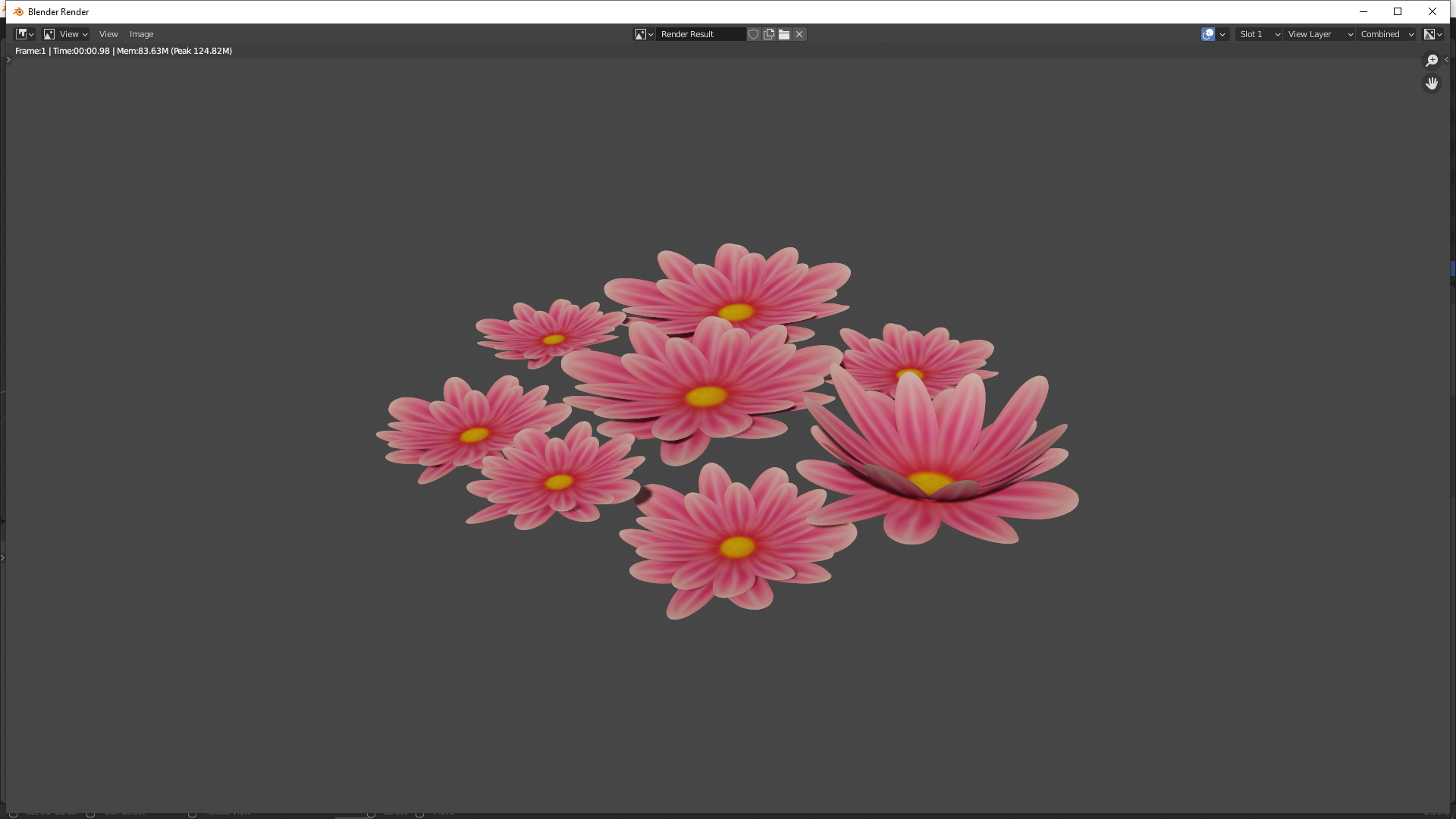 April 15, 2021 at 3:18 pm #65693
some update, if certain flowers aint good or looking weird bad … let me know so i could change them 🙂
if the water lily get a go ill add that to the collection too 🙂
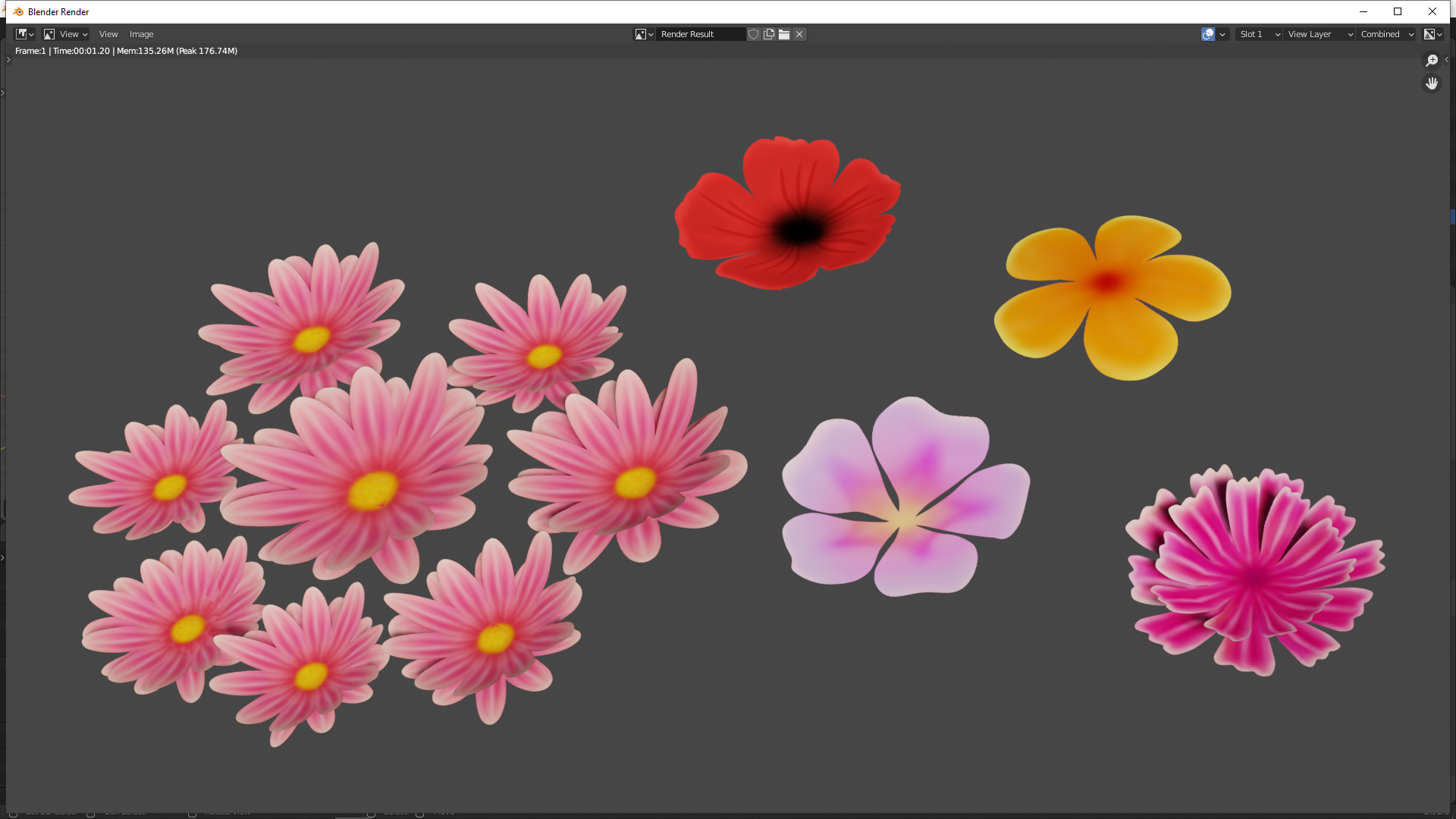
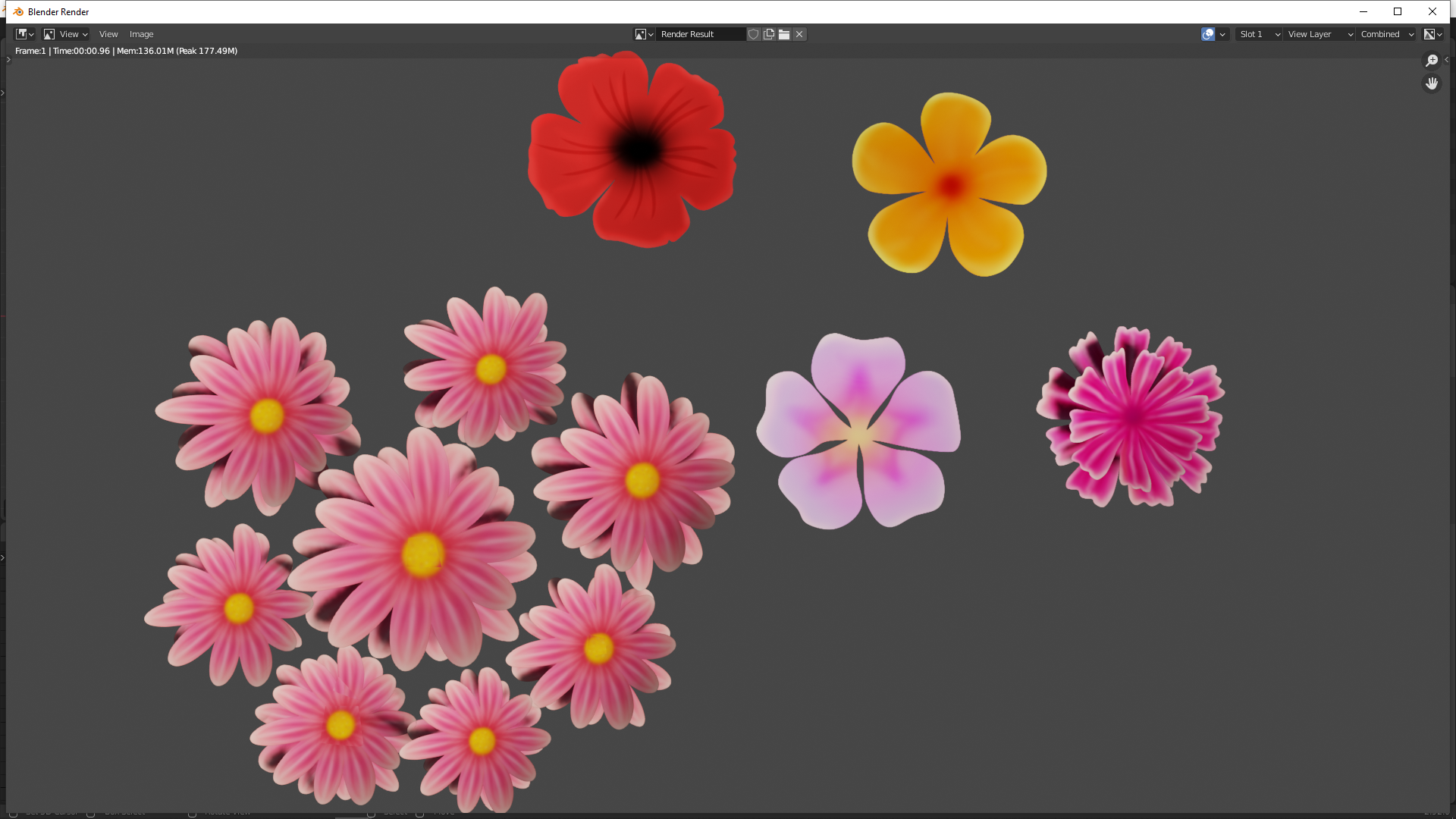 April 15, 2021 at 5:09 pm #65694
Beautiful, Yuki!
April 16, 2021 at 12:29 am #65695Thank you, ill make some more this weekend 🙂
April 16, 2021 at 8:49 am #65696Lovely flowers @yukinoh1989! I’m very happy with the lo-poly quality too. Planes + textures is 100% fine for this project 👍
April 16, 2021 at 11:09 am #65697Thank you so much Kent 😀
spikey, for the flowers should we also already use a copy of the file with the blockout and place flowers there to see some result ?April 16, 2021 at 11:45 am #65698I actually don’t know which file that is. There should be some file with placeholders, but I haven’t found it yet 😉
But as far as I understood, we don’t put it in the Assembly file ourselves.
And I don’t know if we should make the Master file, or if Kent will do that. I know he has mentioned that in the stream, but I will have to re-watch that.
Have only today managed to get the syncing going…
I am hoping that Kent’s written instructions will bring more clarity.
April 16, 2021 at 12:45 pm #65699ok 🙂 for now ill just make flowers try some placements to see an overall effect in larger area. for not i dont know yet how the syncing works (yesterday i putted in my blend file and also the textures of the flowers) so i hope that i did that part correctly.
April 16, 2021 at 1:48 pm #65700Your. blend and Textures are all there in the right place .
-
AuthorPosts


- The topic ‘Collab2021 – WIP – Yukinoh’ is closed to new replies.